 Nicolas Lopez
-
1Build simple TTN node prototype
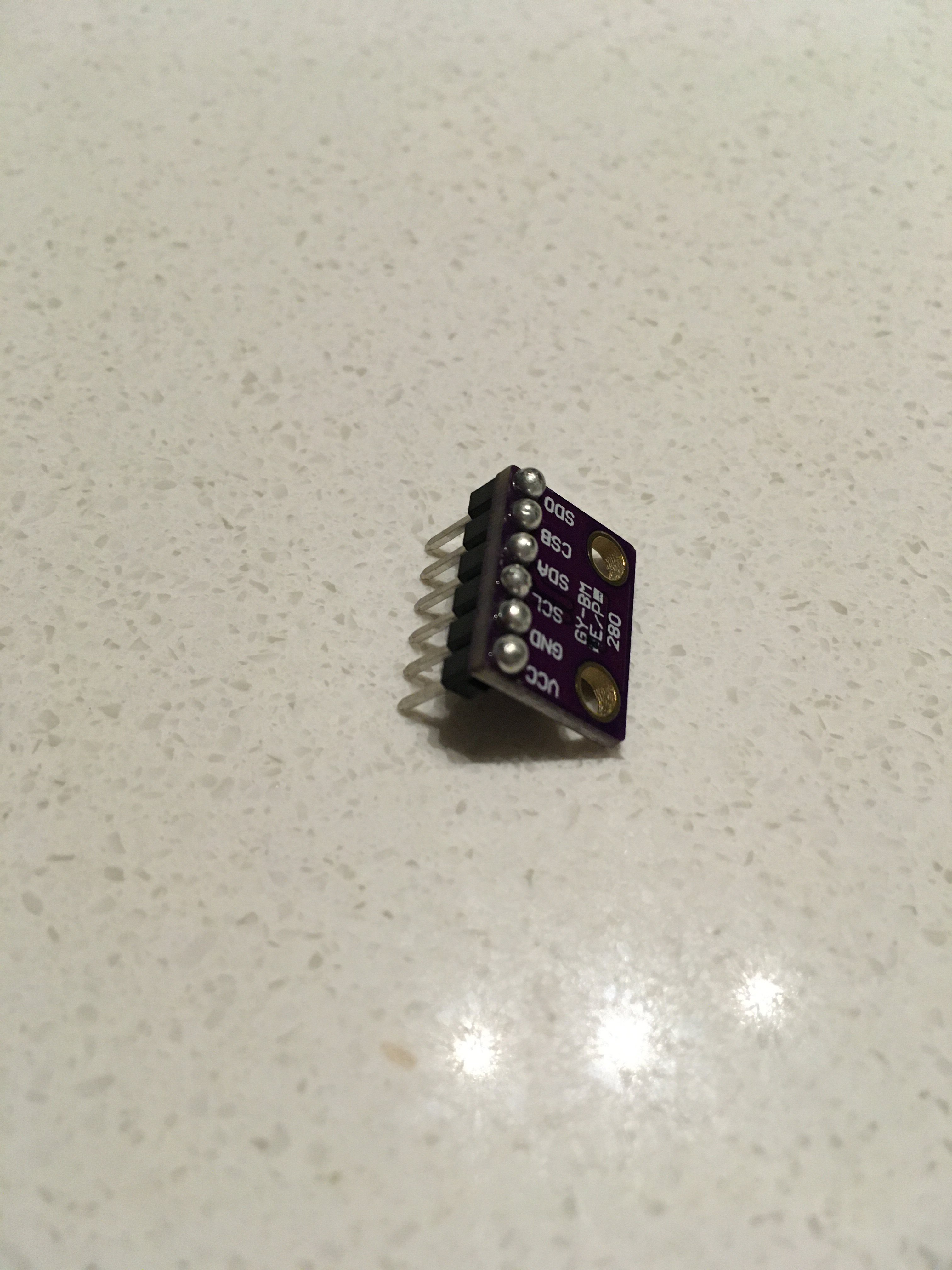
Solder pin headers to the tiny BME280. The resulting male pins can be on either side of the board.
![]()
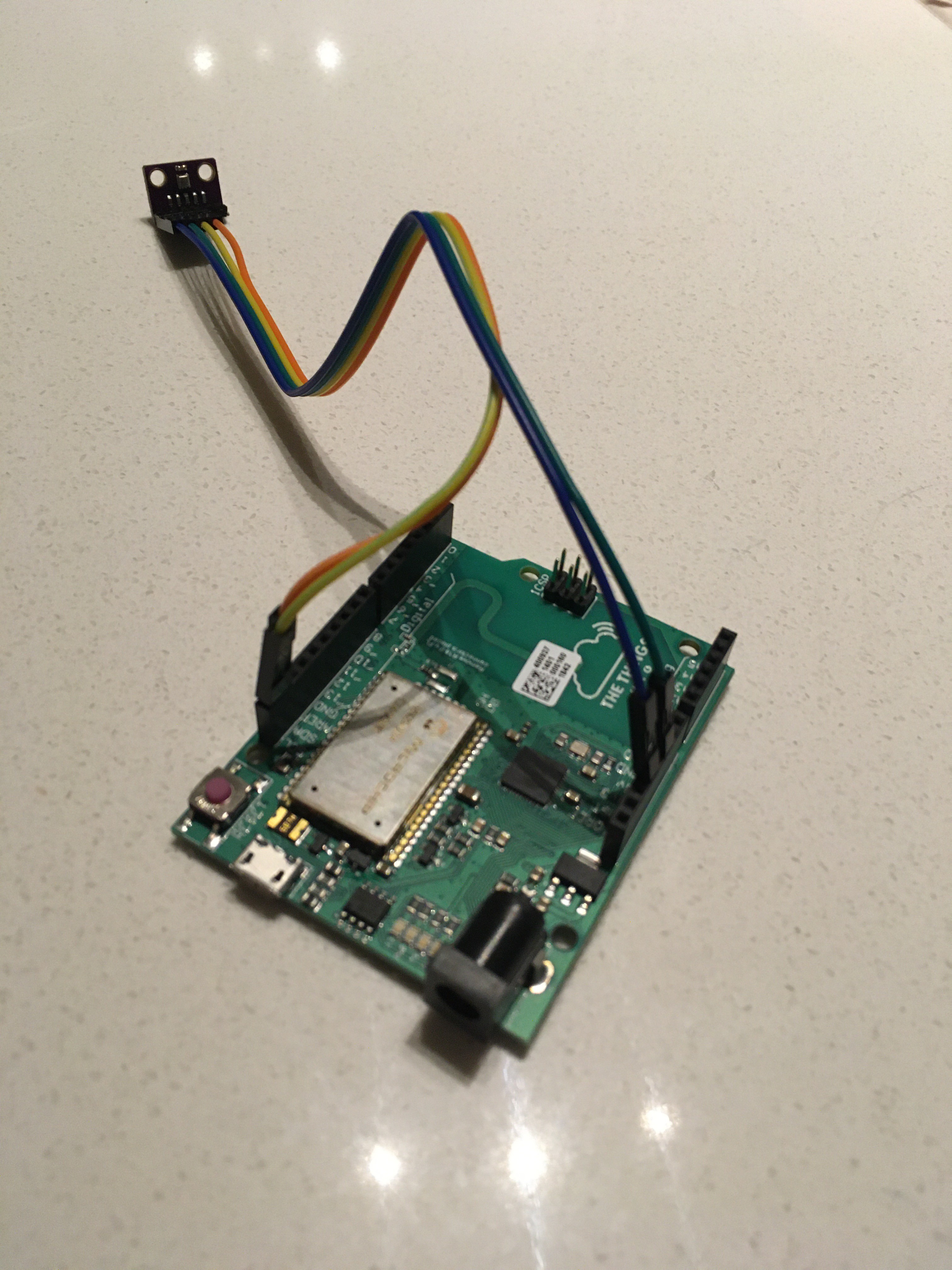
Connect the pins to TheThingsUno in the following way:
VCC pin into 3v3
GND pin into GND
SCL pin into SCL
SDA pin into SDA
![]()
Now that we have the hardware connected, let's upload the software.
Open the Arduino IDE and choose Tools -> Board -> Arduino Leonardo
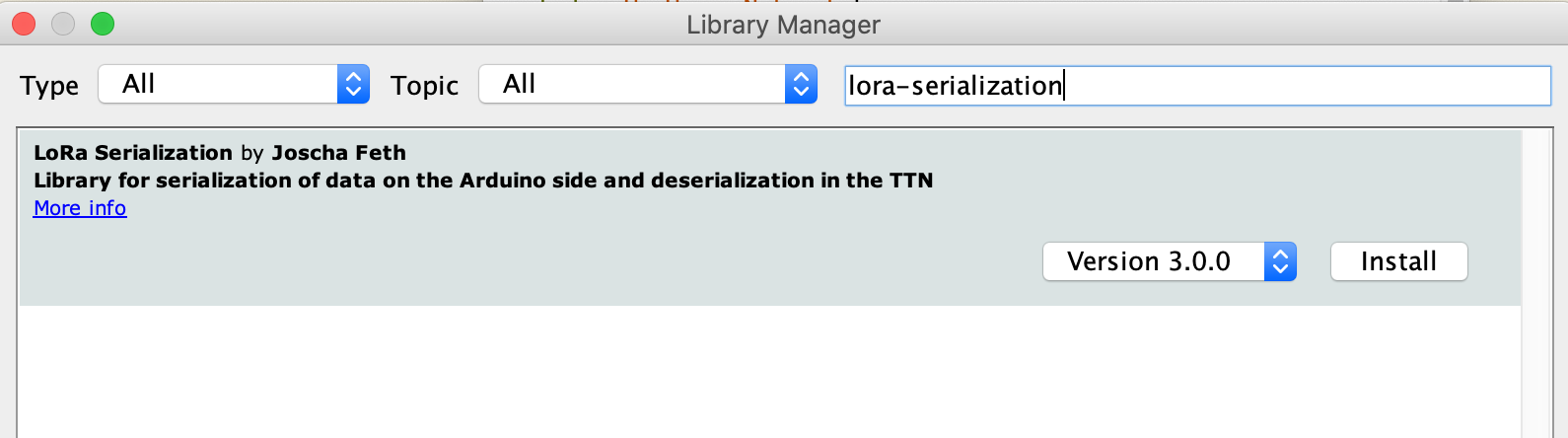
We also need to load the necessary low-level libraries that we can use to build the Arduino sketch. They can be installed by opening the Arduino IDE and going to Tools -> Manage Libraries.
Use the search tab to search for lora-serialization by Joscha Feth and install the latest version.
![]()
Follow the same process for these libraries as well:
TheThingsNetwork
Adafruit BME280
After these libraries have been installed, copy the Arduino TTN node prototype sketch found on our github. When the .ino file has been saved, go to Sketch -> Verify/Compile.
If it returns no errors, connect the Arduino via USB port. You may need to tell it which port to use. Then select Sketch -> Upload. Quickly open Tools -> Serial Monitor
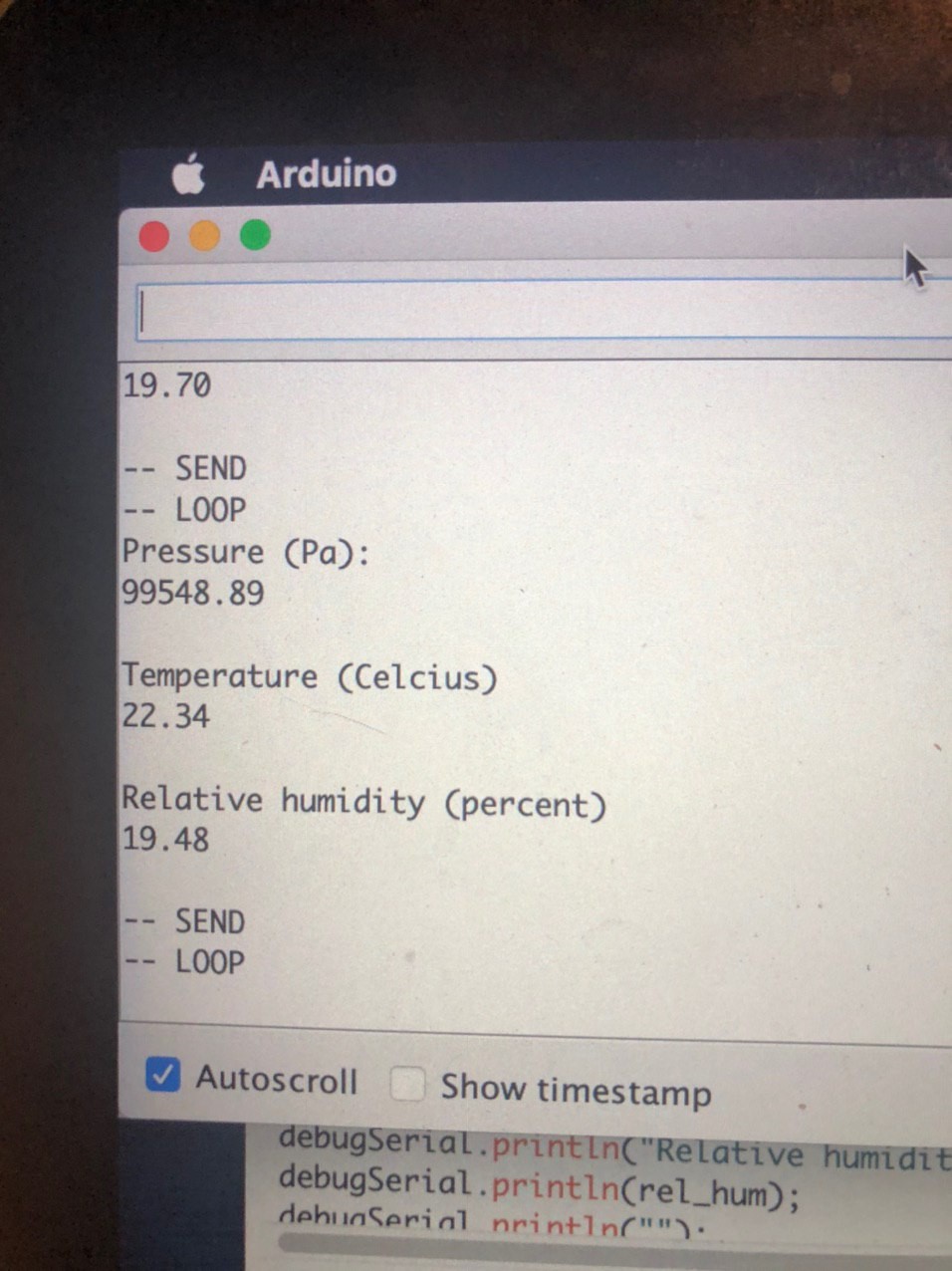
With any luck, you will see the board start up and try to connect to TheThingsNetwork. If you see multiple messages about OTAA failing, it is because a TTN gateway is not nearby. If you just want to test your sensor and see your weather data coming off the board, comment out the "ttn.join(appEui, appKey)" line and re-upload the sketch.
![]()
--------------- CONTINUE ON IF A GATEWAY IS IN YOUR REGION ------------------
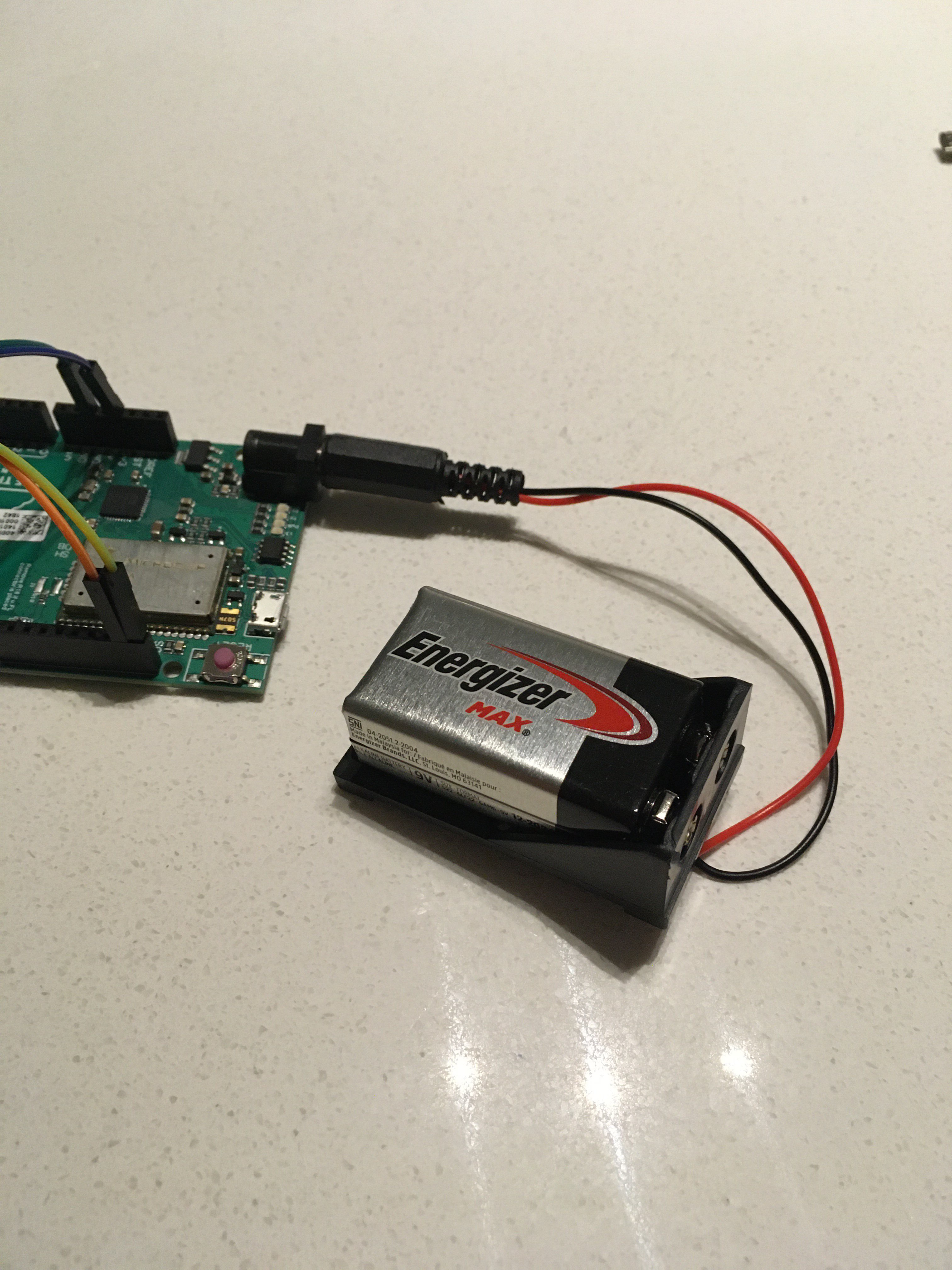
When your sketch has been uploaded and you have a TTN gateway nearby, take the node mobile with a 9V battery and a plug. Log into the TTN console and enjoy your weather data.
![]()
Telokanda Weather Balloons
We build and launch low-cost weather balloons in Nigeria to help gather data in the region for studying climate and hurricane formation.
Discussions
Become a Hackaday.io Member
Create an account to leave a comment. Already have an account? Log In.