Stuck at home away from your loved one? This fun little project will definitely try to bring a smile to your faces.
To make the experience fit your profile, pick a username and tell us what interests you.
We found and based on your interests.
Love_Notifier_Gerber.zipGerber files for the PCBx-zip-compressed - 92.58 kB - 04/29/2020 at 06:49 |
|
|
code.inoino - 3.96 kB - 04/29/2020 at 06:32 |
|
|
Stand.stlStandard Tesselated Geometry - 10.43 kB - 04/29/2020 at 06:31 |
|
|
Main Body.stlStandard Tesselated Geometry - 12.78 kB - 04/29/2020 at 06:31 |
|
IF an event (message, low battery, call, etc.) occurs, THEN a web request is made to Dweet and "posts" the data in the form of JSON.
For example, if the battery drops below 15%, an event is triggered which makes a web request to http://dweet.io/dweet/for/mythingname?Noti=batt. This adds "Noti":"batt" to the JSON code. Noti is the 'key' and batt is its 'value'.
{
"this":"succeeded",
"by":"getting",
"the":"dweets",
"with":
[{
"thing":"mythingname",
"created":"2020-03-25T09:13:17.566Z",
"content":{
"Noti":"batt"
}
}]
}ESP12E then connects to Dweet and "gets" the published data using http://dweet.io/get/latest/dweet/for/mythingname and parses the above JSON to check the value of "Noti". Every event is assigned a different value and this is how ESP12E knows which event has been triggered.
The ESP-12E then displays the animation continuously until you press a button at the back.
Setting up Dweet:
To check whether it is available, type http://dweet.io/get/latest/dweet/for/yourthingname
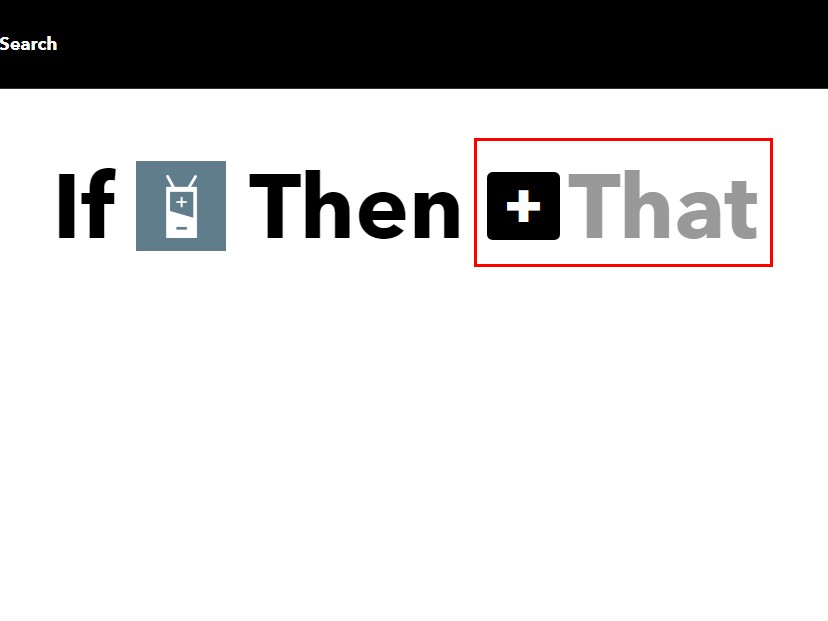
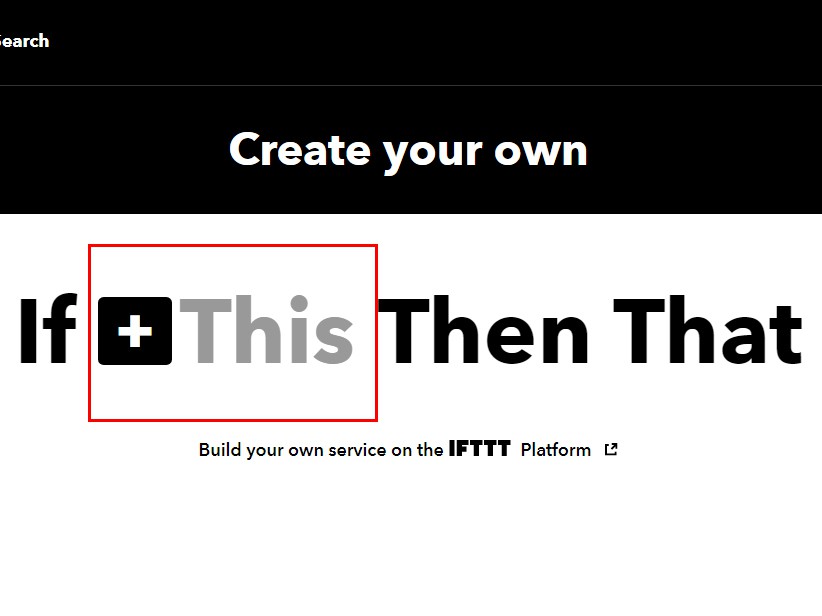
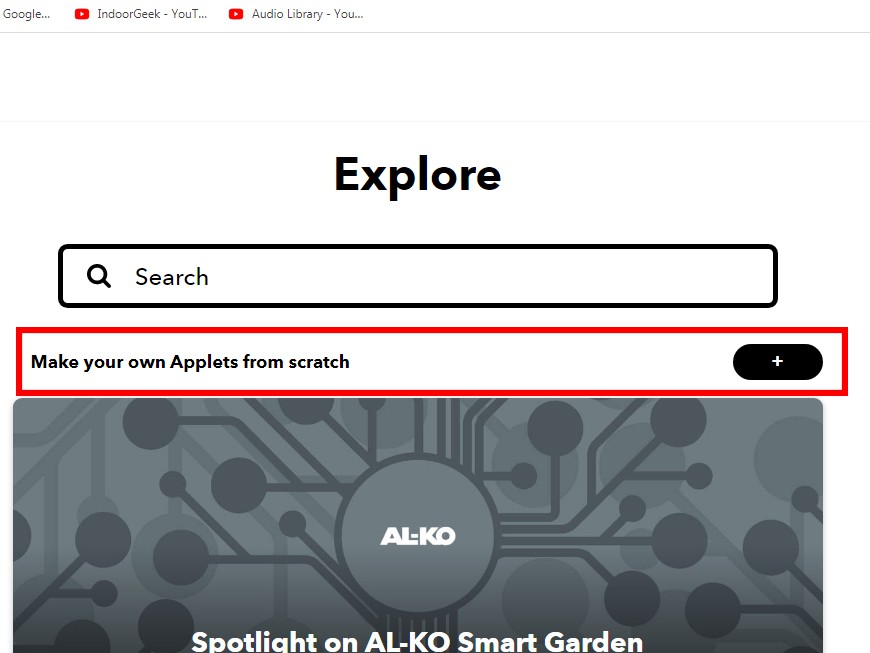
Setting up an IFTTT Applet:
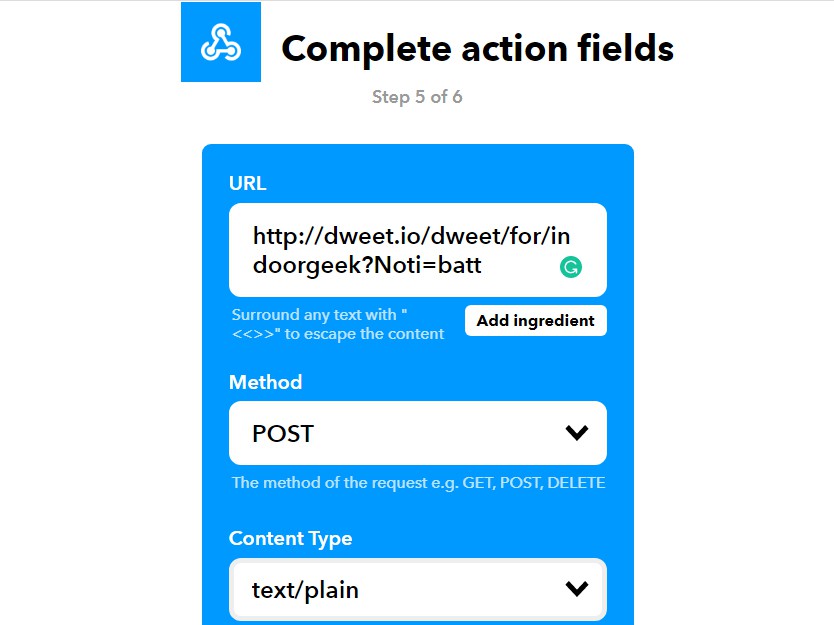
URL - http://dweet.io/dweet/for/indoorgeek?Noti=batt
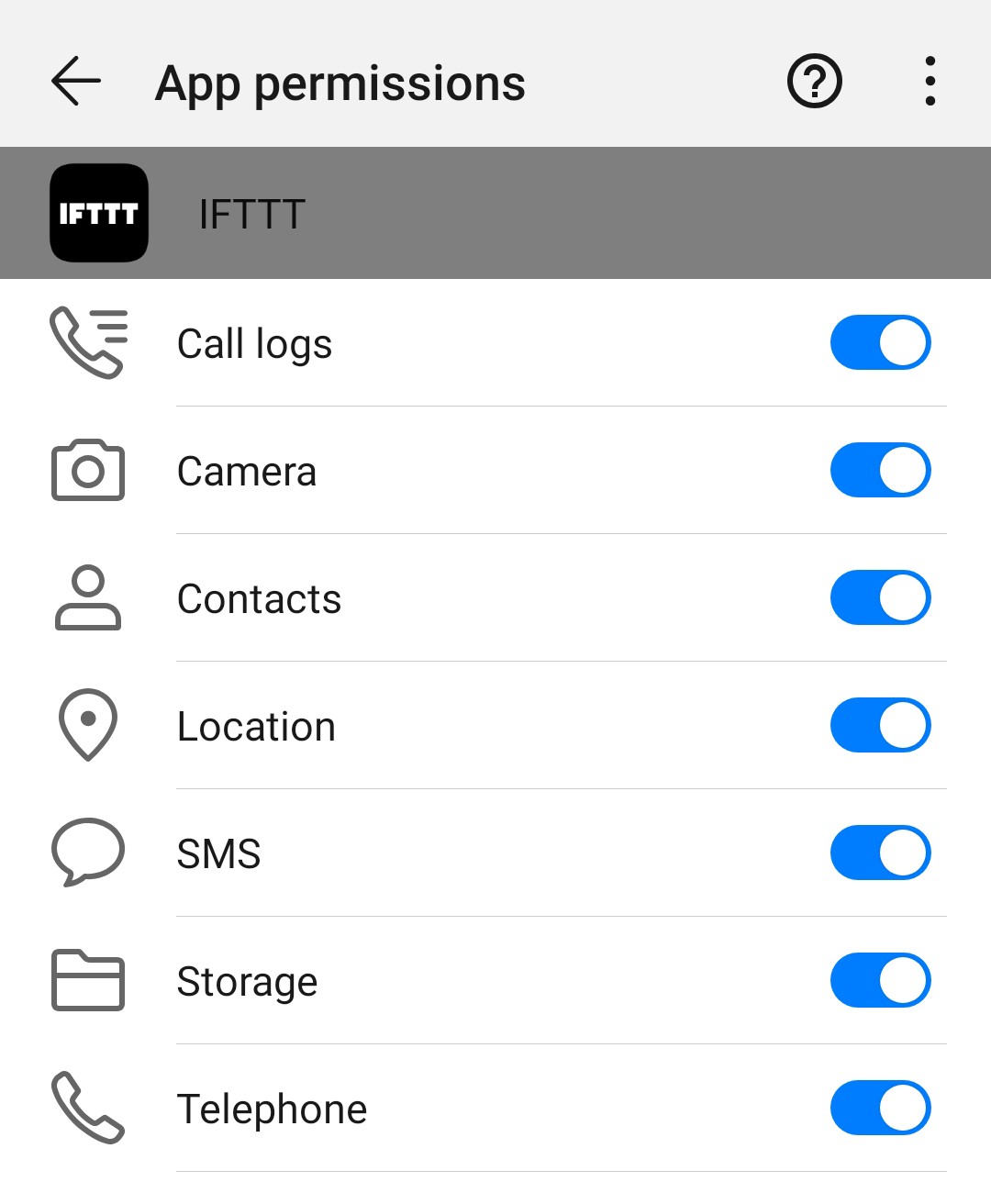
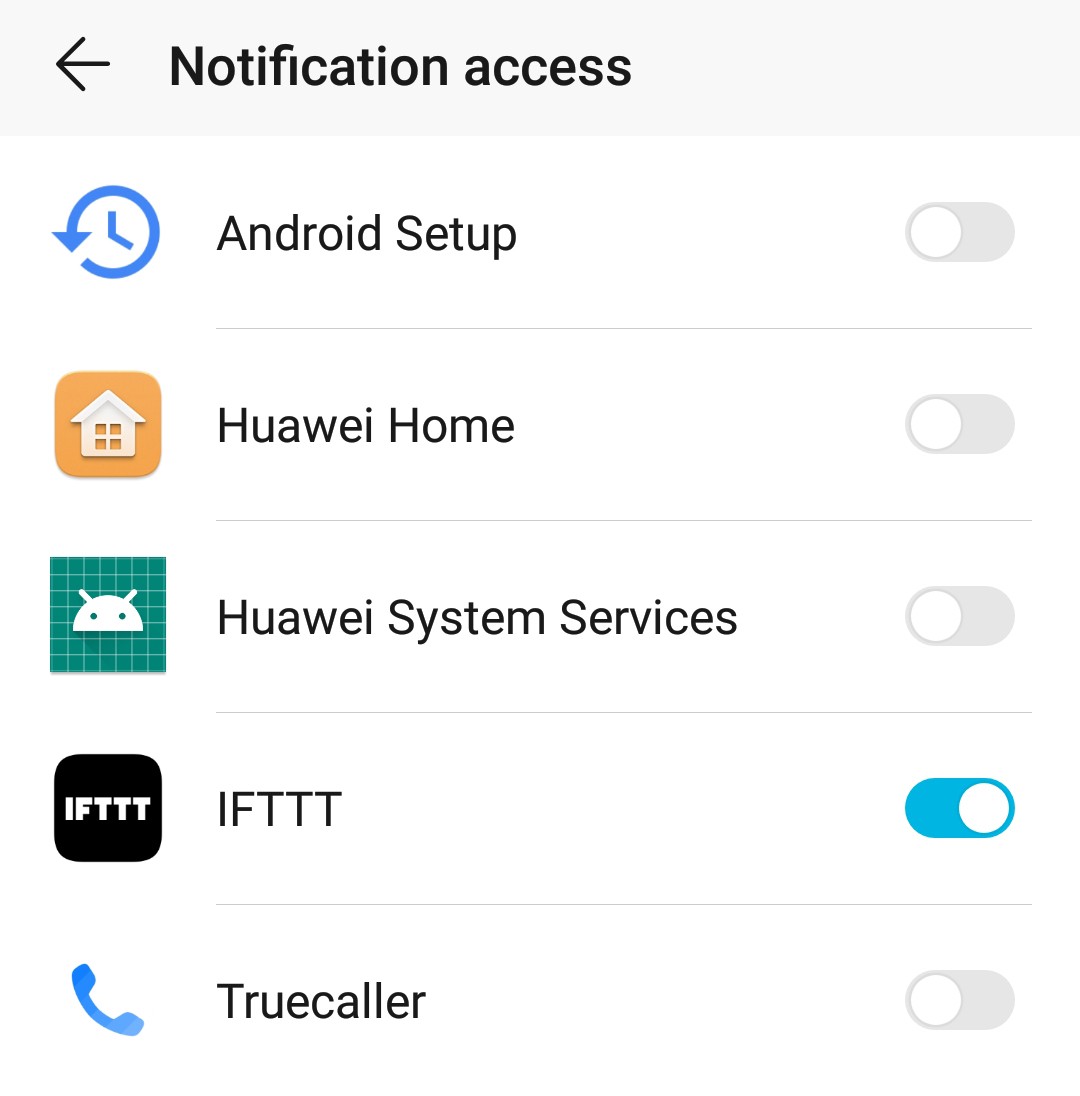
Download the IFTTT Android/iOS app and log into your account. The app will automatically ask you to allow access to various services depending on the applets created. Else, you have to give permissions manually.
In the app, go to Settings>Sync options and enable "Run Location, Android Battery and WiFi connections faster".
Similarly, you make many applets. Just change the URL portion which is in bold http://dweet.io/dweet/for/indoorgeek?Noti=batt.
Android Battery - batt
Twitter - twitter
Button - button
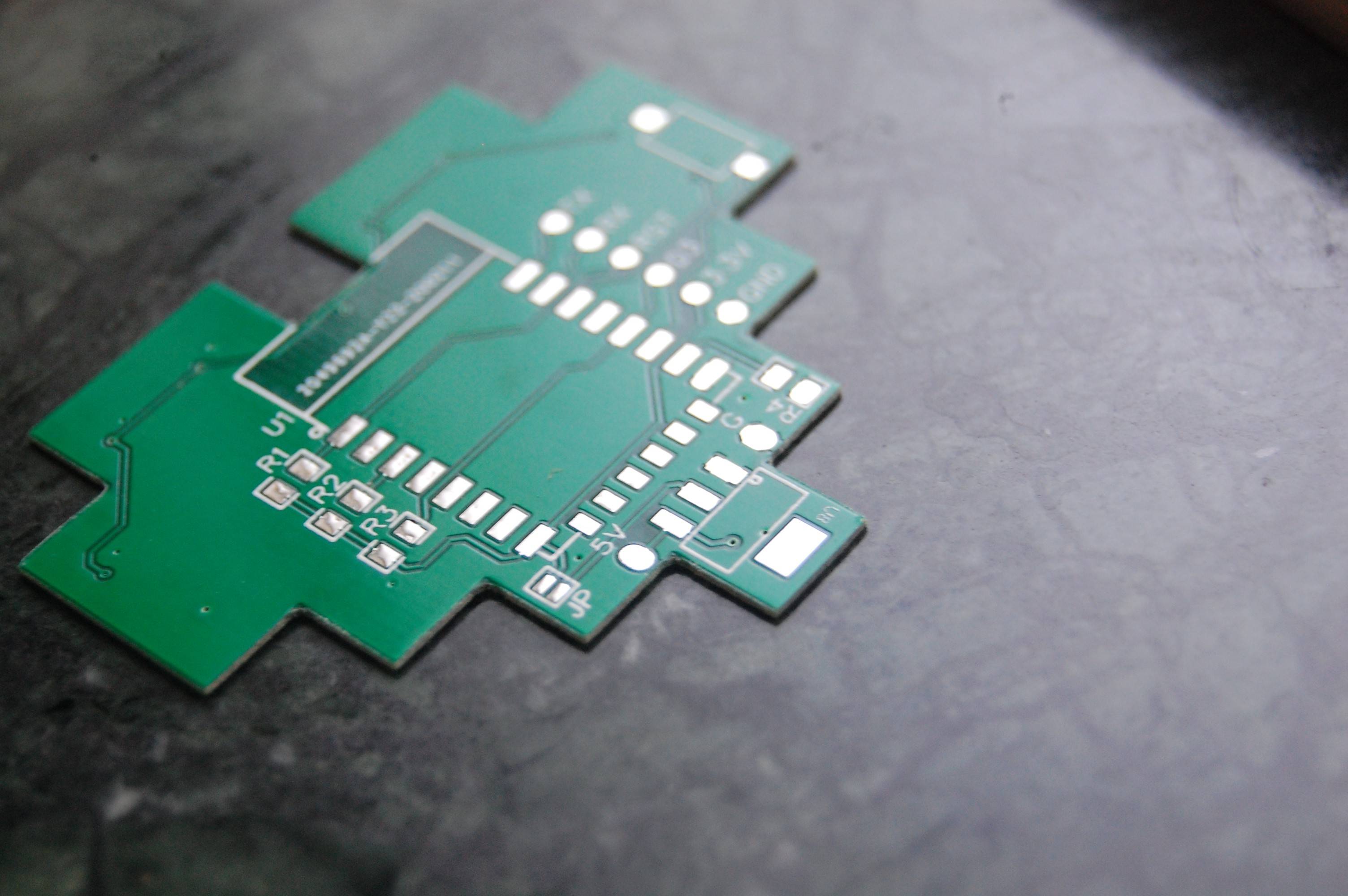
You can use any software you like for designing PCBs. I am using EasyEDA as it is suitable for newbies like me. I have attached the schematic. Click here to download the Gerber files for the PCB.
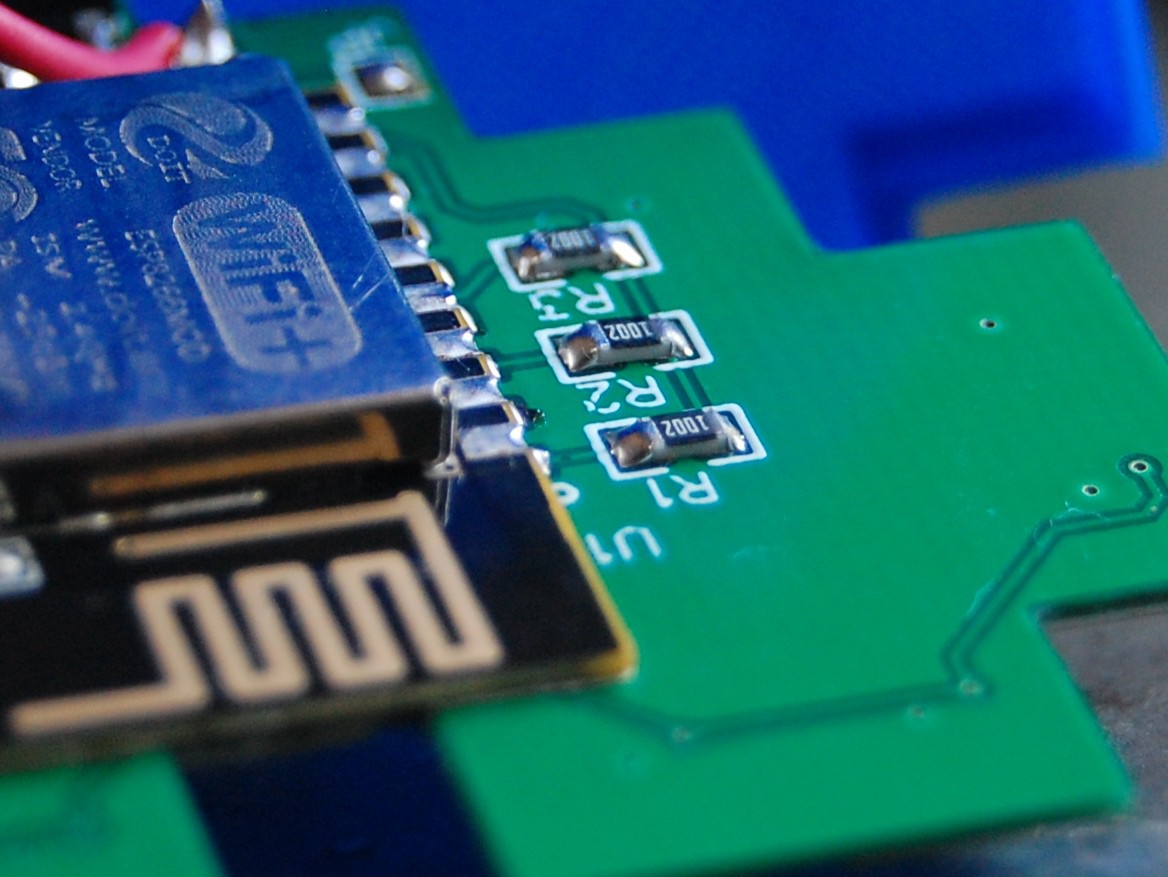
Make sure that there is no ground plane below the WiFi antennae of the ESP-12E module.
For programming purposes, pads are provided for TX, RX, RST, D3 and GND.
Once you have completed designing the PCB, get it fabricated from the manufacturer of your choice. I chose JLCPCB because of its quick service.
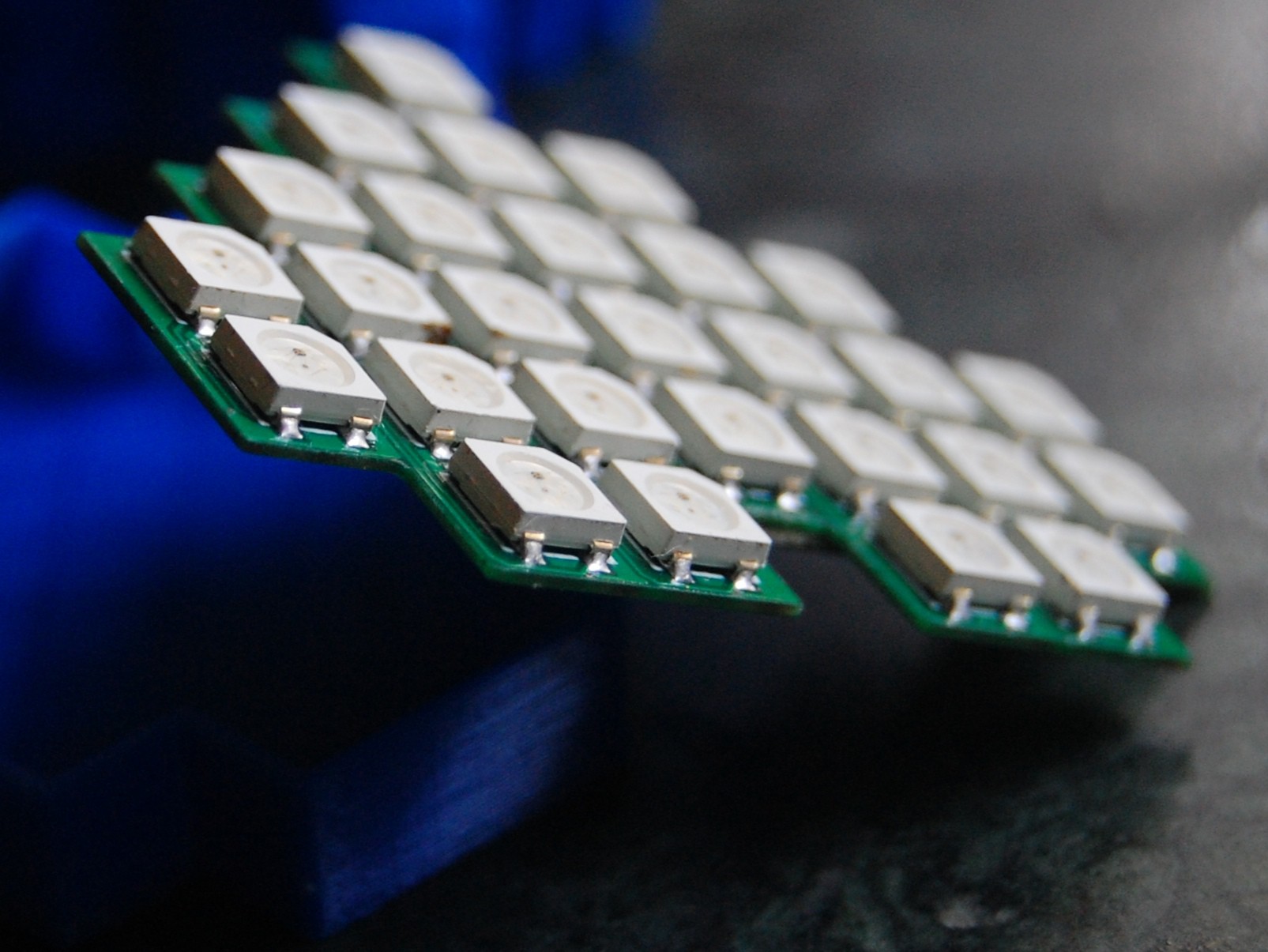
I soldered the 27 LEDs using the reflow soldering using cloth iron. I had to hand solder the ESP-12E module as well as some other SMD components on the backside of the board.
Mistakes which I did:
Don't worry! I have uploaded the rectified files for PCB.
Create an account to leave a comment. Already have an account? Log In.
Become a member to follow this project and never miss any updates