• Proect complete.

    matt thurstan • 04/02/2026 at 13:10 • 0 comments

    This has now been in use on and off for several years now but my programming had many issues (a lot with libraries) and last year it stopped working all together. It sat on the shelf for a while until I had time to fix it. 

    In the meantime I had a think about what I really used it for. It was all very nice having a fancy web interface, messages, bells and whistles,... but what I actually needed in my life were just 2 things.

    1. The time. 

    2. A single message telling me whether to take out the bins or the recycling. 

    So I have redone the programming. Updated, rewritten and consolidated libraries. 

    - Web portal for WiFi connection setting.

    - Time/Date.

    - Message received via MQTT.

    The Time/Date automatically stay updated, my install of Home Assistant sends the bins/recycling messages at the appropriate times and the touch button clears them. 

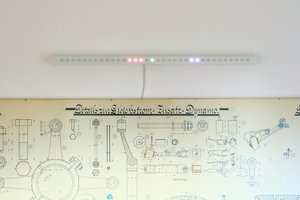
    I like the ideas of incorporating technology only where needed, as integrated as possible and as invisible as possible. Invisible in terms of human awareness. E.g. lights on sensors. After a while the person puts out of their mind the whole process of turning the lights on and off. It is one less thing to have to think about. I consider this project a success. It sits nicely on a shelf, gives me useful information and will just keep on doing its thing (at least until the power goes off). 

  • Touch button

    matt thurstan • 07/10/2020 at 22:50 • 0 comments

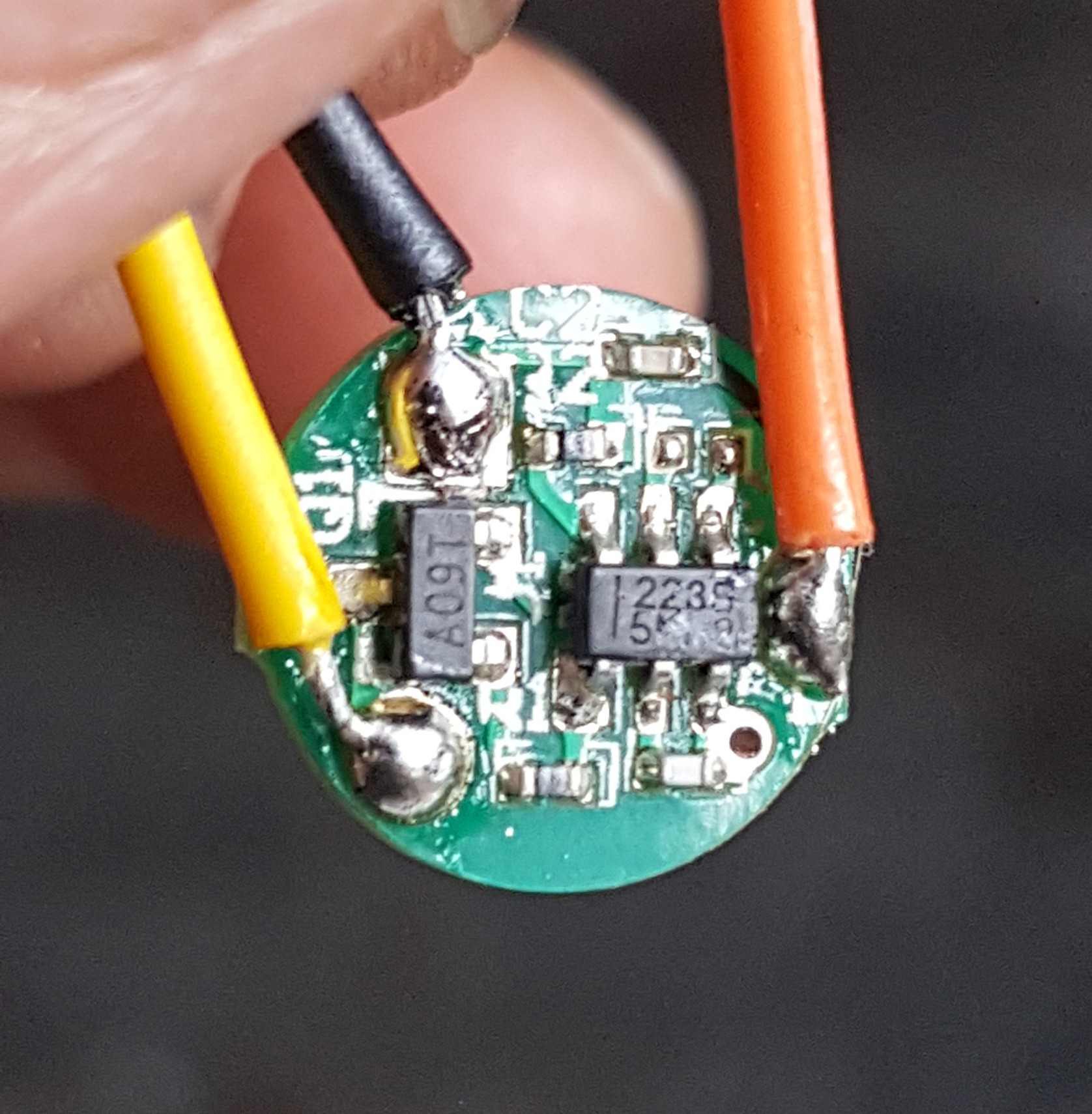
    I initially started off using a nice little round touch button with a TTP223 chip.

    But after accidentally pushing the soldering iron through the chip whilst setting the jumpers I bought some other TTP223 chips on little rectangular boards which are slightly easier to solder.

  • Wood veneer

    matt thurstan • 07/10/2020 at 22:43 • 0 comments

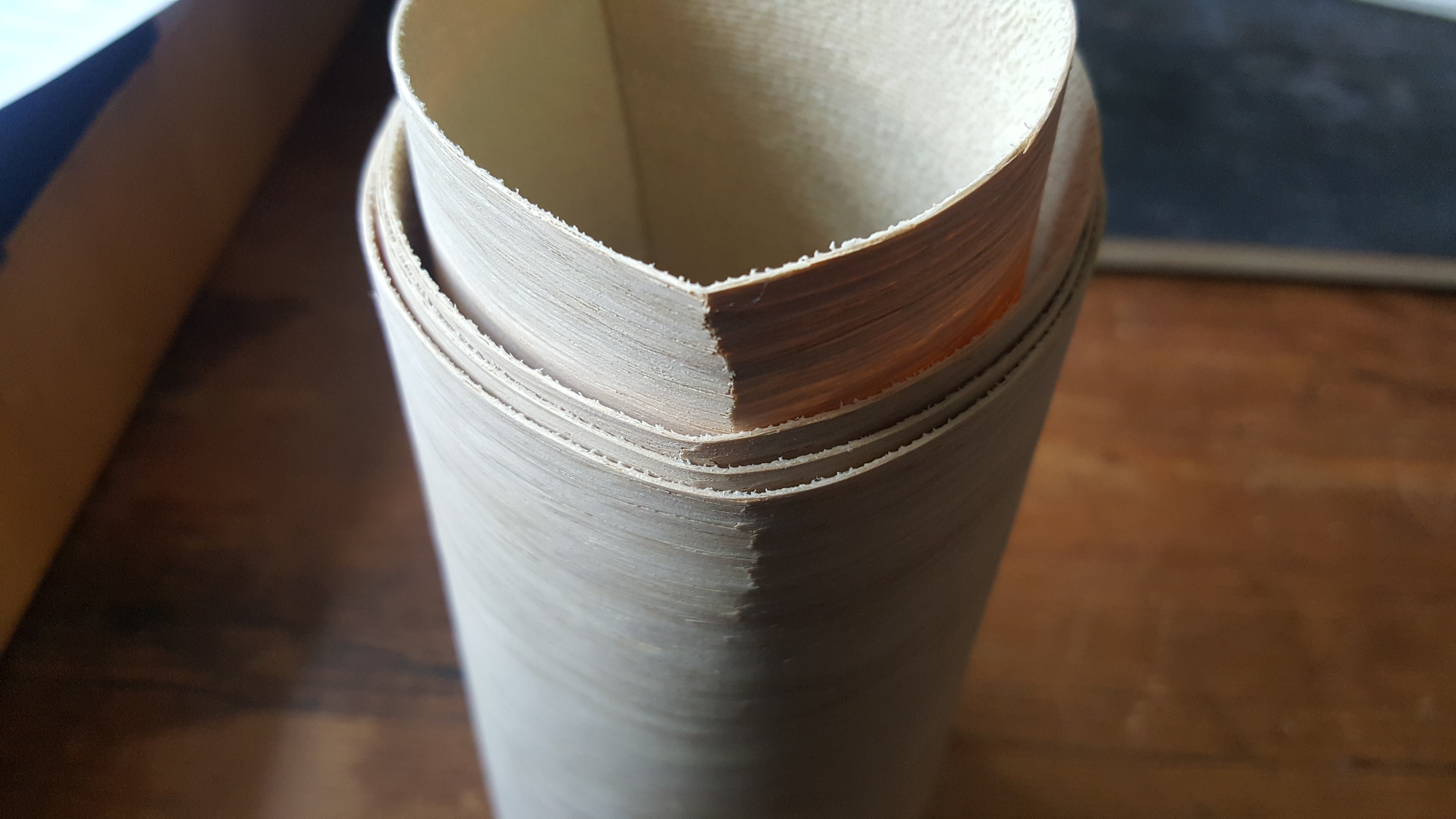
    When ordering wood veneer from the internet, try and find a vendor that will send you the veneer with some packing so it doesn't arrive like this...

  • Max7219 LED matrix

    matt thurstan • 06/18/2020 at 19:48 • 0 comments

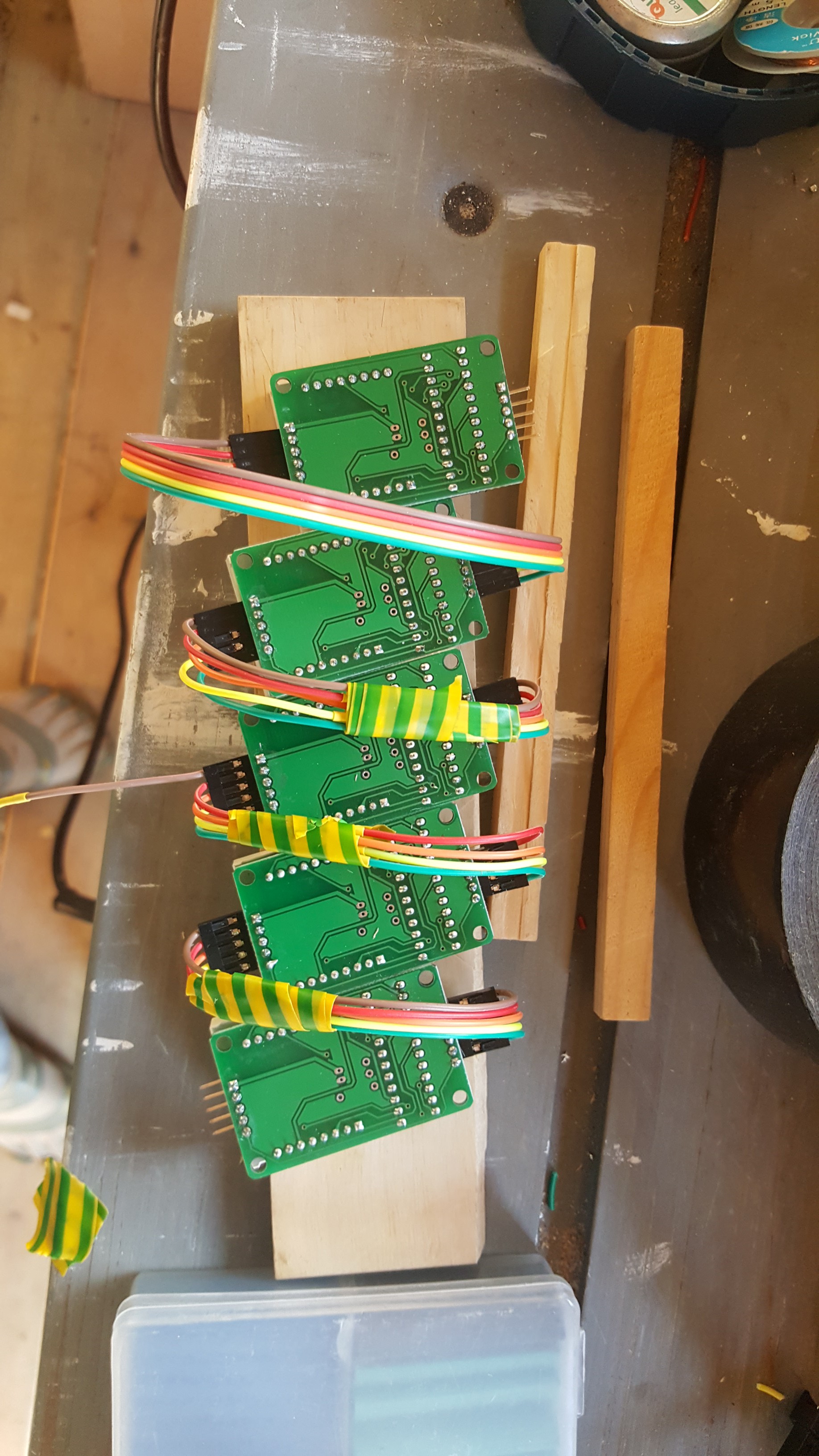
    I used 5x Max7219 LED matrices for this project. During testing I had issues with LED rows dropping out or LEDs going off and on. It turned out that while daisy-chaining the LED matrices together, power drops after 4 matrices. I solved this by powering the first 3 via the initial cables, then adding a separate power line for the last 2. 

    ...now I know why they are sold in packs of 4.