 Coltfisch
-
11Firmware Installation
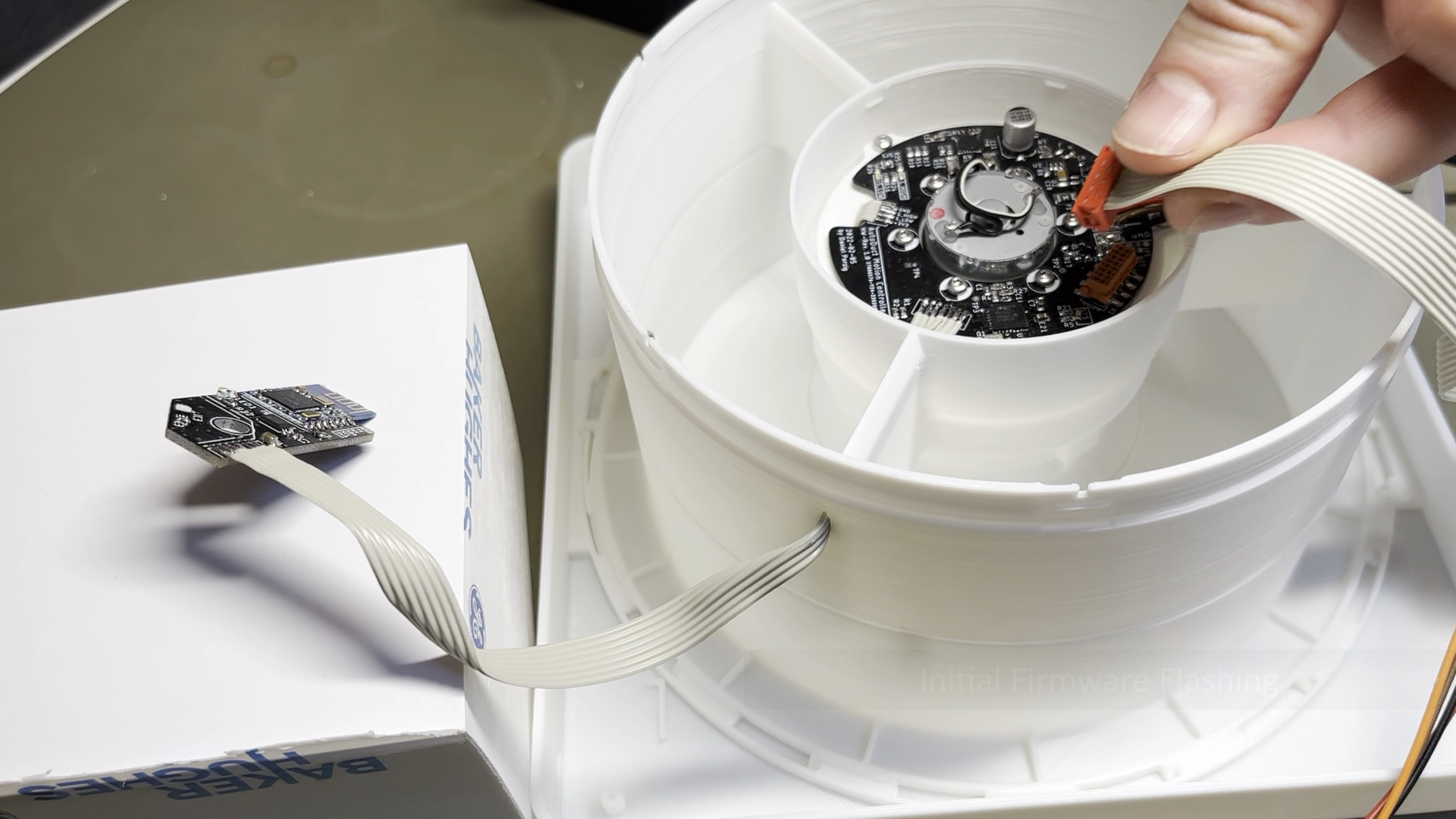
Connect the Microchip ICD3 programmer to the AutoDuct main board to flash the firmware to the device. Activate "power target from ICD3" in the MPLAB X IDE and do not connect the device to the vent system bus. If firmware installation was successful, the SYS LED on the main board should start fading on and off.
![]()
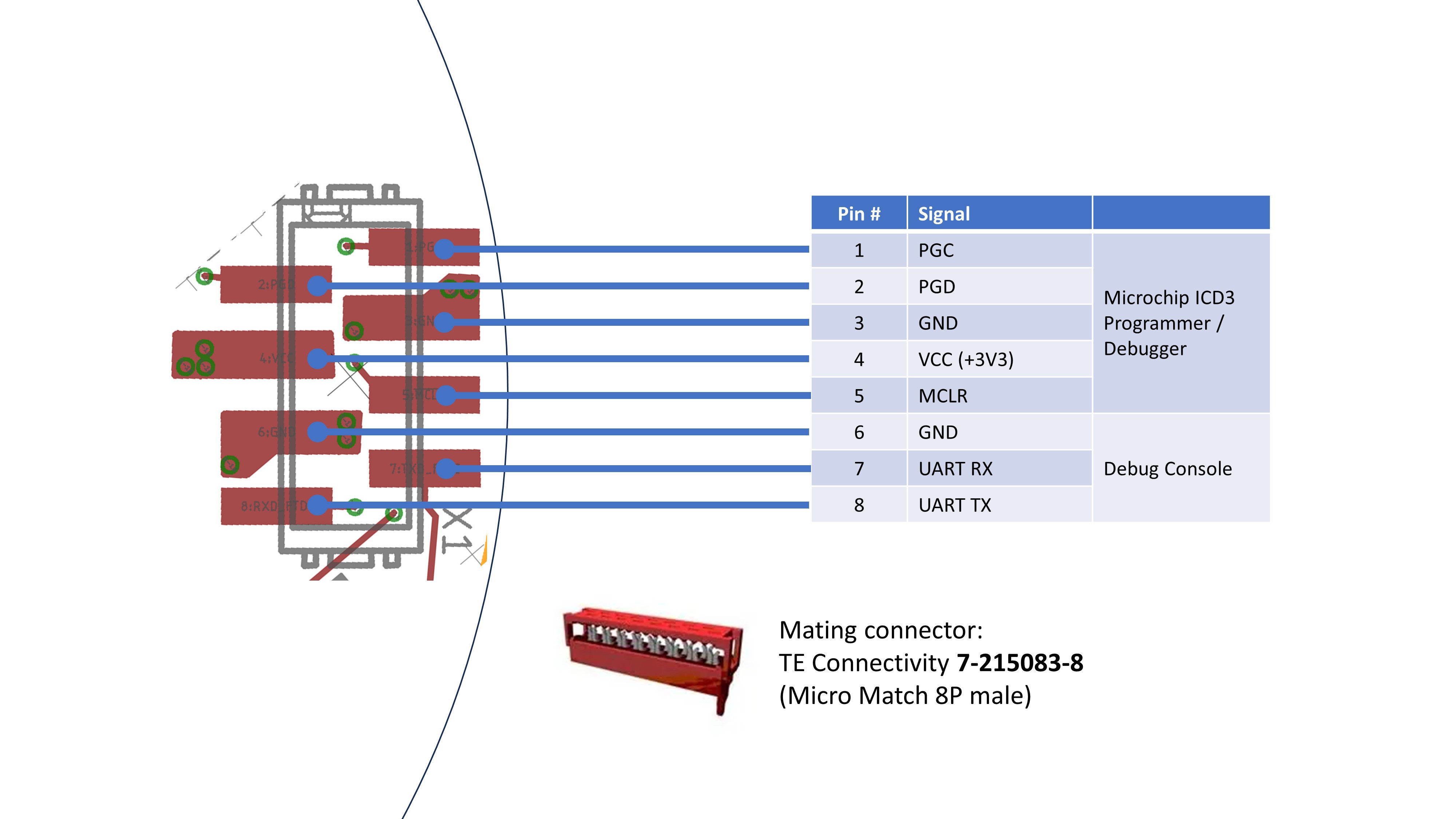
Note: A custom adapter cable is used to connect the Microchip ICD3 programmer to the AutoDuct main board. The adapter can be built based on the following diagram:
![]()
-
12Shutter Disc Installation
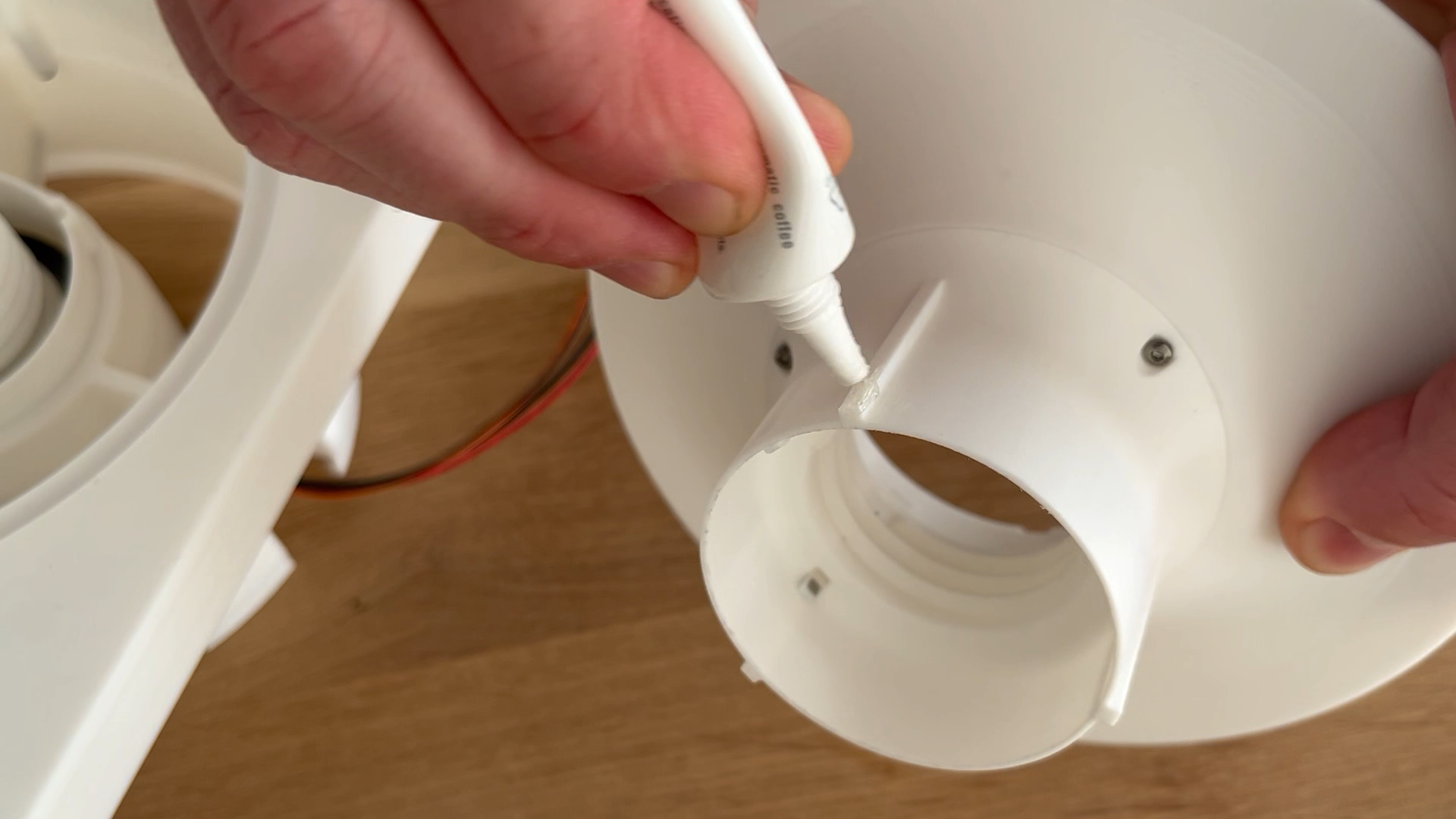
Apply silicone grease to the linear guide sections of the slider unit and the thread of the leadscrew:
![]()
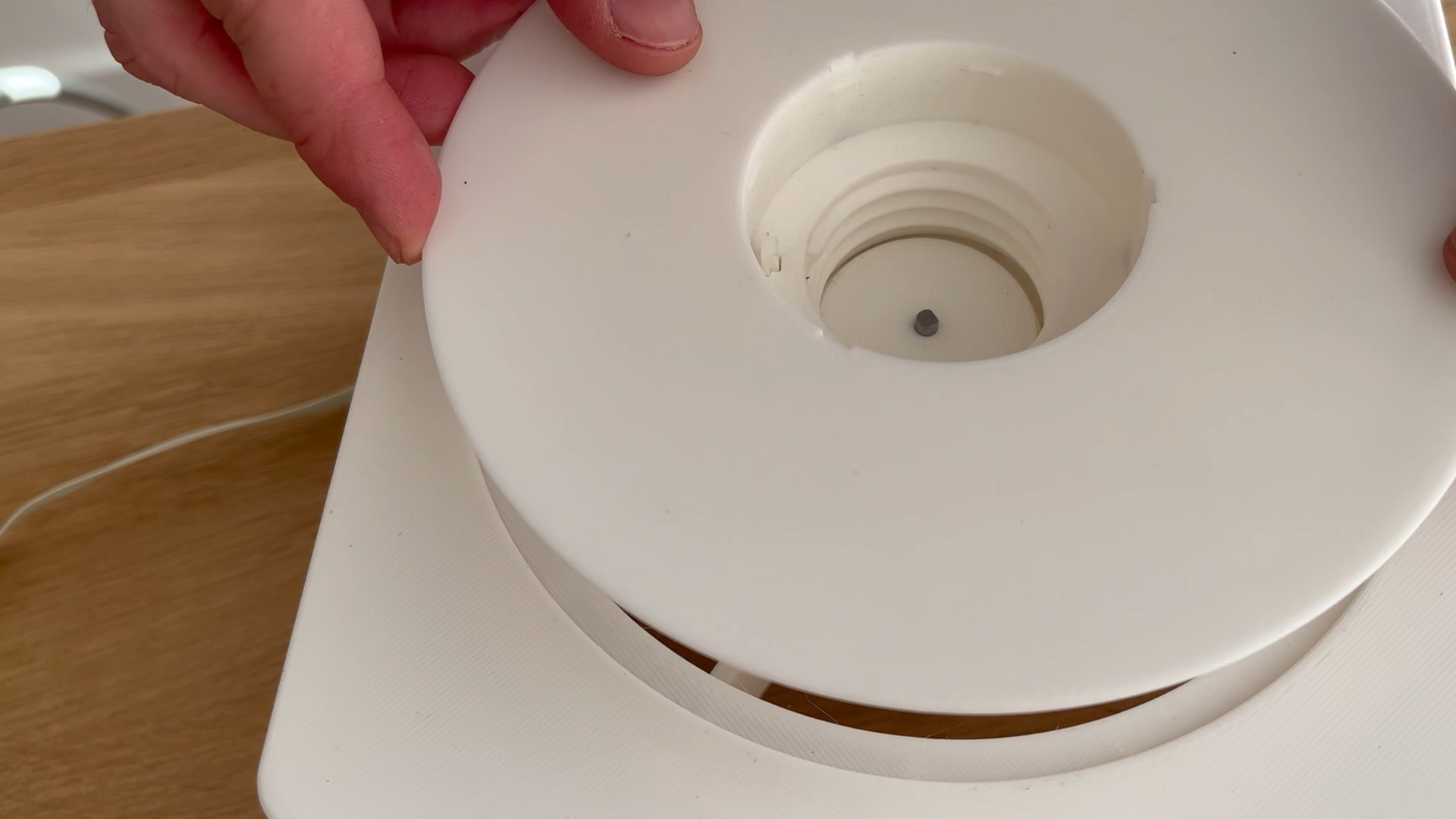
Align the shutter disc on the leadscrew. Make sure the guide sections on the slider line up with the slots in the centralizer component. Make sure that the magnet carriers line up with the hall effect sensors of the linear actuator:![]()
Apply power (12V) to the unit via the external bus connections. The unit will automatically pull the shutter disc into the upper end stop position.
-
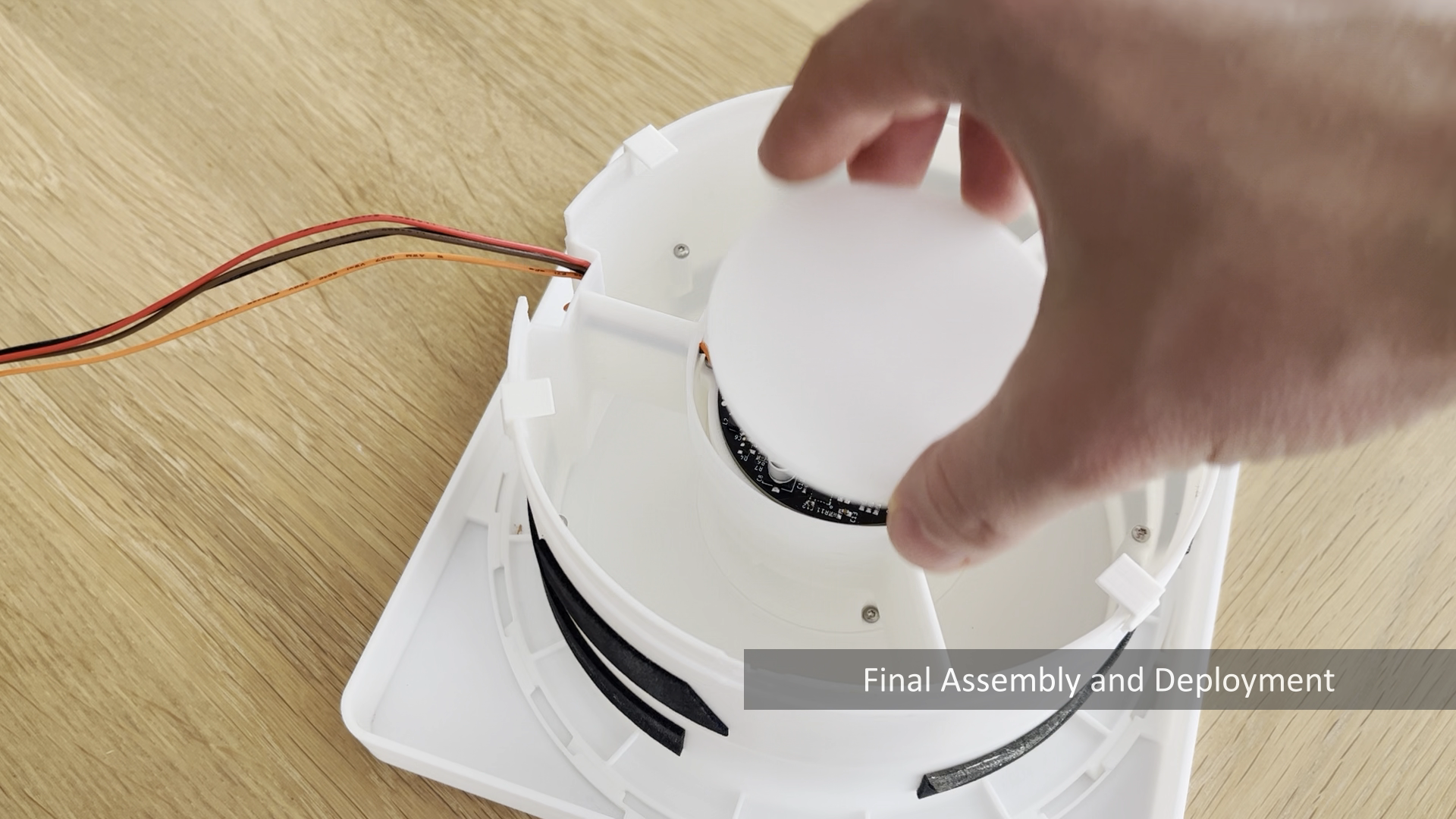
13Final Assembly and Deployment
Install the front cap on the shutter disc. Install the flat cap component to close the electronics compartment:
![]()
Connect the AutoDuct unit to the vent system bus and the fan unit:
- Connect +12V from the vent system bus to +12V of the AutoDuct unit as well as the fan unit
- Connect GND from the vent system bus to GND of the AutoDuct unit as well as the fan unit
- Connect the PWM signal from the vent system bus to PWMI of the AutoDuct unit
- Connect the PWMo of the AutoDuct unit to the PWM signal input of the fan unit
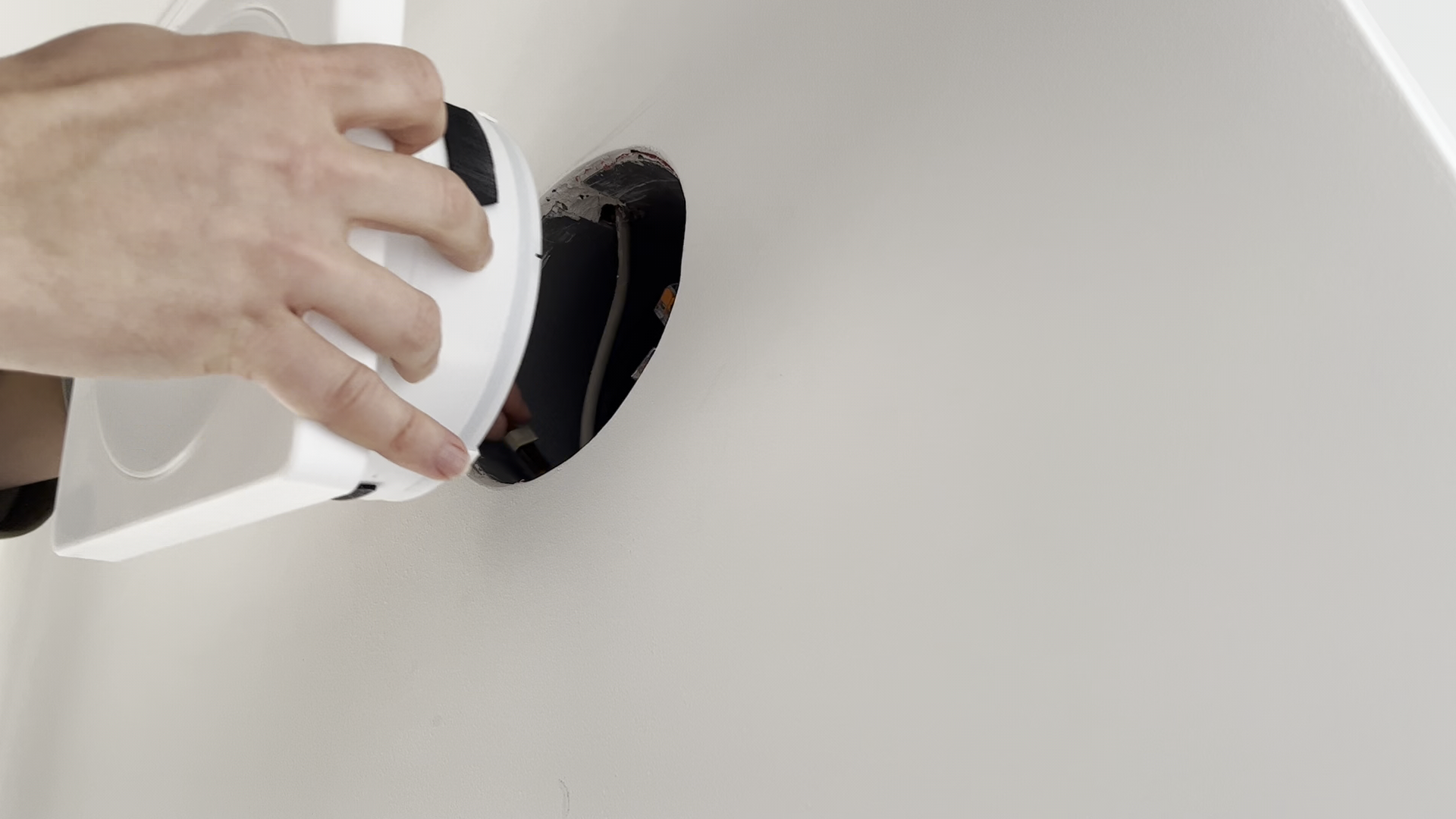
Install the AutoDuct unit in the vent duct:
![]()
AutoDuct smart motorized air duct shutter
Smart motorized air duct shutter with wireless connectivity for decentralized ventilation systems
Discussions
Become a Hackaday.io Member
Create an account to leave a comment. Already have an account? Log In.