 Nasser
After assembling the mechanical parts, we moved on to the electronics. We laid out the components:
- 3 stepper motors (for the sphere rotation, rail cart, and capture zone)
- 1 linear actuator (to extend and retract the gripper)
- 2 servos (one to rotate the actuator, one for the gripper)
- 3 limit switches (for homing and calibration)
- ESP32 (main microcontroller)
- Motor drivers (1 DRV8871, 1 Makerbase MKS SERVO42D, 2 Makerbase MKS SERVO42C)
- Power (12V supply, 5V buck converter)
- 1 Nextion display
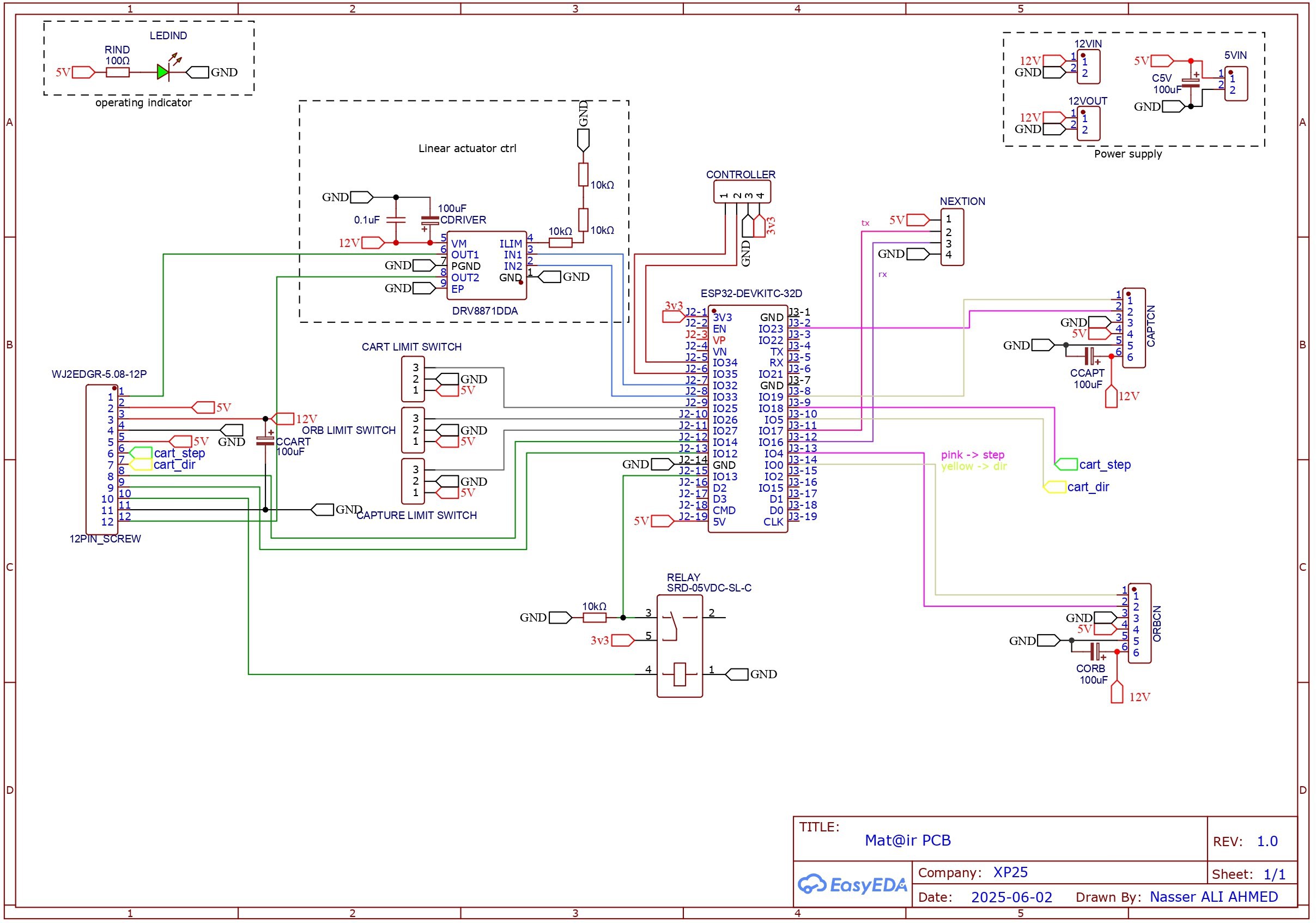
Next, we made the circuit diagram.
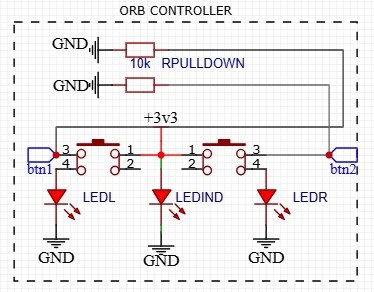
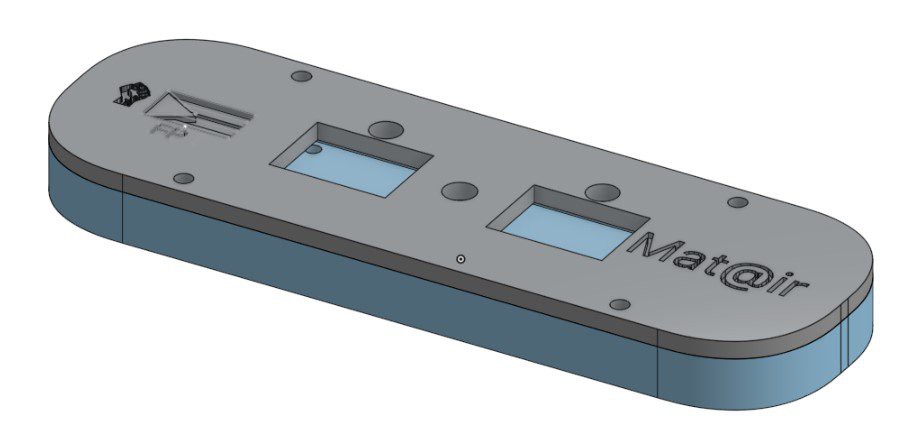
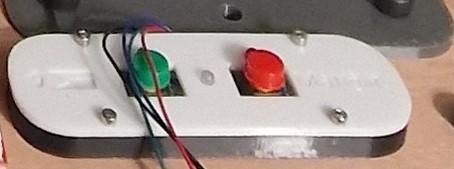
We also added a custom controller with two push buttons to manually jog the orb.
 |  |
The diagram shows a relay connected to the actuator. We used this to detect when the linear actuator fully retracts. Because the actuator has an internal limit switch, we soldered wires directly to its motor terminals. This lets us monitor the motor voltage; when the current drops, the relay triggers, signaling that the actuator hit its internal stop.
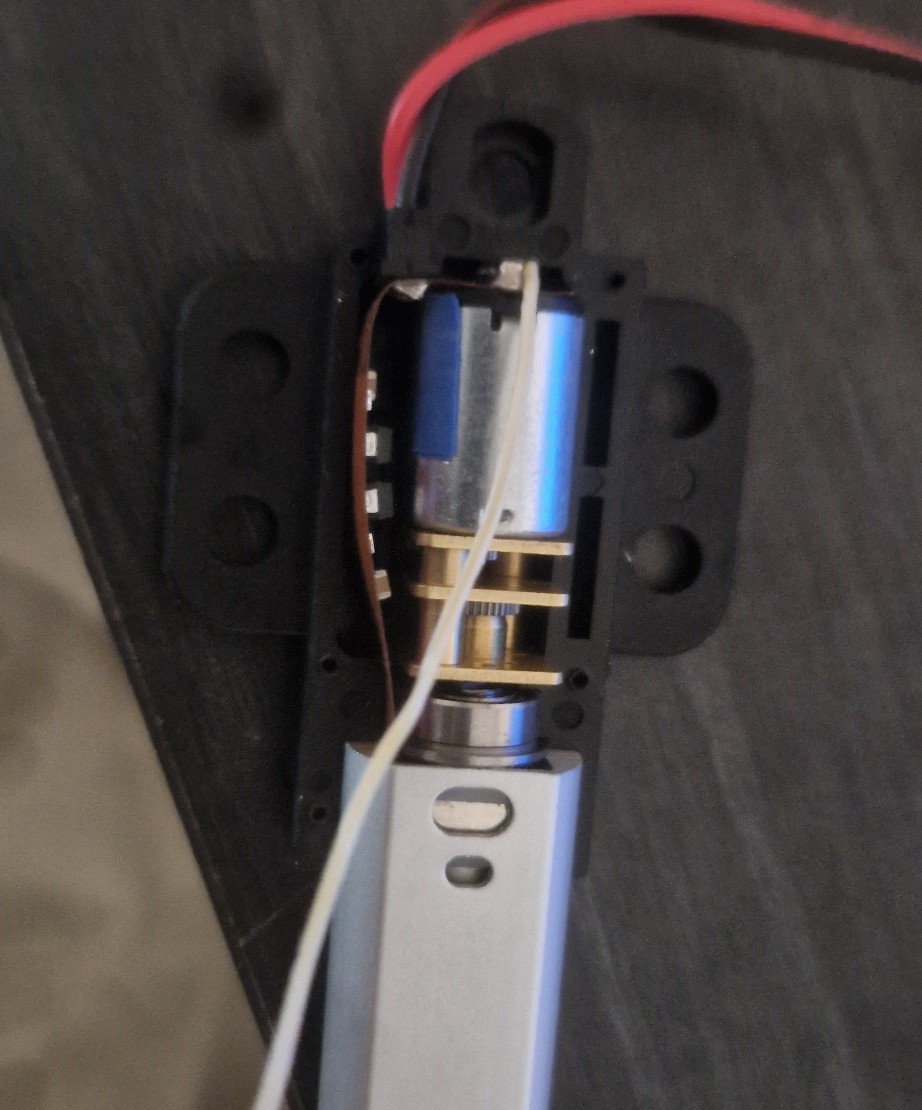
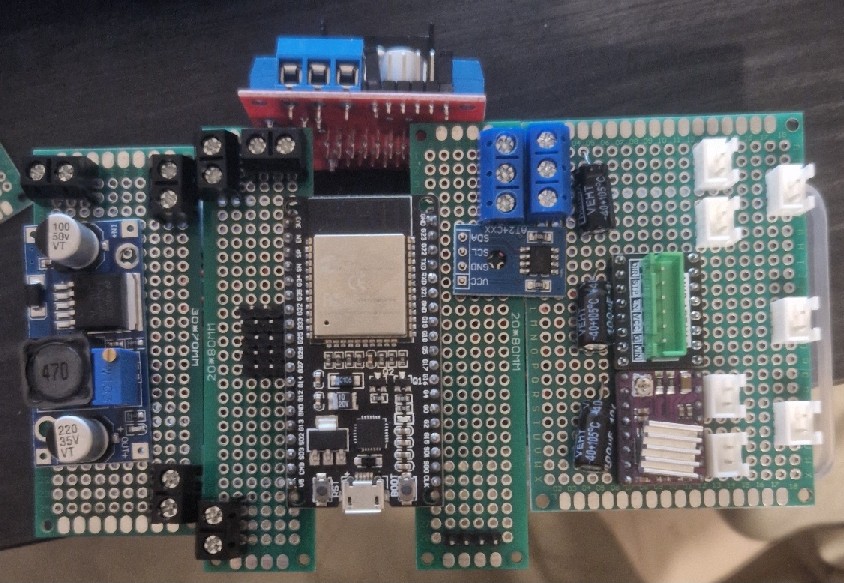
We laid out the components on perf boards to plan the layout, then soldered everything.
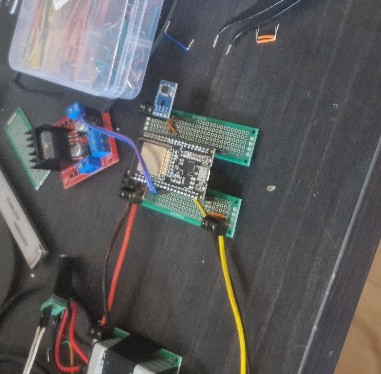
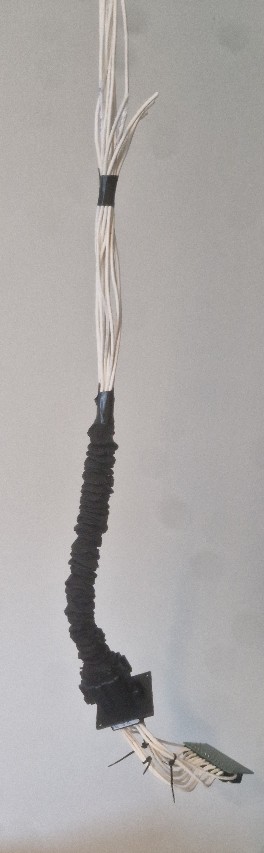
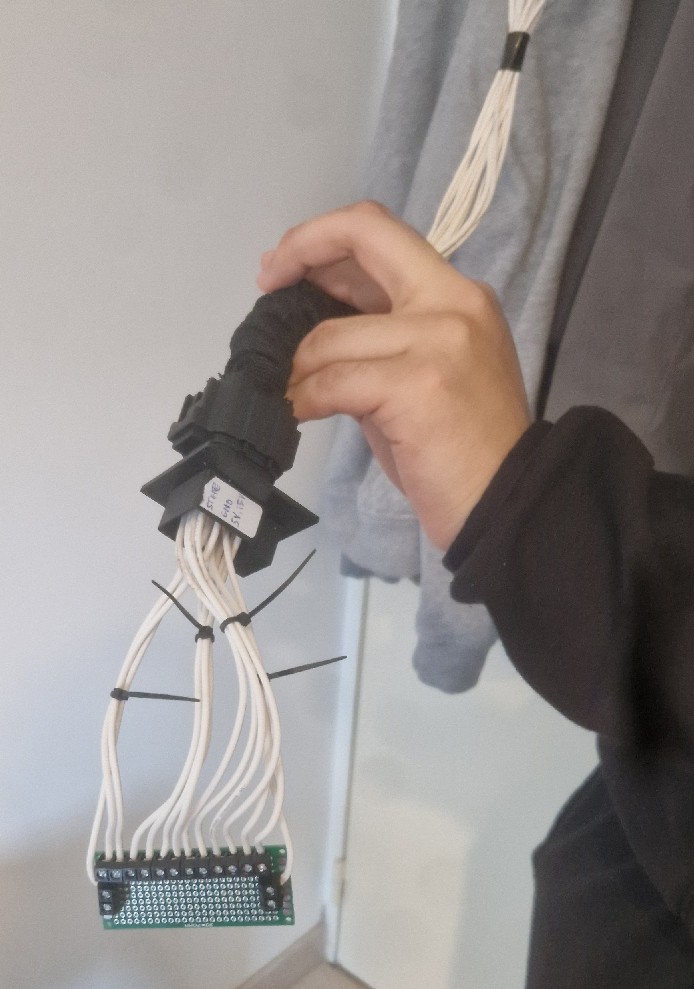
Another major task was creating the cable bundle that connects the main circuit to the moving cart on the rail. To do this, we positioned the cart at its furthest point and measured out the cable lengths accordingly to ensure proper reach.
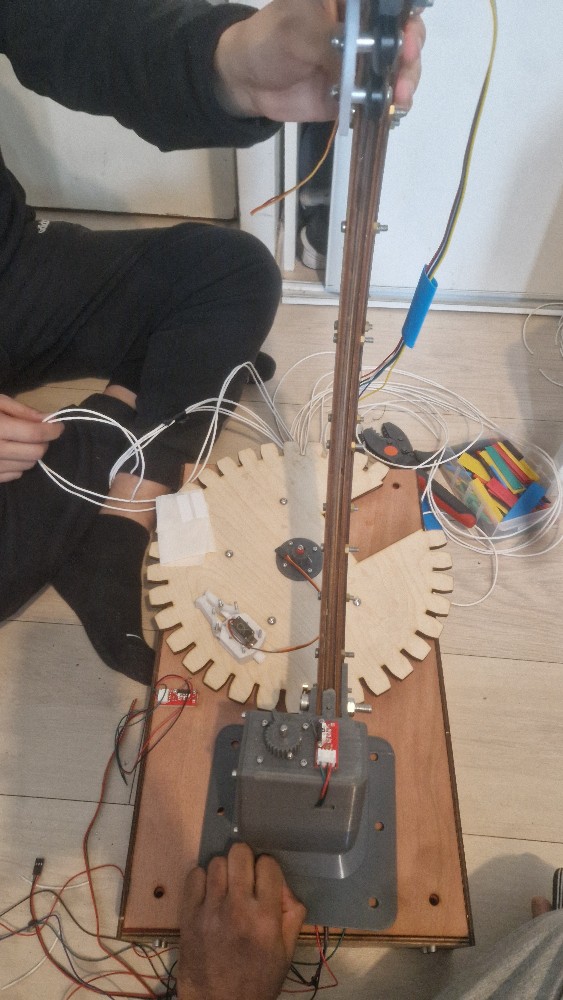
To allow for easy disassembly, we didn't solder the cart's cables directly to the circuit. Instead, we used a 16-pin connector like this:
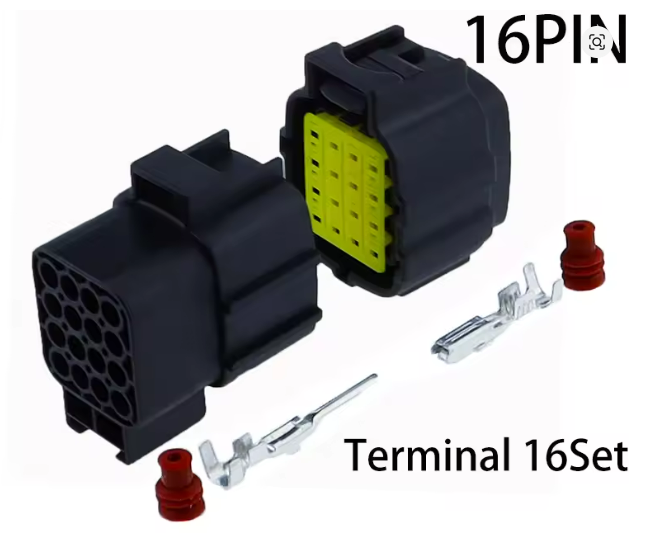
We wired the cart to the male connector and the circuit to the female connector. Here is the final cable assembly:
 |  |
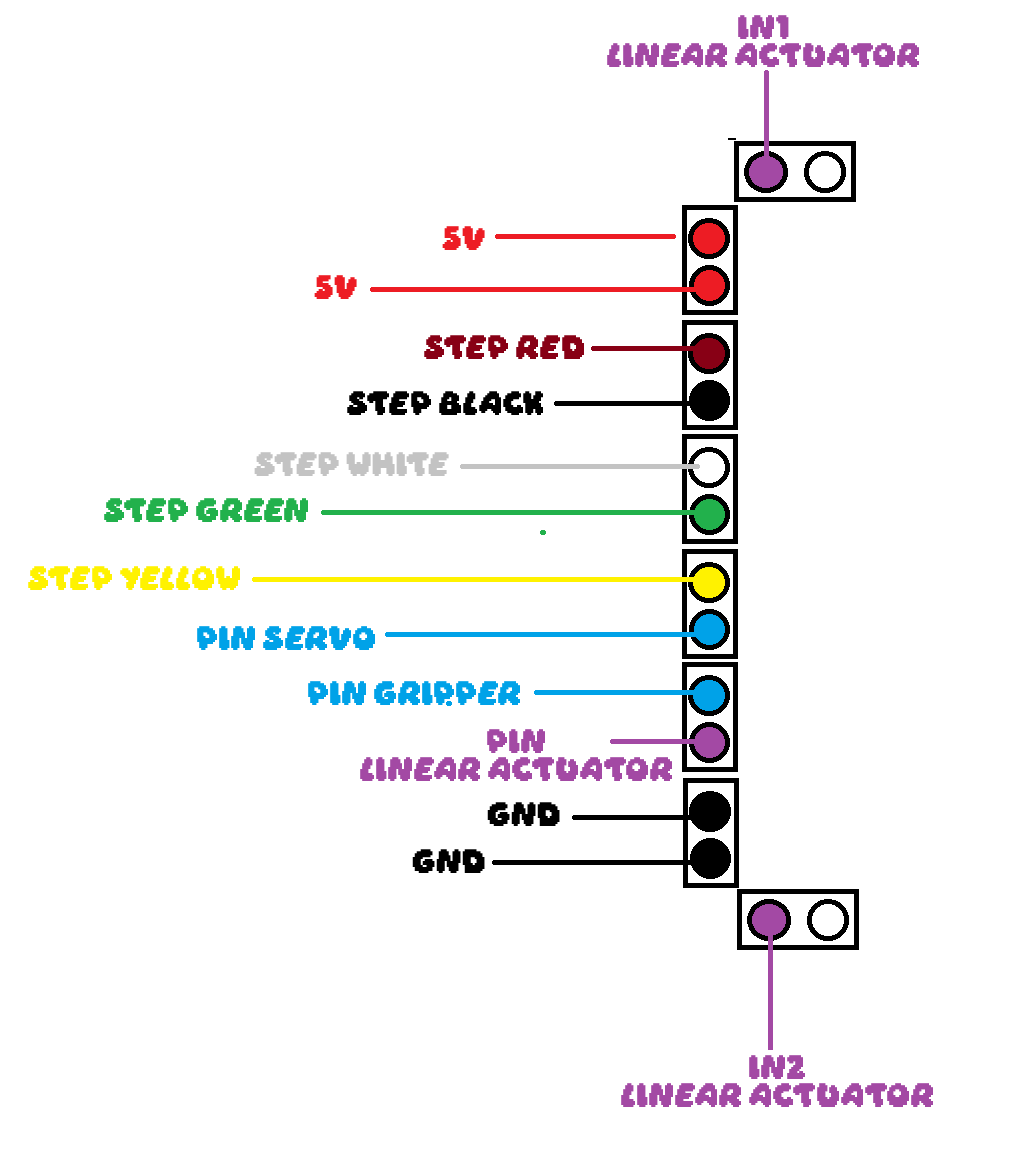
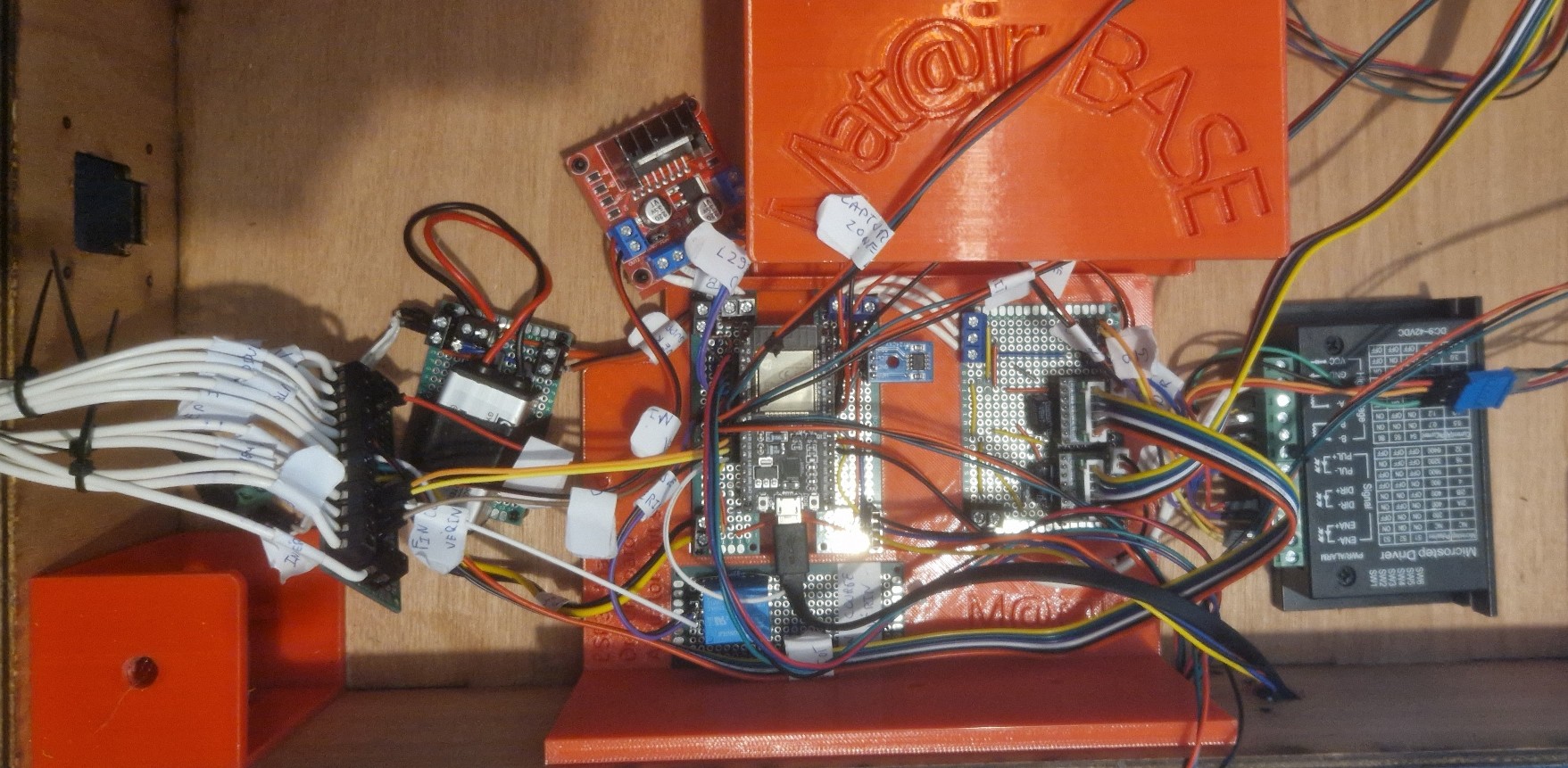
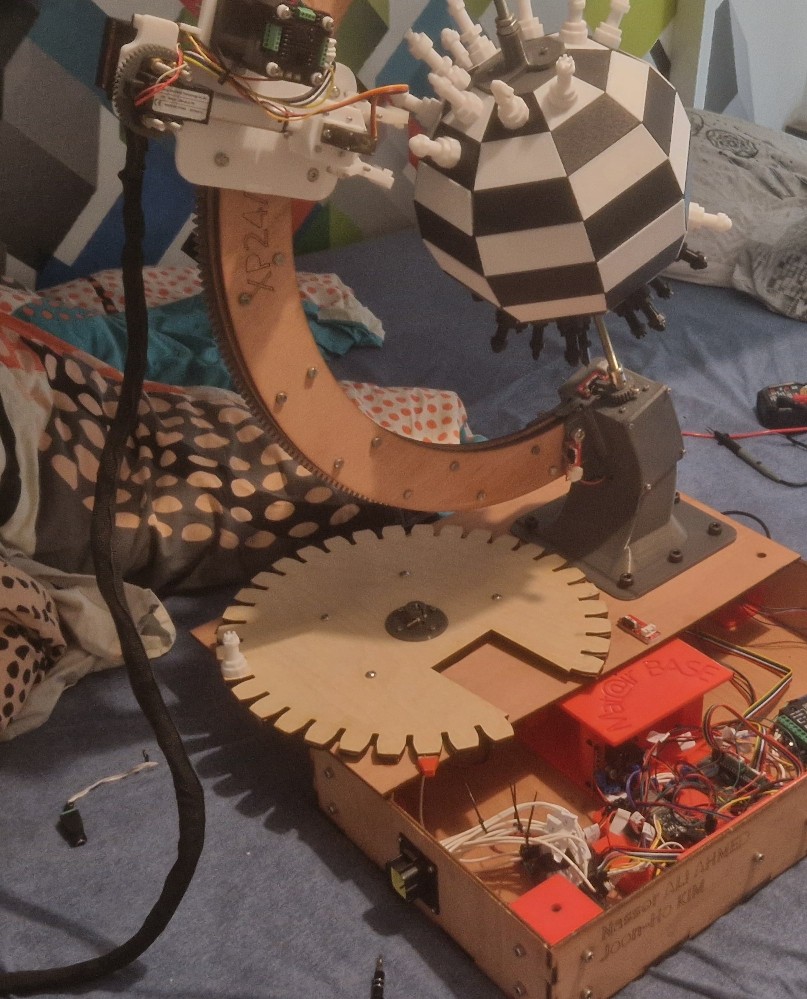
Finally, we installed the electronics into the base.
Discussions
Become a Hackaday.io Member
Create an account to leave a comment. Already have an account? Log In.