 Cees Meijer
As mentioned, I chose the ESP32-S3-DevKitC-1. Programming requires the ESP-IDF, for which the installation instructions can be found here.
Of course I rushed it, without reading the whole page and so I missed the note that it is best to install it from the VS Code extension. And when you installed it using the 'Windows Installer', adding it to VSCode simply fails. So I had to uninstall it, and then follow the VSCode way.
If all goes well ( and why shouldn't it..) you end up with the start screen for ESP-IDF:
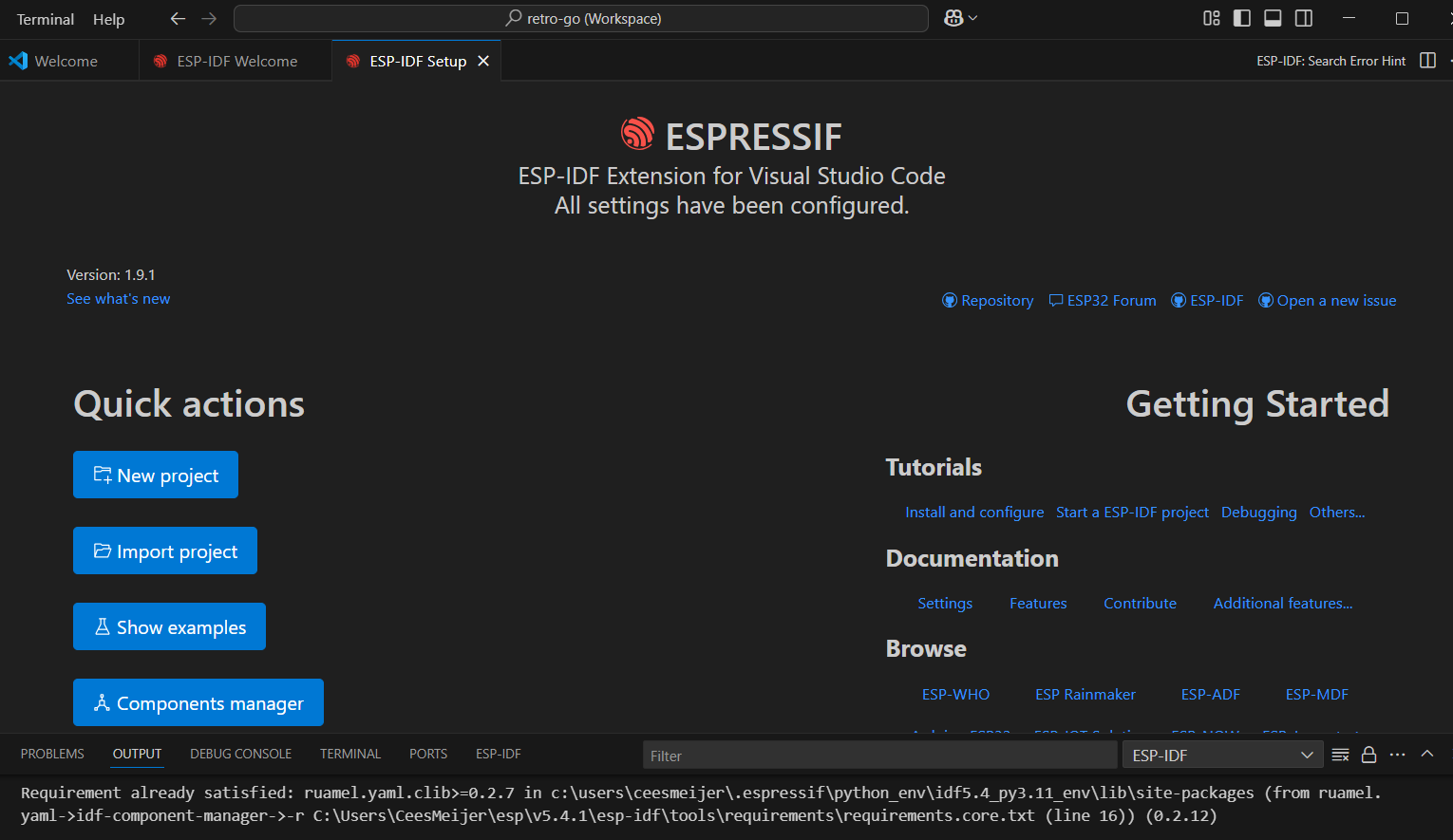
Right. But what next ? First I tried some things like 'import project', or 'new project', but that does not get you anywhere.
First, make sure your 'retro-go' folder is somewhere in a 'root' folder, like C:\ESP32\retro-go. Then open the folder in VSCode. This will that ask if you want to open a workspace. Answer yes.
Next, open the ESP-IDF Terminal. Here we can now enter the commands as described in the 'BUILDING.md' file.
I used this command:

During the first build I ran into a few issues in the code, but these were easy to fix:
Issues:
In 'rg-storage.c' : rom/miniz.h not found. Right, because that is in a different folder:
#ifdef ESP_PLATFORM
#include <libs/miniz/miniz.h>
in 'memmap.c' : incorrect modifier in print statement. Argument 5 is a long int. So you should change the '%dkB' to '%ldkB'
printf("Rom loaded: name: %s, id: %s, company: %s, size: %ldKB\n", Memory.ROMName, Memory.ROMId, Memory.CompanyId, Memory.CalculatedSize / 1024);
In 'opl.c' :
static int *mix_buffer = NULL;
Must be:
static long int *mix_buffer = NULL;
But that was all. And after a long compilation/ build, it finally started the upload to the connected board.
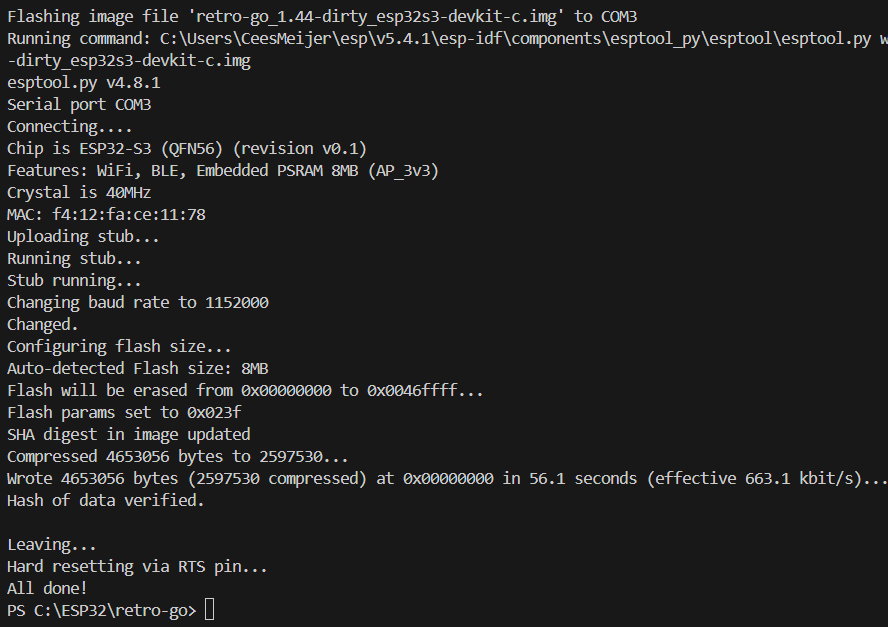
And it looks like the program is running, since the 'Tx' LED on the board is now blinking at a regular pace. To see what is going on, start the monitor:
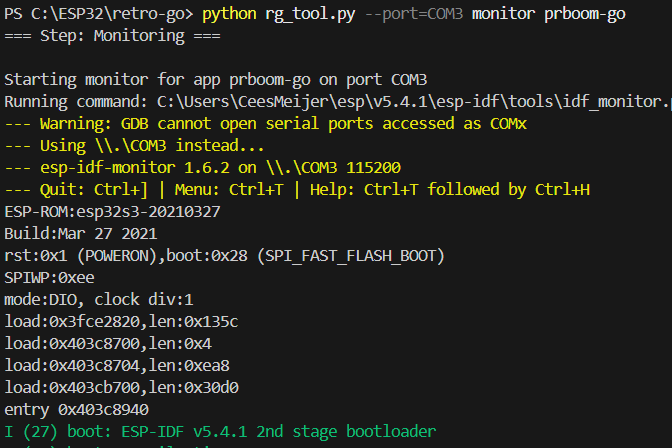
After the startup messages of the ESP32 (which will show some errors, since I have not connected anything yet) it will start to print [DEBUG] messages. So it looks like it is working.
Discussions
Become a Hackaday.io Member
Create an account to leave a comment. Already have an account? Log In.