Close
0%
0%

CaDoodle: Doodle in CAD!

A drag-and-drop CAD package that is an open source, local application alternative to TinkerCAD

Similar projects worth following
CaDoodle: A Friendly, Local CAD Tool for Classrooms and Curious Creators

CaDoodle is a free drag-and-drop CAD app for Windows, Mac, Linux, and ChromeOS—no internet required, making it perfect for schools, makerspaces, and offline learning. It feels familiar to TinkerCAD users but adds powerful extras like boolean operations, Inkscape sketching, and easy export to STL, SVG, OBJ, and more.

Why it works for teaching and learning:

Offline & private: Student projects stay local.

Simple to start: Drag, drop, group, undo, and stretch—easy for beginners.

Room to grow: Supports Blender, FreeCAD, OpenSCAD, and advanced modeling.

Whether guiding a class or learning CAD for the first time, CaDoodle offers a safe, flexible path into 3D design. Download and start creating today.

As an elementary school technology teacher, TinkerCAD provided easy to use on-ramps for students as young as 2nd grade. I spent the 23/24 school year teaching with TinkerCAD and found myself increasingly upset by the limitations and constraints of TinkerCAD. First and foremost, the fact of the CAD models sources being entirely unavailable. The "Tinkercad source" is actually entries in the Autodesk servers database. With no option to access those actual sources, students are tied entirely to the tinkercad website.

The first real problem came when a student made a model in 5th grade that was so complex that the Tinkercad site crashed. The model was not recoverable, and the student that had done all of that extra work to add detail to his model lost everything. This experience started me thinking about how this could be made better for the students.

The next major problem came when another student wanted to do CAD work on her ride home (which due to bus schedules took over an hour each day). She wanted to keep designing things, but without an internet connection she was unable to do any work.

Finally i began to contemplate the pedagogical damage being done by teaching students a skill that is only accessible to them as mediated by a company. I began to feel a deep sense of unease that the skills of my students were increasingly being trapped behind a paywall.

My solution was to make a locally installed application, that used an open file format that is stored locally on the disk, and that had access to the full resources of the computer the application was running on.

In July 2024 i began work in earnest on CaDoodle. In April 2025 I hit a level of feature completeness to open it up for Beta testing. 

 Source Code

This repository is the installer and auto-updater. The installable releases are found here.
The below link is for the source code of the main application itself.

https://github.com/CommonWealthRobotics/CaDoodle-Application

Inspiration

The workflow of Tinkercad is an excellent experience for novice users of CAD.
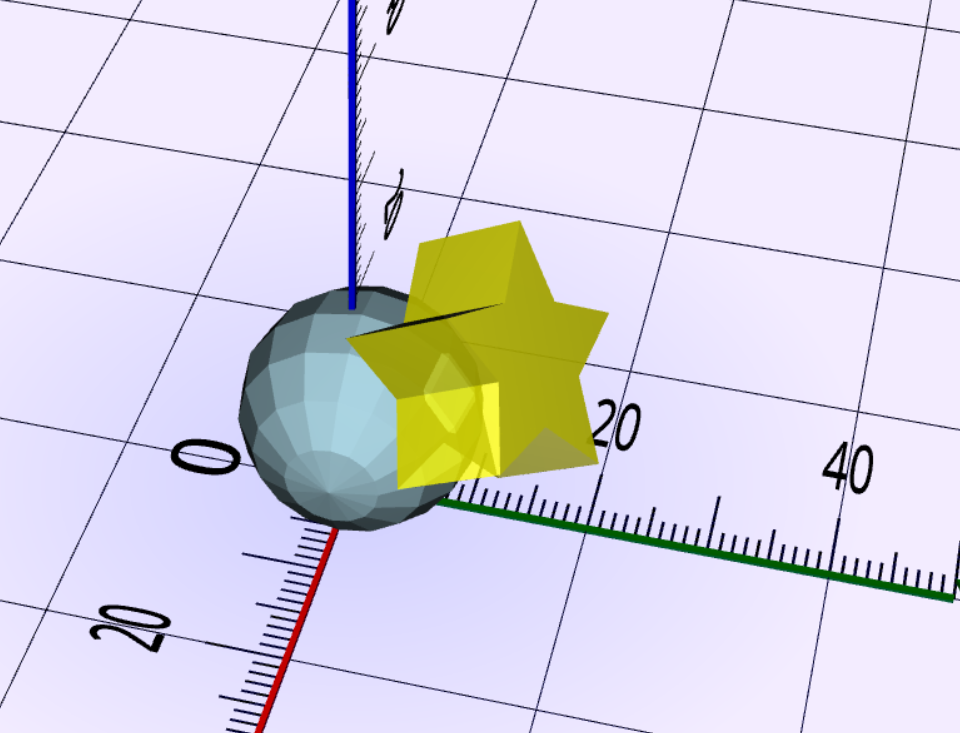
1. Drag and drop shape with surface snapping
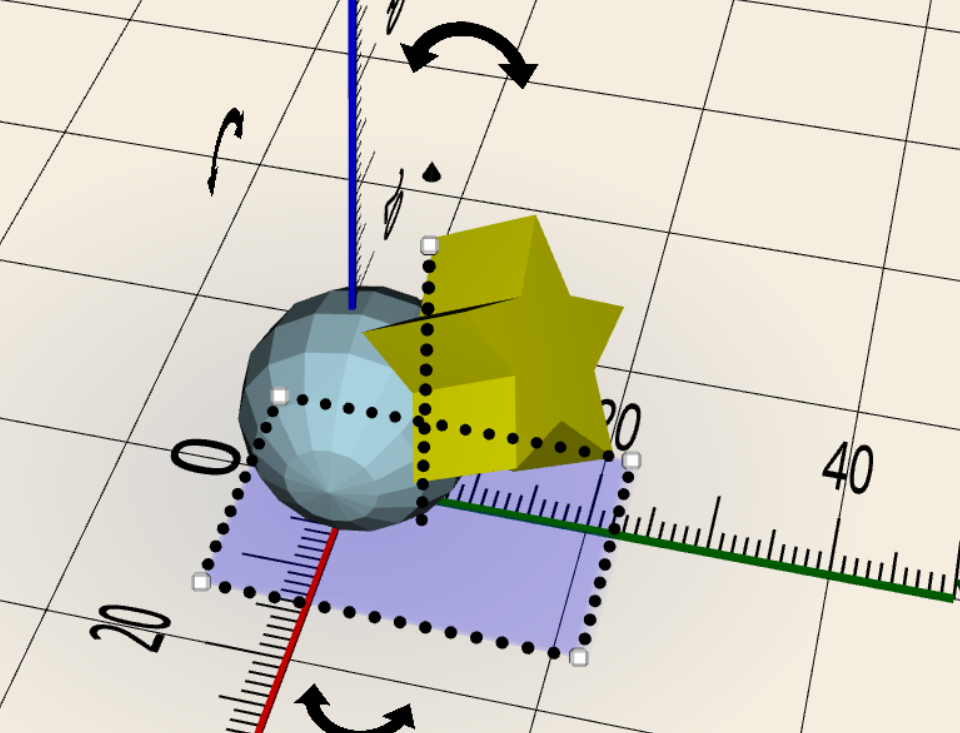
2. Group and ungroup
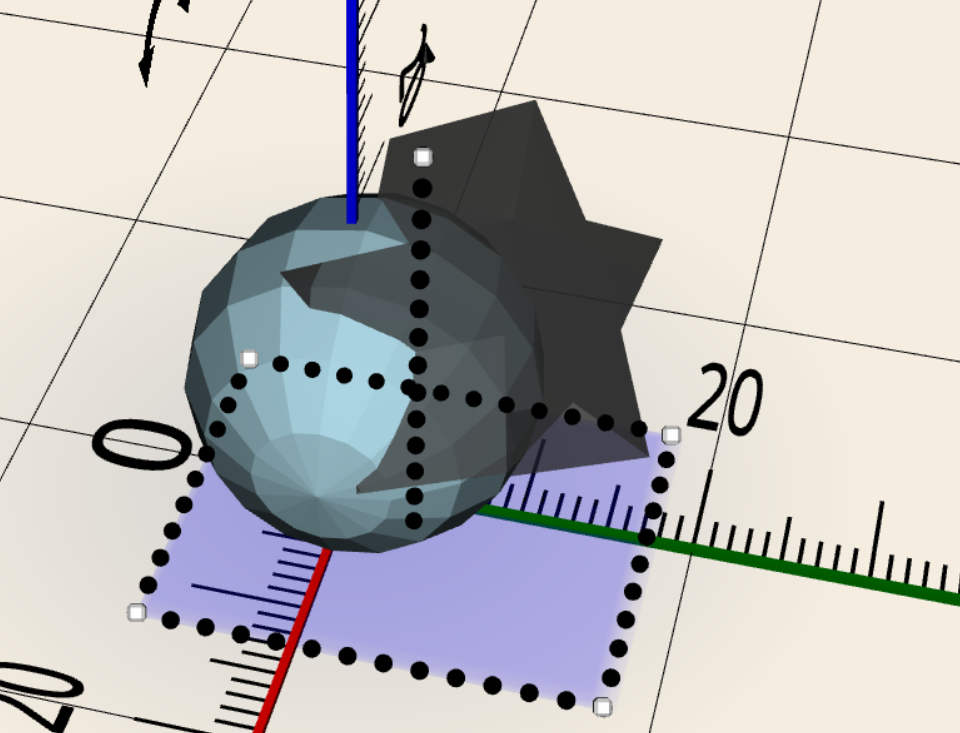
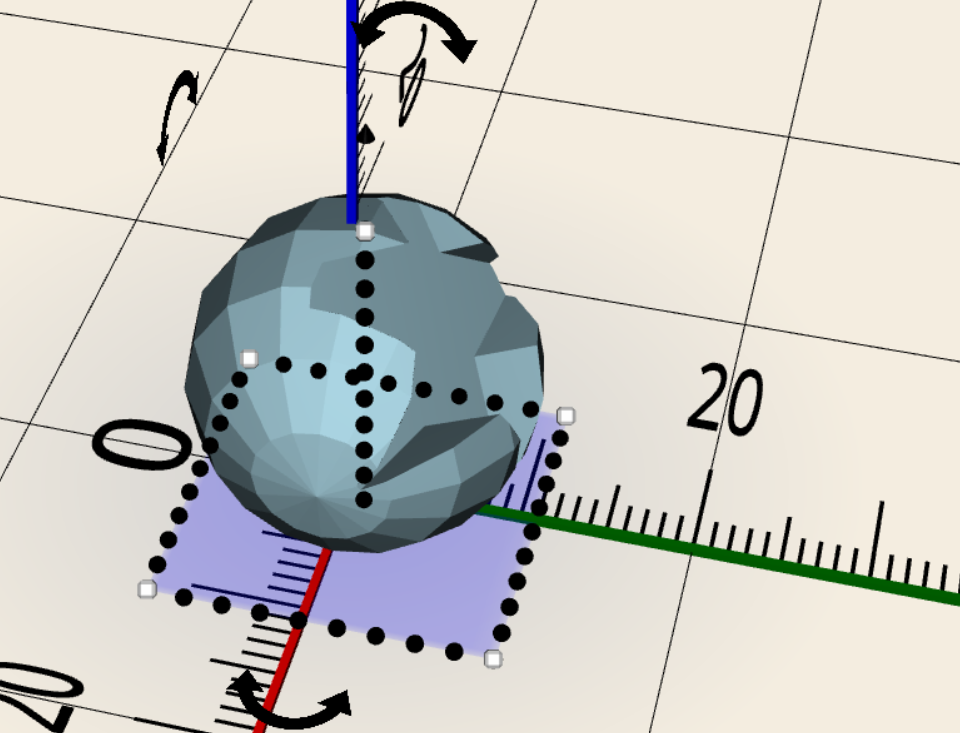
3. Solid and Hole status
4. Undo of operations
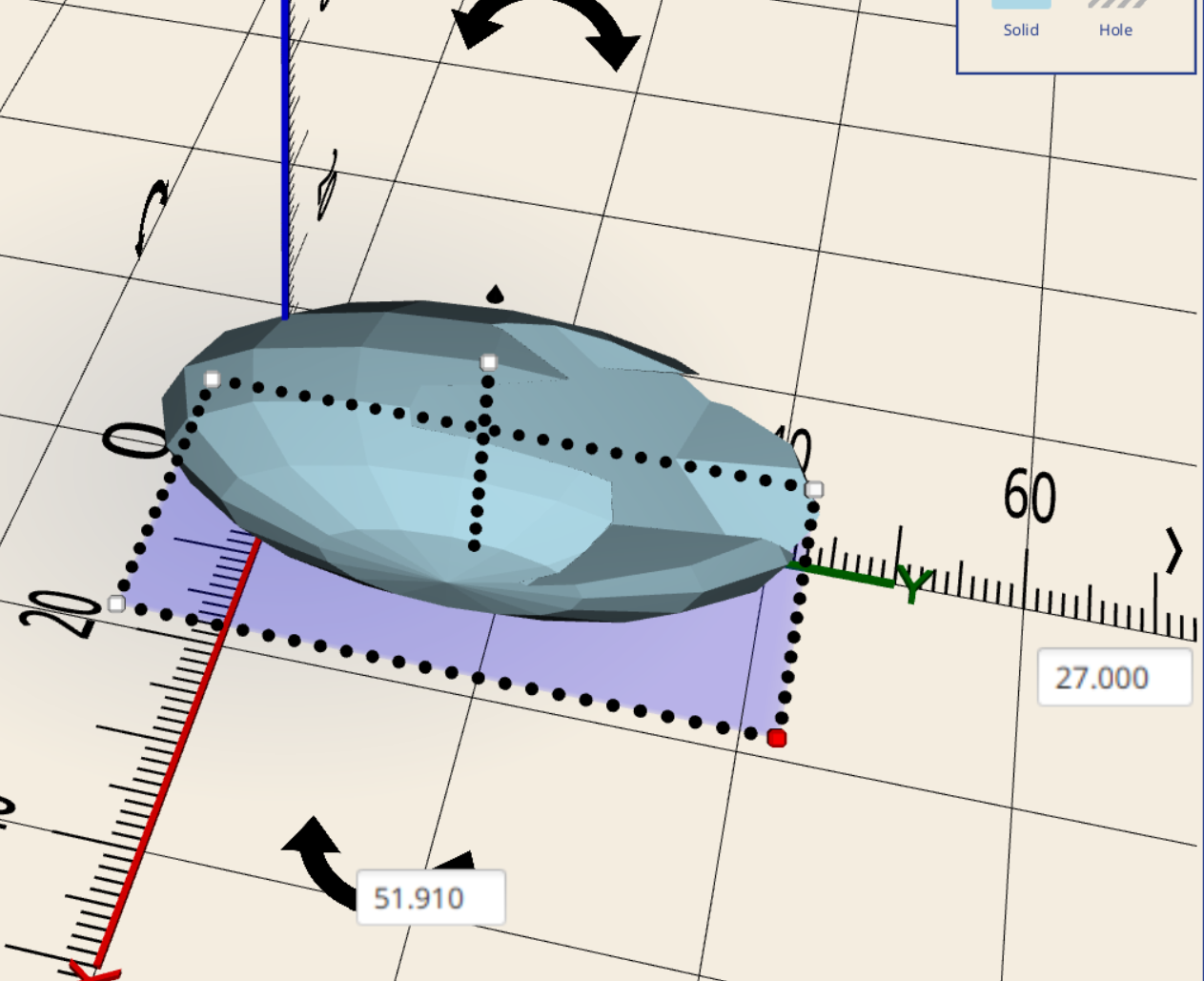
5. Stretch and move handles
6. Library of examples
The Tinkercad workflow suffers from a few fundamental problems

1. Web based UI means it is enclosed by whomever runs the server
2. Subscription model is precarious (Autodesk is not known as a reliable partner for free tools over time)
3. Proprietary source files

 Solution
This application is Java based and uses BowerStudio as the CAD kernel.

All scripts will be compatible BowlerStudio scripts.
UI will be laid out in SceneBuilder / JavaFX.

OpenJDK 17

 Hardware Requirements

The following platforms will be targeted:

* Windows
* Mac OS (Intel and Aarch64)
* Linux Ubuntu .deb and flatpack)
* ChromeOS
* 8 gb of ram is required.

  The following platforms will not be targeted:

* Androind (depends on JavaFX, Aparapi, MuJoCo, none of which work in Android due to JNI deps)
* iOS (I am not interested in even trying TBH)

 Chrome OS Instructions

First, set up Linux using the instructions : https://support.google.com/chromebook/answer/9145439?hl=en

Next download the Linux .DEB installer from : https://github.com/CommonWealthRobotics/CaDoodle/releases

Finally double-click on the .DEB to install CaDoodle.

You can now launch CaDoodle from the applications launcher window.
  • Version Pinning and a fully offline mode!

    Kevin Harrington5 days ago 0 comments

    Thanks to some help from @rondlh I added version pinning to CaDoodle. Unlike pervious update, you will need to gett the latest installer from: https://github.com/CommonWealthRobotics/CaDoodle/releases for this new feature to work. You can pin your CaDoodle to a specific version, and CaDoodle will not use any internet connections whatsoever from first click to working application. 

    Current releases of CaDoodle include a zipped up copy of the online assets needed by cadoodle, in the git cache directory that CaDoodle expects them to be in. The instaaller downloads this zip with any new update, and the Application unzipps the zip into the correct location each time it loads to ensure the assets match the version this application expects to be there. 

  • New Contributer and Uniform XY scaling!

    Kevin Harrington12/08/2025 at 21:07 0 comments

    Github user @rondlh has joined the CaDoodle Develoers team! 

    They have made an excellent set of R's over the last week, most notably adding uniform scaling on X and Y corner dragging. The revious uniform scaling was only on the Z height change, but now you can hold shift while dragging a corner and get a uniform scaling in X and Y. 

    Awesome, thank you rondlh !


  • I added a "Delete" option to project manager

    Kevin Harrington11/06/2025 at 22:29 0 comments

    When you open the project manager, you can now "Delete" items from the UI. It will not actually delete anything, but rather writes an ignore file in the projects directory. At some point in the future i intend to have some sort of un-delete interface, but for now just removing the ignore file by hand is a reasonable un-delete method.

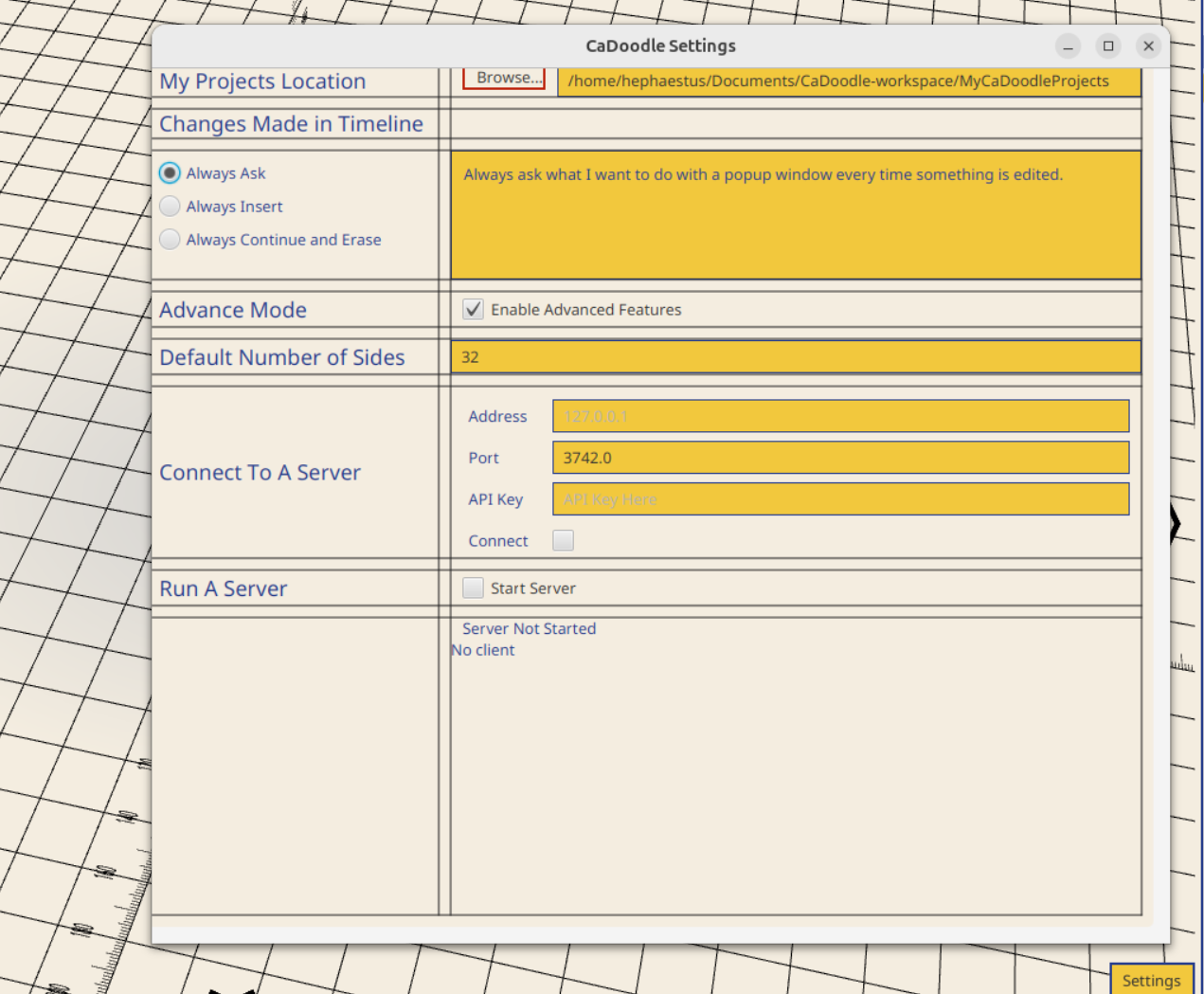
  • Added a configuration for the number of sides of curved features

    Kevin Harrington09/21/2025 at 16:37 0 comments

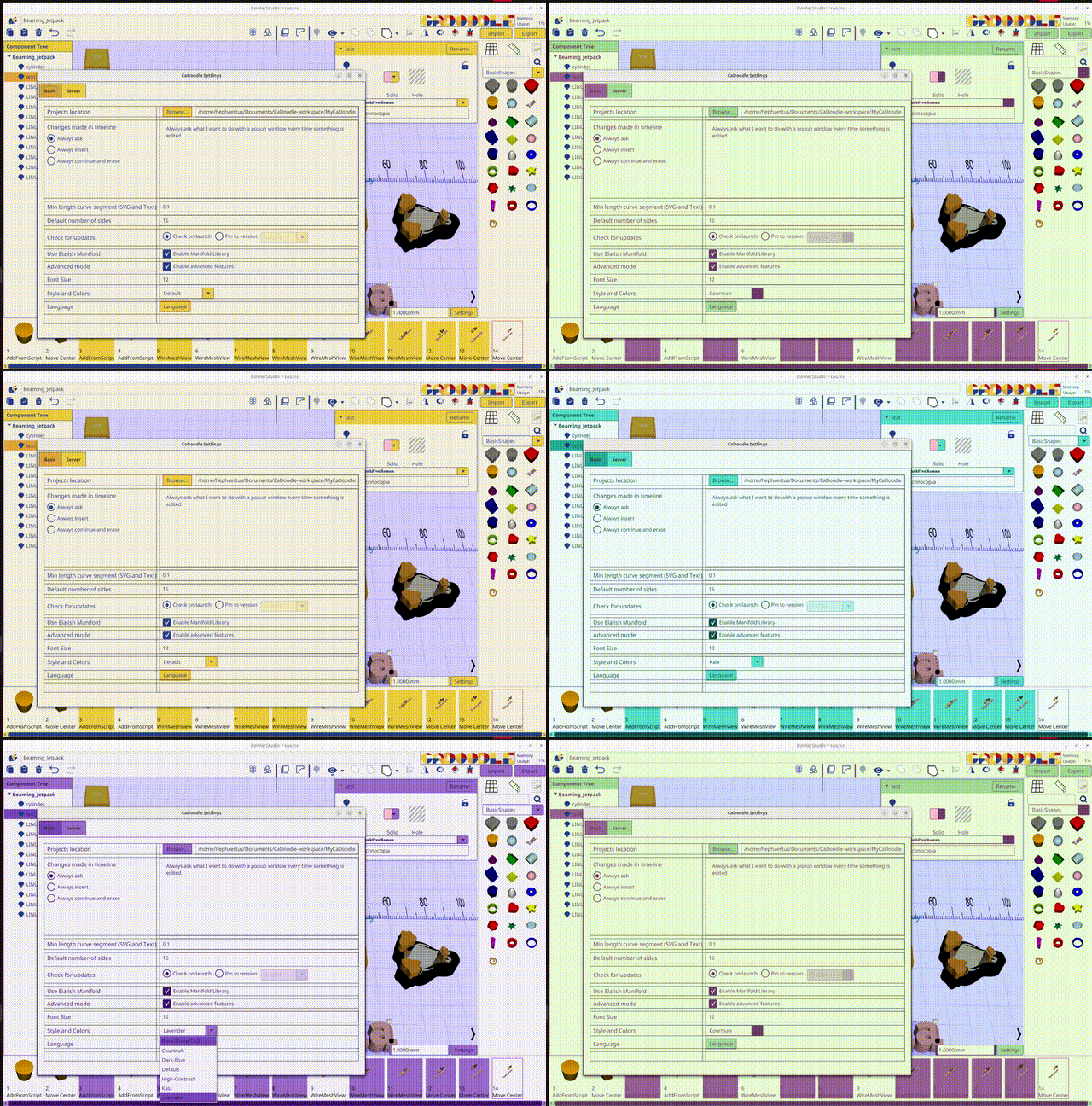
    You can set the number of sides in the settings menu, and all new shapes will default to that number when you drag them into the UI. 

  • Discord Server

    Kevin Harrington08/24/2025 at 14:26 0 comments

    I have started a Discord server for anyone who wants to discuss CaDoodle. I will keep this log up as the developers blog, but more casual discussions and Q/A will take place on discord. 

    discussion is in discord https://discord.gg/H62cMc65

  • GPU acceleration via Aparapi

    Kevin Harrington08/14/2025 at 18:26 0 comments

    I have made a major performance update! The CSG engine has bee, where possible, accelerated using the OpenCL bindings provided in Aparapi. If you have OpenCL instaalled on your system, then Manifold export and the Core CSG operation splitPolygon will be accelerated on the GPU automatically. If you do not have OpenCL, then it will default back to a thread pool architecture. 

  • Adding Your Existing Doodle projects like examples

    Kevin Harrington05/20/2025 at 01:12 0 comments

    After adding the ability to load a .doodle file into a working document, i realized there was nothing left stopping me from letting you use your previous projects as if they were example shapes in your project! You can now select My Doodles in the shapes pallet and select from your other doodles!

  • Added Chain Mail sample object and now support .doodle files for examples

    Kevin Harrington05/19/2025 at 12:40 0 comments

    I made some architecture updates that allow users to load a .doodle file within a .doodle file. Right now it only is supported in the addfromscript operation, but soon will be added to the add from file operation as well.

  • A spiral shape added to BasicShapes and new Sweep parameters

    Kevin Harrington05/17/2025 at 13:43 0 comments

    I added a new parameter to Sweep operations that adds the ability to specify a radial increment to increase by for every rotation. This means you can create regular spirals out of any of the sweep objects such as ring or thread. 

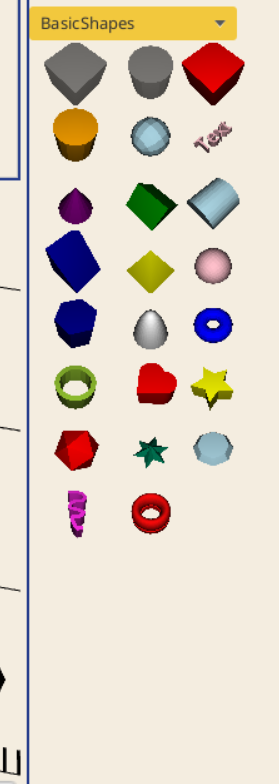
    I added an example of the spiral to basic shapes that is a marble run for a 10mm ball bearing (Hextraction compatible)  

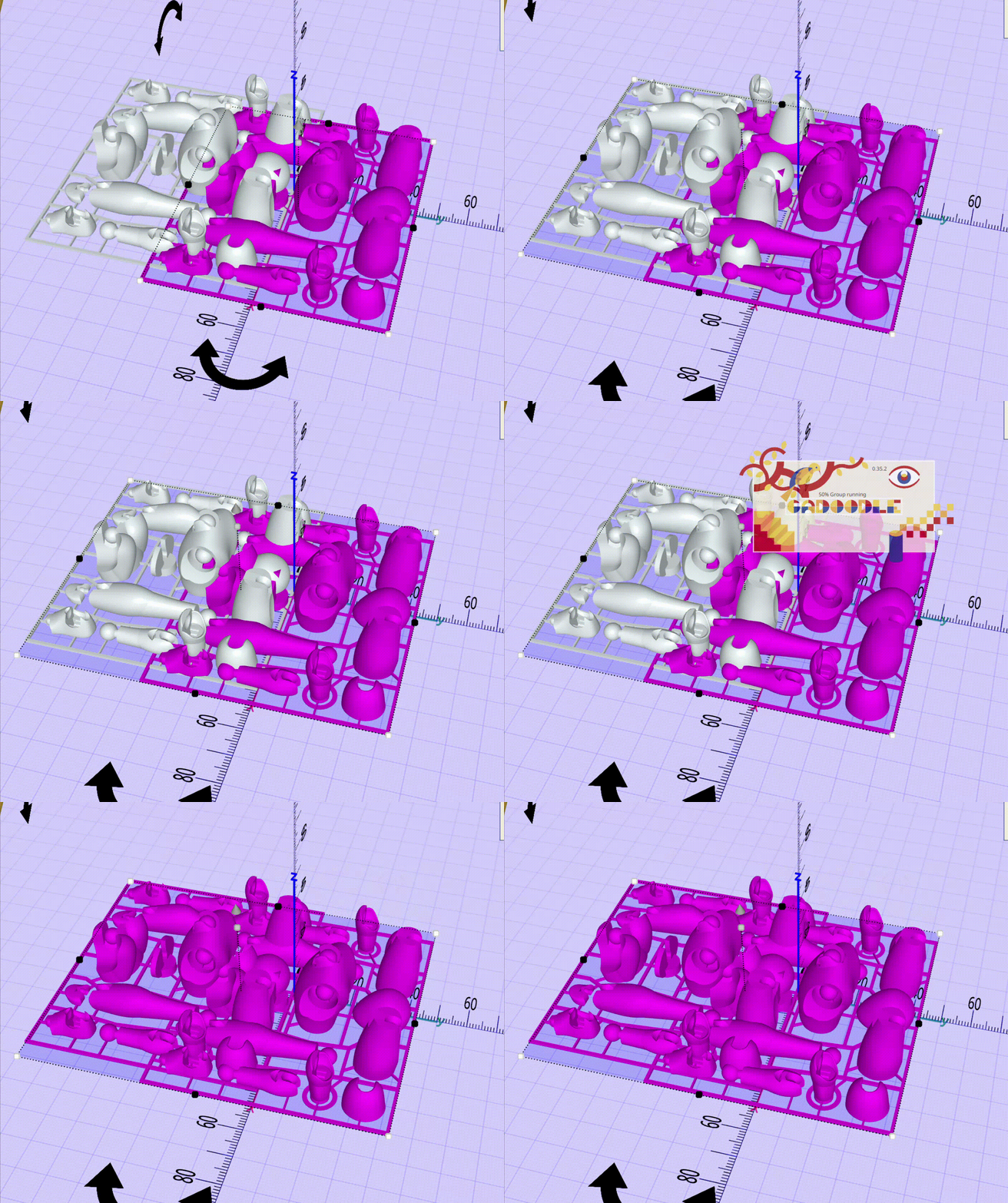
  • Selecting 3d objects highlights the operations in the timeline

    Kevin Harrington05/04/2025 at 15:19 0 comments

    When you select one or more items in the 3d window, that information is passed to the timeline. It searches through the history of all operations and checks in the selected item was named in the operation. If it is, the operation is highlighted yellow in the timeline.

View all 21 project logs

Enjoy this project?

Share

Discussions

Stephen K wrote 04/14/2025 at 20:37 point

Wanted to say - this is perfect. Everything I wanted in a 'I need to quickly sketch up a design' program, and keeps all the TinkerCAD feel to make it even easier.

Absolutely love it. Only thing I'd say is missing is thread generation but that's not a deal killer at all.

Thank you for all your work.

  Are you sure? yes | no

Kevin Harrington wrote 04/15/2025 at 12:15 point

EDIT: I went ahead and made threads a basic shape for everyone! (See the latest log from today)

AH! It is not missing! Place the "Ring" object in your drawing. Use the parameters to change the profile to the tooth profile -> Set the z per parameter to the pitch -> set the number or degrees to 360*the number of threads you want. BOOM! you have working threads!

  Are you sure? yes | no

Similar Projects

Does this project spark your interest?

Become a member to follow this project and never miss any updates