Close
0%
0%

AI Study Lamp - Helps Reduce Distractions

This Lamp has an AI camera that turns the lamp deep red when it sees you doomscrolling on your smartphone while studying

Similar projects worth following
This lamp has an AI camera trained to detect smartphones. As soon as it spots a phone on the desk, the lamp shifts from a soft warm white to a harsh deep red, straining the eyes and making it harder to look at the screen (kinda). Once the phone is put away, the lamp returns to its usual warm white glow.

This fun project idea came to me during a conversation with a colleague at work. He was complaining about how his kids use their smartphones while studying, and end up doomscrolling after one notification pops up. I jokingly said, “What if the study lamp could get angry when that happens and alert you somehow?”

Later that day, after getting home from work, I kept thinking about the idea and decided to build a prototype. The result is this lamp with an AI camera trained to detect smartphones. As soon as it spots a phone on the desk, the lamp shifts from a soft warm white to a harsh deep red, straining the eyes and making it harder to look at the screen (kinda). Once the phone is put away, the lamp returns to its usual warm white glow.

Sure, it might be a bit of an overkill device, but I wanted to see if the concept could actually work. And in this tutorial, I’ll show you exactly how I built it. This is going to be fun!


Smartphone_lamp.ino

Arduino Code

ino - 2.66 kB - 06/12/2025 at 14:47

Download

  • 1 × Grove vision AI module V2
  • 1 × Xiao esp32c3
  • 1 × Ws2812 LED strip

  • 1
    Prepare the AI module

    The Grove Vision AI module is a handy little device. It can be trained to detect all sorts of things. Humans, pets, gestures, toilets (yes, really!), and much more. Check out some of the pre-trained models here: Sensecraft AI.

    To get started, I connected the cable to the AI module as shown here.

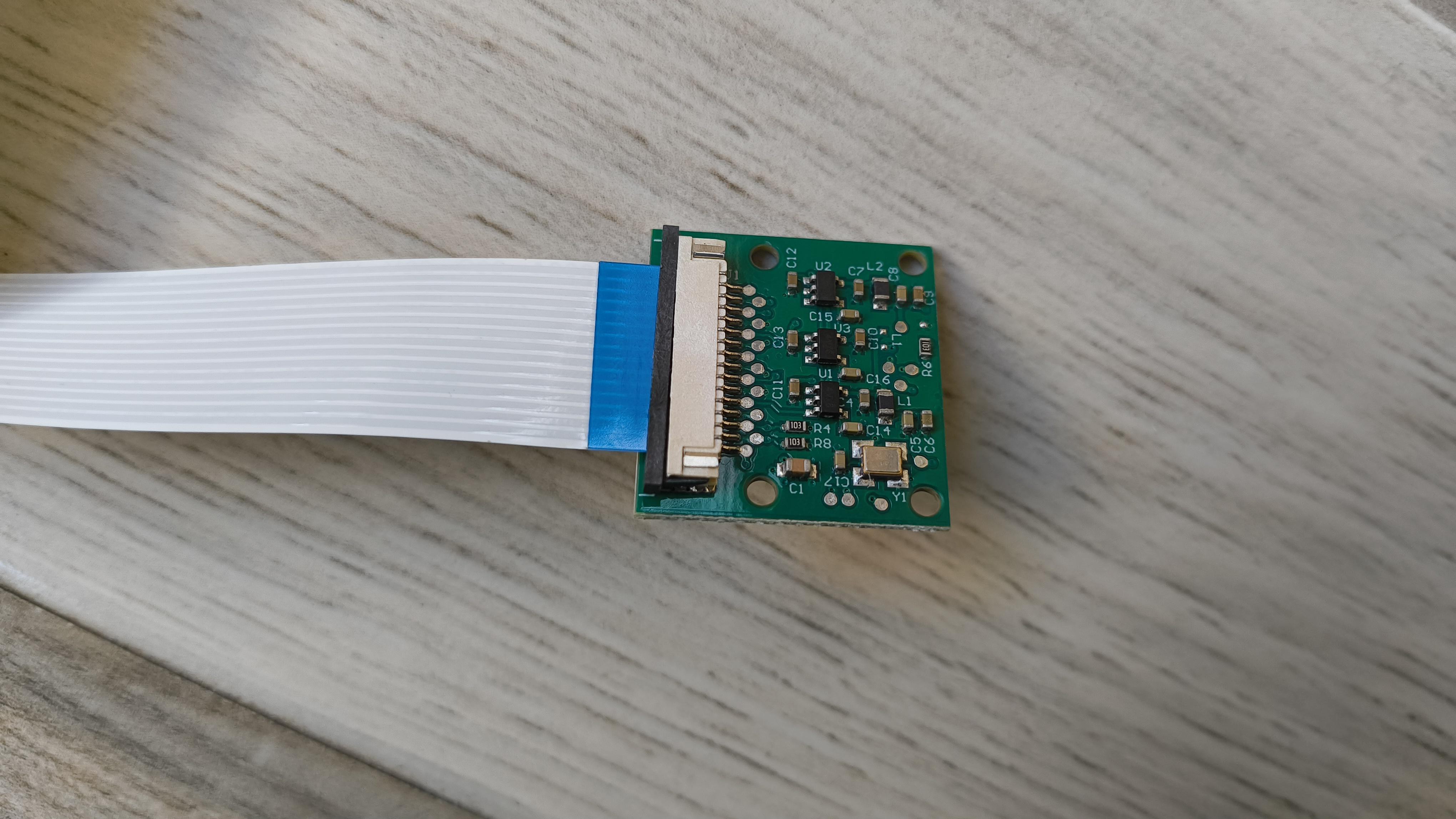
    Next, I plugged the other end of the cable into the Raspberry Pi camera, as shown here.

    Now we’re ready to start uploading the model.

  • 2
    Justway

    Part of this project was supported by Justway

    Justway offers a comprehensive suite of solutions, including CNC machining, 3D printing, sheet metal fabrication, injection molding, and urethane casting, offering rapid prototyping and mass production solutions.

    Get your project 3D printed by Justway's 3D printing service. Head over to Justway's 3D printing service and select 3D printing.

    Right now, you can also take advantage of Justway's Summer Cashback Event, where you get 15% cashback on all successful orders placed between June 1 and August 31, 2025 (UTC). This offer applies to the actual paid amount and is a great way to save on your manufacturing needs, whether for prototyping or mass production

    Don't miss this opportunity to get high-quality manufacturing services while enjoying significant cashback rewards.

  • 3
    Upload the AI model

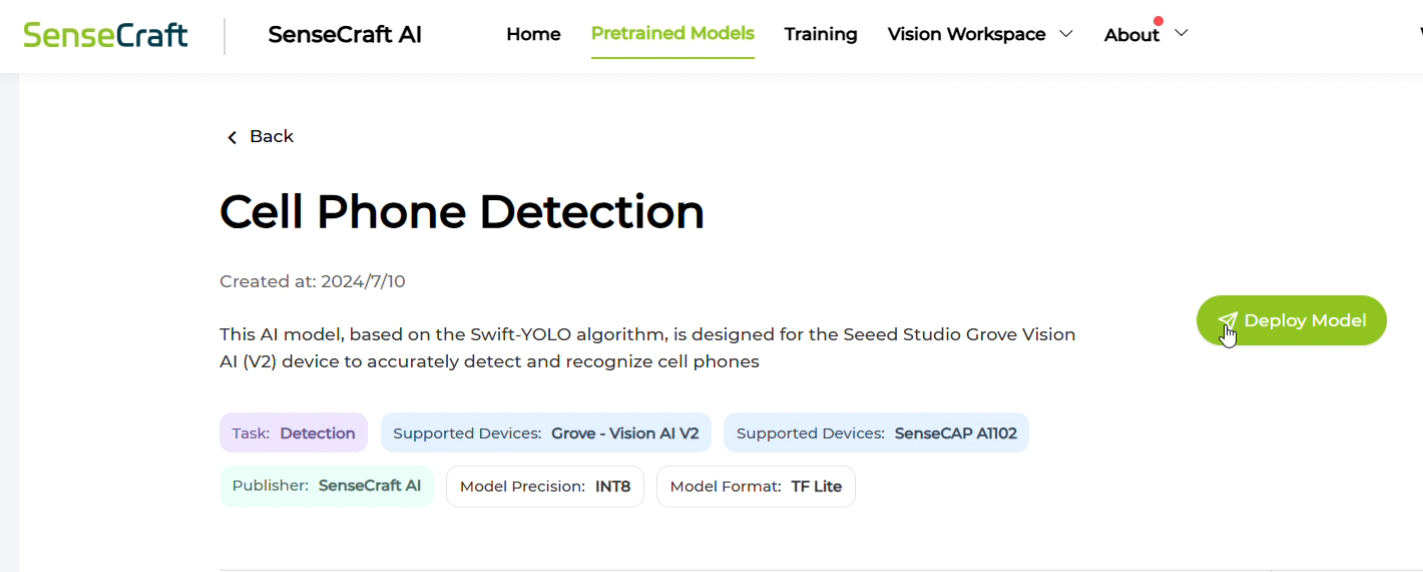
    I went to the Sensecraft AI models page and searched for "cell phone detection."

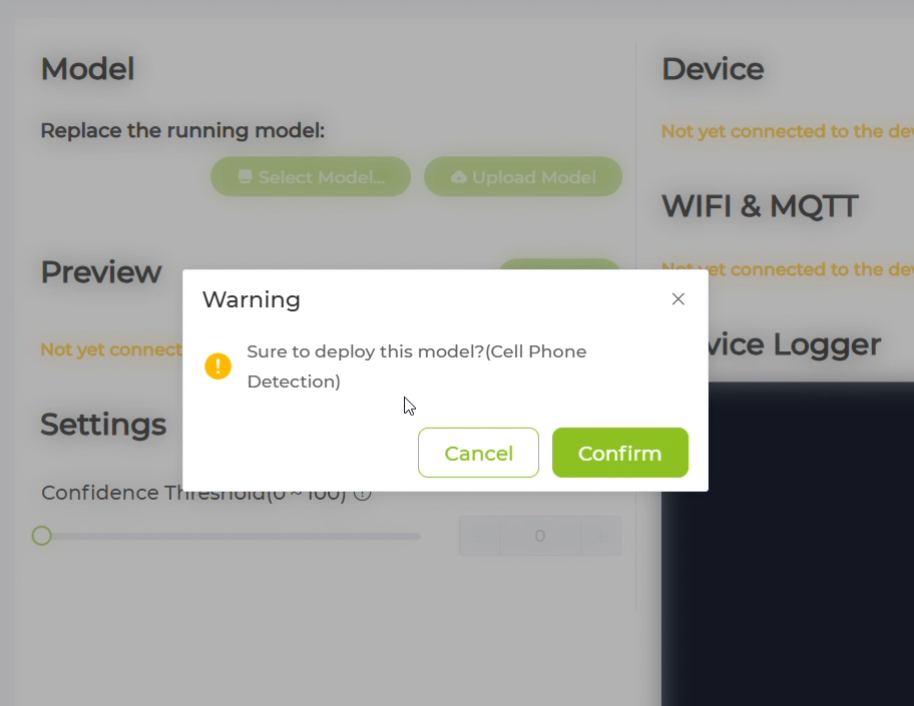
    This website contains pre-trained models that can be uploaded to the Grove AI module. If you don’t find the model you’re looking for, you can even train your own by uploading images of specific categories. However, for this use case, I found a suitable model already available on the site.

    If you’re following along, make sure to use only the models designed for the Grove Vision AI Module v2!

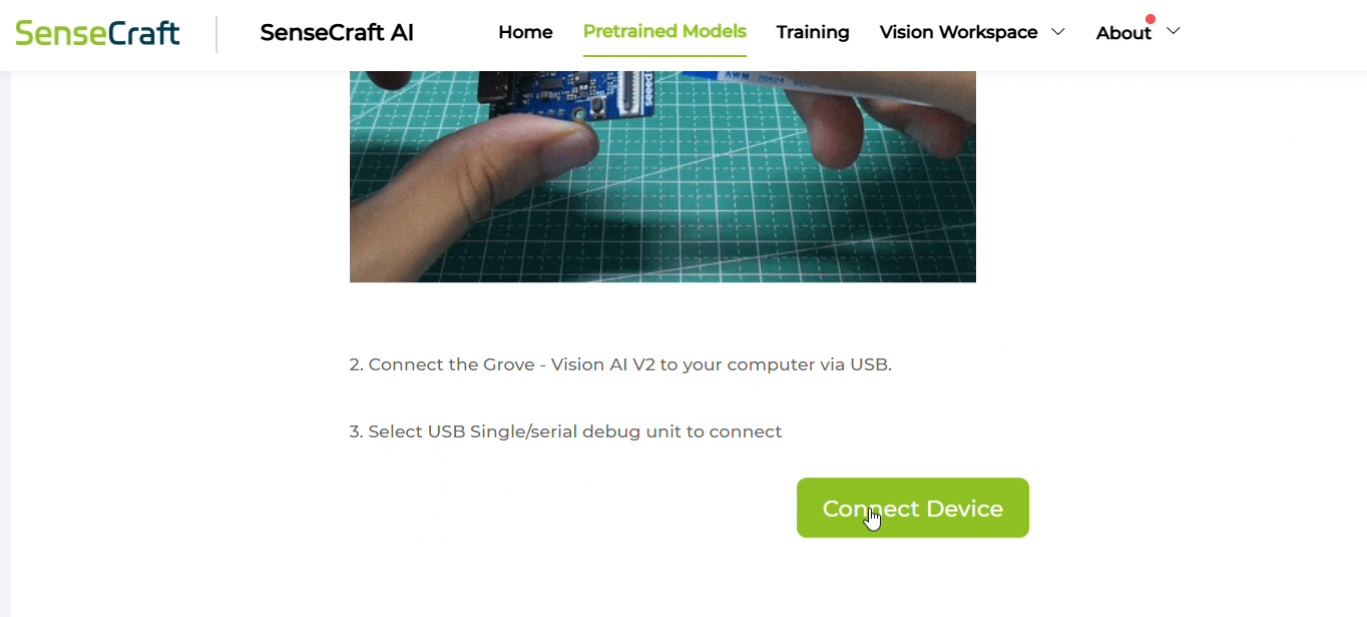
    Next, connect the AI module to your PC using a USB-C cable, and click "Connect Device."

    Your browser may prompt you to choose a device—select the correct port (there should only be one) and confirm.

View all 9 instructions

Enjoy this project?

Share

Discussions

Similar Projects

Does this project spark your interest?

Become a member to follow this project and never miss any updates