 Eontronics

LED scanner lights are usually quite simple to make - an Arduino, some addressable LEDs and a dusting of software. However, as a maker who learned in this digital domain of electronics, the design of analogue circuits is a skill which has eluded me. Perhaps in the same vain as "could've used a 555", the idea of using an entire processor and software stack feels overkill, when transistors and op-amps could do the job just as well.
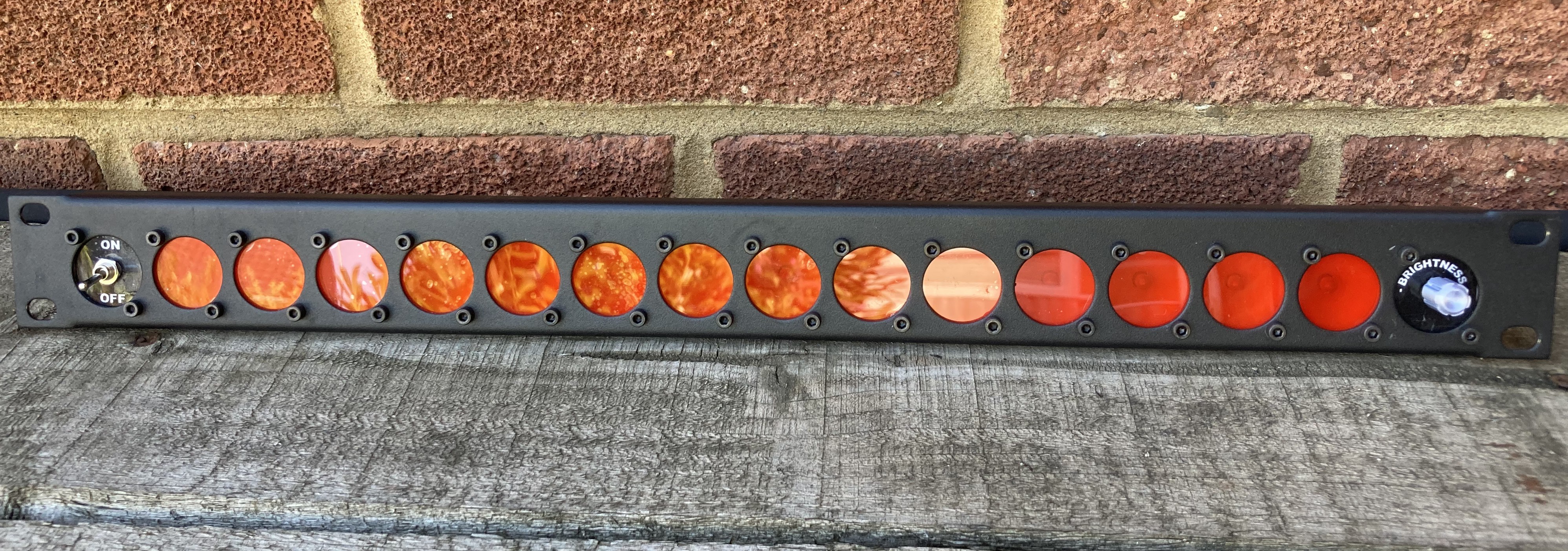
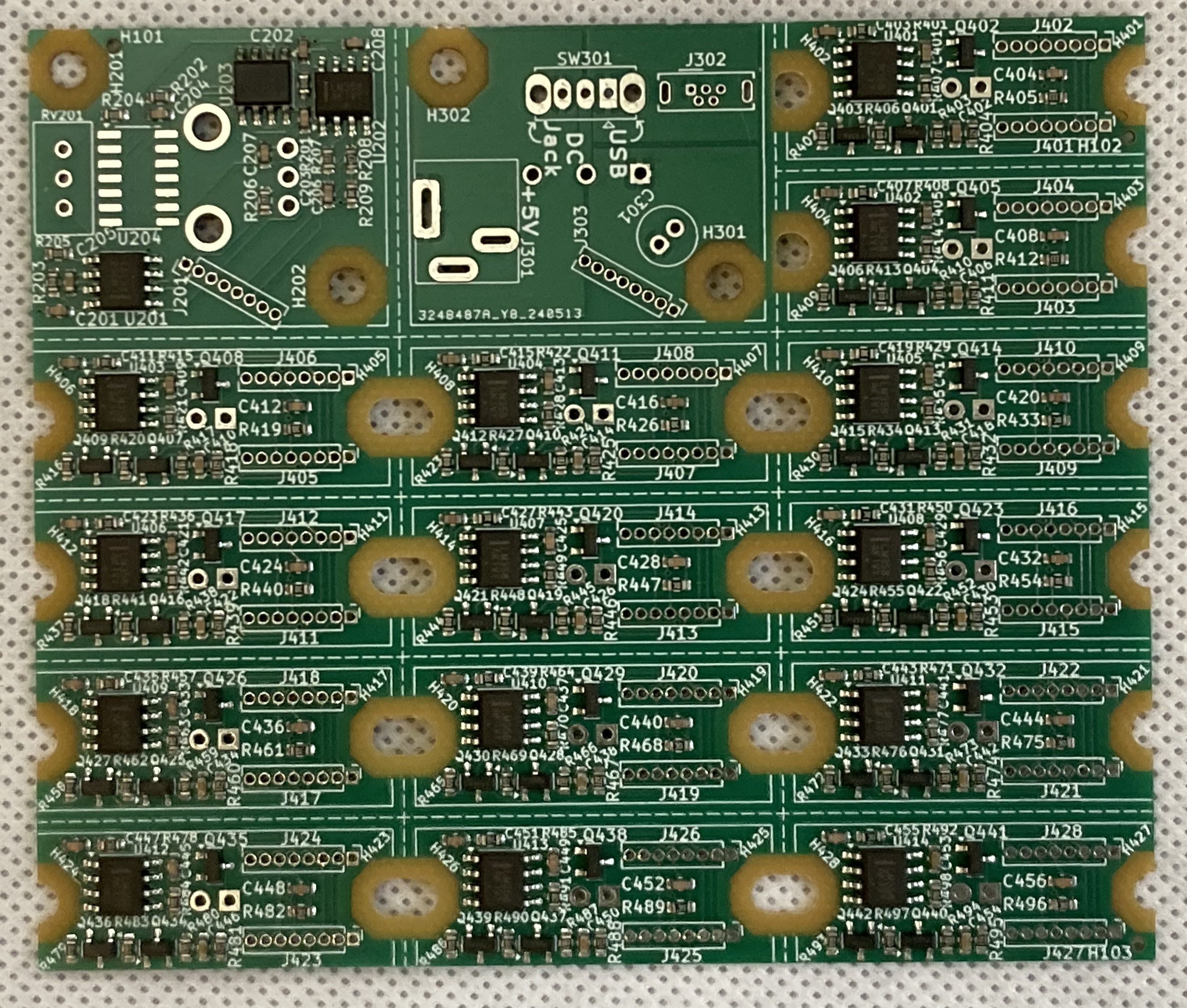
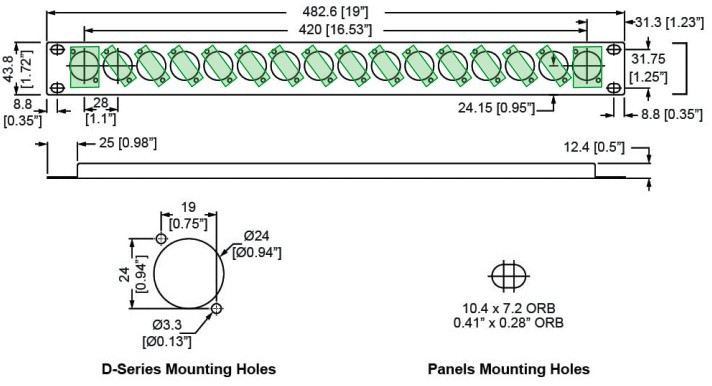
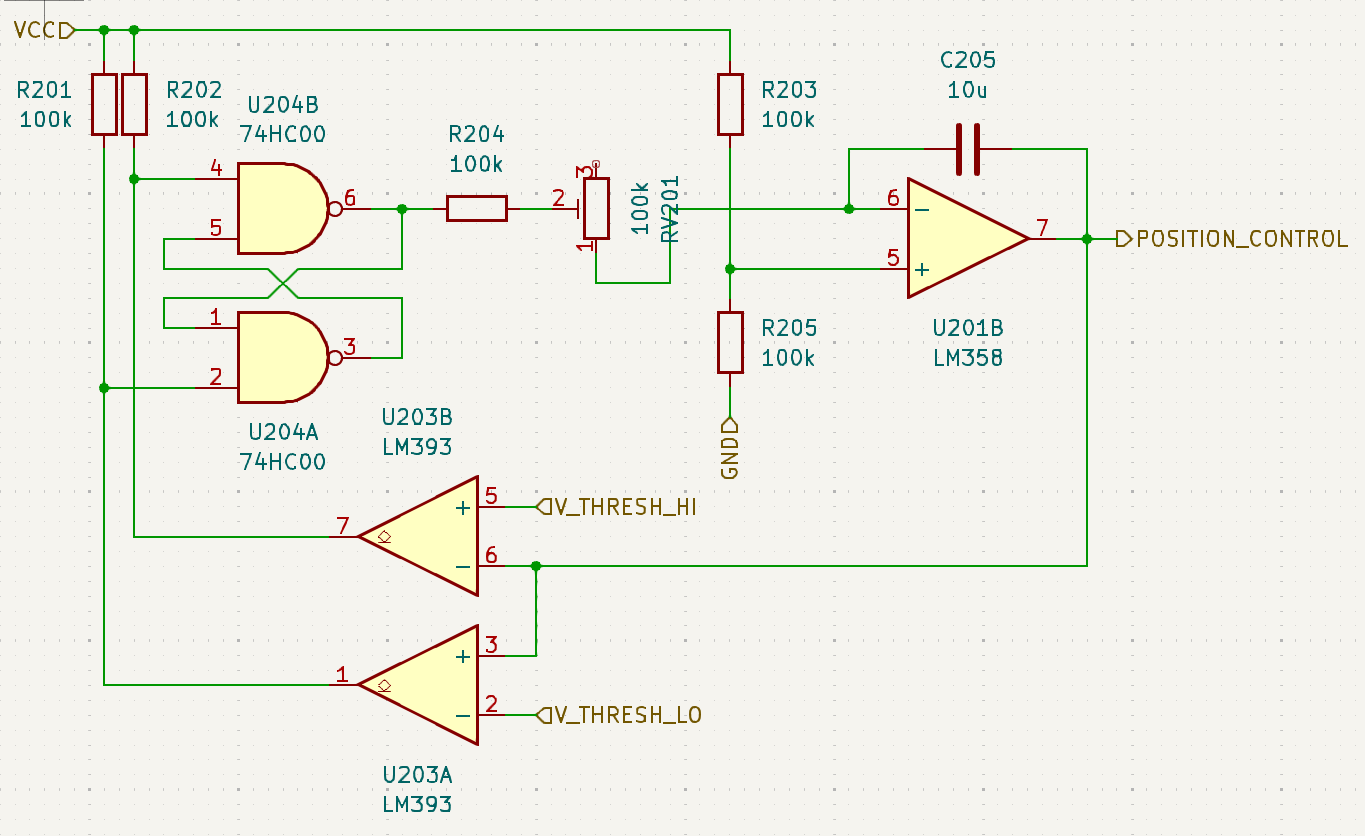
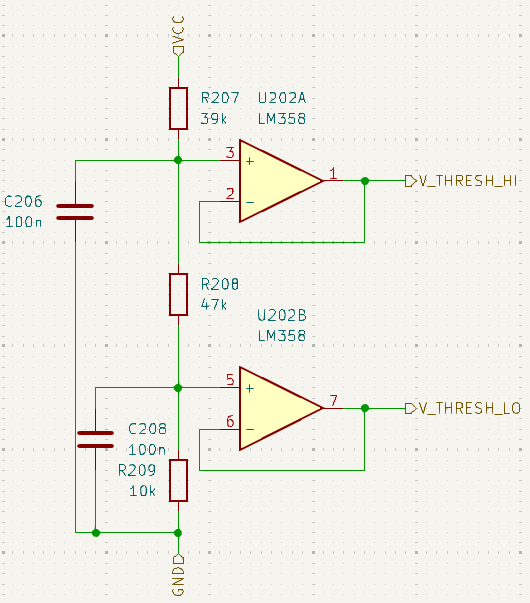
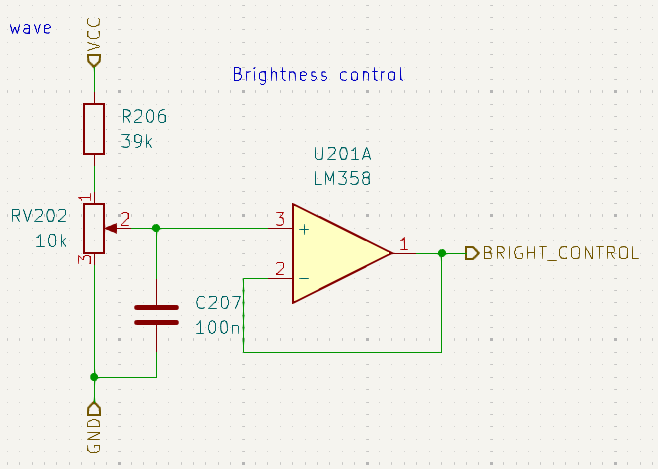
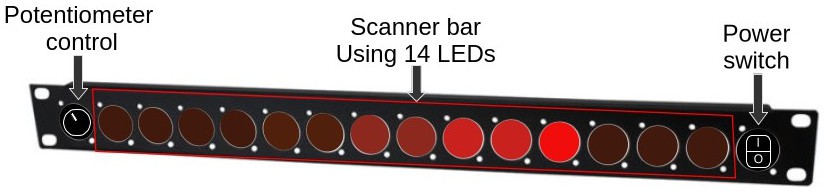
Inspired by a colleague to deck out a server with the KITT scanner bar from Knight Rider, I challenged myself to design a 1U sized analogue implementation of the device, to gain a basic understanding of analogue design. This included emulating the slow "fade out" of old incandescent bulbs, as just switching an LED on and off isn't nearly as cool, and re-discovering a handful general design principles from issues stemming from my own poor decisions during design and assembly!
Adjusted for a scan interval of 1s from one side to the other, it becomes eligible for the Hackaday 1Hz challenge, giving a motivation (and deadline) to actually complete it!
I'd like to give special thanks to:
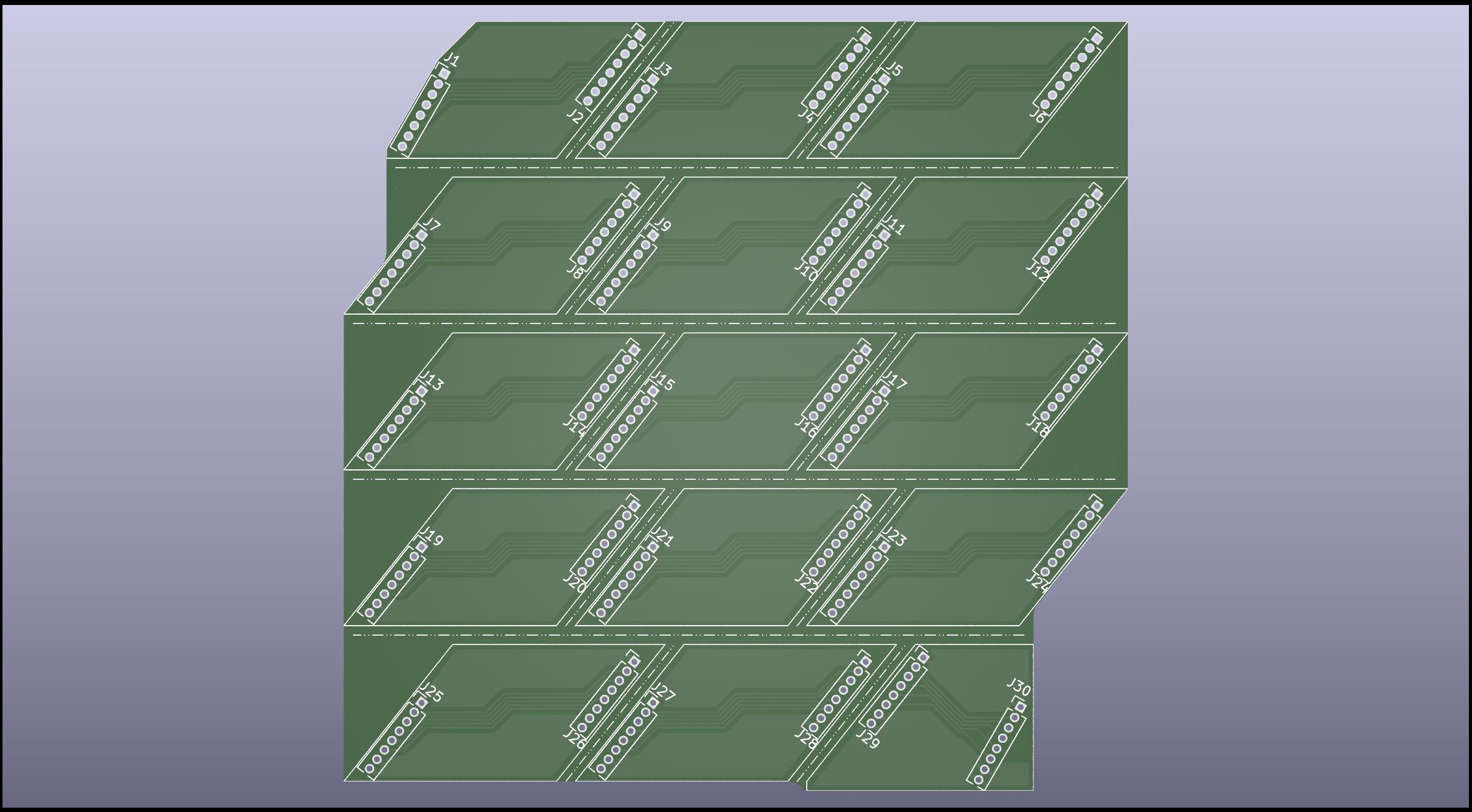
- My dad for the frankly absurd amount of quite fiddly soldering he had to do to join all of my circuit boards together, in addition to having to separate them all manually and putting everything together for the first test run.
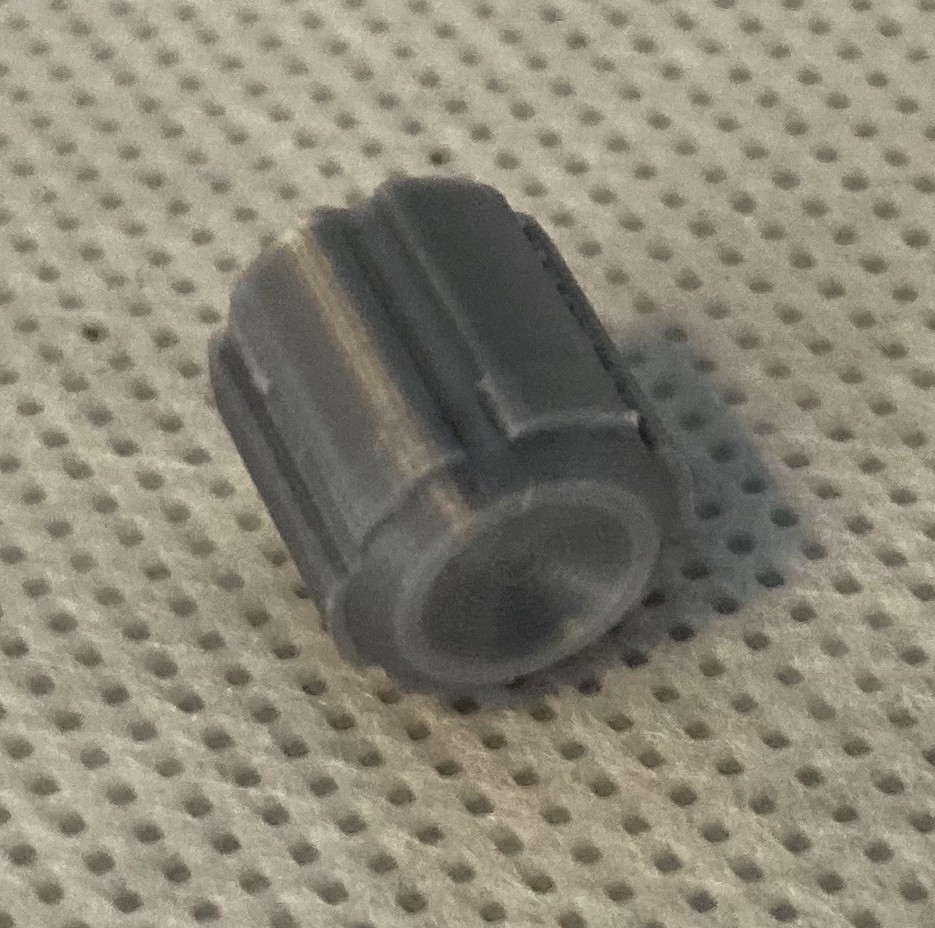
- For my friend who 3D printed a replacement potentiometer knob with less than a days notice when I found out the one I had bought wouldn't fit.
Table of development logs, ordered chronologically:




 timonsku
 Christoph Tack
 Tyler Gerritsen
 Yann Guidon / YGDES