Stephen Willcock

Keyboard
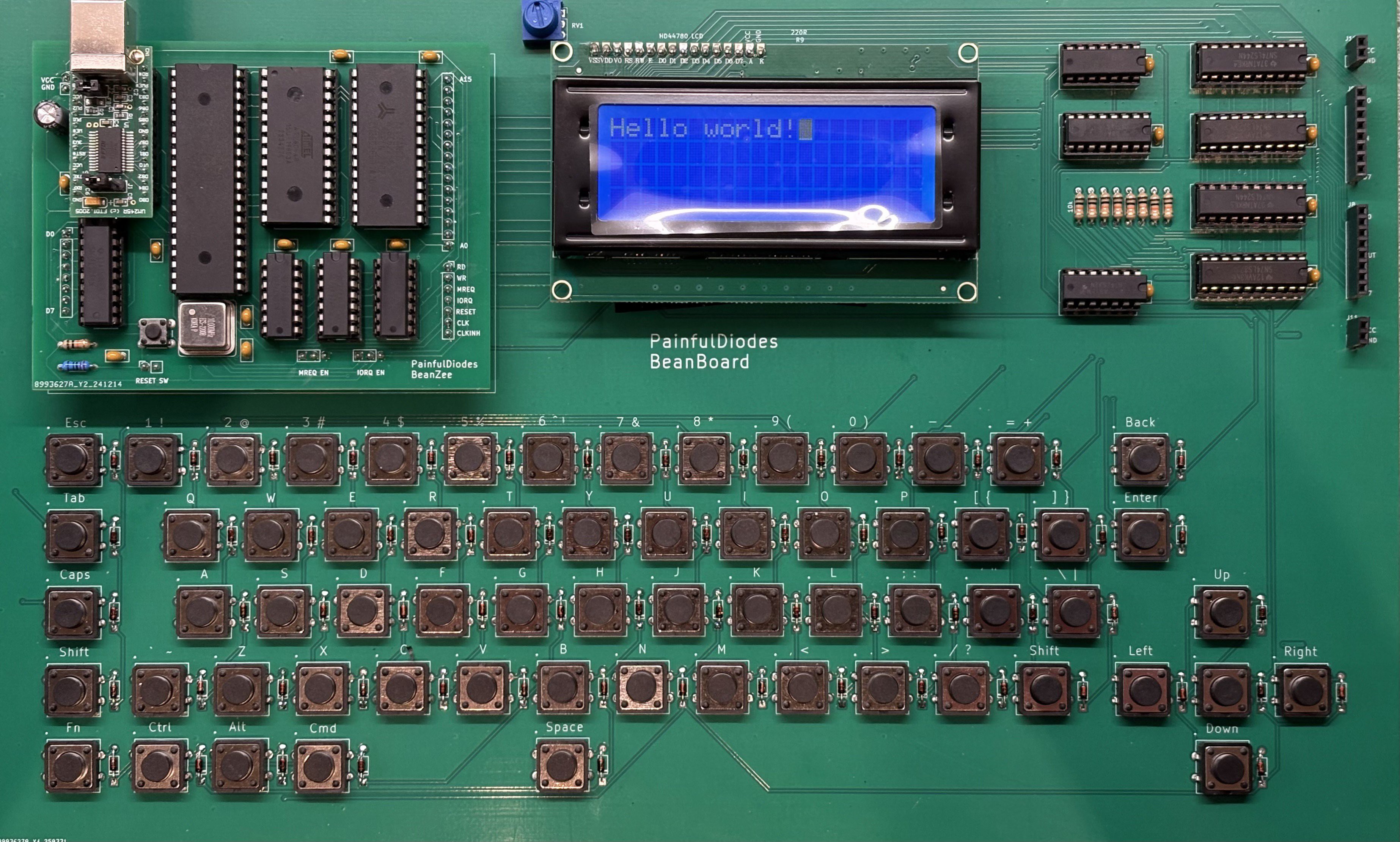
Aiming for the simplest possible design, using a matrix of switches.
Diodes are used with each switch to prevent ghosting.
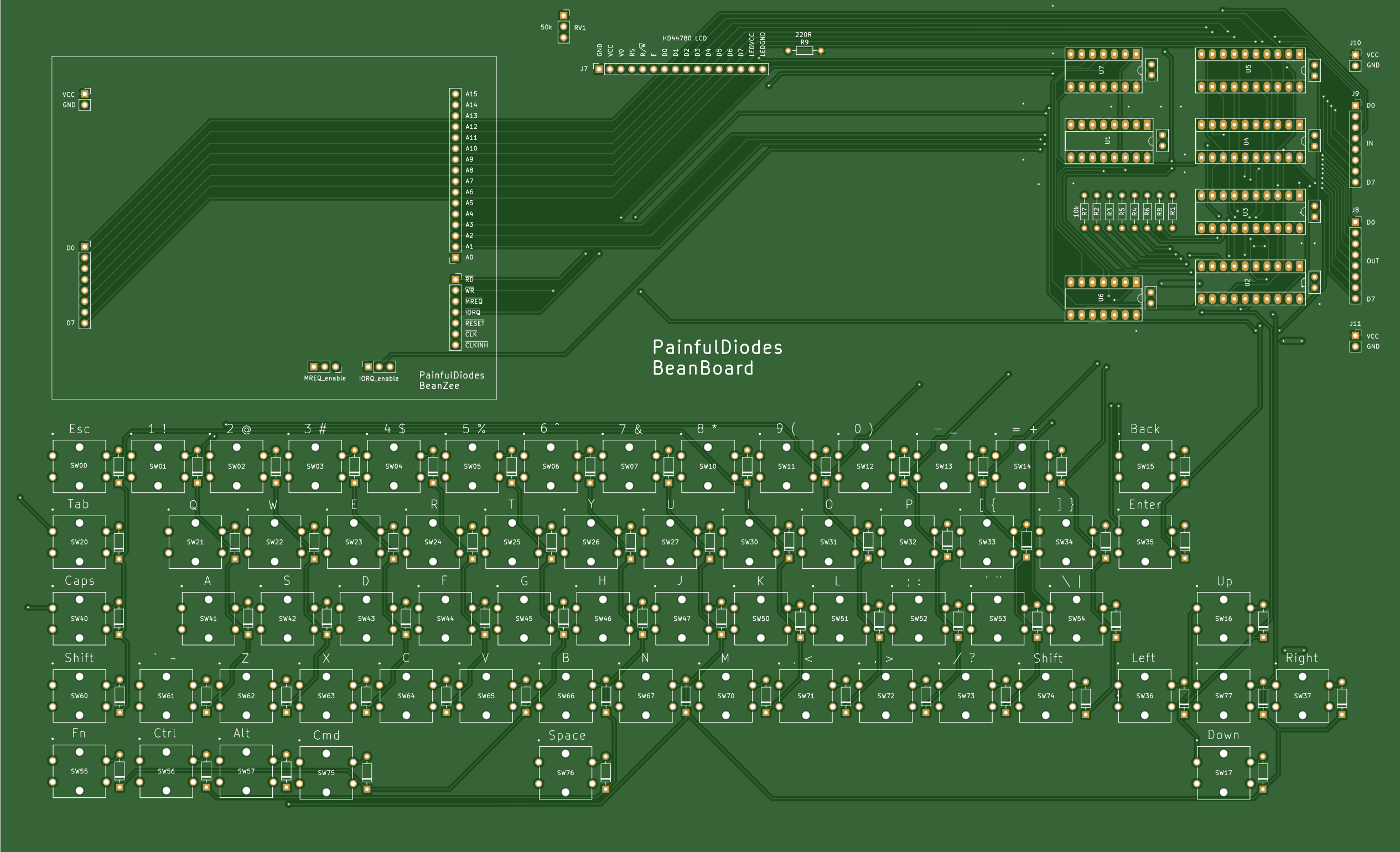
The circuit expects the CPU to send a "strobe" to a keyboard output port. A latch is used to capture the strobe - so that the state persists after the CPU has stopped outputting to the port. This strobe should have only one bit set high. This is the "live" row.
Then the CPU will read from a keyboard input port to sense which columns are high - columns will be activated by switches being pressed. A buffer is used to gate the columns onto the data bus.
The CPU will loop back and successively set each strobe bit high. Having gone through each bit and then read back the columns, we will have 64 bits of data (8x8) representing which keys are being pressed.
The 8 electronic rows are arranged as 4 physical rows, pairing electronic rows consecutively: 0+1, 2+3, 4+5, 6+7
LCD
The Hitachi HD44780 LCD controller has been around since the 1980's and is still popular to control character-based LCD displays:
A parallel interface makes it CPU bus friendly - with 8 data bits, enable, R/W and register select inputs.
GPIO
Repeating the keyboard logic allows for 8 general purpose binary outputs and inputs which can be used for experimentation.
Port address decoding
A 3 to 8 decoder has been used to select pairs of ports. A0 is then used to chose between ports in a pair. The BeanZee board has the logic to separate ports based on A0, and there's a similar arrangement here for LCD. The keyboard ignores A0.
KBD_PORT equ 2 ; or 3
LCD_CTRL equ 4 ; LCD control port
LCD_DATA equ 5 ; LCD data port
GPIO equ 6 ; or 7
Z80 bus
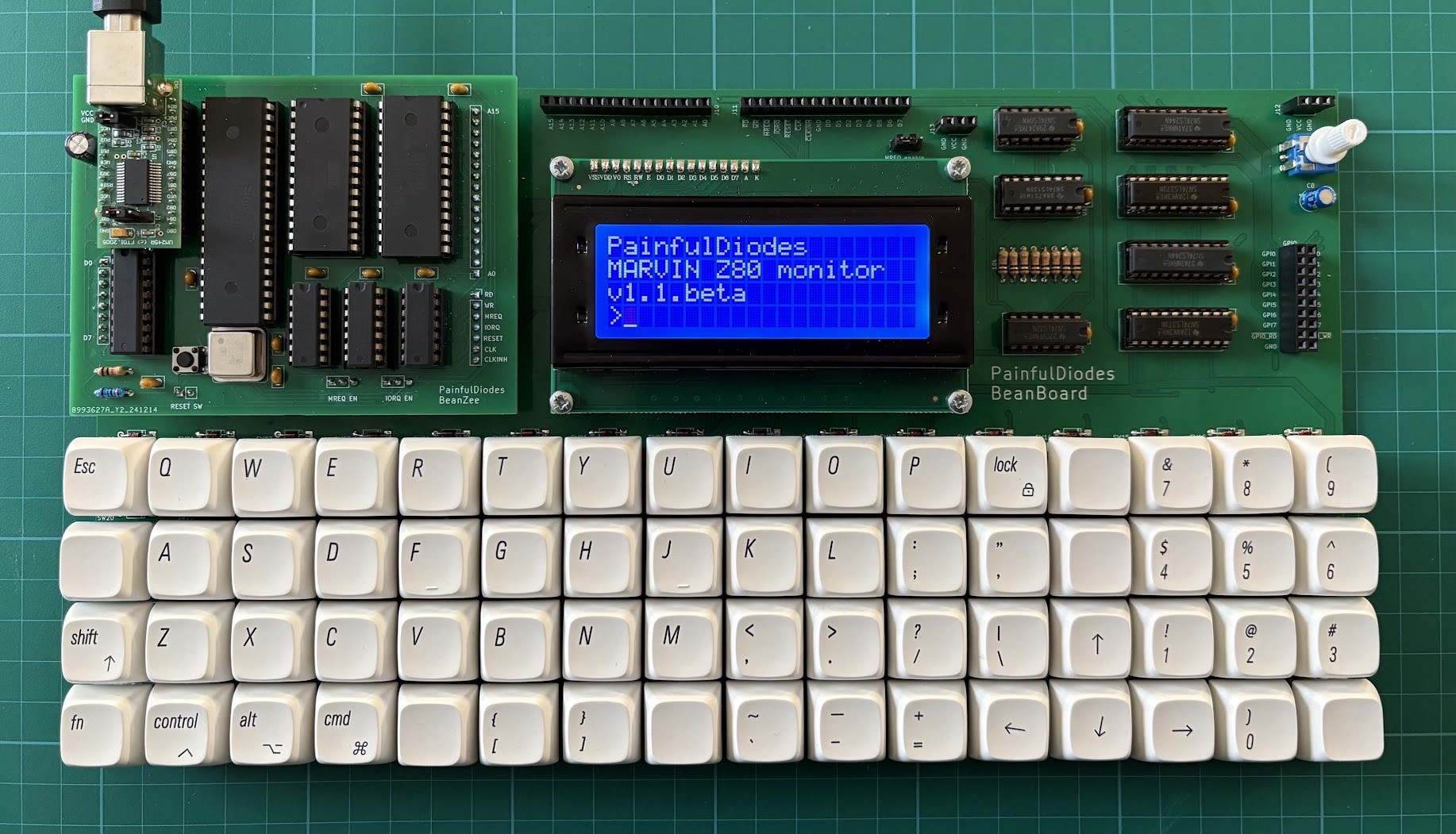
The BeanZee Z80 bus is extended on a BeanBoard connector to allow for expansion. Note that the MREQ_enable jumper is also extended to allow the memory select logic to be changed.


 Maarten Janssen
 microwavemont
 Retro Chipguy