Stephen Willcock
-
Monitor program BeanBoard update
09/26/2025 at 18:22 • 0 comments![]()
I’ve put some time into getting my BeanZee monitor program (Marvin) to use the BeanBoard keyboard and LCD as a console device. It is working well!
https://github.com/PainfulDiodes/marvin/releases/tag/v1.2.1a
-
BeanBoard v1
09/26/2025 at 17:58 • 0 comments![]()
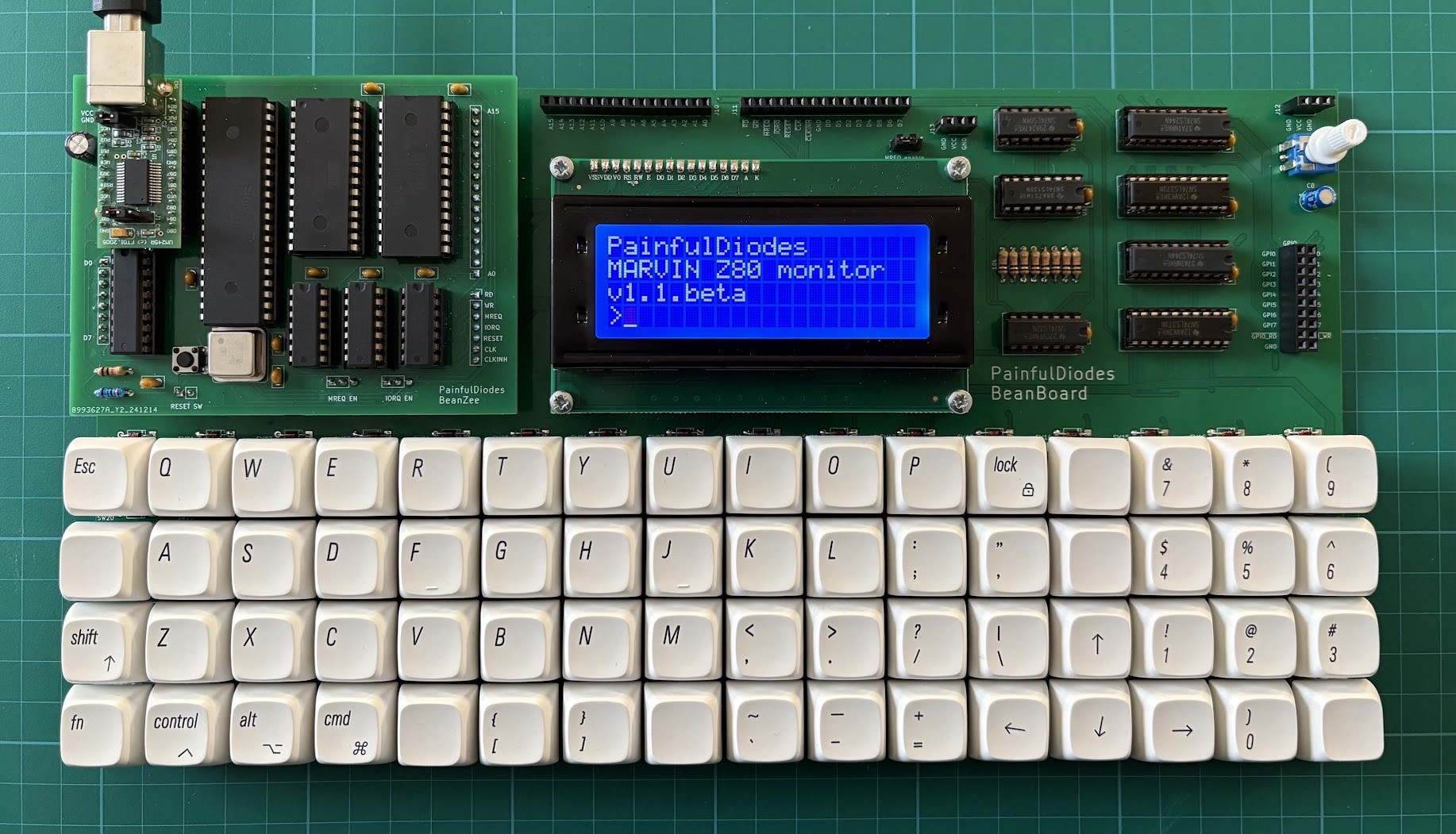
Having spent a little time playing with the BeanBoard prototype, I have now produced a new version to fix most of the the things that were bothering me. Although I was toying with the idea of shrinking the board as small as possible, using tactile switches, in the end I couldn't resist a mechanical keyboard. The layout is a bit quirky, but I like it.
The PCB is more compact than the prototype and I also added a bus connector for further expansion.
More details on GitHub:
https://github.com/PainfulDiodes/BeanBoard
![]()
(6th June 2025)
-
Prototype
09/26/2025 at 17:50 • 0 comments![]()
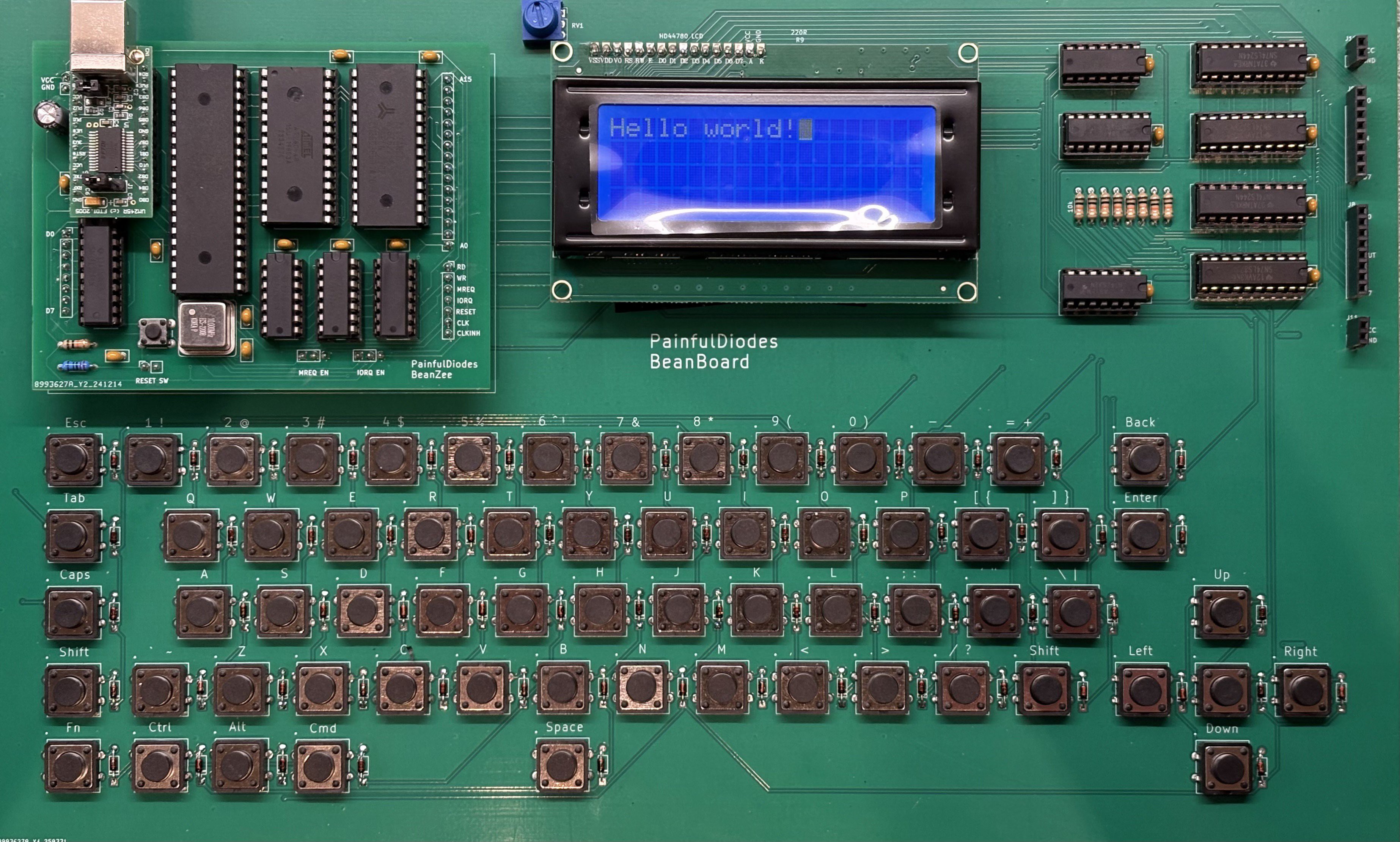
I’ve now assembled the BeanBoard prototype. I’m generally happy - managed to load and run some test programs showing things are working as expected. However there are some significant issues… on reflection the buttons need to either be small tactile or Cherry-MX-syle keyboard switches, the large tactile buttons seem just wrong, the board is way too large.
I do need to shrink the whole thing, and maybe move the logic underneath the BeanZee piggyback board, and also decide whether to have a proper MX keyboard, or a tiny "single finger typing" board. The LCD may need to be angled to read easily, but this too may be solved just by making the board smaller. But the biggest problem was that I bungled the switches on the layout. On the schematic I used a generic switch and then later added a specific button footprint. Problem was I should have replaced the switches on the schematic, which would have made the pinouts explicit. As it was, all the switches were shorted because the pin designations were wrong. Removing the diodes and patching with links to correct the wiring works, but is a real pain. Lesson learned.
(8th April 2025)
-
PCB design
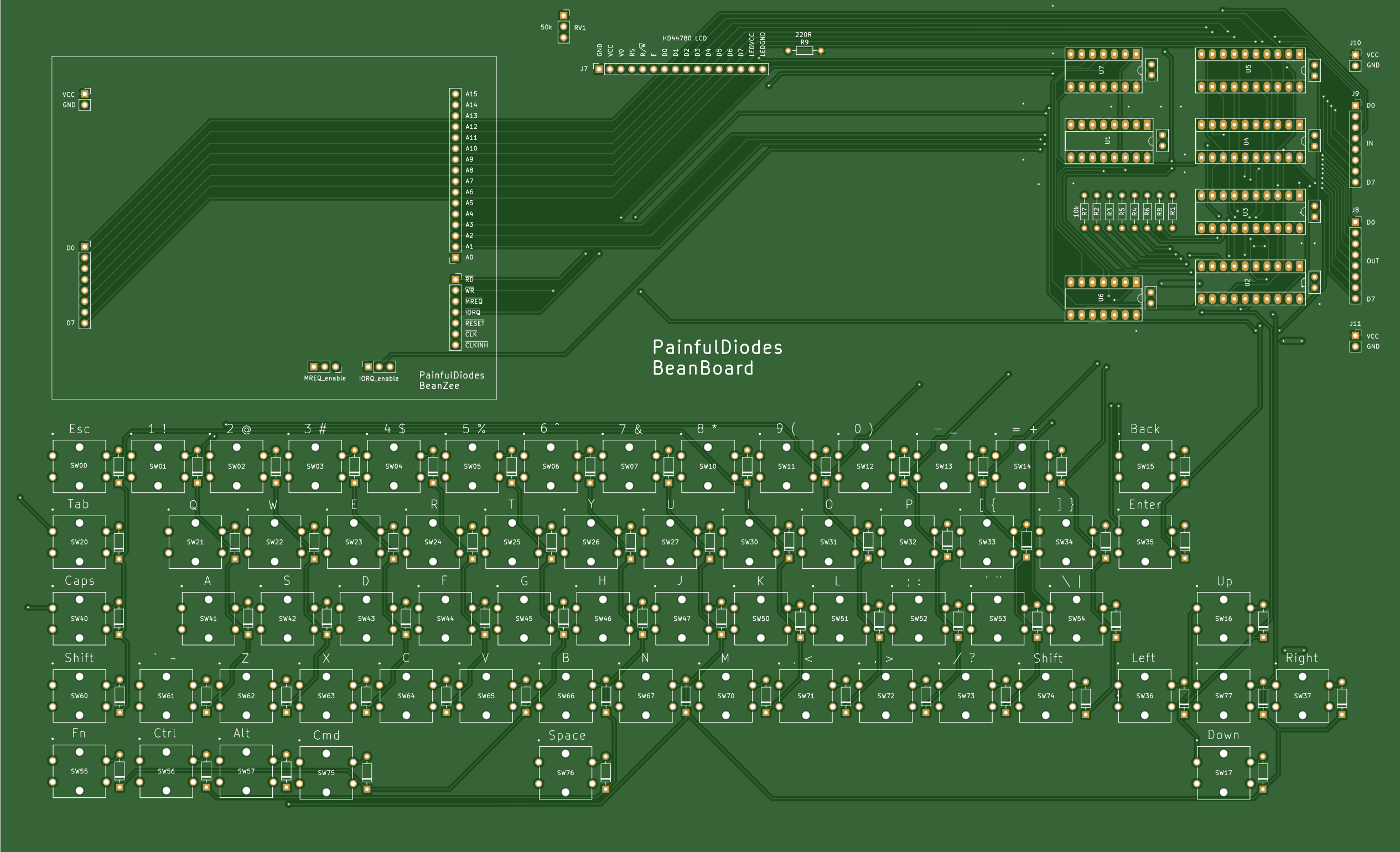
09/25/2025 at 07:45 • 0 commentsHaving proven the LCD display and QWERTY keyboard design on breadboard, I have designed a PCB in KiCAD and have now sent off an order to JLCPCB. As planned, the BeanZee Z80 homebrew, and an LCD module will plug into this new PCB, forming a small self-contained computer.
![]()
I have some misgivings about the choice of buttons. Originally I was looking at using small tactile buttons, but was worried they would be too fiddly for my large digits.
I've gone for larger tactile buttons, which has made the PCB quite large (327 mm x 199 mm). Given the size of the PCB, I could switched to Cherry MX keyboard buttons, but these would have pushed the overall price up. I have compromised and stuck with the tactile buttons. We shall see!
(29 March 2025)
BeanBoard
QWERkY Keyboard and simple LCD display for BeanZee Z80 CPU board