 Ruslan Nadyrshin
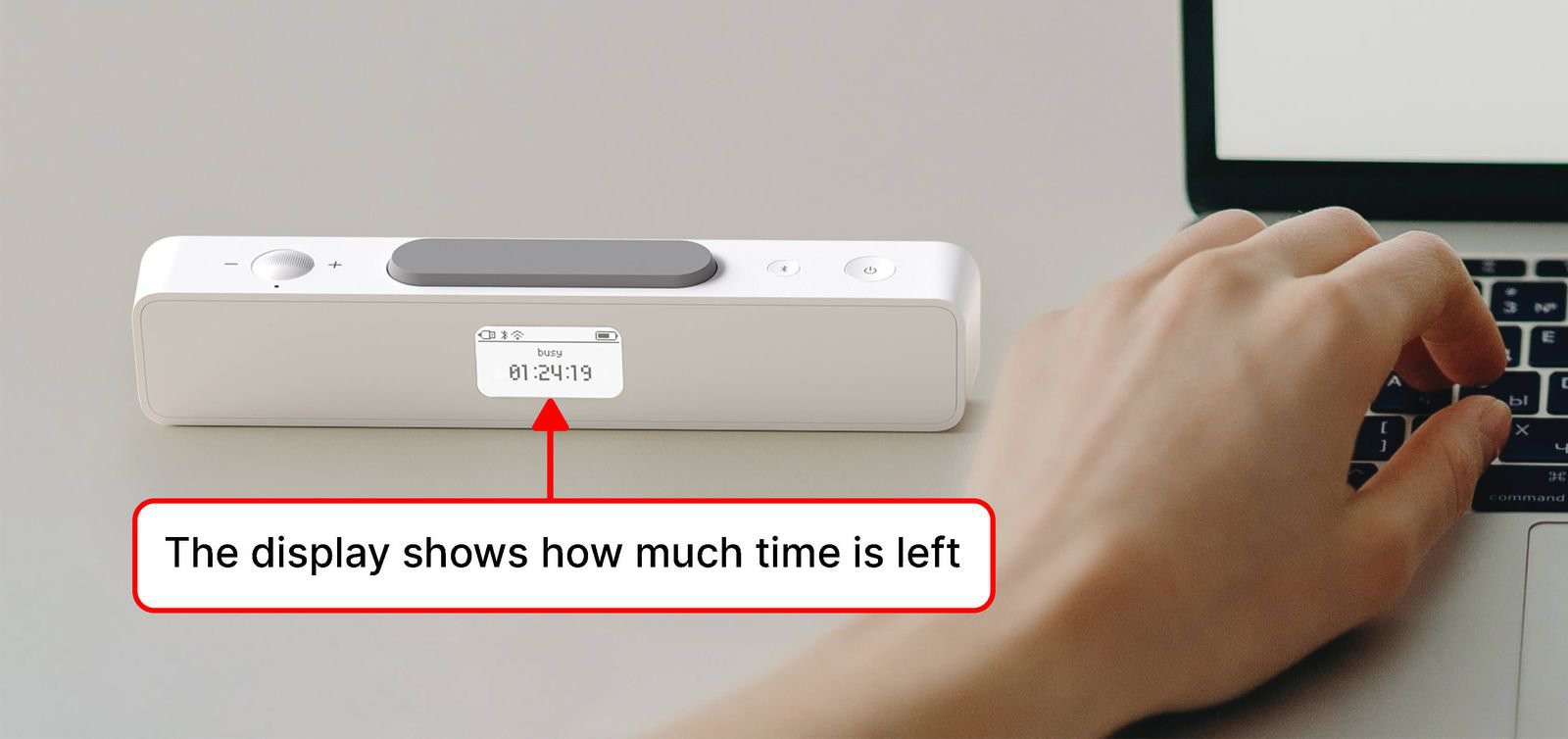
While working on the first prototype, it became clear that it was impossible to determine how much time was left until the timer’s end. It was required to turn the device to see the remaining time on the front display. With a kitchen timer, it is easier — you can quickly see how much time is left for work or rest. Therefore, we decided to add a small OLED or LCD on the back to indicate the remaining time and battery charge.
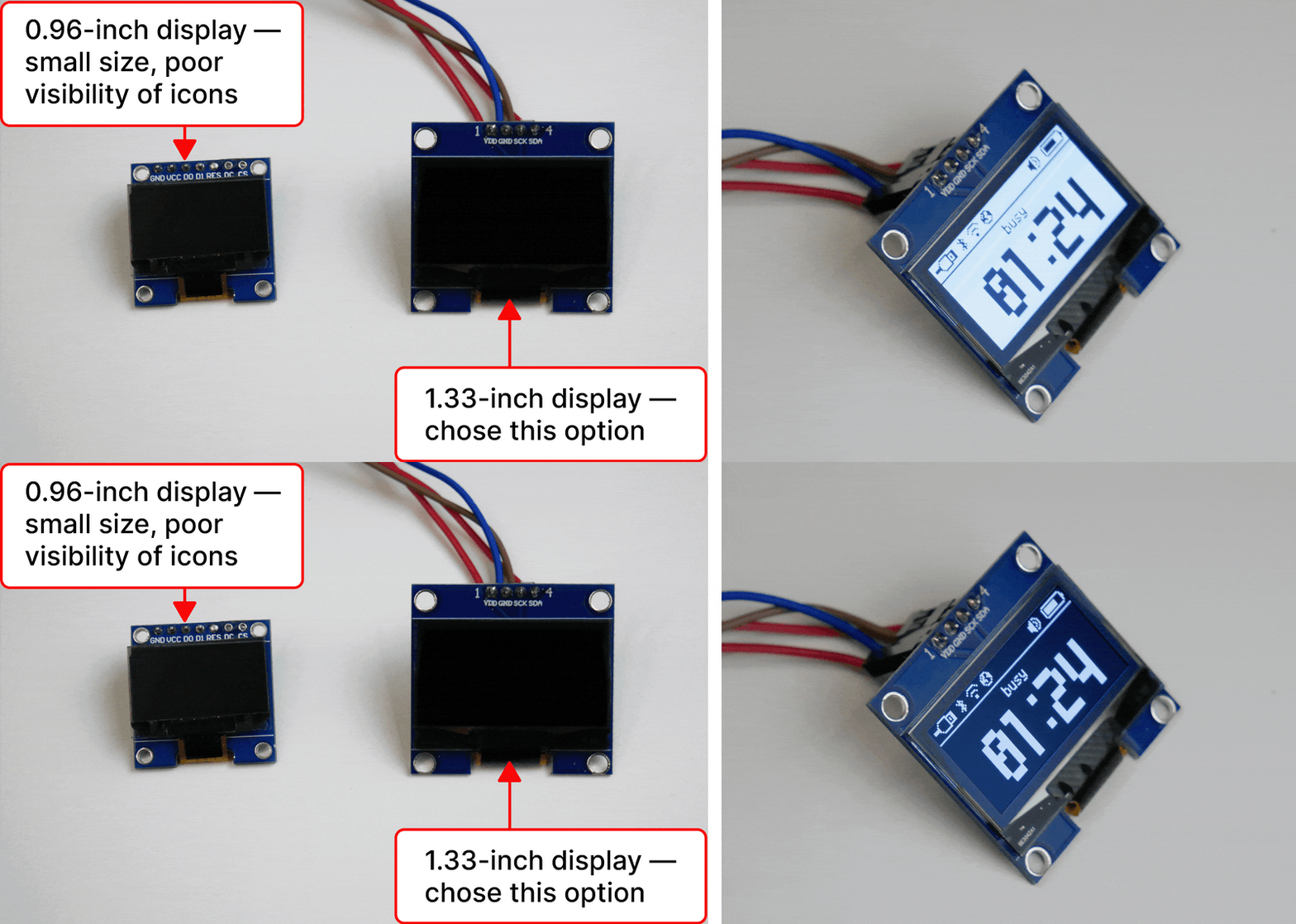
Initially, we wanted to use a backlit LCD display, but its contrast at a small size does not provide good visibility, so we settled on an OLED display with an I2C connection. In terms of display size, we chose between 0.96-inch and 1.33-inch options. The 1.33-inch variant has better visibility and more readable icons, so this variant was selected. We understand that an OLED burn-in is possible, but for now, we consider it the best option in terms of contrast. As a solution, an installed light sensor and brightness adjustment will extend the display’s life. If you think there are better options, please share them with us.
Stay tuned
If you enjoyed this project and its development story, follow for the latest updates and feel free to share your feedback.
Discussions
Become a Hackaday.io Member
Create an account to leave a comment. Already have an account? Log In.