• New Filter and Case Design

    Apollo Timbers2 days ago 0 comments

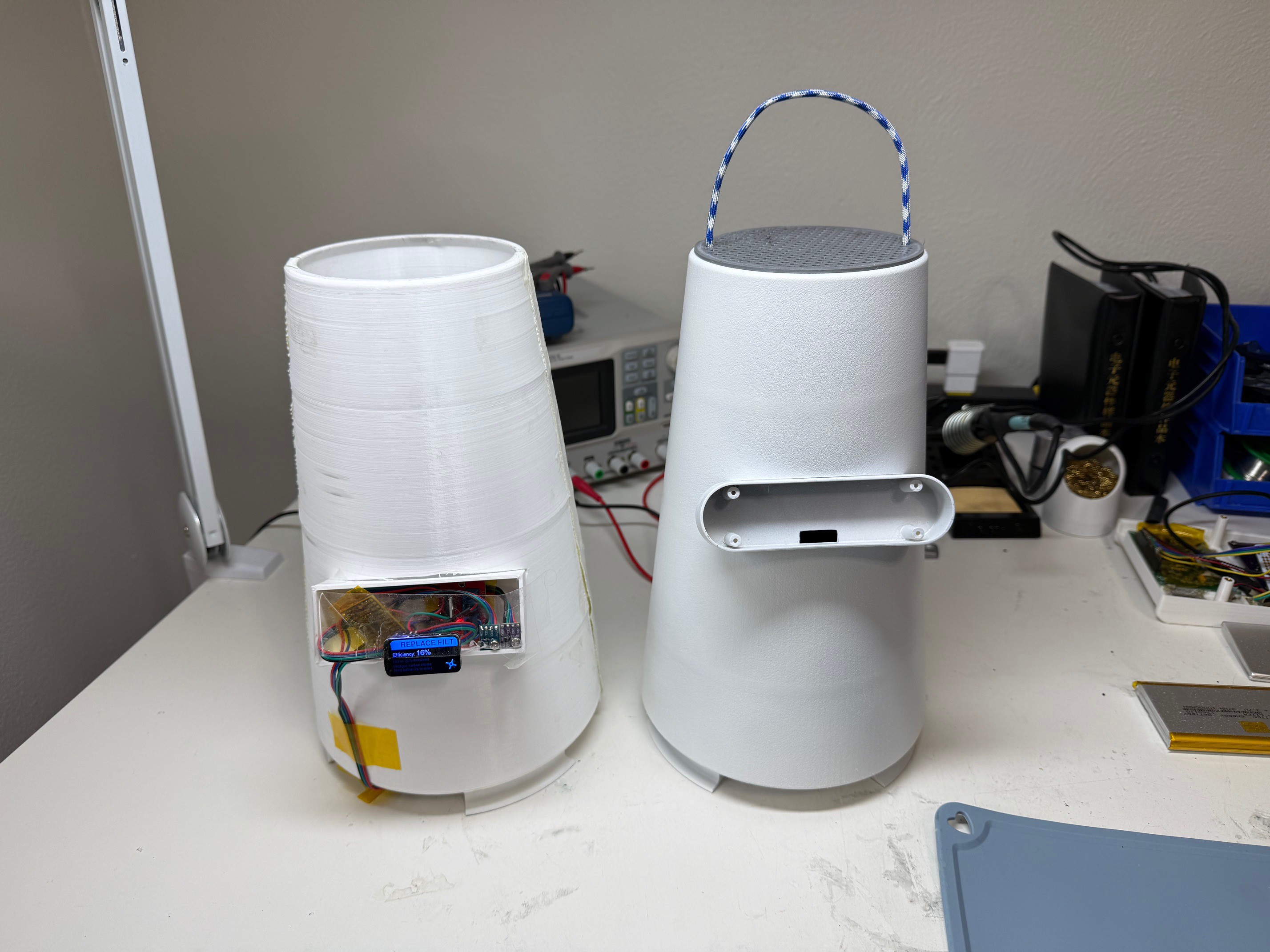
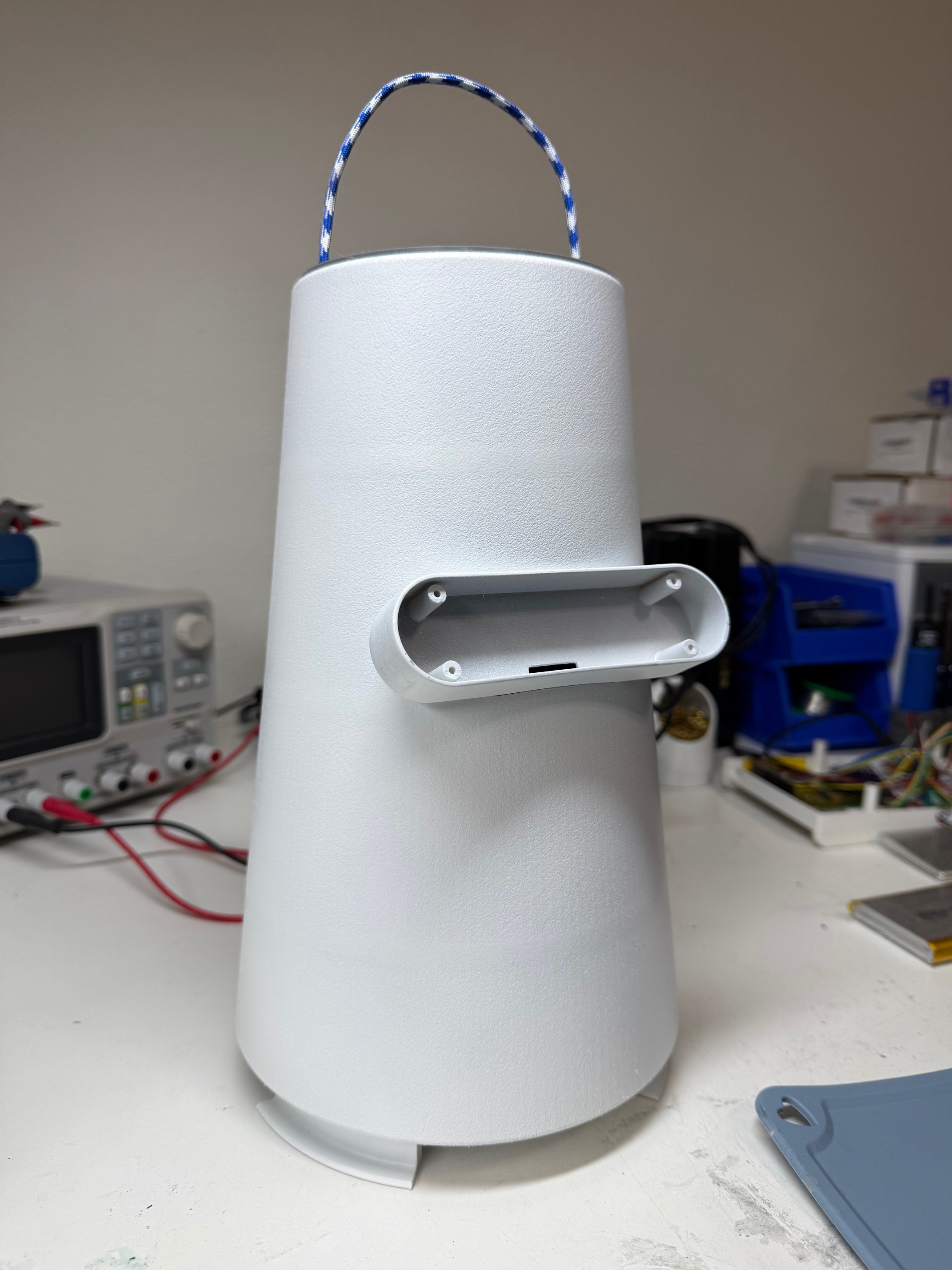
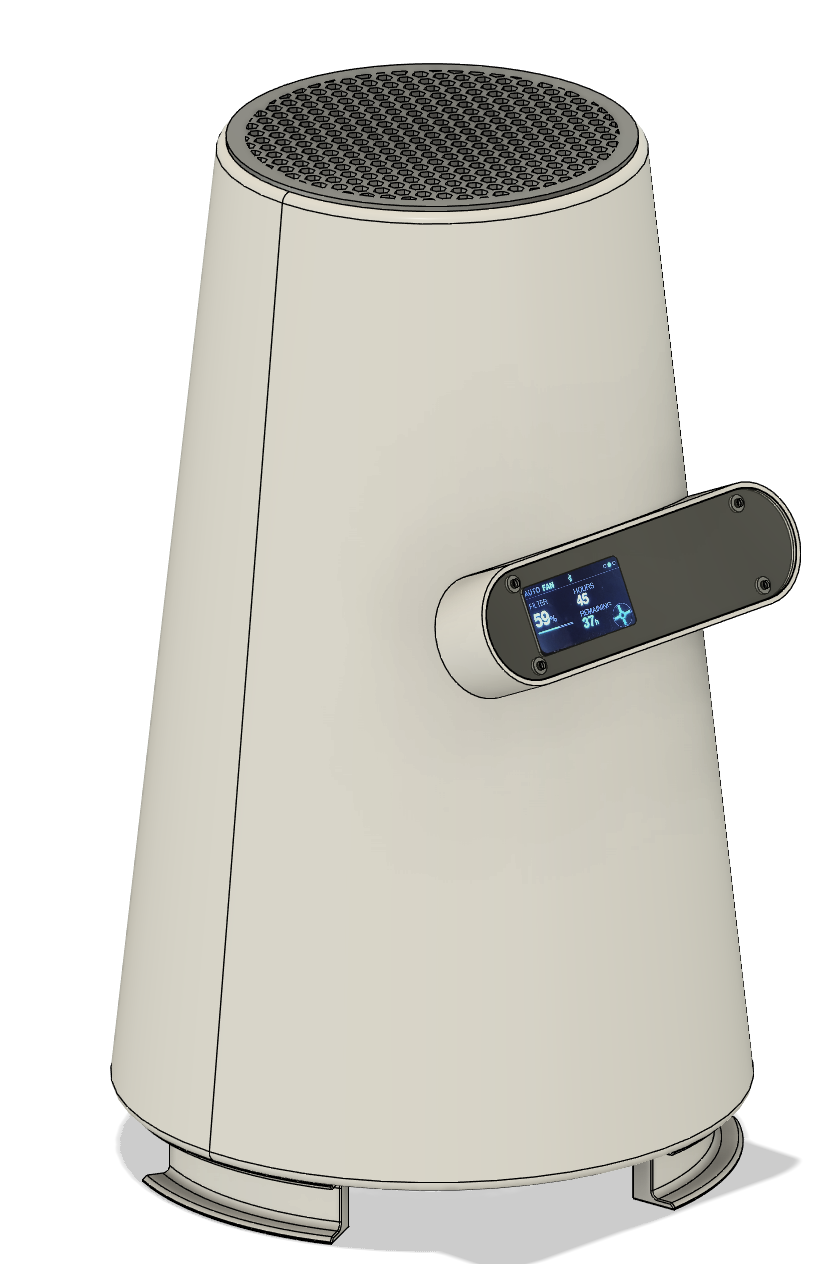
    Was not supper happy with the original square electronics bay, it was good for prototyping, but I need it to be more product looking. 

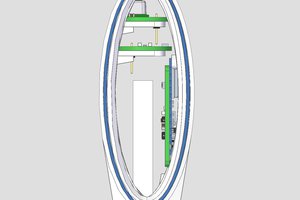
    I loaded up Fusion and worked out this version. The PCB will be colored black and be visible under a 1mm plexiglass cover.  I have a schematic/PCB design going and when that is done I will send off for samples. The PCB will have all sensors and the JST connectors on it except for the outlet VOC sensor.  The new electronics bay is a much more pleasing shape and is smaller since I plan on going with a custom PCB. The bay is also higher on the unit and will help the inlet VOC sensor on the board be closer wit the inlet air. 

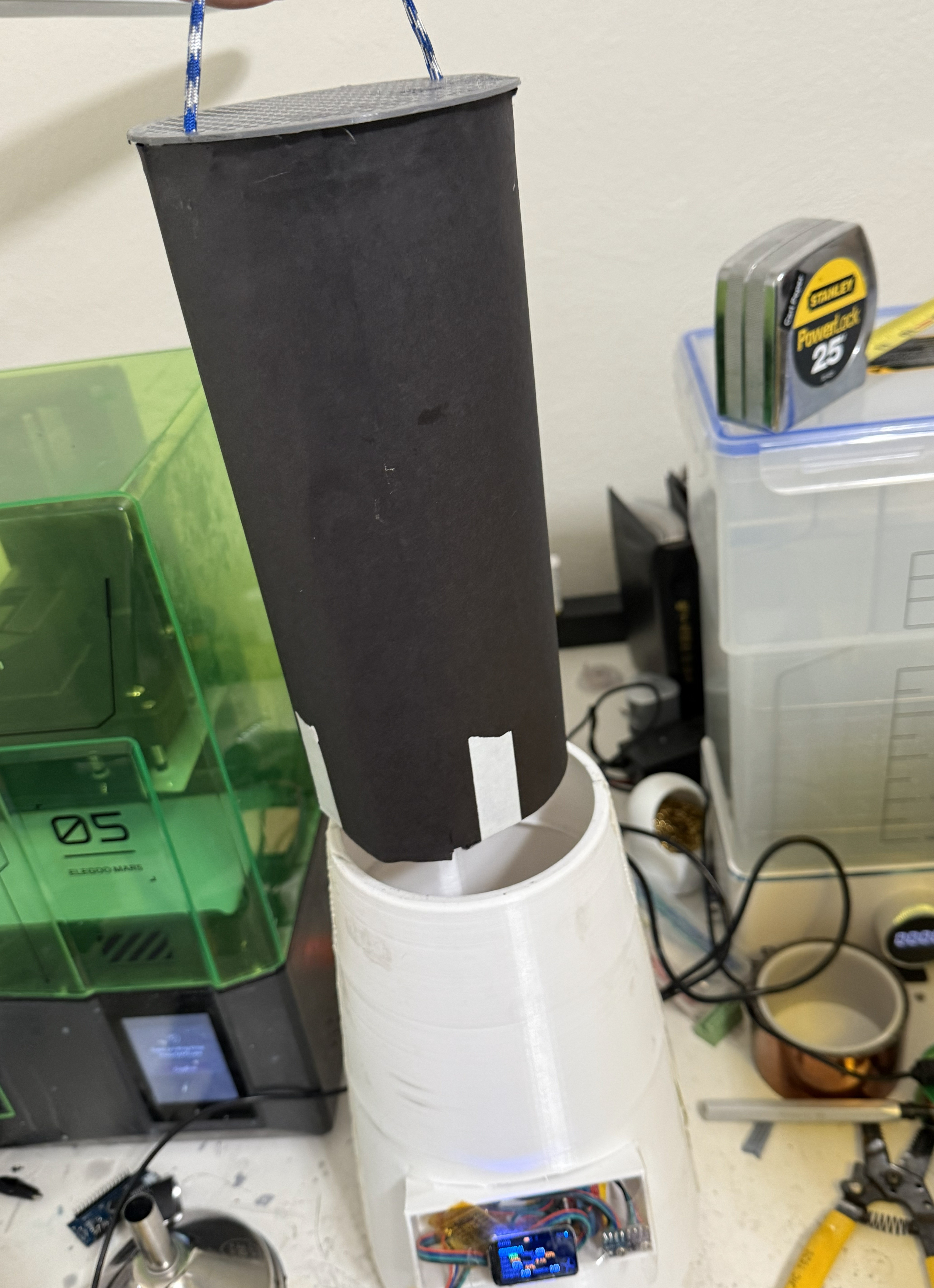
    Also got around to making the fast swap filter that will be used for it. It is quite large and features a honeycomb prefilter/inlet and 1.5-2 cups loose activated carbon and then spiral of carbon mat, all wrapped in black paper. 

  • Bluetooth App

    Apollo Timbers3 days ago 0 comments

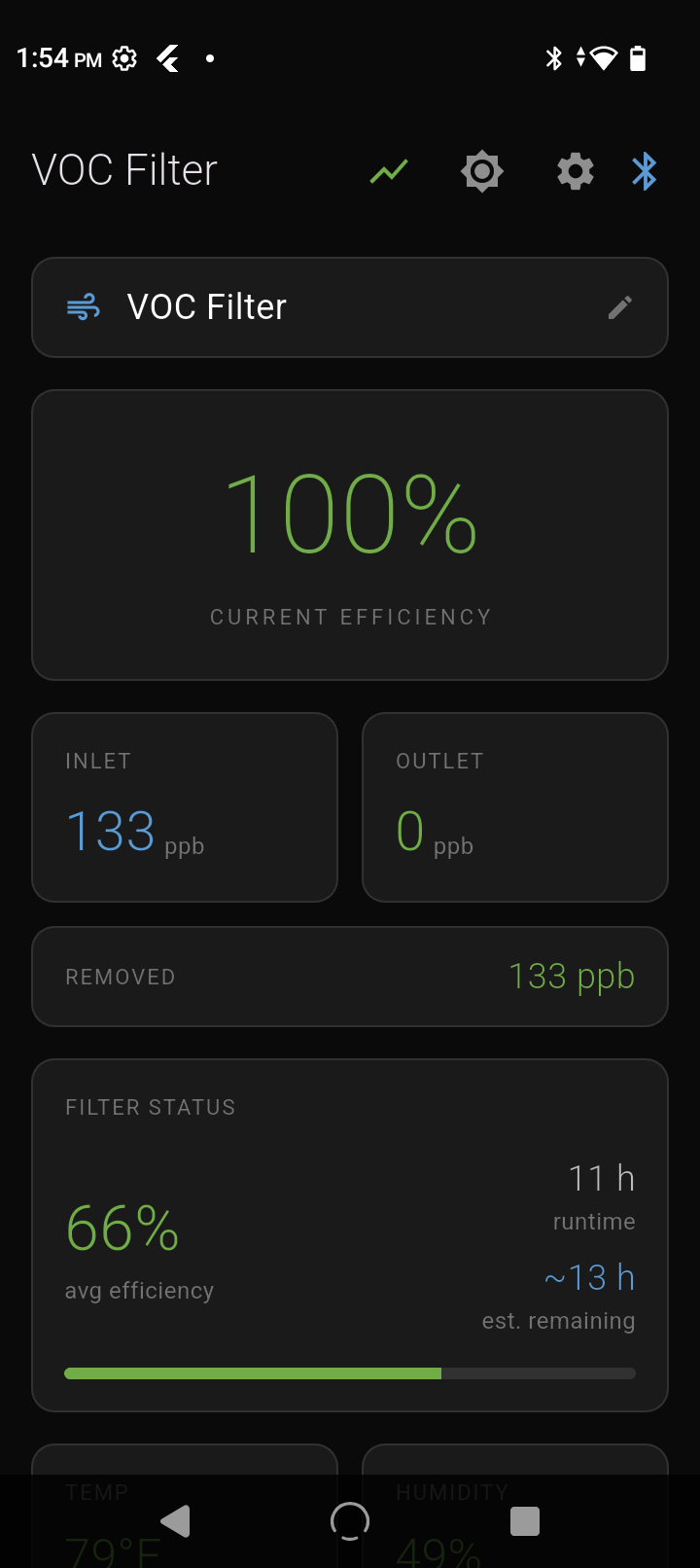
    Before building a real app, I validated everything with nRF Connect first. Scan, connect, discover services, send commands, verify response. This caught firmware bugs before I ever touched Flutter - saved hours of debugging the wrong layer.

    Once the device protocol was solid, I moved to Flutter. The BLE part was actually easy. The fight was Android itself: permission handling across OS versions, background scan behavior, and write/notification timing quirks. Classic mobile pain.

    My approach: get scan + connect + one confirmed write working reliably before building anything else. Once that foundation was solid, the rest was normal app development - state management, UI, logging, graphs.

    This was also my first Flutter app. Figured I'd learn on something real instead of another tutorial project.

    What the app does:

    • Connect & manage multiple filters (up to 6 units) — quick select, reconnect, and keep each one's identity straight
    • Live dashboard control — fan PWM / auto mode, basic settings, and "is it actually running right now" status
    • Real-time sensor streaming — inlet/outlet VOC, temp/humidity, with smooth updates
    • Built-in graphing / trending — time-series plots for sensor data and filter performance so you can see what's happening, not guess
    • Tap-to-inspect graph data — click a point to pull exact values + timestamp (nice for debugging and "what happened here?" moments)
    • Export / share logs — CSV output for deeper analysis, backups, or sending to someone without screenshots

    Nothing fancy, but it works because I didn't skip the nRF validation step.

  • Software Architecture v5.0

    Apollo Timbers3 days ago 0 comments

    Software Architecture (how I actually built it)

    Three-module setup... clean, simple, and it does what it needs to do:

    1) Main Firmware (the “keep the thing alive” brain)

    This handles the display, BLE stack, fan control, button input, and sensor polling.
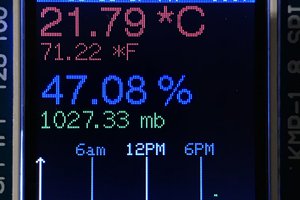
    The UI cycles through four pages: main readings, filter status, environment, and a scrolling diagnostics page where I can literally watch what the adaptive system is thinking in real time.

    2) Adaptive Sensor Module (the “learning” part)

    This is where the system gets smarter instead of just spitting out raw numbers.

    • Signal filtering smooths the sensor noise (because VOC sensors are drama queens).

    • Calibration learns the relationship between inlet/outlet sensors (because they never match perfectly).

    • Environmental compensation corrects for temperature/humidity changing the readings over time.

    • Baseline tracking watches the “floor” shift and flags when a sensor starts acting suspicious.

    3) Event & Filter Module (the “what does this mean?” part)

    This tracks what’s happening in the real world and turns it into useful outputs:

    • Detects events like active printing vs idle

    • Calculates true filter efficiency (not the naive inlet/outlet ratio)

    • Tracks filter health over time

    • Learns usage patterns and predicts remaining life

    Gotchas & Lessons Learned (aka: why the first version lied to me)

    Efficiency math is way harder than it looks.
    My first pass was the obvious approach: inlet vs outlet. Super clean. Totally wrong.
    Because if your room baseline is already garbage (or already clean), the raw ratio is misleading. Once I accounted for baseline air quality and what’s realistically removable, the numbers started matching real filter performance.

    Sensors drift. Hard.
    VOC sensors don’t “measure truth.” They measure vibes.
    They can get stuck reporting the wrong value for hours like they’re gaslighting you. So I added drift detection + compensation logic instead of trusting raw readings.

    Calibration isn’t optional.
    Two “identical” sensors won’t read the same in identical air. Ever.
    So the system has to learn the offset between the pair, or you’re just building a fancy random number generator.

    Persistence matters.
    All learned parameters save to non-volatile memory so it doesn’t forget everything after a power cut.
    But you can’t write constantly or you’ll wear out flash/EEPROM… and you can’t write too rarely or you lose learning when power drops at the worst time. So yeah, balancing save frequency was a whole thing.

    Current Feature List (what it can do right now)

    • Dual VOC sensors (inlet + outlet)

    • Temperature + humidity compensation

    • Sensor calibration routine (pair-specific learning)

    • Adaptive baseline tracking

    • Drift detection + correction

    • Event detection (printing vs idle)

    • True filter efficiency calculation (baseline-aware)

    • Filter health tracking over time

    • Remaining life prediction

    • PWM fan control + auto mode

    • Color display w/ multiple info pages + diagnostics view

    • BLE app for logging + graphs

    • Learned parameters persist across power cycles