Close
0%
0%

JDC34 Camera

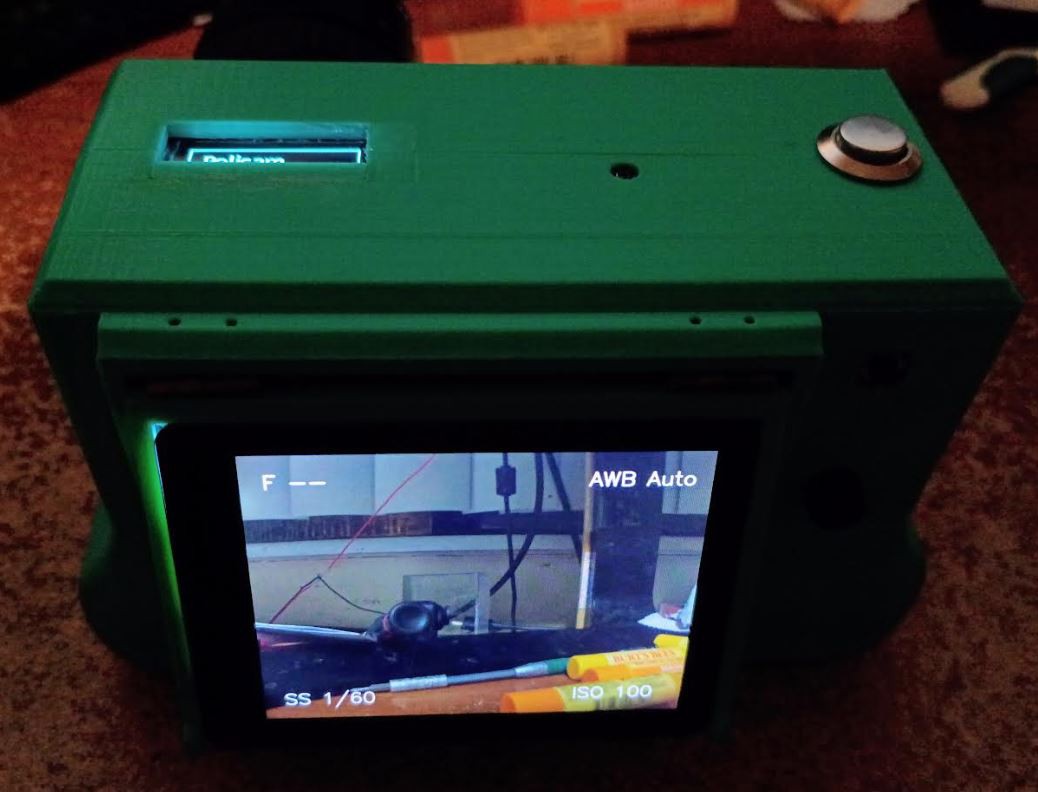
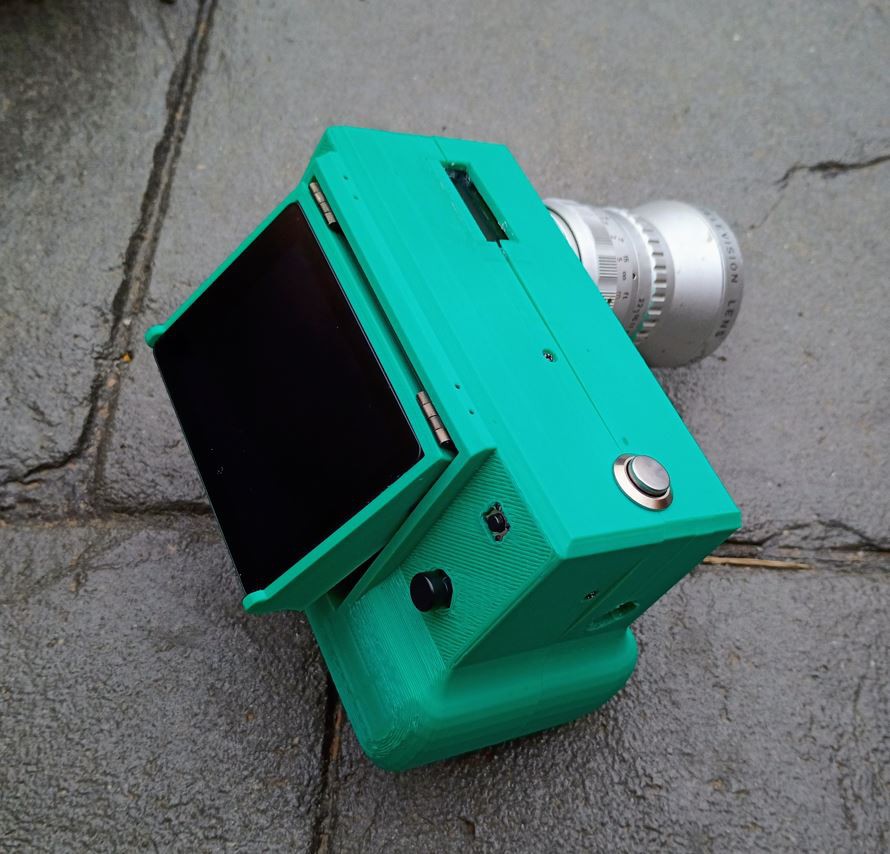
This is another camera body based on Raspberry Pi HQ Cam

Similar projects worth following
This camera uses a DSI display so it's actually using Openbox to render a GUI for the menu, although the menu is state-image-based not an actual GUI. This project also includes a menu builder called Pelicam and the software that interfaces with the camera hardware through picamera2.

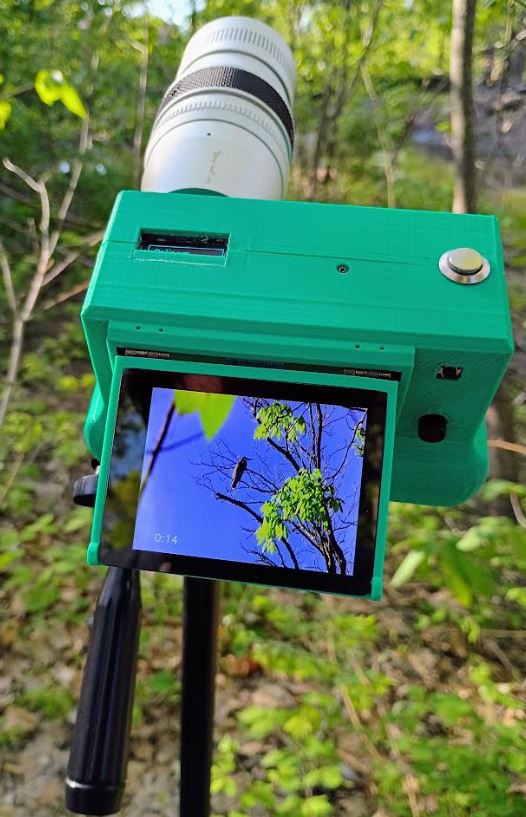
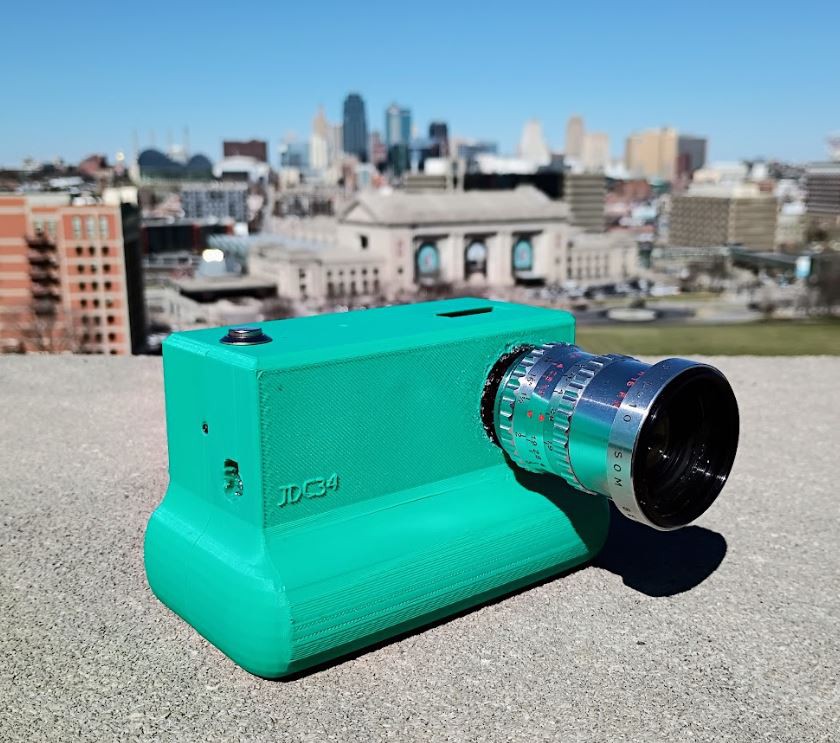
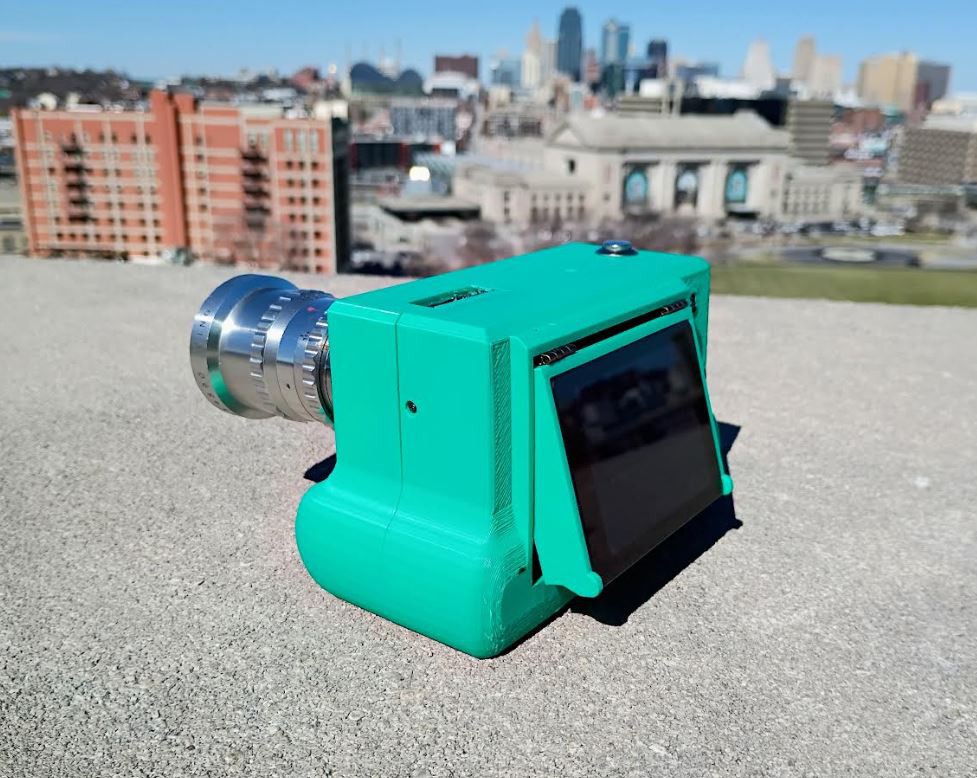
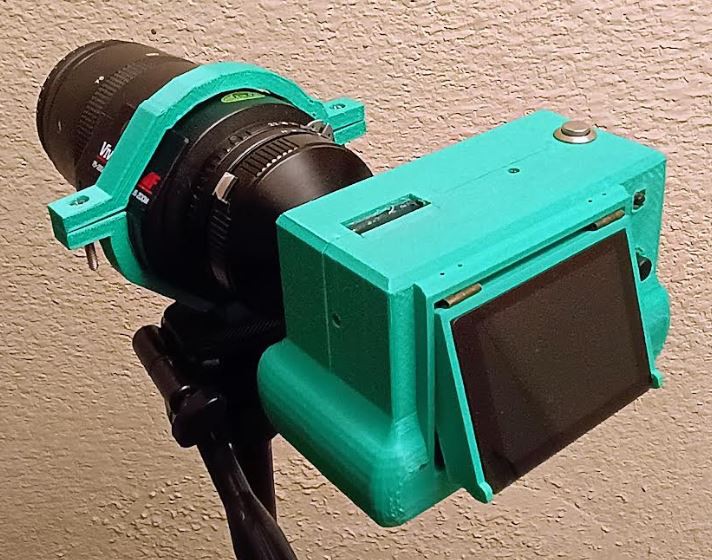
This camera uses the Raspberry Pi HQ camera sensor with a Pi 4B hidden inside.

Hardware

  • 2.8" Waveshare DSI display with a 640x480 resolution touchscreen
  • 0.91" blue OLED on top behind the lens
  • 10 DOF GY-91 IMU inside
  • Physical 5D joystick, back and shutter buttons
  • Powered by a single 18650 cell boosted to 5V
  • 1A 5V USB charger
  • 1/4"-20 hex nut for tripod mount

Software (Pelicam)

Depending on your display eg. DSI/SPI

  • Openbox layer (DSI)
  • OpenCV layer
  • State-image based nested JSON menu system
  • Hardware interface

Time to print: 26 hrs

Unit cost: $231
  • Successful day

    Jacob David C Cunningham4 天前 0 comments

    I went out to a bird nature preserve type place, a lot of Geese

    It was pretty great setting the shutter speed to the reciprocal and getting the birds in flight.

    It was a bit dark at first in the settings. Today I'll work on getting Pelicam to a basic state but I will have to take a break and work on something else (for $).

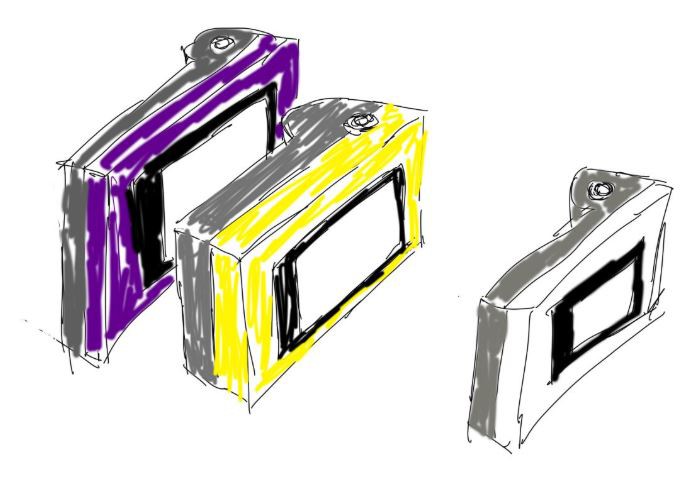
    I really want to the build the next camera, it's simpler and will be yellow and grey in color.

    I had some pictures to add to this post but currently 500 error since last night oh well.

  • Prepping

    Jacob David C Cunningham6 天前 0 comments

    I'm working on a lens hood right now.

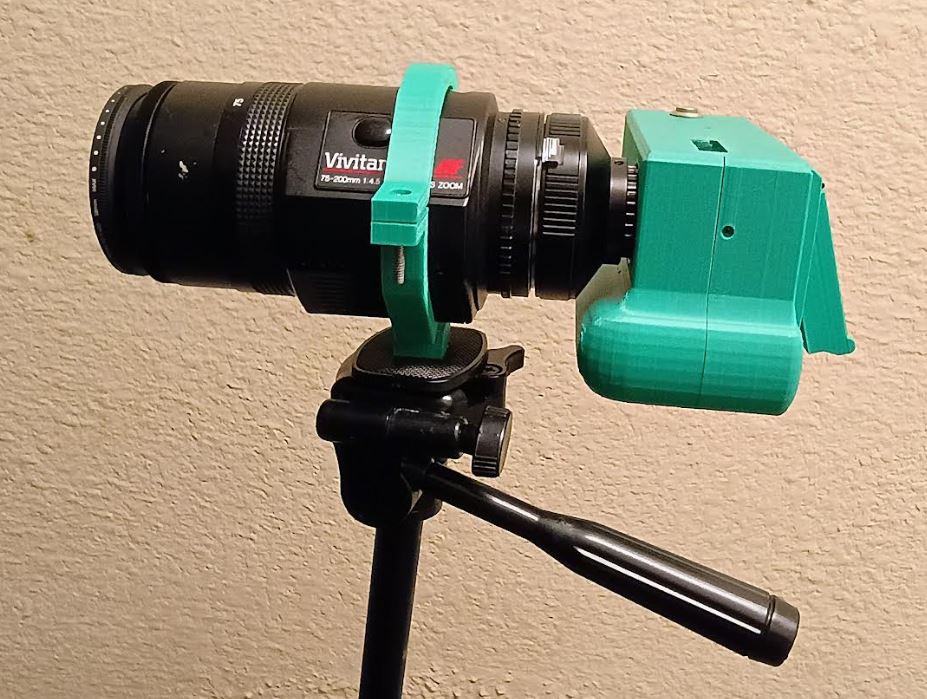
    This is a cool zoom lens I bought it was $35, it's supposed to use 3 AAA batteries and have electronic auto focus but I just use it manually.

    With the 5.5x crop factor this lens is the equivalent of 1100mm zoom so yeah, it needs a tripod without the ibis. Going to do some bird photography this weekend.

    This was a very lazy tripod mount but it works.

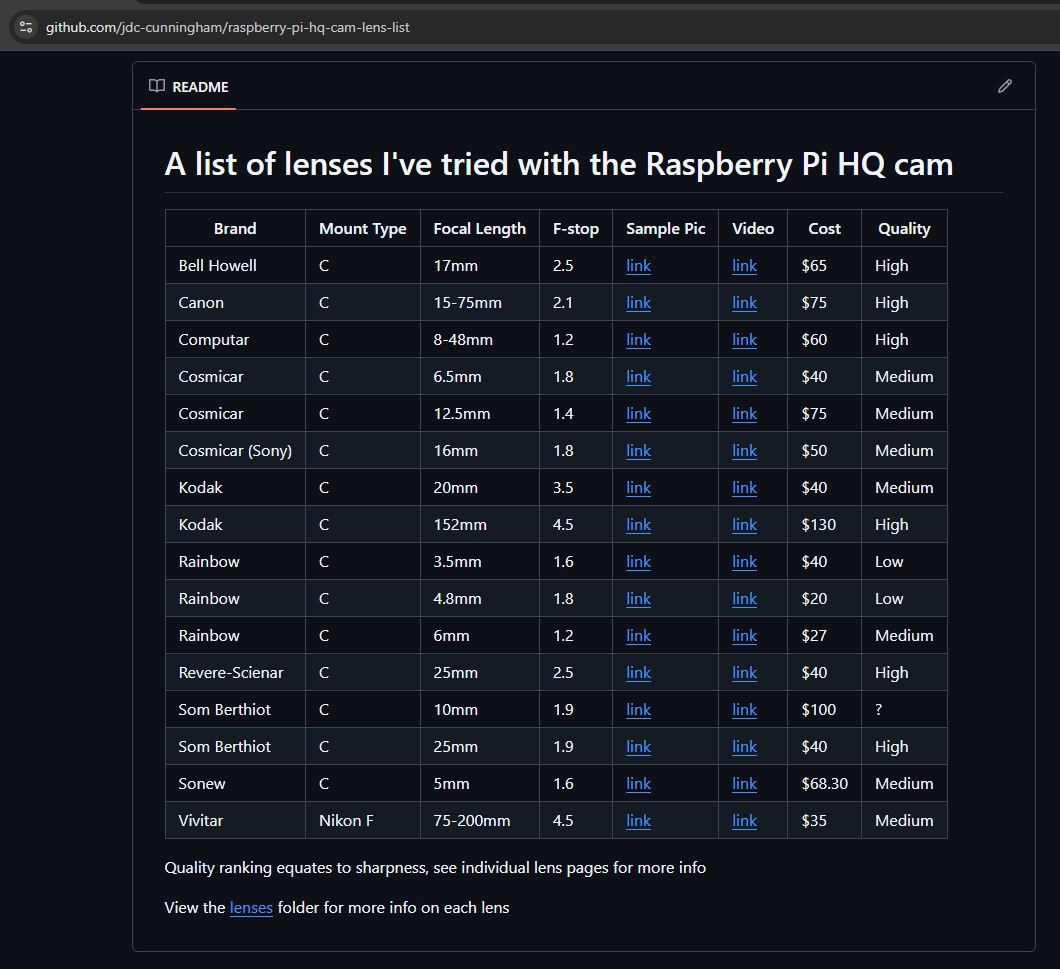
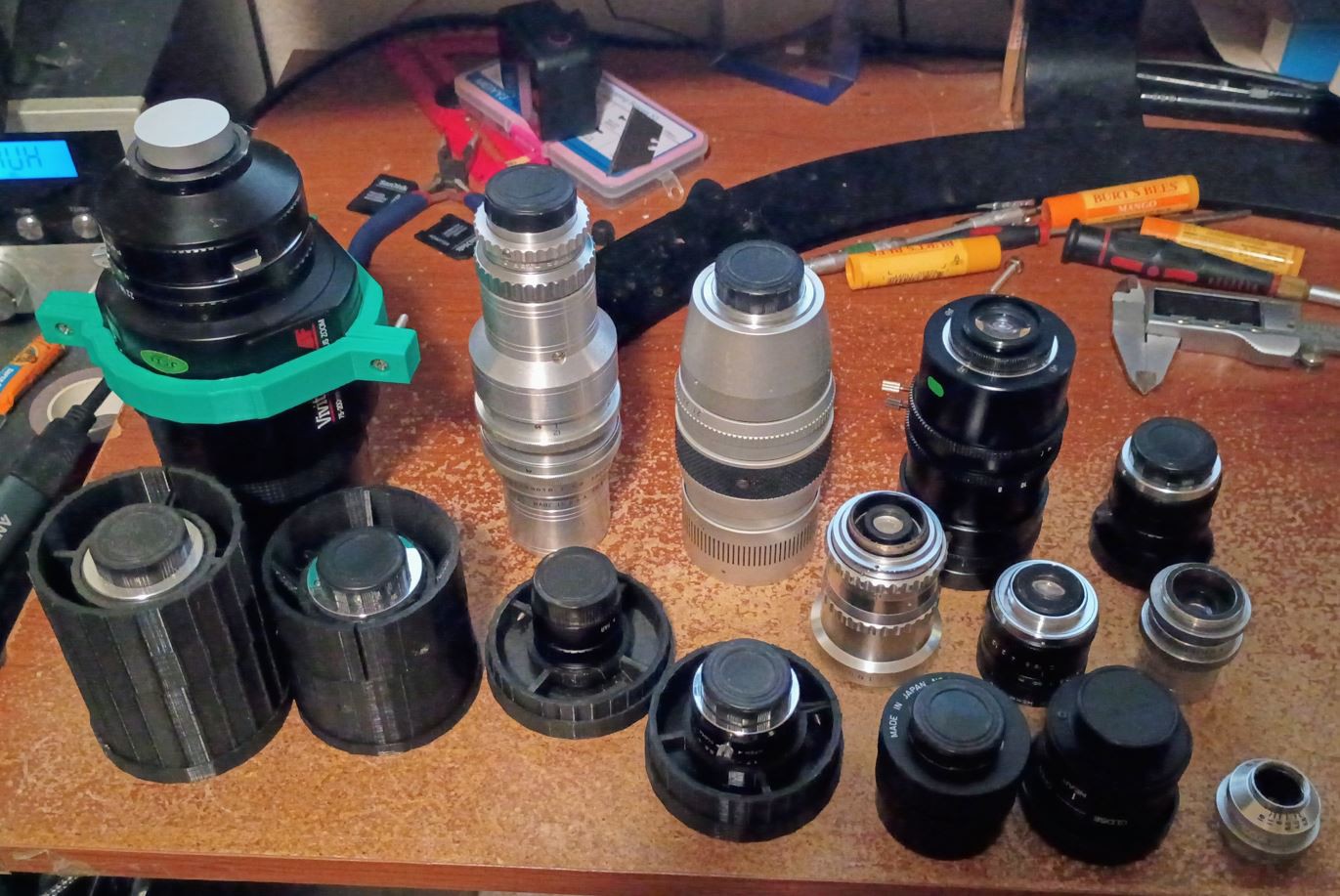
    The STL files for above are here. I am working on this list of random lenses I try with the RPi HQ cam including photos/videos. This is my camera/sensor for maybe ever... I've had Sony Alpha cameras and what not but I like designing my own camera bodies/software and I think 12MP is enough if you know how to use it.

  • Manual camera settings

    Jacob David C Cunningham02/23/2026 at 00:41 0 comments

    I did implement this on the basic-software branch (/pelicam/src/camera)

    I have to watch more videos/learn to see if it's actually working right

    For example in picamer2 ISO isn't a thing apparently, the equivalent is analogue gain

    See this YouTube short

  • Scalar Crop

    Jacob David C Cunningham02/22/2026 at 02:37 0 comments

    Thanks to the people at Raspberry Pi Forums for chiming in. This way is better than what I was doing before in the past (literally taking small images quickly).

    So yeah I'm still using basic software

    I also added in basic "shake to wake" thing to use the IMU

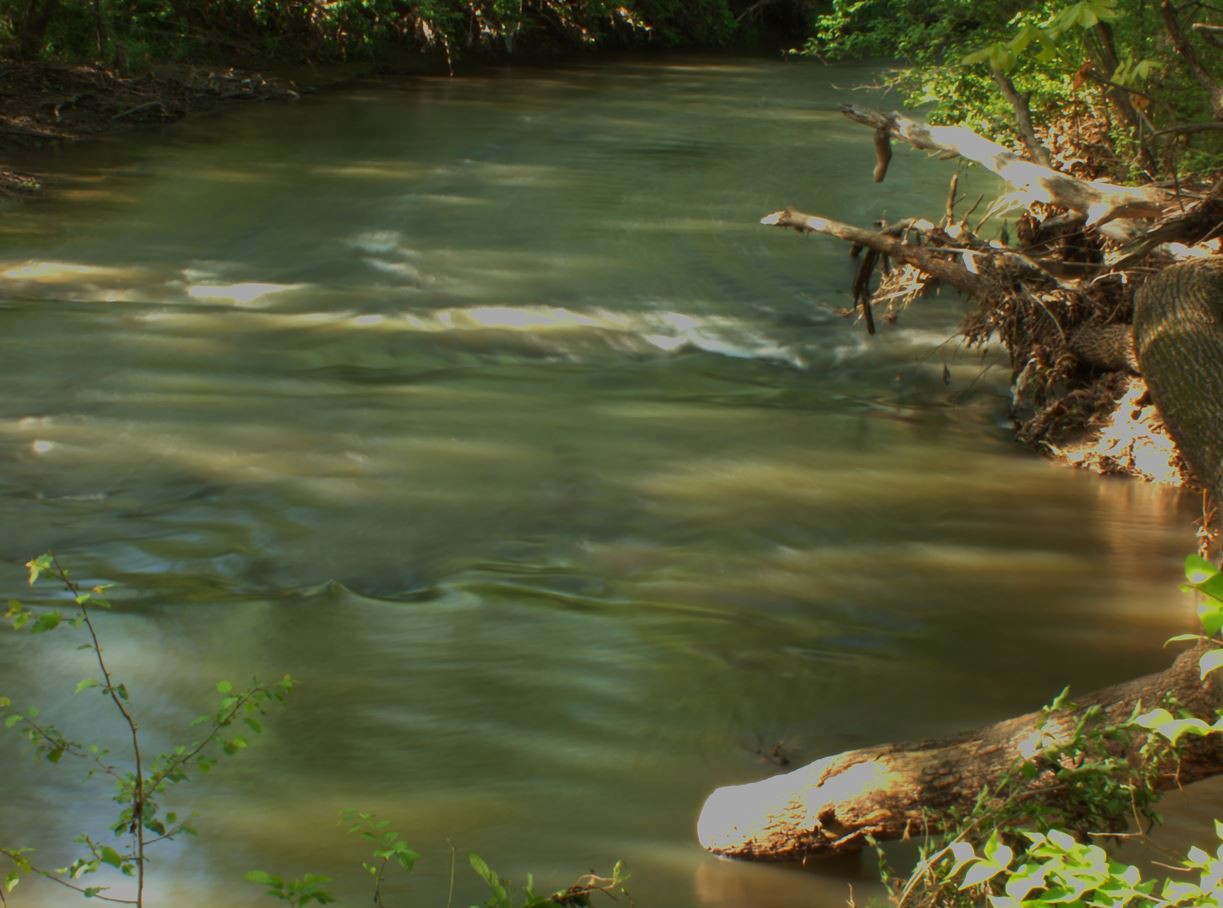
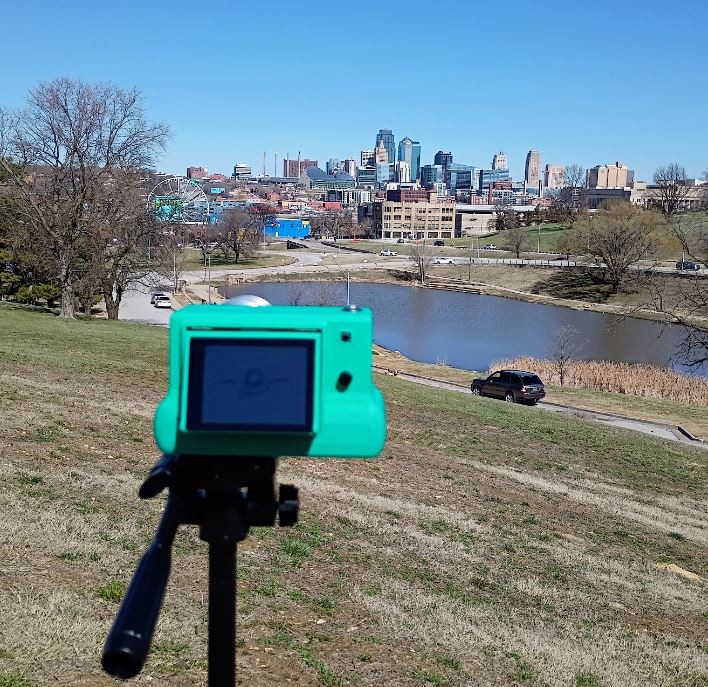
    I did go out and do some photography. I initially went to this park but it was pretty boring/flat, middle of winter here so everything's brown/dead. This was the best pic I got. I'll have a video out tomorrow.

  • Still basic

    Jacob David C Cunningham02/16/2026 at 03:56 0 comments

    Was a nice day, went out again

    The code it's using right now is the basic-software-3 branch which is pretty bare-bones and written quickly, hence it was freezing today

    Also got a new tiny camera so I can do POV videos

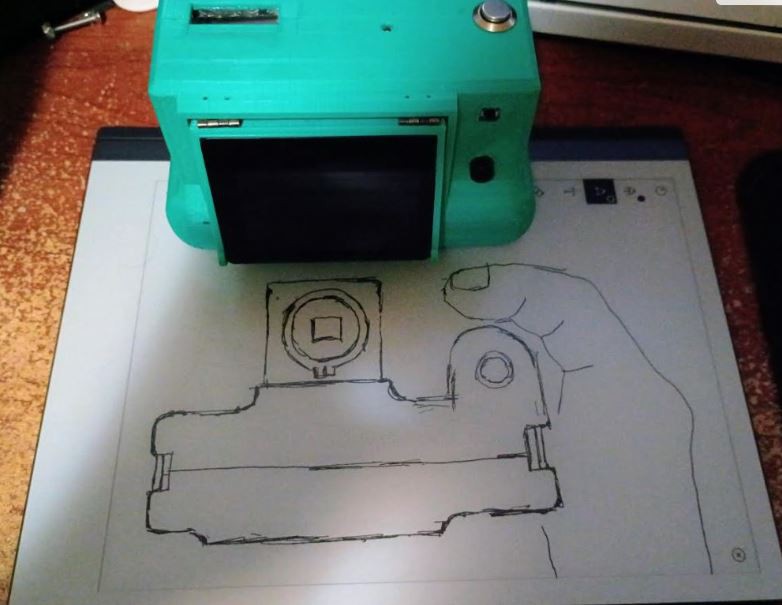
    I'm already designing a new camera since this one has a flaw where the sensor flange is not adjustable since it's glued to the body. Most of the lenses I use have to be unscrewed (flange distance increased) to focus.

    Also want a simple/easier to hold camera, it'll use the same display as this one the 2.8" Waveshare DSI display.

  • First time out

    Jacob David C Cunningham02/08/2026 at 22:51 0 comments

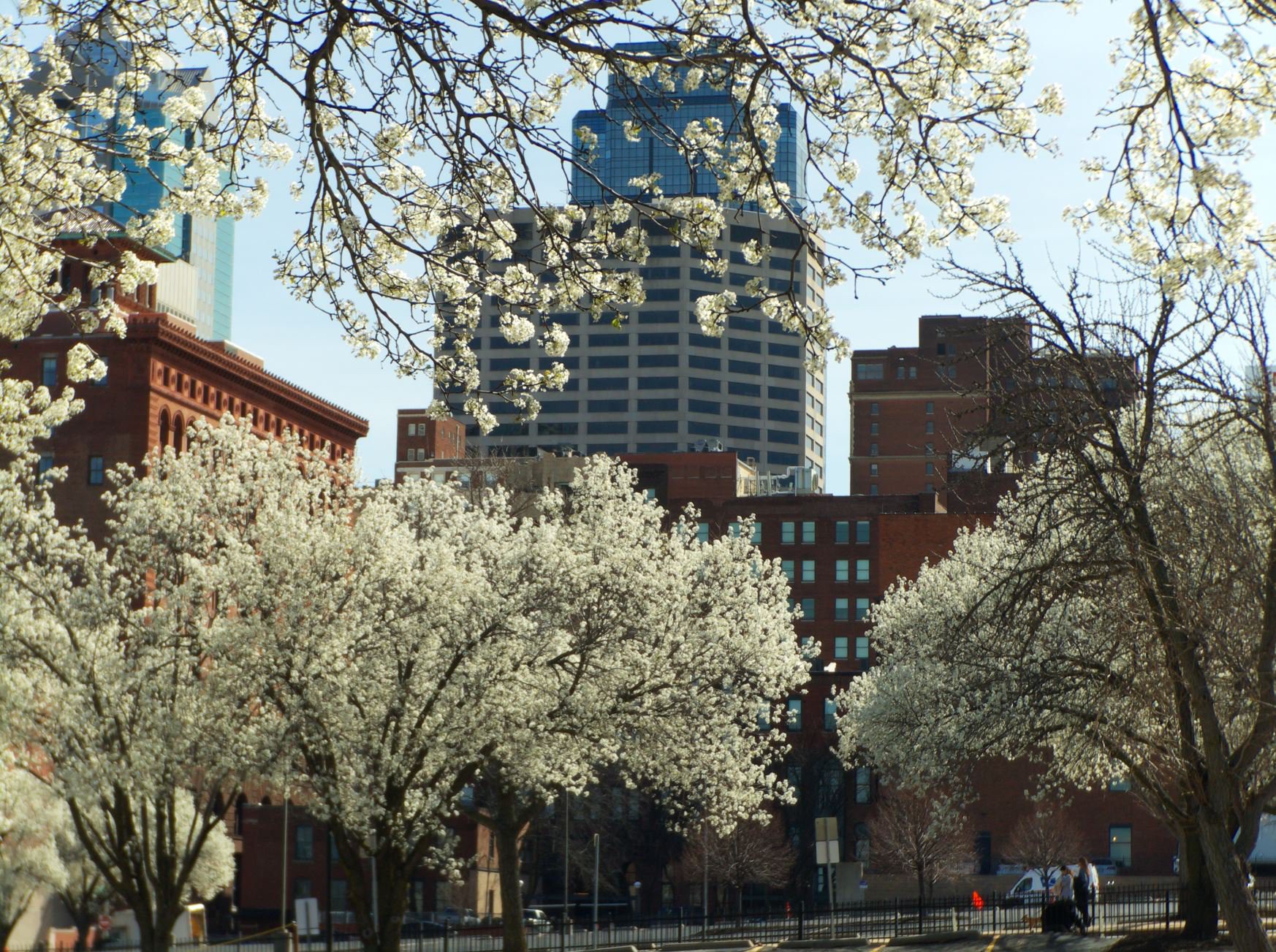
    I knew the photos were probably not going to be great, also it's not a great time right now where all the flora is dead. But was still a great day, we were at 9F for a while then today it was low 60F.

    This lens is really cool the Canon TV Zoom 15-75mm. It's so much better in quality than the Rainbow H6mm.

    So yeah I gotta finish making the actual software and get back out there.

  • Quick photography software

    Jacob David C Cunningham02/08/2026 at 05:53 0 comments

    Tomorrow's gonna be a great day weather wise

    Wanted to get out there, so I put together some minimal code which does:

    • live camera passthrough
    • button interfacing
    • taking and viewing photos
    • display on small OLED

    It's funny this top OLED doesn't really have a use yet but it looks cool.

    In this photo here I had the blue and red switched around (OpenCV thing) so I later did fix that

    The code is pretty bad but it'll work for tomorrow see the video and repo

    https://github.com/jdc-cunningham/pelicam/tree/basic-software (I will move this to the JDC34 camera repo)

  • Tsk tsk

    Jacob David C Cunningham02/05/2026 at 04:22 0 comments

    Recursion still a problem lol, how hard can it be?! Traversing a nested object... anyway I'll fix that.

    Next update will be working with the hardware eg. consuming this JSON menu structure.

  • Recursion

    Jacob David C Cunningham02/04/2026 at 02:25 0 comments

    So made some more progress, I was really trying to bust out this menu builder over the weekend but I got hung up on traversing the nested menu tree.

    With the tool above I have to reproduce this existing menu system (a little outdated).

    Then of course the icons have to be bounded to sub-menu scenes or hardware functions.

    Can see my stream of consciousness devlog here.

    I will point out, I'm trying to get the major functionality/features built out, doing it in broad strokes so it's not gonna be 100% perfect for now because I really want to get a working camera software and get out there with this camera.

  • Drag n' drop

    Jacob David C Cunningham02/01/2026 at 01:35 0 comments

    Early update but I had to stop today when I got hung up on recursive traversing lol, I've done it before but was doing it near the end of day/burnt.

    This will be a desktop (electron) app.

    The "T" is a text box, still have to add that functionality in.

    So on the right there will be a nested menu similar to website menus that have nesting.

    And the end goal is they produced a nested JSON tree that defines a menu scene, with icon bindings (whether navigating to a sub-menu "clicking in" or running a hardware function)

    That's an old JSON structure but it'll work like that.

View all 14 project logs

Enjoy this project?

Share

Discussions

Similar Projects

Does this project spark your interest?

Become a member to follow this project and never miss any updates