 Bolan Xu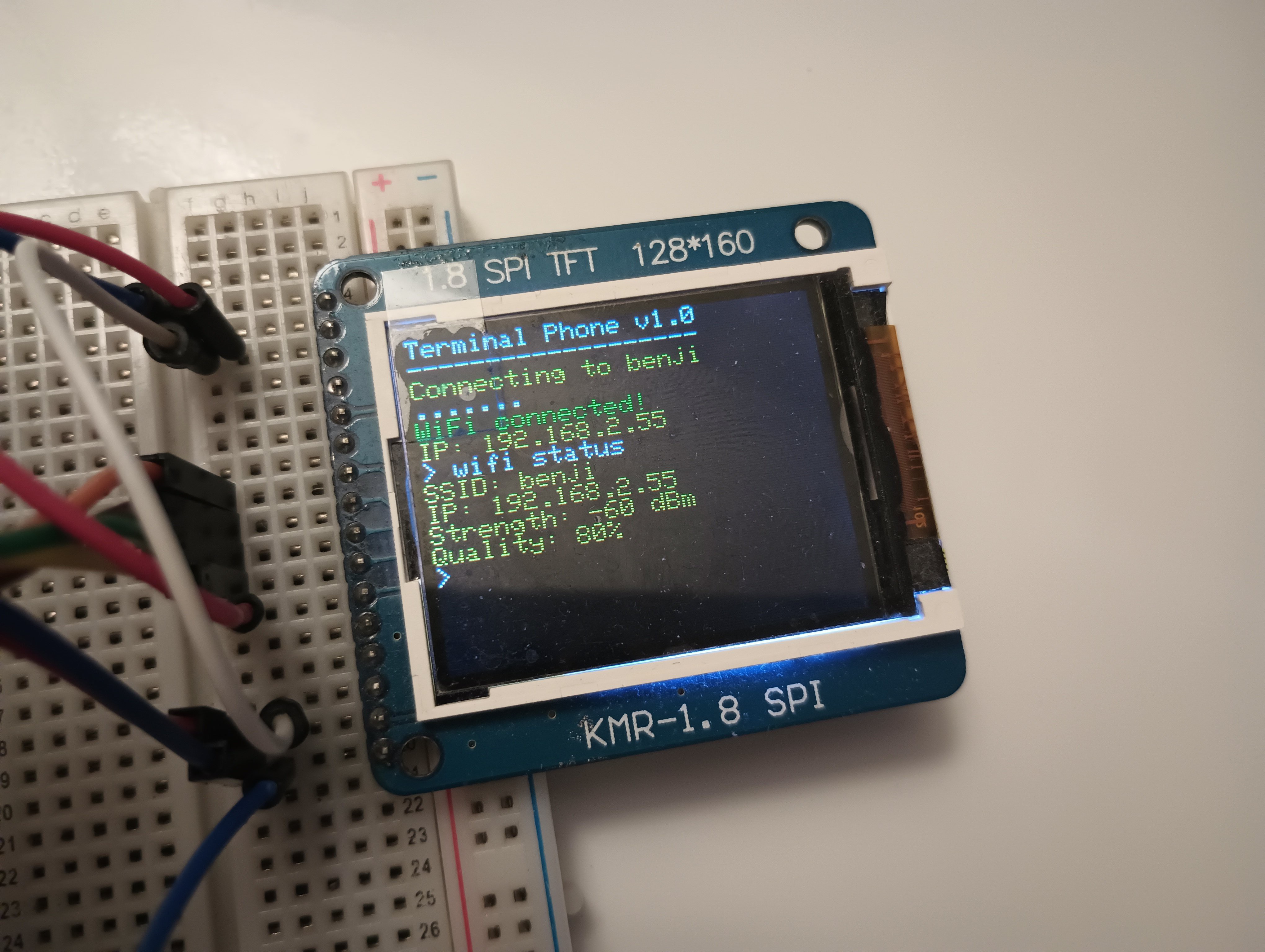
I know it has been a while because I haven't gotten around to updating this... but a TON progress has been made.
Terminal Interface
First off, I have switched from a Arduino UNO to an ESP8266 which runs much faster and has much more RAM and code memory.
Now there is no visible screen scrolling and the terminal interface is very smooth.
I currently have 6 commands implemented:
| Command Name | Options | Description |
| help | none | Print out possible commands |
| clear | none | Clear the screen |
| echo | [text] | Prints out text |
| quote | none | This is really a network test but it goes to a website with quote database and prints out quote from there |
| wifi | scan connect [ssid] [pwd] status | Scan for wifi networks Connect to a wifi network Check current status |
| sms | send [contact] [msg] read chat [contact] | Send a sms message Check for sms messages Enter chat mode with a contact |
For the sms commands, it is really just communicating with my server which then forwards it to SMS provider.
The SMS chat is kind of like an application. When I run:
> sms chat [contact] #ex: admin
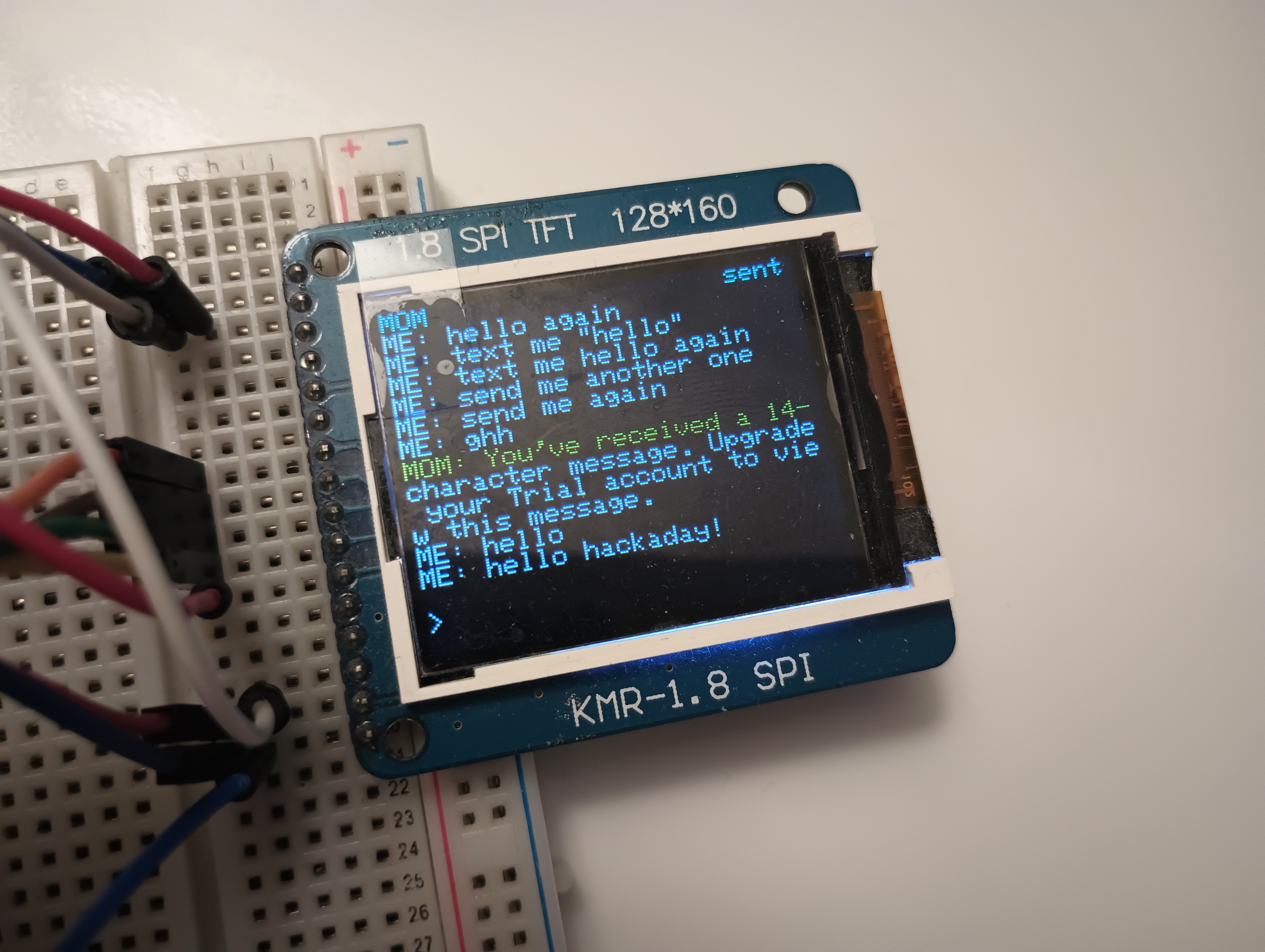
It opens up a new screen which has a message history (stored in EEPROM) and a messaging bar at the bottom.
Website Server
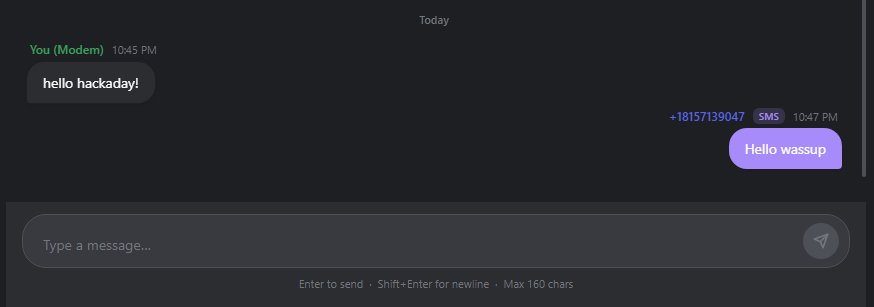
Like before, I am still hosting a website on pythonanywhere. But it has a complete UI overhaul! I'm not much of a software developer so I left most of the web design to Claude and Github Copilot but here's what the website looks like now.
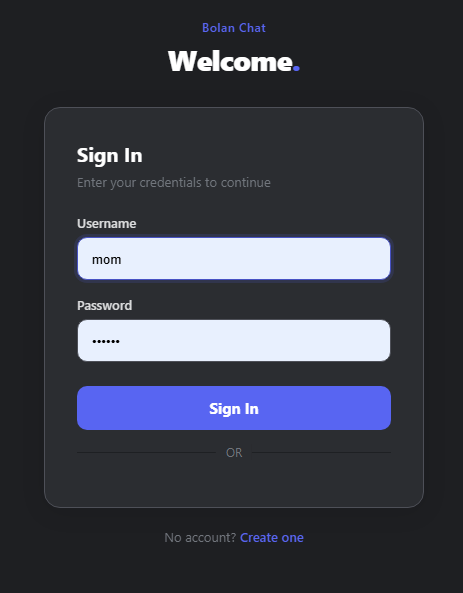
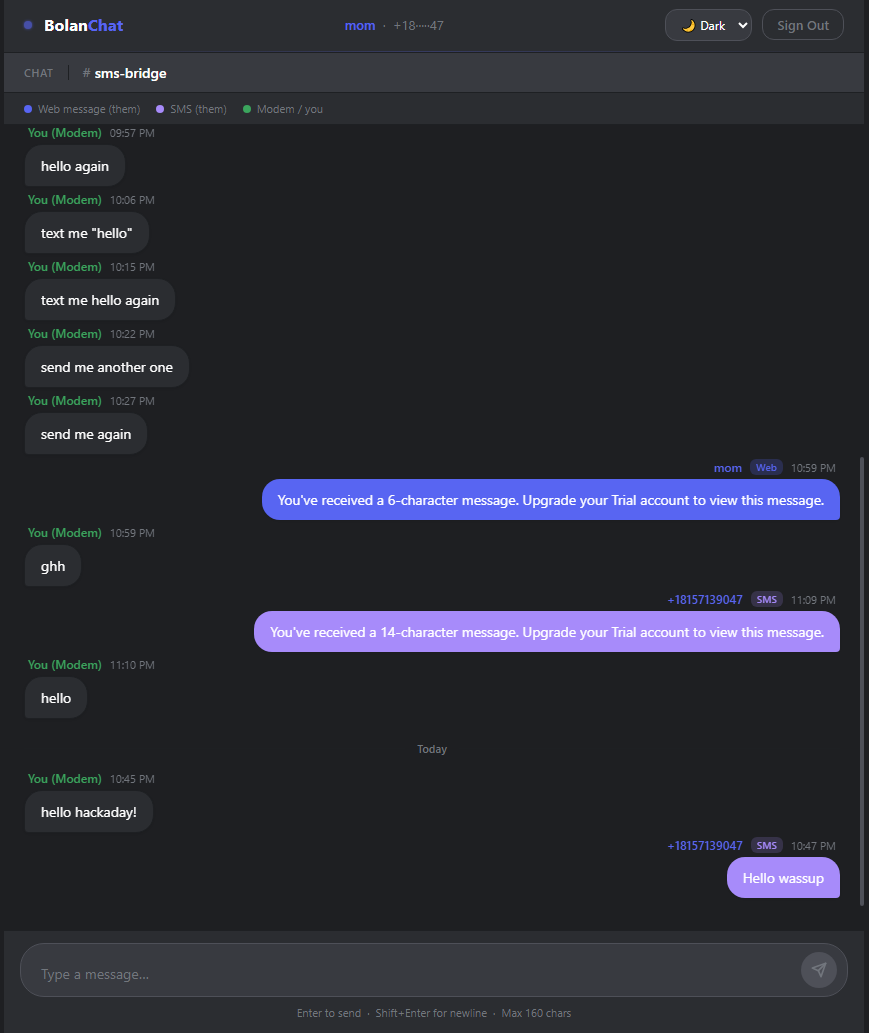
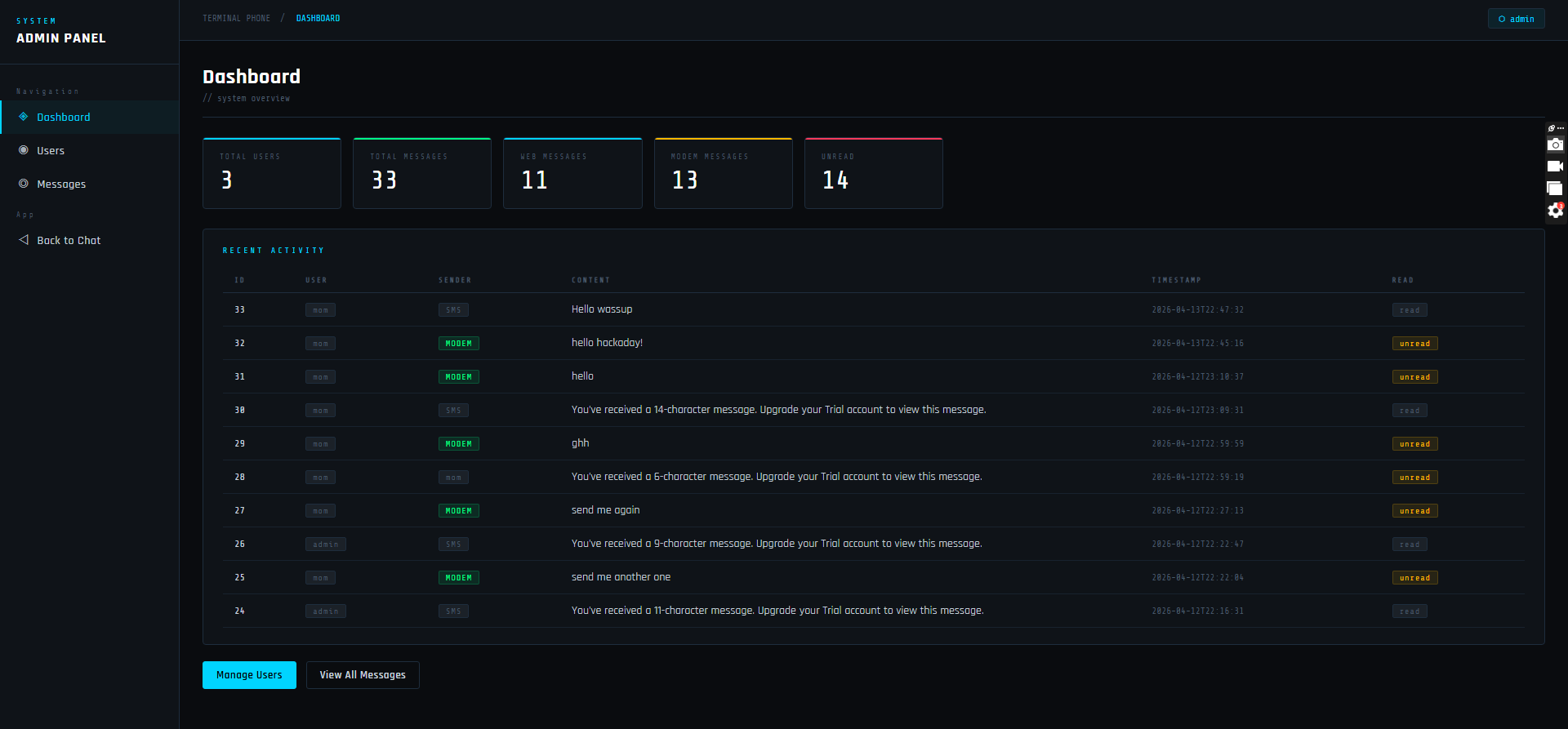
It definitely looks much better compared to before and now I have a SMS link. Those pink bubbles on the right are from an SMS phone number.
SMS
So here is how I can use my ESP8266 as a "phone". I am using a SMS provider called SignalWire and it allows me to call their API through my PythonAnywhere website, this makes SMS texting possible. Right now I have a phone number but I still need to register for a thing called a "Messaging Campaign" which allows me to show up as not spam on people's phone.
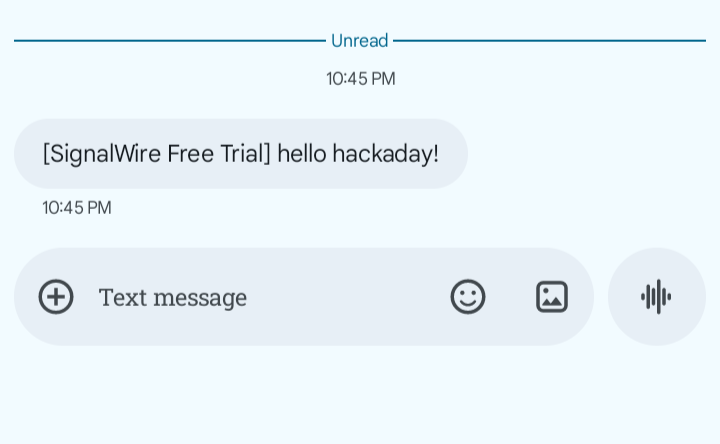
Here are some screenshots of a sent message
First I send a message from my ESP8266
Then it shows up in my website
And it is forwarded to a phone using SMS
Check out the Github repo for code for the server and hardware
Discussions
Become a Hackaday.io Member
Create an account to leave a comment. Already have an account? Log In.