• Fixing Screen Rotation on the Pi 5

    Daniel Baker10 hours ago 0 comments

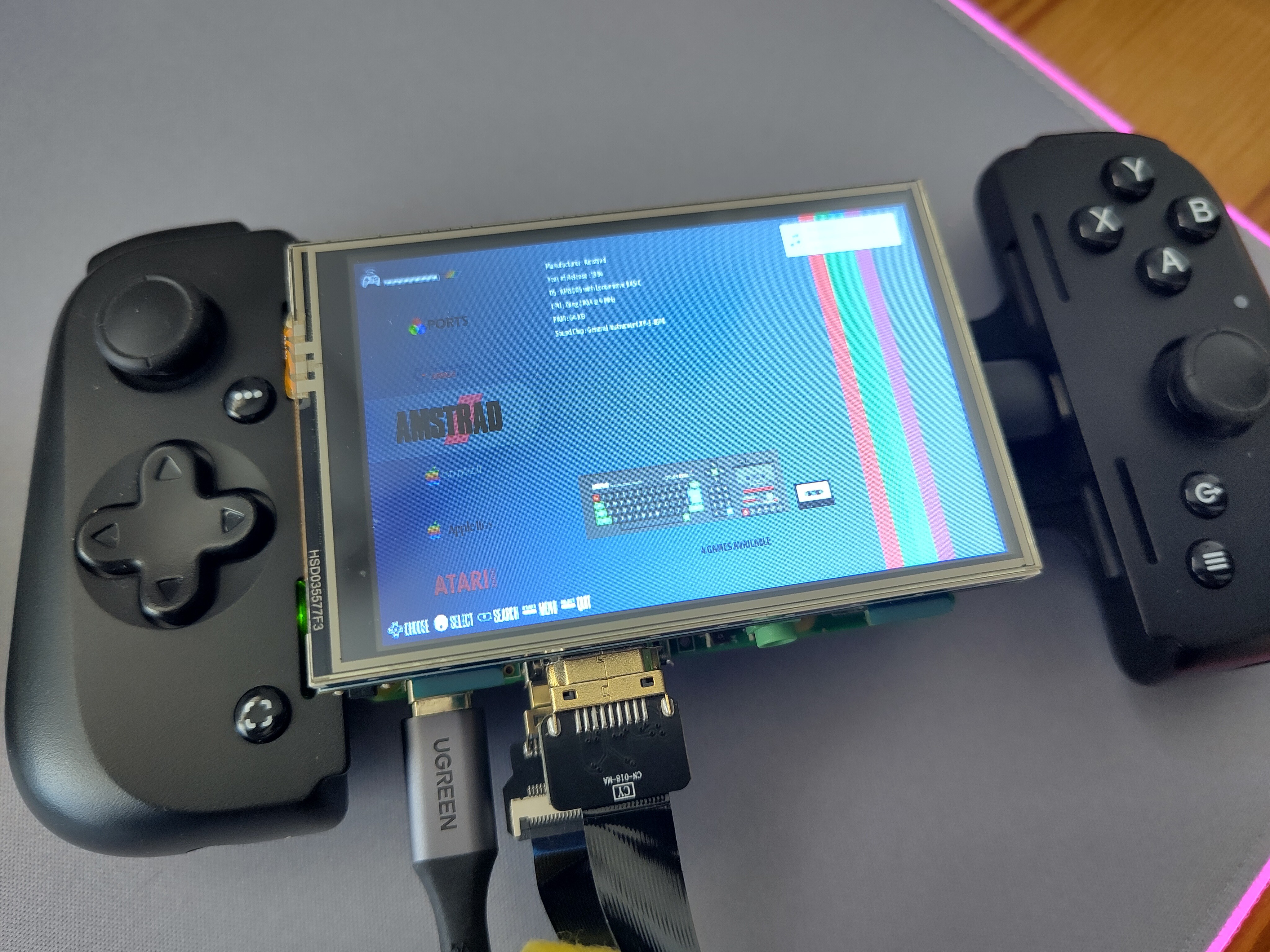
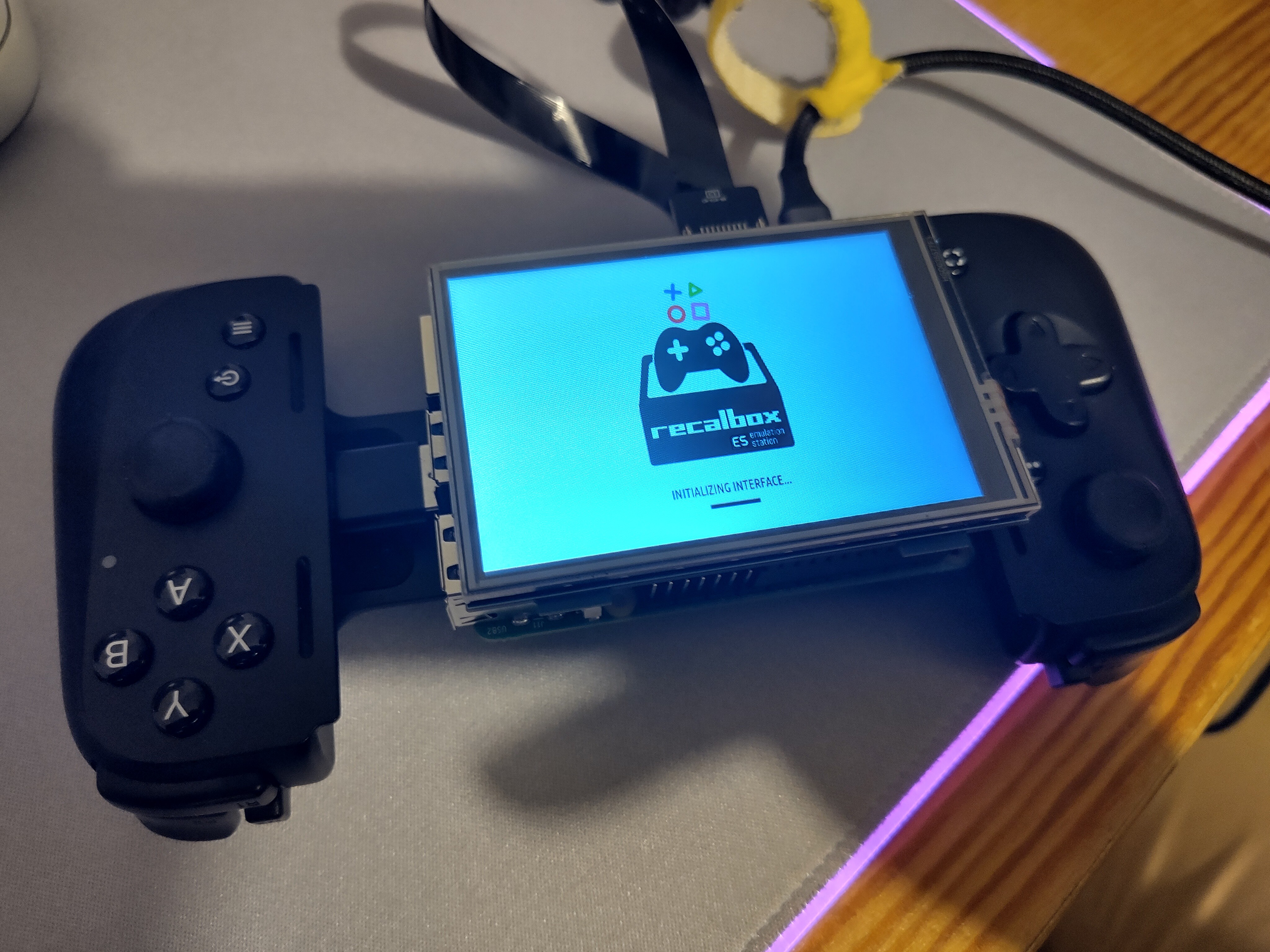
    One of the annoying hurdles in this build has been physical orientation. Because of the USB-C port placement on the Razer Kishi, I had to mount the Raspberry Pi 5 with the USB ports on the right-hand side. This left me with a perfect view of... an upside-down Recalbox menu.

    The Solution

    My search for a solution began with a few hours of googling with absolutely zero luck. Then I tried my luck with ChatGPT, and this is what it spat out:

    The Pi 5 uses the KMS (Kernel Mode Setting) video stack, which means the OS (Recalbox) takes control of the display orientation much later in the boot process than the firmware-level commands in config.txt.

    To fix this, you have to tell Recalbox's internal system manager how to handle the rotation at the software level.

    The Fix:

    1. Access the Filesystem: I threw the SD Card into the nearest computer.
    2. Locate the Config: Navigate to /recalbox/share/system/recalbox.conf.
    3. The Magic Line: Add (or find and edit) the following line to the configuration: system.kmsdrm.rotate=1(This rotated the screen 180 degrees for me)
    4. Save and Reboot.

    Results

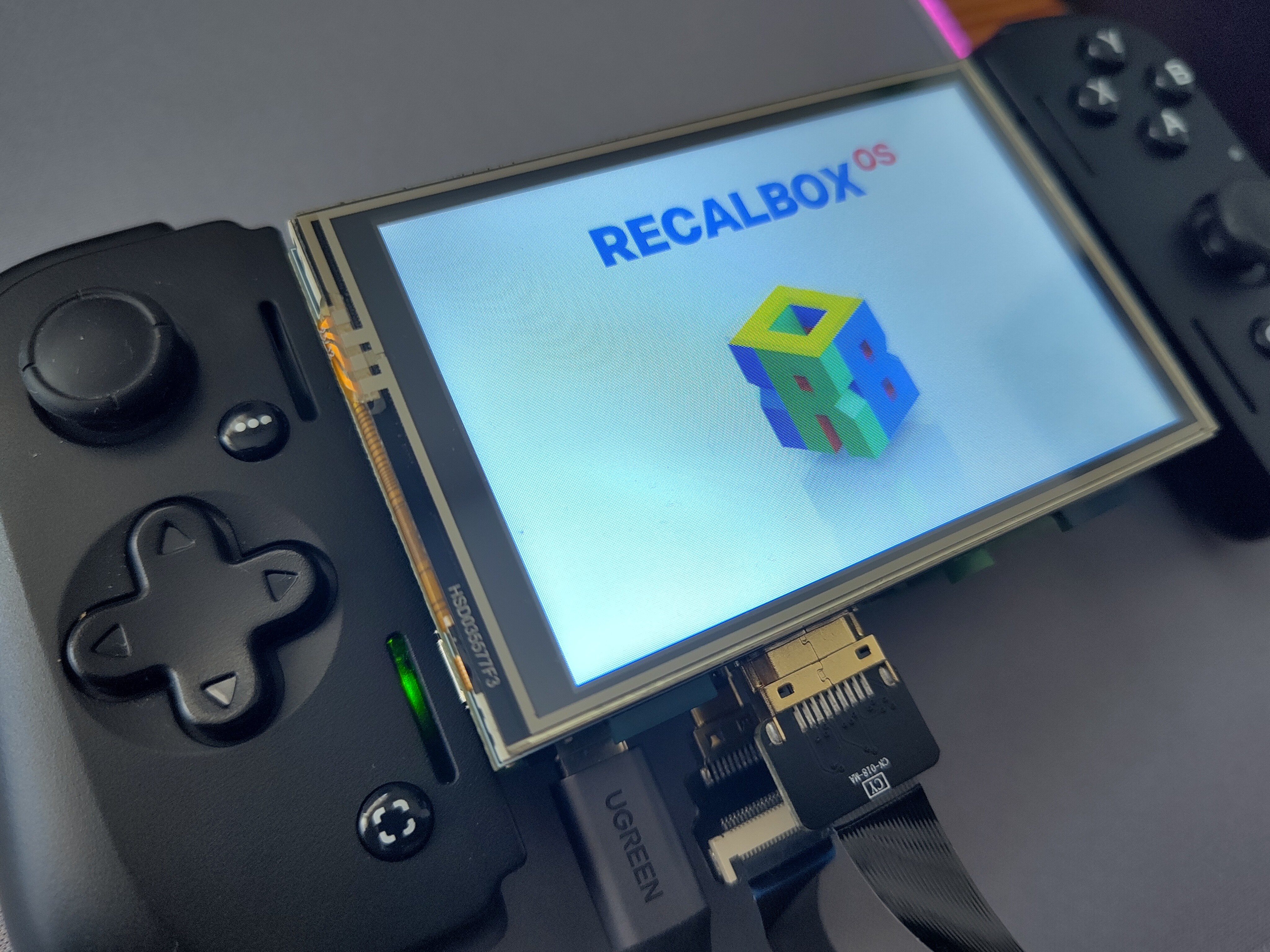
    Success! The boot sequence still starts upside down (firmware), but as soon as the Recalbox splash hits, the KMS driver kicks in and flips the image to the correct orientation. I’ve not installed the drivers yet to enable touch screen, but I may ask for ChatGPTs help there, too.

    Now that the screen is right-side up, it’s time to tackle the next big beast: Mobile Power.

  • Project Update: The Modular Pi 5 Handheld (Prototype Phase)

    Daniel Baker13 hours ago 0 comments

    I’m a huge fan of modular hardware—clipping components together to create something new is a massive draw for me. Inspired by the Mecha Comet and Leandro Linares’s portable console, I’ve started building my own handheld.

    The Concept: Unlike a dedicated gaming device, I want a modular architecture. By swapping the SD card or attaching peripherals, this device should shift from a retro game console to a web browser, an AI Agent, or a media player.

    The Hardware (Prototype 1) I’m using the Raspberry Pi 5 for its form factor and port density.

    • Compute: Raspberry Pi 5
    • Controller: Razer Kishi Pro V2
    • Display: MPI3508 3.5” LCD Touch Screen
    • Connectivity:
      • Controller connects via a mini USB-C to USB-A adapter.
      • Screen connects via a short HDMI ribbon cable (intended to be hidden inside a future 3D printed case).
    • Software: Recalbox on a 128GB Micro SD.

    Current Status Connected to a 5V mains supply, it boots seamlessly into Recalbox. The concept works!


    Design Goals

    1. Modularity: Must accommodate add-ons.
    2. Portability: Pocketable in its smallest form; rechargeable.
    3. Stretch Goals: Steam Link/Game streaming and a custom media centre interface.

    Current Challenges

    • Screen Orientation: To align the USB ports with the Kishi controller, the Pi must be mounted upside down. Consequently, the screen image is inverted.
      • Issue: Editing config.txt to flip the screen isn't taking effect in Recalbox.
      • Trade-off: Using a cable extension corrects the orientation but wastes internal space needed for the case.
    • Power Supply:
      • Plan to use 18650 batteries via a 5V breakout board.
      • Concern: A single 3300mAh cell likely offers poor battery life for a Pi 5. Might need a dual-cell setup or a hot-swap mechanism.
    • Mechanical Design (SD Card):
      • The planned bezel (housing buttons/battery) will physically block the SD card slot.
      • Need to design a case with a removable back or slot extender to maintain the "swappable OS" feature.

    Next Steps I'm sticking with the Kishi for now, as it proves that any USB-C/Bluetooth phone controller could work, making this accessible for other builders. I will focus on solving the screen rotation and finalising a battery solution in the next update.