CHAOS.TANG
-
Dual-core debugging example on RP2040
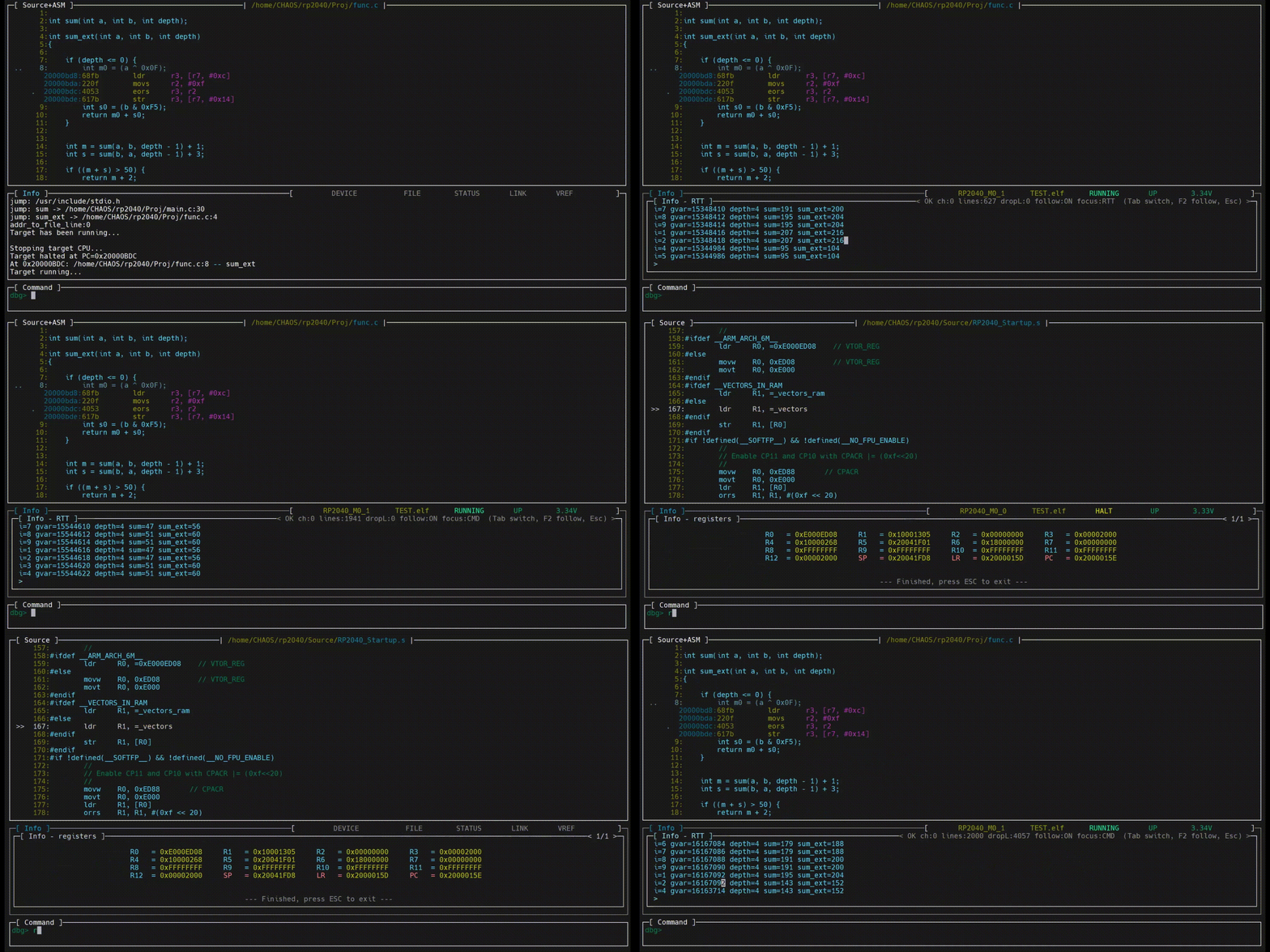
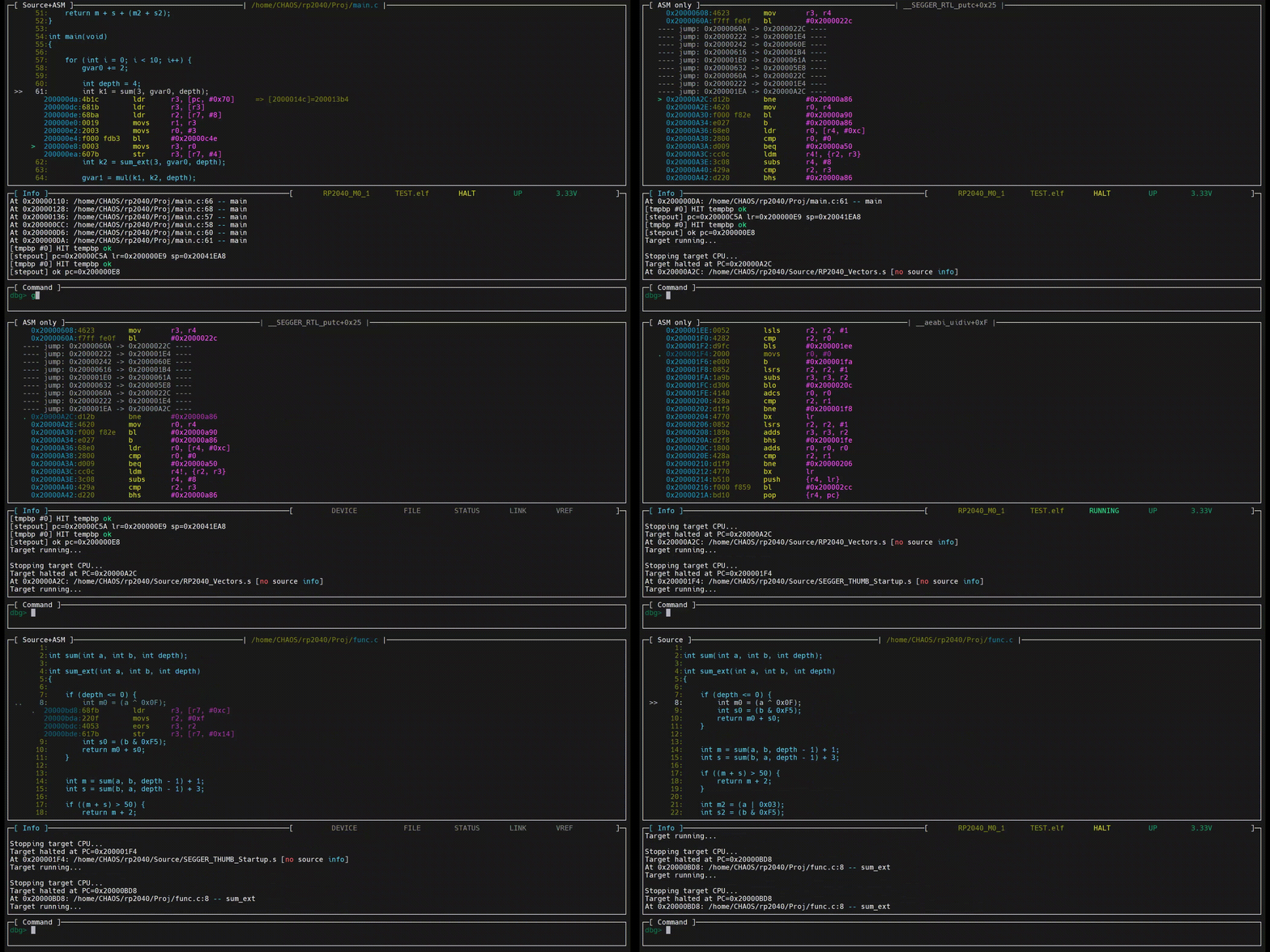
02/06/2026 at 10:35 • 0 commentsThe following animated image shows a dual-core debugging example on the RP2040.
In this example, CORE0 executes several instructions and is then halted (as indicated by HALT in the status bar), while CORE1 continues running and continuously outputs data via RTT.![]()
-
Code viewer
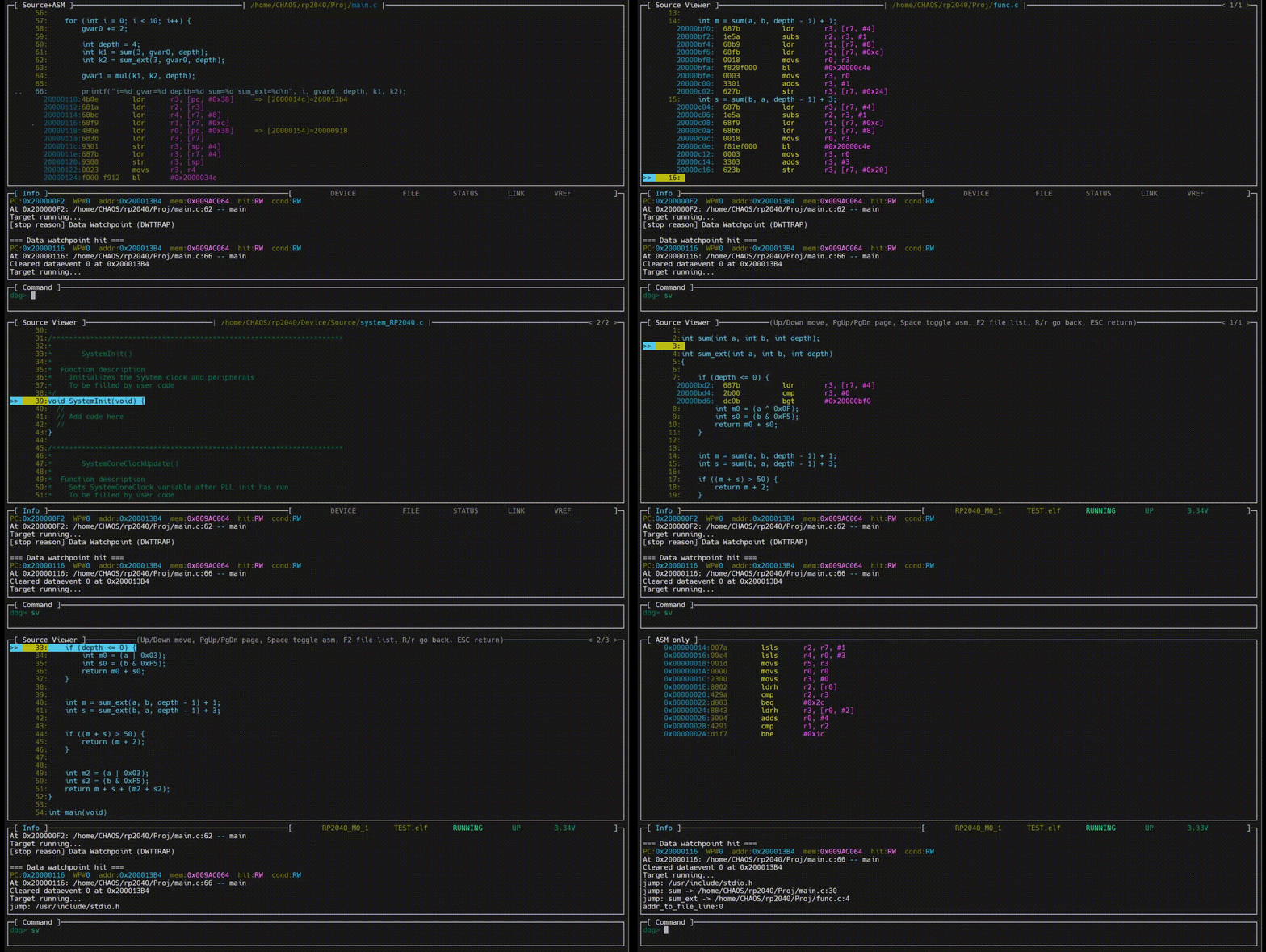
02/06/2026 at 10:26 • 0 commentsThe following animated image demonstrates how to use the code viewer.
The code viewer provides two operating modes:
- viewing the source file associated with the current debugging context
- browsing all source files referenced by the ELF file.
The code viewer allows you to select and open specific source files. It supports opening header files included by C source files and enables direct function navigation.
Within the code viewer, the assembly code corresponding to C statements can be expanded and collapsed.
In addition, the code viewer provides an advanced state-preserving navigation feature. You can open multiple source files, navigate between them, and expand or collapse C statements. When navigating back to previously viewed files, all prior viewing states and operations are automatically restored.
You can also place breakpoints and perform Run-To operations directly within the code viewer.
![]()
-
Data watchpoints
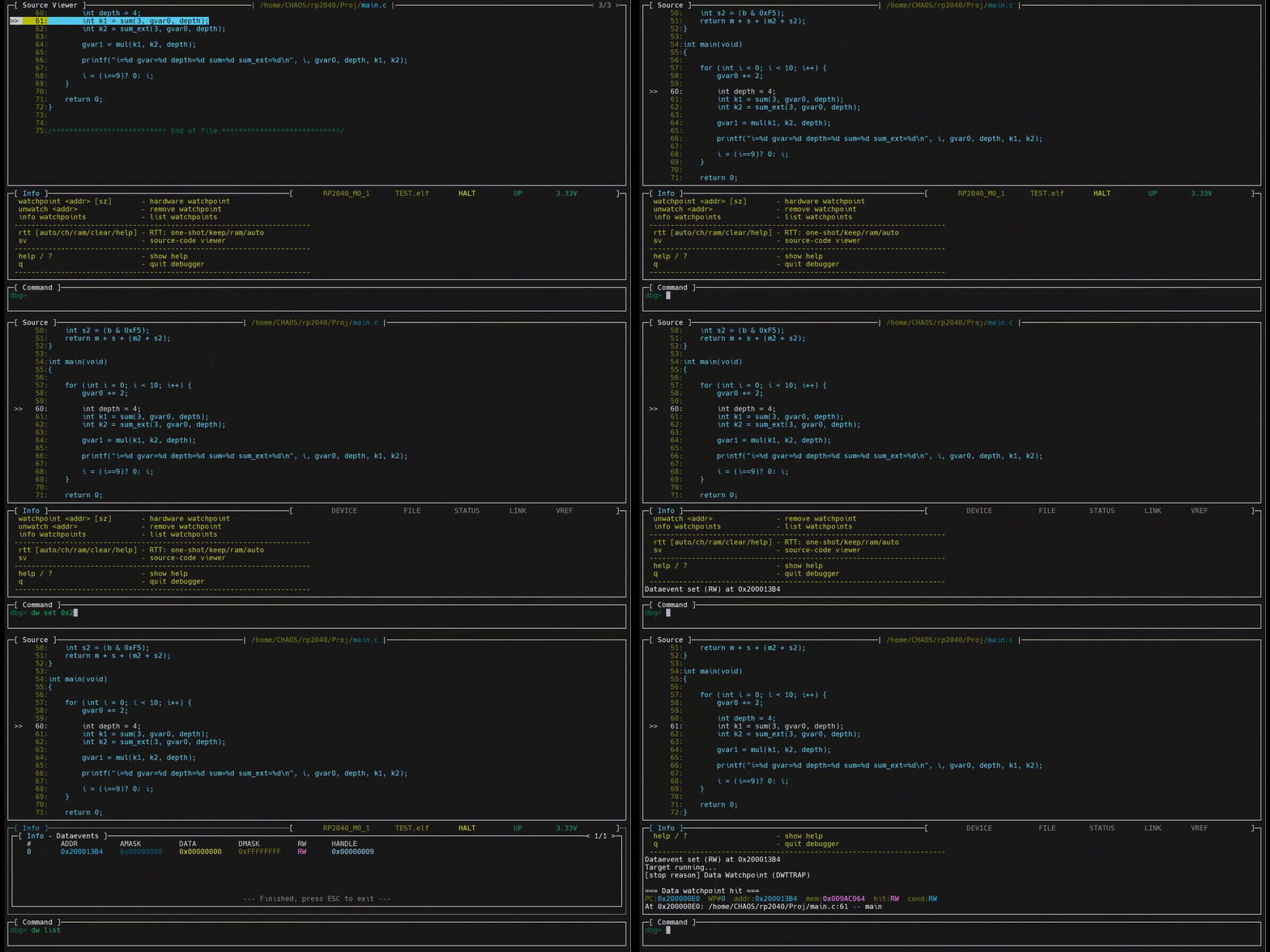
02/06/2026 at 10:11 • 0 commentsThe animation below shows the usage of data watchpoints.
![]()
-
Register breakpoints
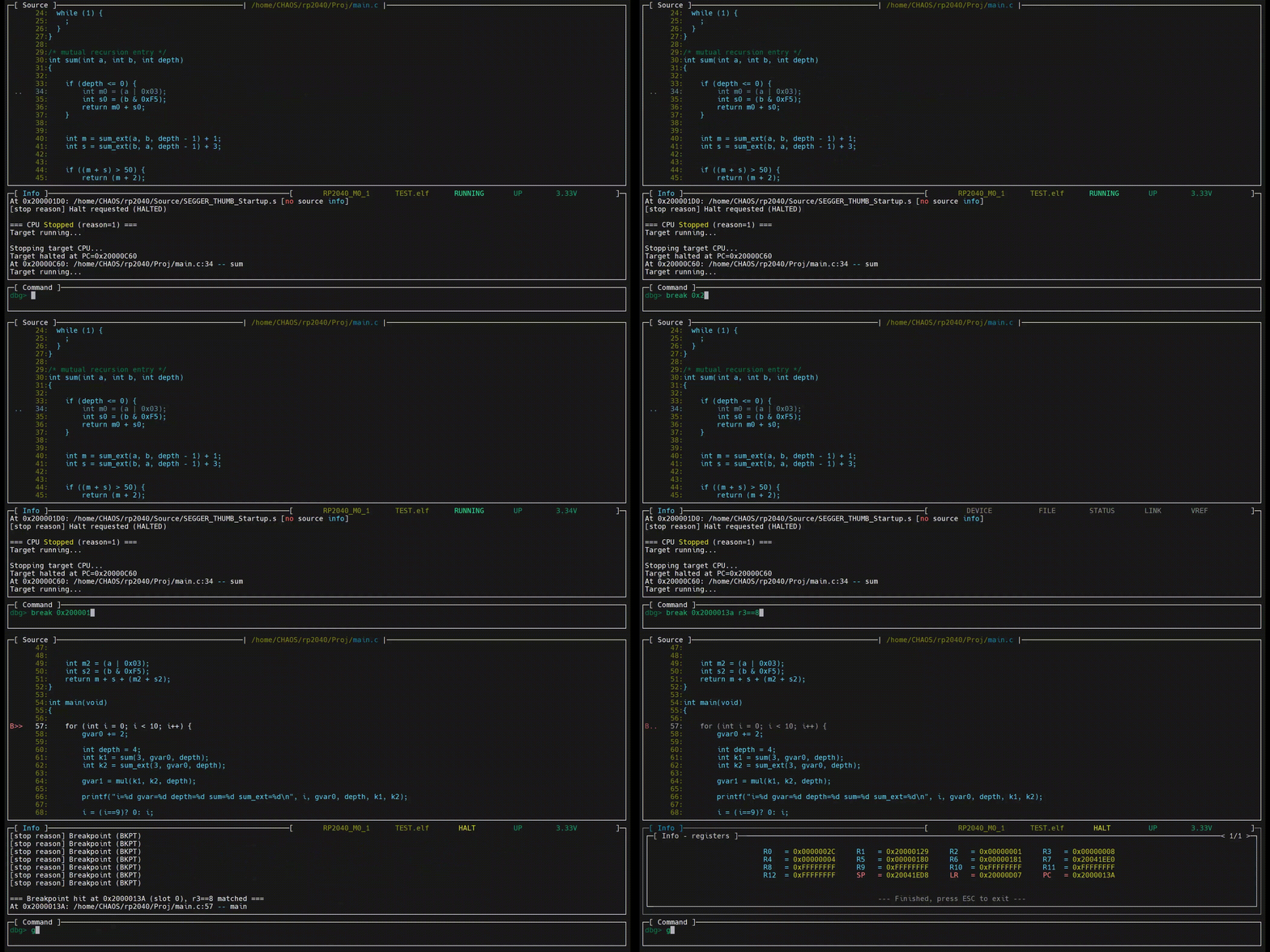
02/06/2026 at 10:09 • 0 commentsThe following animated image demonstrates how to use register breakpoints (register-based conditional breakpoints).
![]()
-
Graphical breakpoints and Stack analyzer
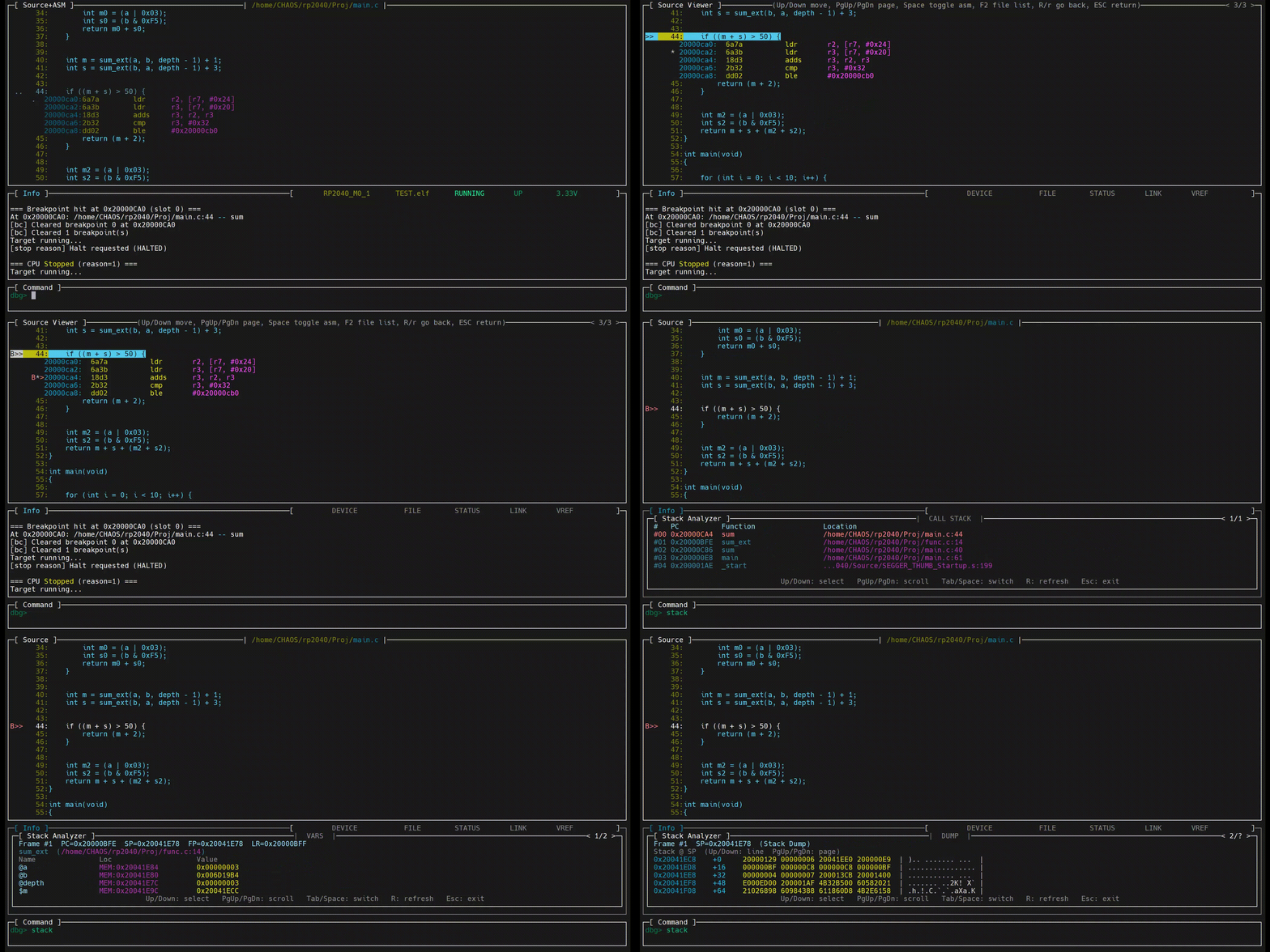
02/06/2026 at 10:05 • 0 commentsThe animation below shows graphical breakpoint placement during target execution and the use of the advanced stack analyzer after a breakpoint is triggered.
Within the stack analyzer, specific call frames can be selected to inspect internal variables and stack memory.![]()
-
Graphical breakpoints and Locals window
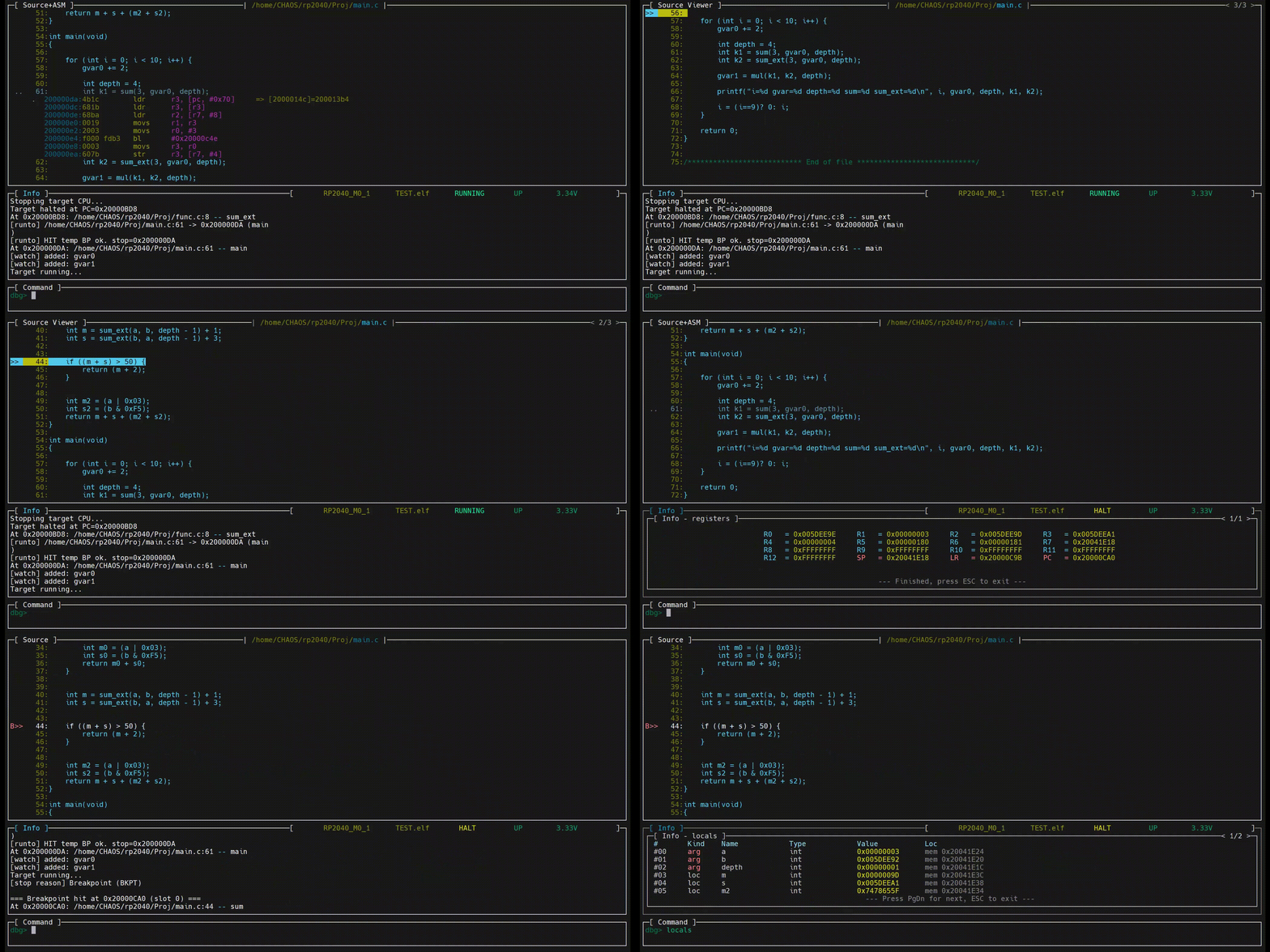
02/06/2026 at 10:02 • 0 commentsThe animation below shows graphical breakpoint placement during target execution and the use of the Locals window after a breakpoint is triggered.
The Locals window explicitly marks parameters and local variables.
![]()
-
Memory window
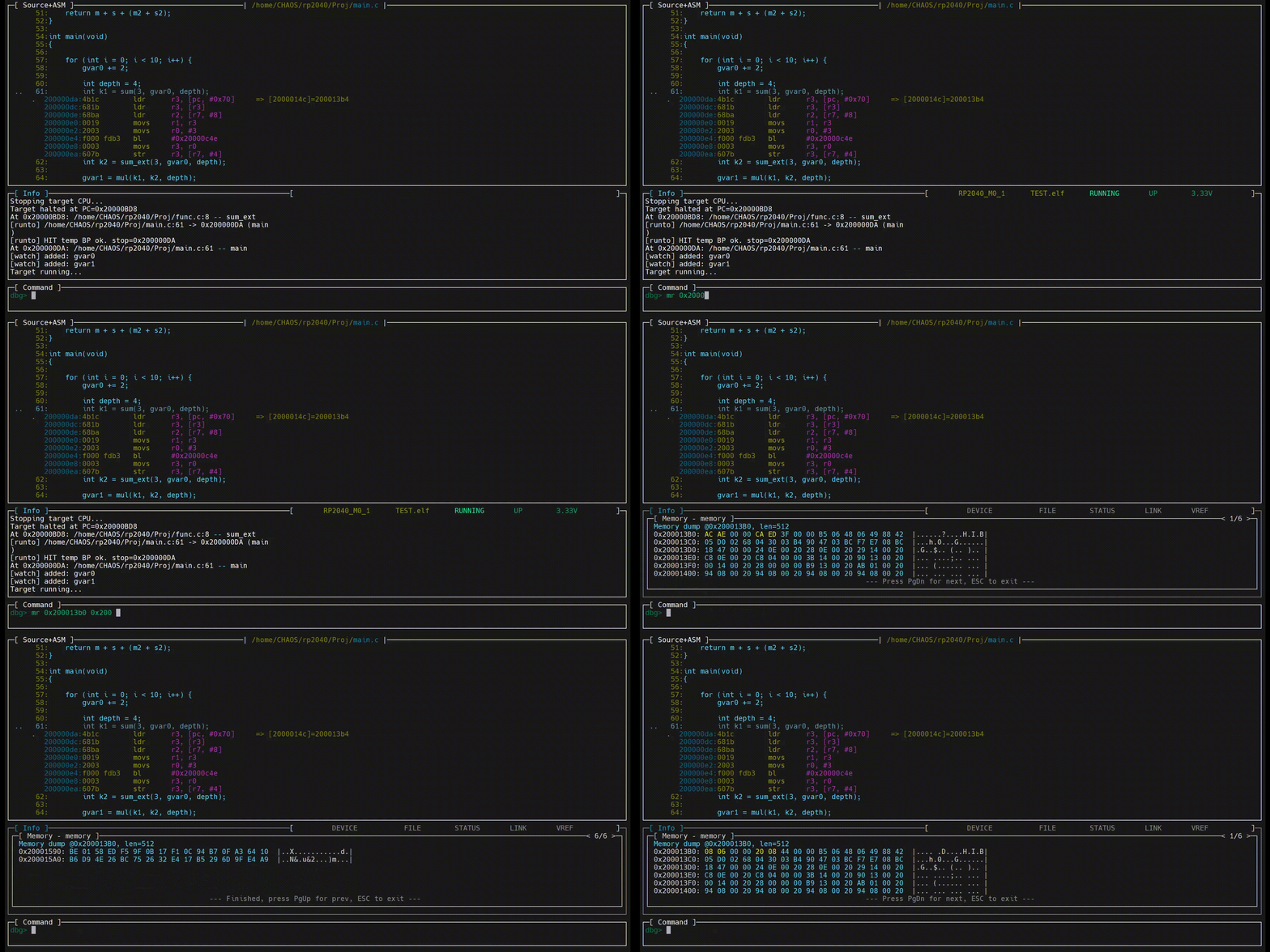
02/06/2026 at 09:58 • 0 commentsThe animation below shows how the Memory window is used and how data is updated dynamically.
![]()
-
Watch window
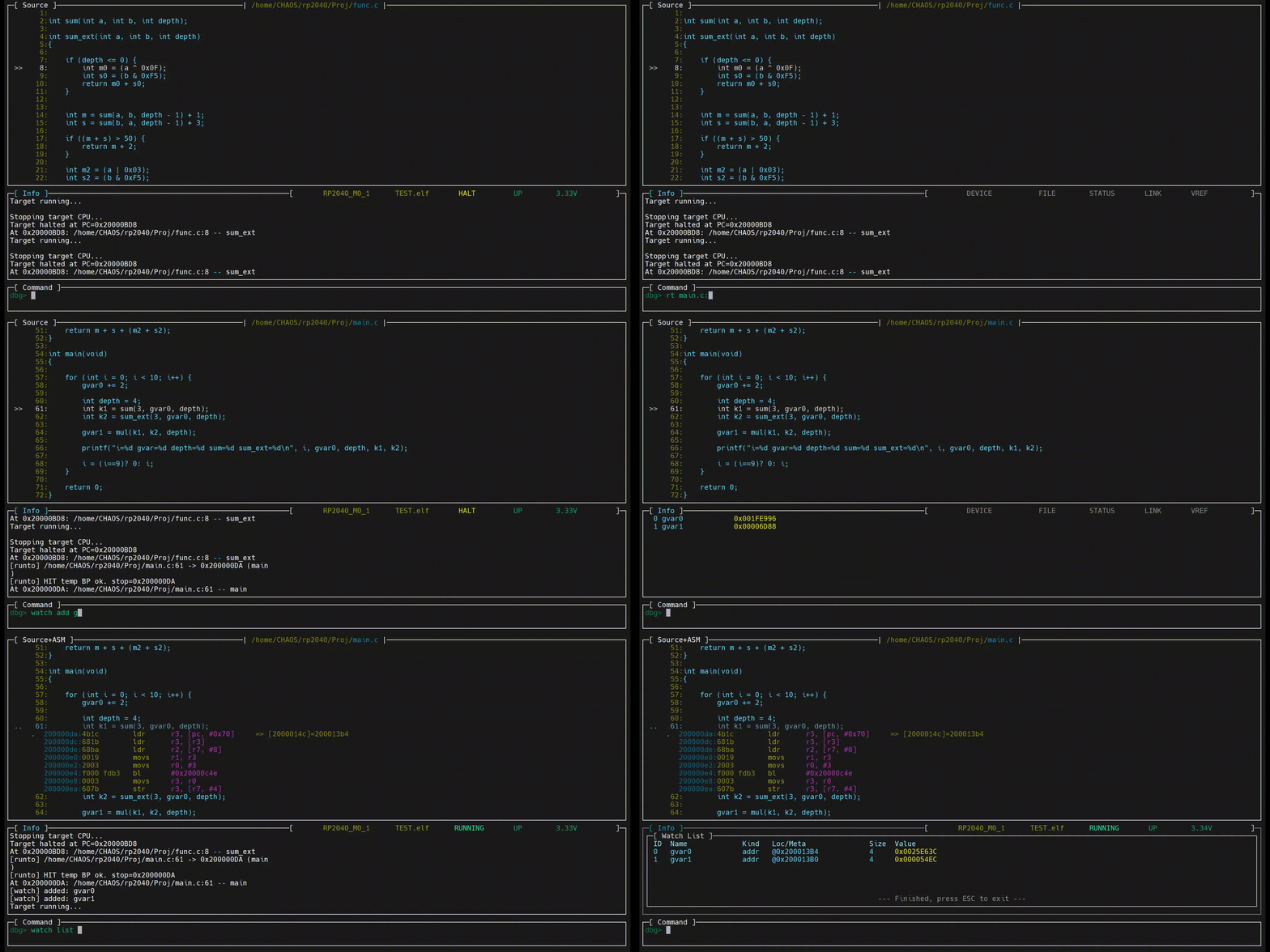
02/06/2026 at 09:56 • 0 commentsThe animation below shows how the Watch window is used and how data is updated dynamically.
![]()
-
Viewing registers
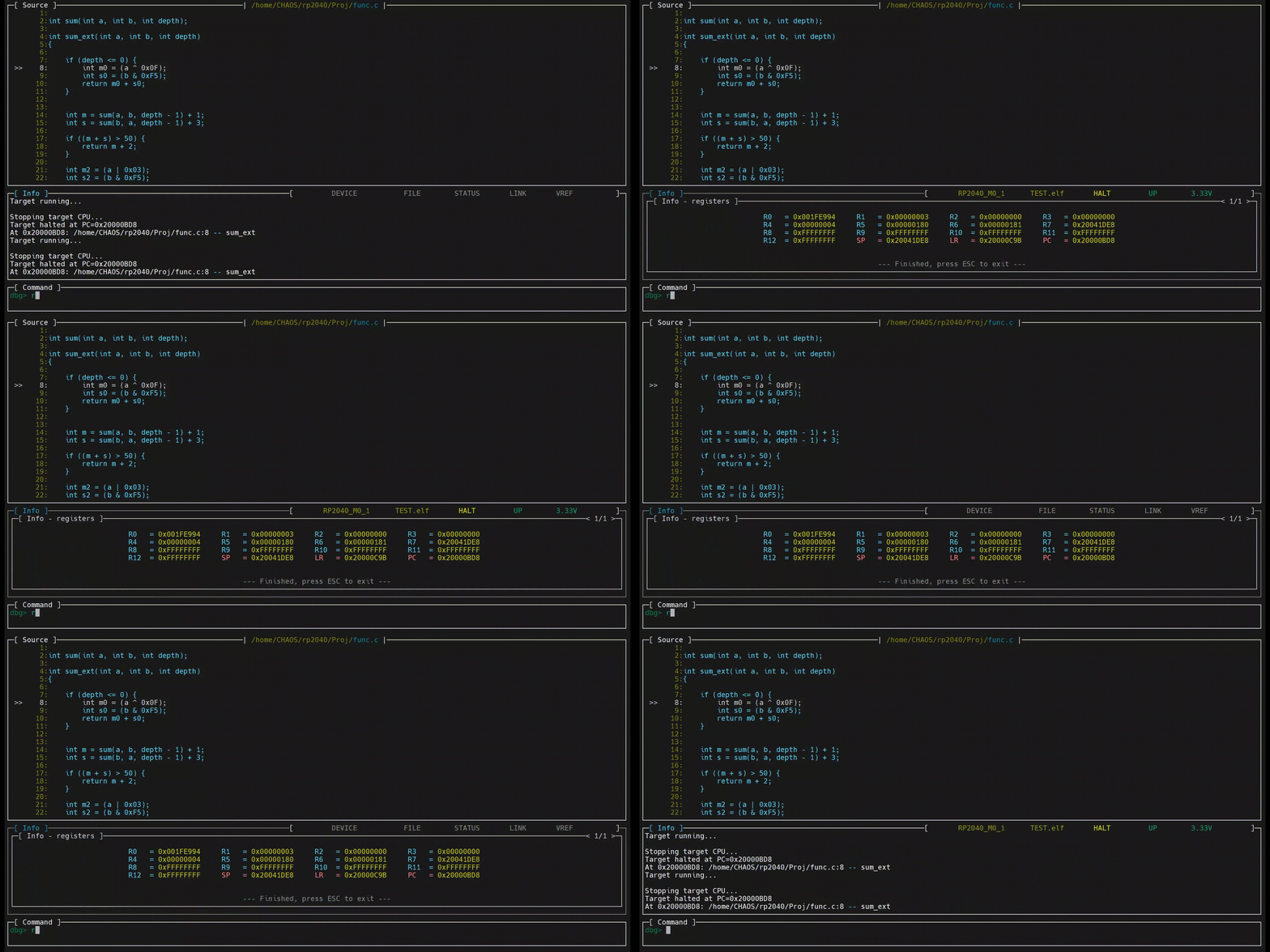
02/06/2026 at 09:53 • 0 comments![]()
-
Last breakpoint hit
02/06/2026 at 09:52 • 0 commentsThe animation below shows that, during continuous GO/BREAK cycles, the most recent break location is highlighted in a darker style in C, assembly, or mixed views.
![]()
Debugger Dedicated to Embedded Systems
Compact Debugger is an embedded-specific debugger written entirely in pure C, designed for efficiency and low resource usage.