 Motley
I had intended to start at day one, logging everything as I go, but it took way longer to get a creator account set up than anticipated and I started building because... I have no patience.
So this first log entry is just to get you up to speed.
The first bunch of components I ordered were:
- ESP32-S3-N16R8 DevKit (UICPAL brand)
- ILI9488 3.5" TFT display, red PCB breakout
- VL53L5CX ToF sensor, small green breakout board
- OV2640 camera bare sensor, 24-pin gold FPC, M12 lens barrel
- INMP441 MEMS microphone x1
- TP4056 USB-C charge module
Physical inspection notes:
- ESP32-S3 board: UICPAL brand, N16R8 confirmed on module label. Two USB-C ports (OTG and TTL). Small U.FL antenna socket on module (external antenna optional — PCB trace antenna sufficient for testing).
- Display: Red PCB, 14-pin header bottom edge. MicroSD slot on back (J2 header). Touch digitiser (XPT2046) shares header.
- VL53L5CX: Small green board, no pull-up resistors visible on SDA/SCL. LPN pin present (must tie to 3.3 V).
- OV2640: Bare sensor with M12 lens. Needs a host board with FPC socket (AI Thinker ESP32-CAM or equivalent breakout).
- INMP441: Small breakout, labelled pins.
It was here that I realised I needed a breakout board for the camera, this became a real pain in the arse to find, I didn't want one with a camera but it seemed really hard to find one without. Anyway, I ordered another one, with a cam, which I thought was also a 2MP 2046. It wasn't. It was a breakout board and it did have a cam with it but it was the 0.3MP 3040... and it didn't have any usb connections... so back to aliexpress, feeling really annoyed at myself for not looking closely enought at listings, that's when I saw the flash sale for the 2x ESP32S3's with integrated cam board (FPC socket) and 5MP OV5640 cameras. Perfect. As of writing this, these are on order and should arrive in the next week or two. On with the story...
Installed PlatformIO IDE extension in VS Code.
This next bit took so much longer than it should have:
Phase 1: Display + ToF
Duration: ~3–4 hours (estimated)
Activity: Hardware bring-up, debugging, combined display demo
This was the main hardware bring-up session. Several issues encountered and resolved before everything worked. The main issue was that the TFT did not work as expected and there was basically no help or documentation online.
Display (ILI9488) bring-up
Wired ILI9488 to ESP32-S3 per pin assignments in TECH_STACK.md. Initial attempts failed silently or crashed.
Issues encountered:
1. Guru Meditation / StoreProhibited at boot — caused by using GPIO 35/36/37 for SPI. These are internally wired to the OPI PSRAM chip and cannot be used as general GPIO. Moved SPI to GPIO 10/11/12.
2. Guru Meditation even with bare sketch — flash mode was DIO. The N16R8 requires QIO mode. Added `board_build.flash_mode = qio` and `board_build.arduino.memory_type = qio_opi` to platformio.ini.
3. Serial Monitor completely silent — ESP32-S3 native USB requires `-DARDUINO_USB_CDC_ON_BOOT=1` build flag. Without it, the Serial class has no output.
4. Crash inside tft.init() — TFT_eSPI defaulted to SPI3 (GPIO 35/36/37 area). GPIO 10–12 are on SPI2. Fixed with `-DUSE_HSPI_PORT` and `-DTFT_MISO=-1`.
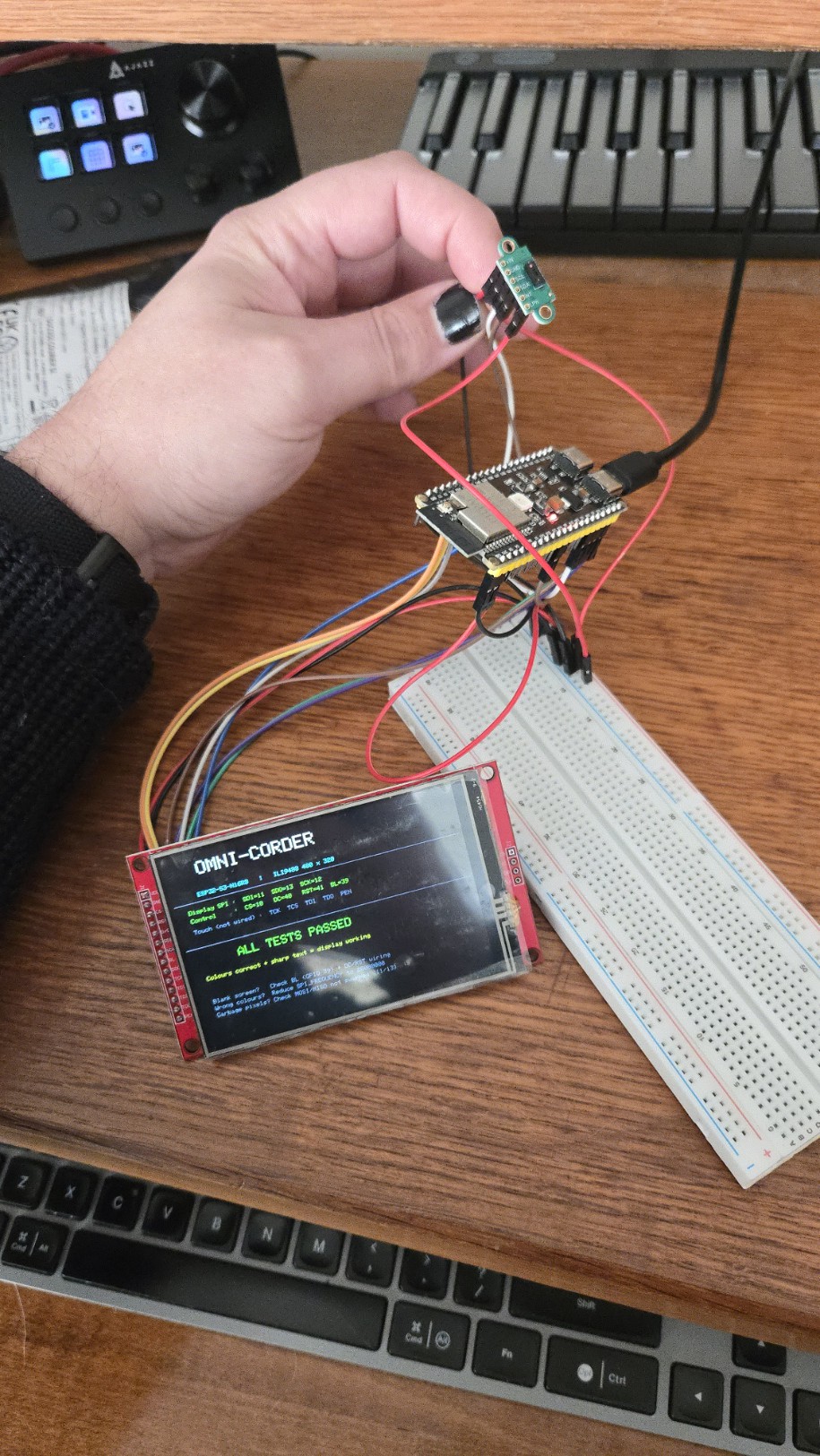
After resolving all four issues, the display worked correctly: full 480x320 colour, correct colours, no flickering.
ToF Sensor (VL53L5CX) bring-up
Wired VL53L5CX to I2C on GPIO 8/9. Added external 4.7 kOhm pull-ups on SDA and SCL.
Issues encountered:
5. VL53L5CX header not found — include path was wrong. Correct header is `SparkFun_VL53L5CX_Library.h` (not `_Arduino_Library.h`).
6. I2C Error -1 / sensor not responding — AliExpress breakout has no onboard pull-up resistors. Added 4.7 kOhm from SDA to 3.3 V and SCL to 3.3 V externally.
7. Sensor dots (retrying forever at startup) — LPN pin was floating. Wired LPN to 3.3 V. Sensor responds immediately after.
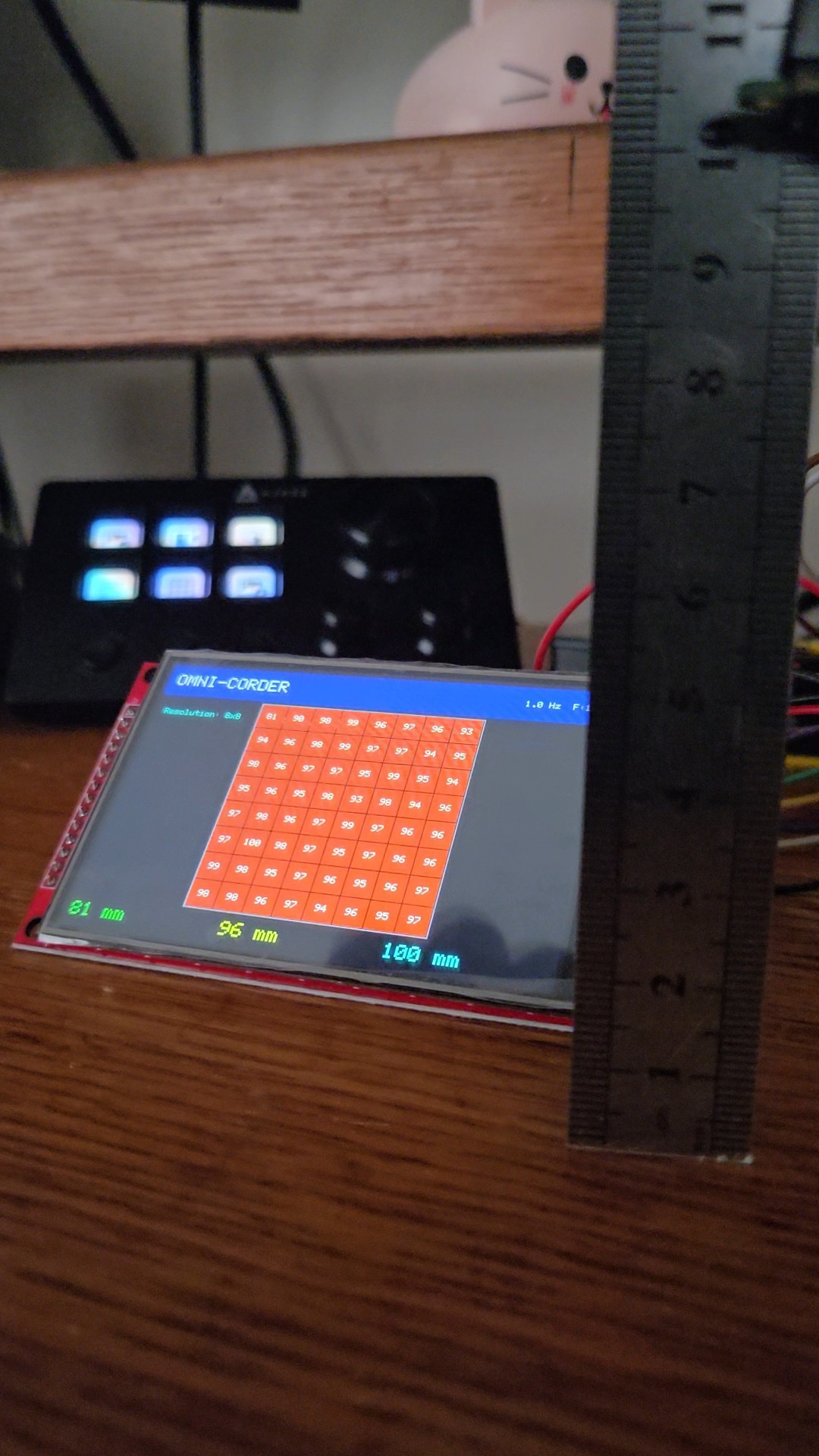
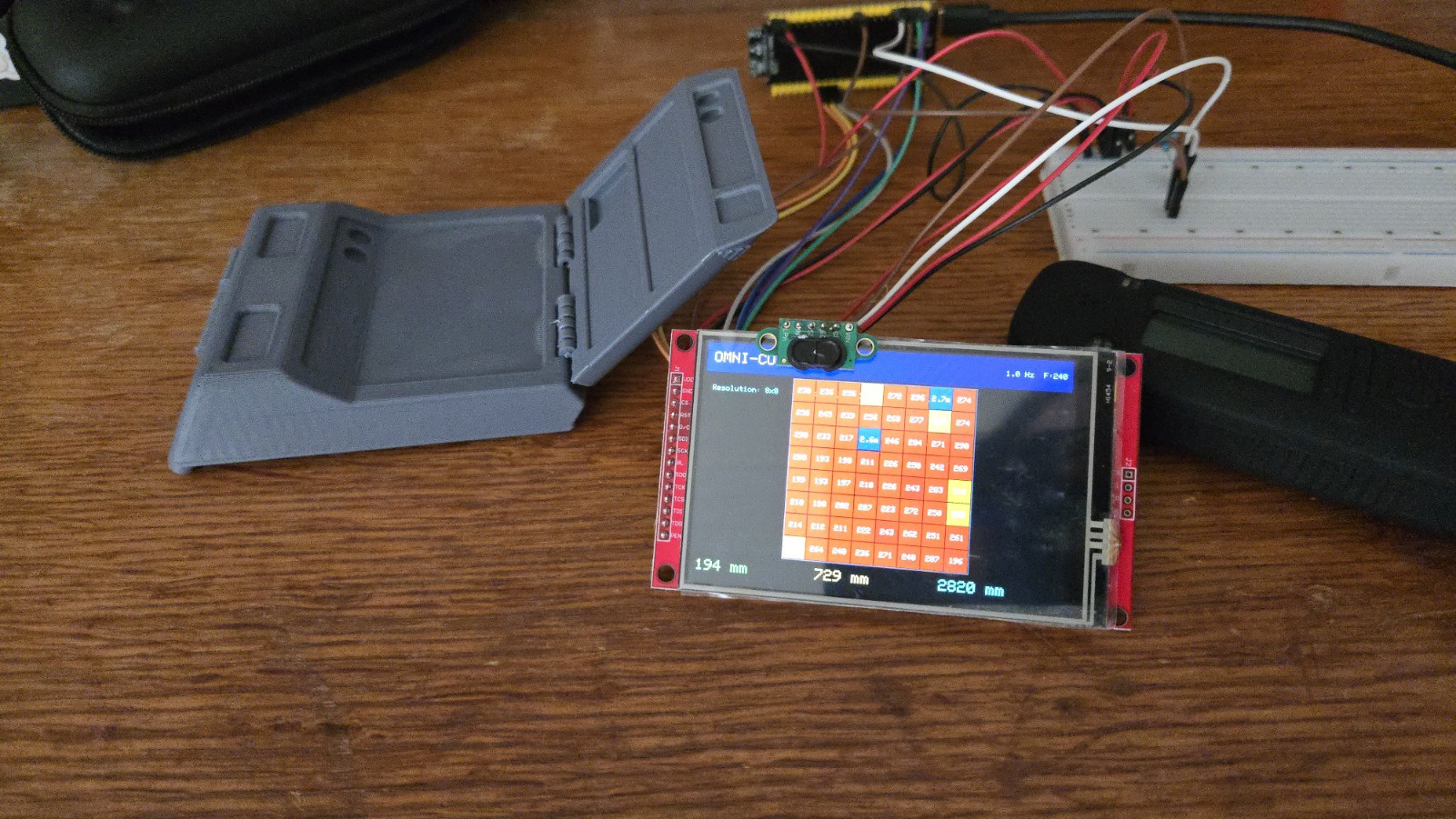
After resolving issues, sensor confirmed working. Reads 8x8 depth array (64 values per frame) over I2C at address 0x29.
Accuracy test at 100 mm: sensor reads 96–100 mm (±4 mm).
Discussions
Become a Hackaday.io Member
Create an account to leave a comment. Already have an account? Log In.