 Amir
AmirPeople keep asking me the same question: “Okay, but how does it actually work?” Let me show you.
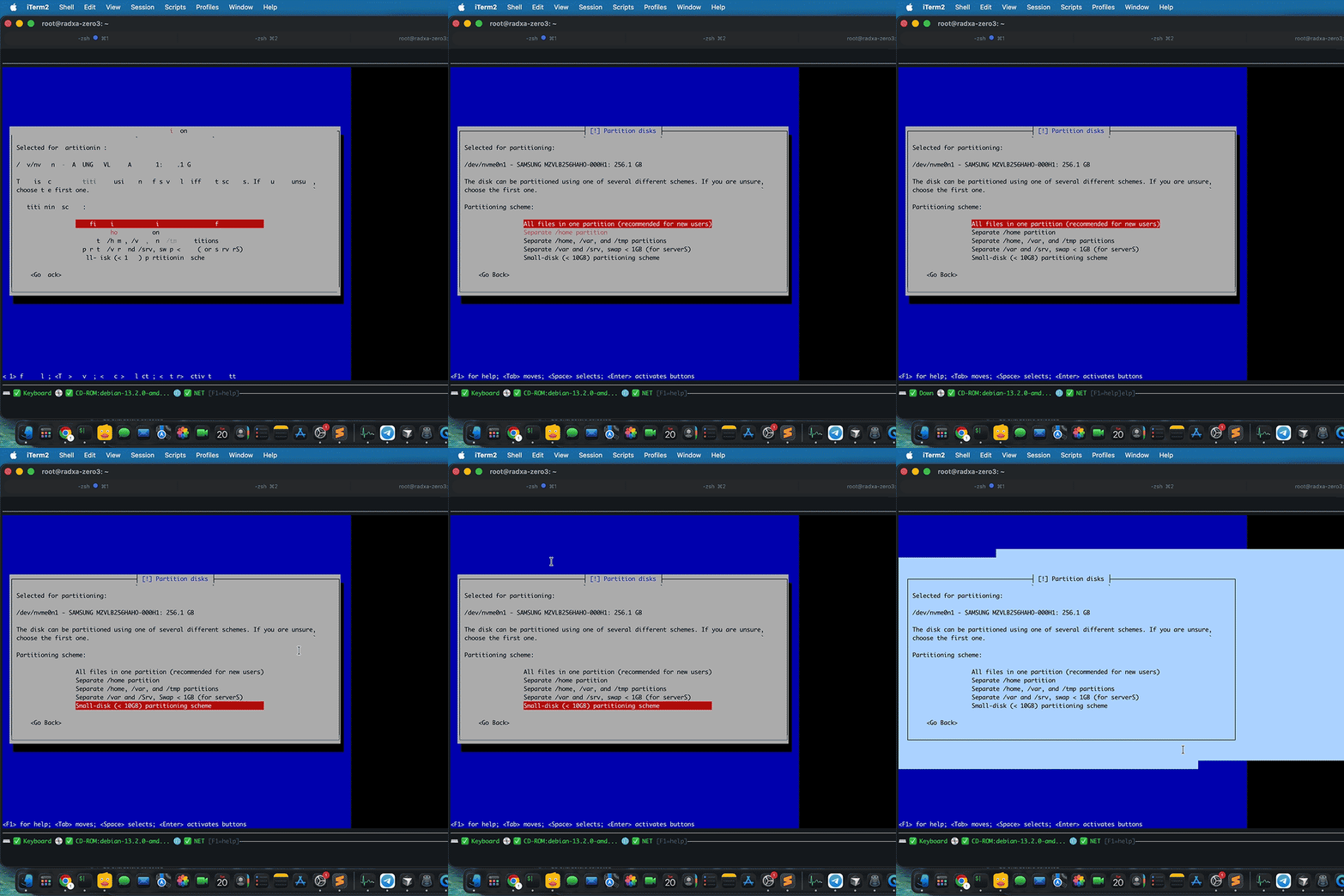
The GIF above shows a real-time SSH session. This is an actual BIOS screen—not a video stream or a screenshot. The device captures the raw video feed from the server, processes it using a built-in OCR model (running on the RK3566 NPU), and converts it into interactive text in real time, completely offline. Key presses are transmitted back via hardware HID emulation.
All of this operates at a speed of ~10 kbps. For comparison: a standard video KVM requires 5–20 Mbps for the same screen. This means the system works perfectly over a 4G connection, a satellite link, or unstable hotel Wi-Fi—anywhere you’d normally give up and book a flight to the data center.
What you can do in this mode: navigate menus, change boot order, copy serial numbers and MAC addresses directly from the terminal, run Expect scripts in the firmware menu, and execute automated BIOS operations. No monitor, no emergency cart, no agent on the host.
This is the part of the project I’m most proud of. Everything else—virtual media, snapshots, power management—are useful features. But this one changes your perception of managing “bare-metal” hardware.
Next blog post: immutable snapshots and why the host can’t touch them.
Discussions
Become a Hackaday.io Member
Create an account to leave a comment. Already have an account? Log In.