 chrmlinux03
One day, a question came to mind.
"The signal coming out of the Audio Jack is just a voltage change. NTSC is also a voltage change. Aren't they the same thing?"
What is an audio signal? It is what a microphone produces when it converts air vibrations into voltage changes. A speaker converts those voltage changes back into air vibrations. In other words, an audio signal is nothing more than "a voltage change on a time axis."
So what is an NTSC composite video signal? It is a representation of sync signals and luminance signals — used by a TV to draw its picture — expressed as voltage changes on a time axis.
Audio signal = voltage change on a time axis NTSC signal = voltage change on a time axis
The essence is exactly the same.
The only difference is the pattern of voltage changes.
So if we output voltage that changes in the NTSC pattern from the Audio Jack, the TV should display an image.
To do this: express the NTSC waveform as PCM data, save it as a RAW file on an SD card, and play it back with Spresense's Audio Player. The Arduino code is Sony's official sample player_hires.ino — unchanged. Only the filename needs to be different.
This concept recalls the movie Contact. In the film, video signals were hidden inside audio data. What we did here is the reverse — we intentionally designed video signals as audio data.
The result?
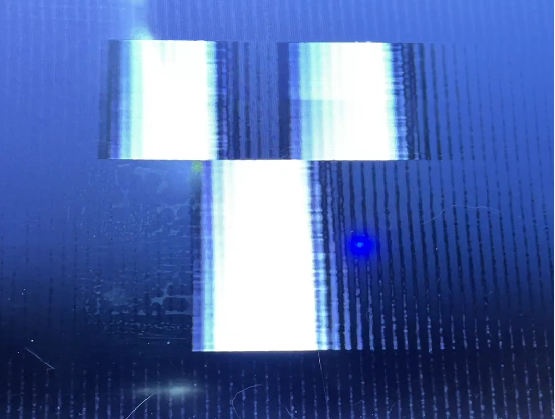
Video appeared on the TV. And not a single line of Arduino code was changed.
This is not a story about "outputting video." This is a story about "turning a music player into a TV" — and the display content can be changed simply by swapping the RAW file. No recompiling. No re-flashing.

Discussions
Become a Hackaday.io Member
Create an account to leave a comment. Already have an account? Log In.