 Arnov Sharma
-
11GAME CYBERPUNK 2077
![]()
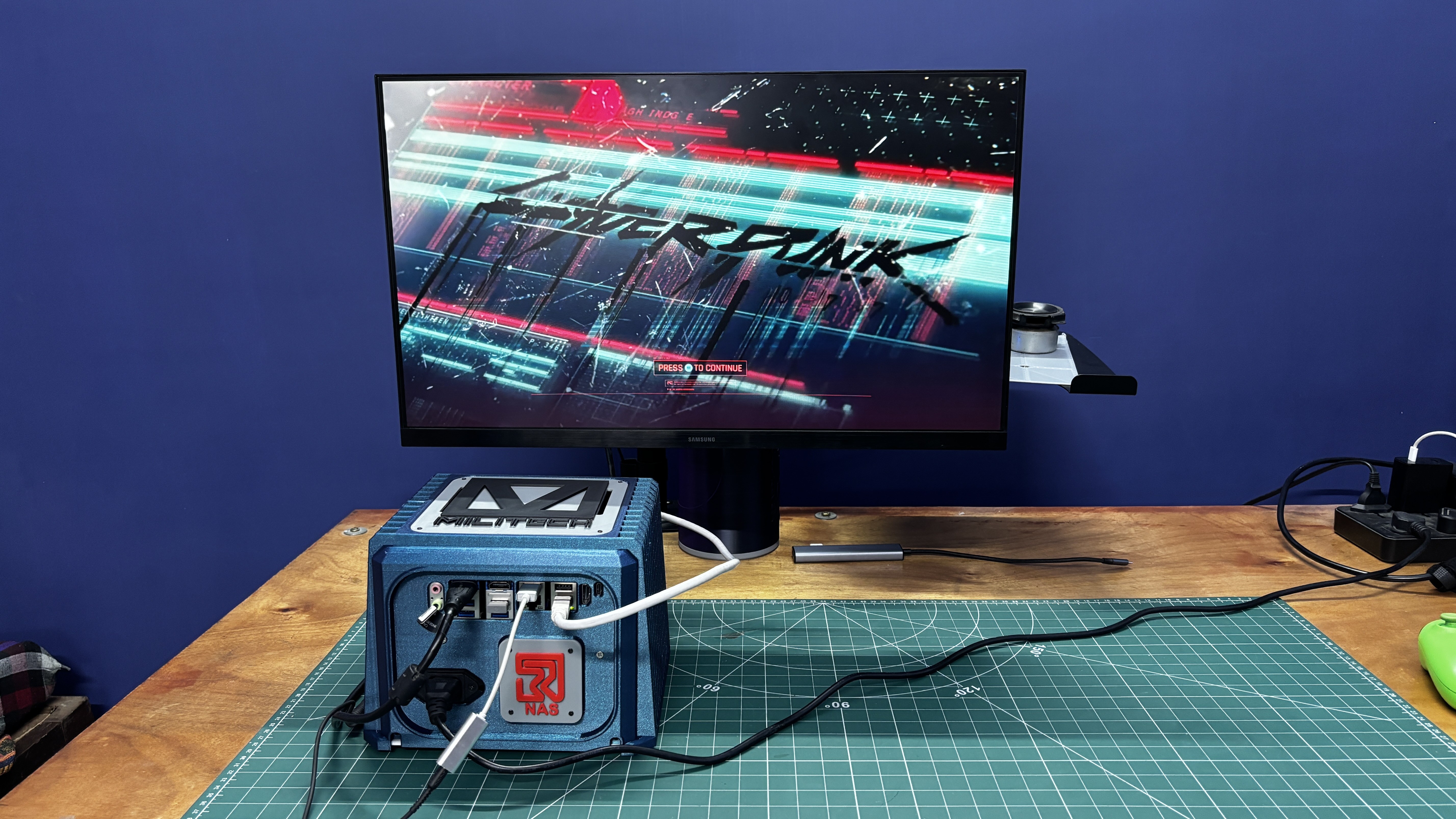
Next, I tried Cyberpunk 2077, and yes, it ran surprisingly well. There's a catch, though. The game wasn't running natively on the ROCK 5 ITX. Instead, I used Steam Link to stream the game from my ROG Ally to the NAS. The Xbox controller was connected to the ROCK 5 ITX, and everything worked seamlessly, making it feel like the game was running locally.
Considering the RK3588's performance, I have no doubt it can comfortably handle plenty of older PC titles, including Counter-Strike: Source, The Elder Scrolls IV: Oblivion, Halo: Combat Evolved, Half-Life, Project IGI, and even games like GTA: San Andreas through the appropriate compatibility layers or emulation.
Of course, I'm not planning to use this system as a gaming PC; it's a NAS first and foremost.
However, testing these games was a great way to demonstrate the capabilities of the Radxa ROCK 5 ITX. It shows that this board has more than enough performance for NAS duties while still having plenty of horsepower left for media servers, self-hosted services, development, and even a bit of casual gaming when needed. Overall, the RK3588 certainly didn't disappoint.
-
12CONCLUSION
![]()
![]()
And here's the conclusion of this project.
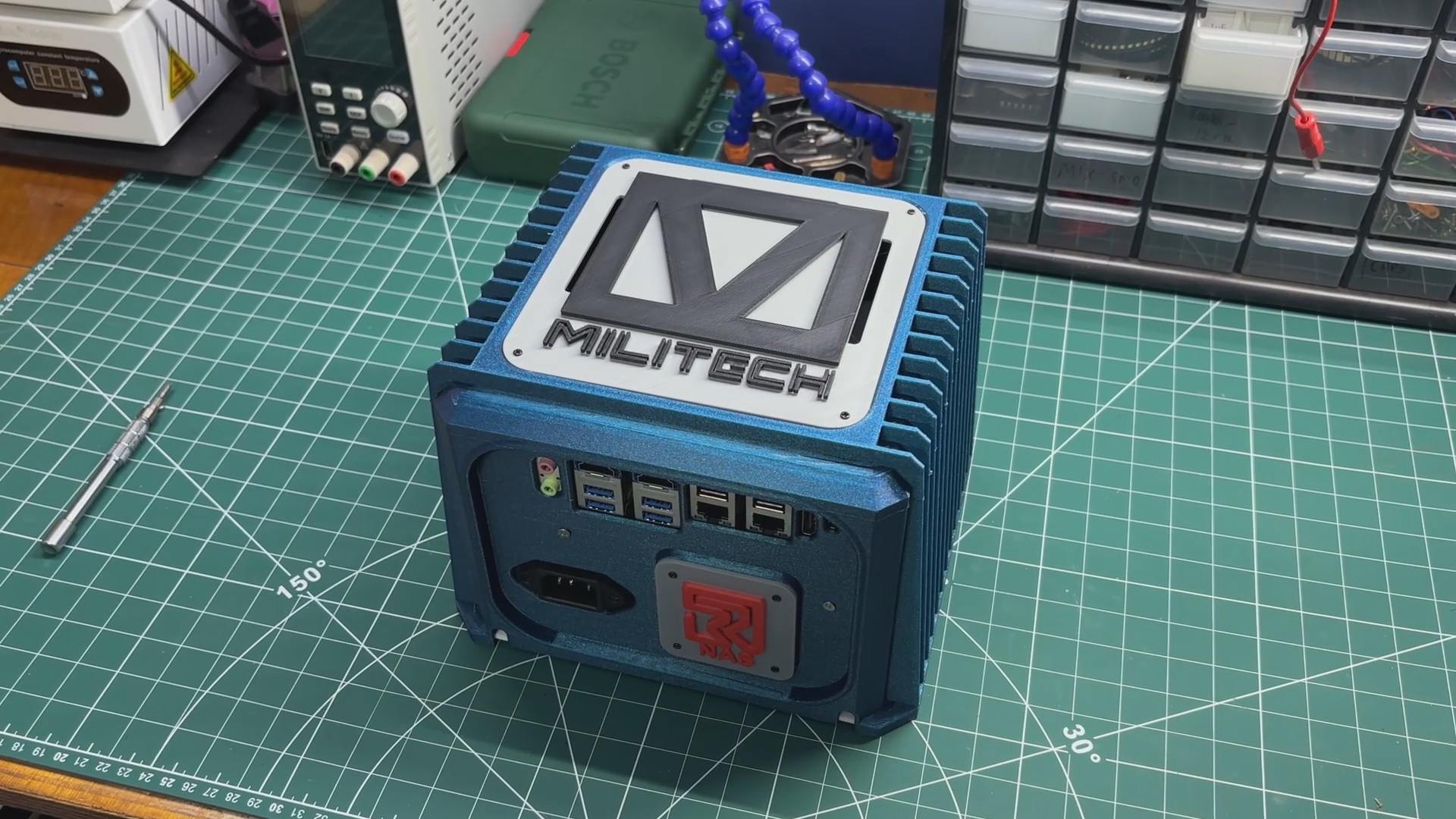
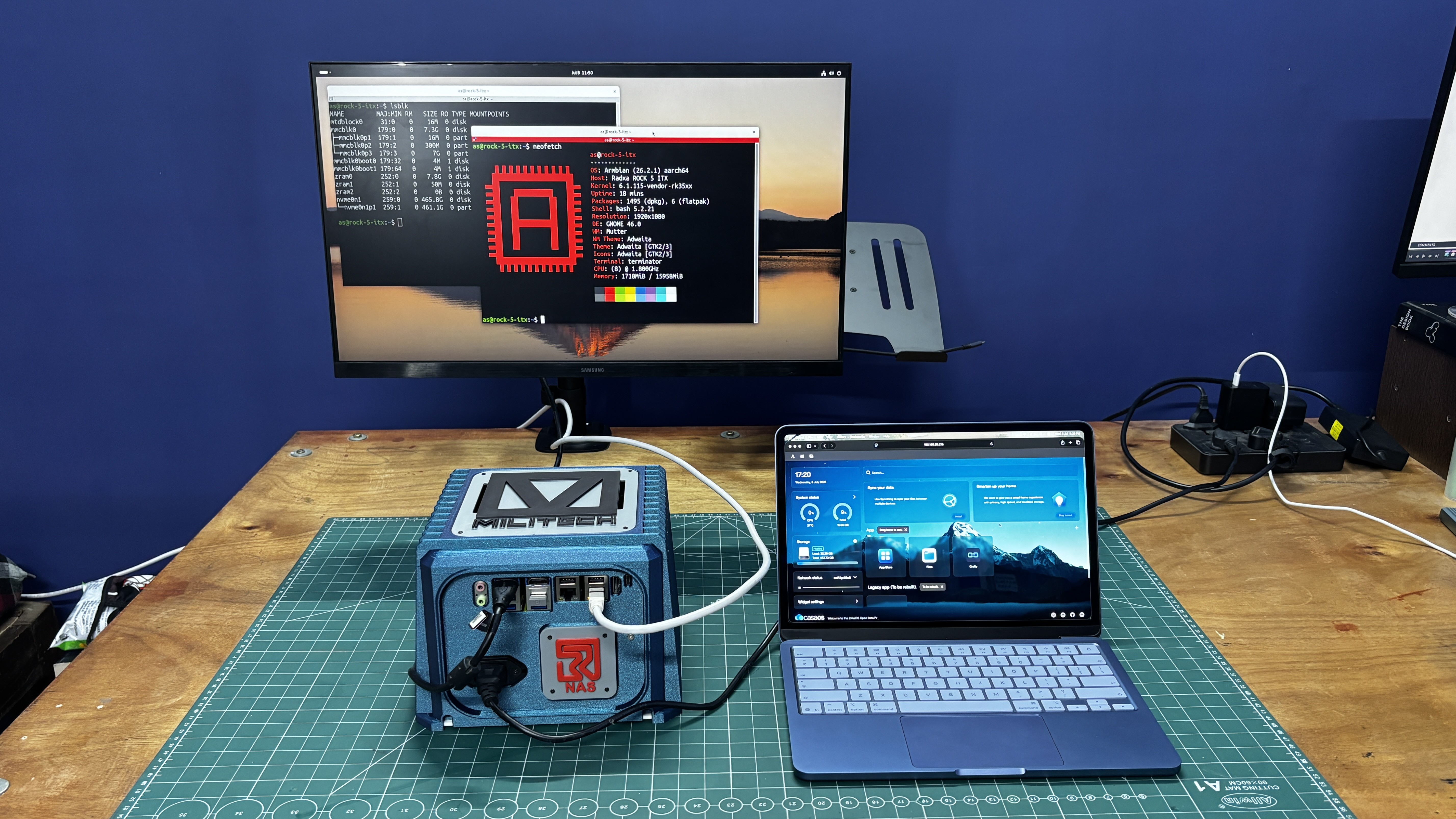
This is MILITECH NAS, a DIY NAS built completely from scratch, powered by the Radxa ROCK 5 ITX. Thanks to its powerful hardware, it's capable of running almost anything you throw at it. It's perfect for NAS applications, but it can also run games, host services, and even function as a Minecraft server. Since it's powered by a standard ATX power supply, it runs directly from AC power, offers fast boot times, and can easily be repurposed as a Pi-hole or other self-hosted service. It's essentially a compact homelab, and I'm really happy with how it turned out.
That said, there are a few things I want to improve in Version 2.
The first is the cooling system. Right now, the enclosure doesn't have a dedicated circulation fan. The ATX power supply has its own fan, and the Radxa board has an active cooler. The MILITECH logo on the front acts as an air intake, while the ATX power supply exhausts the air, creating airflow from top to bottom. It works, but it's far from ideal. In Version 2, I want to replace the front logo opening with a temperature-controlled intake fan that automatically adjusts its speed based on the internal temperature.
The second improvement is storage. This version was more of a proof of concept. I'll be redesigning the enclosure to support additional SATA SSDs in a modular, drop-in configuration, making it a true multi-drive NAS.
As for the software, I've been really impressed. Armbian has been rock solid, and CasaOS runs perfectly on this hardware.
With that, this project is officially complete. All the design files, source files, build details, and assembly instructions are available in this article.
Thank you so much for making it this far, and I'll be back with another project very soon.
PEACE.
MILITECH NAS Project
A RADXA ROCK 5 ITX Powered NAS Build From Scratch.
Discussions
Become a Hackaday.io Member
Create an account to leave a comment. Already have an account? Log In.