mircemk

Recently on the Hackaday portal I came across a very interesting project called Moon Display by author Julian Scheffers. Namely, on a small 1.28 inch (GC9A01) TFT Display very precisely displays moon phase, libration, axial tilt calculation and parallax correction based on the observer's geographic position. This requires very complex calculations that are performed locally on the device, i.e. a microcontroller.
As you can see in several of my previous projects, I own a CrowPanel 2.1inch-HMI ESP32 Rotary Display which seemed ideal for this purpose considering that it offers almost twice the display resolution, a powerful ESP32-S3 microcontroller, built-in WiFi connectivity, as well as a push button and rotary encoder that could be utilized for additional functionality.
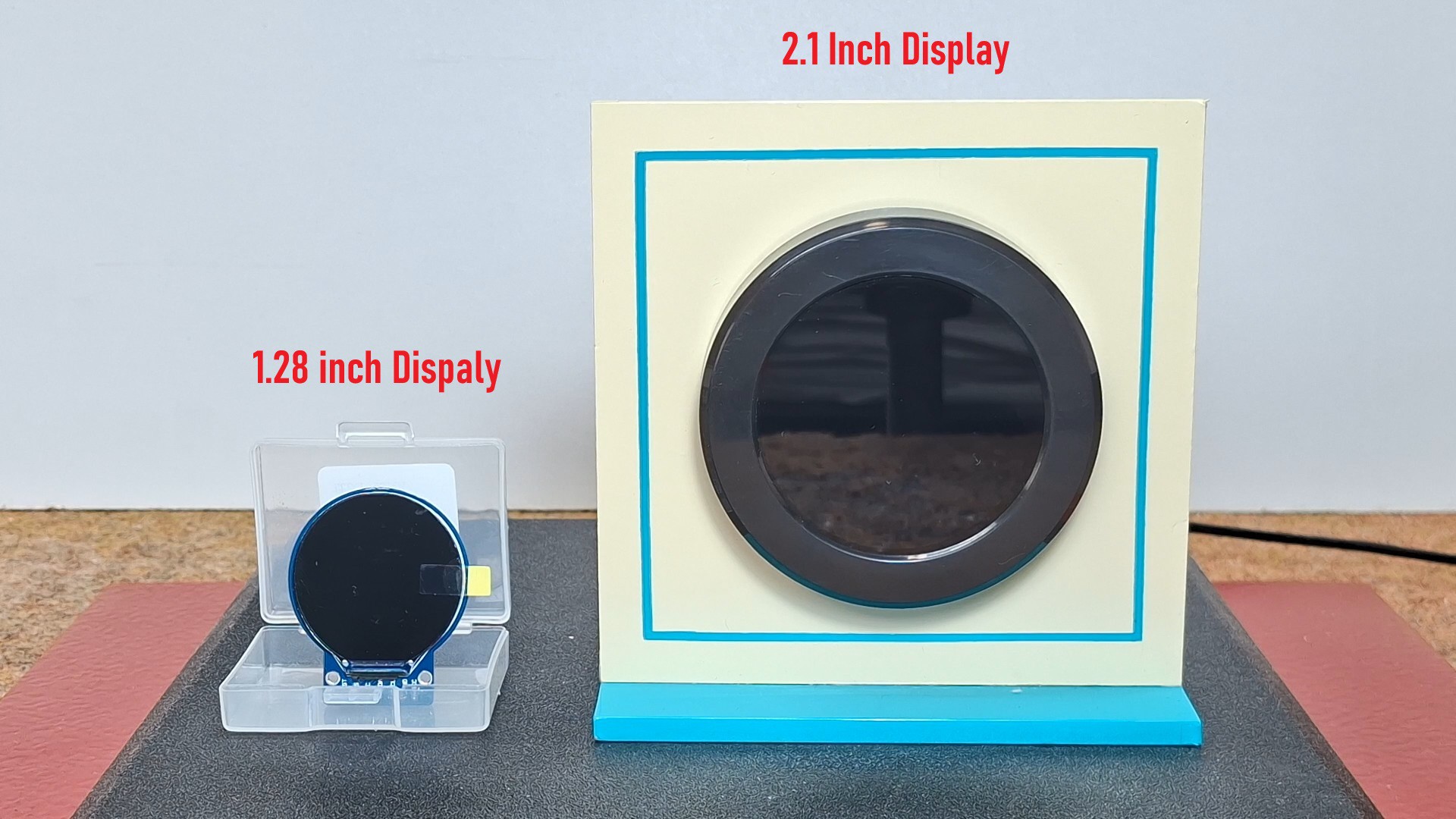
The original project uses the Adafruit_GFX graphics library. One of the main challenges of this port was adapting the software to the significantly different hardware architecture of the CrowPanel display. For this reason, the graphics subsystem was completely reworked and migrated to the Arduino_GFX library, which provides native support for the RGB display interface used by the CrowPanel.
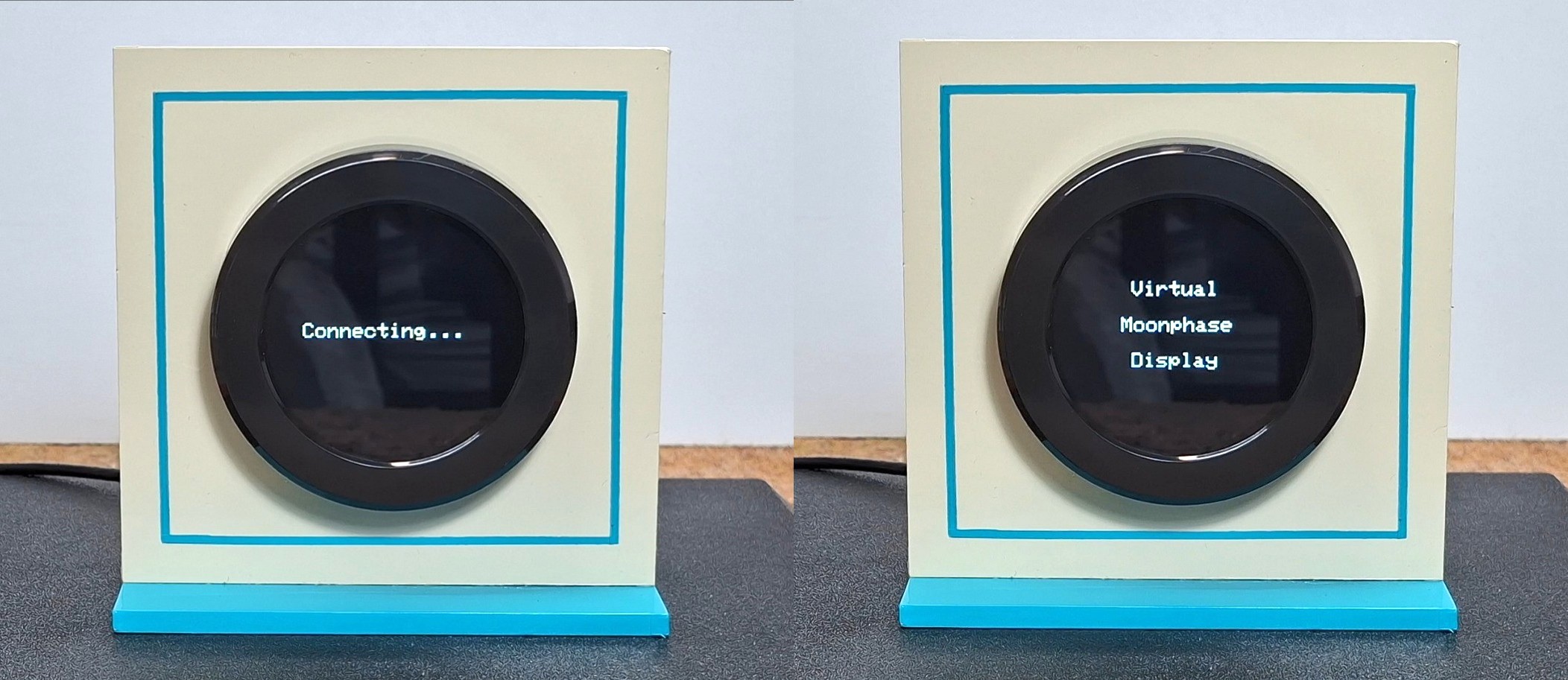
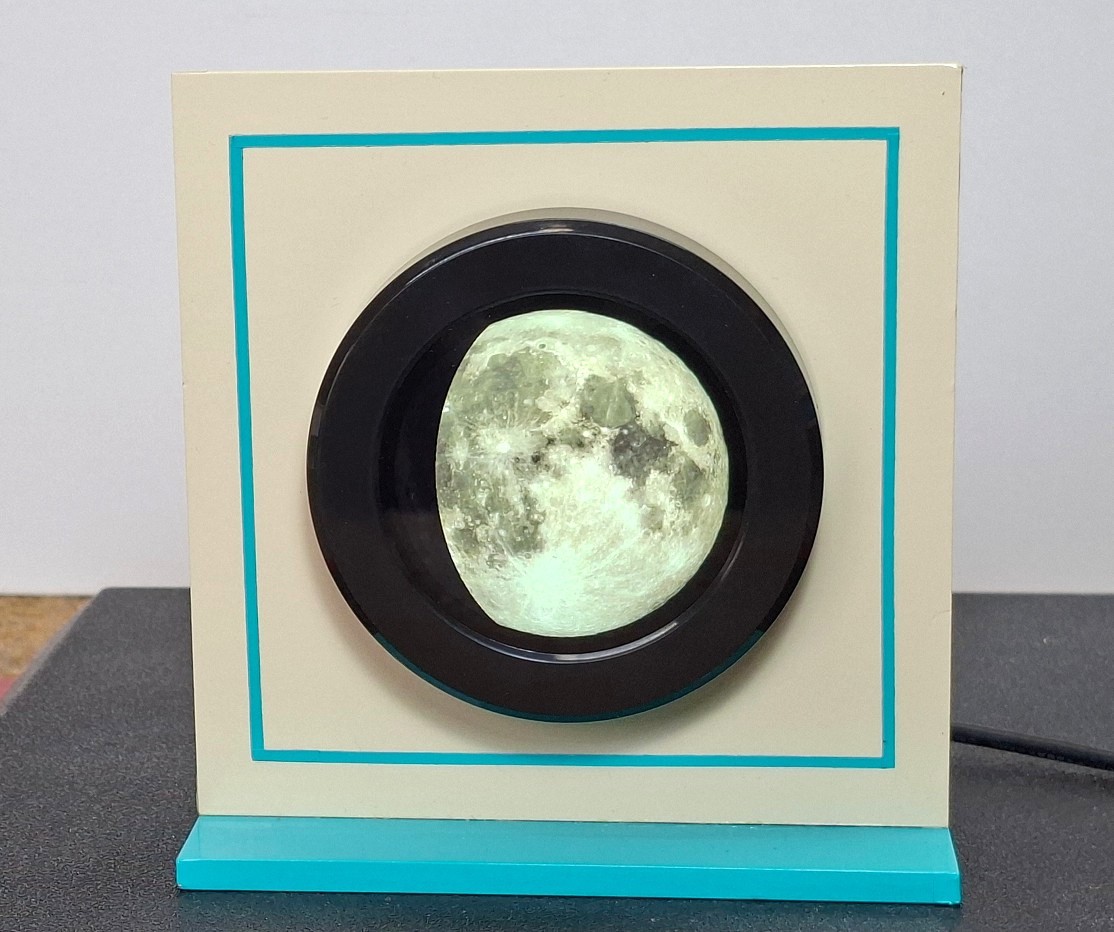
When turned on, the display shows a message about connecting to the local Wi-Fi network, and then a beautiful image of the current state of the moon for the given coordinates appears.
This project is sponsored by PCBWay. Don't forget to visit the PCBWay Open Source Community where you will find countless useful projects divided into different categories. Choose your area of interest where you will find many useful and free projects. You can here also download Gerber files or order ready-made PCBs for some of your future projects. PCBWayhas all the services you need to create your project at the best price.
So, the major improvement was the visual representation of the Moon itself. The original project uses a relatively low-resolution texture suitable for a 240×240 display. Taking advantage of the larger 480×480 display, I implemented a much more detailed lunar surface texture, resulting in a significantly sharper and more realistic appearance. The higher resolution allows fine surface details and craters to be displayed with much greater clarity, making the device look more like a decorative astronomical instrument than a simple electronic project.
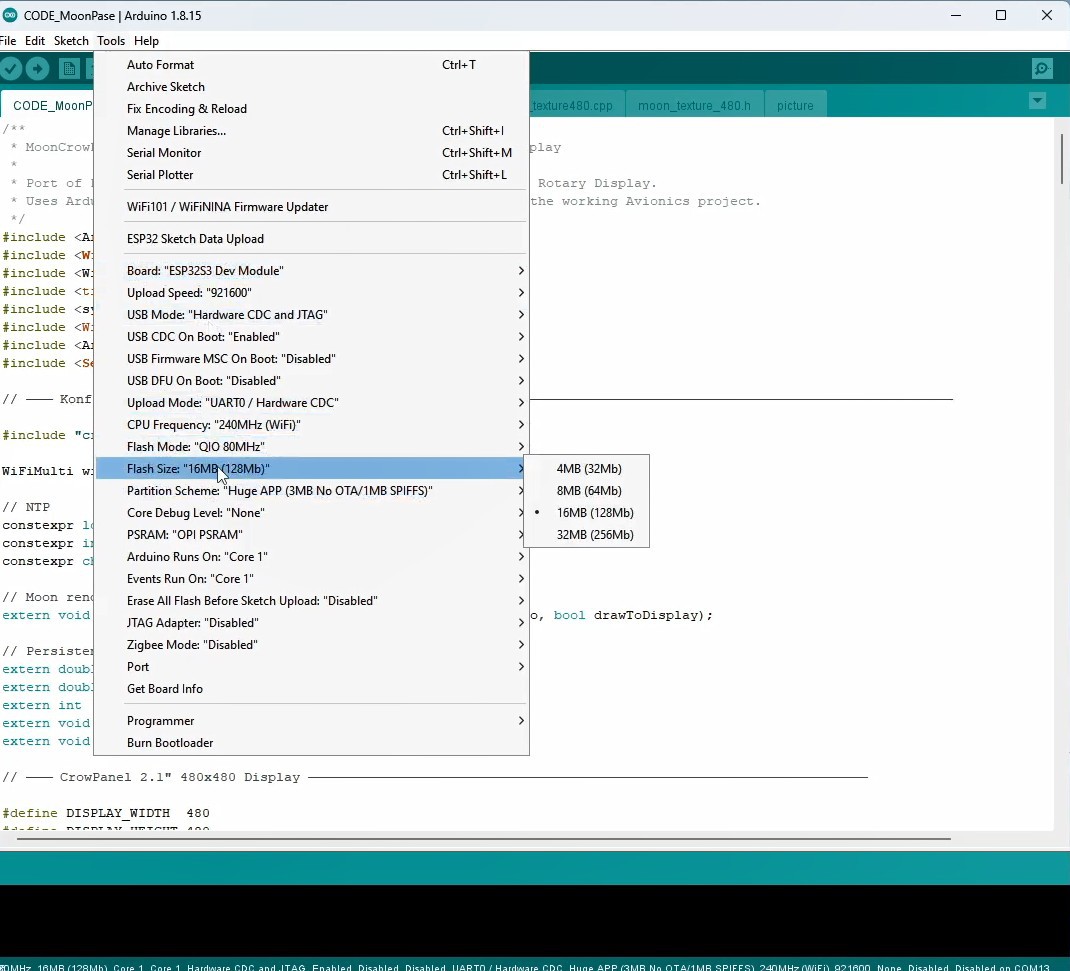
To compile the code without errors on this new hardware, the following settings need to be made: Arduino IDE Board settings :
Board: ESP32S3 Dev Module
Flash Size: 16MB
USB CDC On Boot: Enabled
Upload Mode: UART0 / Hardware CDC
Partition Scheme: Huge APP
PSRAM: OPI PSRAM
It is also important to install ESP32 core version 3.3.7 because with the latest version an unpleasant flickering of the display occurs. Finally, the following libraries need to be installed:
Arduino_GFX_Library
SerialCommands
and time Library
During development I realized that the display produces a very pleasant ambient light effect, especially when showing a bright full Moon in a dark room. This inspired me to expand the project beyond its original purpose and transform it also into a functional night lamp. The Moon now provides a soft, warm illumination that makes it suitable as both a scientific display and a decorative lighting element. To support this new use case, I activated the built-in push button and rotary encoder. By pressing the encoder button the device enters a manual mode in which the Moon phase can be continuously adjusted using the rotary encoder.
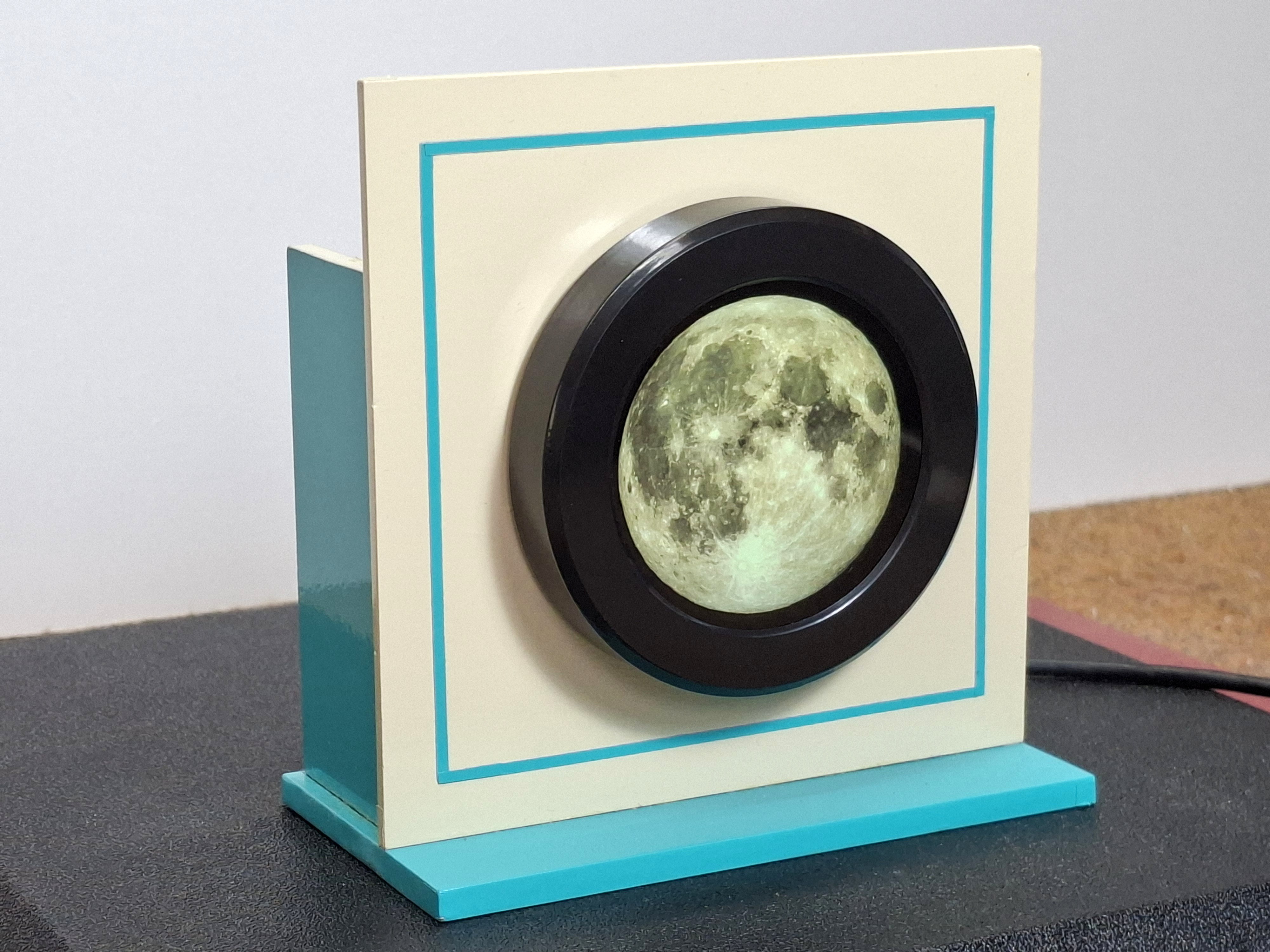
This allows the user to smoothly transition between New Moon, Crescent, Quarter Moon, Gibbous Moon and Full Moon, effectively controlling the amount of light emitted by the display and therefore the brightness of the room. The transition is continuous rather than limited to predefined phase steps, creating a very natural and intuitive user experience. Despite these modifications, all of the original astronomical calculations and...
Read more »
 akarshagarwal98
 Yakroo108
 Arnov Sharma