 Roberto Innocenti
On the 24th of April 2026 we published on our GitLab repository https://gitlab.com/power-progress-community/oshw-powerpc-desktop-tyche/-/tree/main/KiCad?ref_type=heads the OrCad schematics source, converted to Altium and then imported into KiCad, thanks to our association members.
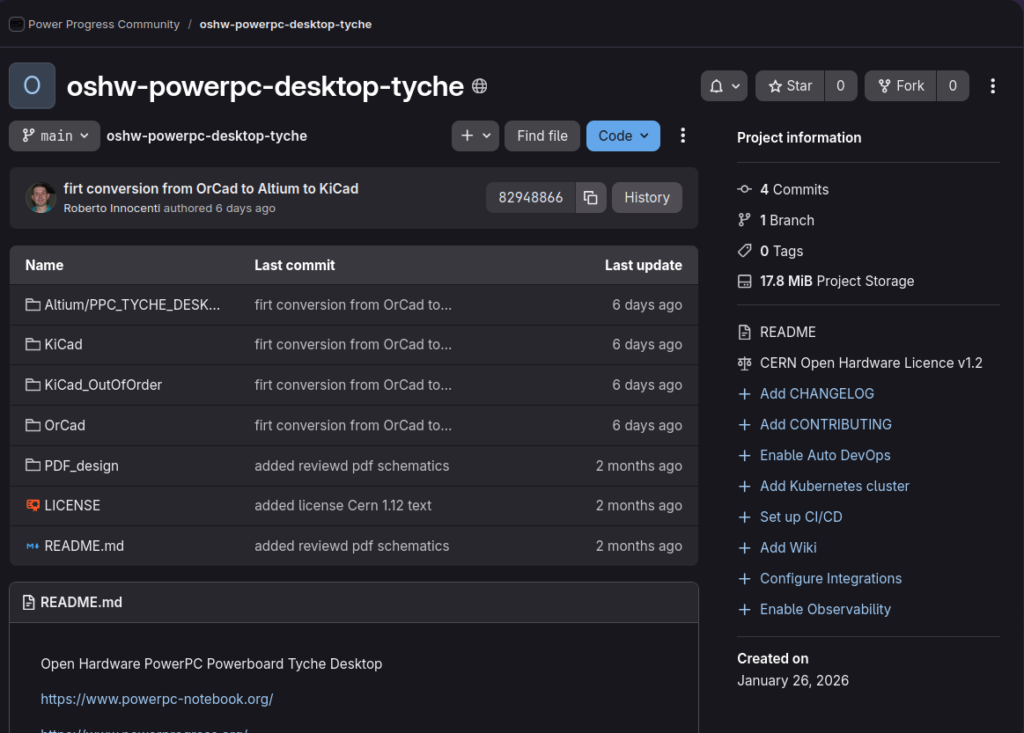
As KiCad cannot yet import OrCad schematics, this is a 2-hop OrCad→Altium→KiCad flow.
The KiCad pages are out of order. There are two KiCad directories in this repository: one exactly as imported from Altium (KiCad_outOfOrder), and another where our volunteers attempted to change the page numbers to match the filenames, but they did not reorder in the sheet page listing — they are still in the same random-looking order. We are investigating how to fix this at some point, as the file with “01” in the filename should come first, since it contains the table of contents, in order for everything to line up correctly. Other than the ordering issue, it looks reasonable.

If you would like to help check the quality of the conversion to KiCad and potentially work to improve it, please contact us.
Schematics Donation Campaign updated its goal and completed — PCB Donation Campaign updated its goal with around €3,500 still needed to reach it
On 6th April 2026, thanks to the funds collected for the Notebook CE certification and due to the temporary halt of Notebook motherboard production, the association used €2,130 from that previous campaign to pay and balance the Desktop Schematics design costs that are €6,250.
A further €8,000 from association funds was used to pay a portion of the PCB costs in advance. The total cost of the PCB design is around €12,500; since €8,000 came from association funds, we have reduced the goal of the PCB donation campaign to €4,500.
PCB Design of Desktop Powerboard Tyche
Starting from the source of the Electronic Schematics design design the PCB means prepare all physical PCB layers lanes and components disposition and connection to go in production with prototypes. Designer have take from NXP Devkit design ( 2023 version) everything is related to boot process and many parts from our Notebook design, except what is not needed for Dekstop version, like the Battery part.
As you can see to reach the goal of this campaign we need to receive donations of around €3,100 to settle the balance with ACube for the PCB design before the end of May.
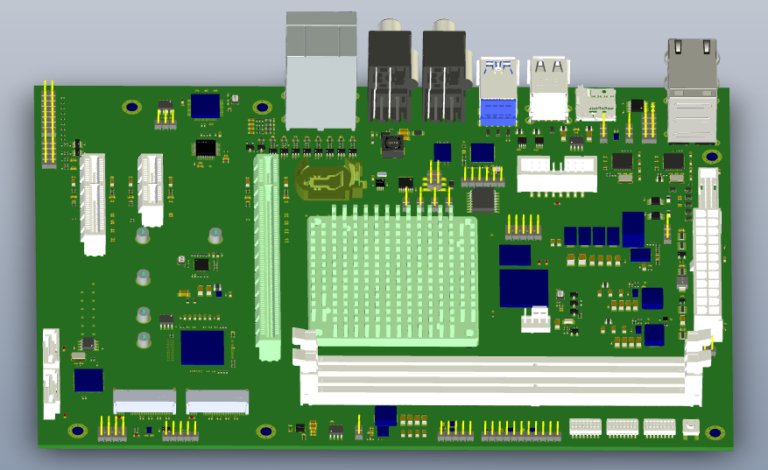
From March 2026 the PCB design has been completed and is in our hands, we are waiting funds to start prototype production.
To produce the first five prototypes, we need a total of around €9,000. Once we have the cash flow to balance the PCB design and to make this commitment to the manufacturer, we will sign the contract to proceed with production. To avoid further delays, we need significantly more donations.
Join us to Help on Debian PPC64 Big Endian packages
Do you have already installed Debian 13 PPC64 on your G5 or Debian 13 PPC on your G4?
More info how to do it on our forum.
In case you have not PowerPC hardware we can give you access to the Power9 VM we have free at OSU thanks to the support of , so you can test and fix the package inside this VM.
If you want to investigate which are the packages that are compiled successfully on PPC64
powerpc ( 32 bit) https://buildd.debian.org/status/architecture.php?a=powerpc&suite=sid
To verify if a bug is already reported on the Debian bug tracking system
How to report a bug https://www.debian.org/Bugs/Reporting
To fix and build a debian package
‘sbuild’, which is the software used to build Debian packages in a clean environment.
To get it working, all you need to do is create a file called ‘release-name-architecture.tar’ in the ~/.cache/sbuild/ folder, which contains a minimal Debian system.
To create these tar files containing Debian images, is suggested to use another little tool called ‘mmdebstrap’. It’s very similar to its cousin, “debootstrap”, which you may have heard of, but it’s a bit faster.
Finally, if you’re comfortable working with Git, we recommend the tool “dgit”, which essentially allows you to download and build any Debian package in a consistent manner, without having to worry about how the package maintainer themselves works with it.
So, in terms of the commands to use on your machine:
mmdebstrap --variant=buildd unstable ~/.cache/sbuild/unstable-amd64.tar
    dgit clone mbedtls
    cd mbedtls
    dgit sbuild
Contacts us
Discussions
Become a Hackaday.io Member
Create an account to leave a comment. Already have an account? Log In.