lion mclionhead
-
Vintage X11 cursors on Linux
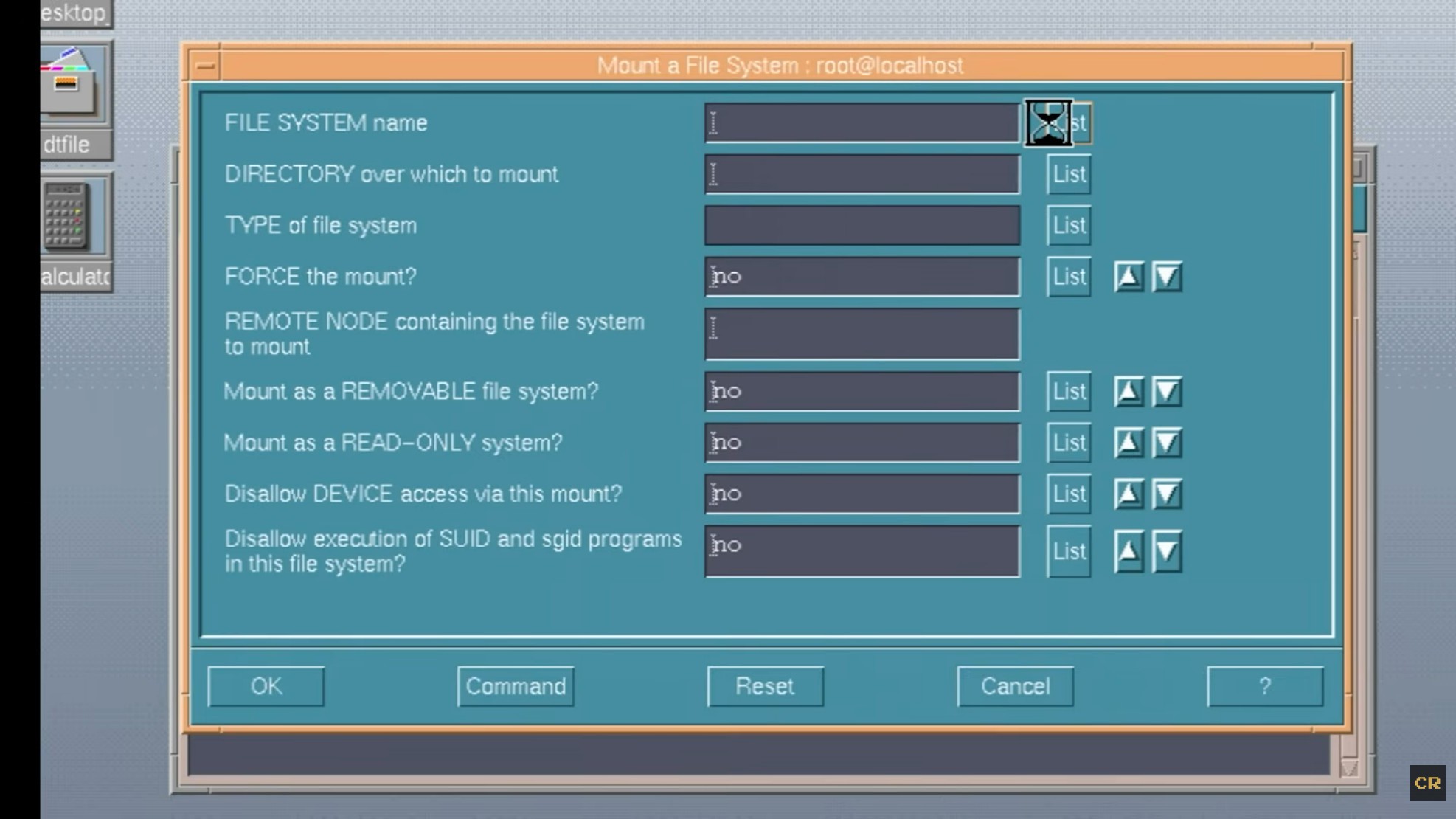
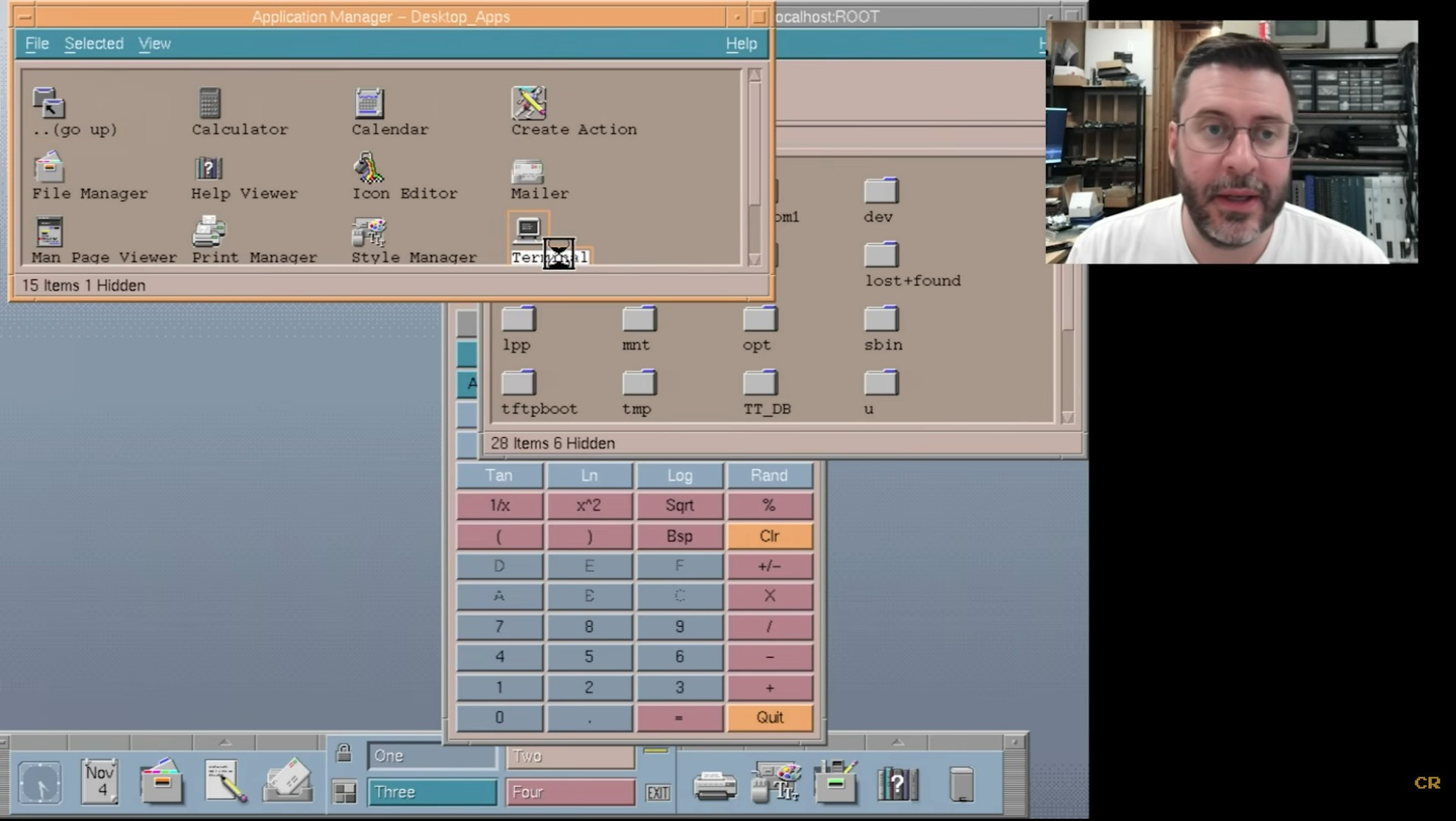
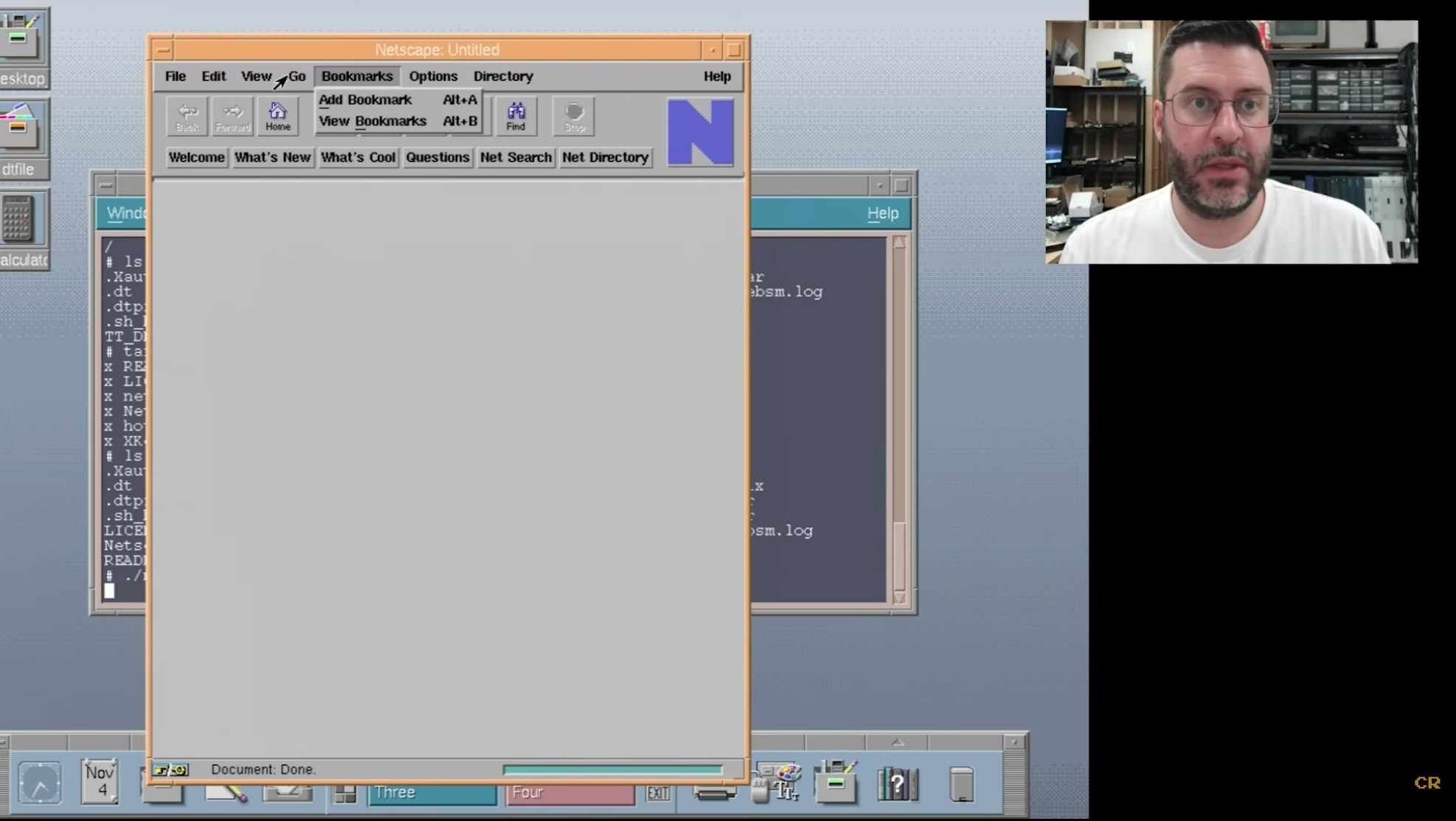
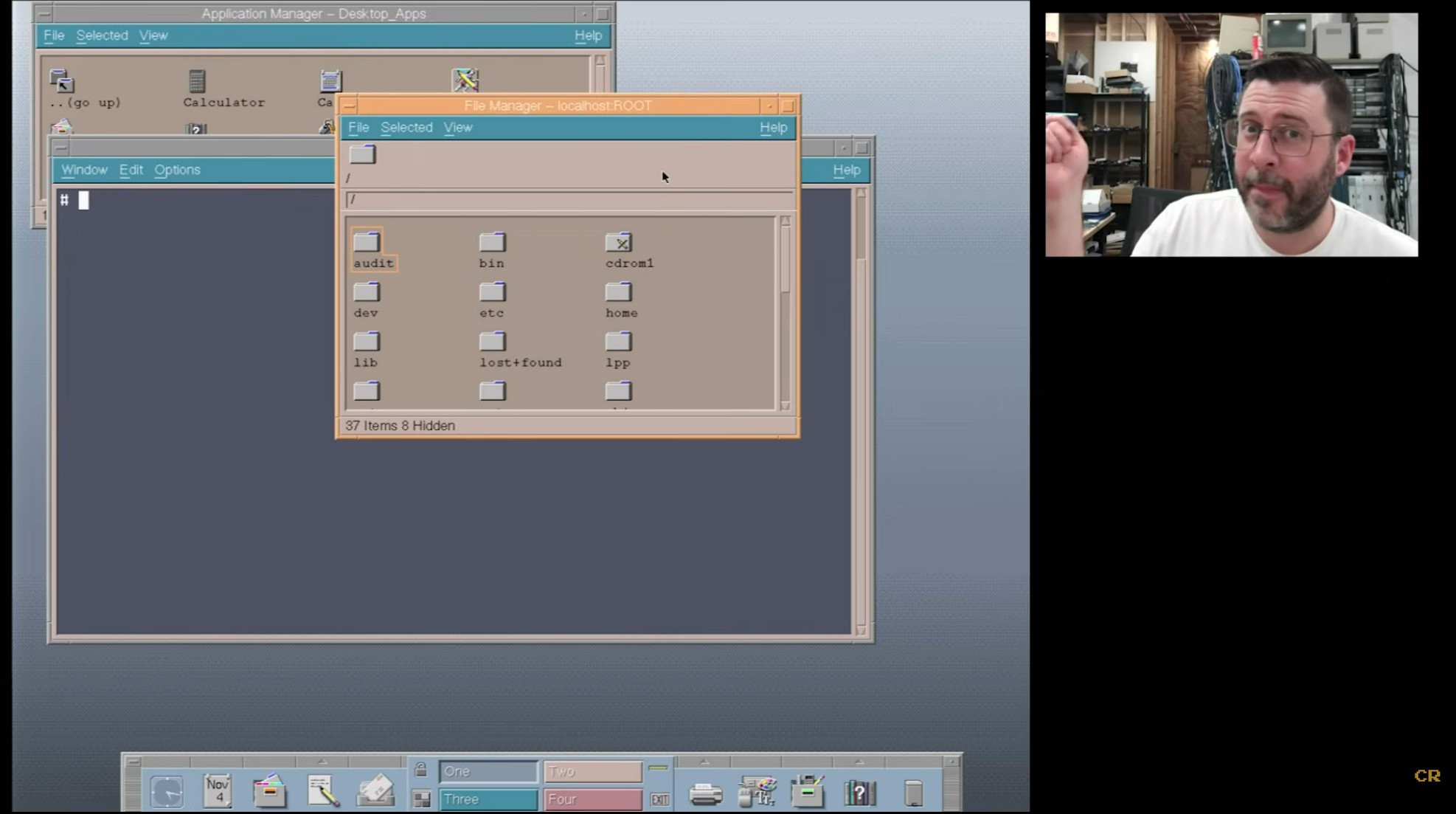
07/13/2026 at 22:14 • 0 commentsNot just avoiding every X11 replacement of the last 30 years but avoiding the god awful, giant cursors introduced in every distribution has become a lion quest. The modern, giant, antialiased cursors are really hard to position. The fact is the cursors in the original CDE always conveyed a power user. The cursors of old had a clearly defined hotspot which was easier to align. Lions especially miss the CDE hourglass cursor.
![]()
![]()
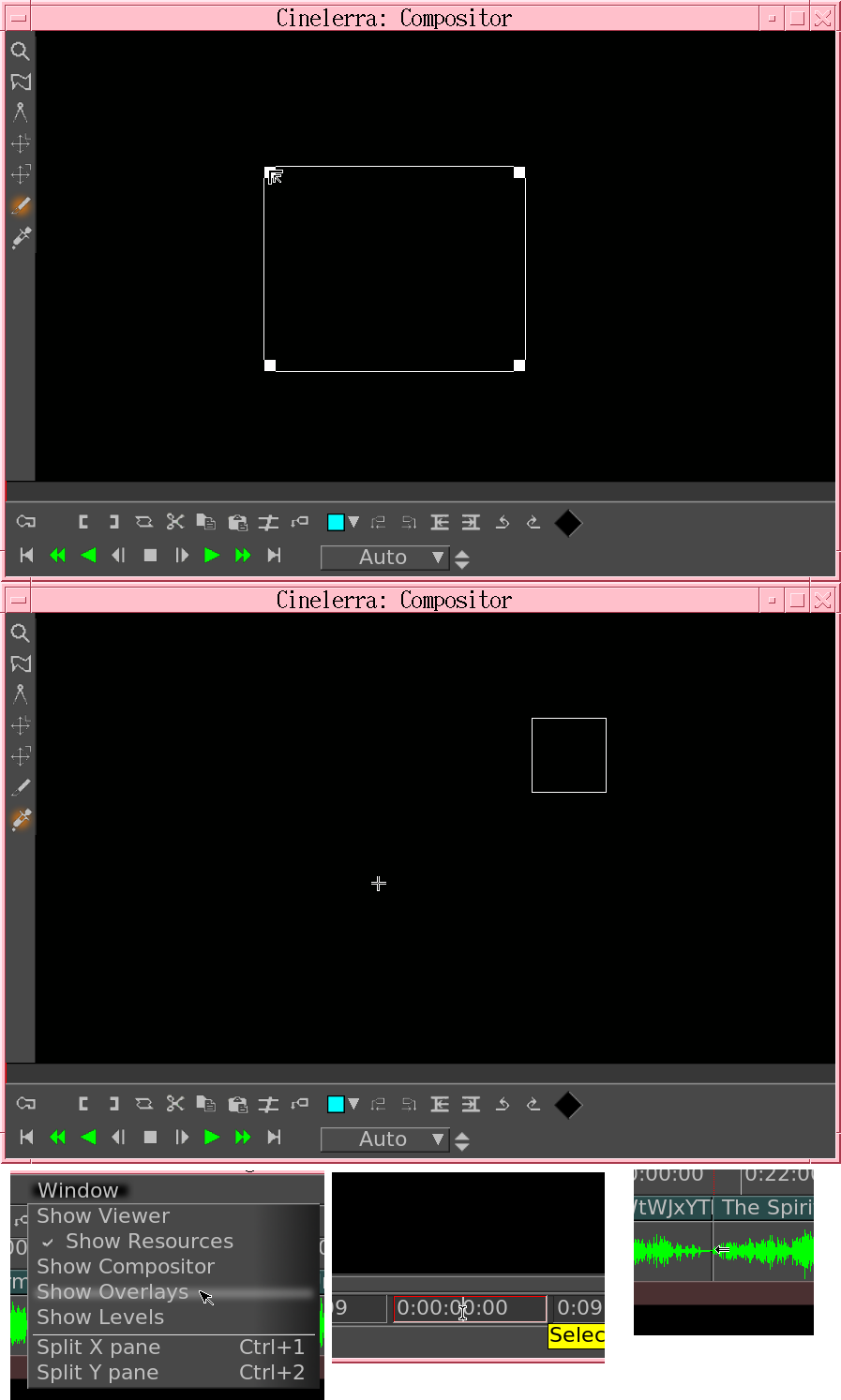
The original cursors in the 80's were small enough to manually type in with data statements. The left arrow would switch to a right arrow when opening a menu.
![]()
![]()
Modern xterm still somehow manages to use the original I beam, probably by defining its own cursor.
![]()
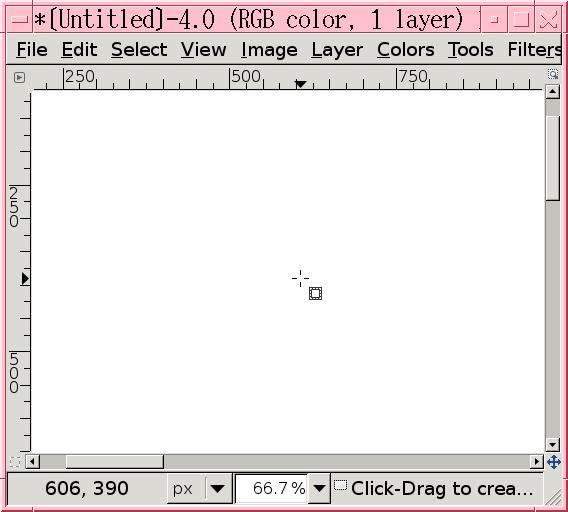
Gimp as of 2018 still defined its own crosshair.
![]()
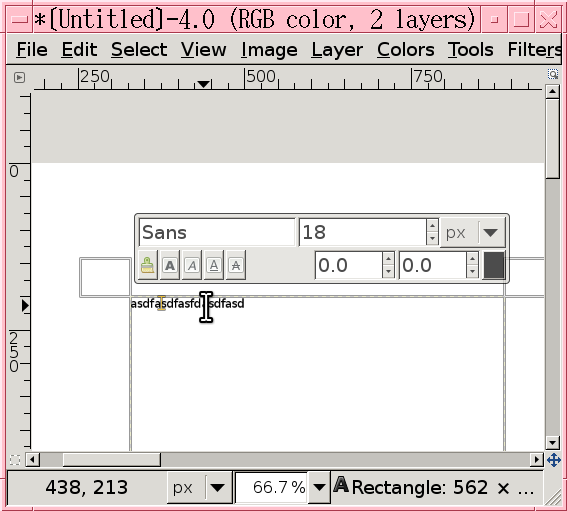
Text selection is hopeless.
![]()
The modern crosshair is a meme.
The whole matter of selecting text makes lions wonder if a single pixel cursor or vintage crosshair would improve matters.
![]()
There was also the triangle of images paint.
-----------------------------------------------------------------------------------------------
By downloading https://github.com/ccxvii/cursorfont/ & putting it in /usr/share/icons
Then adding some bits to ~/.Xresources
Xcursor.theme: cursorfont
Then doing xrdb -merge ~/.Xresources
To undo the changes for regression testing, do xrdb -load /dev/null
It got the old cursors in certain programs. Cursors seem to be picked on a program by program basis now.
![]()
![]()
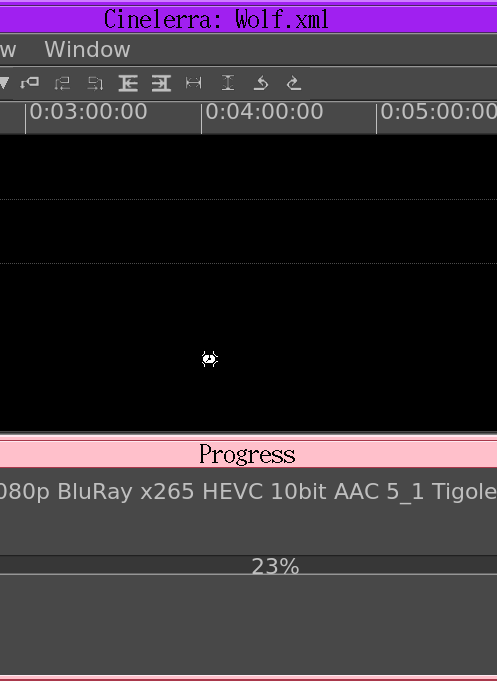
Helas, the cursor codes for the new & old don't match or the last 25 years might have added new bugs. The giant CDE hourglass remanes elusive. The crosshair isn't as appealing as remembered, though it's still more precise than what we have now. Selecting text is a lot easier, even though the cursor is comically small compared to 4k fonts.
Young lion actually wanted the IRIS cursors. They might have used a different left arrow. Old lions seem to find IRIS looking like a toy while HPUX CDE now looks higher end.
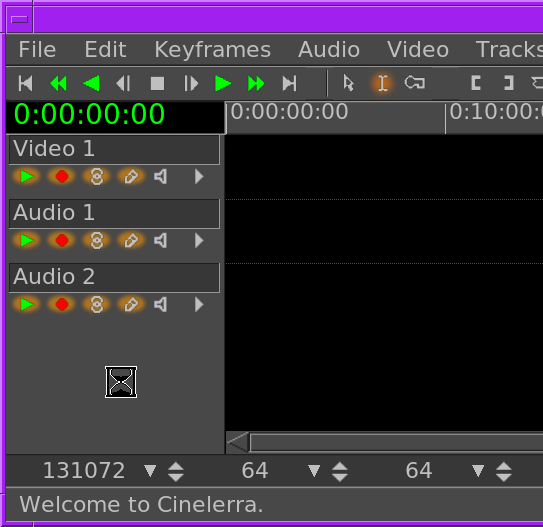
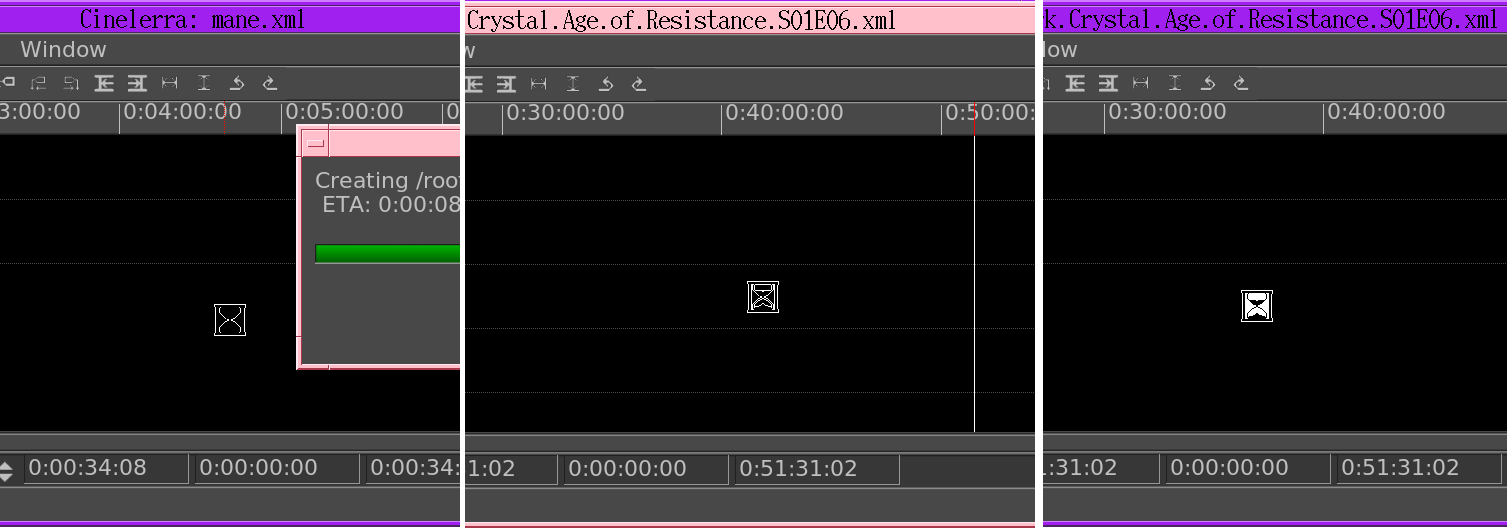
The HPUX hourglass continues to be closed source to this day. Replicated it from some gootube videos & the magic finally returned. Confirmed the original hourglass was really asymmetric.
![]()
![]()
Helas, the original cursor is invisible on a black background. You can make it visible by filling in more pixels, but it won't appear as dynamic. Uploaded the files.
https://github.com/heroineworshiper/utils/blob/master/hourglass.cursor
https://github.com/heroineworshiper/utils/blob/master/hourglass.png
https://github.com/heroineworshiper/utils/blob/master/hourglass2.png
Like the cursor anomalies, there was a lot about HPUX CDE not to like. It was the interface forced on those of us who couldn't afford an HP at home, but given $20k of money of the time, we might have run FVWM. The original hourglass definitely makes it feel like a $20k machine. The original 72dpi cursors are a bit small in modern 140dpi, but using them makes lions ponder running everything at 72dpi.
The lopsidedness of the hourglass reminded lions that mid 90's UNIX variants were 1 off creations of small teams, just to get a bare minimum operating system on a single novel type of hardware. They weren't universal solutions like modern Linux. That made them very efficient but not very finished.
-
Phone camera compass
04/06/2026 at 01:03 • 0 commentsContinuing the trend of having anything good requiring building it from scratch, much like the 8 bit days, lions have pondered a new phone app which shows the magnetic heading over the camera view in varying zoom levels. The user could screenshot it but not be able to do anything else. It would have a reticule on the heading. It would reorient for portrait & landscape mode. It would only show a lowpass filtered number for the current heading. It could possibly show a heading corrected for magnetic declination, looking it up using curl.
There's nothing else but poorly written adware for doing it now.
A practical use for it is hard to come by. It's kind of a survival tool because finding accurate bearings is something animals do in war.
-
SGI flight in Linux
01/25/2026 at 04:00 • 0 commentsNote to port the SGI flight demo to Linux.
There is somewhat of an archive of 1 version of the SGI flight simulator.
https://github.com/remileonard/oldflight/tree/main
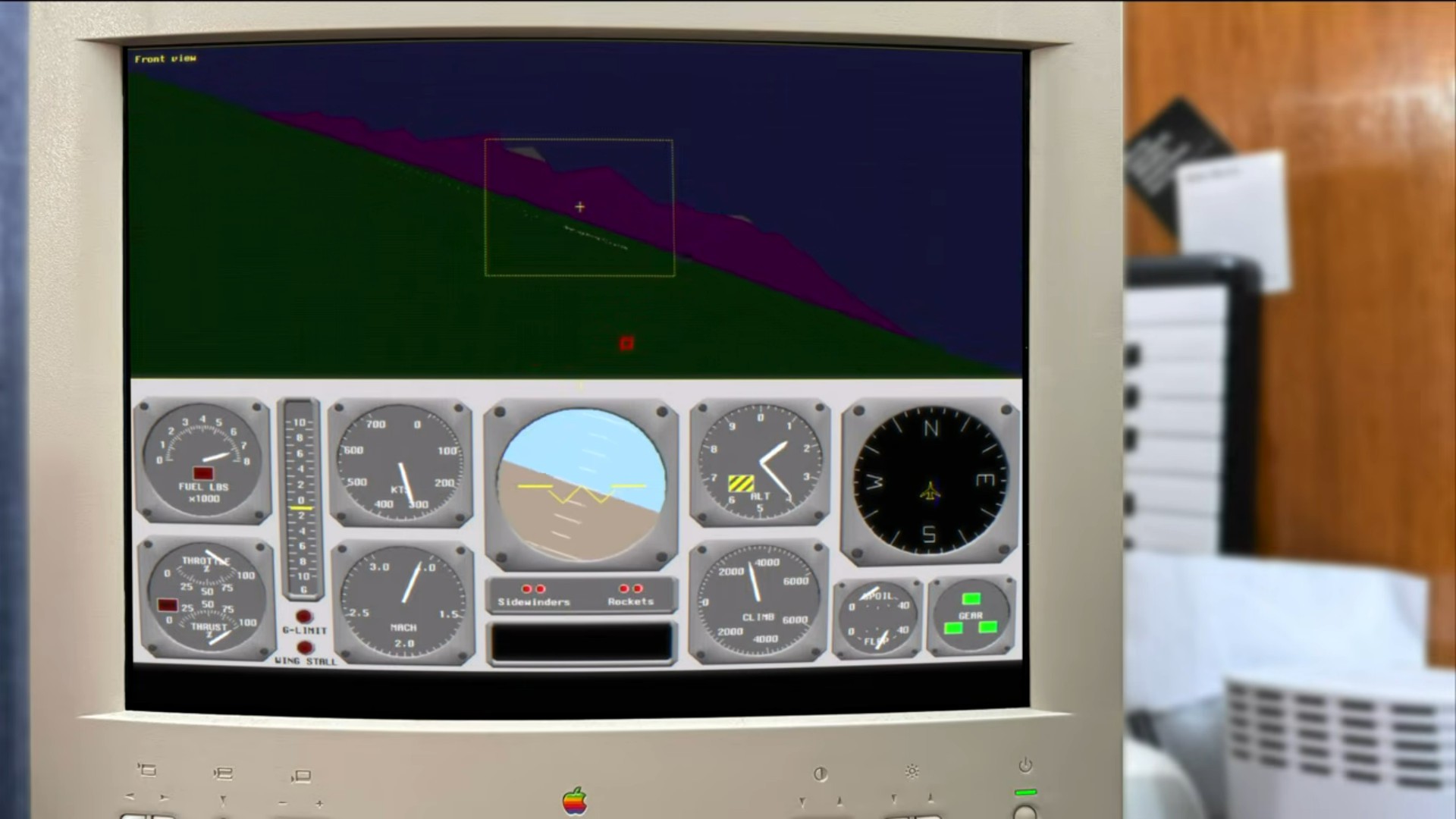
Seem to recall the Onyx had a higher end version with more polygons. The F-15 model had real curves. It also had a 747 model.
The dusk lighting & the haze were really good. There were somewhat of a few frames of a night mode.
![]()
Don't believe it was ever a finished game.
Besides the memory of seeing that for the 1st time on a beast Onyx, its huge limitation was the lack of any real scenery. Goog flight simulator had real scenery but no haze or night lighting. MS flight simulator had crap scenery, outside of the few tourist attractions.
The 1st flight simulator lions saw with any form of real imagery was Sun Aviator in 1991. It just had 2 maps & super low res USGS images.
45 years later, there's no real good terrain visualizer with real scenery, lighting, & haze. Pick any 2.
-
Porting C64 games to javascript
12/25/2025 at 05:54 • 0 commentsThe lion kingdom actually remembered typing this one in, 40 years ago. It was a real tour de force of basic programming. It would be a good one to convert to C on the C64, but not assembly. It would be even better in javascript for a web browser. It had kind of an enjoyable game play.
The other big one lions typed in was laser chess.
There's a case for porting the slowest games from BASIC to javascript. Not so much assembly games which were already fast enough, unless it also included an improvement in graphics.
-
Sierra game engine for C64
11/25/2025 at 03:25 • 0 commentsContinuing with the 8 bit fascination, the Sierra game engine from those days was quite impressive. It had static bitmaps for rooms, collision objects, Z buffering, & player animation. It used vector graphics.
Young lion envisioned some mix of scrolling world & static rooms for his Robotech game. A scrolling world would have been quite unplayable, in the end. Truth be known, the signature graphical Sierra adventure games never supported the C64. They were all on x86 & apple II, using plain bitmap writes. Kiwipedia clearly shows the C64 wasn't supported. https://en.wikipedia.org/wiki/Adventure_Game_Interpreter
Their most advanced games for C64 just had non interactive, procedurally drawn graphics as illustrations. Their most advanced C64 adventure game was Mickey's Space Adventure.
They made a formal game engine for x86 & apple II starting with King's quest. It had a very small player & very few occluded zones. The mane mystery is why they didn't do the same on the C64.
![]()
![]()
They all drew the graphics in place. Very few of the current generation has any memory of watching a flood fill algorithm slowly fill an area. It was a 160x150 graphical area with a 30 pixel tall text area below. It seems to have dropped 20 pixels from the top & bottom.
![]()
This room is using an alpha mask to draw the chain on top of the player. A C64 would have to use sprites for the foreground or just draw the whole thing in bitmap RAM.
As usual, the hardest part would be creating the assets & plot. Finally playing Police Quest in 1990 on x86, lions realized their graphics had a definite style. They weren't uniform line drawings, but had colored borders & border free areas based on the available resolution. The rooms were all scrolling by then.
-
Terminal improvement
08/20/2025 at 23:37 • 0 commentsLions have used their own serial terminal program for at least 20 years now, after living with the limitations of minicom for 10 years. This is a note to consider finally adding an interactive configuration menu, persistent settings, in addition to the historic command line options. There are so many options now, it's almost minicom-like. Lions would keep out the delays, status bars, line wrapping, nested menus, & confirmations.
https://github.com/heroineworshiper/utils/blob/master/terminal.c
The bonuses have been compilation with no dependencies so it can easily be built on bare metal systems, easily reproducible configurations with command line options.
The big problem is getting into the menu without a ctrl key. ctrl-a is used by screen. It's a pain point with minicom. It could just display during startup with another command line option.
-
Cinelerra on vintage SGI
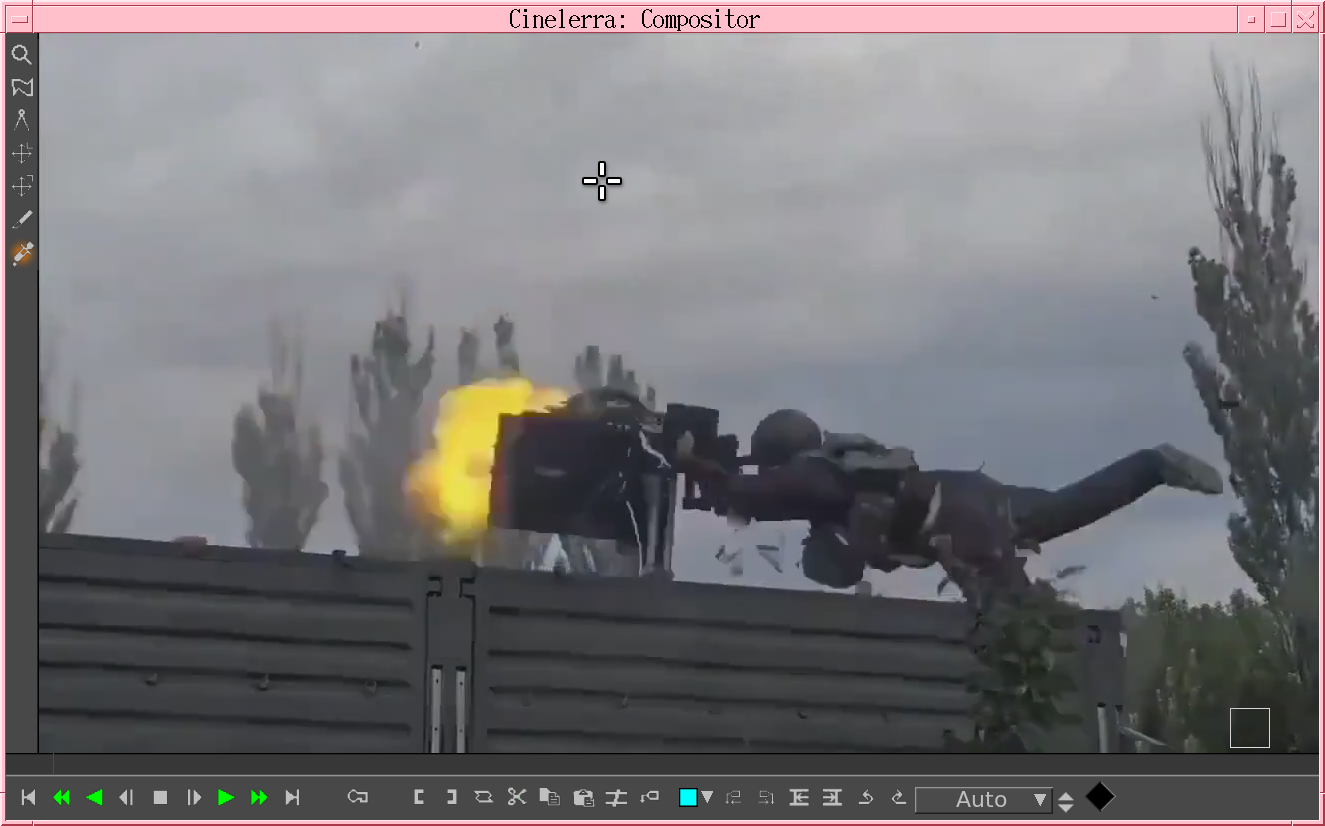
04/15/2025 at 08:51 • 0 comments![]()
![]()
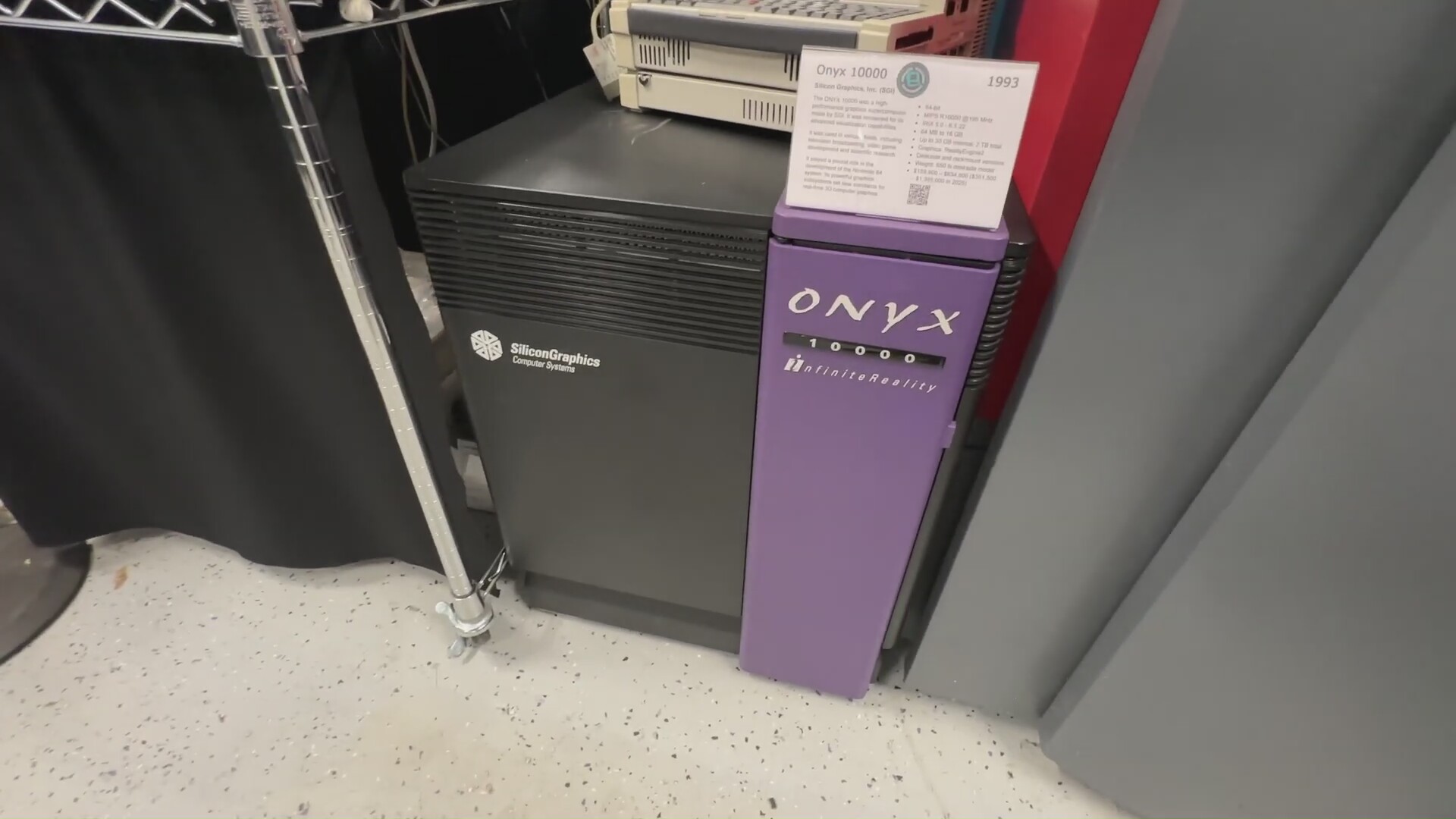
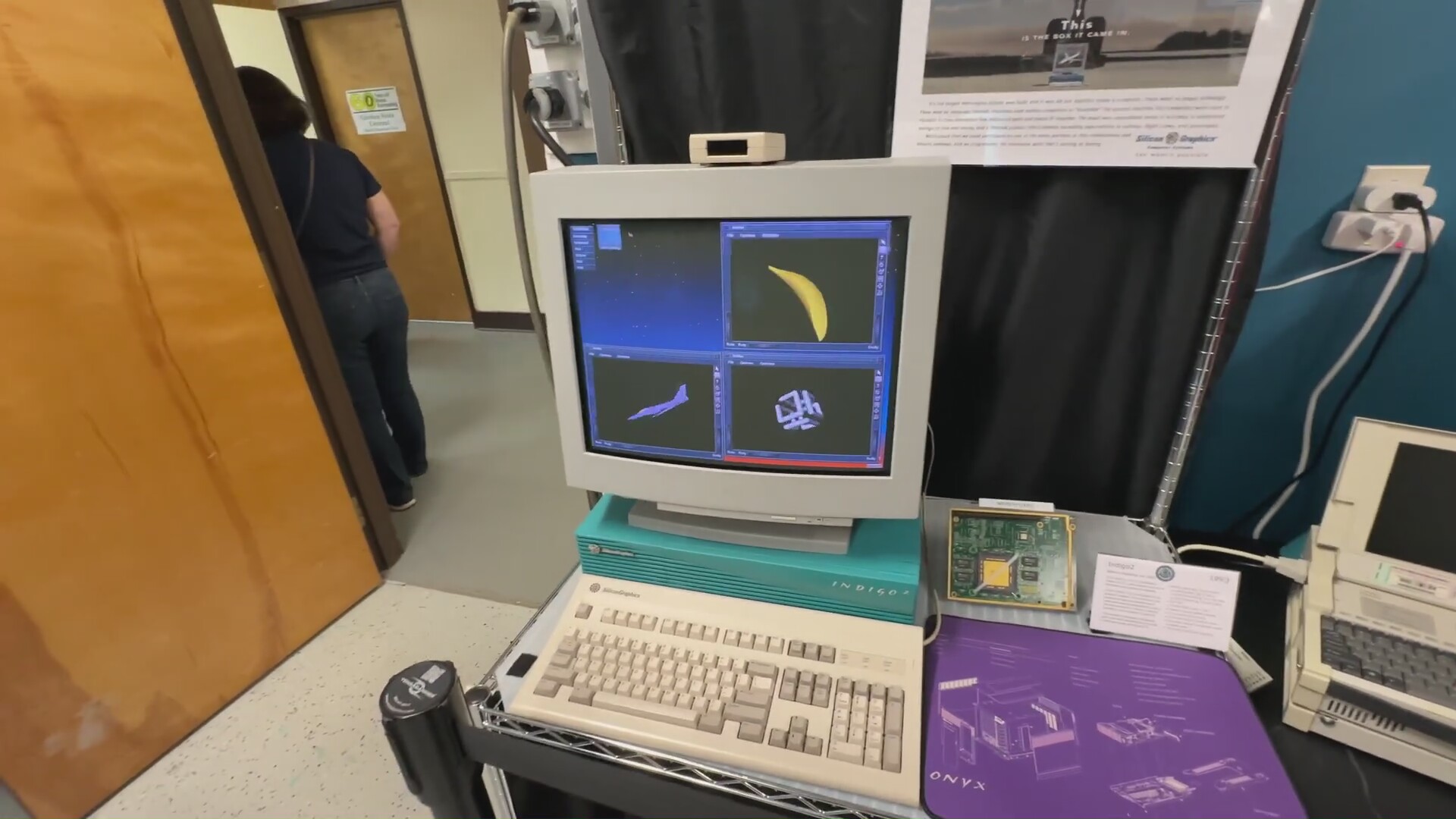
LGR's last museum vijeo was the 1st moment lions seriously pondered porting Cinelerra to a vintage SGI, given enough money & space to store something like that. The goal would be to discover if they really could have replaced Macs, if suitable software existed on UNIX of the time, or if their dream of UNIX filling the PC space was hopeless. SGI was circling the multimedia space during Apple's rotten years. Adobe had expensive ports of photoshop & premier for SGI. That was the end of their UNIX efforts.
It would have been pretty degraded. Uncompressed audio & uncompressed 320x240 video was the limit lions remember for an early SGI grade 133Mhz processor. Video editing in those days meant remotely controlling tape decks or overlaying graphics on a video passthrough. There was no such thing as recording & playing full 720x480 on a hard drive. What lions saw of 720x480 video editing on early 2000's SGI's was really slick. We never saw video look that good on a PC in those days.
The biggest need would be getting the threading support of the time working. The X11 routines would all have to be single threaded. The other difficulties would be disabling all the 3rd party libraries which only work on x86, like ffmpeg. All the changes would have to be kept alive in the mane Cinelerra source code, for a certain amount of time. It could still handle uncompressed video.
The tube had been recommending an SGI series from Phintage Collector. There is somewhat of an SGI emulator, but it's very slow compared to the real thing.
Watching SGI videos through the years has exposed lots of bugs & limitations of mid 90's UNIX which young lion didn't appreciate. He knew about the buggy sound driver in HPUX but not much about IRIX bugs.
-
Modern prompt language
02/27/2025 at 22:05 • 0 commentsOnce the novelty of being able to write programs by feeding natural language prompts in 1 end & getting high level python out the other end wore off, lions started pondering the next evolution for language models. The ideal language model converts a better language than english straight to assembly language.
Describing gen AI prompts in a medeival natural language is exhausting. They desperately need a more precise language with modern programming features from the last 100 years. A plus is a library of prompts that are called by function prototypes instead of complete paragraphs. Functions are essential for any reuse. Commenting is essential for any prompts to be readable. We would be so lucky if prompts had common data structures like a stack & some form of memory management.
The easiest way might be a preprocessor that tokenizes keywords into medeival english, strips out comments, unwraps loops, expands variables, links libraries. It's not practical to train the model to ingest a modernized prompt language because the cheapest training data is all using medeival labels.
Gen AI is basically a compiler for an ancient, imprecise programming language & it's another step in the history of creating new compilers for new languages.
-
More robust base64
09/11/2024 at 01:19 • 0 commentsTransferring large files over a serial port & console using base64 has proven difficult. It's too prone to errors to get beyond a few MB. It's prone to spurrious keypresses, framing errors, syslog printouts. Past lion had good results with sz & rz in the days of dialup, but they require 2 way communication. The trick with Linux is multiple programs can write to the serial device, but only 1 can read at a time. Any file transfer over console requires the user to observe if the transfer was successful, then rerun the sender over & over with a way to specify what packets to resend.
The normal base64 transfer involves having a terminal in xterm with a 2 way connection while simultaneously catting to the serial port in another xterm. The user could copy some kind of result code from the terminal to another cat command to resend the lost packets. The trick is the terminal is going to contaminate the result code with all the base64 data & a lot of syslog junk. It would take some fiddling or formatting magic to isolate the result code.
This base64 replacement should also use compression.
-
Ultimate text editor
05/25/2024 at 01:47 • 1 commentLate in the text editor game to be sure, but lions have been using nedit for 30 years now. It has limitations & bugs, manely a tendency to open multiple instances of itself to edit the same file. Then there's no way to copy the filename to the clipboard. It's always a pain to make it apply C++ style comments. It's a pain to switch between tabs & emulated tabs.
The mane thing lions need is a way to invoke an editor inside lxc-attach, ssh, xterm, serial terminal, adb, & automatically detect if it already has an editor instance for the file. The editor would then have 1 instance for each file, no matter where the file was opened. If the file wasn't on a local filesystem, the editor would communicate with the client through the terminal it was invoked on. For a serial terminal & ADB it would need a special terminal program & ADB hack which could multiplex messages with console characters. Ssh has ways of tunneling sidechannel data. Everything inside LXC is in a /var/lib/lxc directory.
Maybe it would rely on a table of mount points to detect equivalent files, then always assume ssh, serial terminal, & ADB were not accessing any local mount points.
Silly software wishlist
Motivation to do some software projects by writing them down.