 NDB
NDB
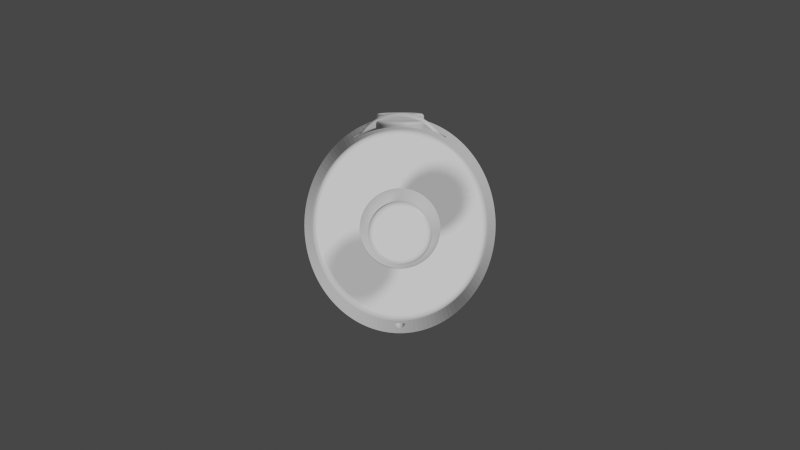
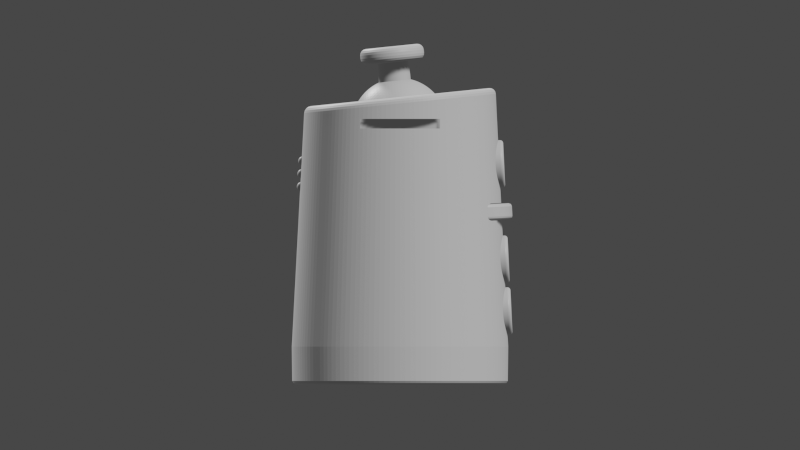
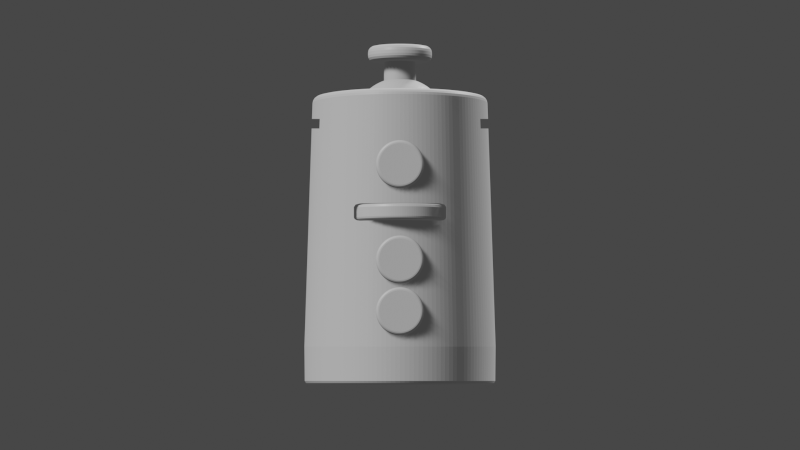
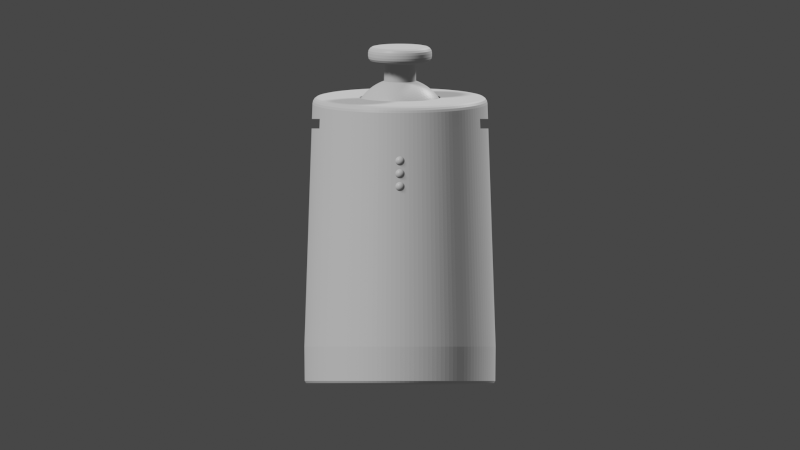
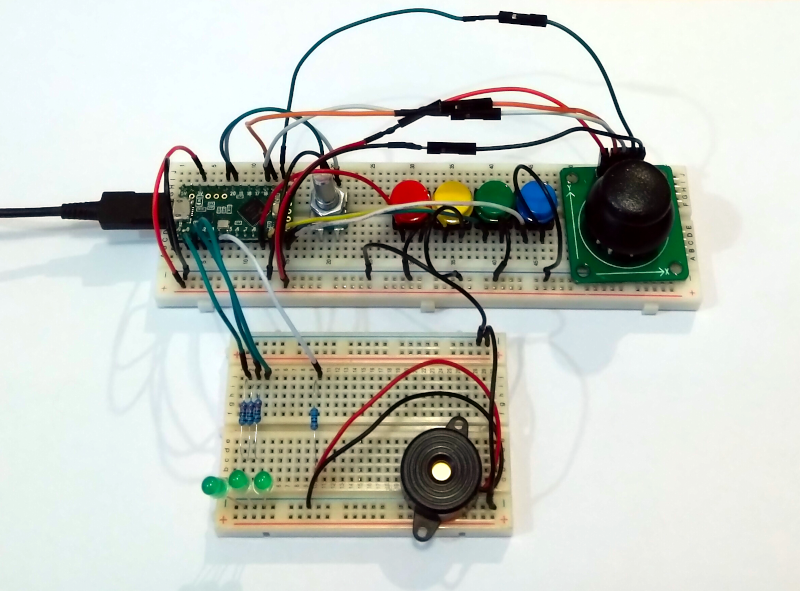
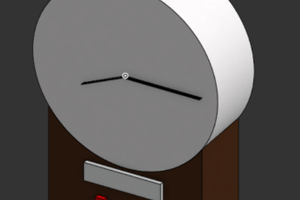
The device is held in (or strapped to) the palm of either hand, with the joystick positioned beneath the thumb and the buttons and a scroll-wheel under the fingers. The device should be mirrored down the middle so that it can be held comfortably in either hand.
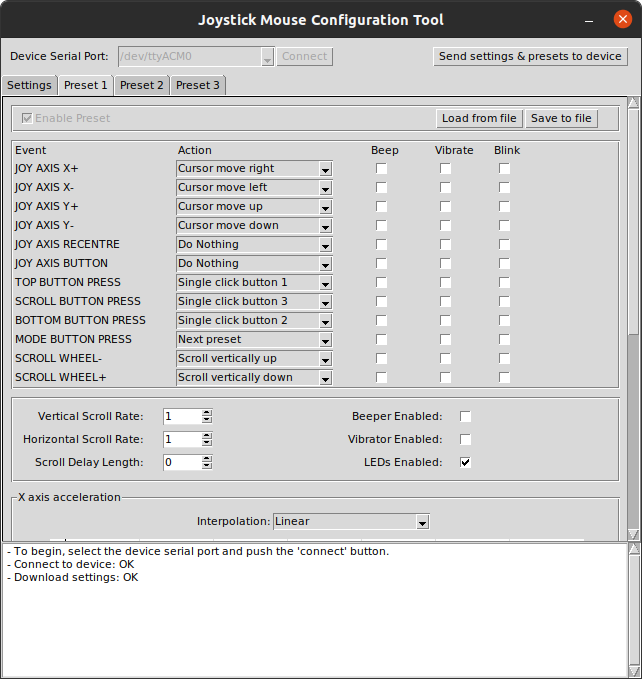
All the buttons, scroll-wheel and joystick axis movements should be able to be arbitrarily remapped (and remapped to be left-handed). The cursor move rate can be configured to be proportional to the axis offset from centre.
0%
0%
Programmable ambidextrous joystick mouse
A flexible and accessible pointing device
Become a Hackaday.io member
Already have an account? Log in.
Just one more thing
To make the experience fit your profile, pick a username and tell us what interests you.
Pick an awesome username

hackaday.io/
Your profile's URL: hackaday.io/username. Max 25 alphanumeric characters.
Pick a few interests
Projects that share your interests
People that share your interests
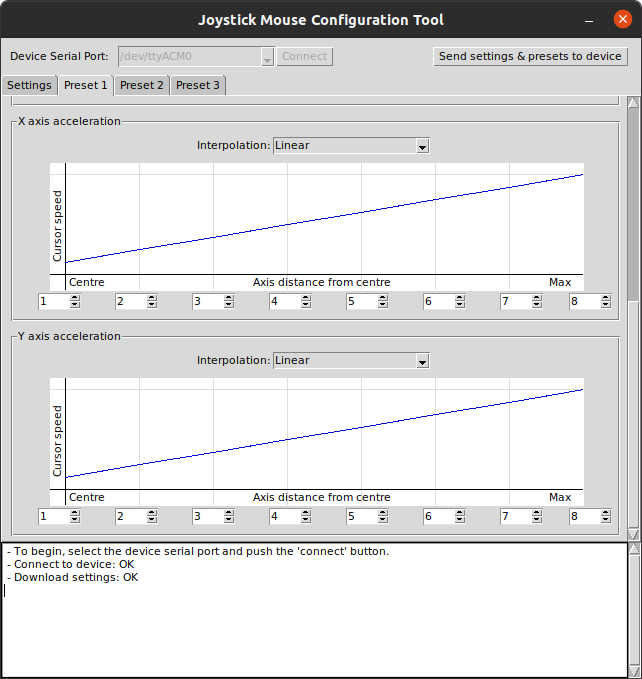 But you can have more abrupt movements if you prefer, or smoothed out movements.
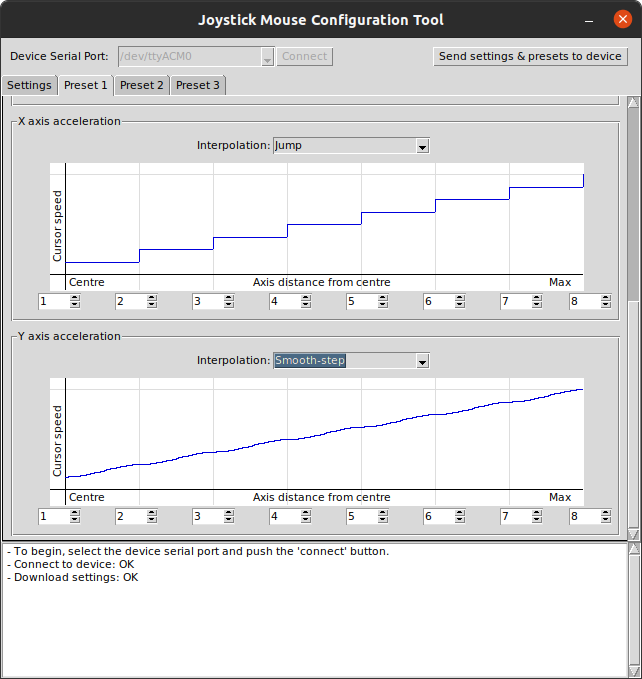 These speed settings are just for demonstration, I don't recommend using them.
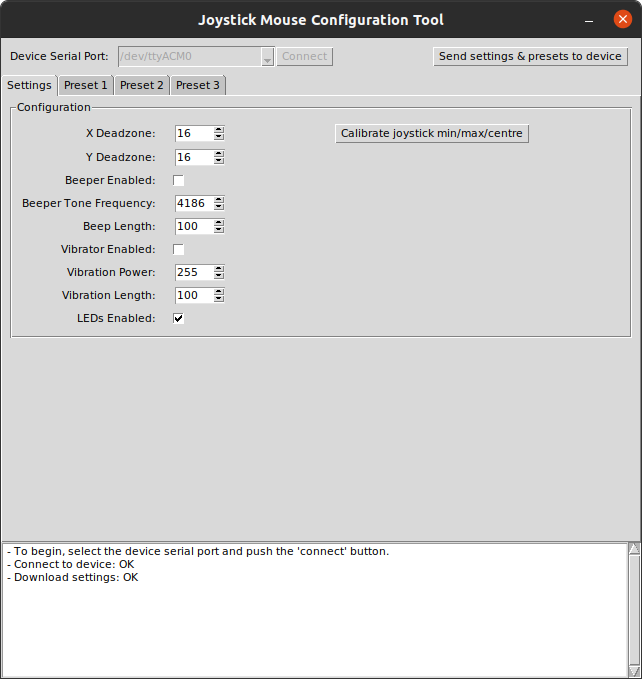
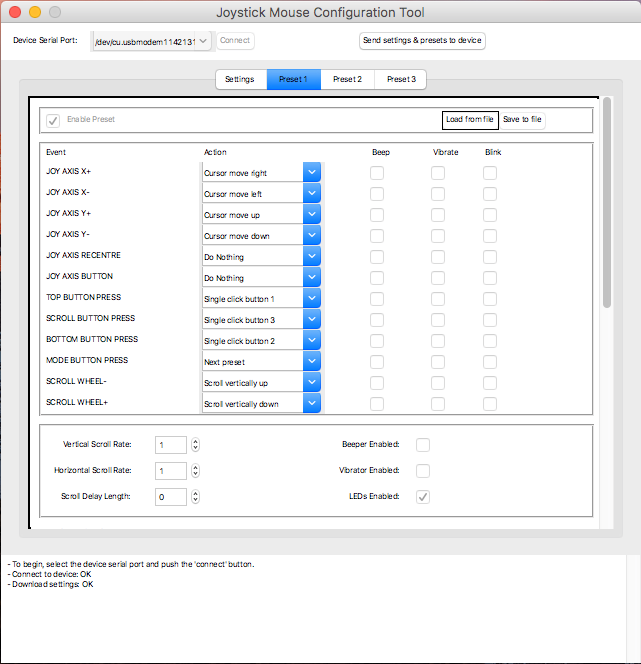
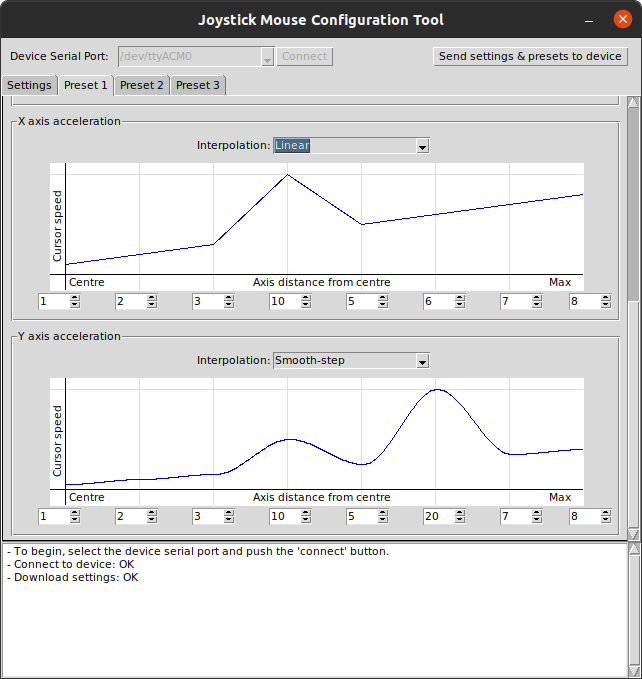 Using Python and Tkinter make running the tool across platforms quite easy. Extra considerations for MacOS are required though, the default font is a bit tiny and the spacing isn't perfect.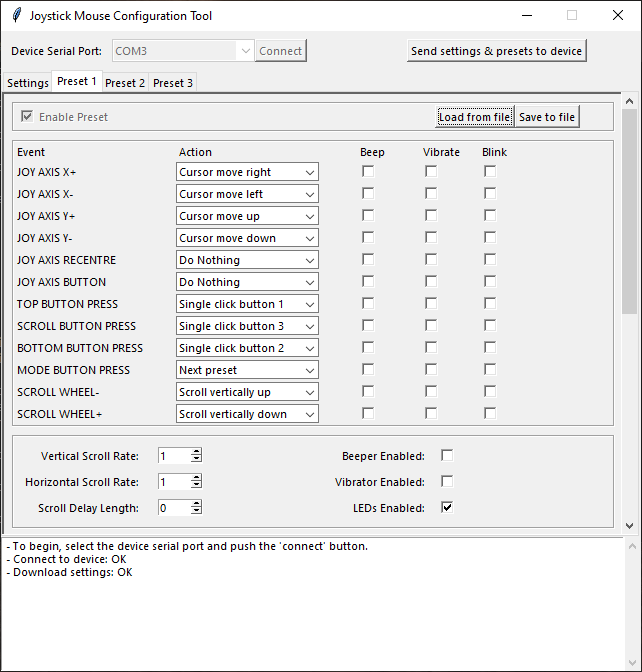






 Enderby
Accessibility controllers were some of my favorite content from the period when Element 14 hosted The Ben Heck show. I'd love to see this working on a traditional console system (perhaps either a Microsoft or Nintendo would be the easiest to map this particular devices functionality?). Good luck!