 Alpenglow Industries


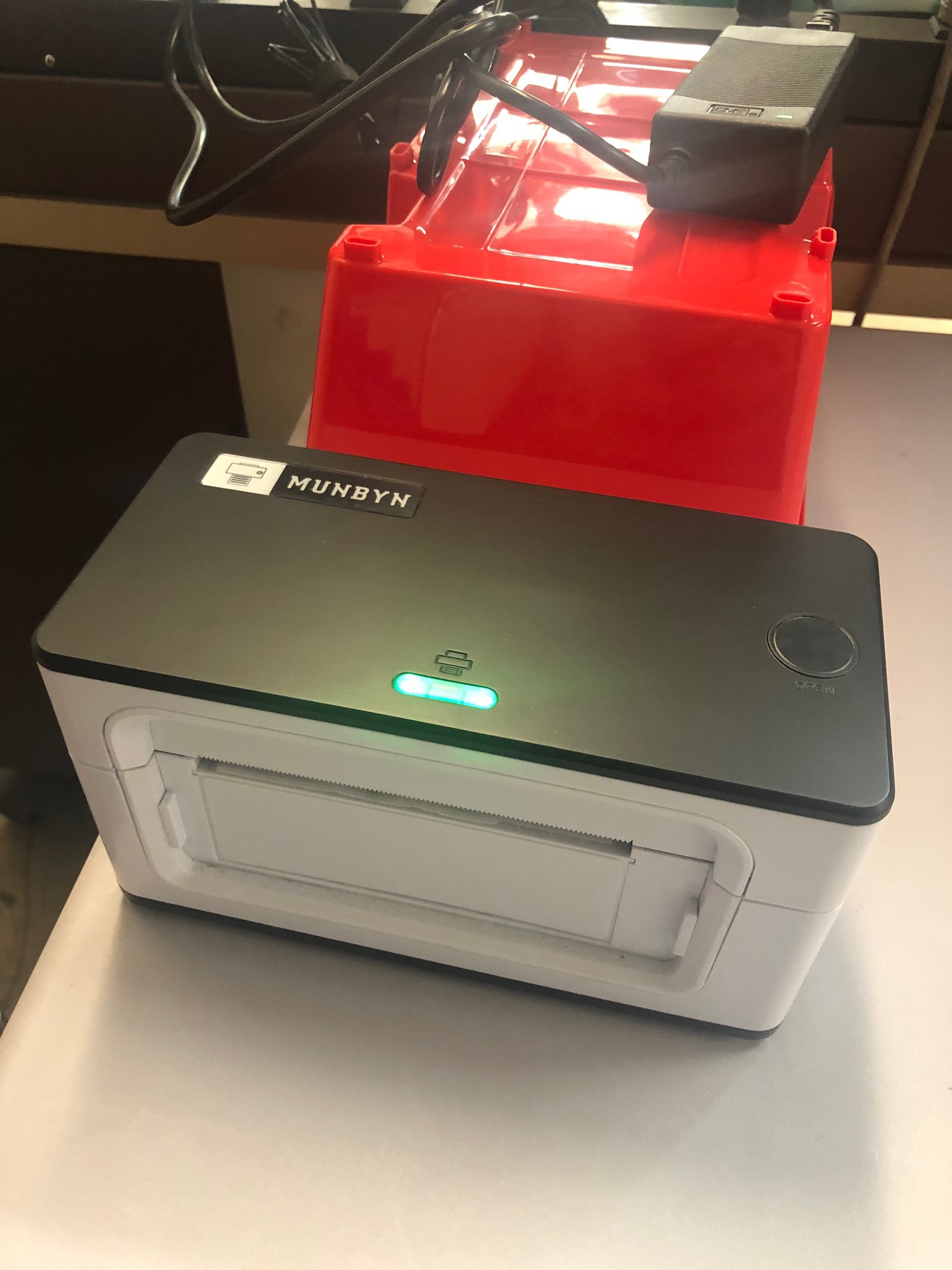
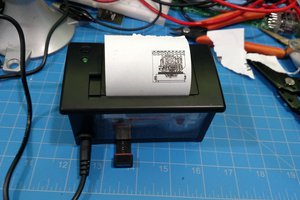
I bought a Munbyn ITPP941 thermal USB printer for shipping labels. These printers are reasonably expensive considering they're small format and relatively low quality black adn white - this one was $144 from amazon. But compared to a traditional laser printer, the savings in toner and the speed they print at make them totally worthwhile. Plus there's a lot less label/paper waste since the labels are exactly the size of all the info printed on them.
I wanted this printer to live in the shipping area, it just seemed a litlte more convenient there than on my desk (taking up valuable space). But I wanted to be able to send a print job to it from my computer, - it's still a bit of a complex routine to create labels (especially international ones) so I still do that job. Also, I didn't want to have to dedicate an entire computer to the shipping area, just for the printer.
You used to be able to find wireless print servers pretty easily, but I guess those days are gone. The only one I could find was the StarTech.com PM1115UW for $60 on amazon. I spent 2 days trying to get it to work with the Munbyn, every possible combination of installing the printer and the server, and never could get it up and running.
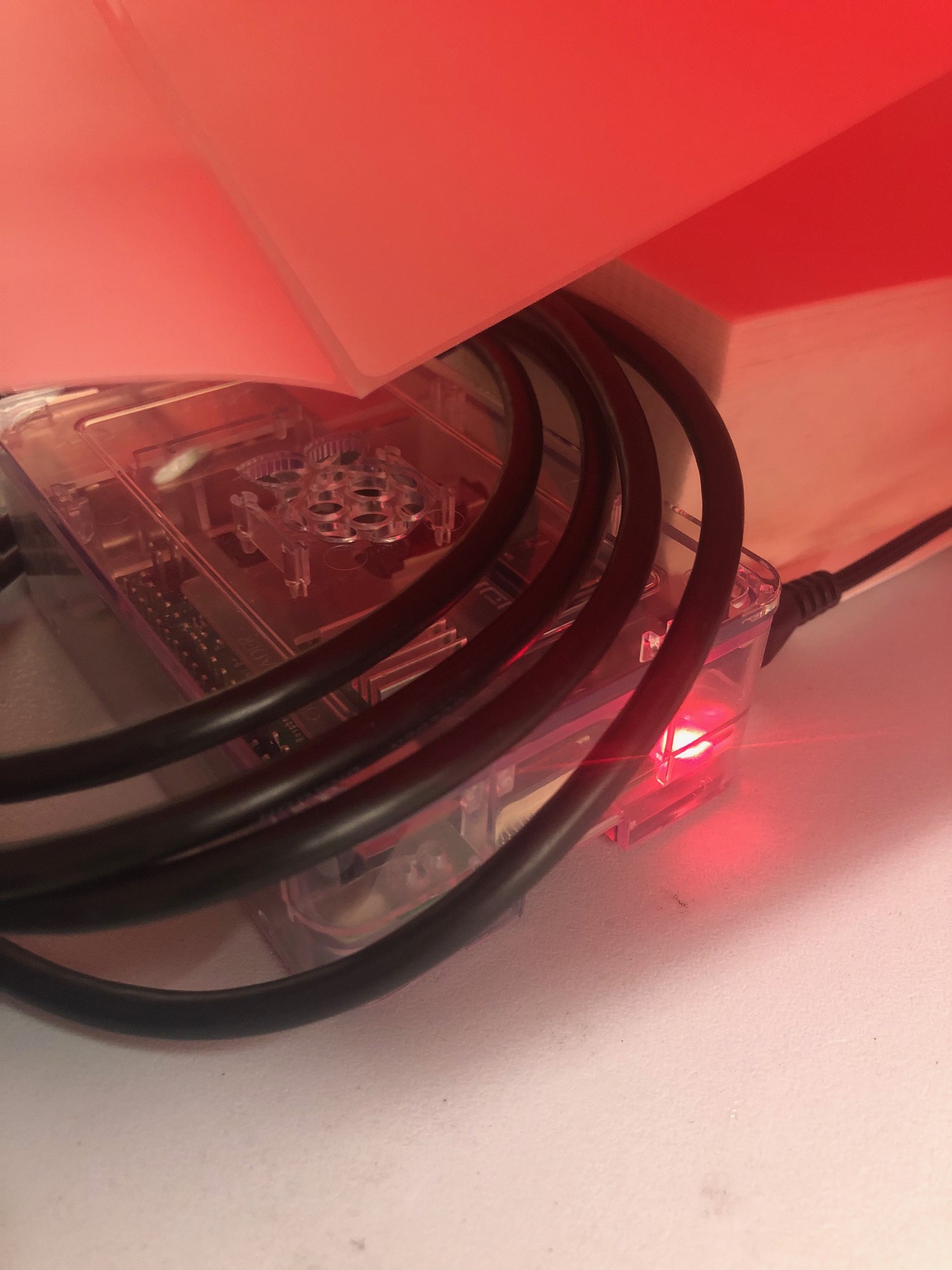
I figured this was a great excuse to play around with a Raspberry Pi, this should be exactly the kind of thing it's good at. Well, it does all work - finally, after 6 freakin hours! - and the worst part was (of course) getting 2 different Windows machines talking to it. Even though both were running Windows 10, one was Windows 10 Home and the other was Windows 10 Pro, and it took 2 different methods of installing the printers, and 2 different drivers, to get everything working.
My pain is your gain. Enjoy!


 Ralph Bacolod
 Shivam Mehta
 jareklupinski
 perry levac
I ran into some issues trying to get this working in 2026. I was getting a "filter failed" message in CUPS while trying to print the test page despite selecting the correct Rollo software.
What sort of worked: I found a fork of CUPS with ITPP941 support added (follow the link in https://github.com/michaelrsweet/lprint/issues/36). I had to compile proski's rastertolabel.c and stick the binary in /usr/lib/cups/filter/Printer_ThermalPrinter/Filter to overwrite the original. This was annoying since I had to swap out references to functions from private headers. But it finally printed the test page! However...after adding the printer to MacOS it would always default to Letter size. I tried messing around with the ppd file on the CUPS server but default page size kept getting lost in translation between the Pi and my Mac and I could never get it to offer the correct 100x150mm size.
What finally worked: I set the printer to use the "raw" driver in CUPS and then installed the Mac Munbyn drivers on my computer. Selecting that driver when adding the remote printer made everything work as expected. This works for my use-case because I only expect to print from a couple of macs on my LAN that I'm able to fully manage.
The author was right, this kind of project takes hours of troubleshooting.
PS: The CUPS UI wasn't saving the "Share this printer" checkbox value so I had to manually edit printers.conf to get that working.