 Keith Cruz
-
1How to recreate
![]()
![]()
![]()
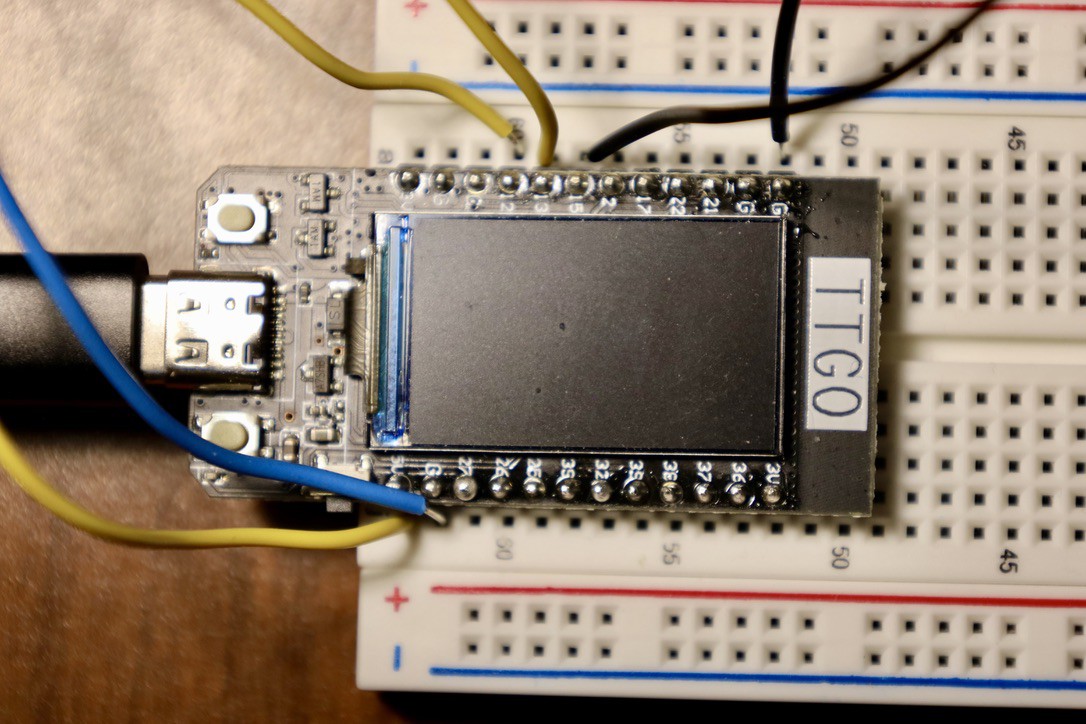
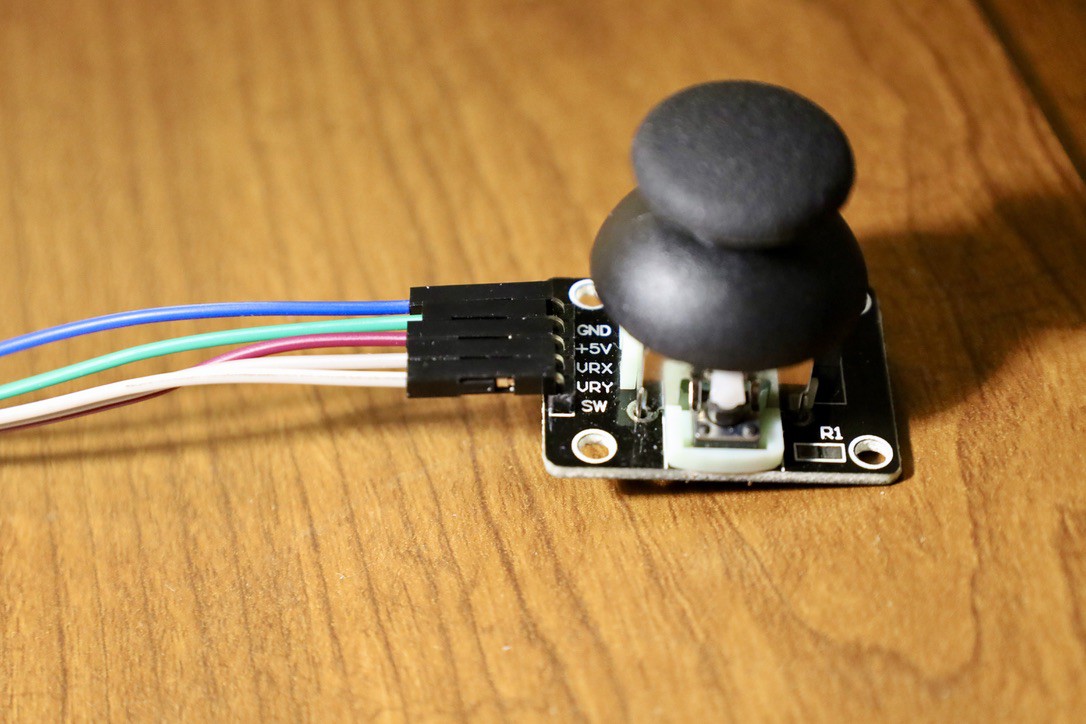
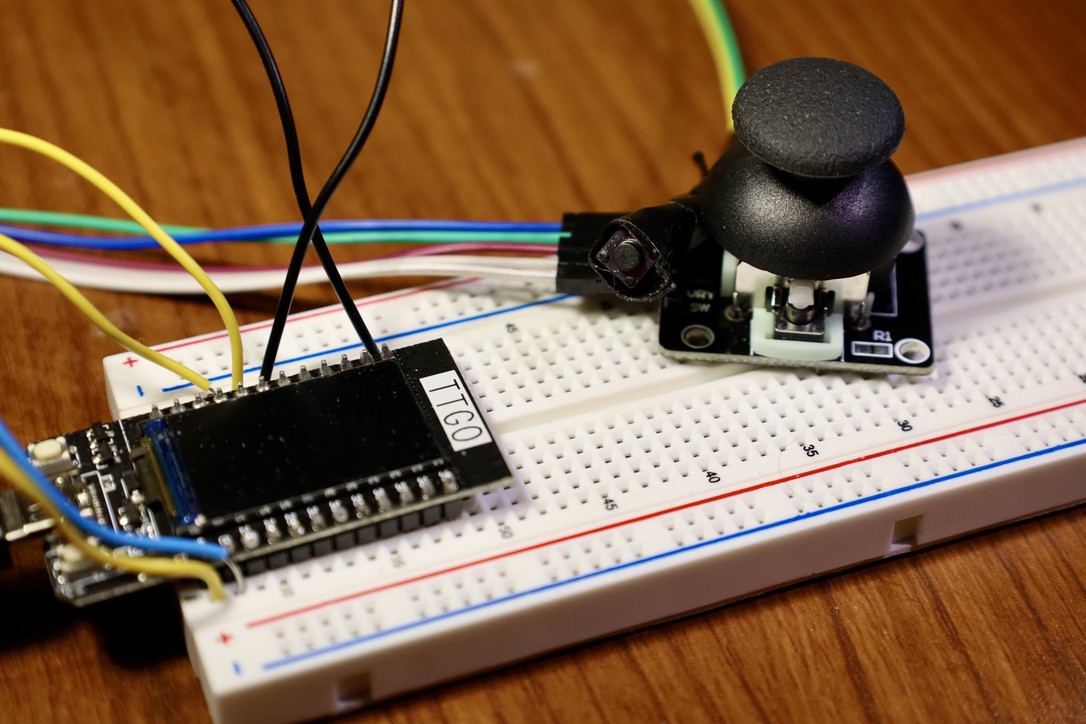
To recreate this project, you need an ESP32 TTGO T-Display, Breadboard (optional), wires, a joystick, a button, and a USB-C cable. You also need Arduino IDE and Processing installed on your laptop. To begin, connect the wires and pins of the button and joystick into the ESP32 to their corresponding places. Images are attached for reference. Next, connect your ESP32 to your laptop using the USB-C port of the ESP32. After this, the Arduino IDE and Processing IDE code are in the GitHub repository. Once the code is loaded in Arduino IDE, use the ESP32 Wrover Module and use whichever port the ESP32 is connected to. After that, click on “Upload” to upload the code into your ESP32. You might also need to check the serial monitor and ensure that the baud rate matches; in my case, it was 115200. Then once it’s successfully uploaded. Go to your Processing IDE and load the code there. Next, click on “Run,” and you should have a box that is colored brown with a yellow circle with a blue accent inside. You can now move the joystick around and press the button to start shooting a circle of red balls anywhere you’d like in the box.
Awesom-O Projecting Circles
A replica of the robot from South Park called Awesom-O projecting circles to a screen.
Discussions
Become a Hackaday.io Member
Create an account to leave a comment. Already have an account? Log In.