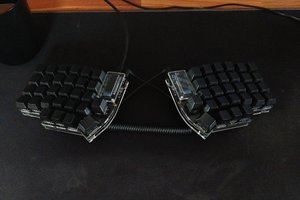
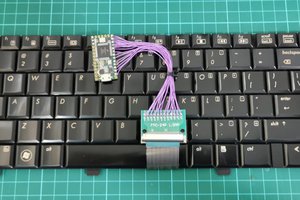
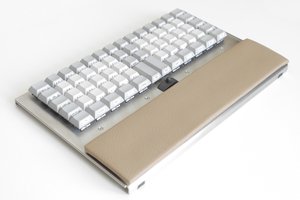
a handwired stenotype keyboard using a Pro Micro (ATmega32U4). open-source, compact, and 3D printed for simplicity.
To make the experience fit your profile, pick a username and tell us what interests you.
We found and based on your interests.
Keyboard Plate Layout.dxfA dxf file to build the plate for the keyboard.AutoCAD DXF - 9.07 kB - 07/22/2025 at 14:33 |
|
|
QMK Firmware - Steno Keyboard.zipQMK Firmware files for the steno keyboard.x-zip-compressed - 3.67 kB - 07/22/2025 at 13:51 |
|
|
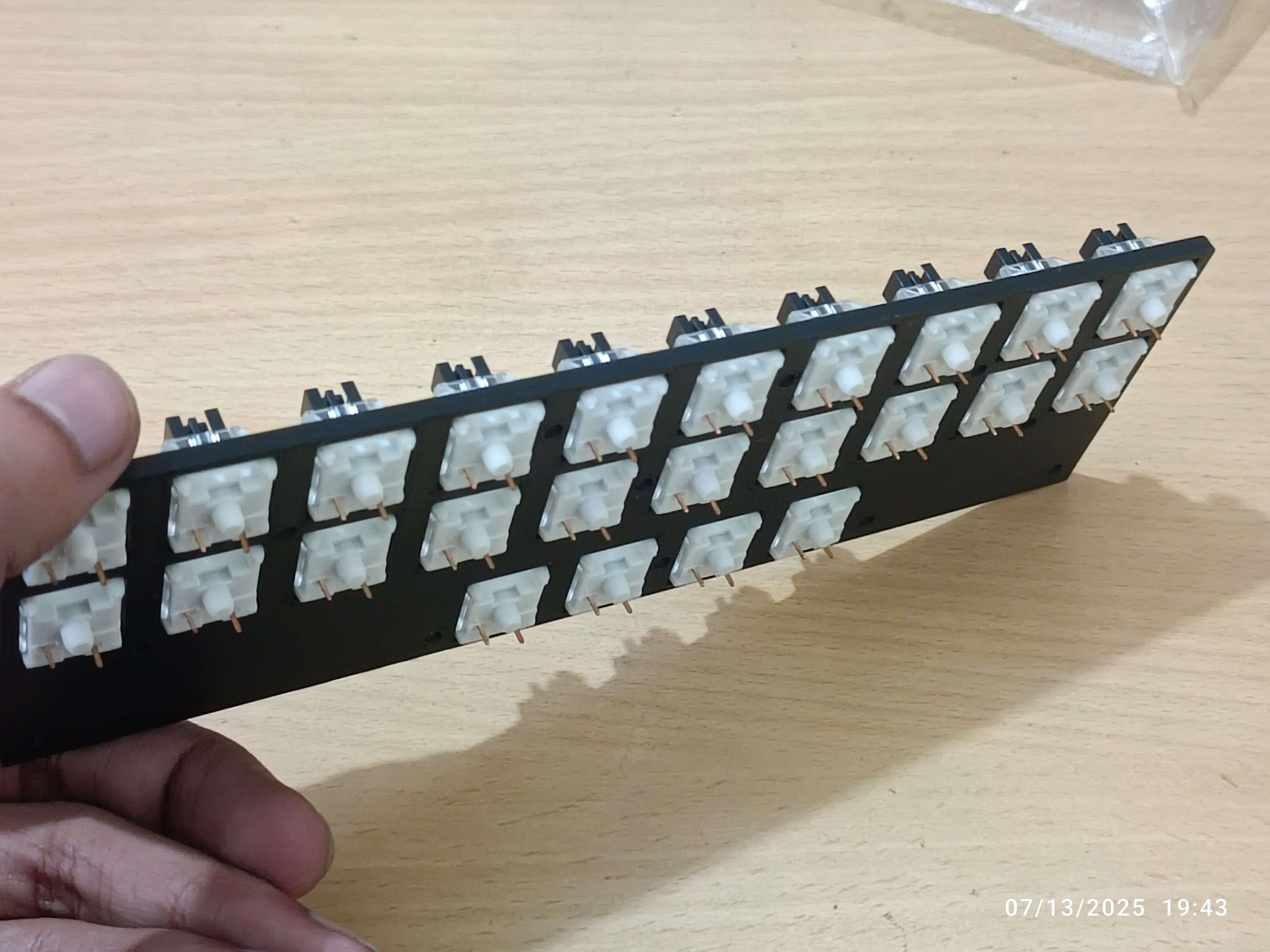
Keyboard - Plate.stl3D Printable model for a plate to hold the switches in place.Standard Tesselated Geometry - 344.03 kB - 07/22/2025 at 13:48 |
|
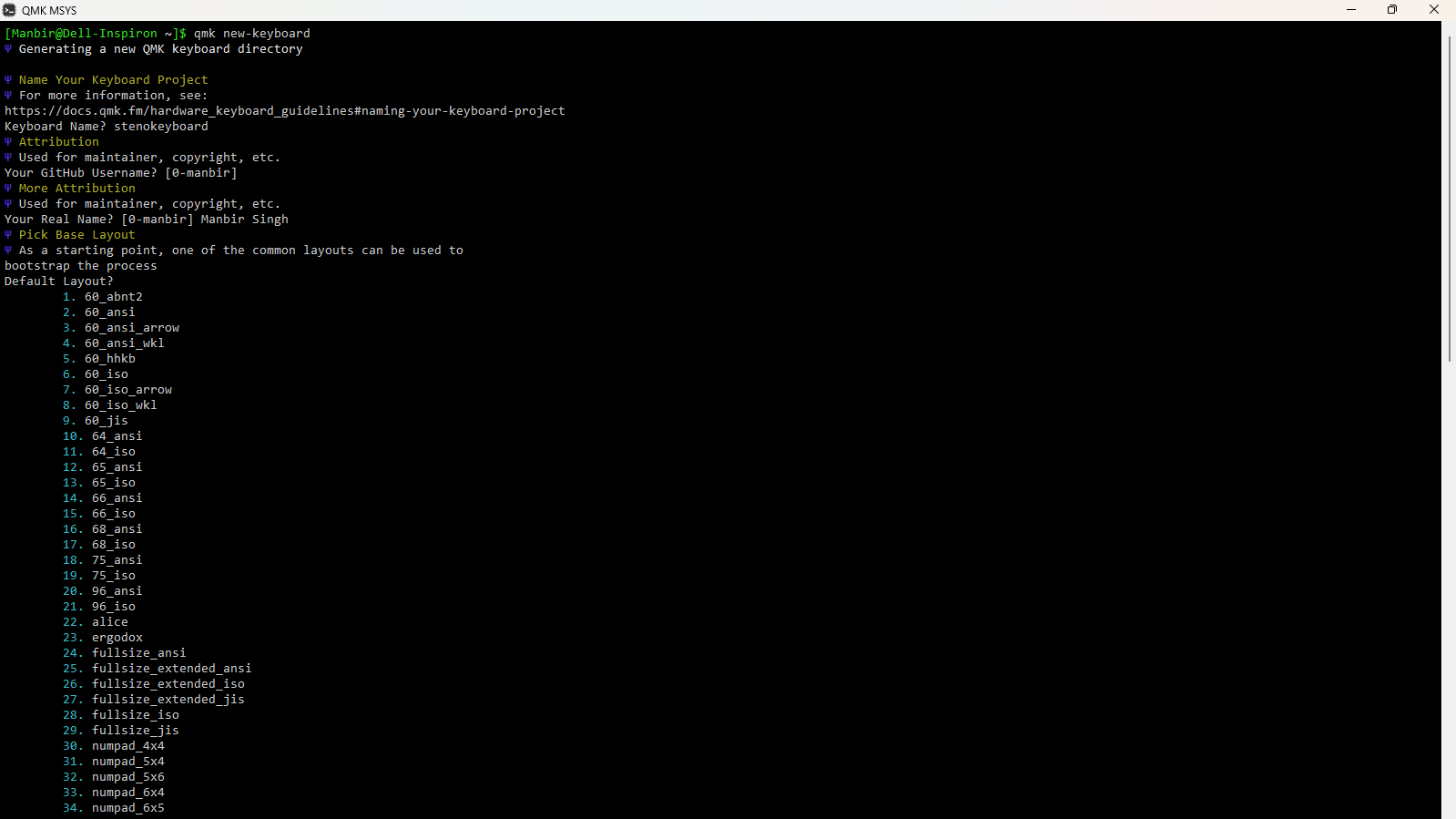
download and setup qmk.
create a new keyboard:
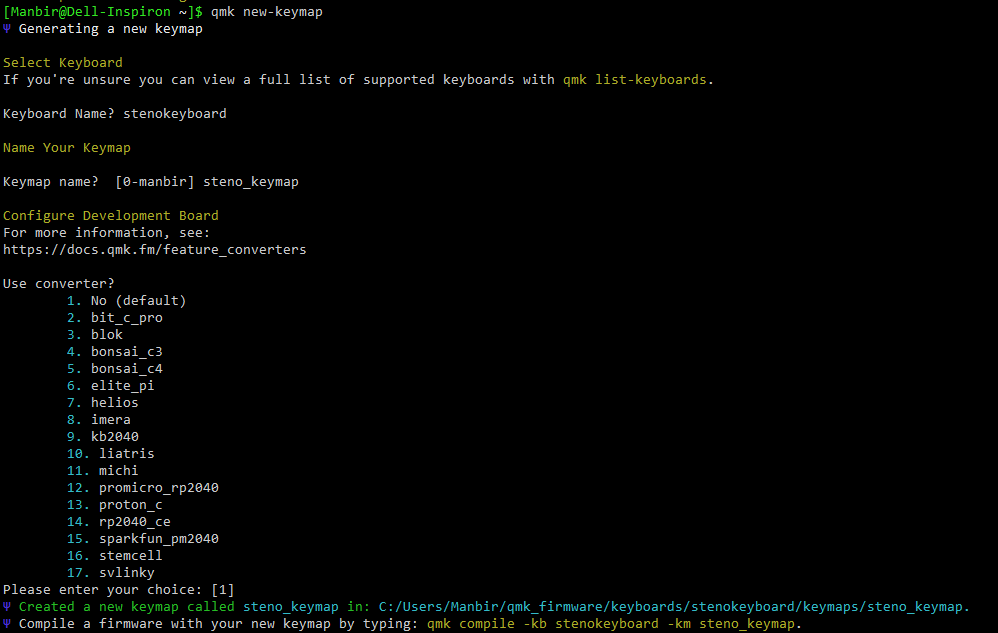
create a new keymap:
customize the keymap to fit your keyboard and its wiring. my files are attached below.
keyboard.json
{
"manufacturer": "Manbir Singh",
"keyboard_name": "stenokeyboard",
"maintainer": "0-manbir",
"development_board": "promicro",
"diode_direction": "COL2ROW",
"features": {
"bootmagic": true,
"extrakey": false,
"mousekey": false,
"nkro": false
},
"matrix_pins": {
"cols": ["F7", "B1", "B3", "B2", "B6", "B5", "B4", "E6", "D7", "C6"],
"rows": ["D1", "D0", "D4"]
},
"url": "",
"usb": {
"device_version": "1.0.0",
"pid": "0x0000",
"vid": "0xFEED"
},
"layouts": {
"LAYOUT": {
"layout": [
{ "matrix": [0, 0], "x": 0, "y": 0 },
{ "matrix": [0, 1], "x": 1, "y": 0 },
{ "matrix": [0, 2], "x": 2, "y": 0 },
{ "matrix": [0, 3], "x": 3, "y": 0 },
{ "matrix": [0, 4], "x": 4, "y": 0 },
{ "matrix": [0, 5], "x": 5, "y": 0 },
{ "matrix": [0, 6], "x": 6, "y": 0 },
{ "matrix": [0, 7], "x": 7, "y": 0 },
{ "matrix": [0, 8], "x": 8, "y": 0 },
{ "matrix": [0, 9], "x": 9, "y": 0 },
{ "matrix": [1, 0], "x": 0, "y": 1 },
{ "matrix": [1, 1], "x": 1, "y": 1 },
{ "matrix": [1, 2], "x": 2, "y": 1 },
{ "matrix": [1, 3], "x": 3, "y": 1 },
{ "matrix": [1, 4], "x": 4, "y": 1 },
{ "matrix": [1, 5], "x": 5, "y": 1 },
{ "matrix": [1, 6], "x": 6, "y": 1 },
{ "matrix": [1, 7], "x": 7, "y": 1 },
{ "matrix": [1, 8], "x": 8, "y": 1 },
{ "matrix": [1, 9], "x": 9, "y": 1 },
{ "matrix": [2, 3], "x": 3, "y": 2 },
{ "matrix": [2, 4], "x": 4, "y": 2 },
{ "matrix": [2, 5], "x": 5, "y": 2 },
{ "matrix": [2, 6], "x": 6, "y": 2 }
]
}
}
}
rules.mk
# Base
MCU = atmega32u4
BOOTLOADER = caterina
# Enable Steno
STENO_ENABLE = yes
STENO_PROTOCOL = geminipr
EXTRAKEY_ENABLE = no
MOUSEKEY_ENABLE = no
CONSOLE_ENABLE = no
COMMAND_ENABLE = no
NKRO_ENABLE = no
UNICODE_ENABLE = no
BACKLIGHT_ENABLE = no
AUDIO_ENABLE = no
keymap.c
// Copyright 2023 QMK
// SPDX-License-Identifier: GPL-2.0-or-later
#include QMK_KEYBOARD_H
#include "process_steno.h"
const uint16_t PROGMEM keymaps[][MATRIX_ROWS][MATRIX_COLS] = {
[0] = LAYOUT(
STN_S1, STN_TL, STN_PL, STN_HL, STN_ST1, STN_FR, STN_PR, STN_LR, STN_TR, STN_DR,
STN_S2, STN_KL, STN_WL, STN_RL, STN_ST2, STN_RR, STN_BR, STN_GR, STN_SR, STN_ZR,
STN_A, STN_O, STN_E, STN_U
)
};
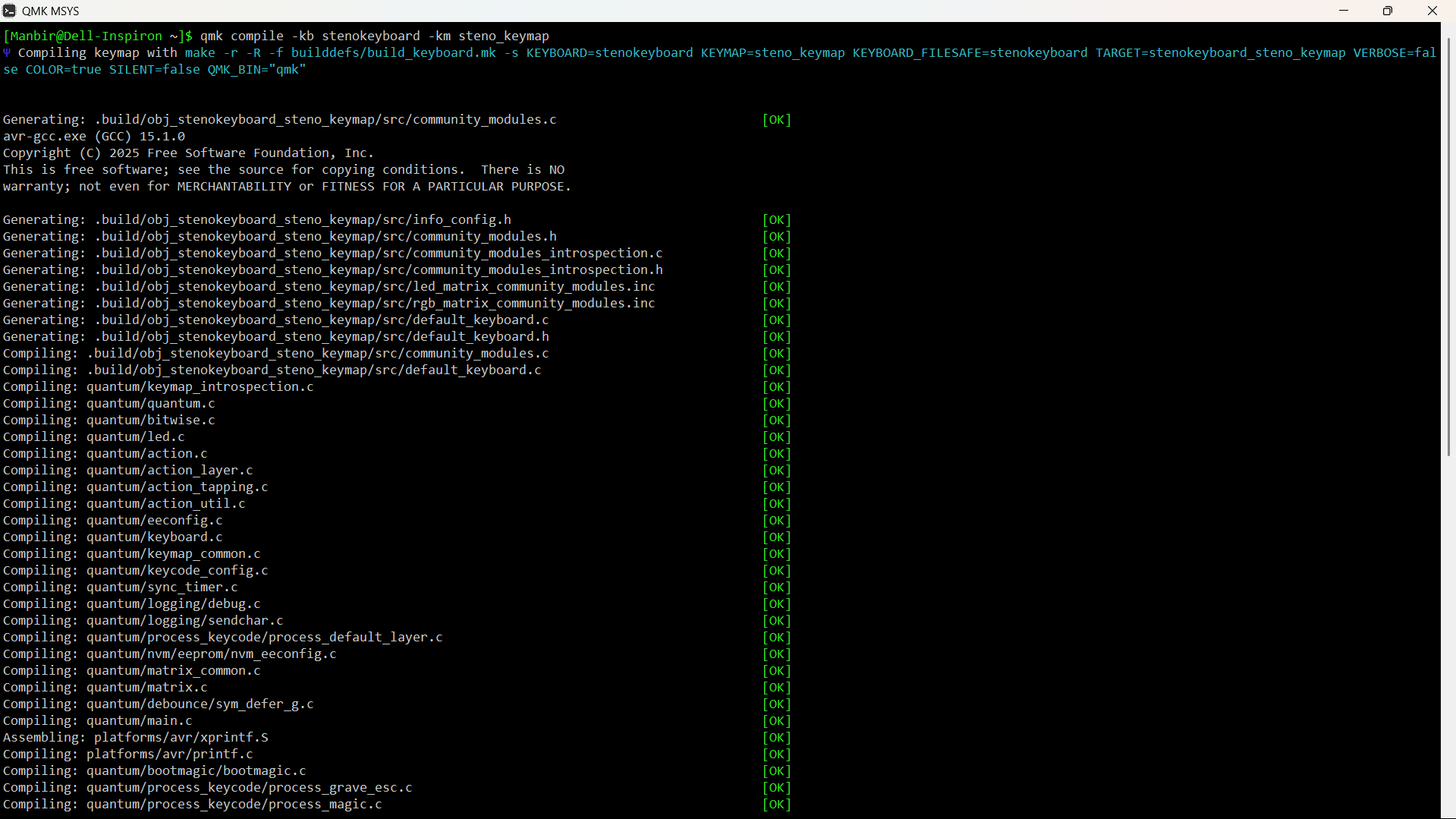
compile the firmware
flash the firmware using AVRdude or QMK Toolbox
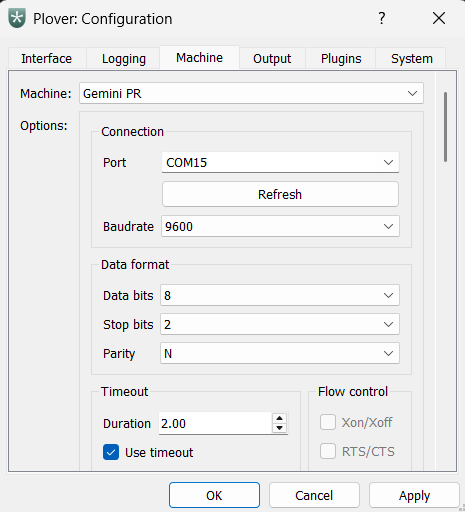
download and install Plover. set the machine to Gemini PR.
go to configure, and select the right port.
putting in the switches
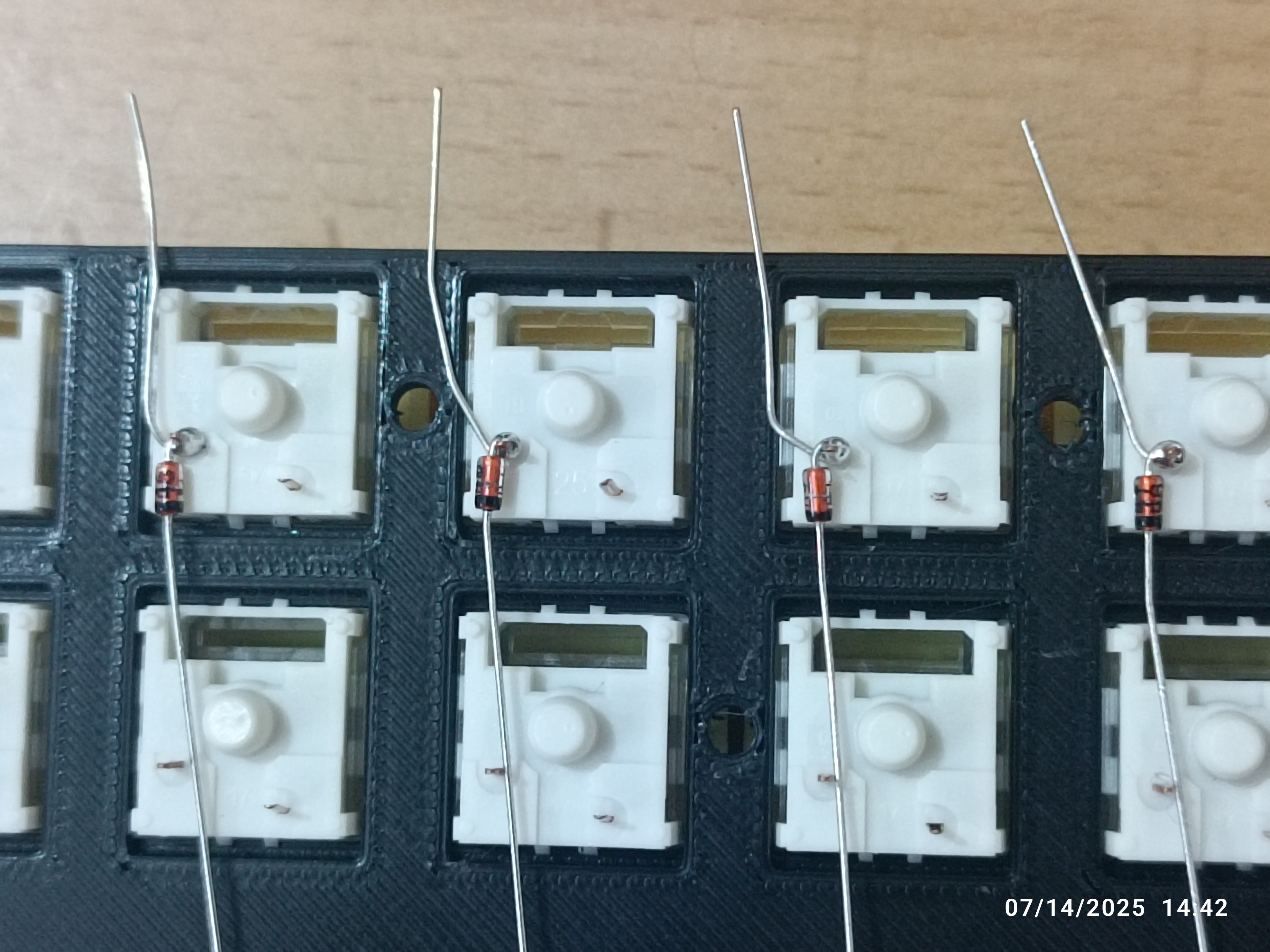
soldering diodes to one leg of each switch
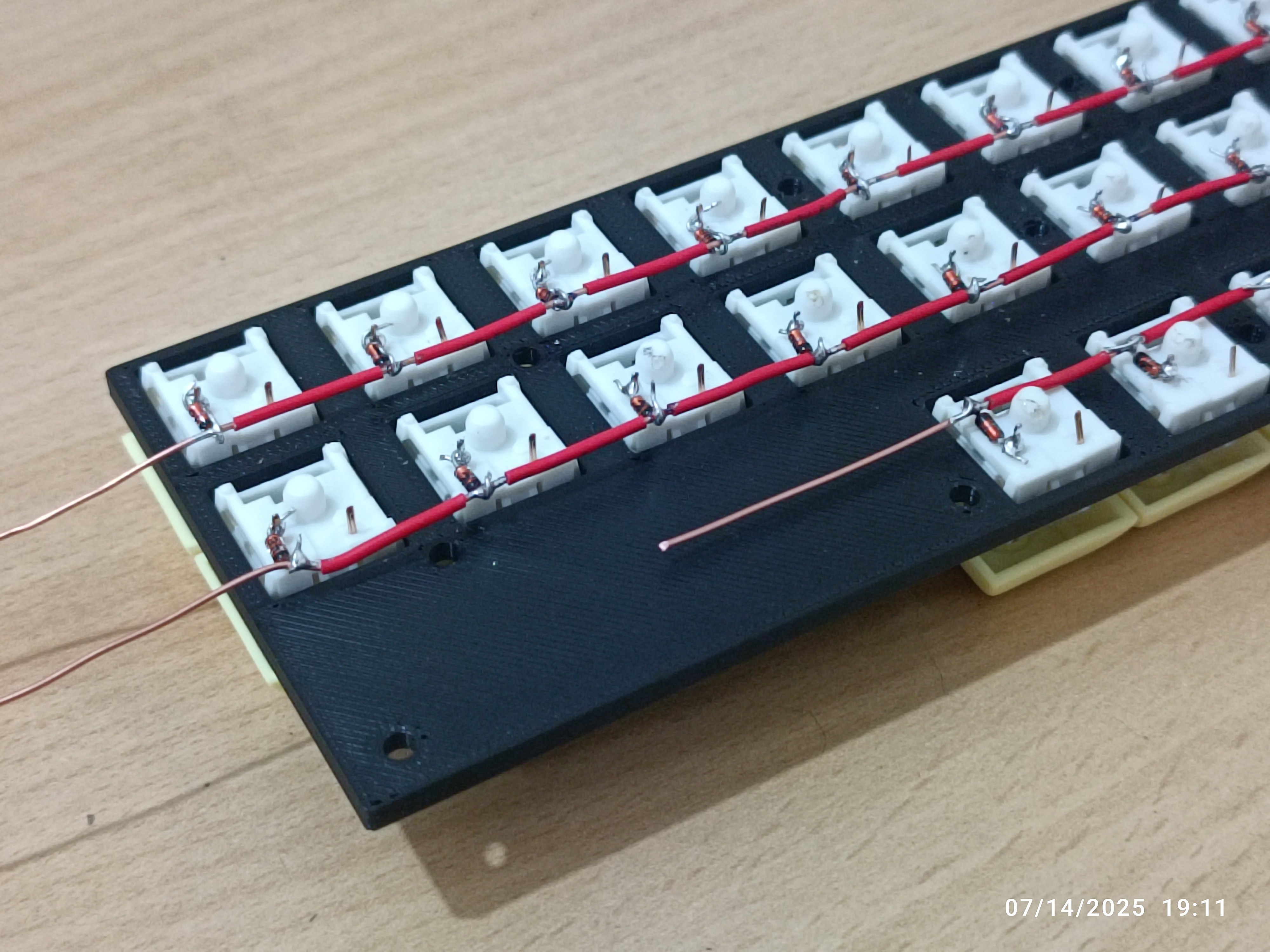
wiring rows using a 16-gauge copper wire
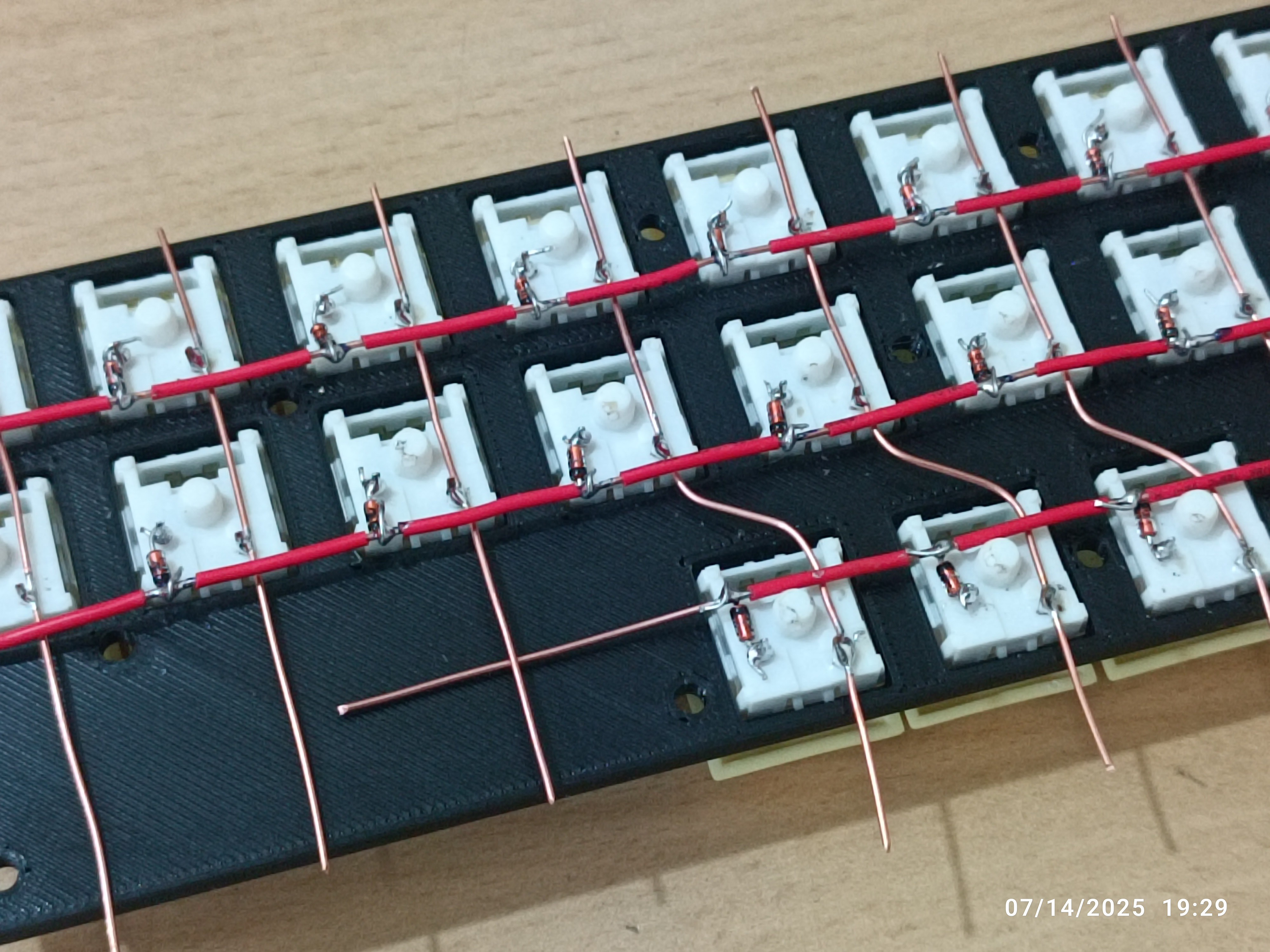
wiring columns
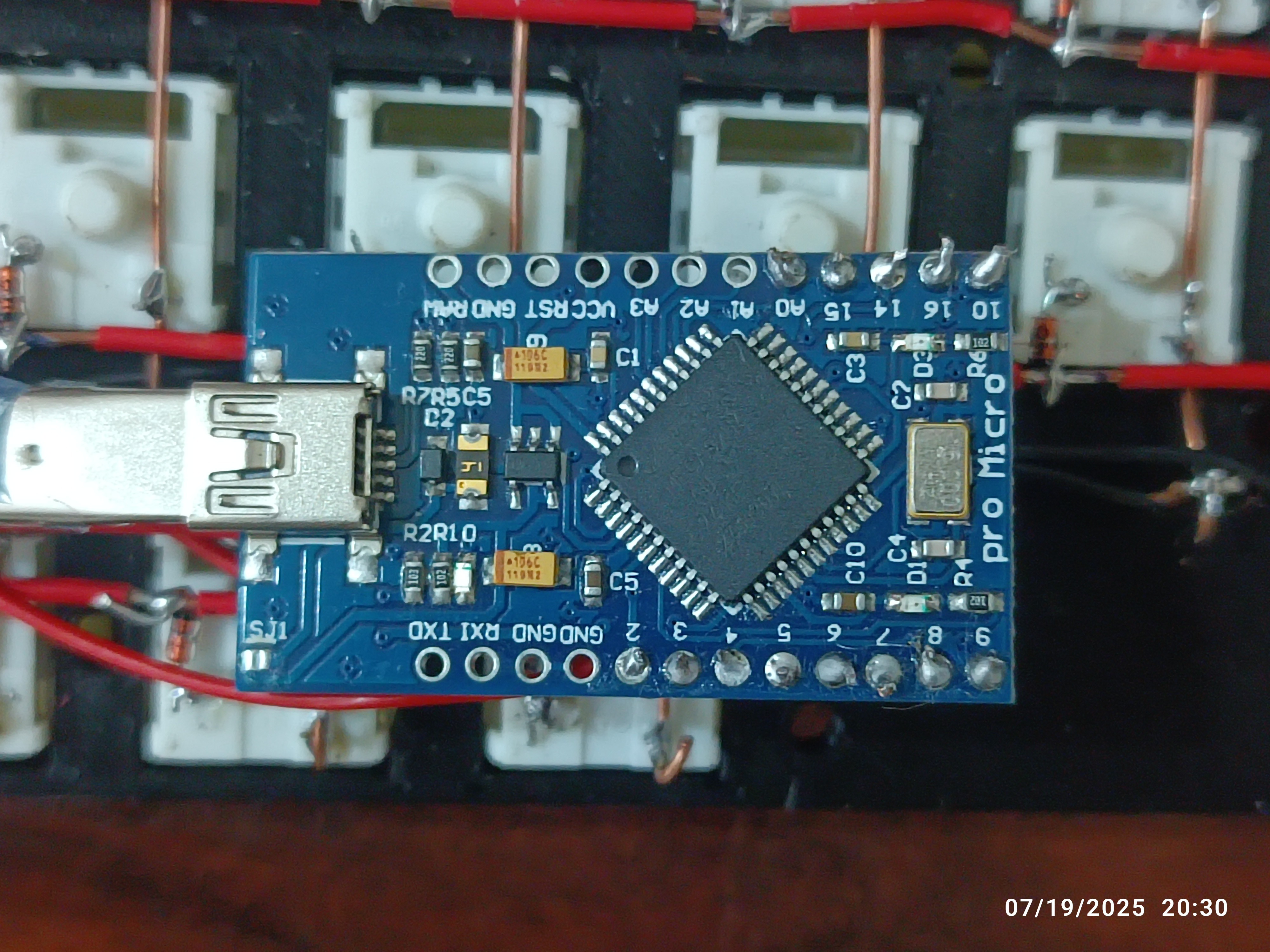
connecting each column (10) and row (3) to the dev board
software needed
building the plate
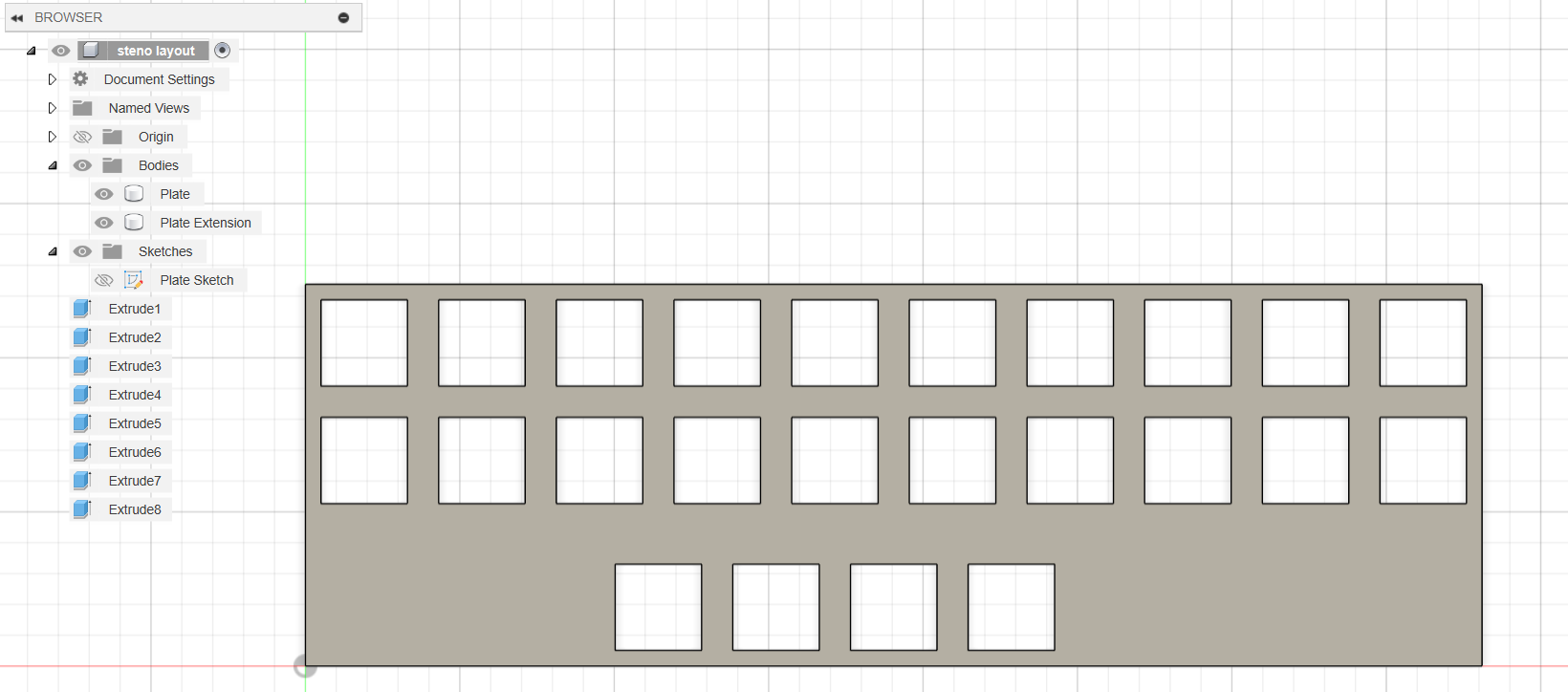
open any 3d modeling/cad/cam software. i used fusion 360. load the .dfx file (find sample in the files section). extrude to form a plate.
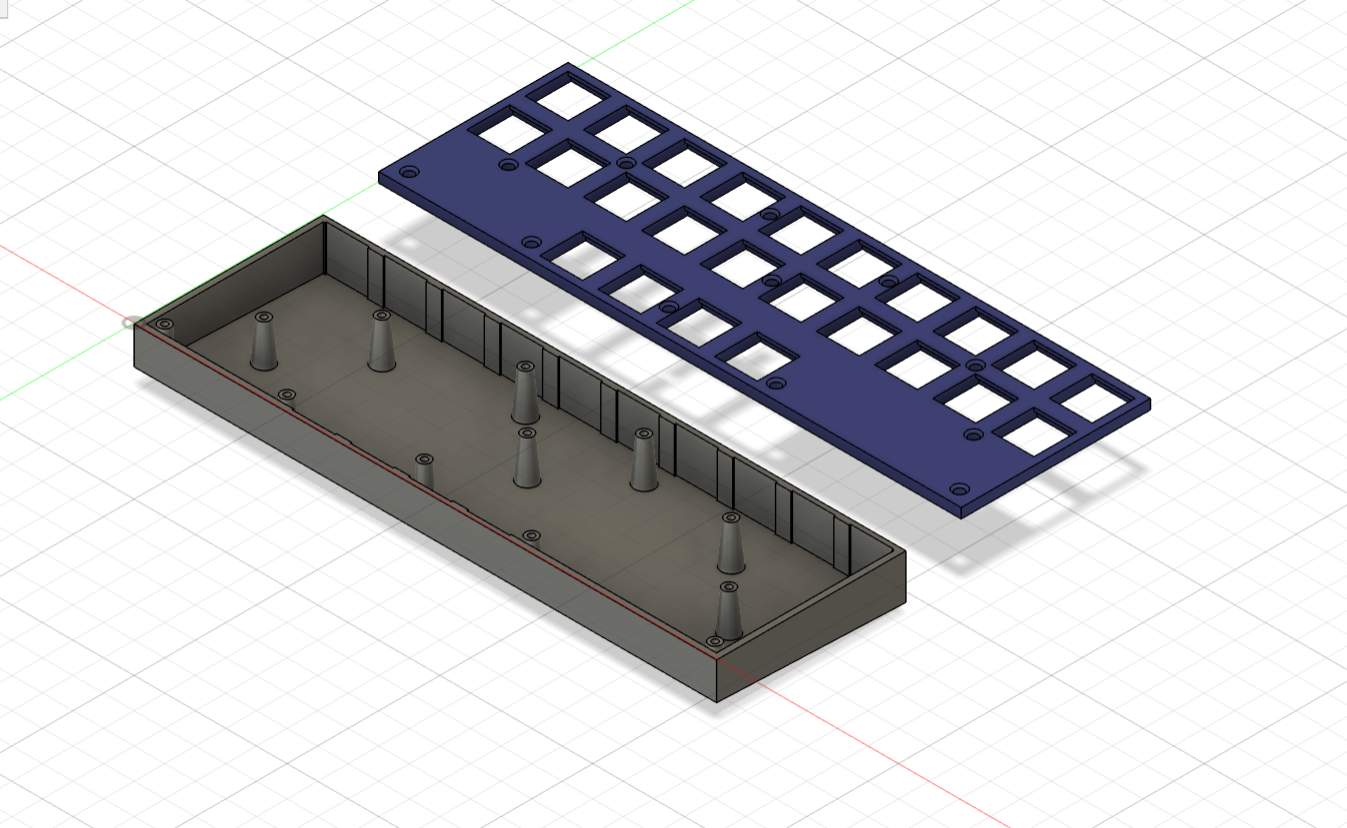
building a case
build a case to hold the plate.
software needed:
designing the layout
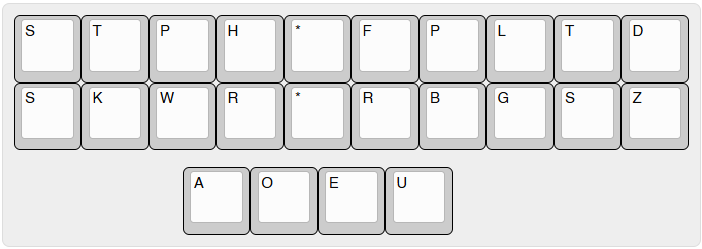
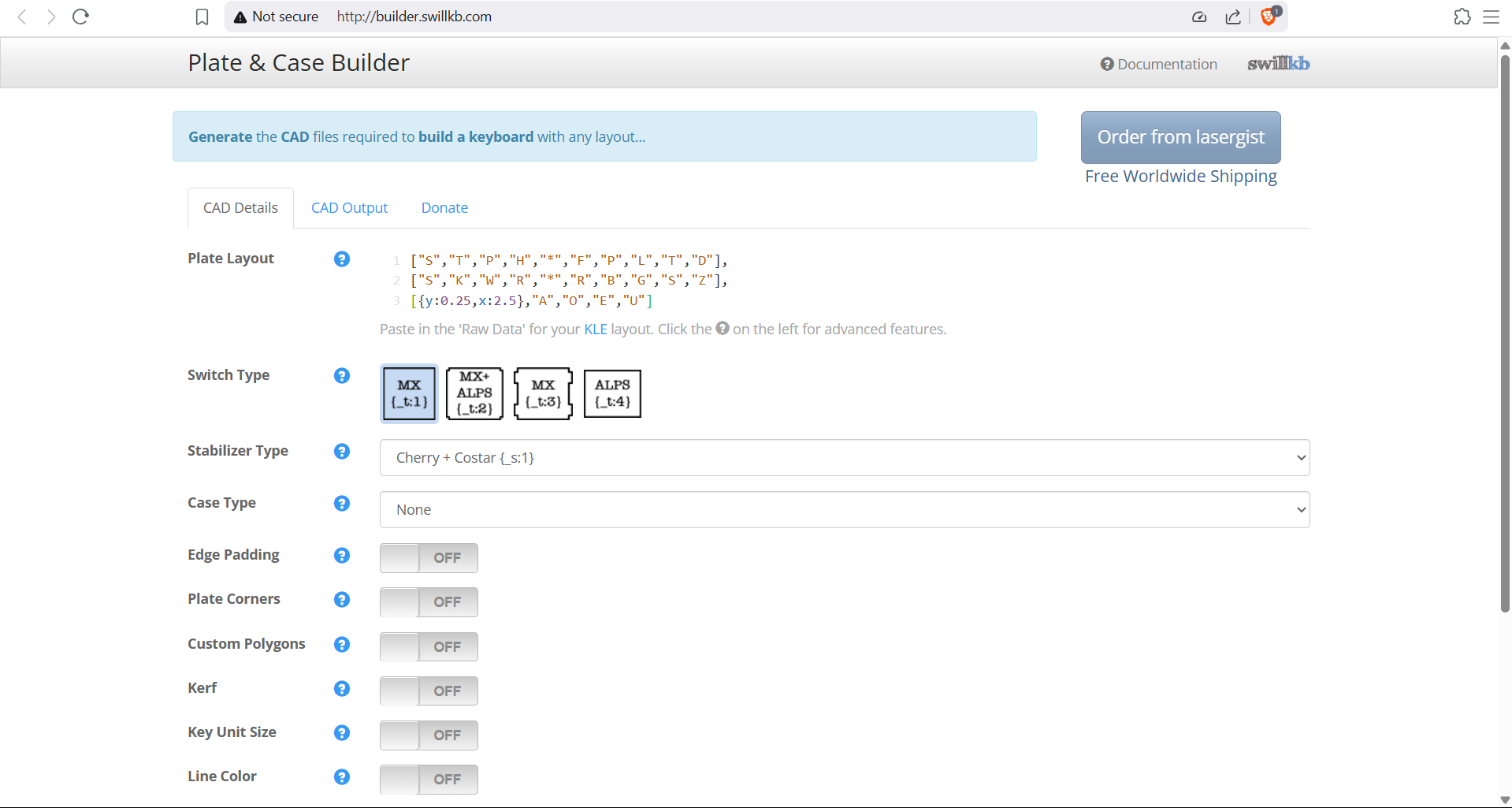
i designed the layout for my steno keyboard using Keyboard Layout Editor.
raw data (or click here):
["S","T","P","H","*","F","P","L","T","D"],
["S","K","W","R","*","R","B","G","S","Z"],
[{y:0.25,x:2.5},"A","O","E","U"]
generating the plate
copy the raw JSON data from KLE and paste it into 'plate layout' in swillkb. export as a .dxf file.
Create an account to leave a comment. Already have an account? Log In.
Become a member to follow this project and never miss any updates