manbir
-
generating firmware
07/22/2025 at 15:03 • 0 commentsdownload and setup qmk.
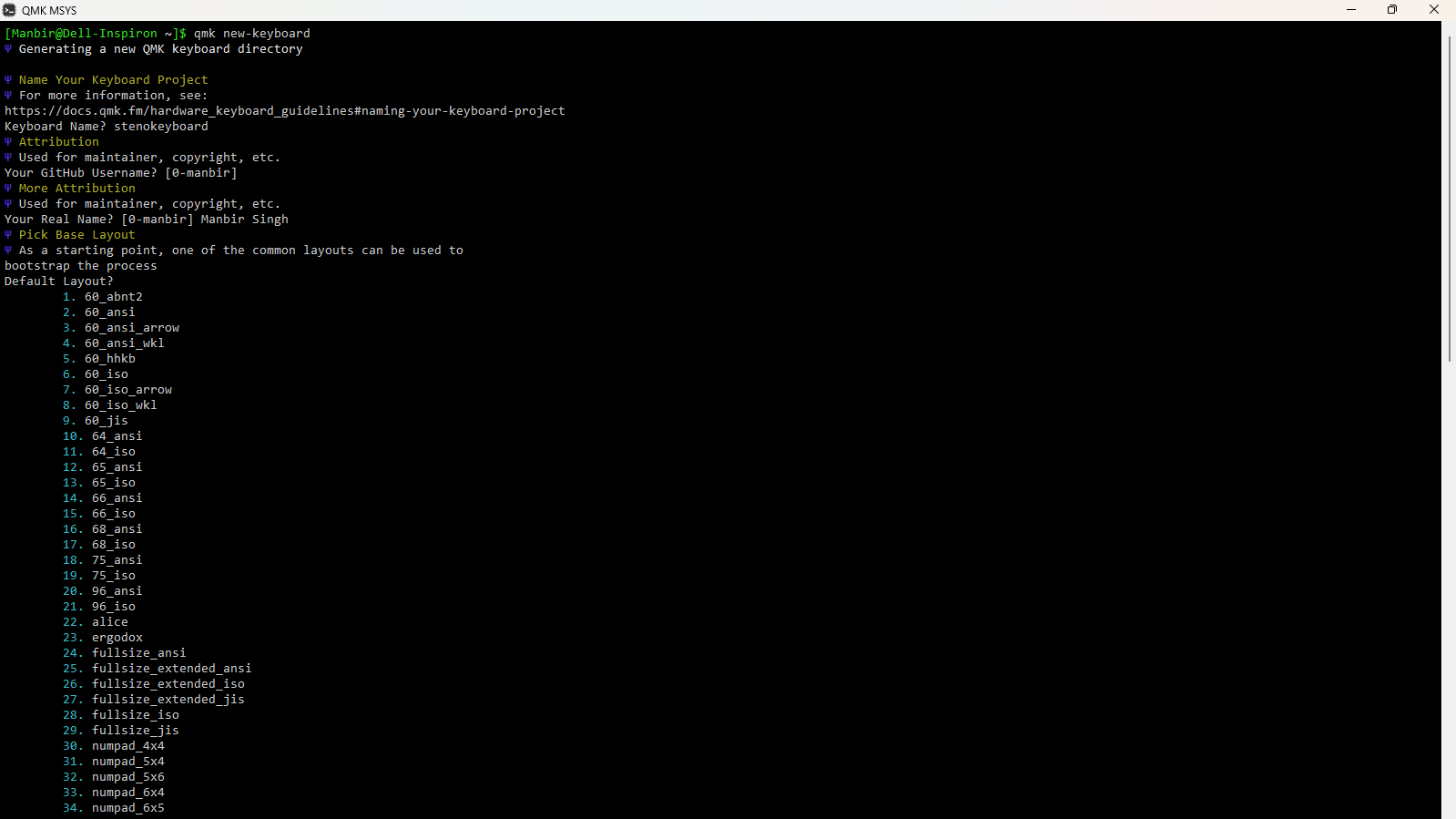
create a new keyboard:

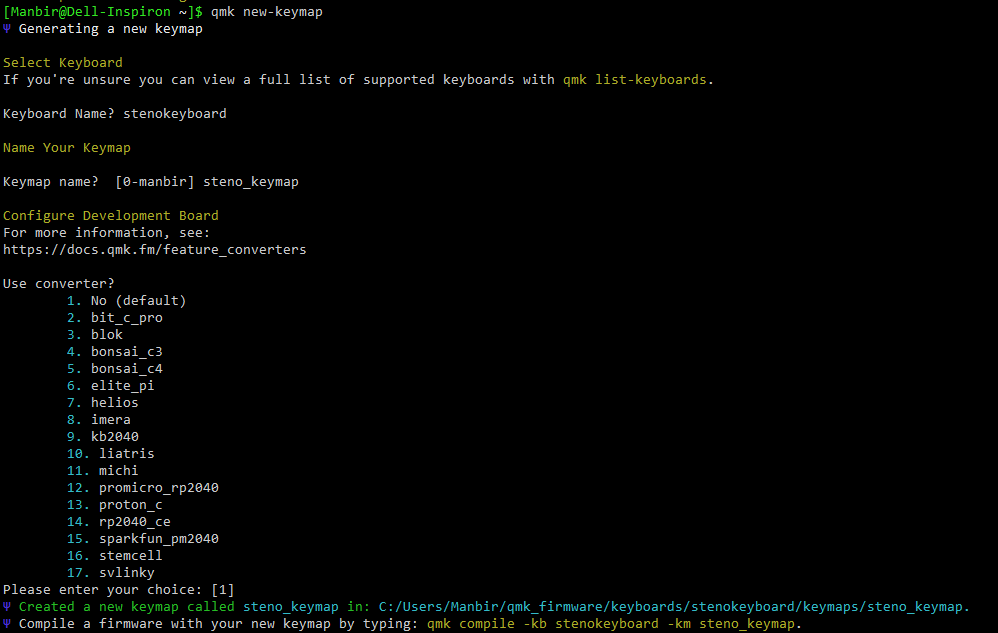
create a new keymap:

customize the keymap to fit your keyboard and its wiring. my files are attached below.
keyboard.json
{
  "manufacturer": "Manbir Singh",
  "keyboard_name": "stenokeyboard",
  "maintainer": "0-manbir",
  "development_board": "promicro",
  "diode_direction": "COL2ROW",
  "features": {
    "bootmagic": true,
    "extrakey": false,
    "mousekey": false,
    "nkro": false
  },
  "matrix_pins": {
    "cols": ["F7", "B1", "B3", "B2", "B6", "B5", "B4", "E6", "D7", "C6"],
    "rows": ["D1", "D0", "D4"]
  },
  "url": "",
  "usb": {
    "device_version": "1.0.0",
    "pid": "0x0000",
    "vid": "0xFEED"
  },
  "layouts": {
    "LAYOUT": {
      "layout": [
        { "matrix": [0, 0], "x": 0, "y": 0 },
        { "matrix": [0, 1], "x": 1, "y": 0 },
        { "matrix": [0, 2], "x": 2, "y": 0 },
        { "matrix": [0, 3], "x": 3, "y": 0 },
        { "matrix": [0, 4], "x": 4, "y": 0 },
        { "matrix": [0, 5], "x": 5, "y": 0 },
        { "matrix": [0, 6], "x": 6, "y": 0 },
        { "matrix": [0, 7], "x": 7, "y": 0 },
        { "matrix": [0, 8], "x": 8, "y": 0 },
        { "matrix": [0, 9], "x": 9, "y": 0 },

        { "matrix": [1, 0], "x": 0, "y": 1 },
        { "matrix": [1, 1], "x": 1, "y": 1 },
        { "matrix": [1, 2], "x": 2, "y": 1 },
        { "matrix": [1, 3], "x": 3, "y": 1 },
        { "matrix": [1, 4], "x": 4, "y": 1 },
        { "matrix": [1, 5], "x": 5, "y": 1 },
        { "matrix": [1, 6], "x": 6, "y": 1 },
        { "matrix": [1, 7], "x": 7, "y": 1 },
        { "matrix": [1, 8], "x": 8, "y": 1 },
        { "matrix": [1, 9], "x": 9, "y": 1 },

        { "matrix": [2, 3], "x": 3, "y": 2 },
        { "matrix": [2, 4], "x": 4, "y": 2 },
        { "matrix": [2, 5], "x": 5, "y": 2 },
        { "matrix": [2, 6], "x": 6, "y": 2 }
      ]
    }
  }
}
rules.mk
# Base
MCU = atmega32u4
BOOTLOADER = caterina

# Enable Steno
STENO_ENABLE = yes
STENO_PROTOCOL = geminipr

EXTRAKEY_ENABLE = no
MOUSEKEY_ENABLE = no
CONSOLE_ENABLE = no
COMMAND_ENABLE = no
NKRO_ENABLE = no
UNICODE_ENABLE = no
BACKLIGHT_ENABLE = no
AUDIO_ENABLE = no
keymap.c
// Copyright 2023 QMK
// SPDX-License-Identifier: GPL-2.0-or-later

#include QMK_KEYBOARD_H
#include "process_steno.h"

const uint16_t PROGMEM keymaps[][MATRIX_ROWS][MATRIX_COLS] = {
    [0] = LAYOUT(
        STN_S1, STN_TL, STN_PL, STN_HL, STN_ST1, STN_FR, STN_PR, STN_LR, STN_TR, STN_DR,
        STN_S2, STN_KL, STN_WL, STN_RL, STN_ST2, STN_RR, STN_BR, STN_GR, STN_SR, STN_ZR,
        STN_A, STN_O, STN_E, STN_U
    )
};
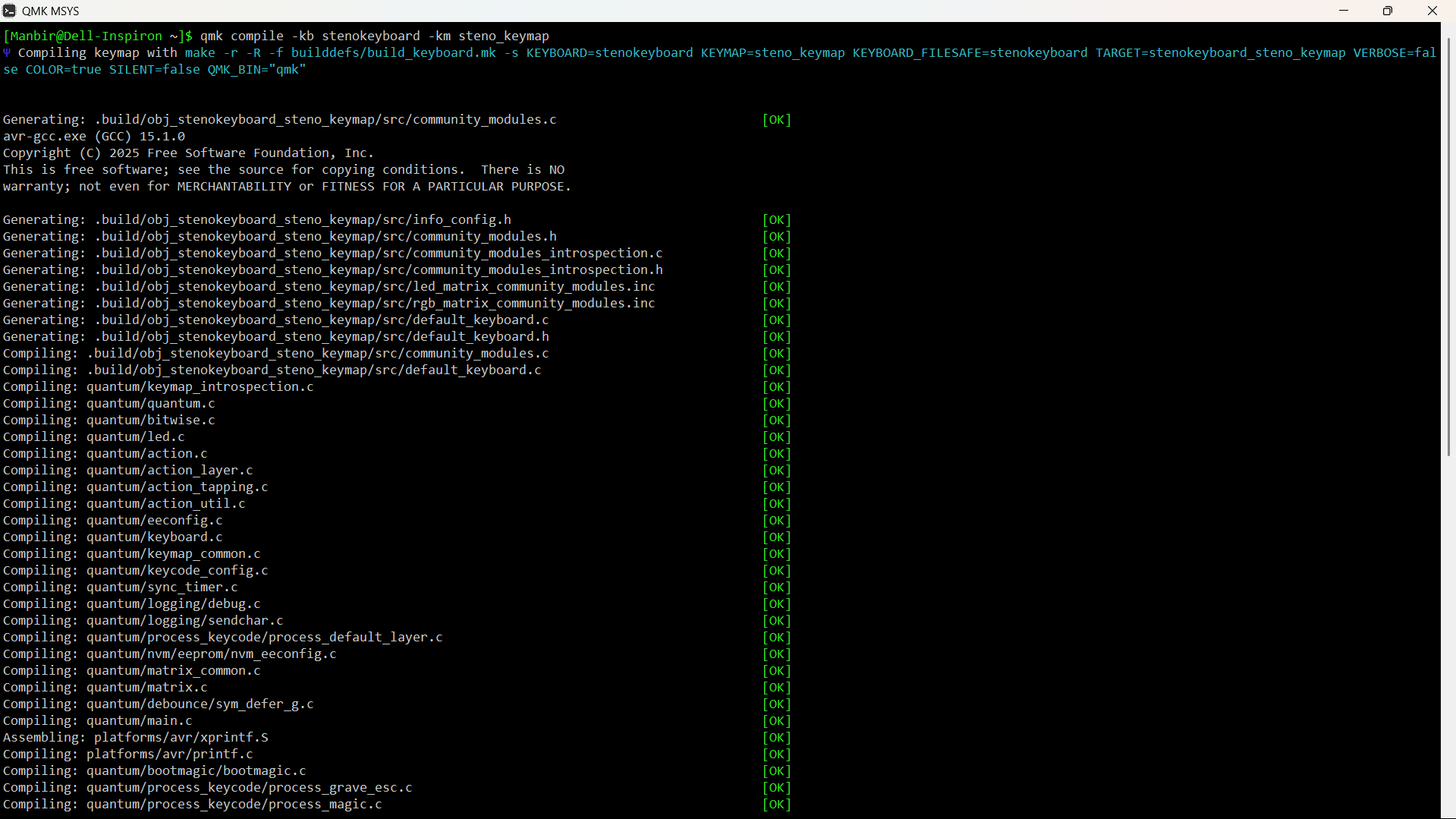
compile the firmware
![]()
flash the firmware using AVRdude or QMK Toolbox
![]()
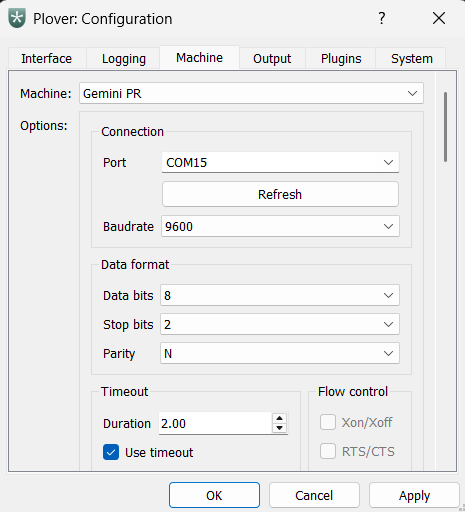
download and install Plover. set the machine to Gemini PR.
go to configure, and select the right port.
![]()
-
wiring the switches
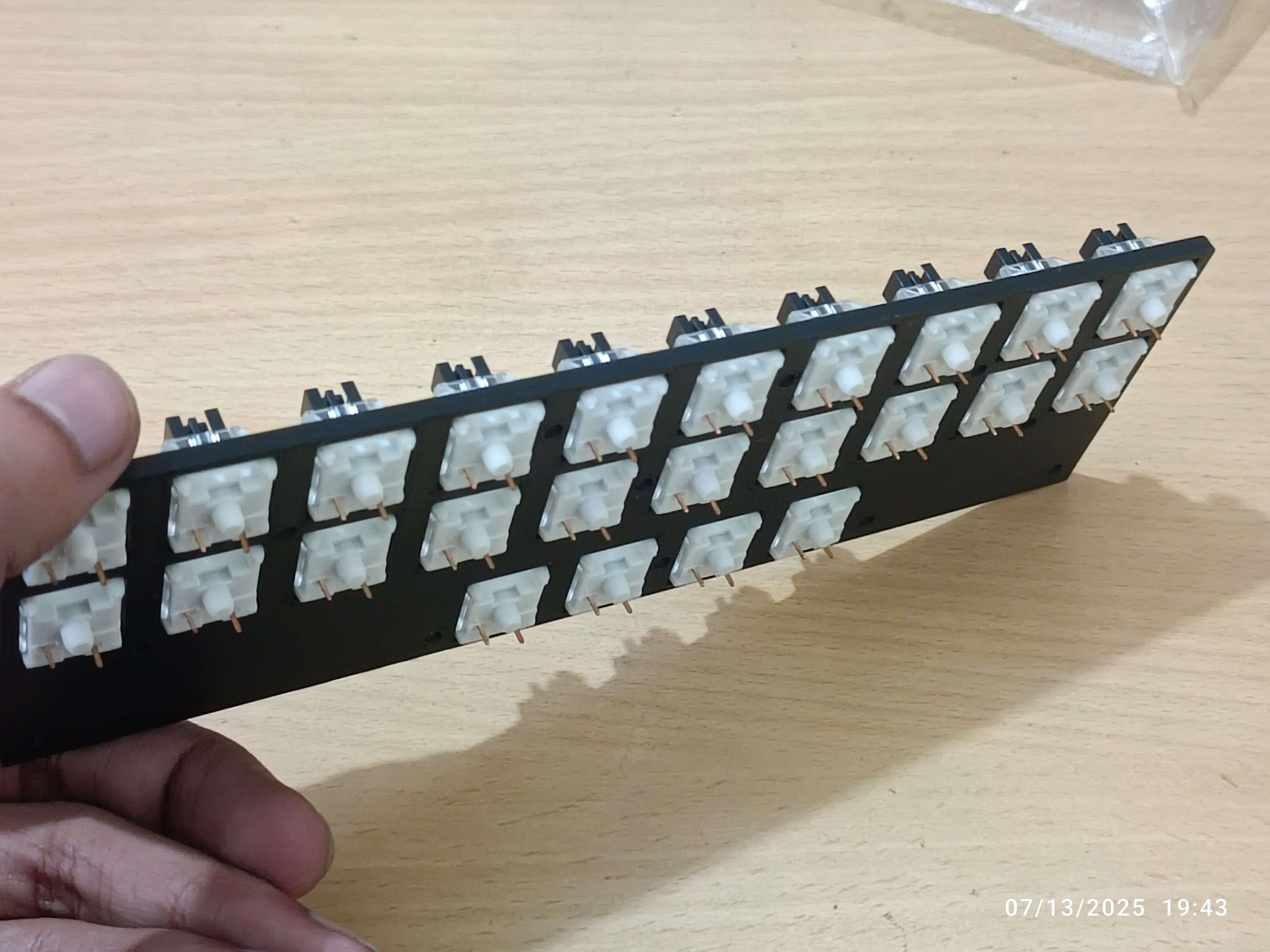
07/22/2025 at 14:50 • 0 commentsputting in the switches
![]()
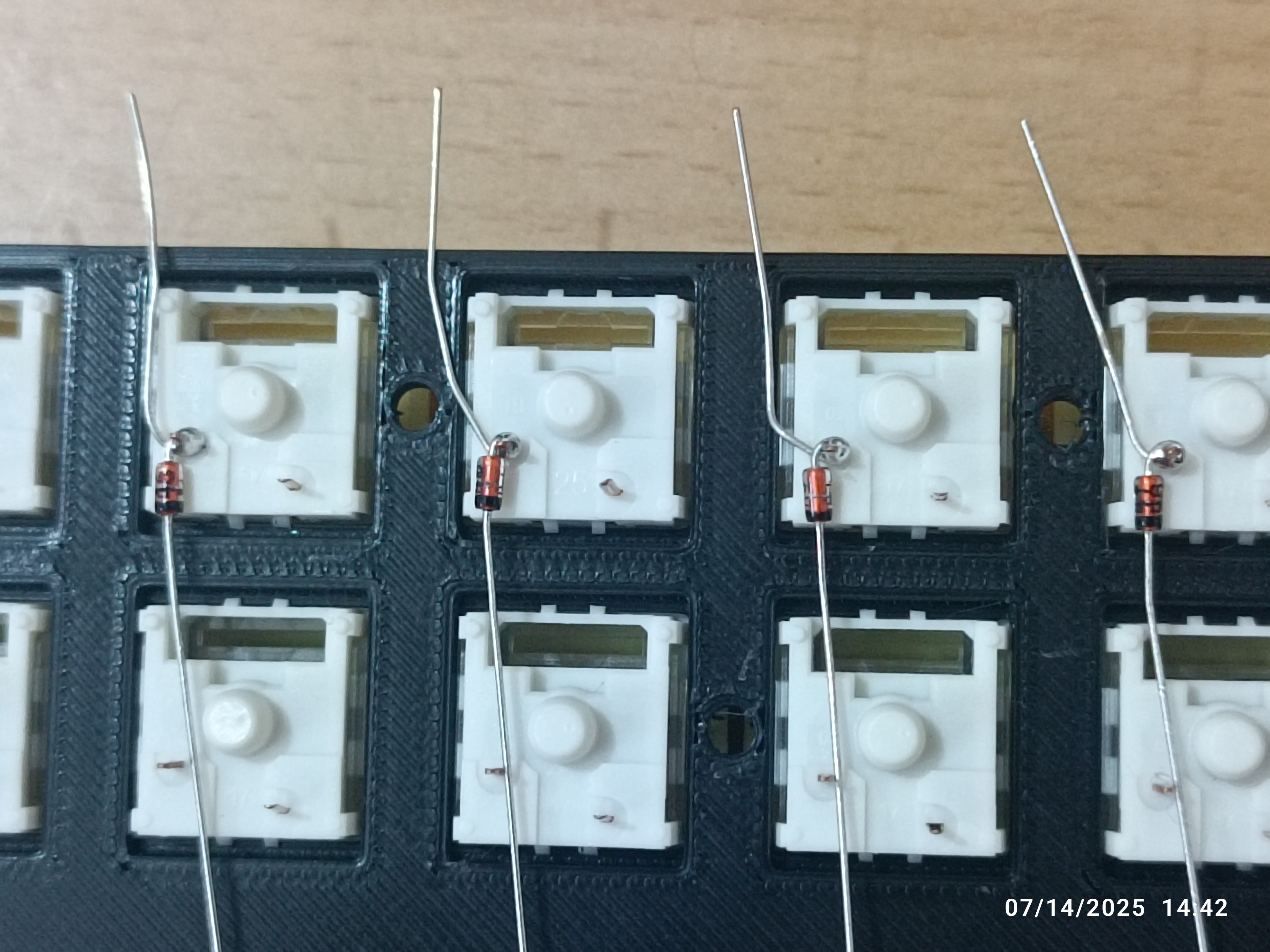
soldering diodes to one leg of each switch
![]()
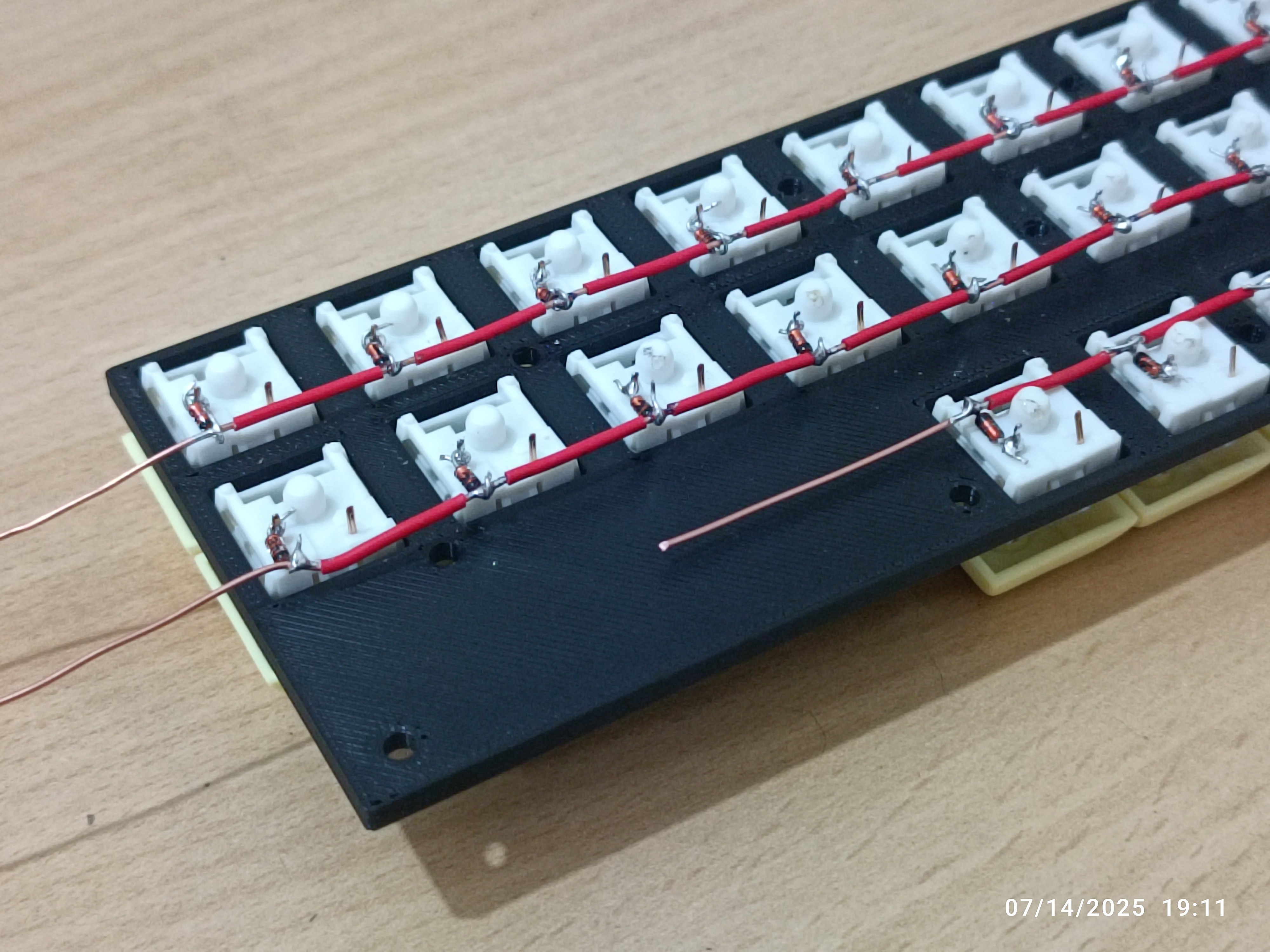
wiring rows using a 16-gauge copper wire
![]()
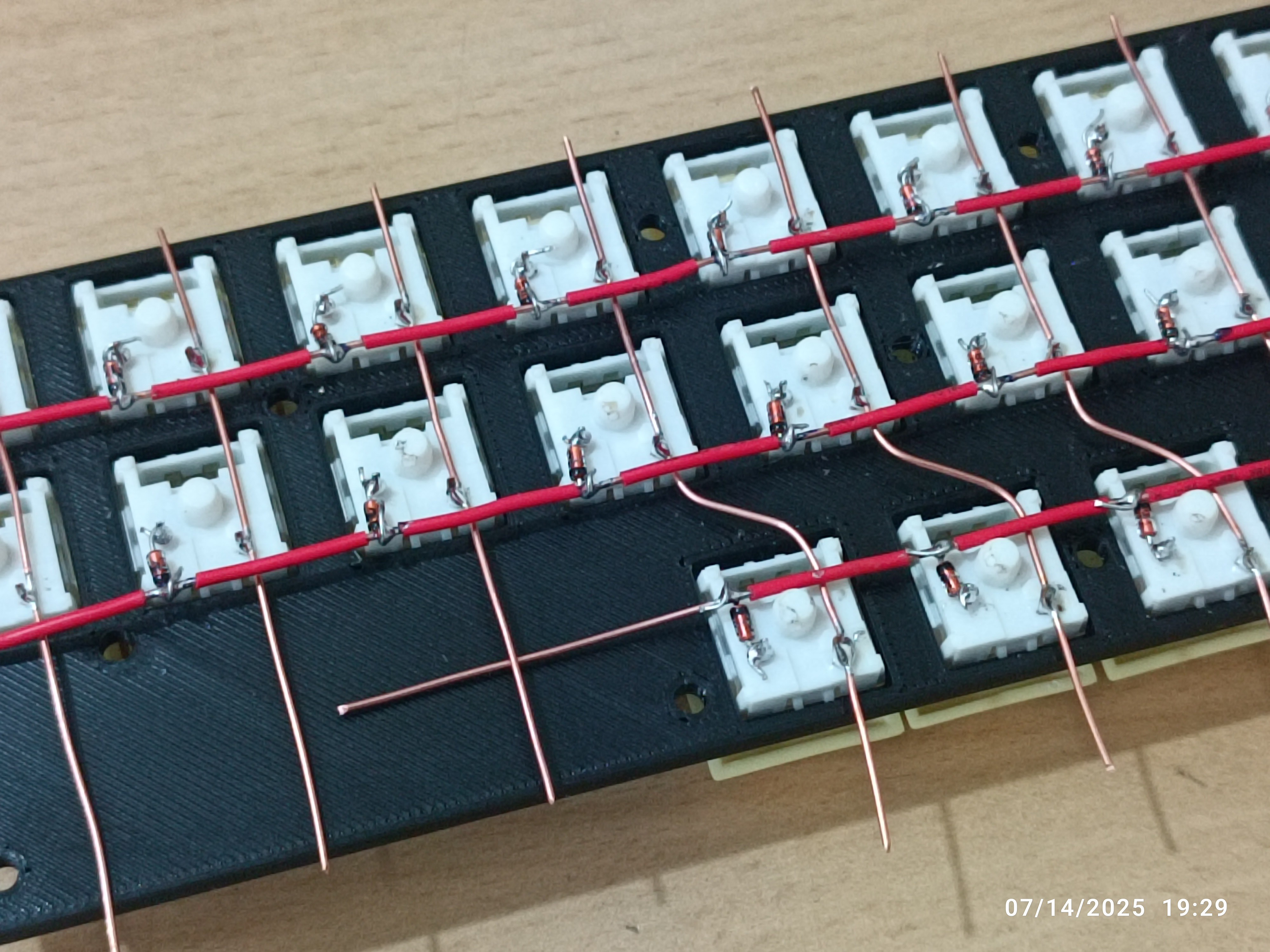
wiring columns
![]()
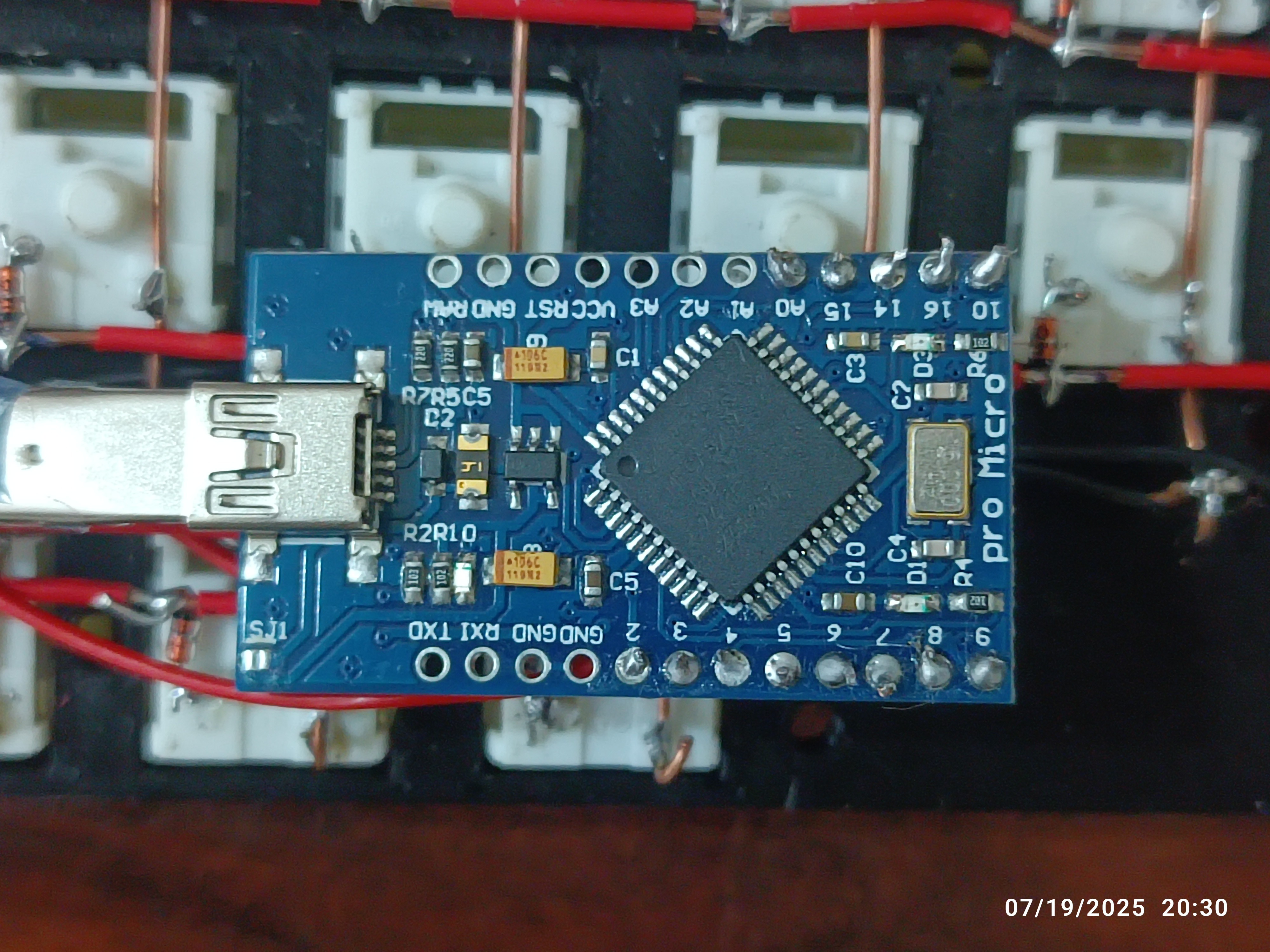
connecting each column (10) and row (3) to the dev board
![]()
-
building a case
07/22/2025 at 14:37 • 0 commentssoftware needed
- autodesk fusion 360
building the plate
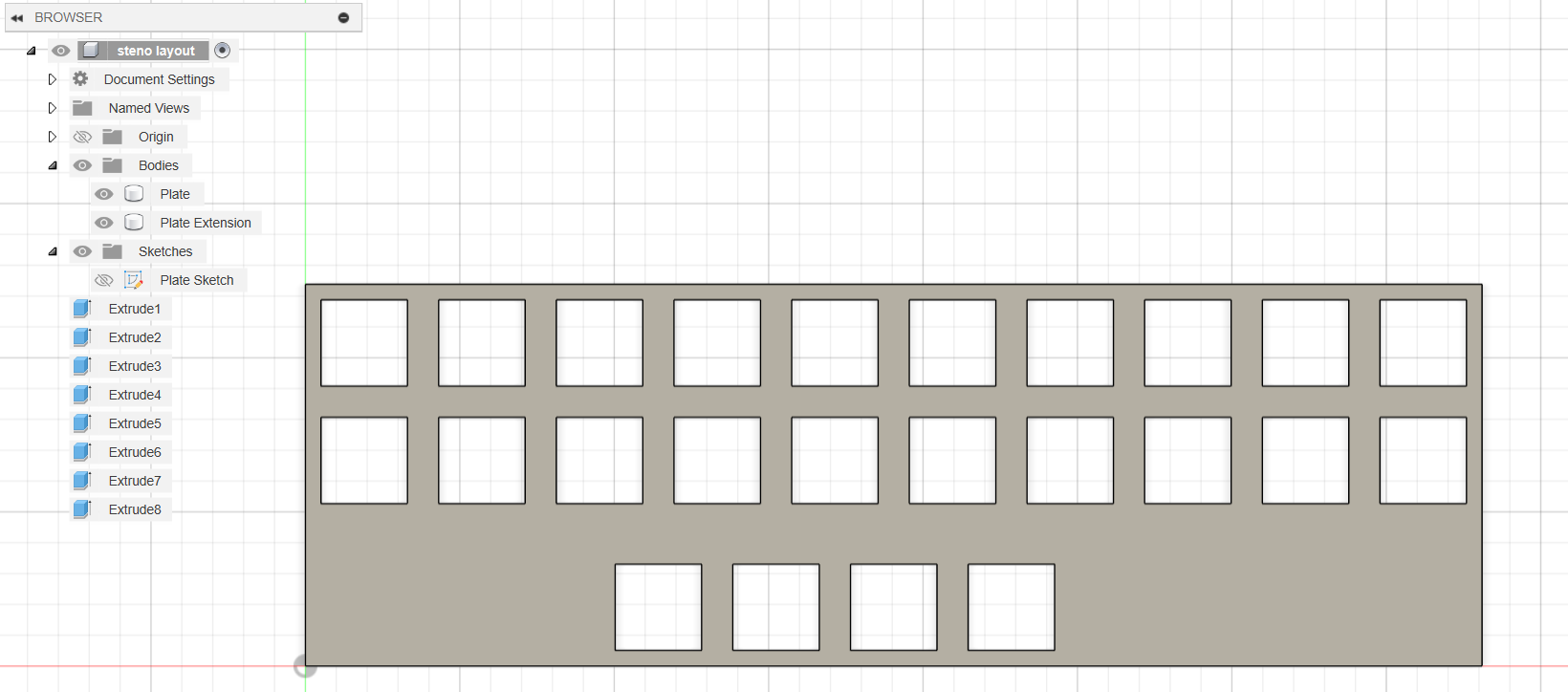
open any 3d modeling/cad/cam software. i used fusion 360. load the .dfx file (find sample in the files section). extrude to form a plate.
![]()
building a case
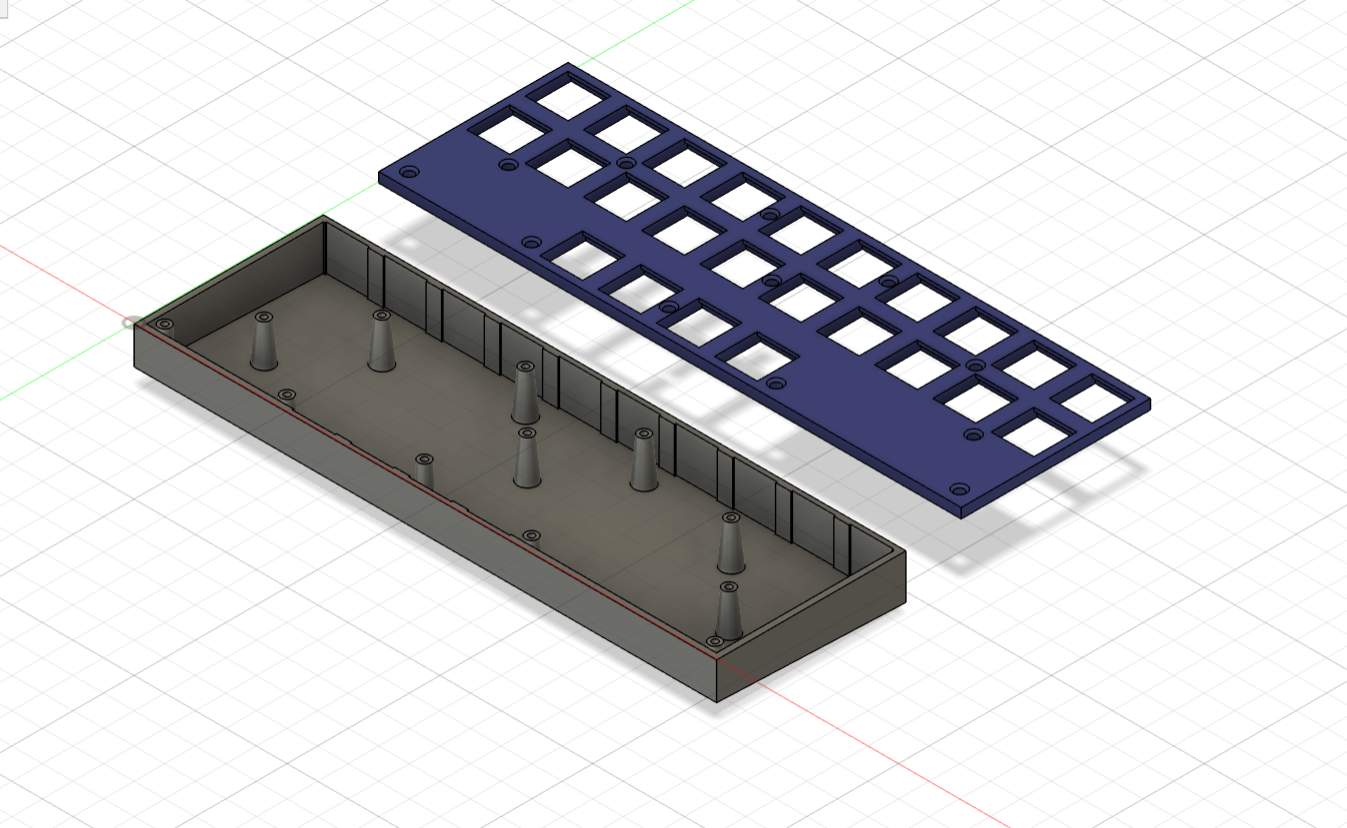
build a case to hold the plate.
![]()
-
planning the layout
07/22/2025 at 14:26 • 0 commentssoftware needed:
designing the layout
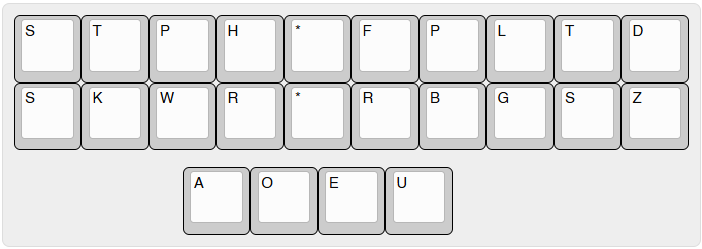
i designed the layout for my steno keyboard using Keyboard Layout Editor.

raw data (or click here):
["S","T","P","H","*","F","P","L","T","D"],
["S","K","W","R","*","R","B","G","S","Z"],
[{y:0.25,x:2.5},"A","O","E","U"]
generating the plate
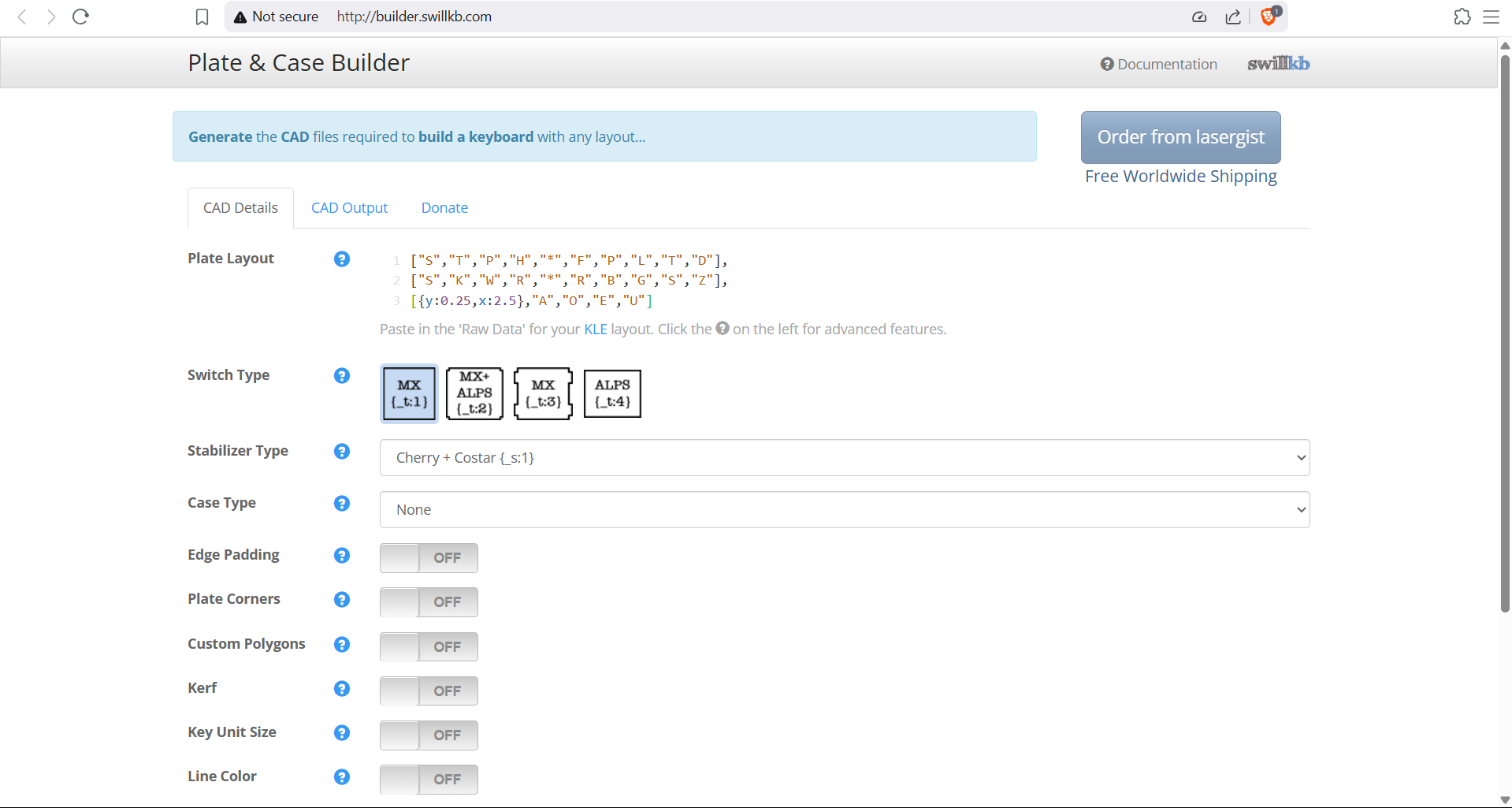
copy the raw JSON data from KLE and paste it into 'plate layout' in swillkb. export as a .dxf file.

Handwired Steno Keyboard
a handwired stenotype keyboard using a Pro Micro (ATmega32U4). open-source, compact, and 3D printed for simplicity.