 Doug MacDowell
-
1Where I found parts
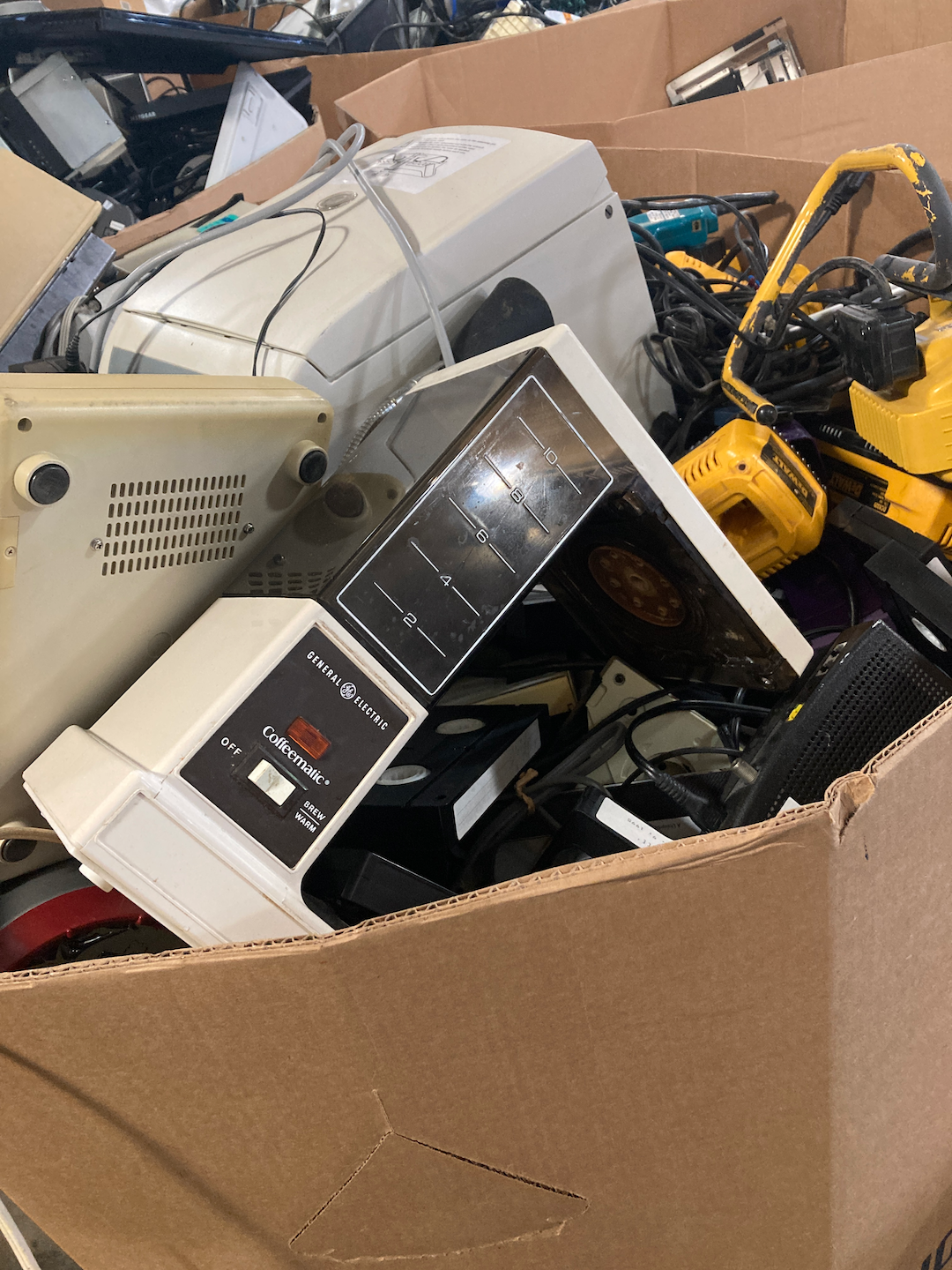
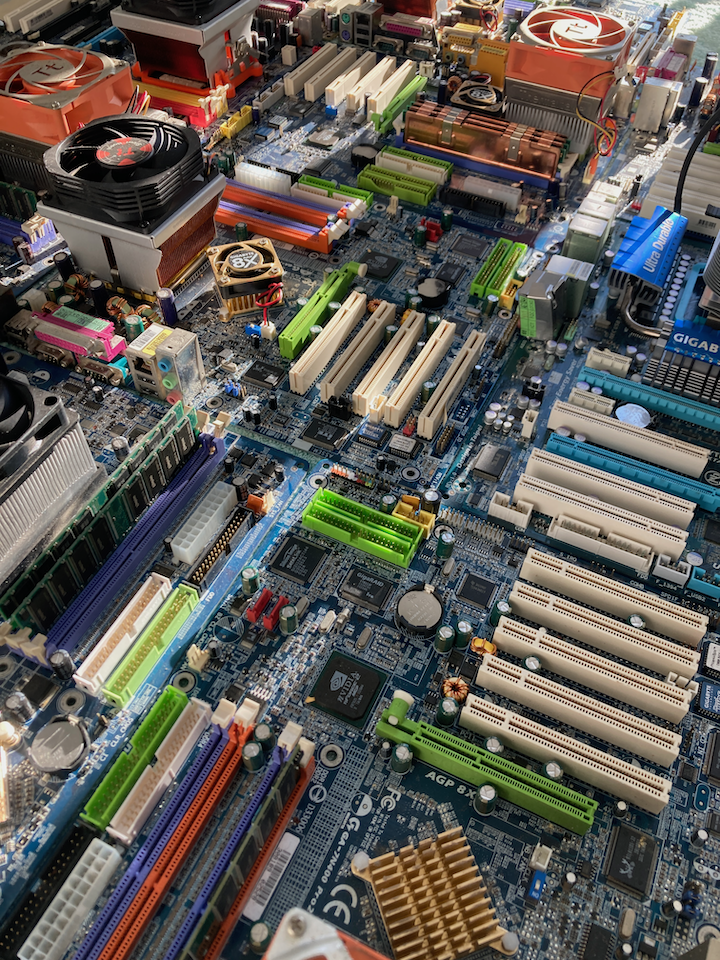
Coffeematic PC's components were largely sourced from thrift stores and electronics recycling centers.
![]()
![]()
-
2Tools that I used
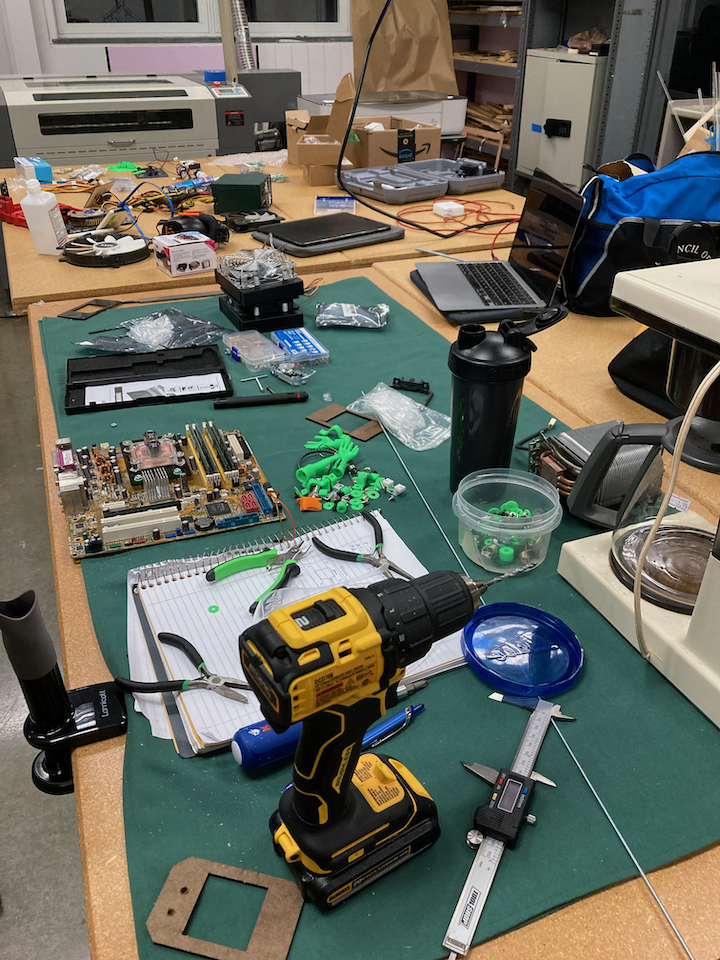
Coffeematic PC was built with the help of a Dremel, angle grinder, drill, 3D printer, and laser cut parts. I avoid glue as much as possible...
![]()
-
3Mounting the computer to the coffee maker
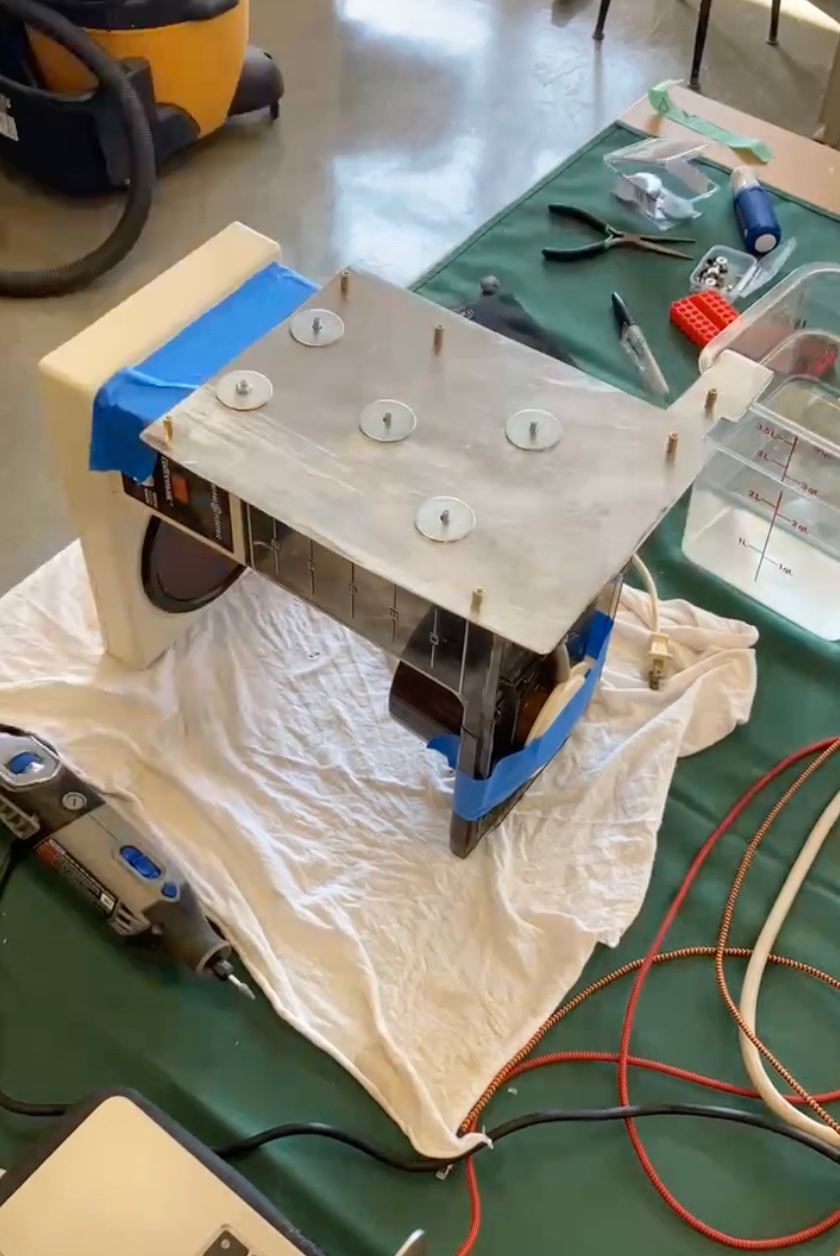
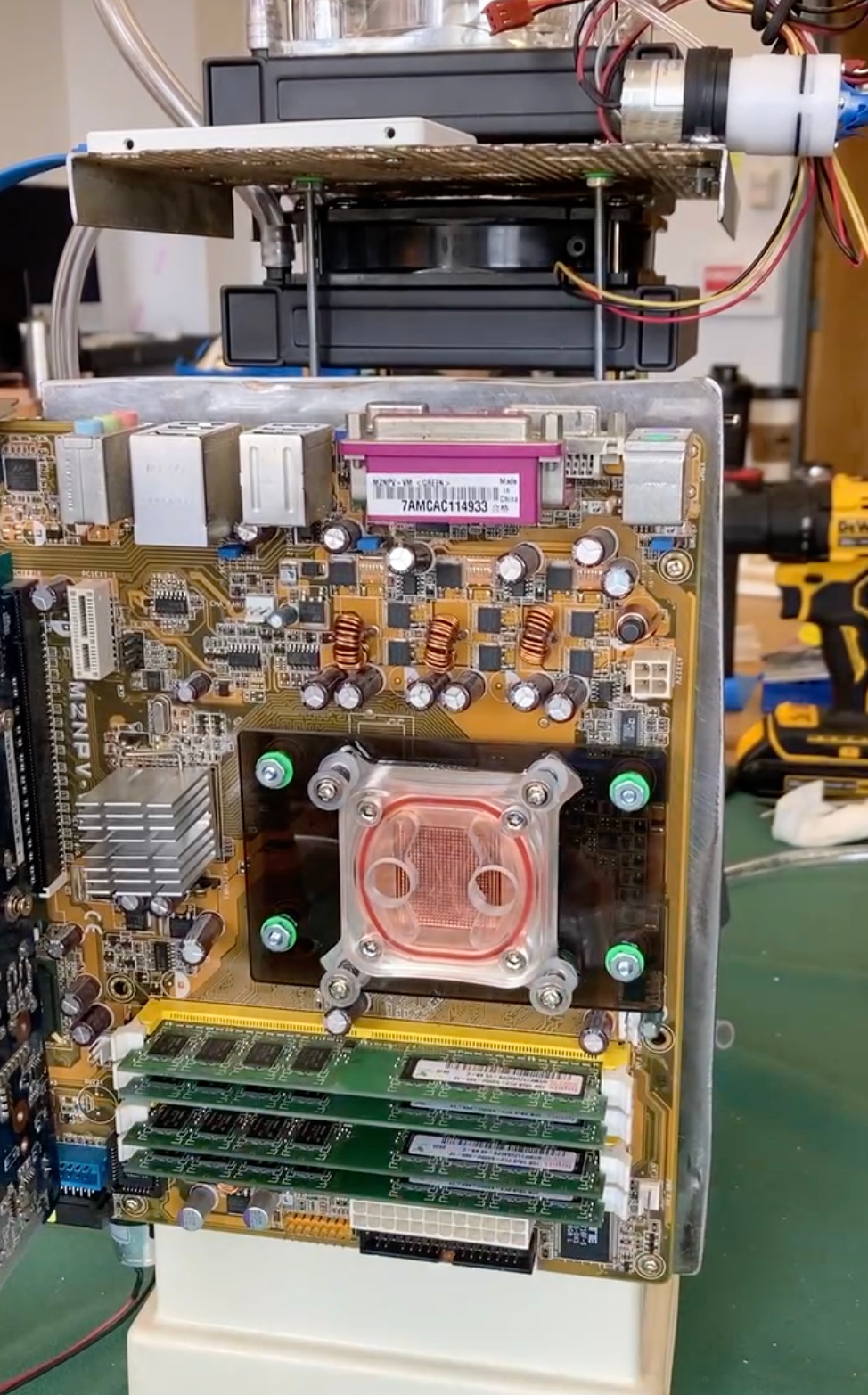
A stainless steel plate was mounted to the back of the coffee maker to hold the motherboard, and waterproof sealant was used to prevent leaks from the coffee maker's reservoir.
![]()
-
4Mounting radiators to the coffee maker
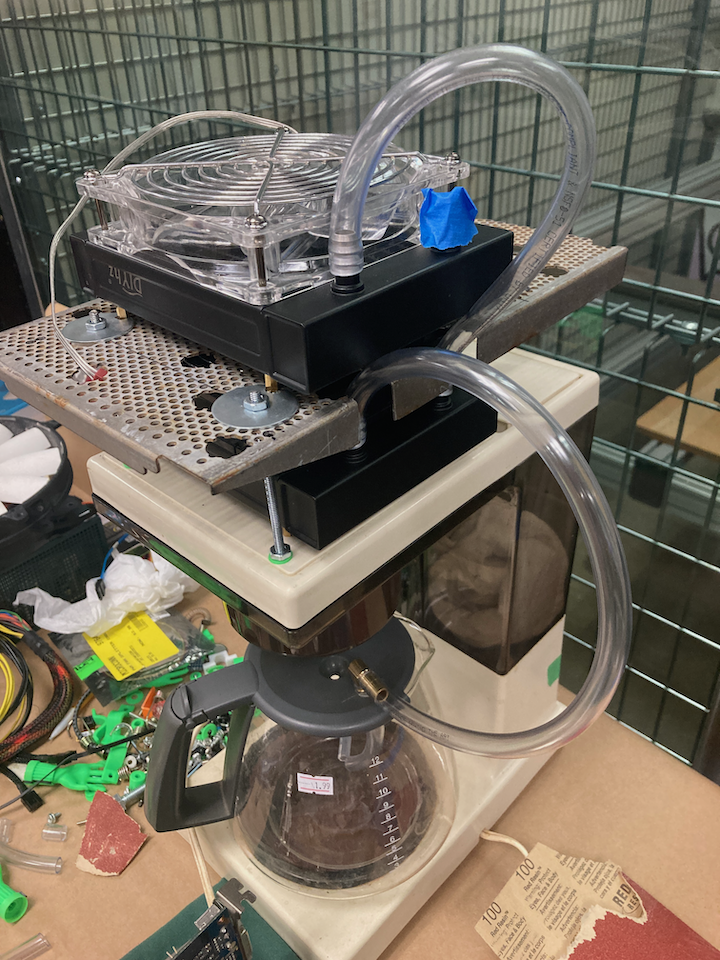
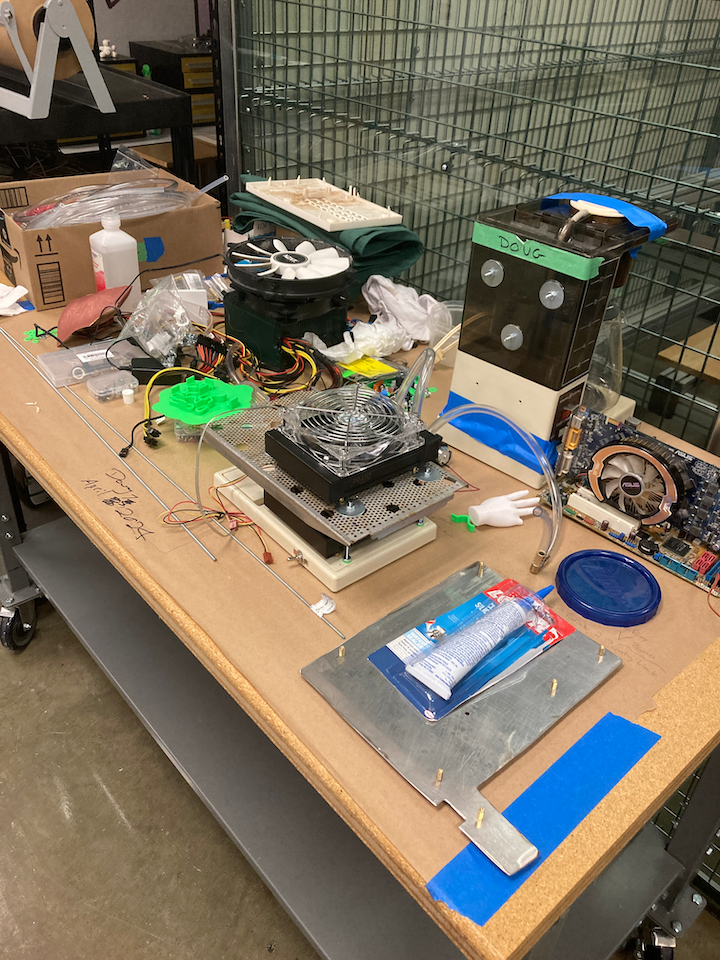
On top on the coffee maker is a structure that supports two radiators and two fans that attempt to cool the coffee before it proceeds to the CPU. Threaded rods and a perforated metal plate discarded from a commercial kitchen help support the structure.
![]()
-
5Designing and testing the "cooling system"
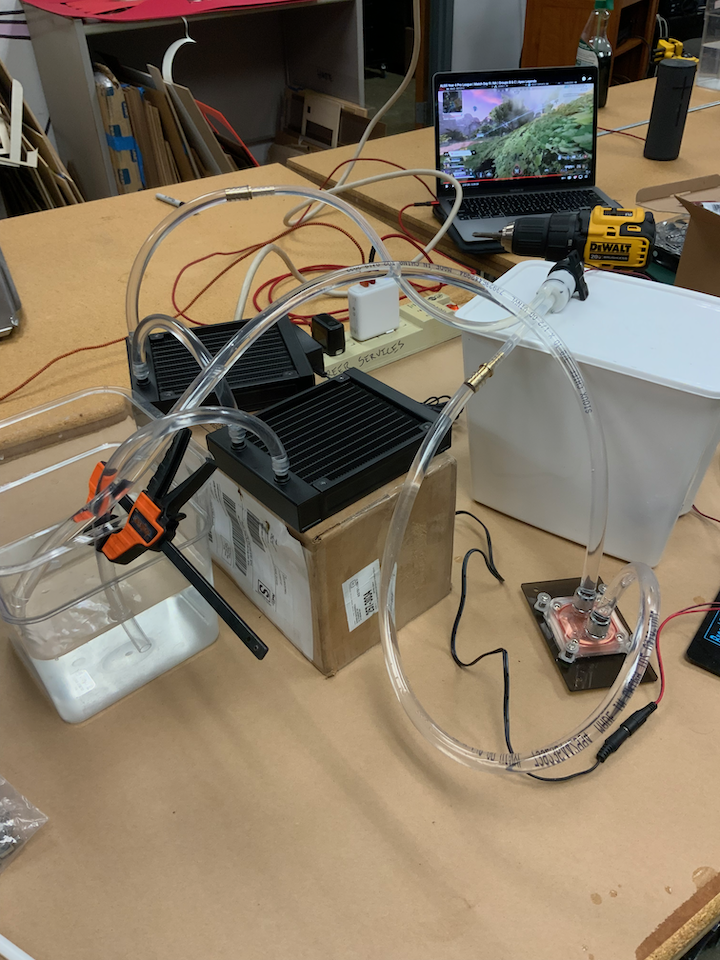
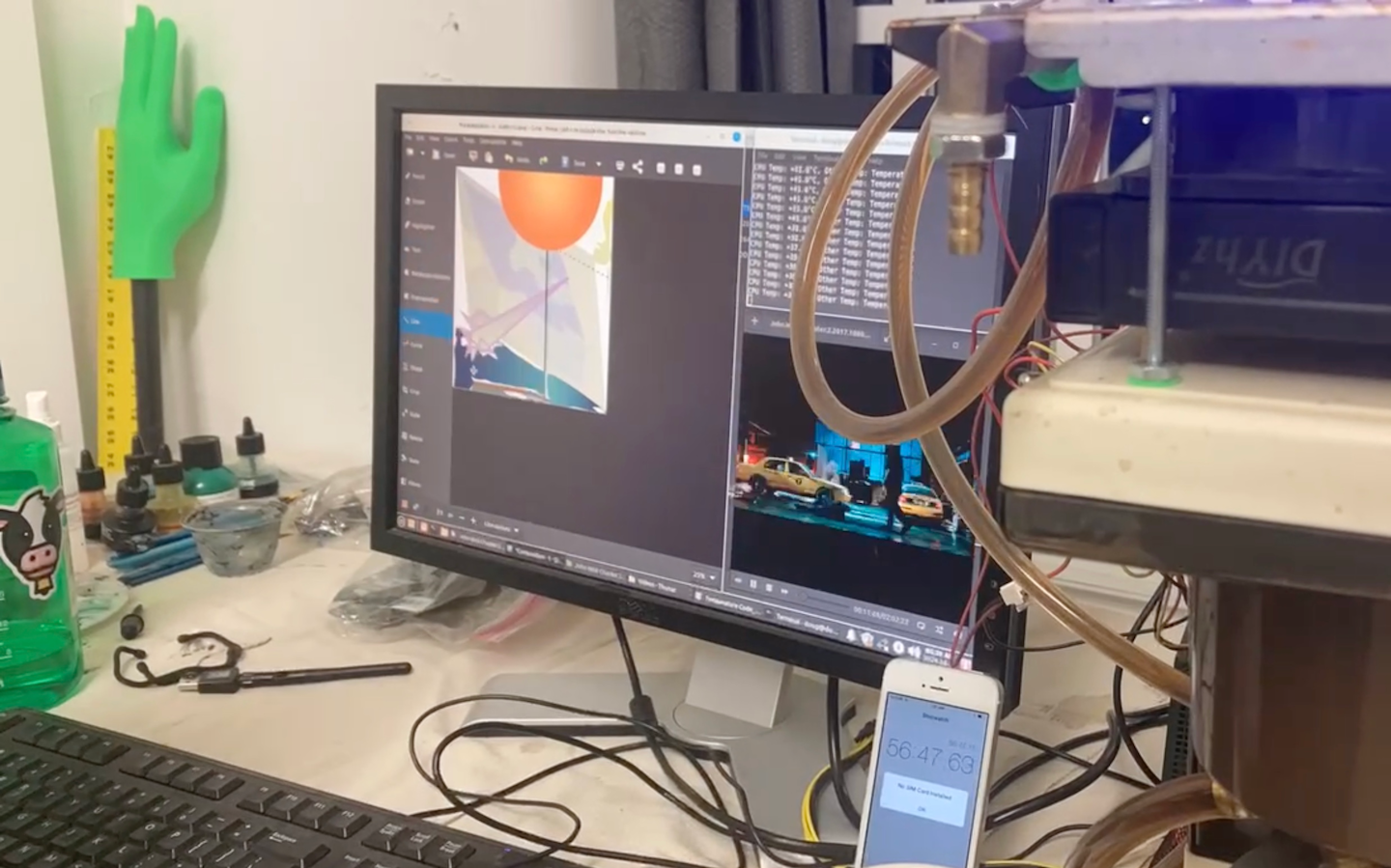
A network of tubes surrounds the build, and some simple 12V water pumps were sufficient to circulate the coffee throughout the system.
![]()
-
6The water block
The water block I had did not fit on the older motherboard. I was able to cut off part of the arms of the water block and attach it to a laser cut acrylic mount I made to match the motherboard.
![]()
-
7Toggle switches and tube adapters
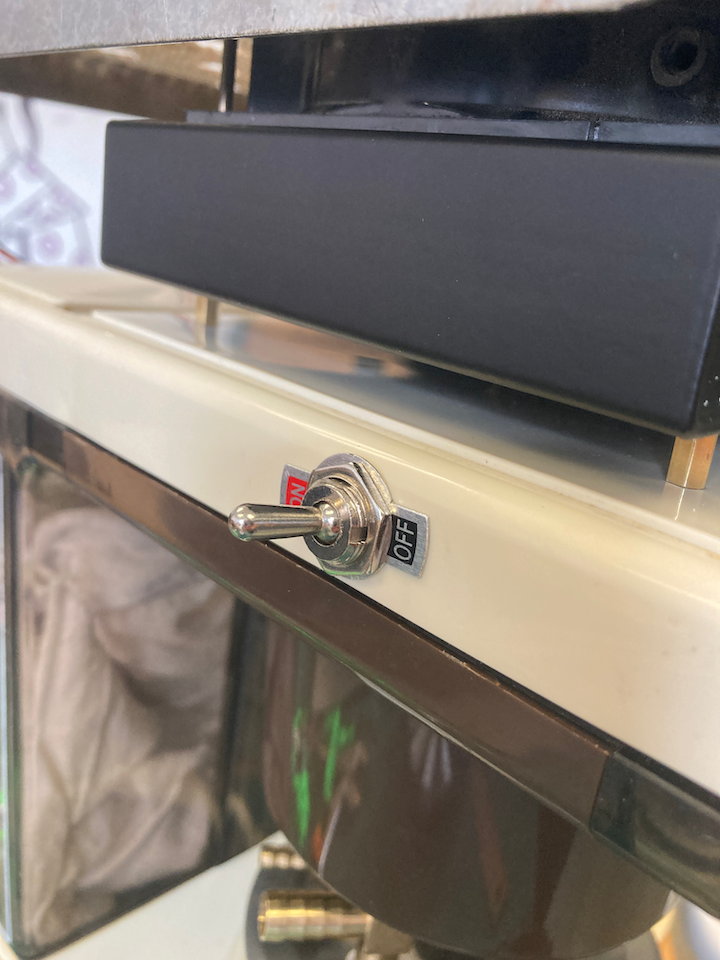
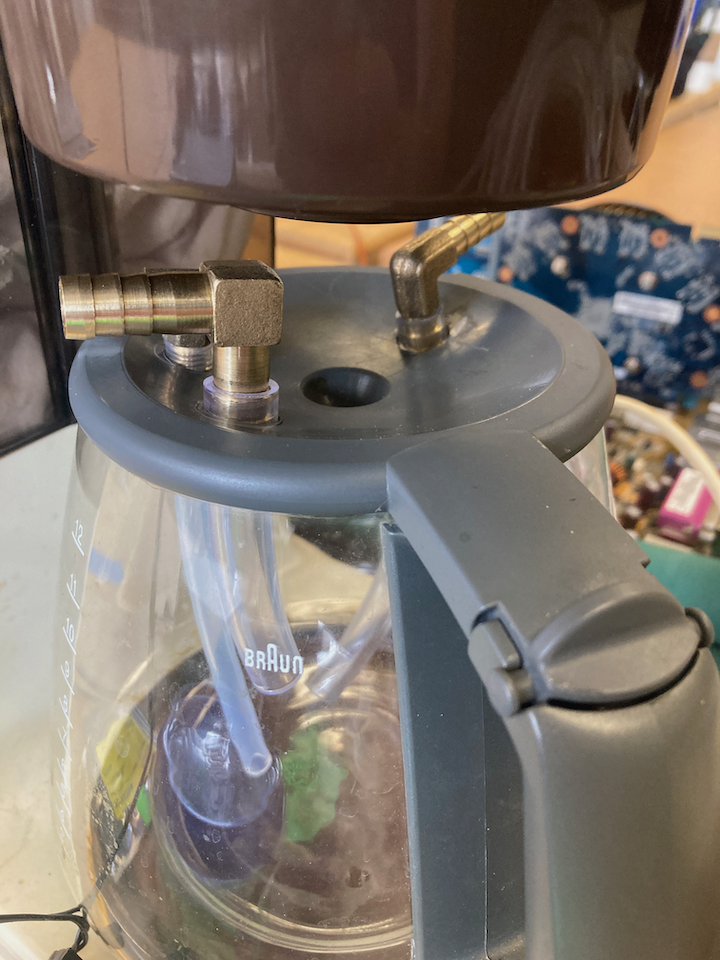
Two toggle switches were installed on the machine to control two pumps. One pump circulates the coffee thru the radiators to the CPU, and the other pump dispenses the coffee for the user. A lot of right angle brass adapters were needed to connect the system of tubes.
![]()
![]()
-
8Last step - install an OS
Linux Mint seemed like a good choice for the older motherboard and other computer parts. It was the right choice! Coffeematic PC is zippy despite it's older components.
![]()
-
9Final thoughts
When I found the GE Coffeematic I immediately recognized its many flat surfaces that were perfect for mounting computer components. This really helped the ease of the build. I'm also happy I planned the project carefully and kept it simple to start - I never hit any significant issues that brought the project to a halt. The project didn't require any programming other than to collect system data that I was able to export and graph. This was my most fun build to date.
![]()
Coffeematic PC
A coffee maker computer that uses the hot coffee it brews to cool? heat? caffeinate? the CPU
Discussions
Become a Hackaday.io Member
Create an account to leave a comment. Already have an account? Log In.