Close
0%
0%

Air Pressure Sensor Kit

Here you can access all the resources and files for this air pressure kit.

Similar projects worth following
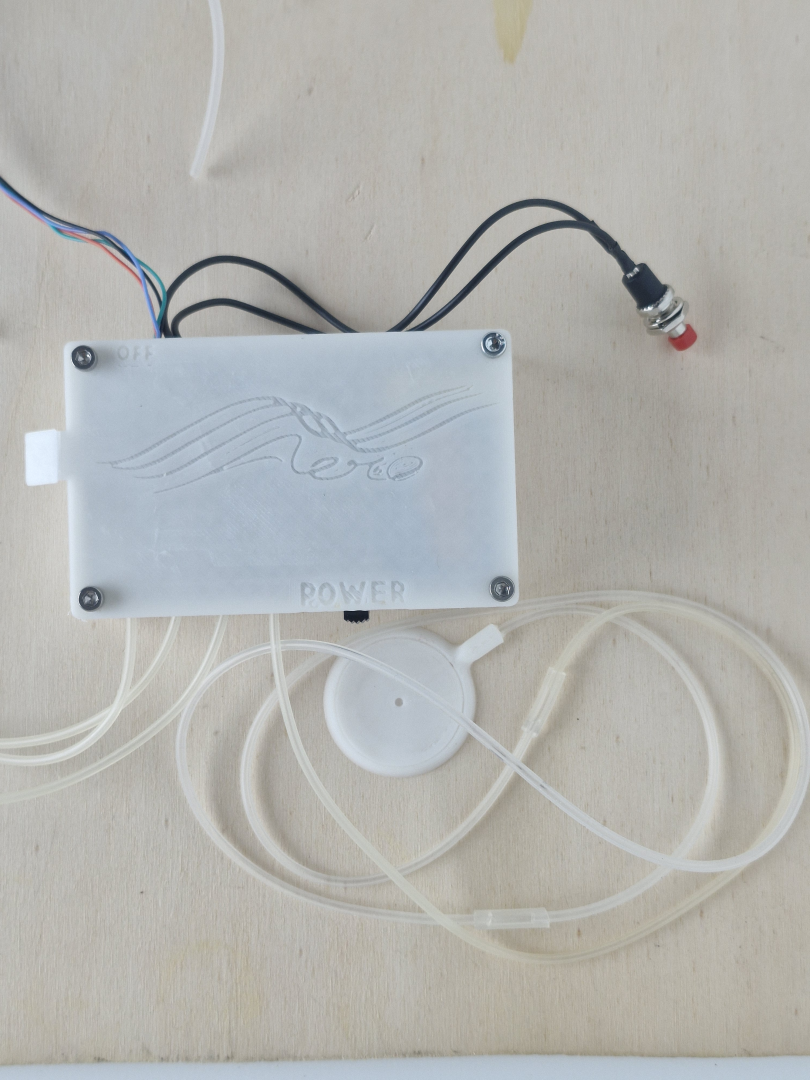
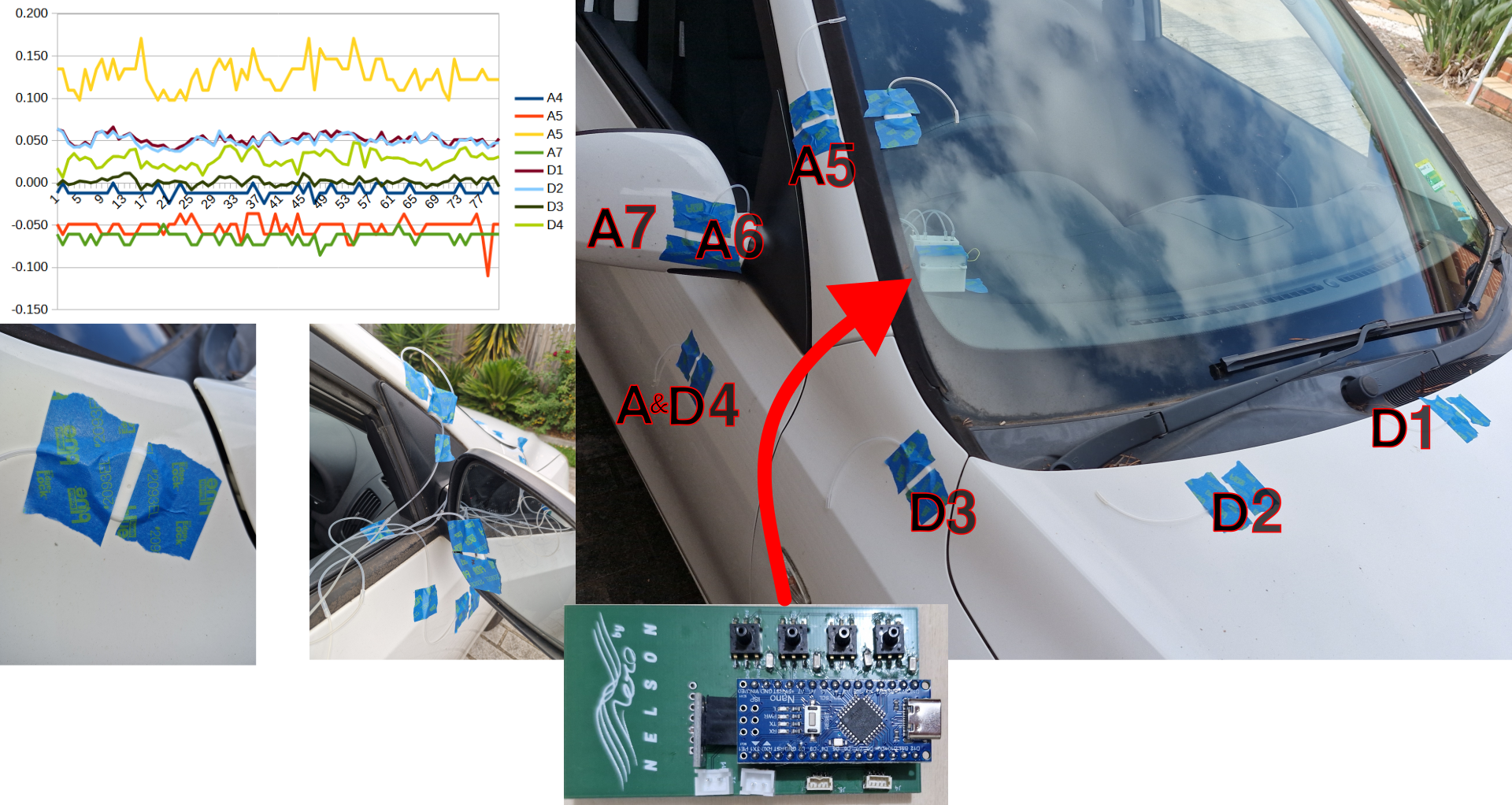
This is an air pressure kit primarily to measure the pressure field acting on a car. Intended to be cheap and accessible way of understanding the aerodynamic of a vehicle. Based around the Arduino nano it has 4 analog pressure transducers for measuring the gauge pressure and a BMP280 Barometric sensor to give a absolute measurement reference.

An advanced version of this kit is available which has a 500Mb flash memory chip and up to two additional arrays of four sensors each.

The idea it can be used by anyone interested in aerodynamics applied to the real world. It isn't intended to be a professional kit, but something useful enough for an enthusiast.

I usually make videos about vehicle aerodynamics with CFD. This simulation method is great for iterating through complex designs without physically making the devices tested. The problem is that the simulation is only as good as the model and then it still isn't in the real world with all the fine details. If a view of one my videos wanted to apply the findings to the real world there isn't a cheap accessible method to understand if it has work in a similar way. This pressure kit was intended to fill this need to measure the pressure field in the real world.

There are two versions of this kit, a basic one that has its design intension documented in the first video, and the second is a more advanced kit with extra memory and sensors. Both these kits production was documented in the second video.

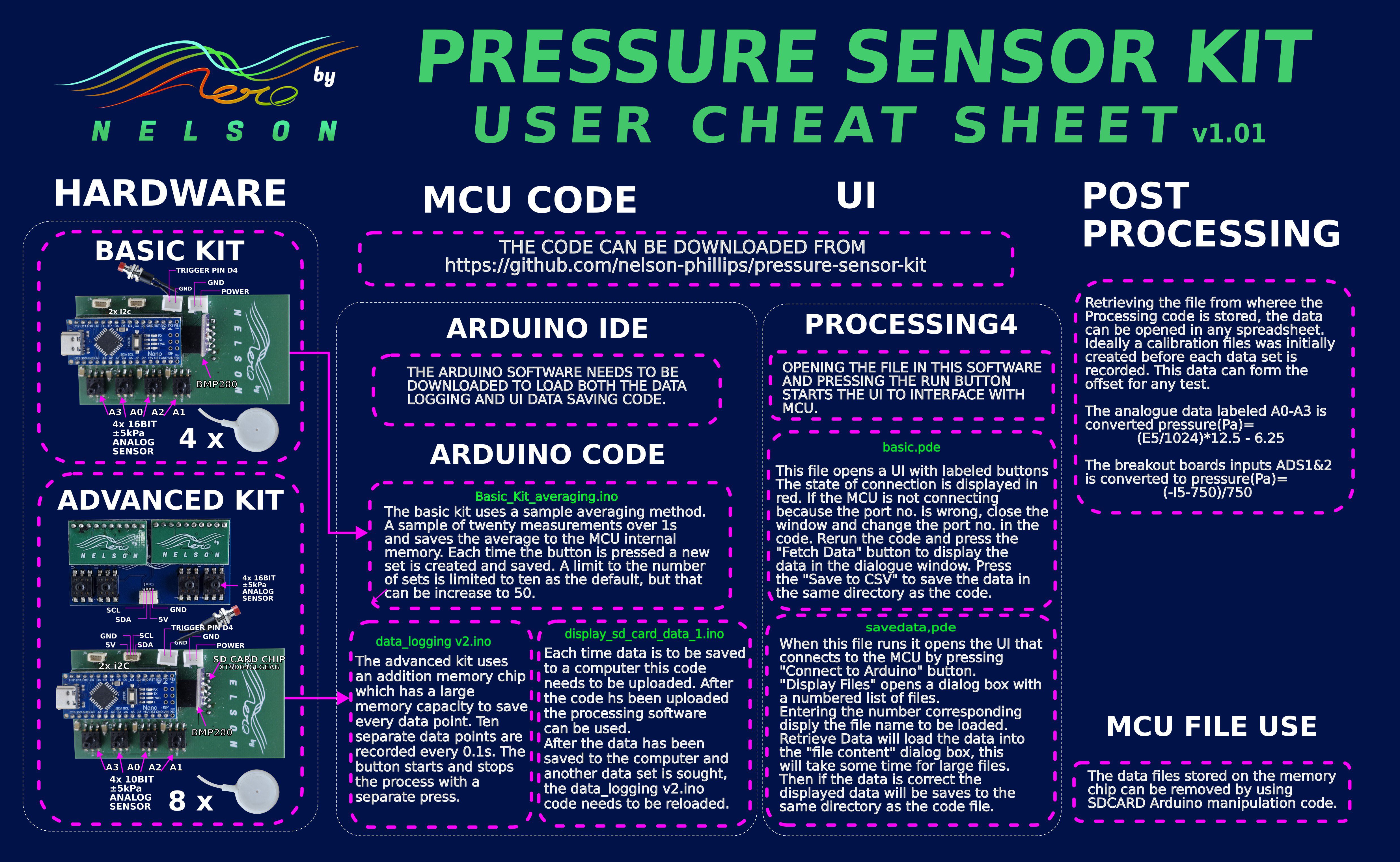
User manual as a cheat sheet. It can be downloaded below.
This first video covers the design of the kit and choice of electronic components.

The second video(part 2) covers the complete kit.
PRESSURE KIT CHEAT SHEET.jpg

An image of the user manual presented as a cheat sheet.

JPEG Image - 2.09 MB - 06/12/2026 at 03:43

Preview

pucks_top.stl

caps the bottom half of the puck.

Standard Tesselated Geometry - 56.33 kB - 06/12/2026 at 03:39

Download

pucks_bottom .stl

The bottom half of the puck to transfer the local pressure to the transducer.

Standard Tesselated Geometry - 3.11 MB - 06/12/2026 at 03:36

Download

Pressure Sensor Kit User Manual v1.01 by Nelson Phillips.pdf

User Manual latest

Adobe Portable Document Format - 2.12 MB - 05/04/2026 at 09:24

Preview

savedata.pde

Uses the Processing4 software to retrieve the advanced kits memory and save it to the computer. It displays a UI which will walk you through the process.

pde - 26.67 kB - 03/10/2026 at 07:52

Download

View all 9 files

  • 4 × Air Pressure Transducer -5 - 5kpa 5 volt analog output
  • 1 × BMP280 Barometric pressure sensor measures the absolute pressure for the gauge sensors to reference
  • 1 × Arduino nano usb-c
  • 1 × 9 volt battery connector
  • 1 × Custom pcb

View all 14 components

  • 1
    powering up

    This device is able to run via a usb-c plugged into a computer(power source) or by 9v battery. The process is the same, other than a computer can send command for saving data to a computer file for later analysis. 

    When the device is turned on, automatically with a usb cable, with a battery installed via the power switch the green light become apparent.

  • 2
    gathering data - Basic kit

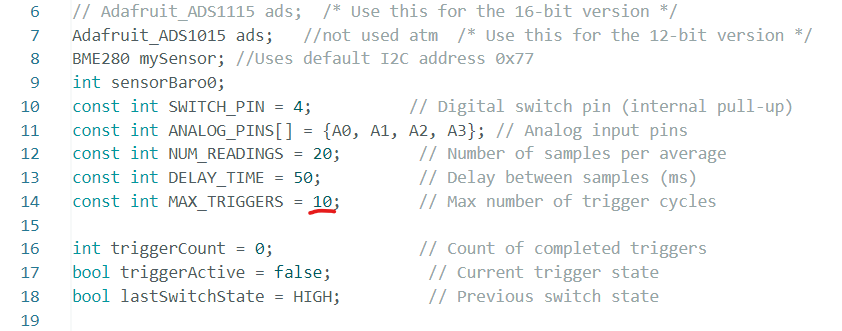
    Using a battery; after powering up the device it would be a good idea to set a baseline measurement by triggering it using the red button. This first measurement will be labelled "trigger 0" in the data. The data will be read from the four main analog sensors for 1s and then averaged to be stored in the EEPROM(memory). After this another data set can be trigger by pressing the button again, up to ten times unless the code is changed.

    Subsequent data measurements are trigger by sliding the switch which will save data to sequential "trigger 1, 2, 3,....." labels.

    Each time the microcontroller is switched off and powered up again the trigger count resets and over writes the data from each triggered data set.

  • 3
    fetching the data -Basic Kit

    After gathering the data it is stored in the microcontroller memory and needs to be extracted for analysis in a spreadsheet. The device can be switched off and it needs to be plugged into a computer via a usb-c cable for the data to be extracted. This doesn't need to be done immediately as the data will be there until it is over written with the next data gathering set.

    The Arduino ide software can be used for this via its serial interface by copying and pasting it, Or Processing4 software can be used through running the .pde UI file. This creates a csv file where the UI file is saved.

    When the device is plugged into the computer the serial port needs to be the same as that in the .pde code and change accordingly, a warning will remind you if it needs to be done.

    With the UI code interfacing the device there are three clickable buttons on the left. The second one will fetch the data from the microcontrollers memory and writes it to the dialog box. After this is done the third button will write this data to an unique file.

View all 6 instructions

Enjoy this project?

Share

Discussions

Similar Projects

Does this project spark your interest?

Become a member to follow this project and never miss any updates