 Arnov Sharma
-
1PUSH BUTTON PCB & ESP32 S3 DISPLAY ASSEMBLY
![]()
![]()
![]()
![]()
![]()
![]()
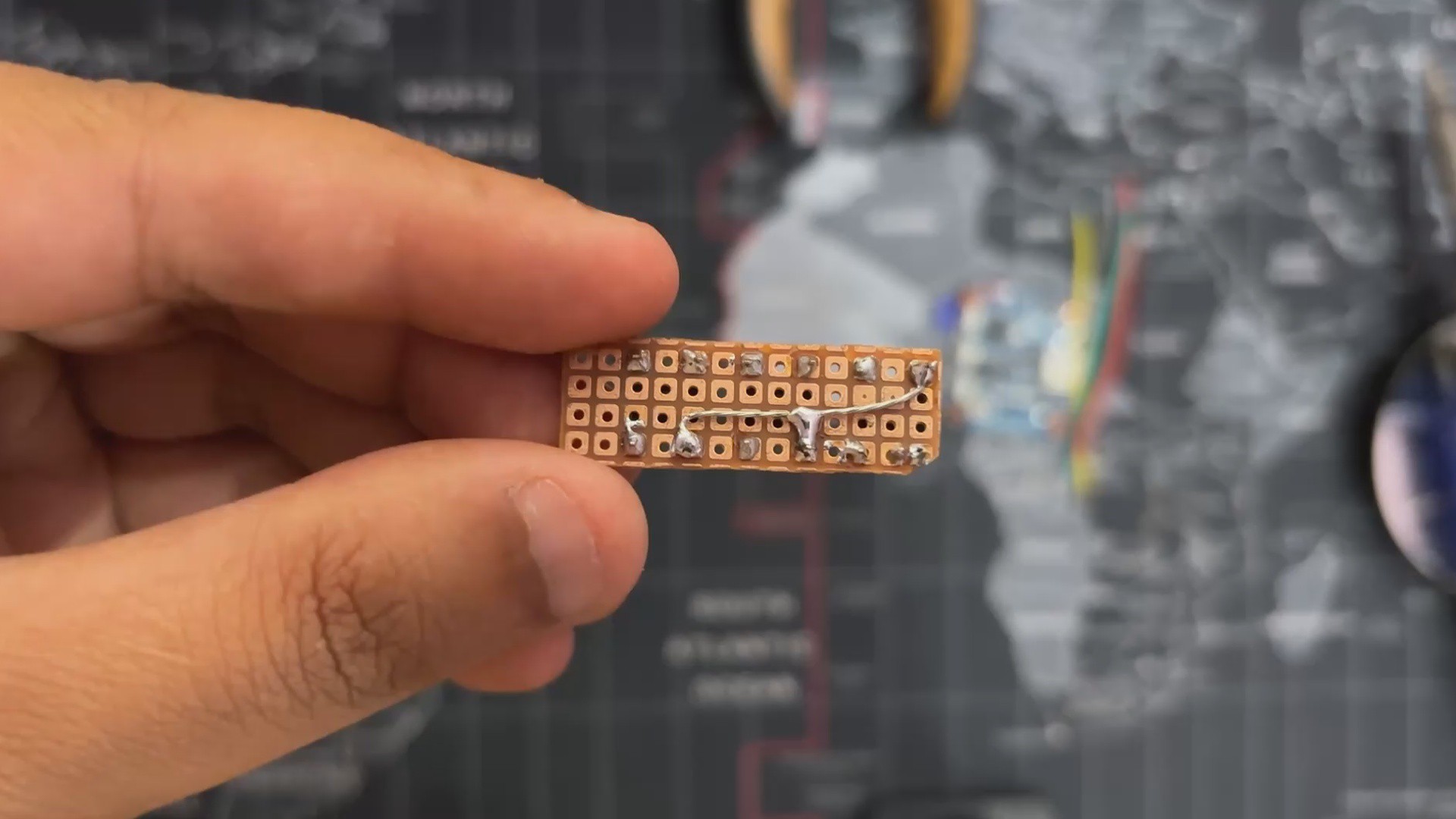
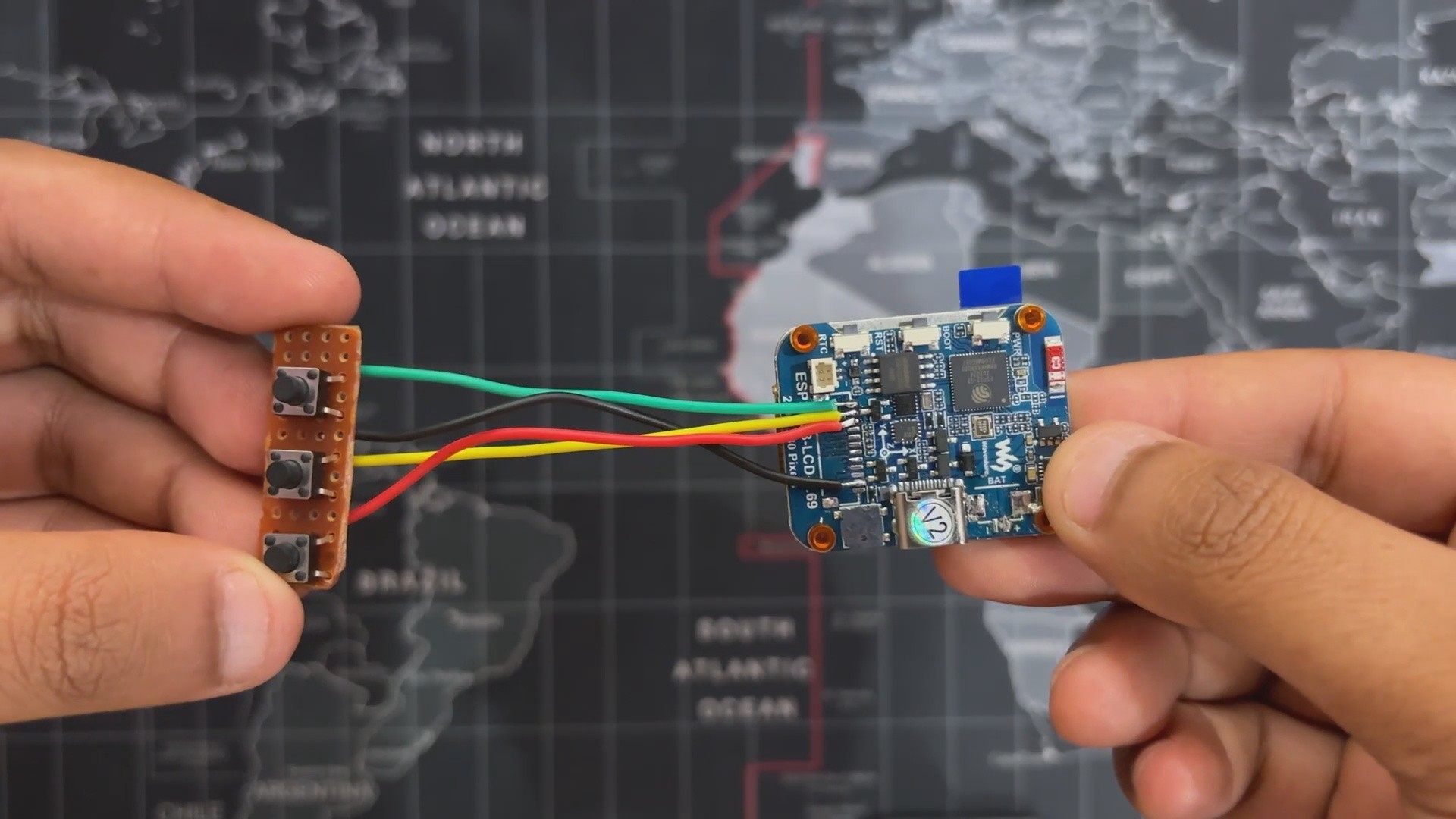
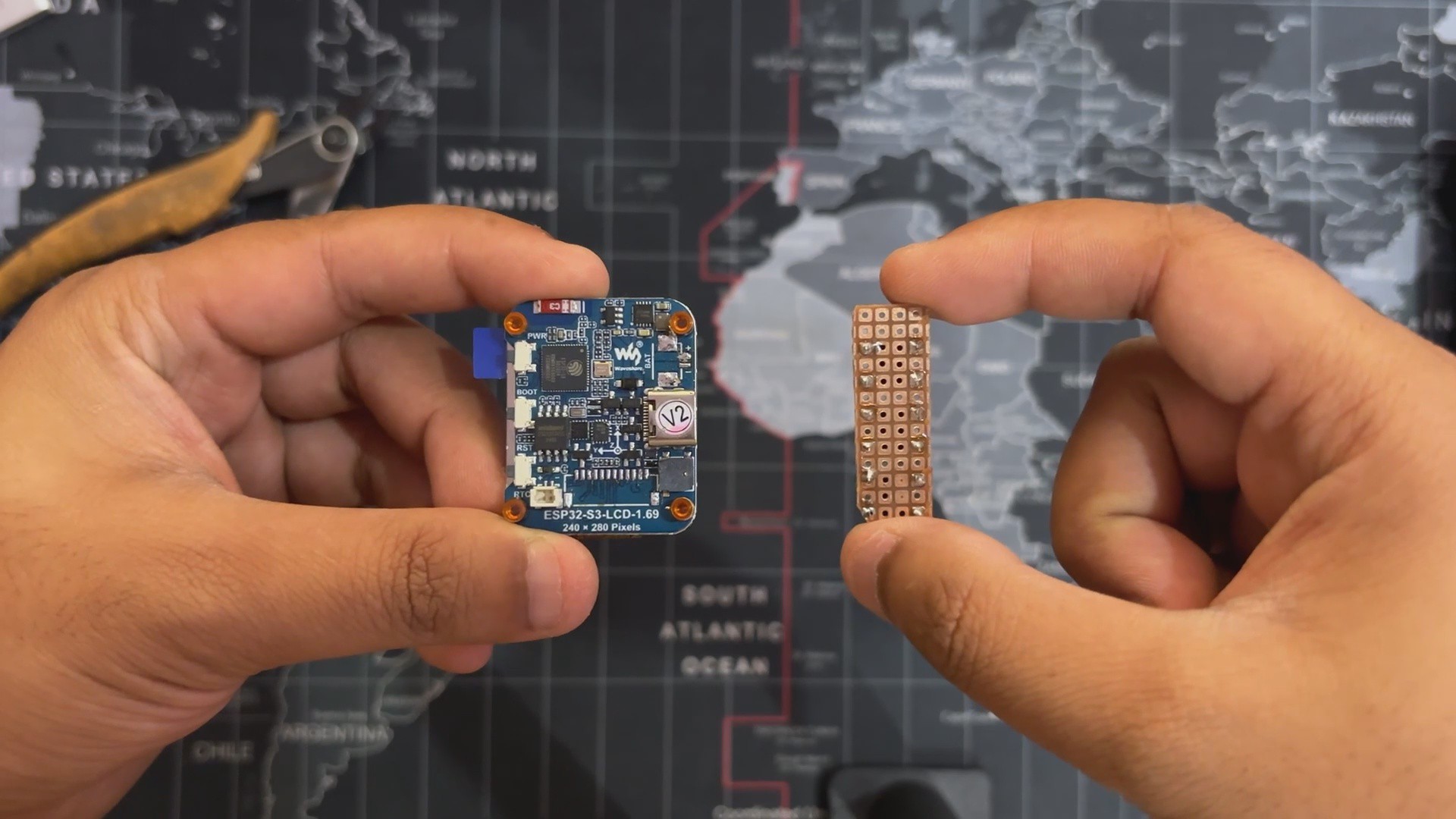
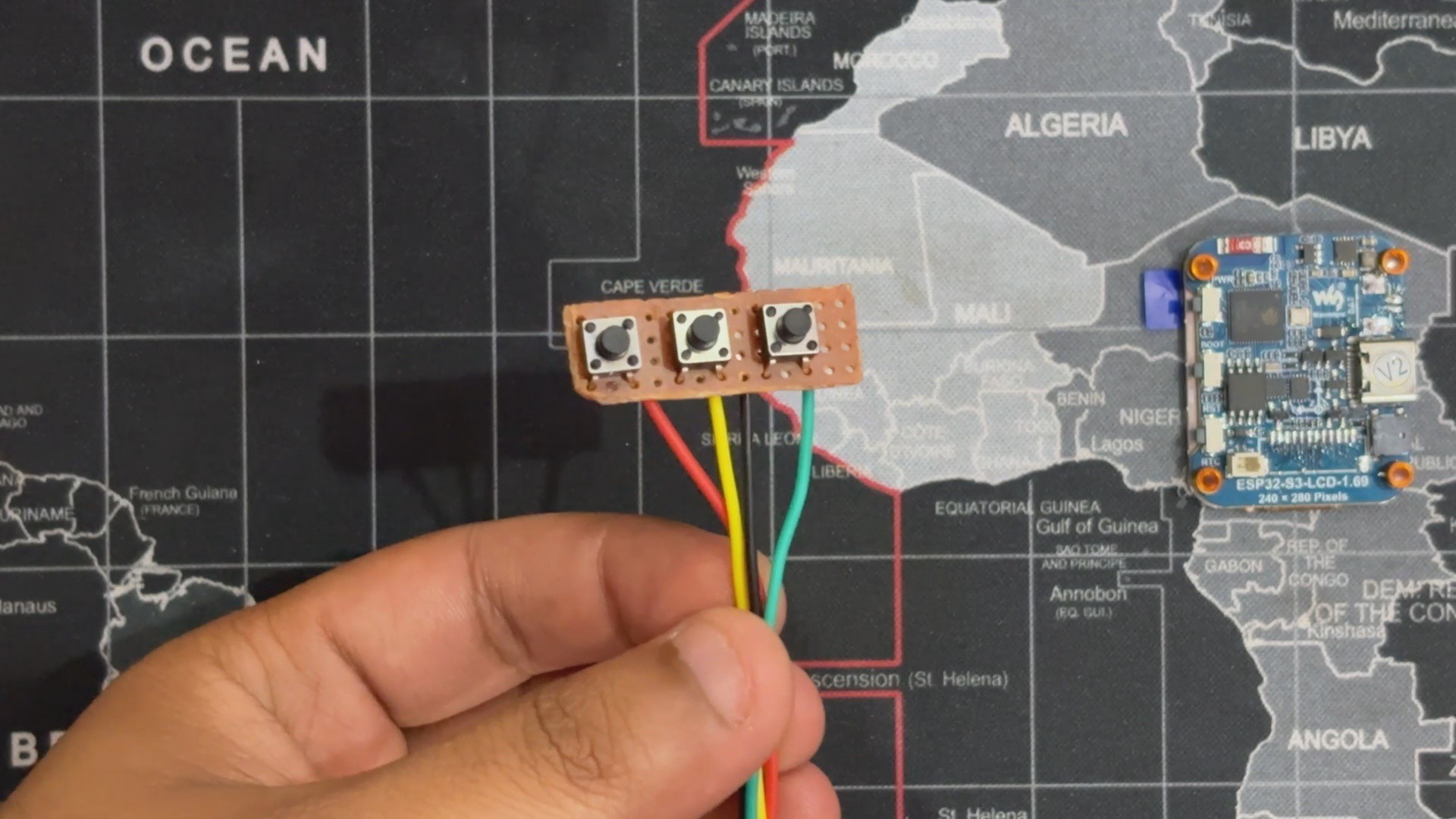
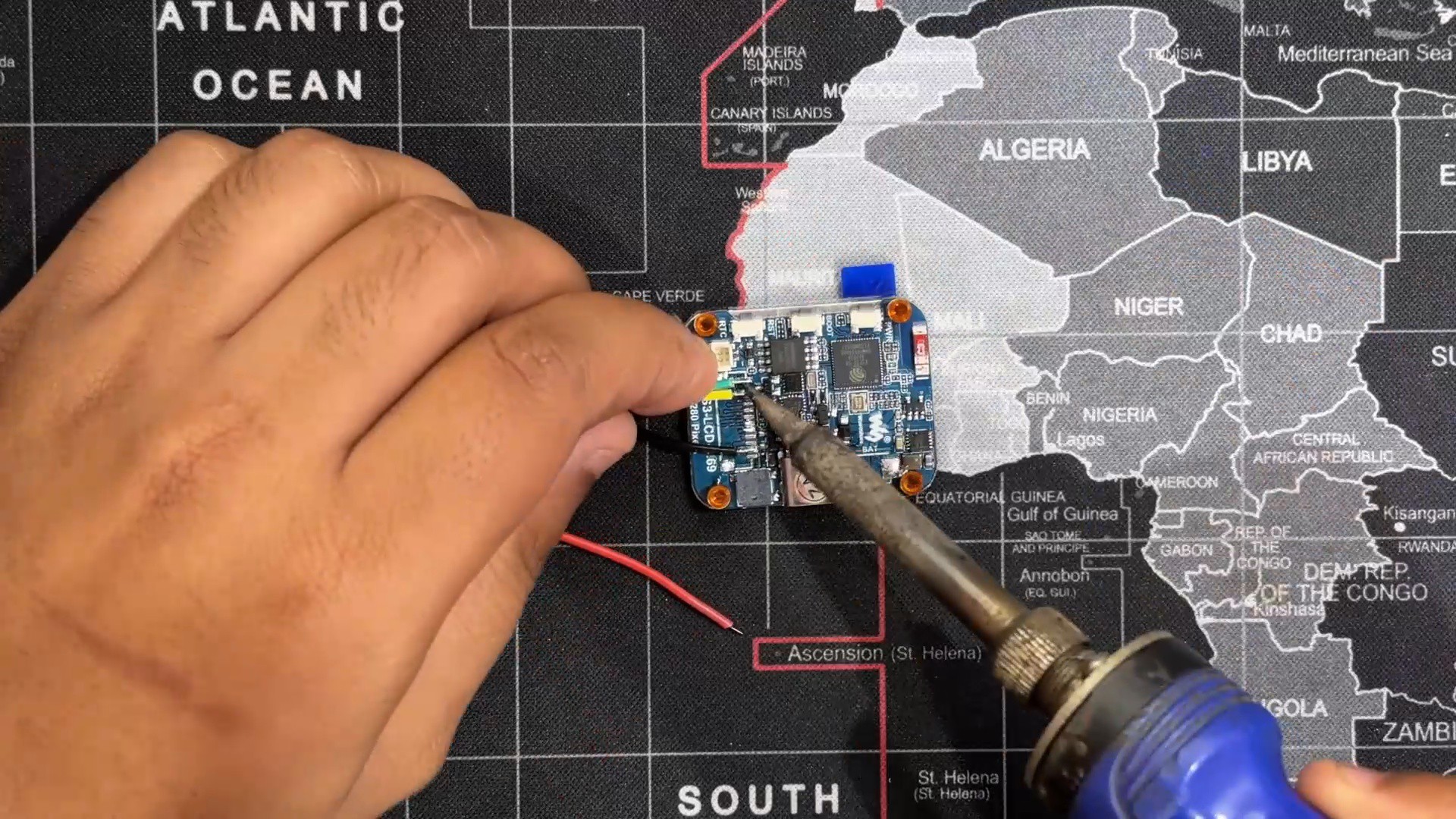
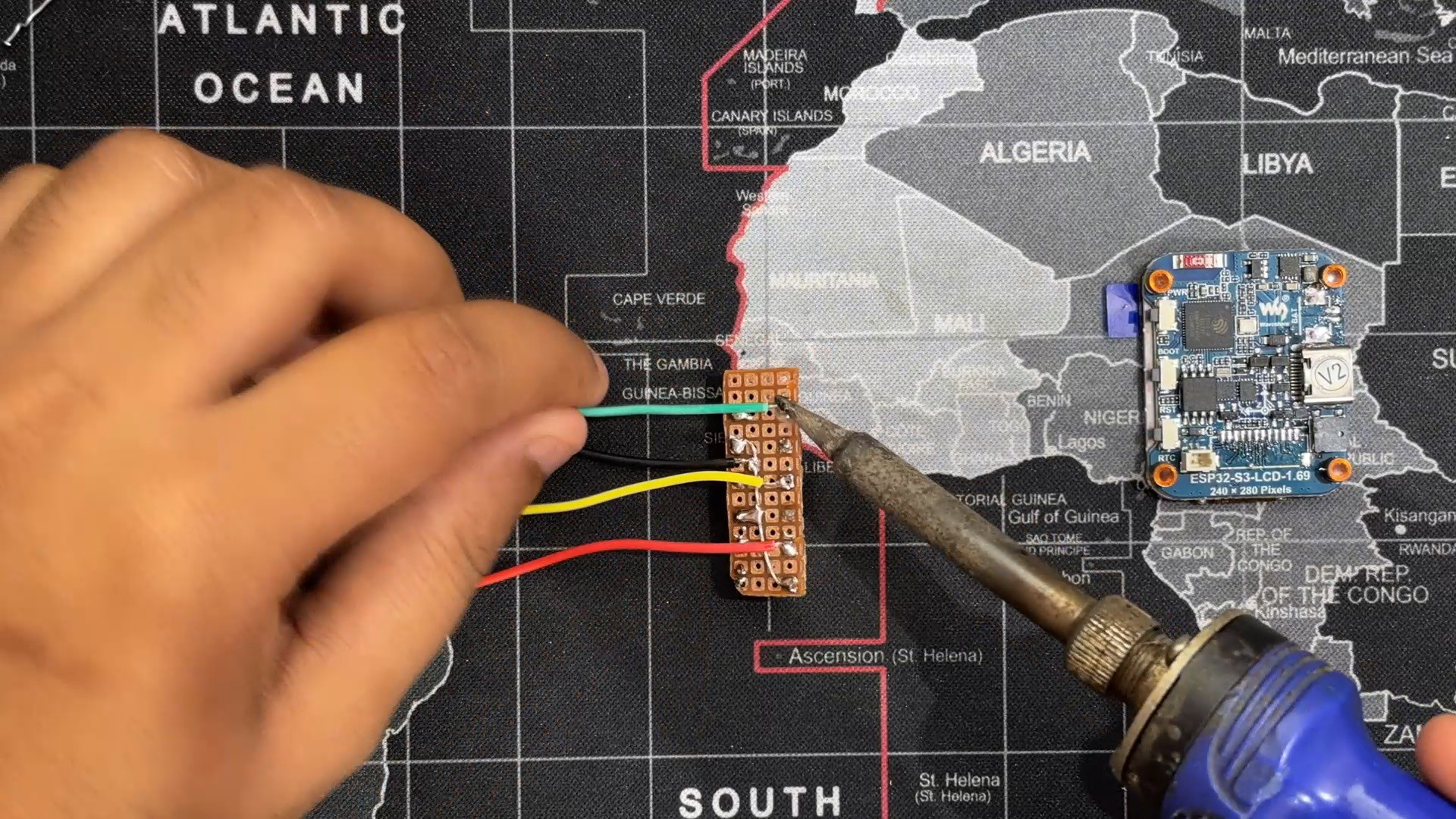
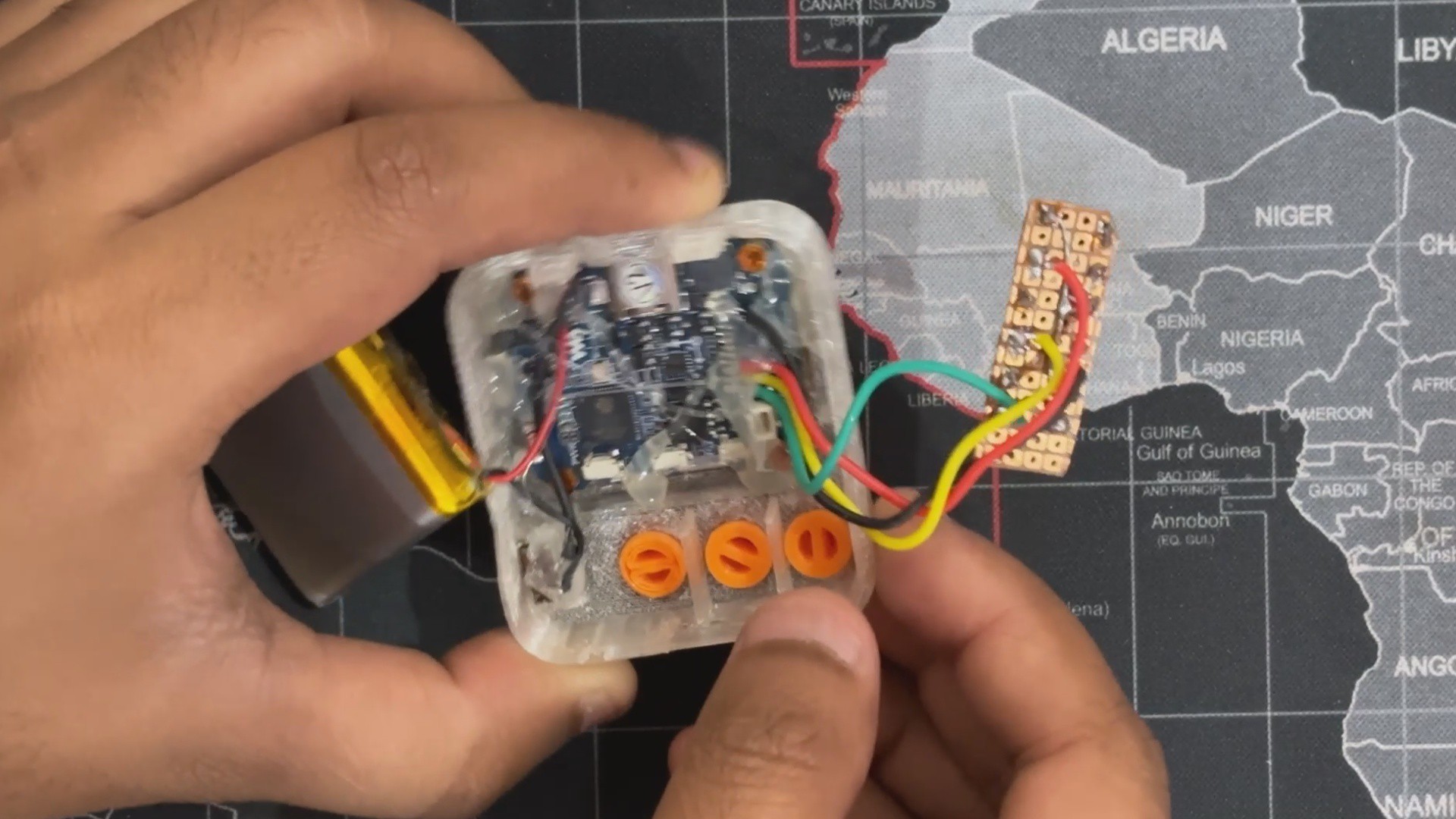
- A custom three-button PCB made on a Perf board will be used for the inputs. The GPIO Pins of the ESP32 S3 Board will be linked to this Perfboard button PCB.
- First, we link all three push button pins 3 together; this common connection will be connected to GND.
- By connecting the NO button to GPIO13, the YES button to GPIO12, and the SOMETIMES button to GPIO14, we link the Button PCB to the ESP32 S3 board's GPIO Pins.
-
2POWER SOURCE WIRING
![]()
![]()
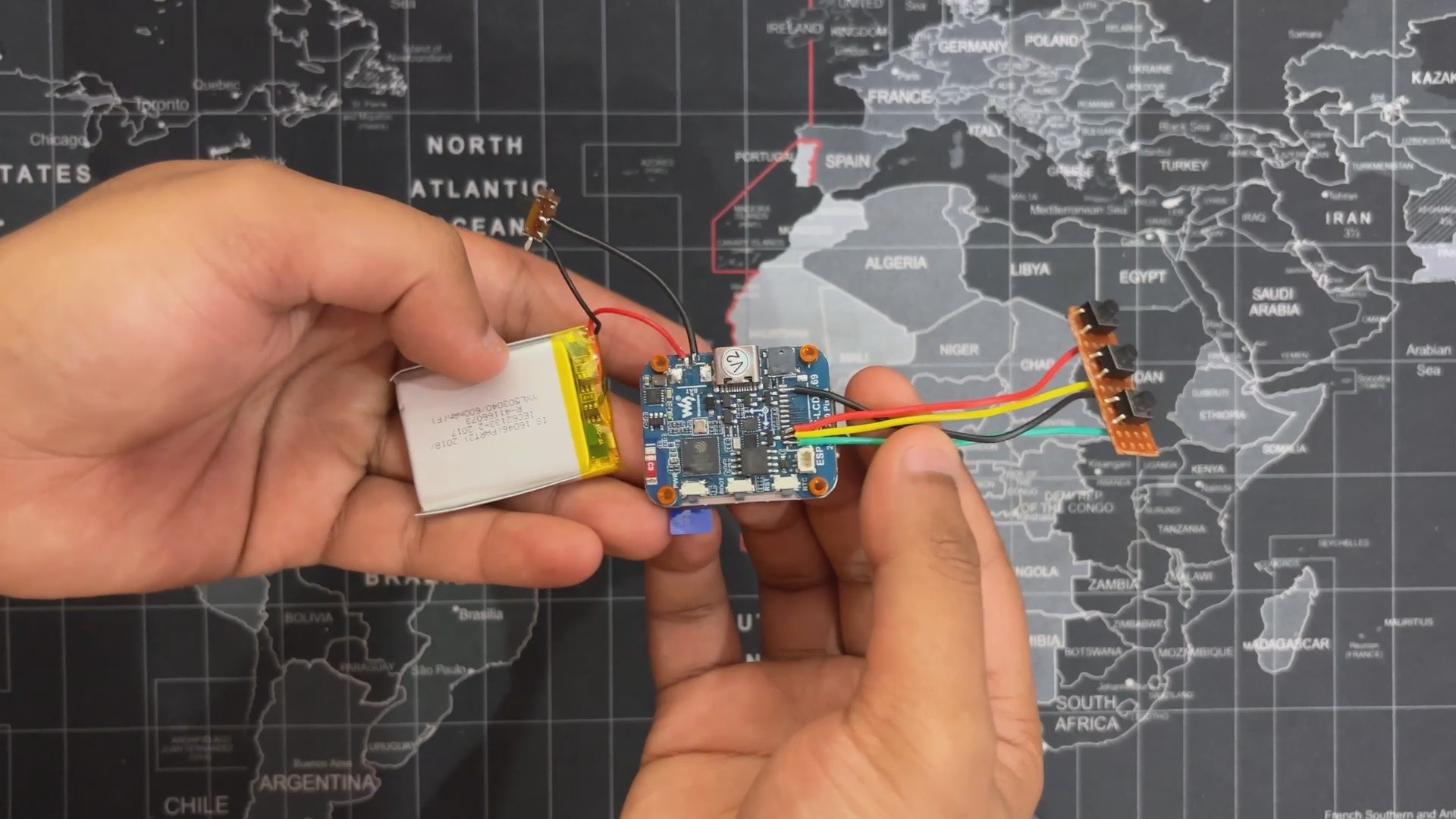
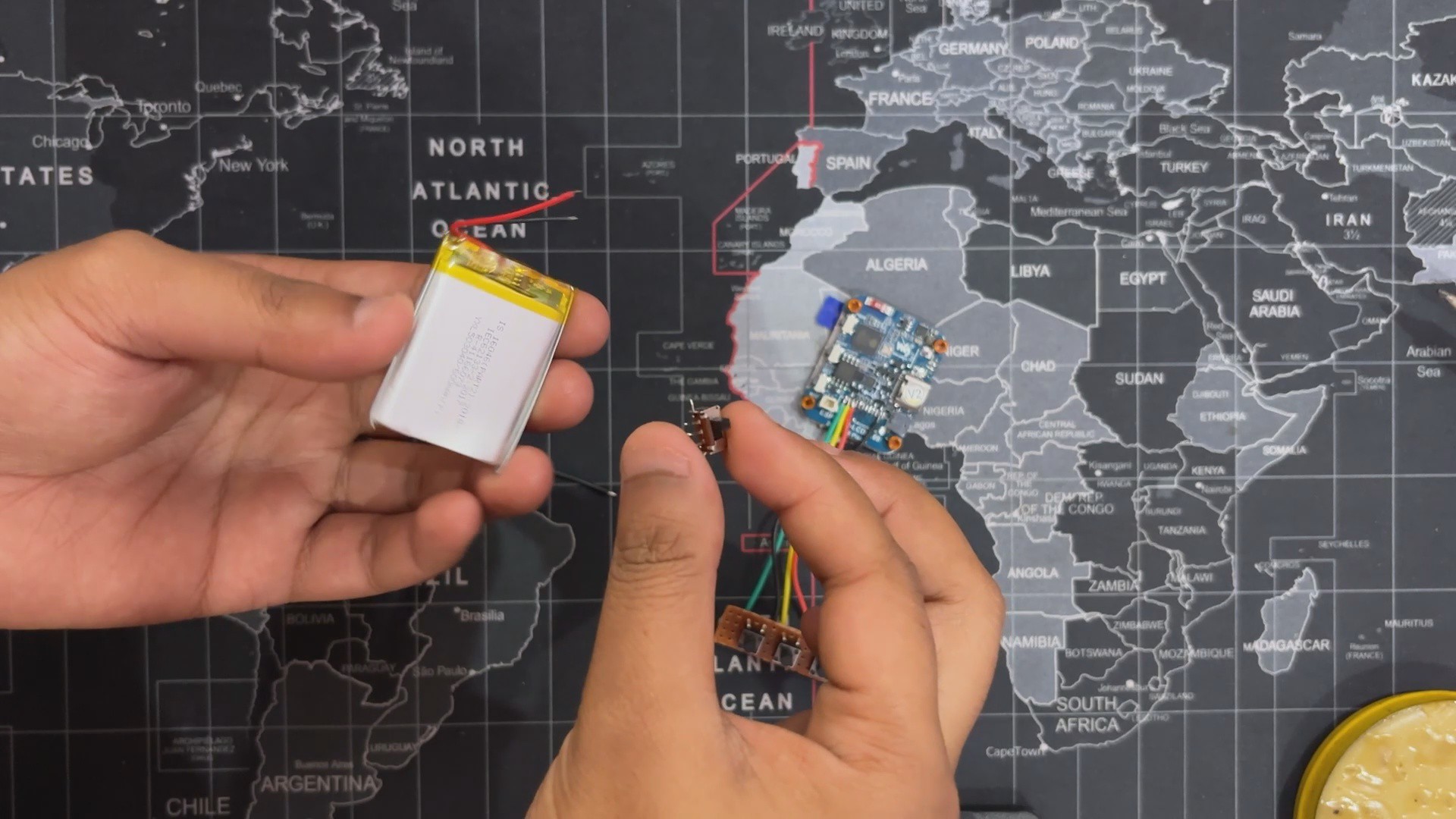
- Connecting the LiPo cell's positive to the ESP32 S3 board's battery connector's positive pin starts the power source wiring process.
- The LiPo cell's GND is linked to the COM terminal of a slide switch, and the NC terminal is then connected to the GND pin of the battery connector. We can turn the device on or off with this slide switch.
-
3SLIDE SWITCH PLACEMENT
![]()
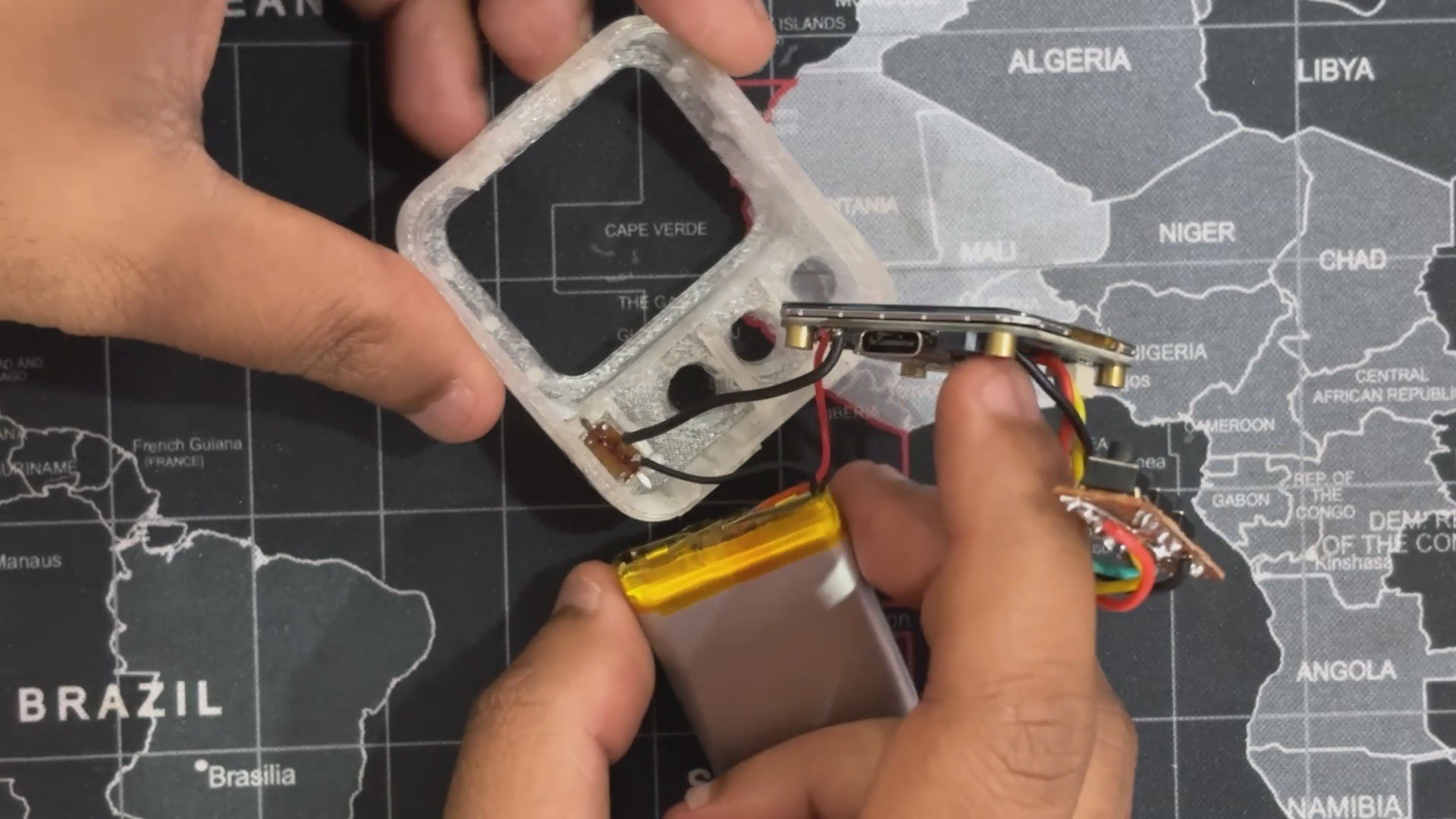
We now start the enclosure assembly process by installing the slide switch into its designated location within the front enclosure part
-
4DISPLAY & BODY ASSEMBLY
![]()
![]()
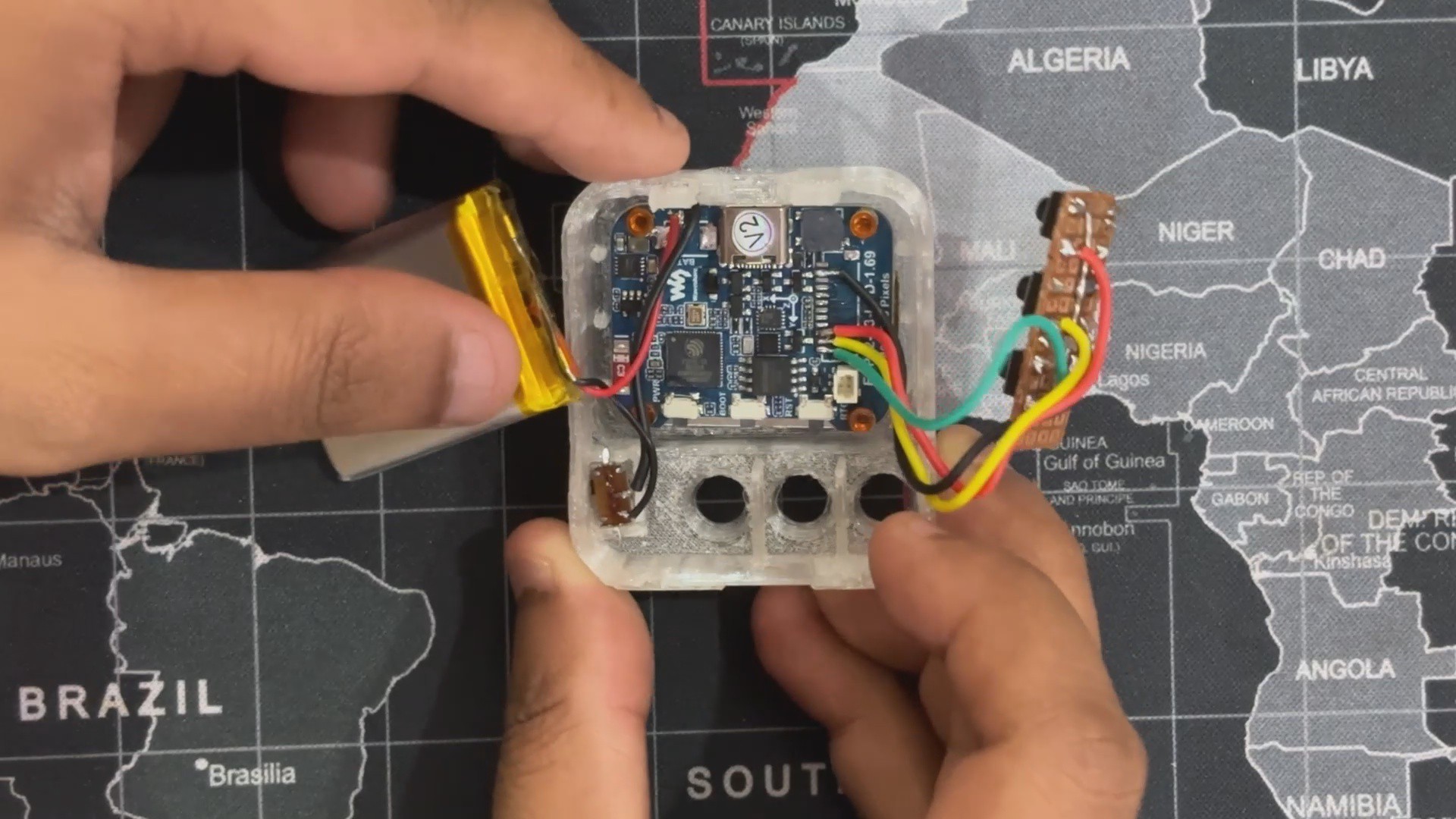
- Making sure the USB type C is facing the top, we now place the ESP32 S3 Board in its proper location.
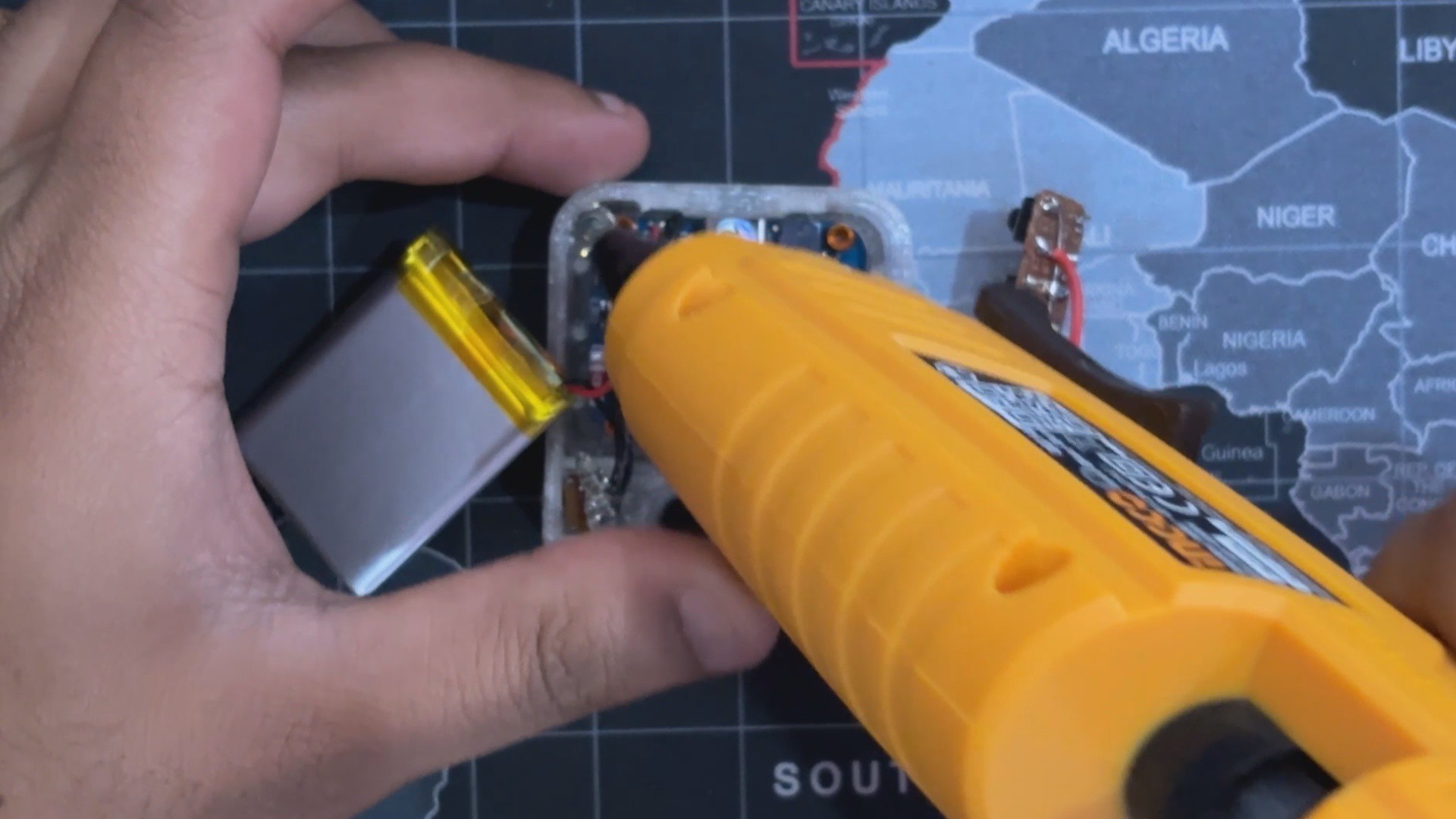
- The slide switch and the display are then secured in place by applying hot glue using a hot glue gun, first over the slide switch and then over the display.
-
5SWITCH ACTUATORS ASSEMBLY
![]()
![]()
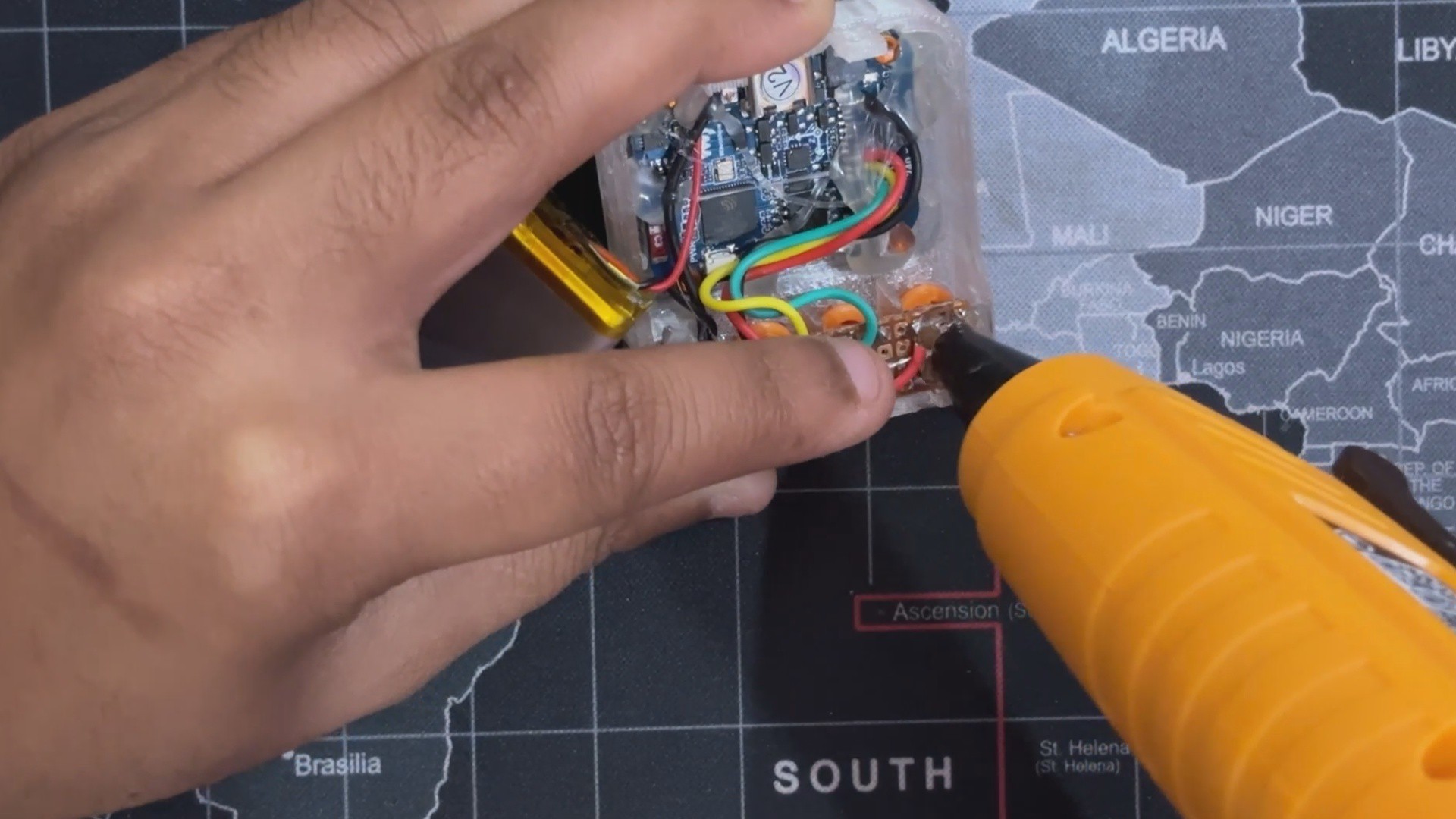
- The three 3D-printed switch actuators are now positioned in the proper mounting holes on the front end.
- Making sure the actuators touch the push button, we now place the Switch PCB above the Switch actuators.
- The Switch PCB is mounted in place using hot glue.
-
6FINAL ASSEMBLY
![]()
![]()
![]()
- We Place the Lipo cell inside the front enclosure for the final assembly and then add the back enclosure from the back side.
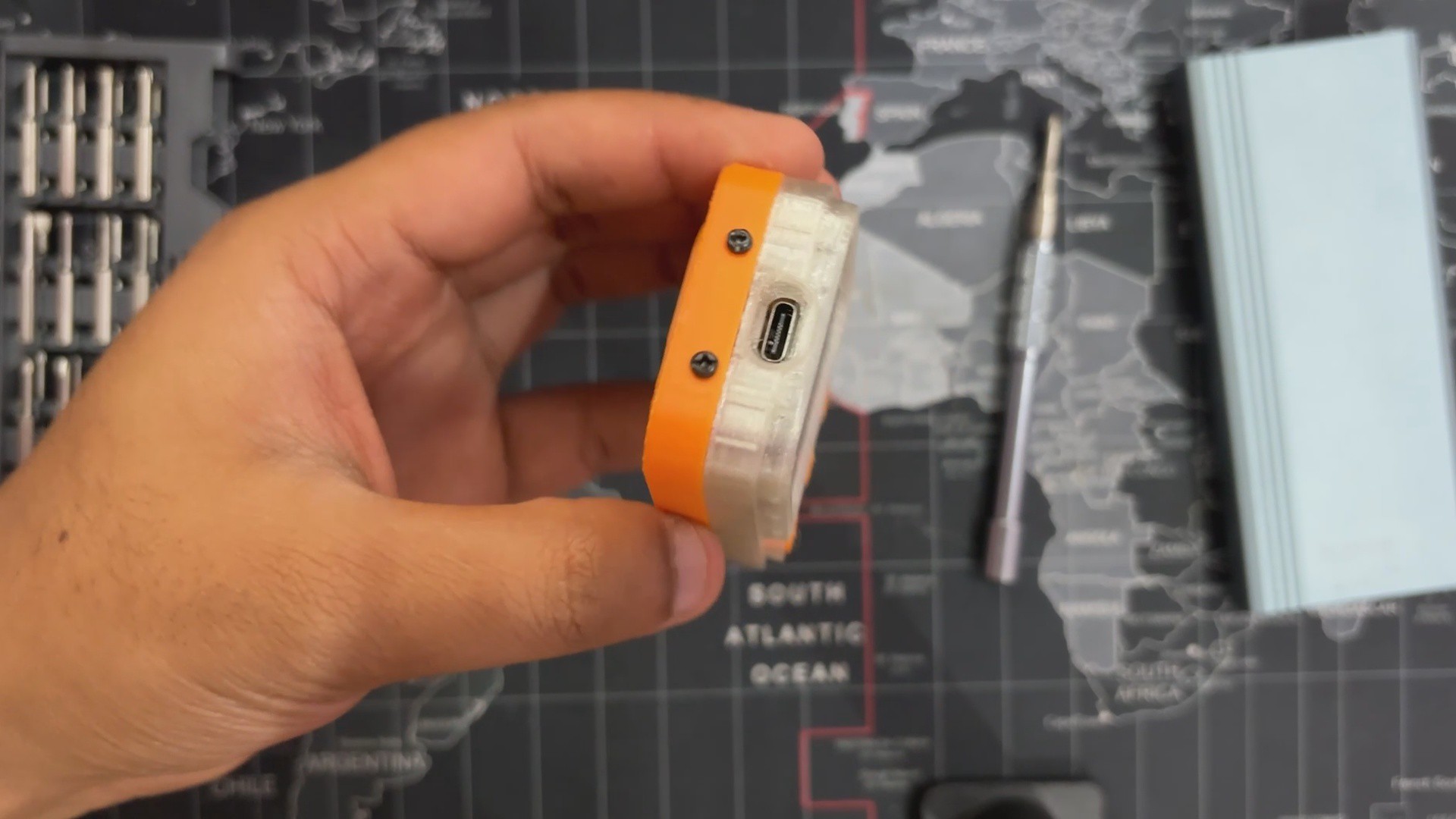
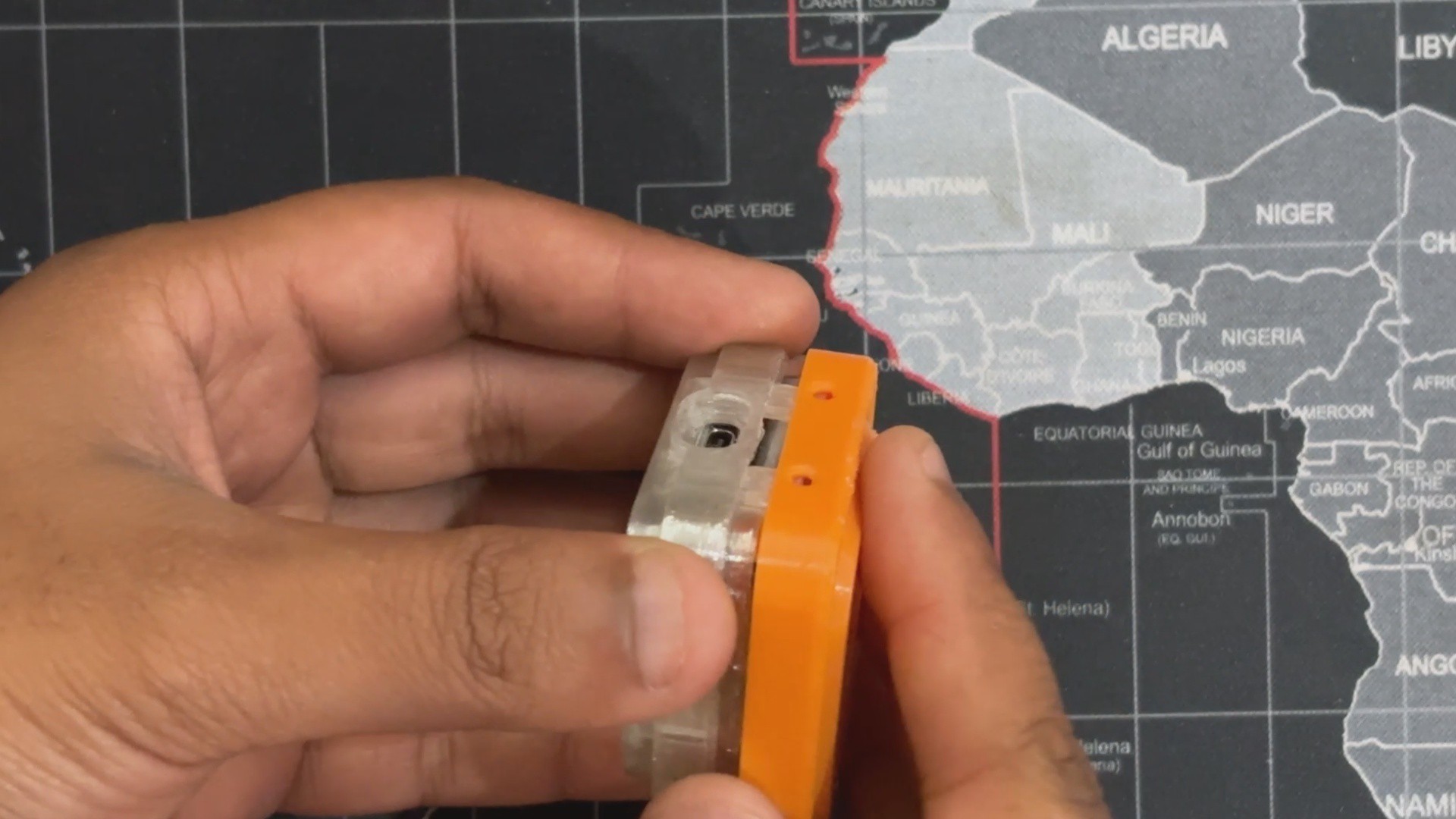
- We now secure the front and back enclosures together with three M2 screws by screwing them into the three mounting holes that were added to the top and bottom faces of the enclosure.
Now that our device has been assembled, let's go to the most critical stage of the project: the coding stage.
-
7CODE BREAKDOWN
Here's the code we have developed for this project, and it's not exactly simple, but with a solid logic table ready and help from my new friend, Mr. AI, i was able to complete this project.
#include <Adafruit_GFX.h> #include <Adafruit_SSD1306.h> #define SCREEN_WIDTH 128 #define SCREEN_HEIGHT 64 #define OLED_RESET -1 Adafruit_SSD1306 display(SCREEN_WIDTH, SCREEN_HEIGHT, &Wire, OLED_RESET); #define BUTTON_YES 12 #define BUTTON_NO 13 #define BUTTON_SOMETIMES 14 struct QuestionNode { String text; int yesNext = -1; int noNext = -1; int sometimesNext = -1; int index; }; struct Object { String name; int answers[20]; }; #include "objects_70.h" const int objectCount = sizeof(objects) / sizeof(objects[0]); QuestionNode questionTree[] = { {"Is it alive?", 1, 2, 3, 0}, {"Is it an animal?", 4, 5, 6, 1}, {"Is it man-made?", 7, 8, 9, 2}, {"Can it be alive sometimes?", 10, 11, 12, 3}, {"Does it live with humans?", 13, 14, 15, 4}, {"Does it have a screen?", 16, 17, 18, 5}, {"Is it used in work?", 19, 20, 21, 6}, {"Is it electronic?", 22, 23, 24, 7}, {"Is it used for cooking?", 25, 26, 27, 8}, {"Can it be used outside?", 28, 29, 30, 9}, {"Does it grow?", 31, 32, 33, 10}, {"Does it walk?", 34, 35, 36, 11}, {"Does it swim?", 37, 38, 39, 12}, {"Is it a pet?", -1, -1, -1, 13}, {"Is it a wild animal?", -1, -1, -1, 14}, {"Is it a farm animal?", -1, -1, -1, 15}, {"Is it a phone?", -1, -1, -1, 16}, {"Is it a computer?", -1, -1, -1, 17}, {"Is it a television?", -1, -1, -1, 18}, {"Is it used in office?", -1, -1, -1, 19}, {"Is it used in school?", -1, -1, -1, 20}, {"Is it used in kitchen?", -1, -1, -1, 21}, {"Is it a gadget?", -1, -1, -1, 22}, {"Is it a tool?", -1, -1, -1, 23}, {"Is it a vehicle?", -1, -1, -1, 24}, {"Is it an appliance?", -1, -1, -1, 25}, {"Is it edible?", -1, -1, -1, 26}, {"Is it found outdoors?", -1, -1, -1, 27}, {"Is it used for exercise?", -1, -1, -1, 28}, {"Is it used for fun?", -1, -1, -1, 29}, {"Can it float?", -1, -1, -1, 30}, {"Is it a plant?", -1, -1, -1, 31}, {"Is it a tree?", -1, -1, -1, 32}, {"Does it need water?", -1, -1, -1, 33}, {"Is it a mammal?", -1, -1, -1, 34}, {"Is it a bird?", -1, -1, -1, 35}, {"Is it an insect?", -1, -1, -1, 36}, {"Is it a fish?", -1, -1, -1, 37}, {"Is it a reptile?", -1, -1, -1, 38}, {"Is it an amphibian?", -1, -1, -1, 39}, }; int answers[20]; bool asked[40]; int answerIndex = 0; int currentNodeIndex = 0; void showQuestion(String q) { display.clearDisplay(); display.setCursor(0, 0); display.println("Q" + String(answerIndex + 1) + ": " + q); display.display(); } int readButton() { while (true) { if (digitalRead(BUTTON_YES) == LOW) { delay(250); while (digitalRead(BUTTON_YES) == LOW); return 1; } if (digitalRead(BUTTON_NO) == LOW) { delay(250); while (digitalRead(BUTTON_NO) == LOW); return 0; } if (digitalRead(BUTTON_SOMETIMES) == LOW) { delay(250); while (digitalRead(BUTTON_SOMETIMES) == LOW); return 2; } delay(10); } } String guessObject() { int bestScore = -1; String bestMatch = "Not sure!"; for (int i = 0; i < objectCount; i++) { int score = 0; for (int j = 0; j < 20; j++) { if (objects[i].answers[j] == answers[j]) score++; } if (score > bestScore) { bestScore = score; bestMatch = objects[i].name; } } return bestMatch; } void setup() { display.begin(SSD1306_SWITCHCAPVCC, 0x3C); display.clearDisplay(); display.setTextSize(1); display.setTextColor(SSD1306_WHITE); display.setCursor(0, 0); display.println("20Q Game Loading..."); display.display(); pinMode(BUTTON_YES, INPUT_PULLUP); pinMode(BUTTON_NO, INPUT_PULLUP); pinMode(BUTTON_SOMETIMES, INPUT_PULLUP); for (int i = 0; i < 40; i++) asked[i] = false; for (int i = 0; i < 20; i++) answers[i] = -1; } void loop() { if (answerIndex >= 20) { String guess = guessObject(); display.clearDisplay(); display.setCursor(0, 0); display.println("You are thinking of:"); display.println(guess); display.display(); delay(8000); currentNodeIndex = 0; answerIndex = 0; for (int i = 0; i < 20; i++) answers[i] = -1; for (int i = 0; i < 40; i++) asked[i] = false; return; } showQuestion(questionTree[currentNodeIndex].text); int response = readButton(); answers[questionTree[currentNodeIndex].index] = response; asked[currentNodeIndex] = true; answerIndex++; int next = -1; if (response == 1) next = questionTree[currentNodeIndex].yesNext; else if (response == 0) next = questionTree[currentNodeIndex].noNext; else next = questionTree[currentNodeIndex].sometimesNext; if (next != -1 && !asked[next]) { currentNodeIndex = next; return; } bool found = false; for (int i = 0; i < 40; i++) { if (!asked[i]) { currentNodeIndex = i; found = true; break; } } if (!found) { answerIndex = 20; } } -
8LOGIC TABLE
![]()
I created this logic table for my guessing game, and once you get the feel of it, it's actually rather simple. With 40 questions that each function as a node, I created it as a decision tree. There are three alternative answers to each question: YES, NO, and SOMETIMES.
It all starts with the first question: “Is it alive?” If the user says YES, the game jumps to question 2: "Is it an animal?" Another YES takes us to question 5: "Does it live with humans?" And so on.
Until the system generates its best estimate, the options are reduced with each response, which leads the path further into the tree.
Some questions lead directly to an object; those are marked as END in the table, meaning they don’t branch further. But if the user gives answers that don’t follow any valid path in the tree, the system won’t find a match. That’s intentional.
Additionally, certain questions are skipped completely—they are never displayed and the user's answers remain blank—depending on how they answer them early on.
In summary, only relevant questions influence the final guess, and the tree dynamically adjusts to the user's selections.
-
9RESULT
![]()
![]()
![]()
![]()
During early testing, Guessatron was able to correctly identify things like "dog" and "laptop," demonstrating that its question flow and logic tree are operating as planned. The device asks a succession of yes/no questions, and after a few simple steps, it latches onto the right response, making the experience feel remarkably intuitive. It feels like a little magic trick to watch it make the correct prediction, especially since the entire deduction takes place offline on a little embedded device.
The current database includes 70 distinct objects, and the branching logic is designed to guide the user through a streamlined decision path. Each guess feels earned, and the interaction is smooth when the user follows the expected question flow.
Nevertheless, Guessatron isn't flawless just yet. Halting behavior when users deviate from the preset logic tree is one known problem. A response that deviates from the anticipated course could cause the device to halt or fail to come to a conclusion.
This is a natural limitation of static decision trees, and we're already working on refining the code to make it more resilient and adaptive in future revisions.
For now this project has been completed and i will be revisiting this project with a new revision real soon.
Thanks for reaching this far, and I will be back with a new project pretty soon.
Peace.
Guessatron
Guessatron is a "20 Ques Guessing Game Device," which is like the OG Akinator; you think of something and this device will guess that thing!



Discussions
Become a Hackaday.io Member
Create an account to leave a comment. Already have an account? Log In.