 Geo
Geo

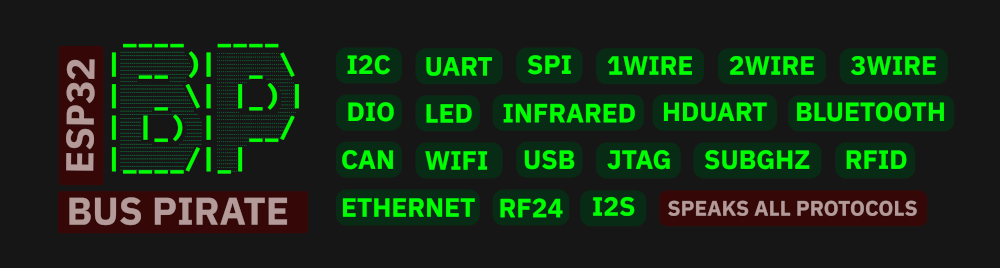
Supported Devices
See README for supported devices: List of supported devices
Getting Started

- 🔧 Flash the firmware
- Use the ESP32 Bus Pirate Web Flasher to burn the firmware directly from a web browser.
- You can also burn it on M5Burner, in the M5stick, AtomS3, M5StampS3 or Cardputer category.
- 🔌 Connect via Serial or Web
- Serial: any terminal app (see Connect via Serial)
- Web: configure Wi-Fi and access the CLI via browser (see Wi-Fi Connection)
- 🧪 Use commands like:
mode
help
scan
sniff
...
Wiki

📚 Visit the Wiki for detailed documentation on every mode and command.
Includes:
- Terminal mode - About serial and web terminal.
- Mode overviews - Browse supported modes.
- Instruction syntax - Master the instructions.
- Serial setup - Serial access via USB.
The wiki is the best place to learn how everything works.
Scripting

🛠️ You can automate interactions with the ESP32 Bus Pirate using Python scripts over serial.
Examples and ready-to-use scripts are available in the repository: ESP32 Bus Pirate Scripts.
Including: Logging data in a file, eeprom and flash dump, interracting with GPIOs, LED animation...




 NSFW
NSFW
 Catalin Sanda

 Samuk
Samuk
 Dmitry Slepov
Hello,
Thank you for the nice project. I tried it with my esp32-s3 for I2C debugging however it is a bit difficult to understand output especially if there is so much bus communication. I wish it is able to output slave address in hex and indicate read/write condition and share the data in hex until the message completes.