
 Geo
Geo fdufnews
-
Web Browser Hardware Tools - Alternative puTTY, PulseView, FlashRom, AVRDUDE, esptool, ST-Link and more
06/19/2026 at 13:14 • 0 commentsRead more »Browser-Based Embedded Hardware Tools
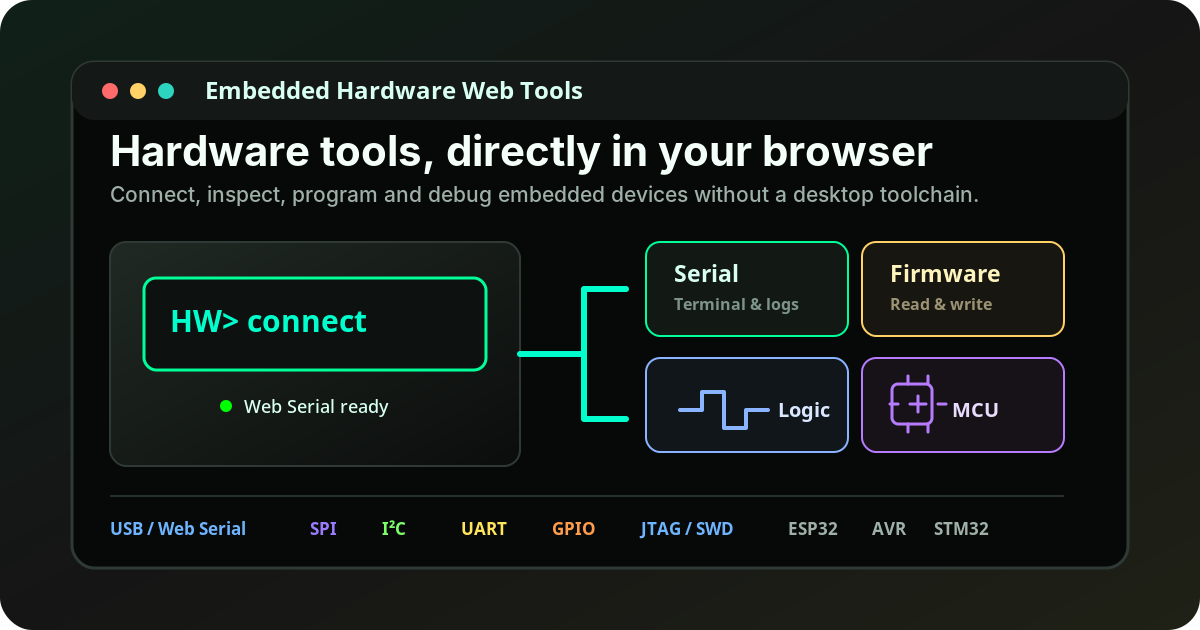
Embedded debugging tools that run directly in your browser
A free collection of Web Serial and WebUSB tools for serial consoles, firmware extraction, chip flashing, logic analysis, protocol exploration, and quick hardware debugging workflows.
![]()
Why browser-based tools?
Embedded development often requires many small tools: a serial terminal, a flash reader, a programmer, a logic analyzer, or a low-level protocol interface. Installing a full desktop toolchain for every quick task can be unnecessary friction.
The goal of these Web Tools is simple: open a page, connect a compatible USB device, and start working. The tools run locally in the browser and communicate with hardware through browser-supported interfaces such as Web Serial and WebUSB when available.
Use cases: serial consoles, SPI flash dumps, logic analysis, chip flashing, GPIO / I2C / SPI testing, and firmware research.
Tools included
![]()
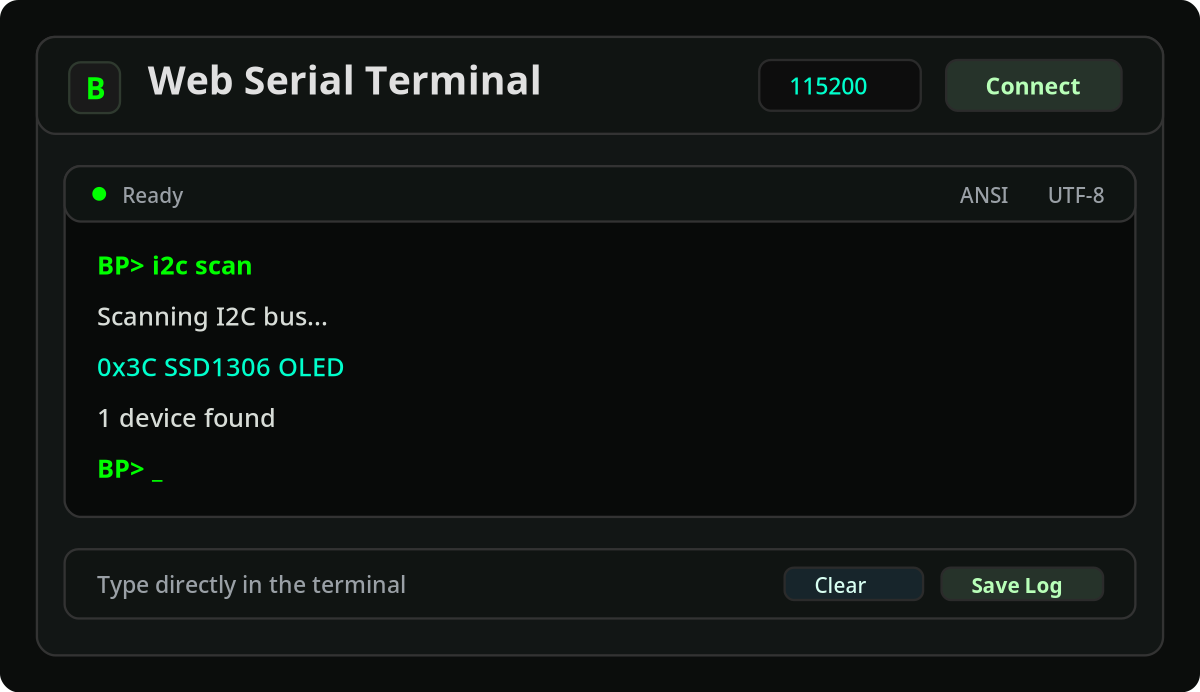
Web Serial Terminal
A browser-based serial console for USB UART and CDC devices. Useful for board bring-up, firmware logs, bootloader consoles, AT commands, interactive shells, and quick debugging.
![]()
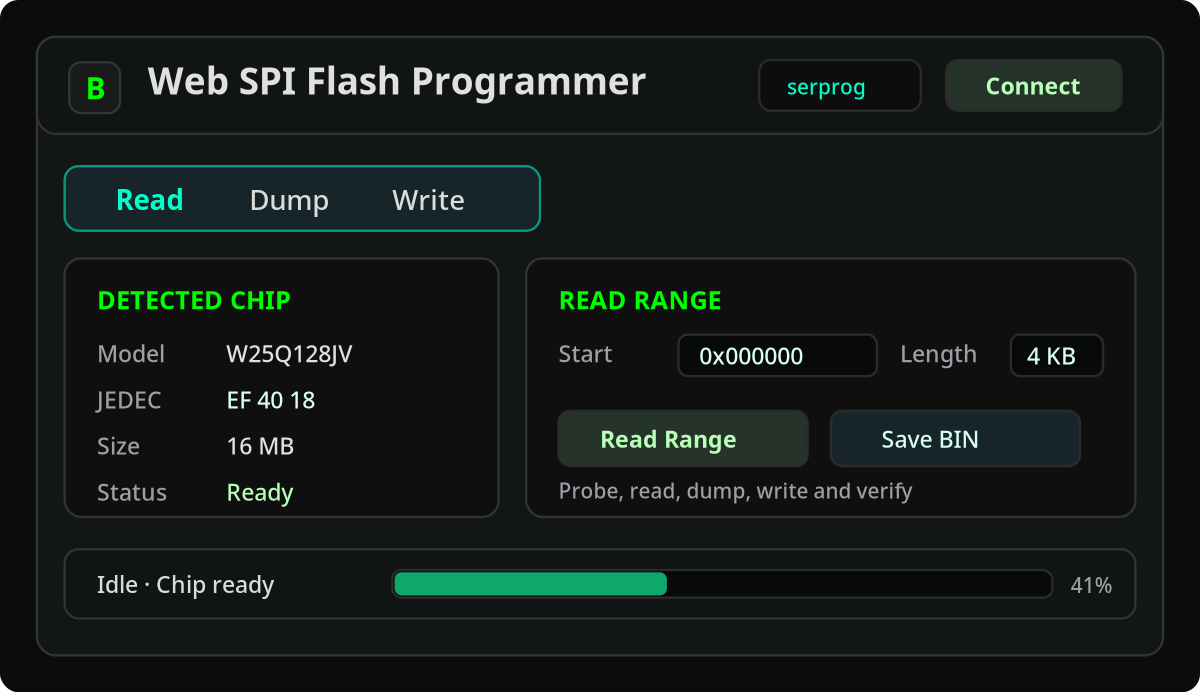
Flash Programmer
A browser workflow for probing, reading, writing, and saving SPI NOR flash chips through compatible adapters. Useful for firmware backup, recovery, extraction, and reverse engineering.
![]()
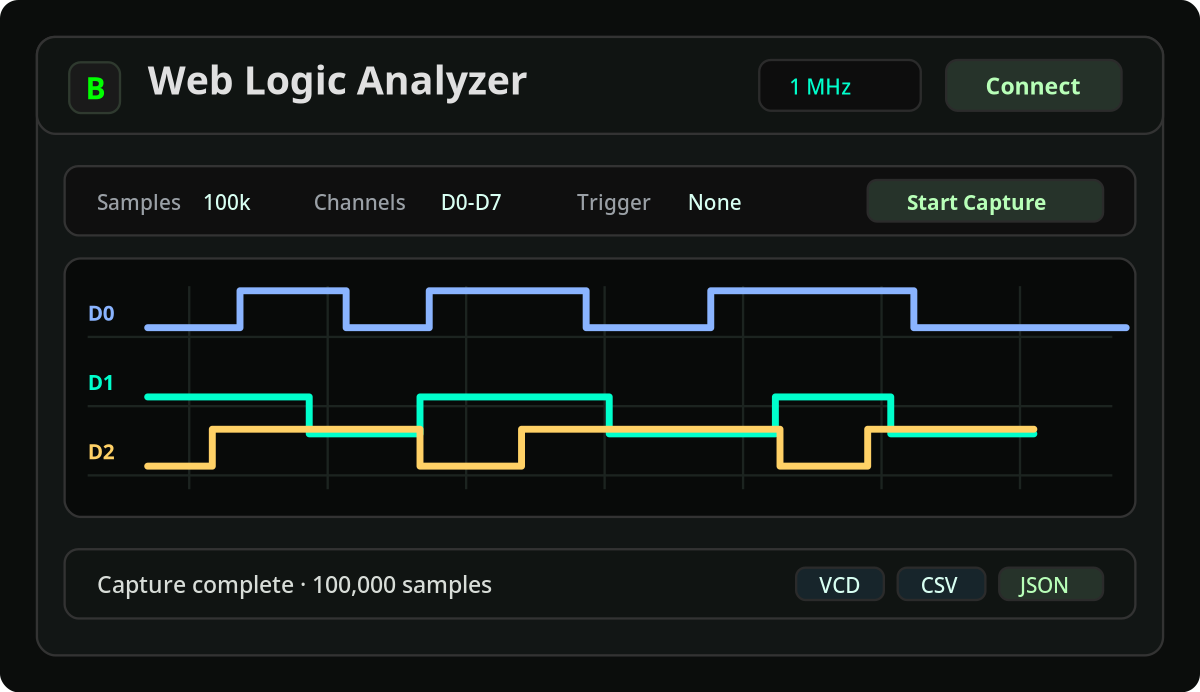
Logic Analyzer
A browser interface for SUMP-compatible captures. Useful for checking GPIO activity, SPI/I2C/UART timing, and verifying that a board is actually communicating on a bus.
![]()
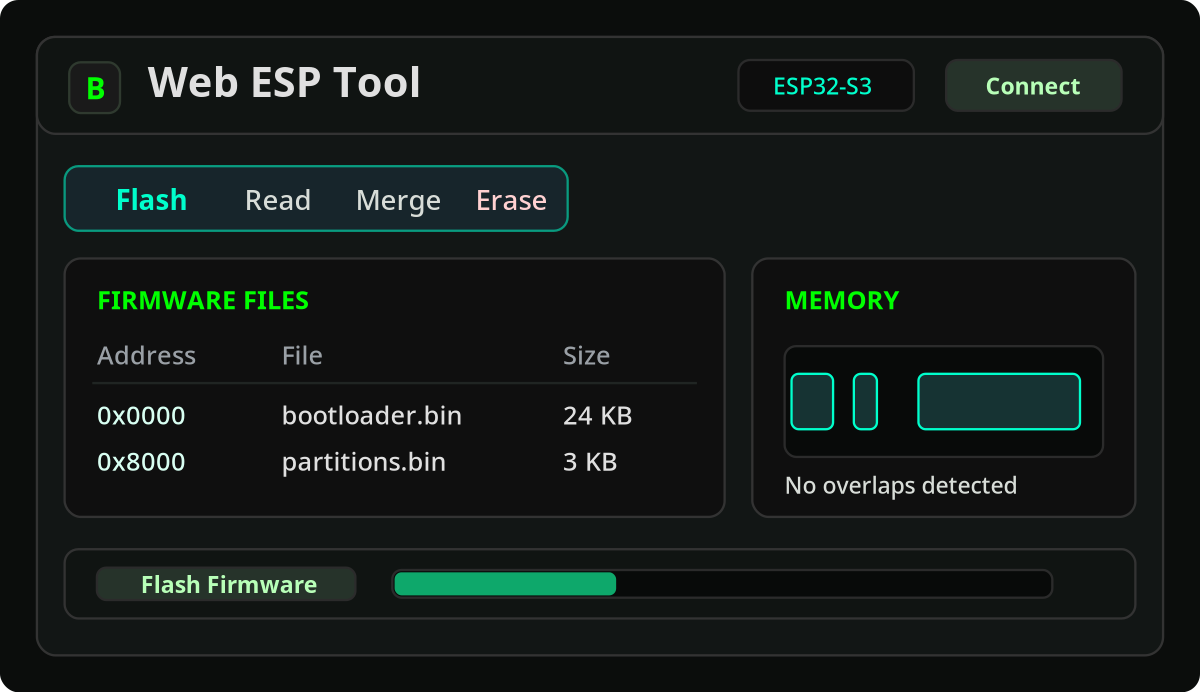
ESP Tool
A browser-based workflow for ESP32-family devices. It can help with flashing firmware, reading flash, and working with merged firmware images without manually installing command-line flashing tools.
![]()
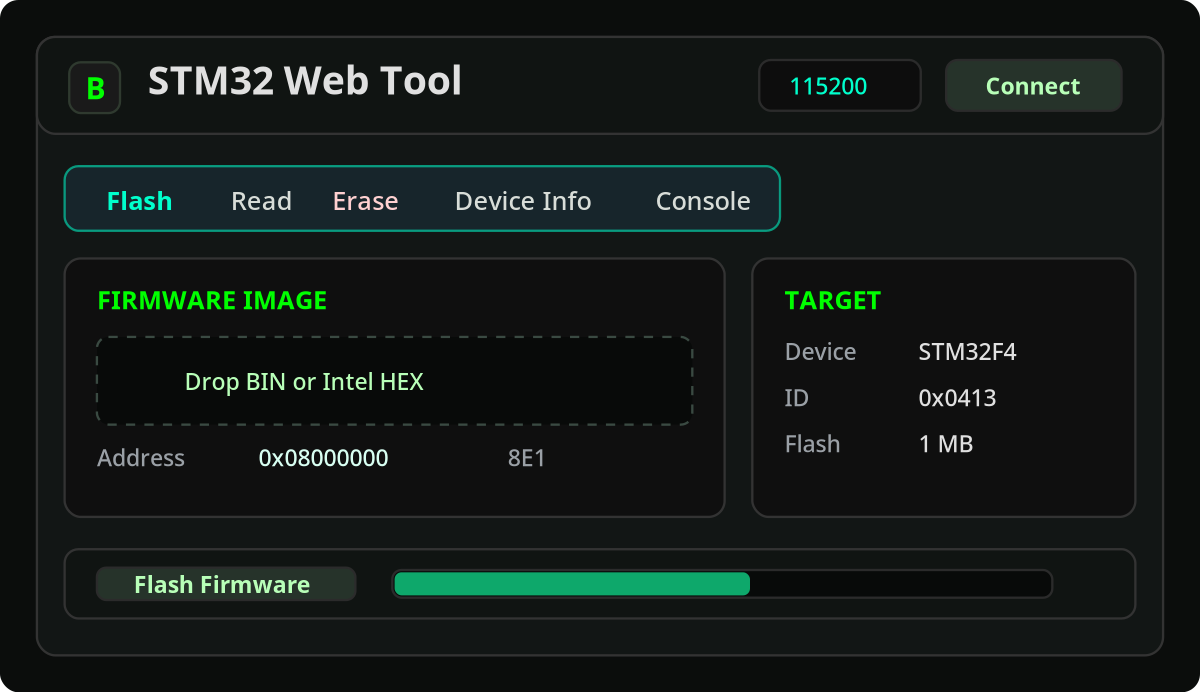
STM32 Tool
A browser workflow for STM32 targets using supported interfaces such as ST-Link or UART bootloader modes. Useful for quick board recovery, firmware testing, reading, flashing, and inspection tasks.
![]()
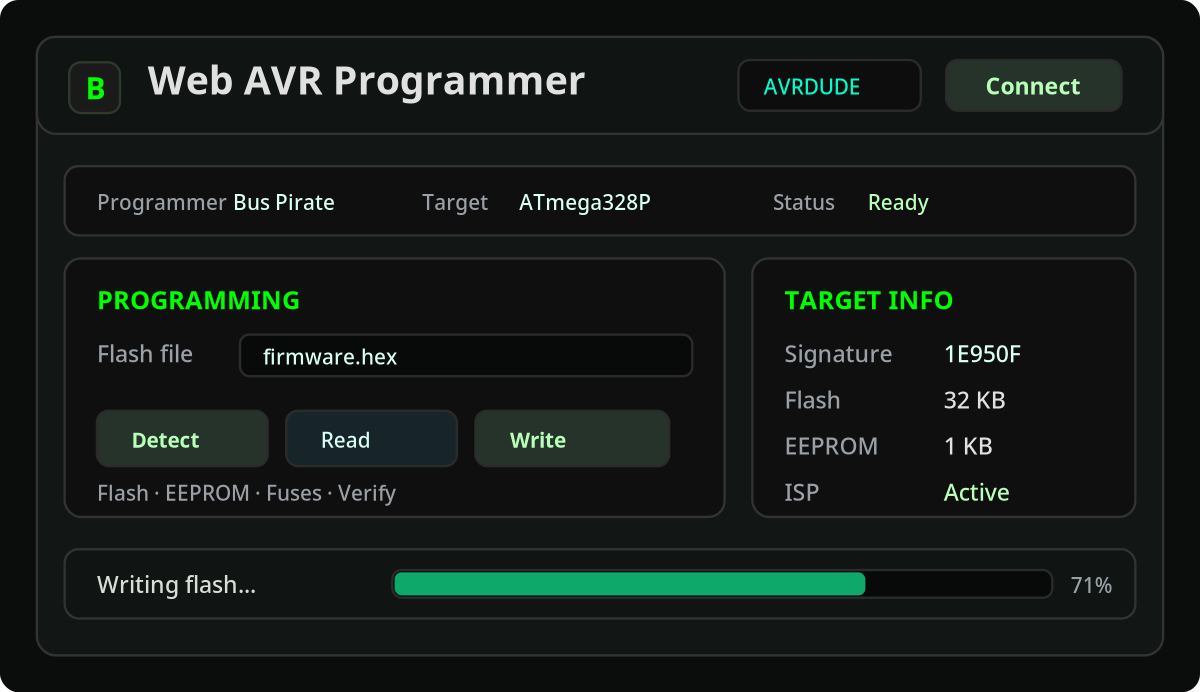
AVR Programmer
A browser-based AVRDUDE-style workflow for AVR targets through compatible adapters. Useful for programming classic AVR microcontrollers, Arduino-style boards, and workshop-friendly firmware upload flows.
![]()
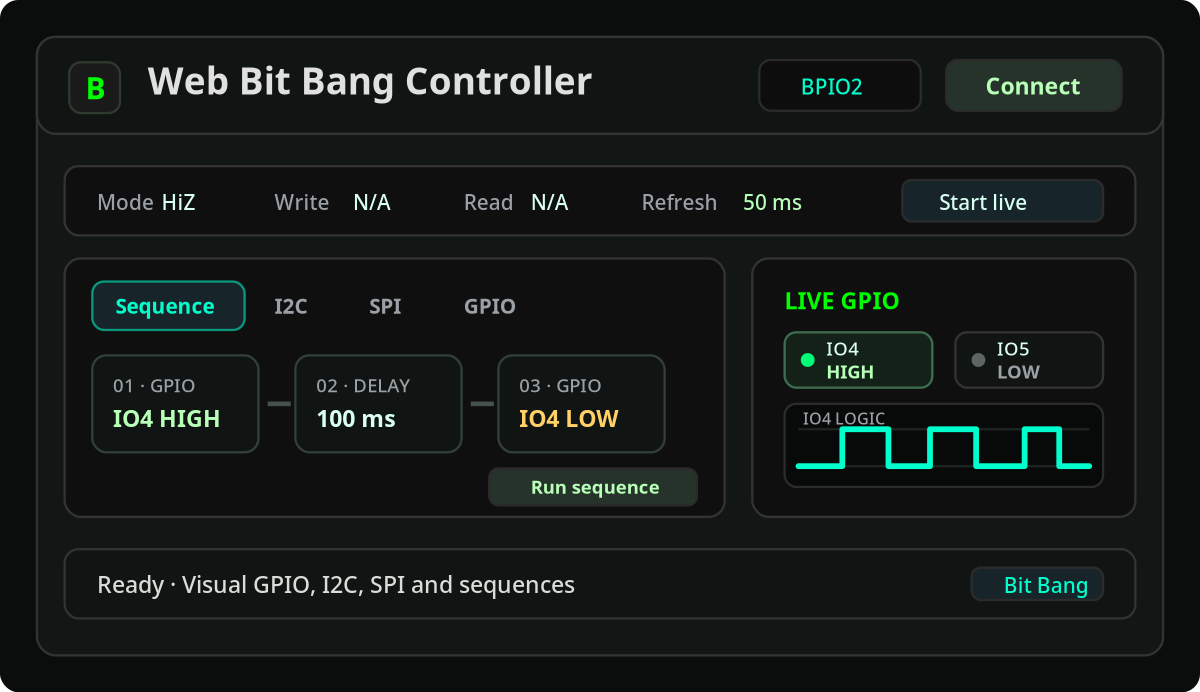
Bit Bang Tool
A low-level interface for GPIO, I2C, SPI, and simple command sequences. Useful for protocol exploration, quick electrical tests, pin toggling, and interacting with unknown or partially documented hardware.
Example workflow: dumping a SPI flash chip
One practical use case is firmware extraction from a SPI NOR flash chip. Instead of asking the user to install flashrom, configure an adapter manually, and run commands from a terminal, the browser tool can guide the process.
1. Connect a compatible SPI adapter
Use hardware that exposes a supported SPI flash programming interface.2. Probe the flash chip
Detect the chip and verify that communication is working.3. Read the memory
Dump the flash contents directly from the browser workflow.4. Save the firmware image
Download the dump and analyze it later with external tools.Example workflow: checking digital signals
Another common task is checking what is happening on a digital bus. With a SUMP-compatible adapter, the browser logic analyzer can capture signals and display waveforms directly in the browser. This can help confirm whether an I2C device is responding, whether a SPI clock is present, whether a UART line is active, or whether a GPIO signal has the expected timing.
Designed to stay versatile
The tools are not meant to be locked to a single board or firmware. Where...
My Pages
Things I've Built
Alpha Core
0.5.3 WoW experimental emulator written in Python.
Ultimate Remote
Universal remote control for the M5Cardputer, contains 3498 remote profiles from 636 different brands. Also compatible with Flipper-IRDB files
ESP32 Bus Pirate
A Hardware Hacking Tool with Web-Based CLI That Speaks Every Protocol
 Lutetium