 jacopops
-
1Initial Positioning
Folding Instructions for the BadgESC{21} Badge
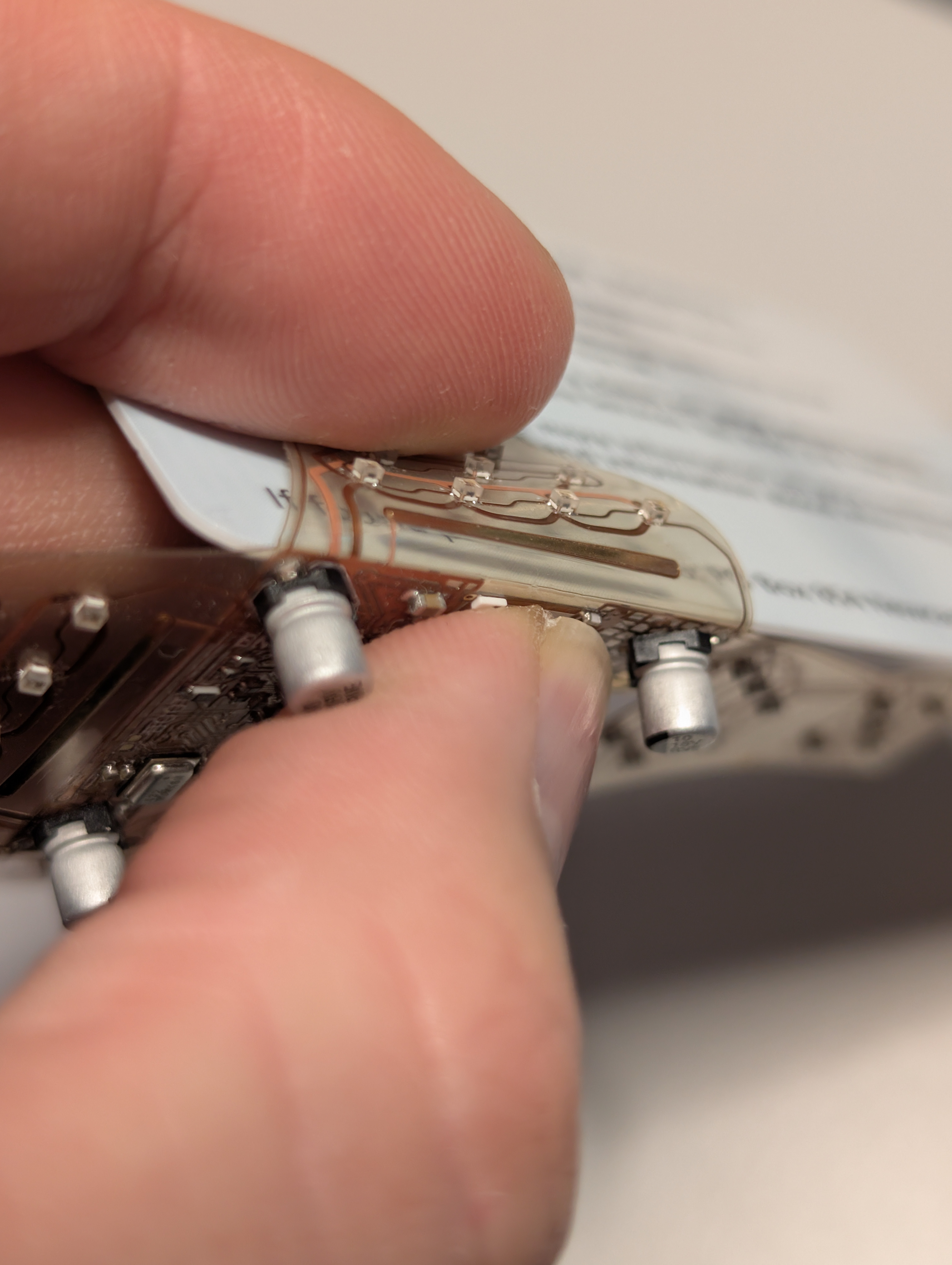
These are the instructions for folding the BadgESC{21} Badge into its final cube shape. Use a plastic card or another thin, flat object to achieve tight bends on the PET plastic substrate. It may also be possible to mold the shape by gently warming the material, although this method has not been tested.
To secure the folded parts, use UV glue, superglue, or another strong adhesive.
Step 1: Initial Positioning
- Place the badge on a flat surface with the components facing up.
- Bend the USB connector flap by aligning its edge with the solid white line located near the set of small resistors, not the large ones.
- The large resistors are not connected to any circuit. They are present only to provide structural thickness for engaging the USB Type-C connector’s locking mechanism.
![]()
-
2Power Switch and Battery Test
- Ensure the power slide switch lever is positioned outside the white silkscreen, which indicates the badge is powered off.
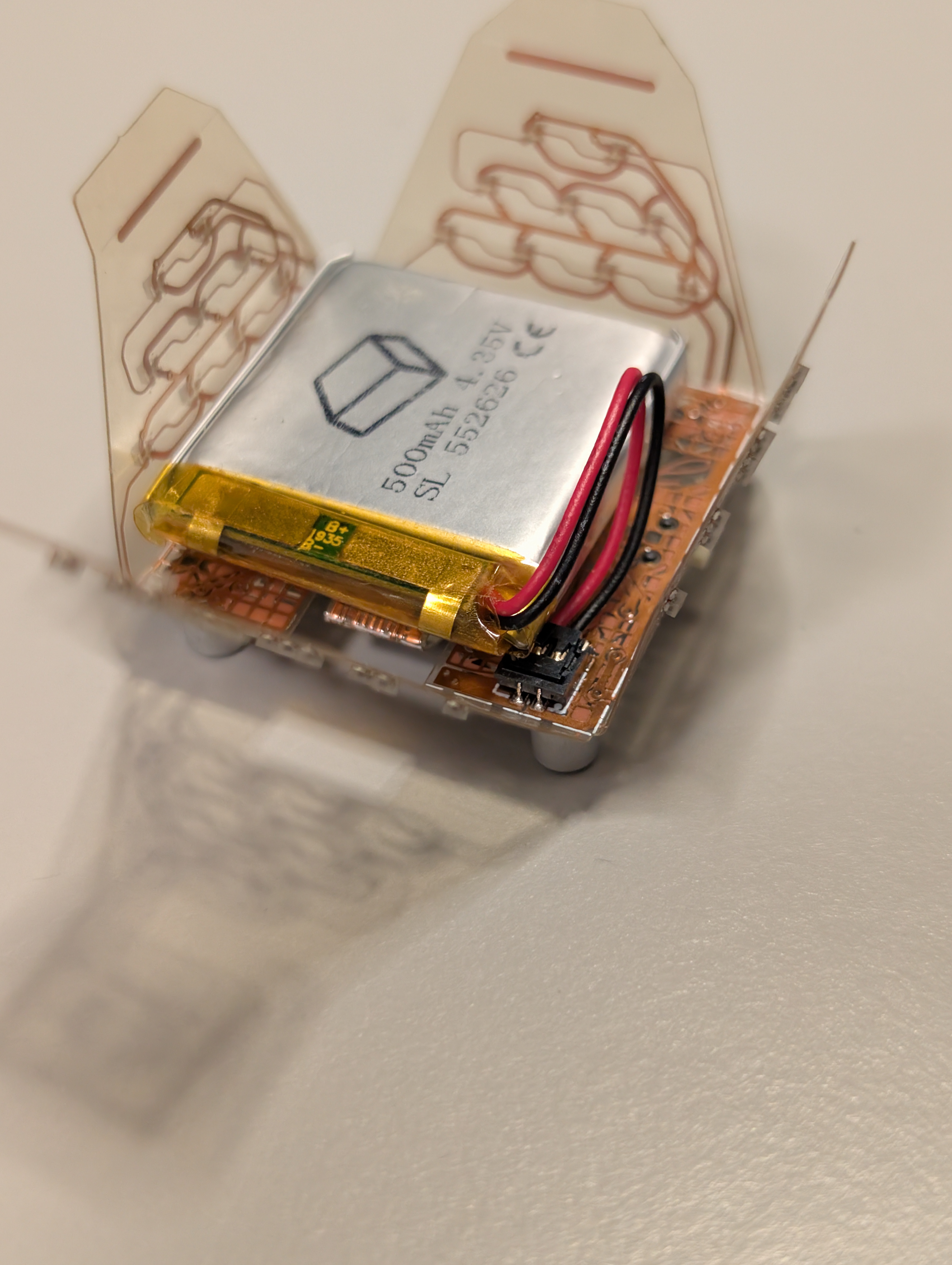
- Insert the battery and briefly test the badge by toggling the power switch
![]()
-
3Preparing for Folding
- Remove the battery before proceeding.
- Begin folding the badge along the solid silkscreen lines using a flat, thin piece of plastic to help create sharp bends.
![]()
![]()
-
4Folding the Top
Continue folding the upper section of the badge carefully, ensuring all edges align properly.
![]()
-
5Gluing the Structure
This is the most delicate part of the assembly.
Apply small drops of glue to the sides while maintaining the cube shape. You can use your fingers or tape to hold the parts in place while the glue sets.![]()
-
6And finally...(!)

After the glue cures, the badge should form a stable cube-like structure as shown above.
Your BadgESC{21} Badge is now ready for use.
![]()
Fully Transparent Folded Cube Badge
ESC{21} conference badge made with clear PET and loaded with LEDs




Discussions
Become a Hackaday.io Member
Create an account to leave a comment. Already have an account? Log In.