 Michael Gardi

I've been bitten by the PDP-1 bug. When I saw that Obsolescence Guaranteed was shipping their PDP-1 Replica I knew that I wanted one so I placed my order. Due to some well deserved high demand I had to wait a while for my kit to ship, so I had time to think about what I wanted to do with my PiDP-1 when it arrived (other than playing Spacewar!).
Hardware
My first instinct, given that I mostly make reproductions myself, was to create a DEC Precision CRT Display Type 30 Reproduction since the PDP-1 was already well in hand. I ended up making three reproductions of this unique Type 30 Display that was used with the PDP-1.
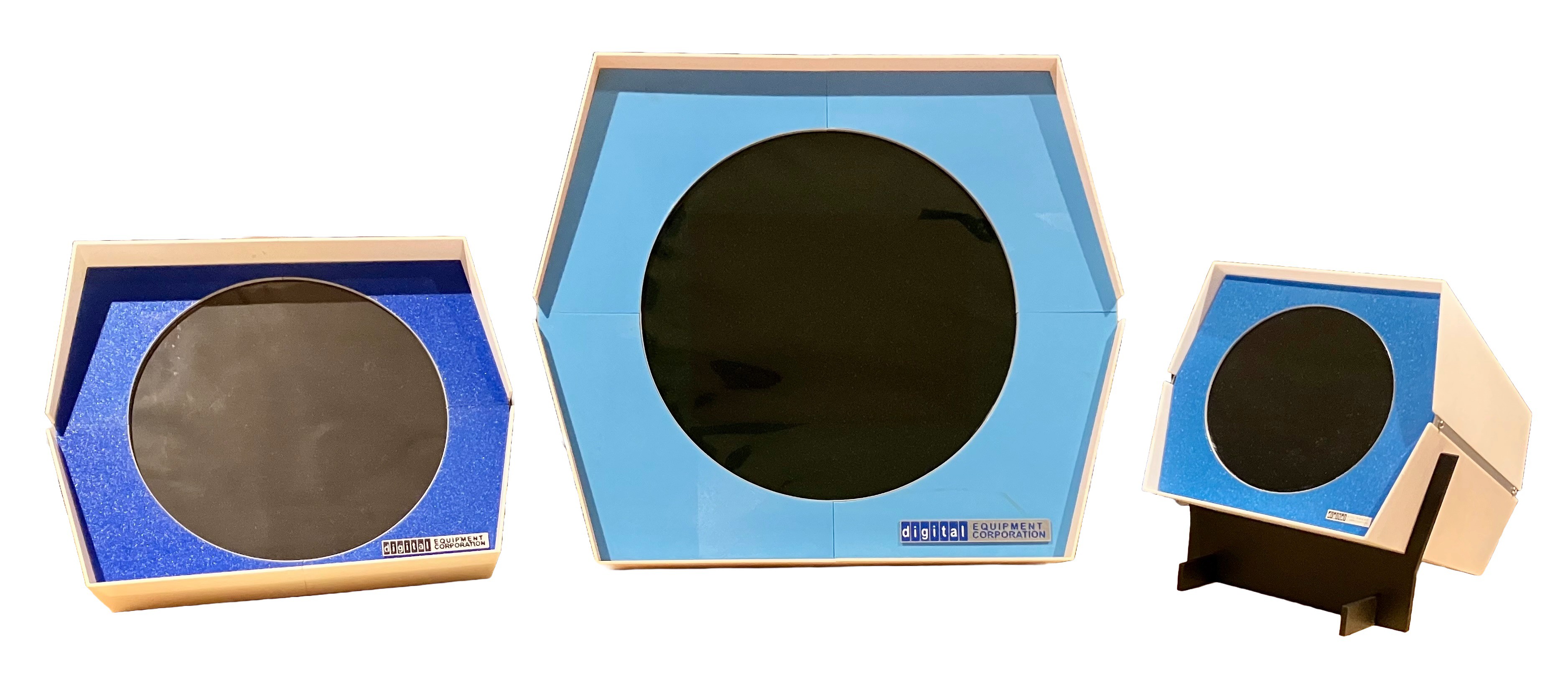
Why three?
- DEC Precision CRT Display Type 30 Reproduction - When I made this first version I was under the impression that the PiDP-1 was a 2/3 scale Replica of the original. I later found out that PiDP-1 is actually at 57% scale plus I had based my model on an invalid assumption w.r.t. the circular screen opening size. Long story short my reproduction was actually at 75% scale and it's big. Too big for my desktop but it will be great for Spacewar! games at my local retro computer meetings.
- Honey, I Shrunk the Type 30 Display Reproduction - I wanted to make a smaller display so I zeroed in on a 50% scale model. Why 50%? Because at that scale a Pimoroni PIM-372 8" 4:3 Display could be easily installed. Later when I factored in my invalid circular screen opening size I realized that the scale was actually 56%, an almost perfect match to the PiDP-1.
- Another Type 30 Display Reproduction At 36% Scale - When I started my Type 30 reproduction project(s) I sent a request to the Computer History Museum (CHM) through their contact page asking if it would be possible to get some measurements of the Type 30 display. In mid-October 2025 I received a reply from a wonderful archivist at the CHM who kindly agreed to take some measurements for me. Based on those measurements I decided to make one last Type 30 display. I chose 36% scale to accommodate a Waveshare 5 inch HDMI Circular Touch Display which other PiDP-1 enthusiasts were using. Because of the relatively small size I decided to model the whole display not just the front part. It was the CHM measurement that the circular screen opening was actually 14" that made me realize that my assumption of a 16" opening based on my misreading of the Precision CRT Display Type 30 manual was wrong, and I had to recalculate the scales of my first two attempts.
Software
With that out of my system I turned to the programming side of the PDP-1. Since I have never written about a software only project before I am in new territory here. But I have a great role model.
Inspiration
I wanted to write some PDP-1 code but didn't know where to begin. The Obsolescence Guaranteed folks have a PROGRAMMING THE DEC PDP-1 - A QUICK WAY TO GET STARTED guide. It's great, but it mostly focuses on using the tools they have provided as part of their distribution (lovingly recreated from original 60s source code) to build an assembly language program and run it on the PDP-1 using a simple circle program as an example.
When I posed the "How do I get started?" question on the PiDP-1 Google Group Oscar pointed to this document, Retrochallenge 2016/10: Ironic Computer Space Simulator (ICSS). Boy was he right. This link documents Norbert Landsteiner's entry to Retrochallenge 2016/10, where he implements a version of Computer Space on the PDP-1. Computer Space was the very first coin operated video arcade game introduced by Nolan Bushnell in 1971.
After a short overview of the origins of the PDP-1 machine and the Computer Space game the ICSS document is broken up into Episodes (chapters). Episode 1 has a brief description of the PDP-1 architecture, the characteristics of the Type 30 Display, an overview of Computer Space, and an outline of how Computer Space might be implemented...
Read more »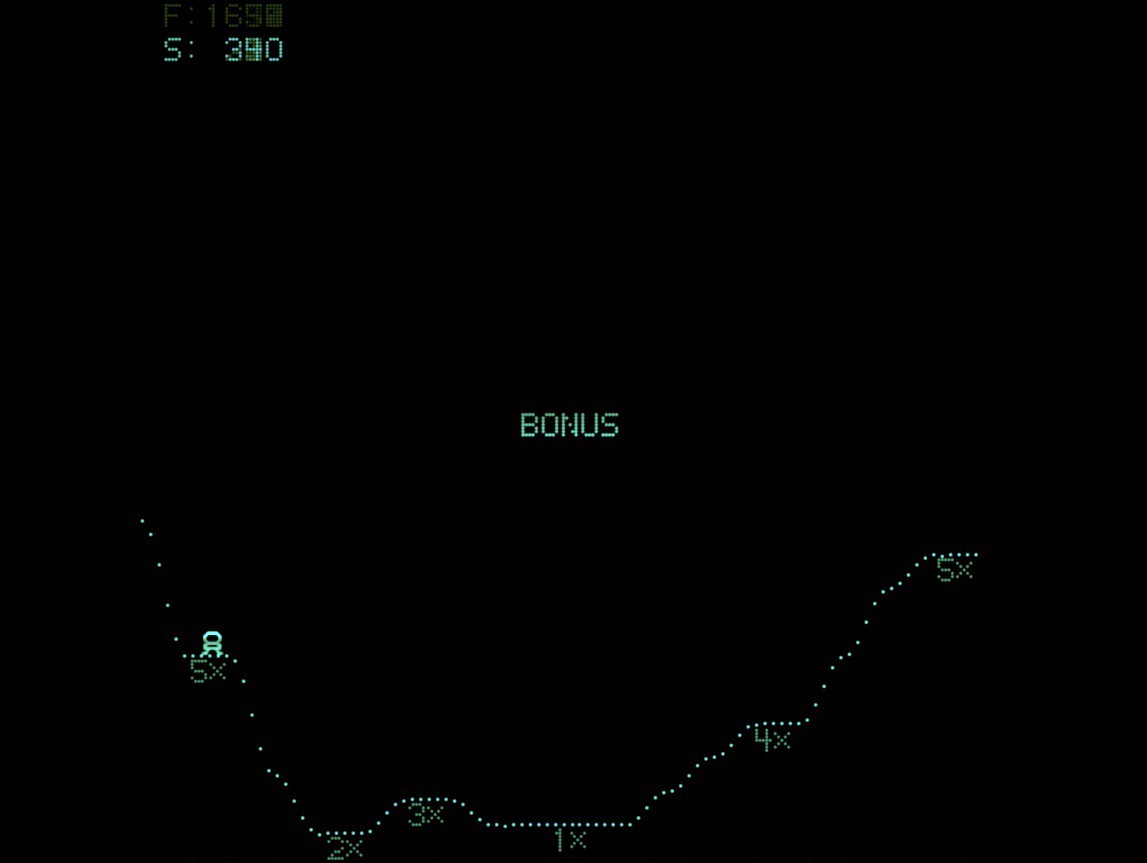

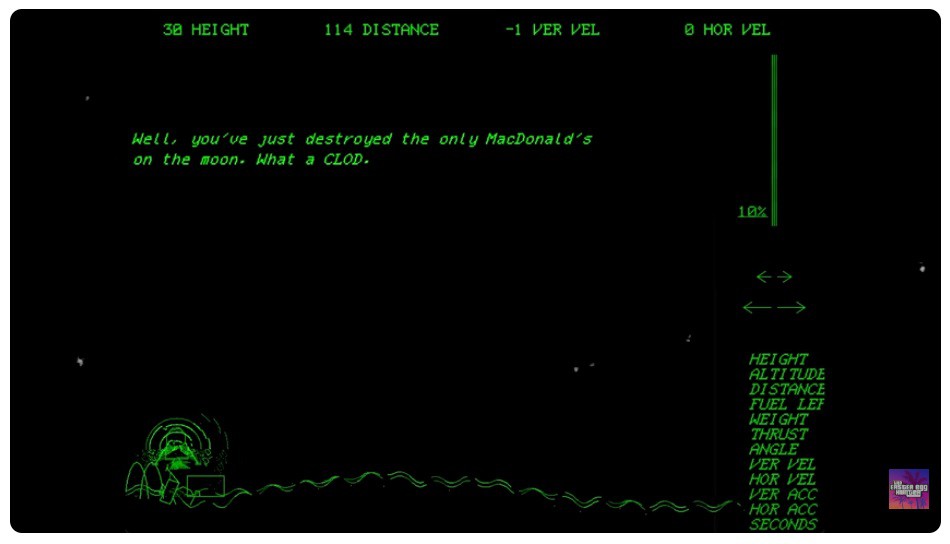
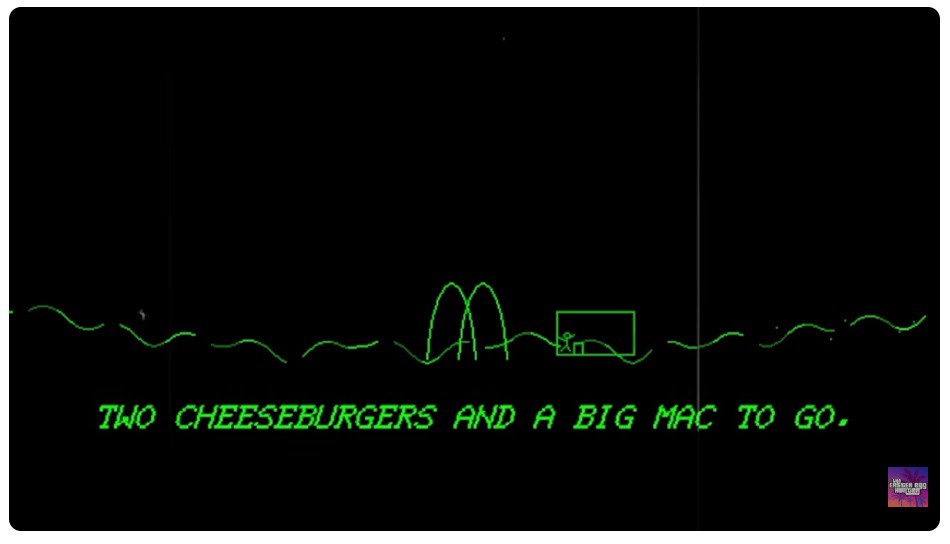
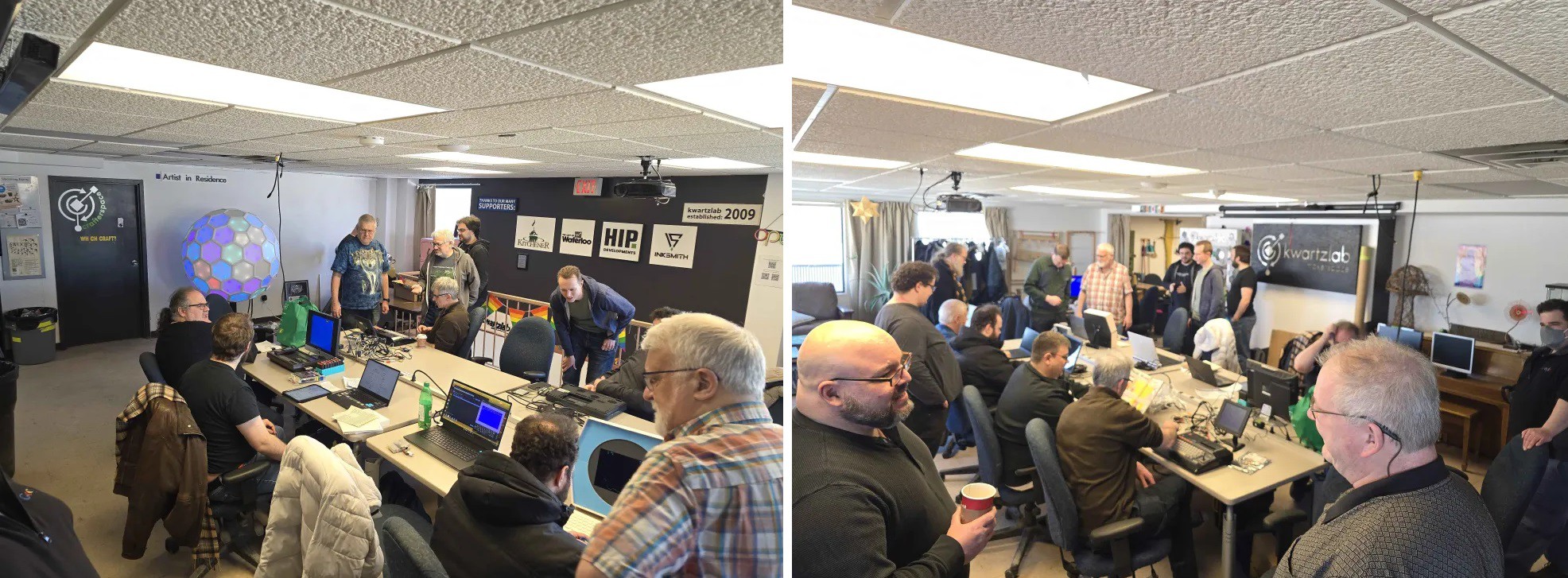
 One thought is to have an increased fuel "bonus" based on the fuel cost of landing on that target. Maybe that could be combined with a "big" bonus score for landing at all six zones? Or what about a random 6x (or more) multiplier replacing one of the exiting zones for the current landing only. Lots to digest here.
 fid
fid
 Timescale
 smiley8088
An absolute masterpiece in many ways. That this runs on 1959 hardware is nothing short of amazing. Let's get it on the real PDP-1 at CHM! (Which will also be the ultimate acid test for the PiDP-1 simulator). Thank you!!