CHAOS.TANG
-
Stepping execution
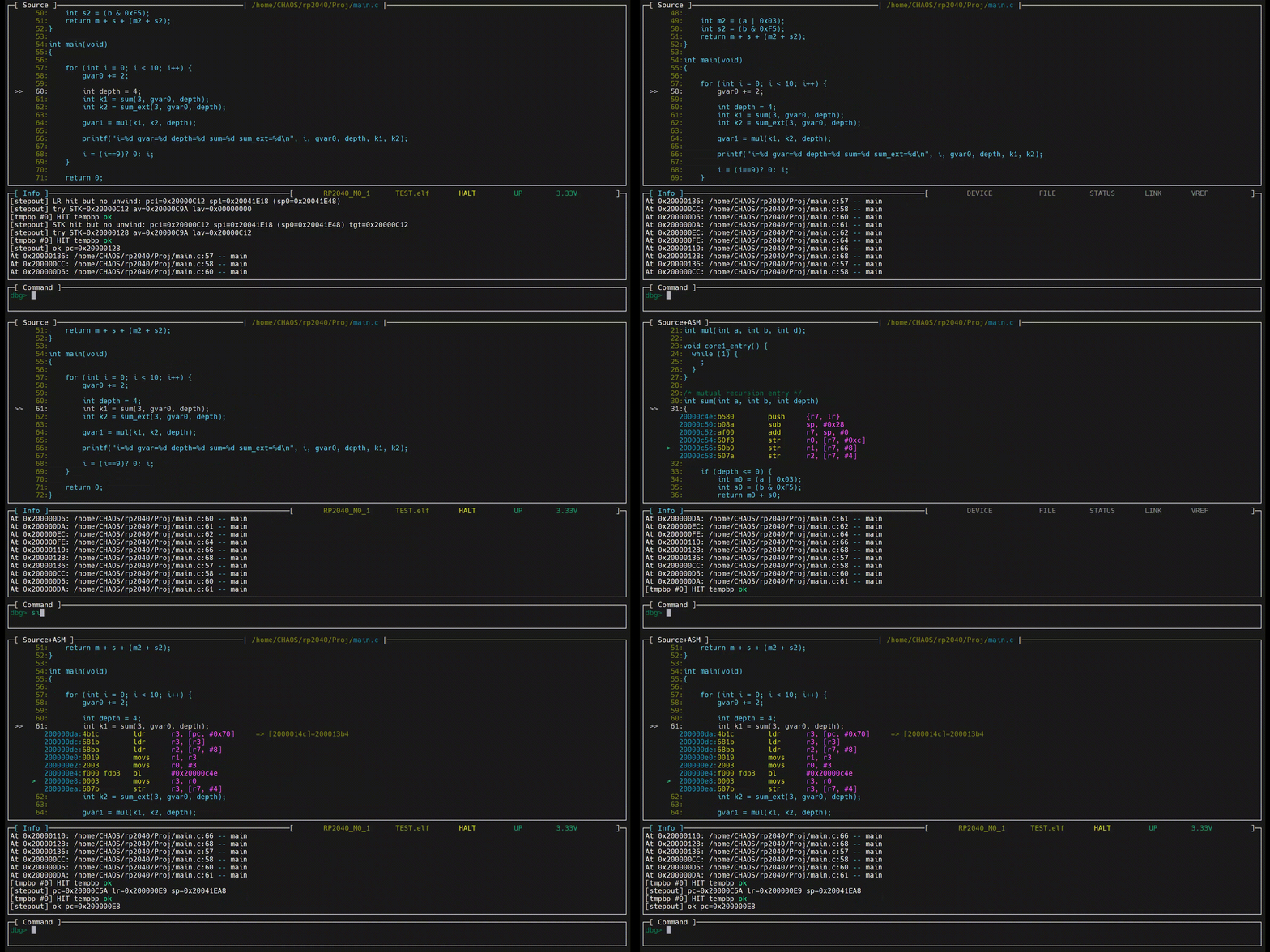
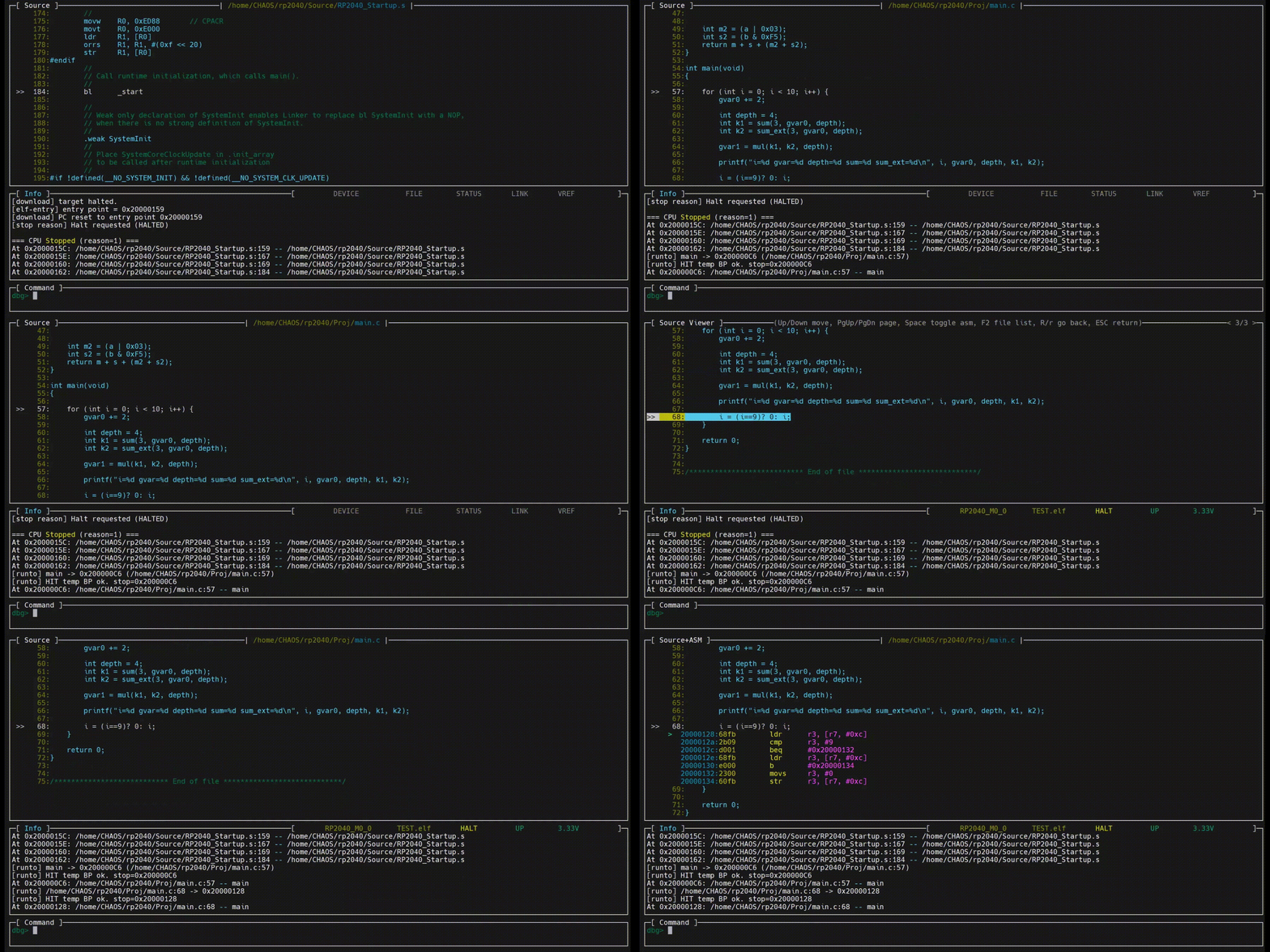
02/06/2026 at 09:46 • 0 commentsThe animation below shows instruction stepping, C-level stepping, Step Into and Step Out operations, and mixed C/assembly debugging.
![]()
![]()
-
Debugging libraries without source code
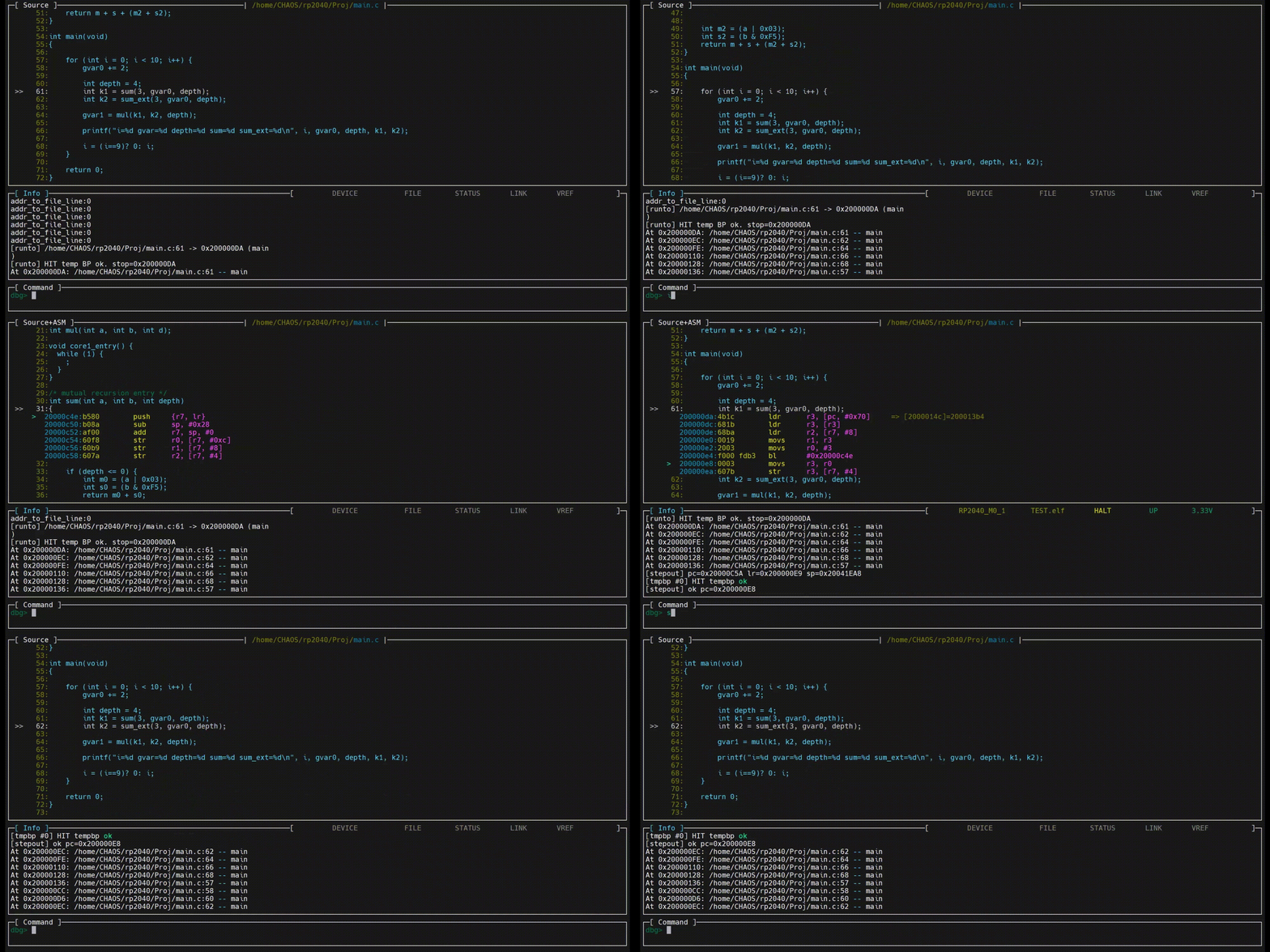
02/06/2026 at 09:42 • 0 commentsThe animation below shows debugging scenarios involving libraries that do not have source code available.
![]()
-
RTT
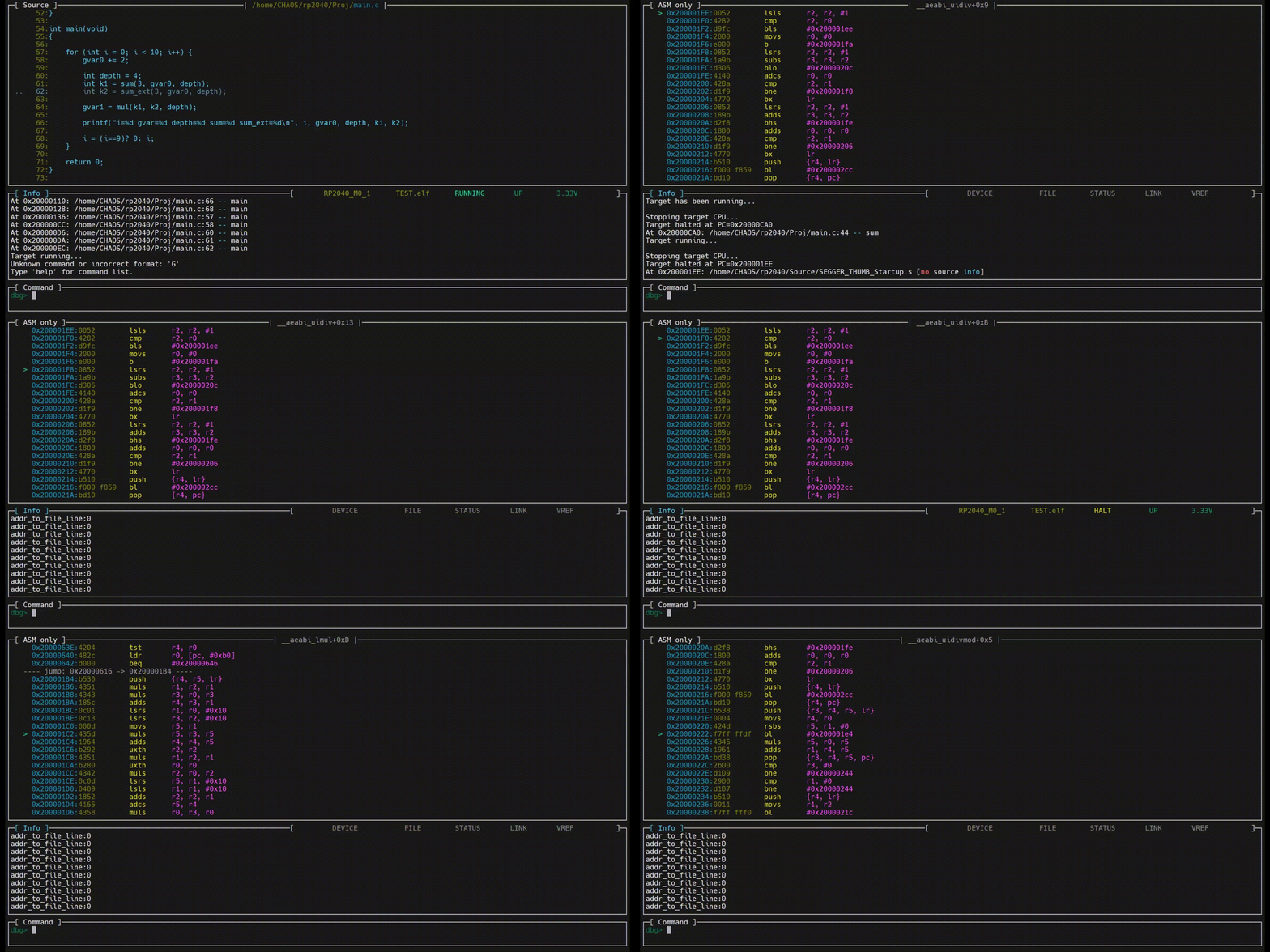
02/06/2026 at 09:36 • 0 commentsThe following animated image demonstrates real-time transfer (RTT) communication.
![]()
-
Dual-core debugging
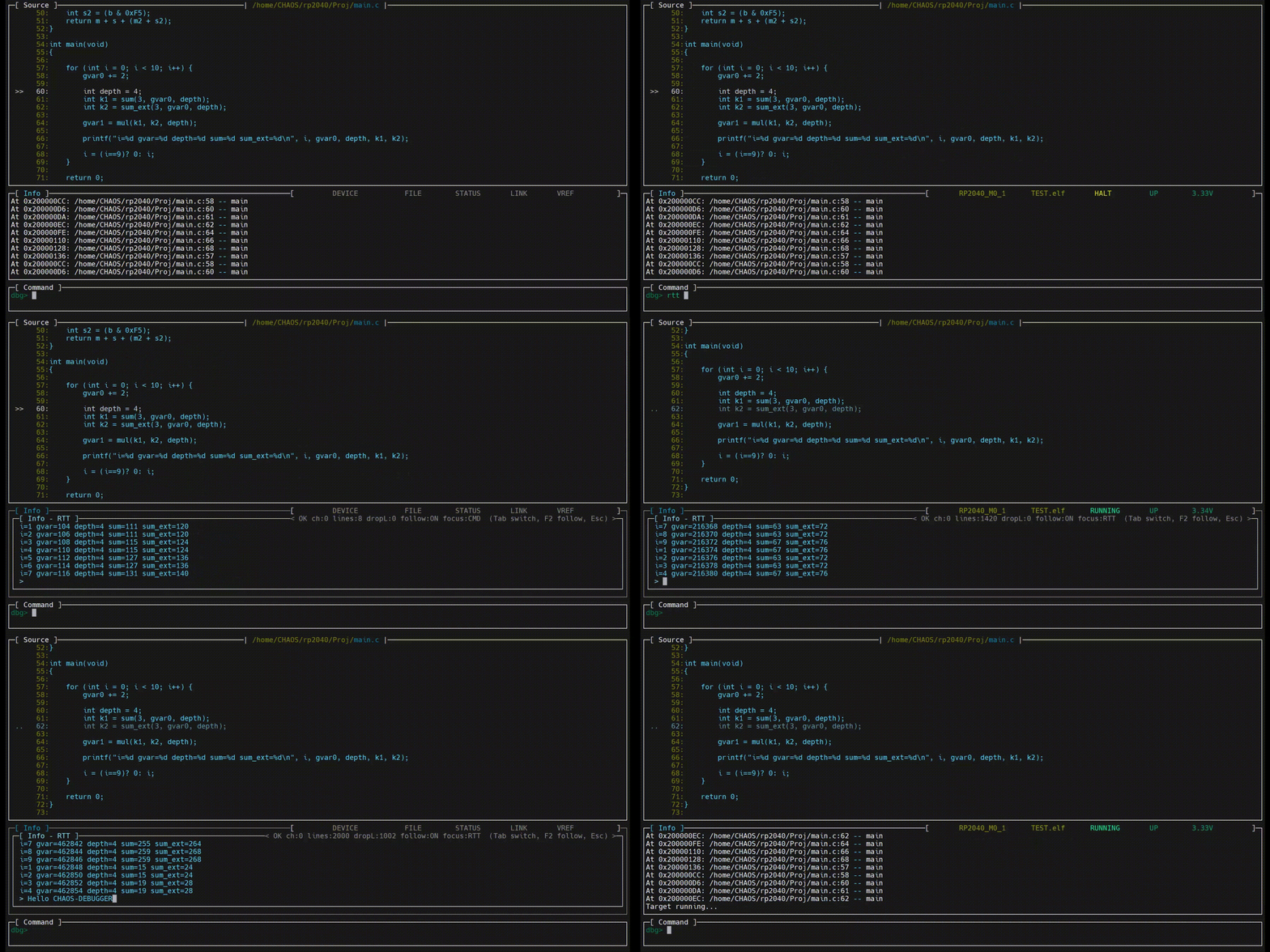
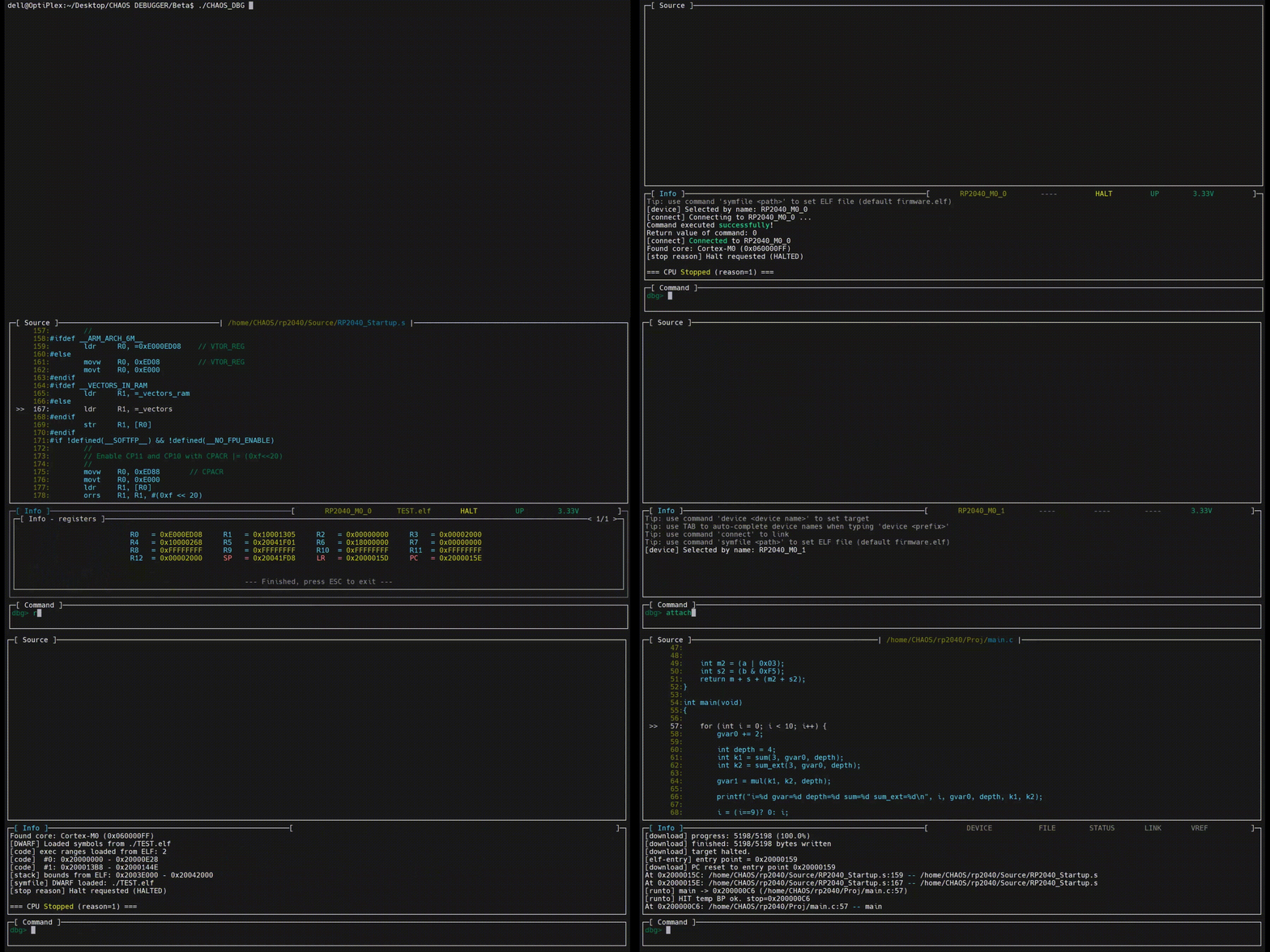
02/06/2026 at 09:31 • 0 commentsThe following animated image demonstrates simultaneous debugging of RP2040 CORE0 and CORE1.
![]()
-
Setting breakpoints
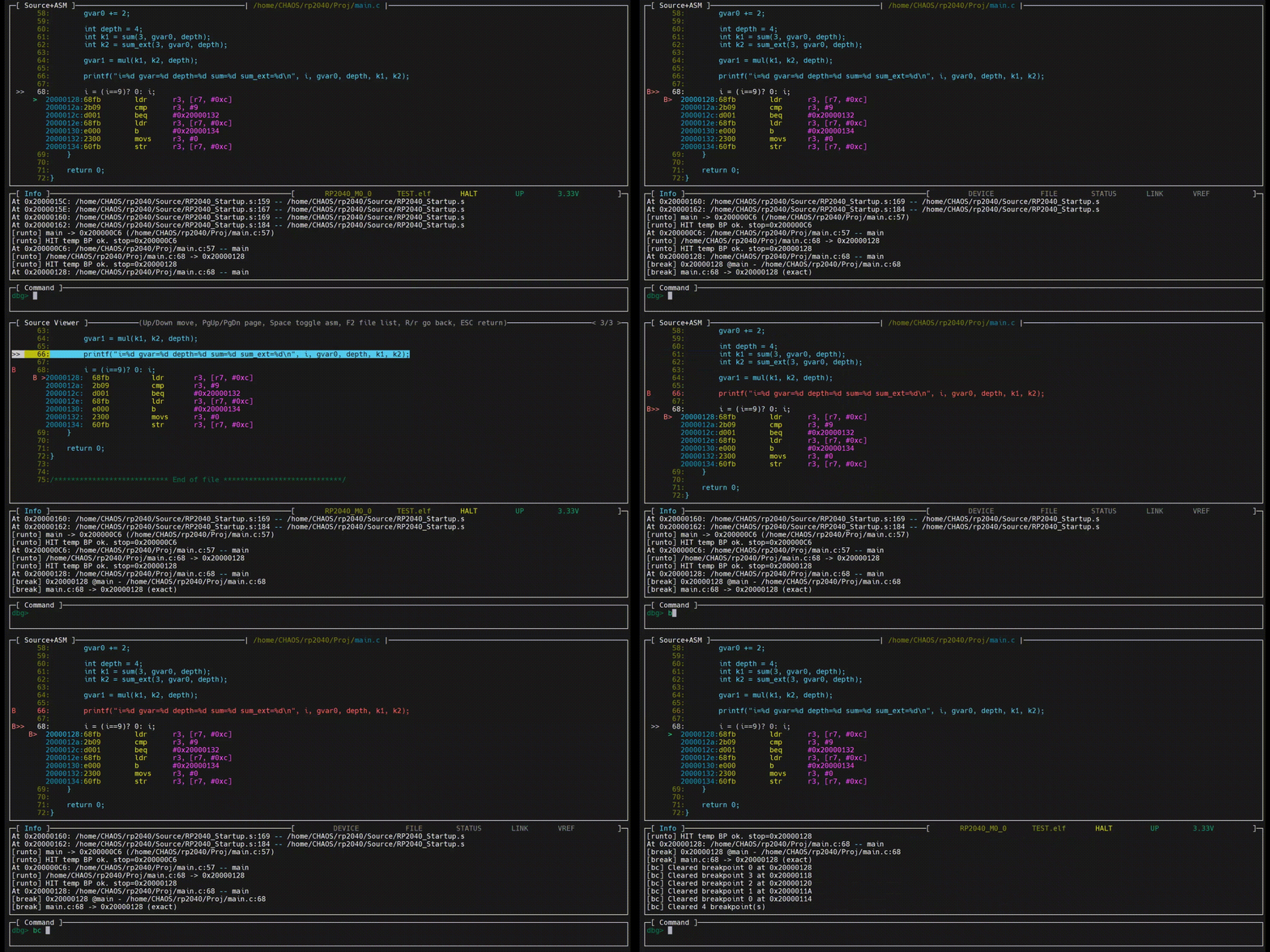
02/06/2026 at 09:29 • 0 commentsThe following animated image demonstrates breakpoint placement using both the command-line and graphical interfaces.
![]()
-
Run-To
02/06/2026 at 09:18 • 0 comments
The following animated image demonstrates the Run-To feature in both command-line and graphical interfaces.![]()
-
Basic operations
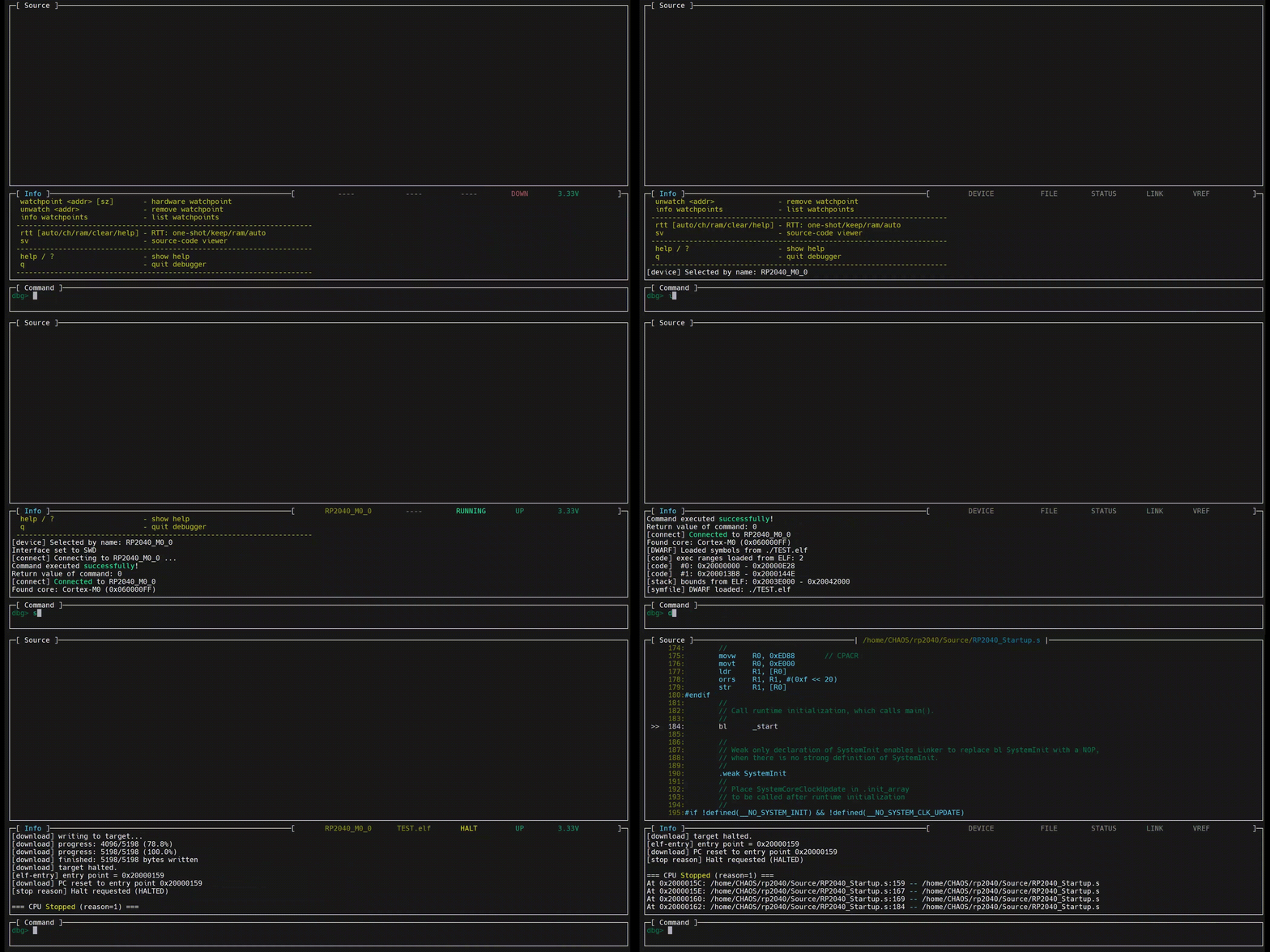
02/06/2026 at 09:11 • 0 commentsThe following animated image demonstrates how to select the target processor, configure the debug interface, load an ELF file, and download the code.
Note that the image also shows the TAB-based auto-completion for device part numbers.
![]()
-
View the list of supported target processors
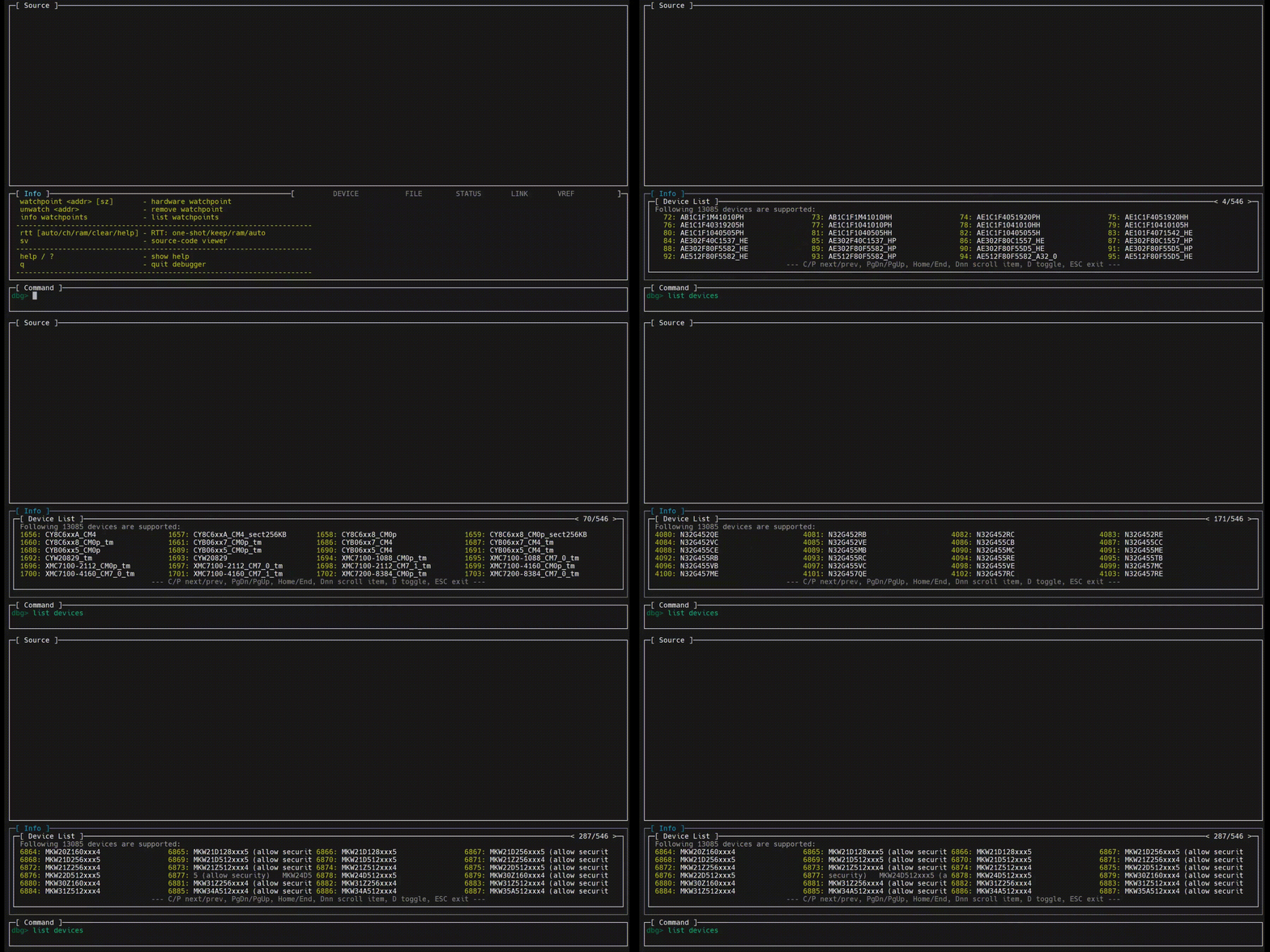
02/06/2026 at 09:05 • 0 commentsThe following animated image demonstrates how to view the built-in list of supported target processors.
For longer device part numbers, scrolling display can be enabled.![]()
-
Startup Splash Screen
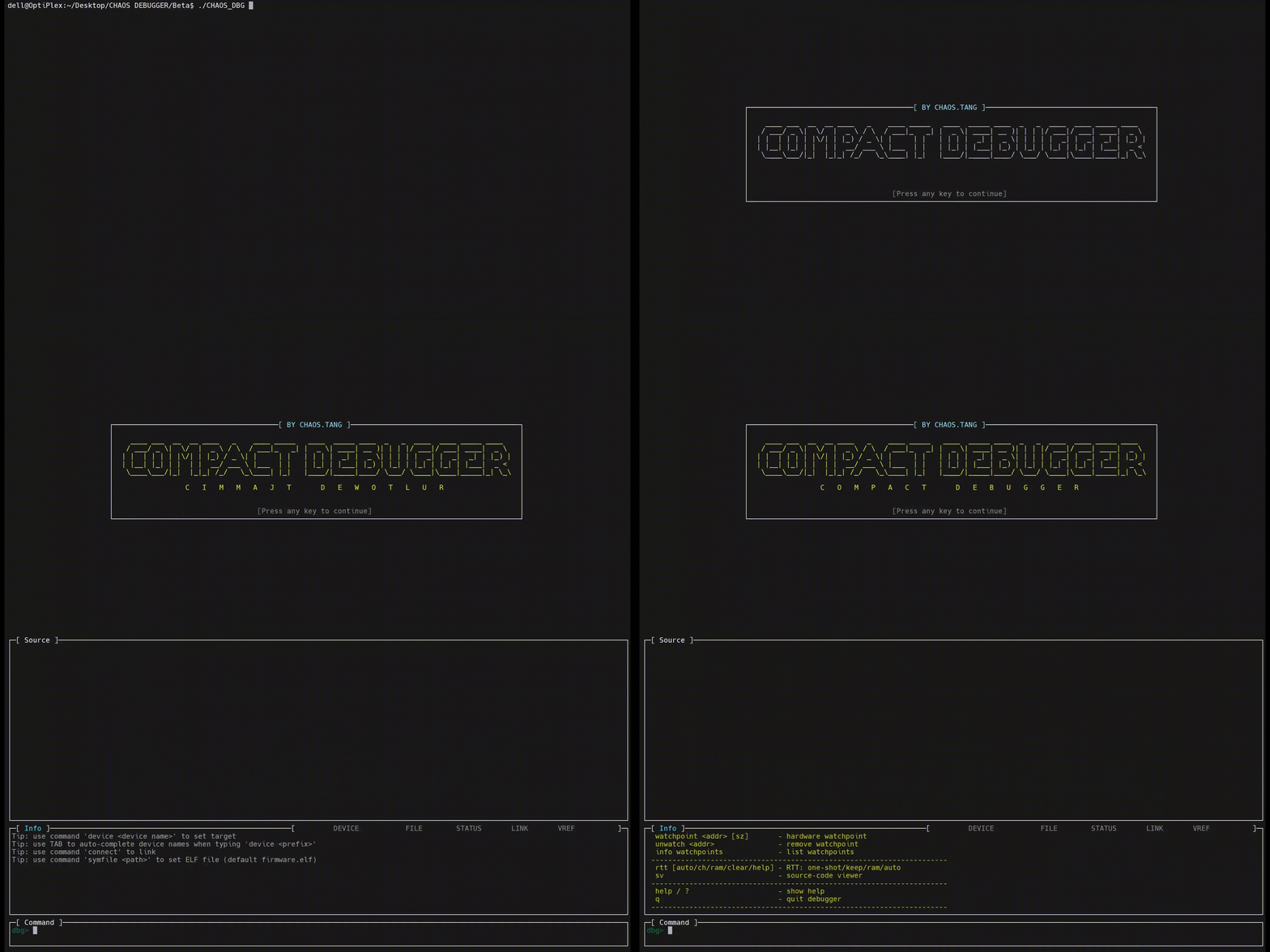
02/06/2026 at 08:44 • 0 commentsThe following image shows the startup splash screen.
![]()
Debugger Dedicated to Embedded Systems
Compact Debugger is an embedded-specific debugger written entirely in pure C, designed for efficiency and low resource usage.