#include"driver/uart.h"voidforce_uart_inversion(){
// The ESP32-S2 has two UARTs. UART0 is the logger, UART1 is our heater bus.// This commands the silicon to physically invert the RX and TX pins.
uart_set_line_inverse(UART_NUM_1, UART_SIGNAL_RXD_INV | UART_SIGNAL_TXD_INV);
}
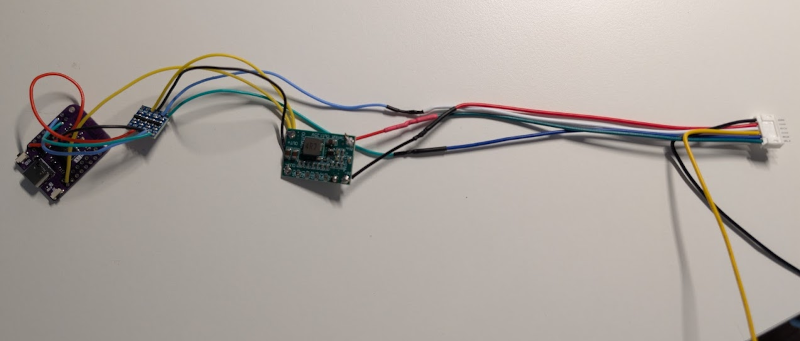
Plugged into and powered by the Yutampo connection, I connect via Telnet and get the following:
My home has Hitach heat pumps that are used for air-air AC and domestic hot water. For several years, I have used Hitachi's proprietary cloud gateways and app to control the AC units. In 2019 I partially reversed engineered the Hi-Kumo cloud protocol and built a custom MQTT Home Assistant integration: https://github.com/dotvav/aasivak. In 2023 I teamed up with the maintener of the Hi-Kumo integration in Home Assistant to add support for the air-air heat pumps. I was always annoyed to be forced to use the Hi-Kumo cloud, and in 2025 I found that someone had created a fully local ESPHome integration: https://github.com/lumixen/esphome-hlink-ac.
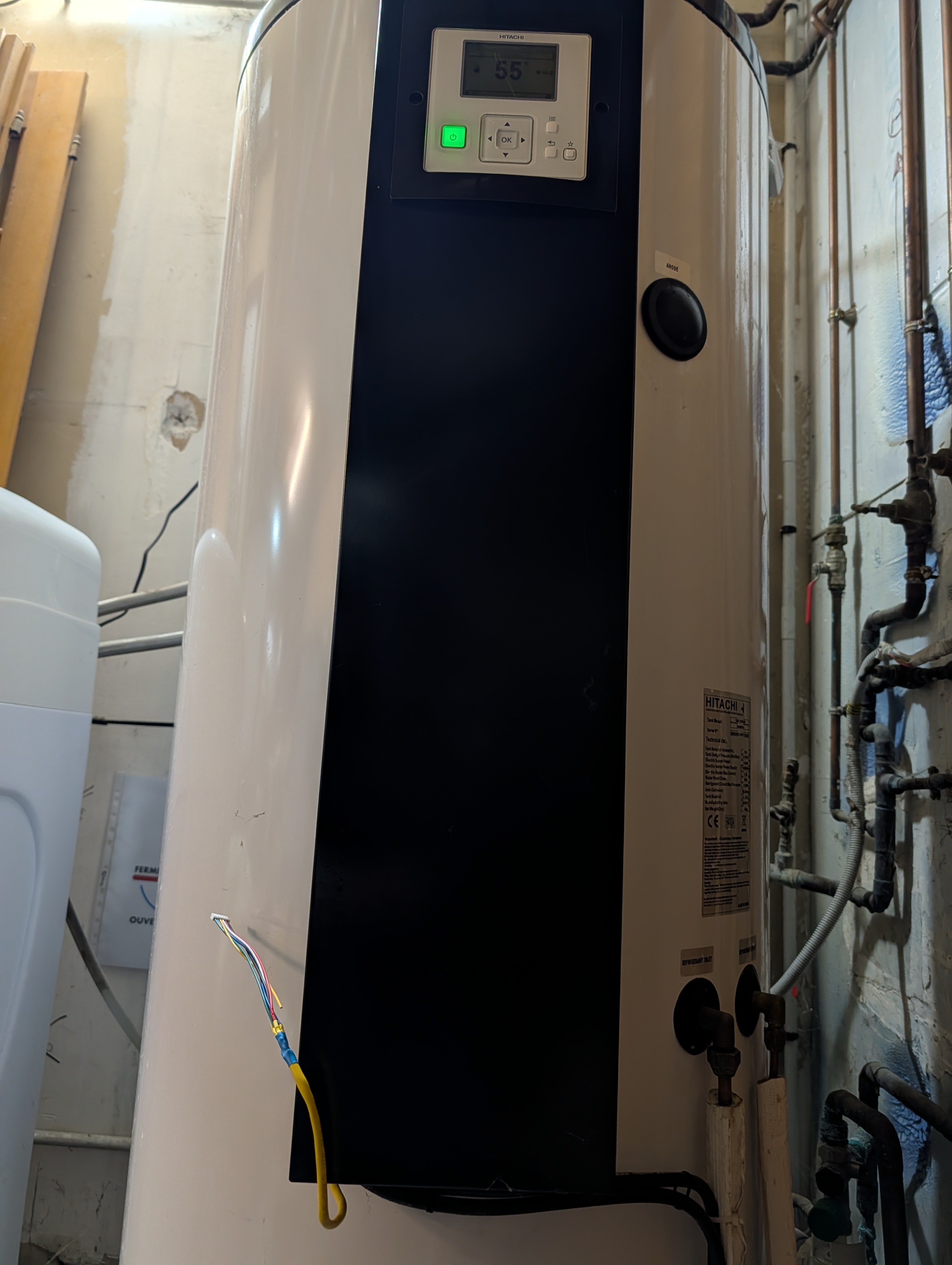
When the water heater was installed at home, I was told there was a domotic integration available, but it was very expensive and required a separate cloud gateway. I decided that it was a nice to have, but I did not need it. Now that I have found how "easy" it is with the air-air AC, I want to figure out if it is also possible for the water heater.
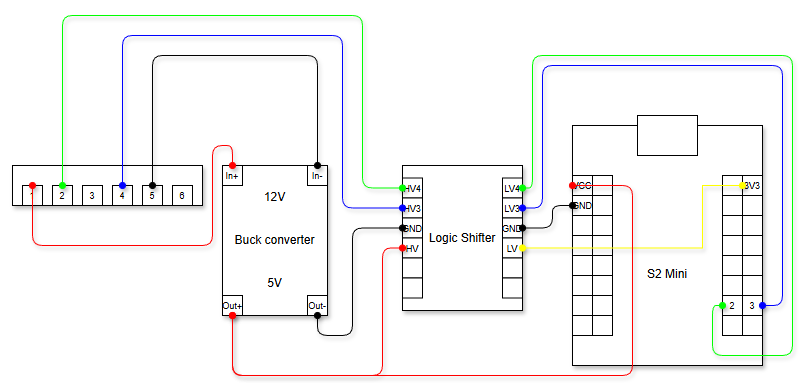
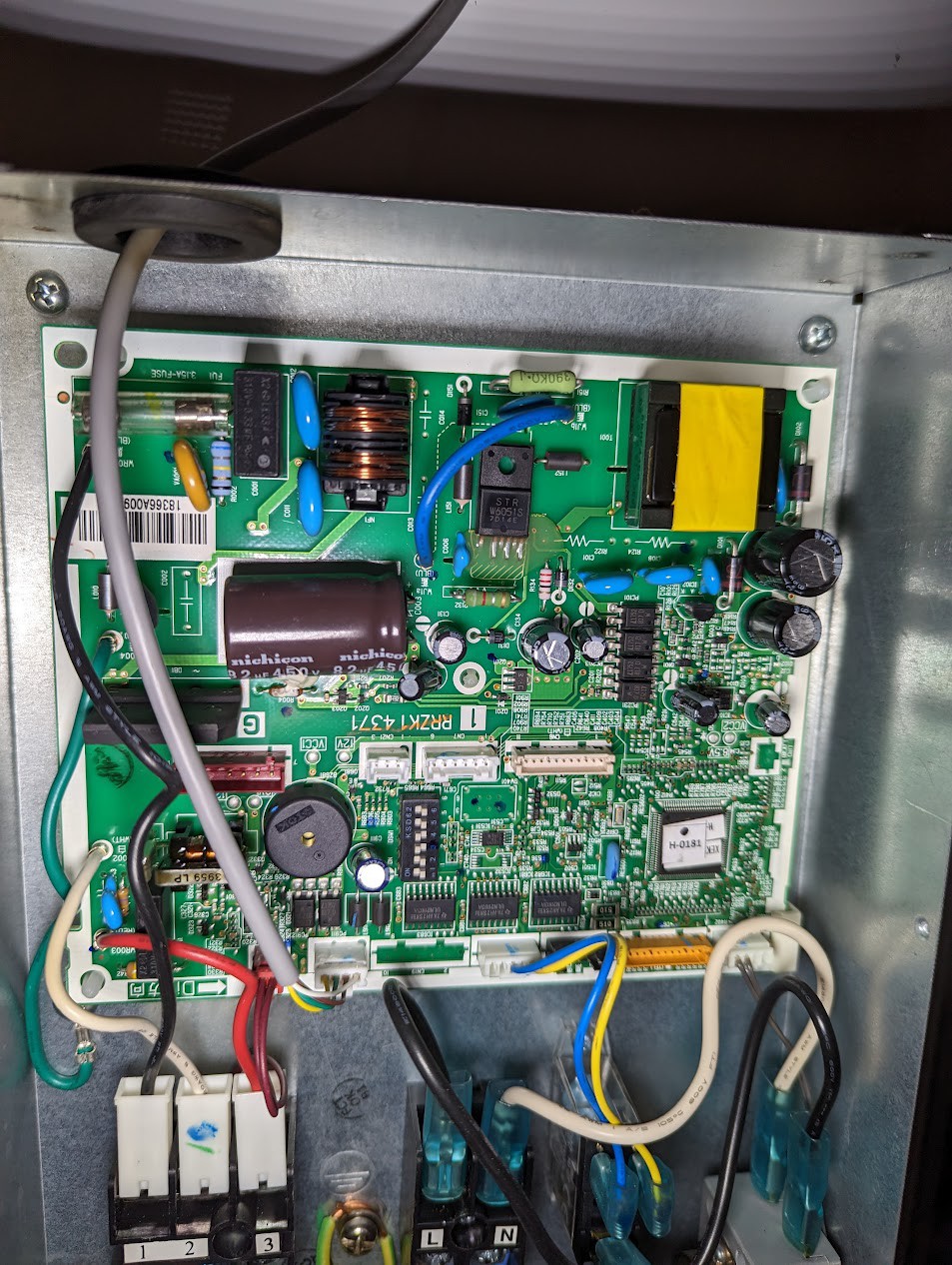
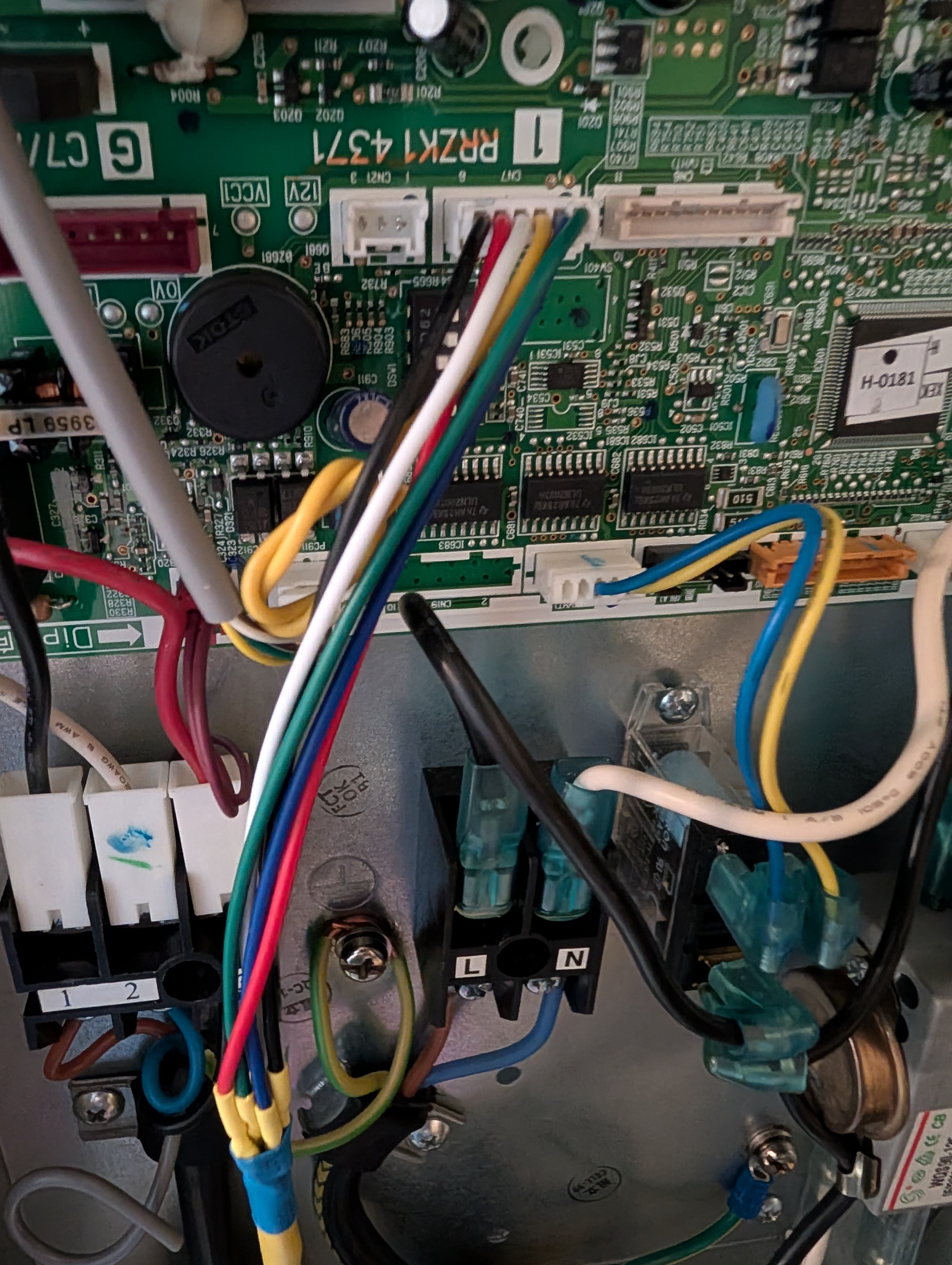
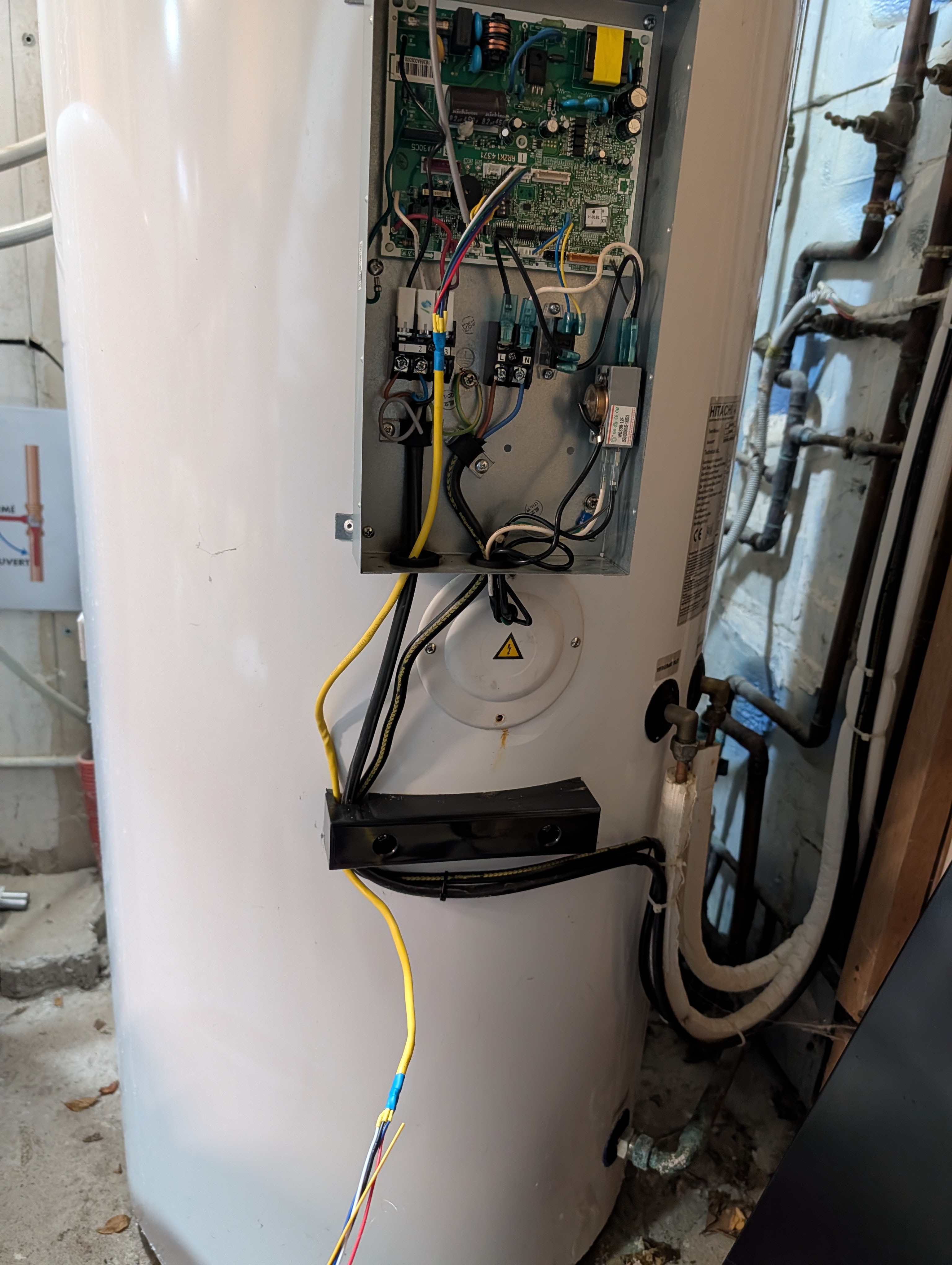
Because the Yutampo water heater has the same 6-pin "JST PH 2 mm" connector labeled "CN7", I thought it would be very similar. I tested the different leads with a voltmeter and they seemed to match:
Pin
Level
Signal
1
12V
+VCC
2
5V
TX
3
-
-
4
5V
RX
5
0V
GND
6
5V
?
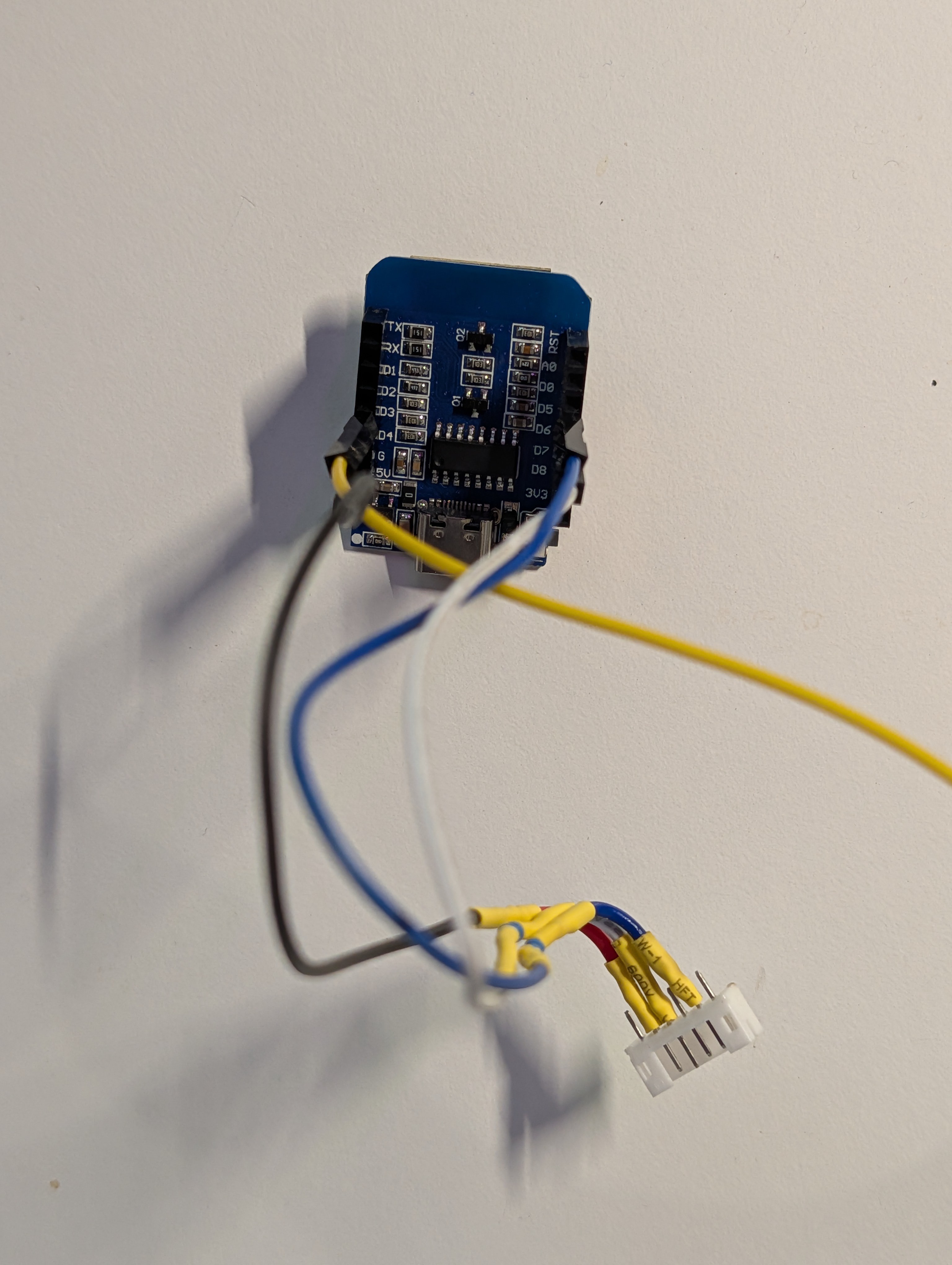
I tried pluging in one of my Lumixen air-air AC ESPHome modules, but it wouldn't work at all. One of the differences is the AC units can receive read and write commands, and this is signaled by the pin 6 being low (shorted with GND). On the Yutampo, it is high by default, and shorting it with GND provokes a VCC collapse from 12 to 2.4V, so I stopped trying that.
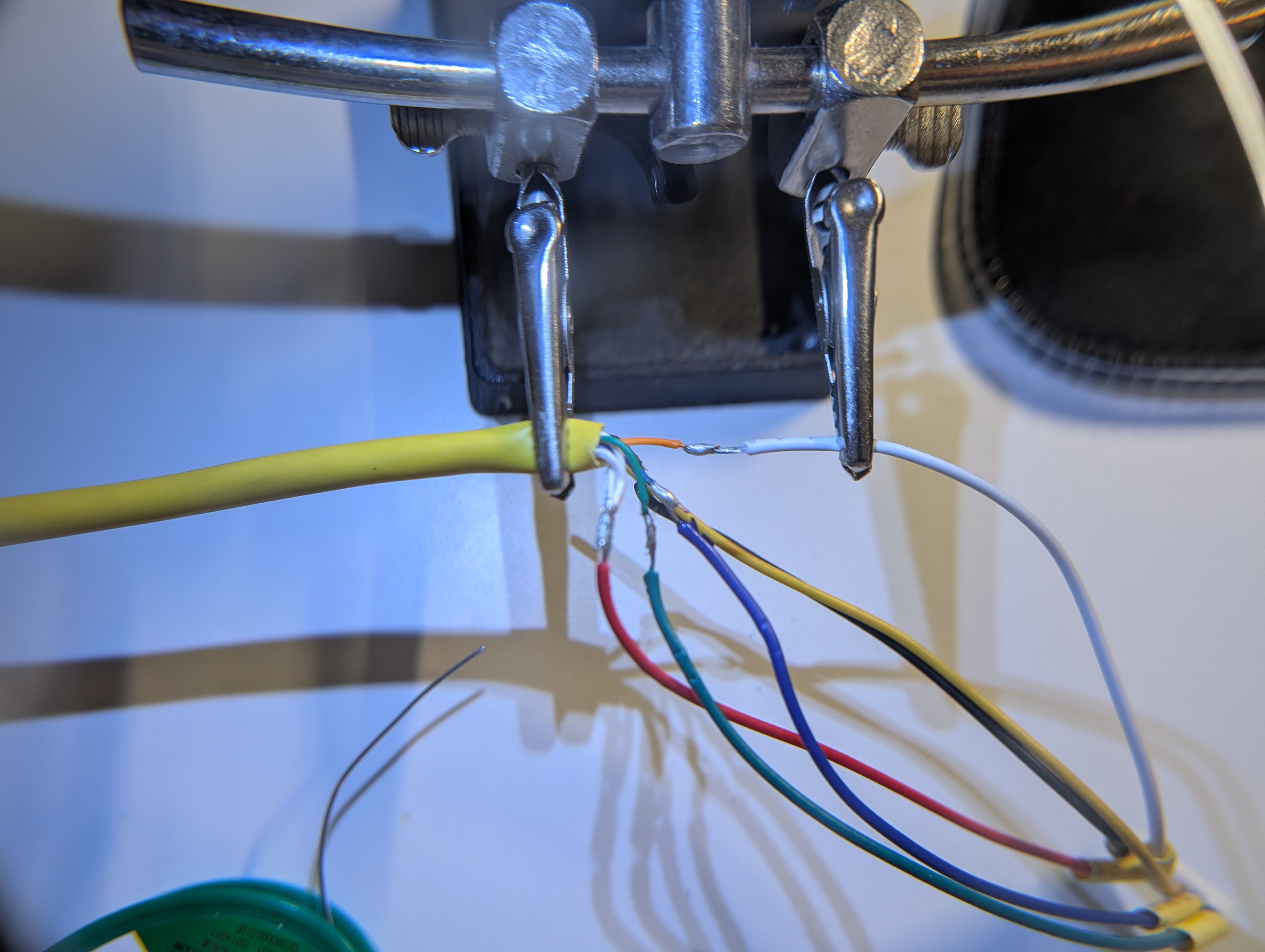
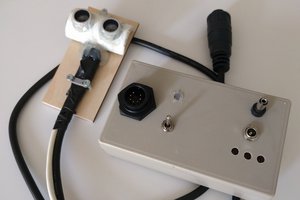
In order to run tests without having to open the motherboard's enclosure, I recycled an old ethernet cable and soldered a 6-pin "JST PH 2 mm" connector on both ends. The Hitachi end is close enough to that form factor, and the connector needs only a little bit of filing to fit in it.
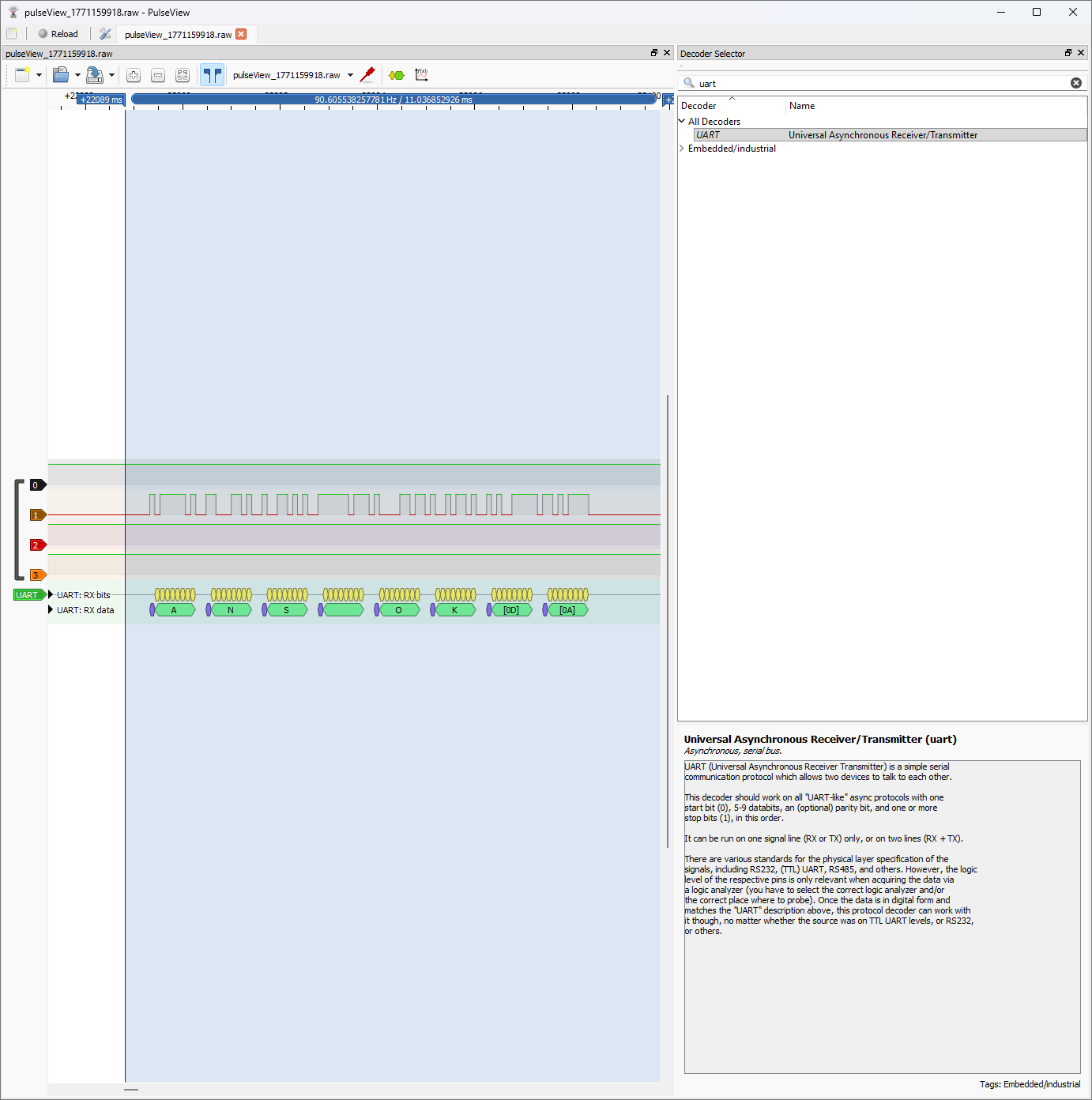
I powered with an USB power bank and plugged pins 2, 4 and 5, turned off the water heater, started the measure, and turned on the water heater. When done, I loaded the data in PulseView, played a bit with the UART analyser and found the following:
Type: UART
Speed: 9600 bauds.
Configuration: 8 bits data, no parity, no stop (8N0 observed).
The same "ANS OK" message is being emitted by the motherboard every 3s.
My next step will be trying to send messages and see if it accepts the same message formats as the AC units and, if not, try my luck with some standard messages like "?", "help", "stat", "info", "ver"...
If nothing works, I may try to procure myself some working supported Hitachi devices and spy on the protocol, but these things are not particularly easy to find or cheap. I'd need an "ATW-HCD-01" adapter (that converts the 6 pins CN7 H-Link connection into a 2 wires one) and an "ATW-TAG-02" (that connects this into some cloud solution).