• Improving the LEDs

    Tony Goacher3 hours ago 0 comments

    All the files required to build you own can be found here.

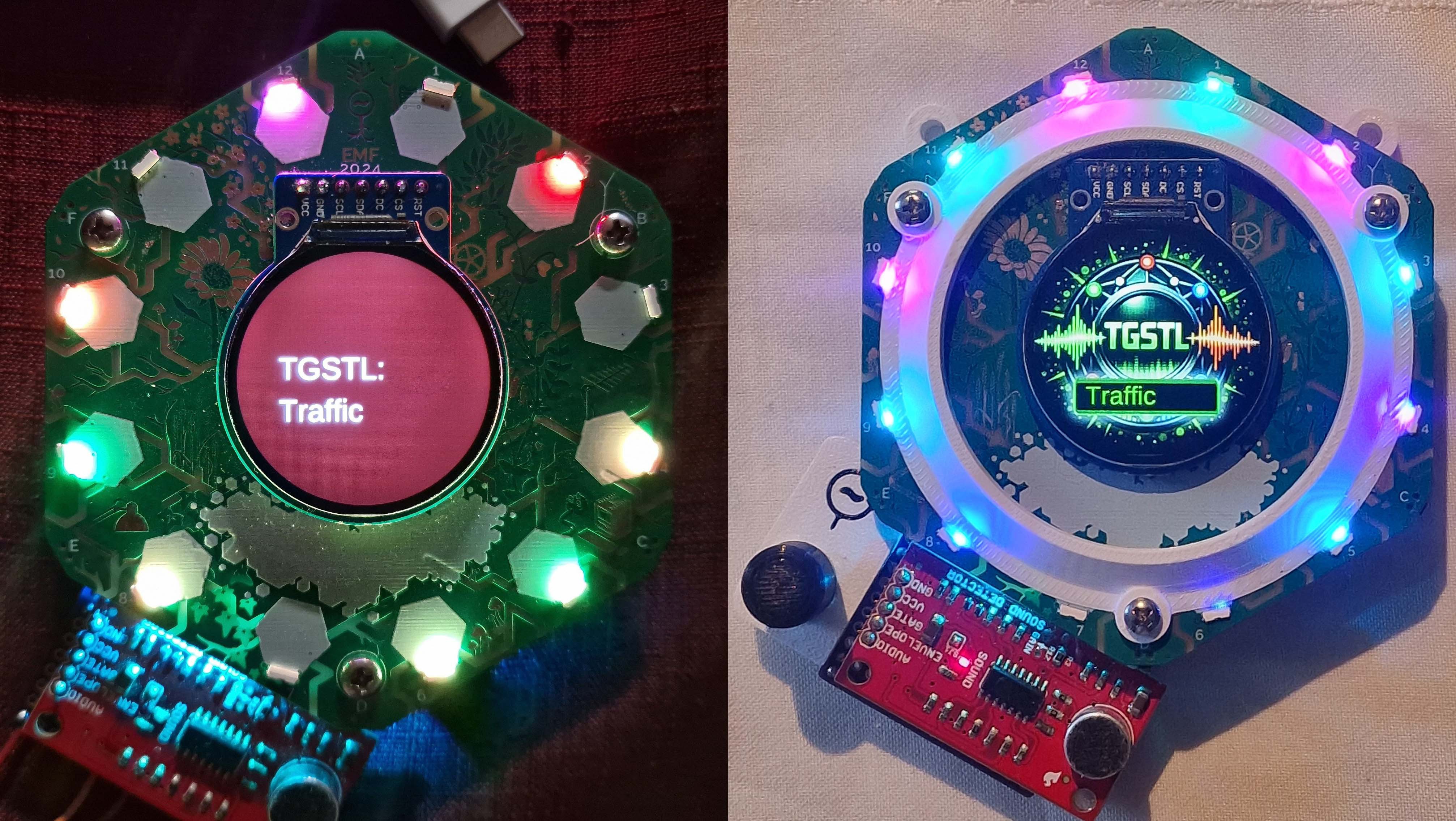
    The tildagon badge LEDs are surface mount affairs that throw their light horizontally.  With a green PCB the light is obviously going to be sub optimal. In an effort to mitigate this the badge team uses a white silkscreen and places large (1cm sq?) pads in front of each LED to improve the light reflection.

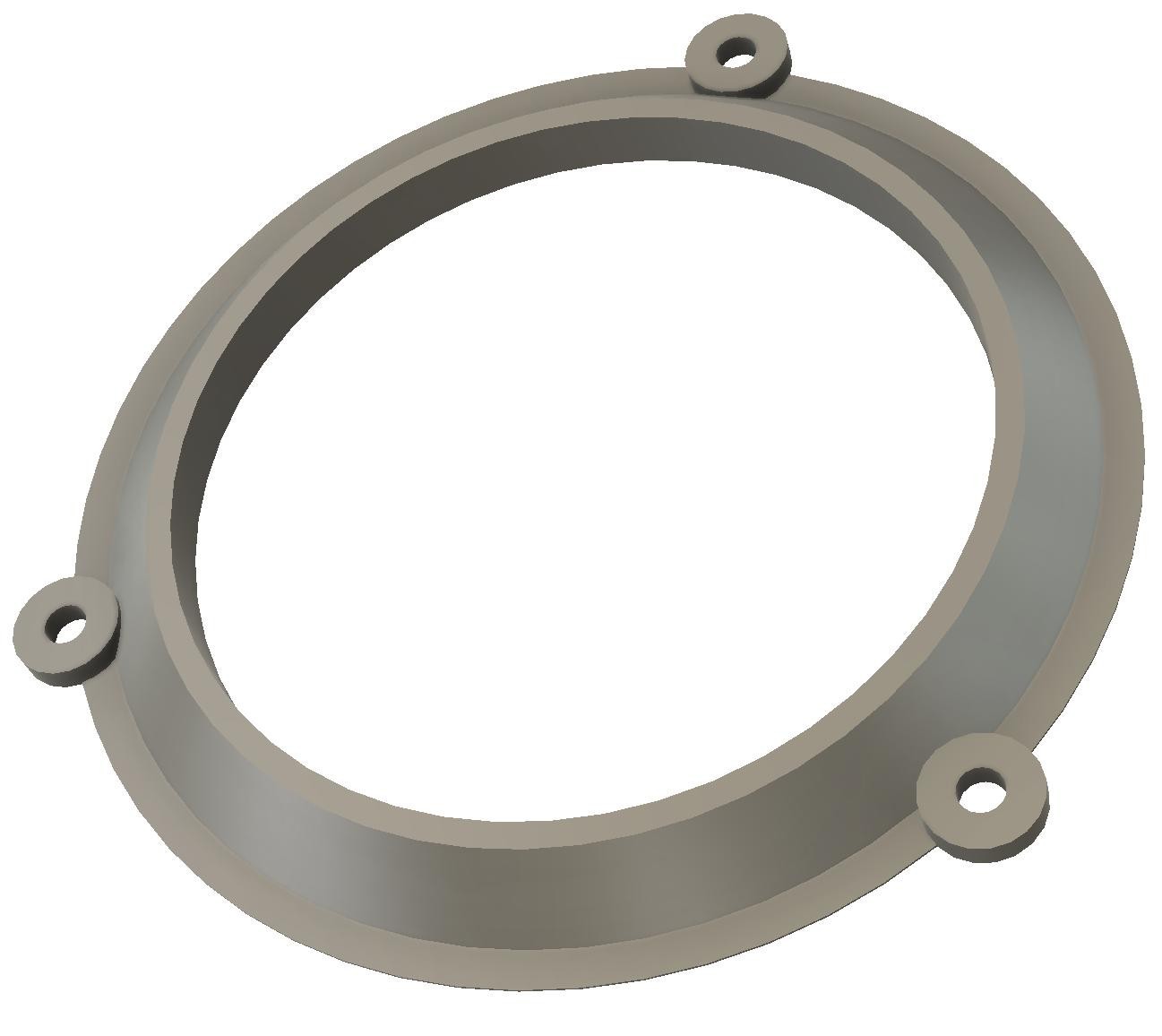
    I found this a bit underwhelming so I created a 3d printable diffuser that has a sloping face to maximise the amount of light that is reflected. It has holes that align with the main badge screws so is easily mounted. 

    With a significantly increased surface area to reflect the light, the improvement is noticeable!

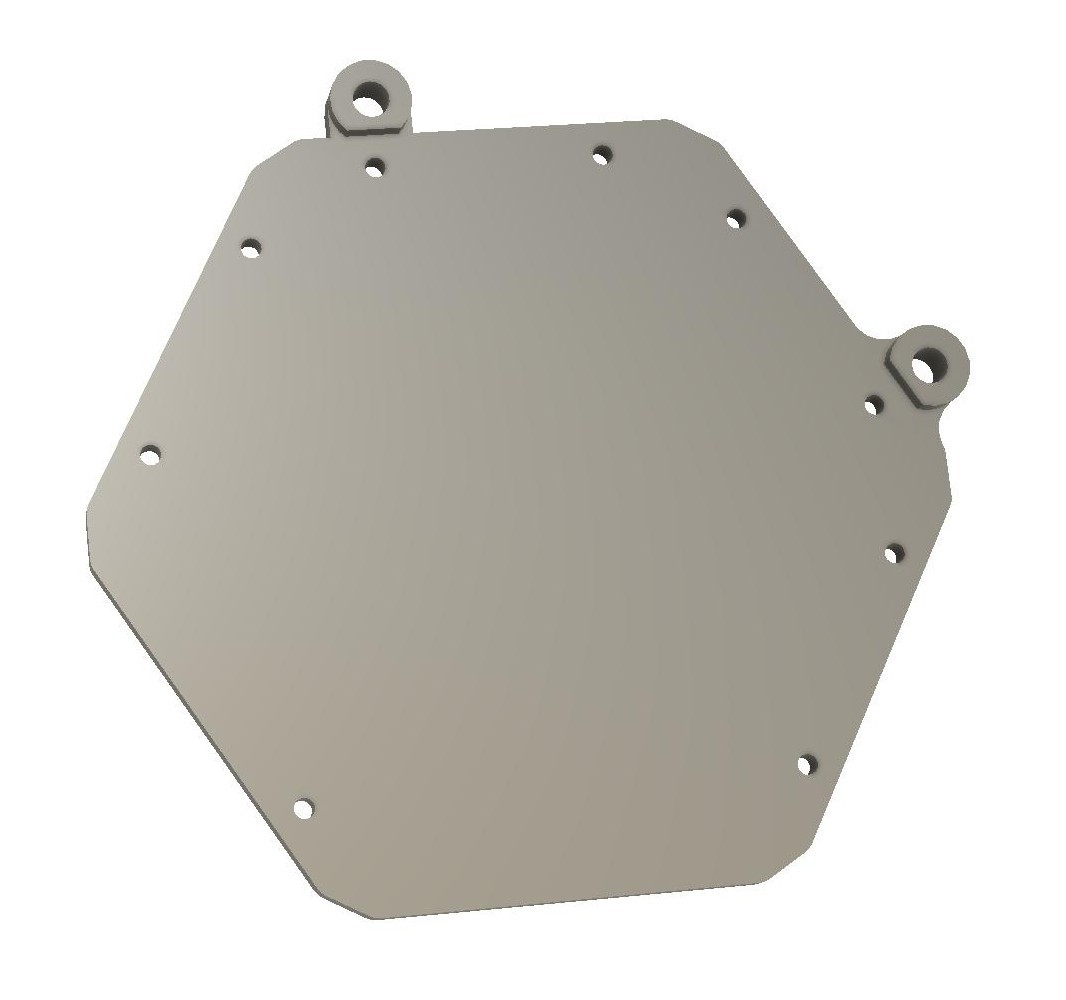
    The use of a USB cable as a lanyard is a great idea, but I found the thin cable a bit irritating around my neck so I created a 3d printable badge mount with lugholes to allow it to be attached to a standard 2 point lanyard.

    Overall I had great time with this project. I hope to see others using it in 2026!

  • The build

    Tony Goacher5 hours ago 0 comments

    There's full instruction on how to make your own here.

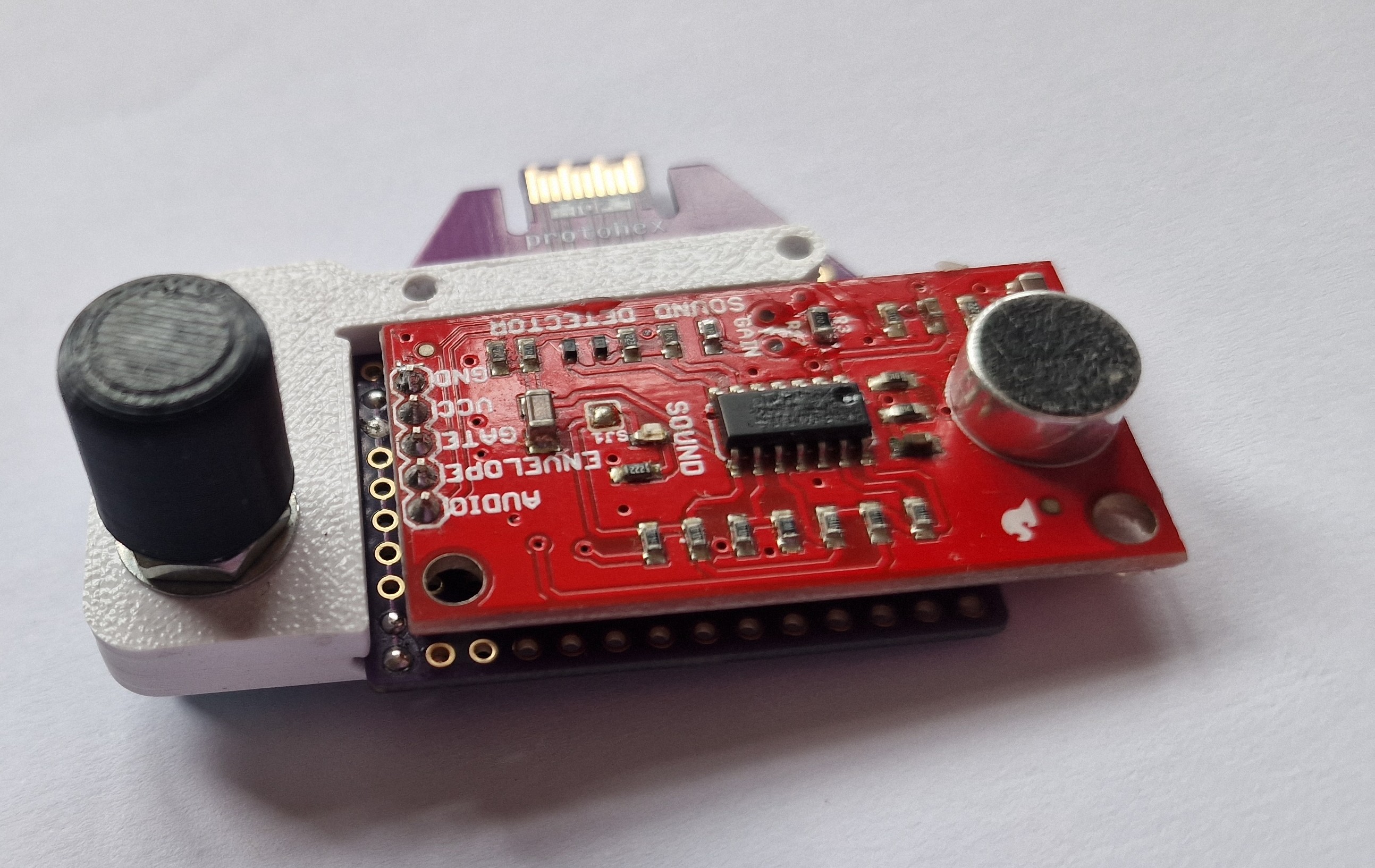
    I've used the Sparkfun sound detector module in several other projects and I've been impressed with it's performance when used with the appropriate demo software here by Michael Bartlett. It's one of the best DIY sound to light applications I've seen.

    The first unknown was will the detector board run from 3.3V. The board specifies a supply voltage between 3.5 and 5.5V, with 5V being 'ideal'. The board uses an LMV324 op amp, and the datasheet for this states a supply voltage between 2.7V-5V.

    I tested this by hooking the board up to a bench power supply. It did work, but I found it significantly less sensitive at this voltage. However, the gain of the circuit can be changed by adjusting the value of R3 and I found a value of 200k seemed to work well. This is an 0805 style device so it's pretty easy to swap for someone with basic soldering skills.

    I needed to get the sound detector board connected to the tildagon, the Hexpansion ports were the obvious choice for this. The software requires an analog input, but not all hexpansion ports have this.

    I chose port 4 (J4) as this will minimise the width when wearing the badge.

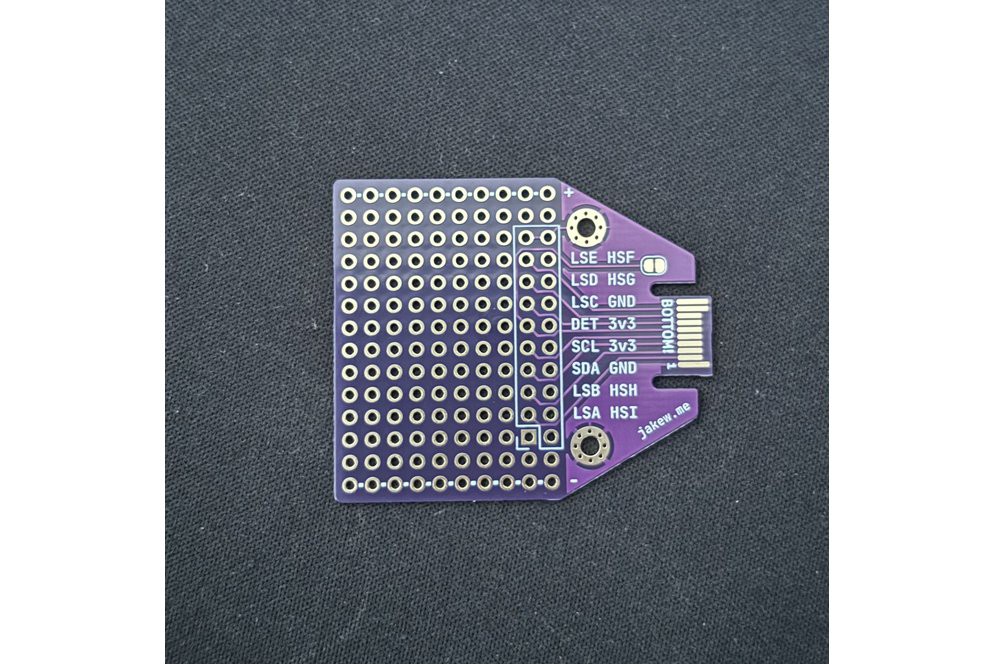
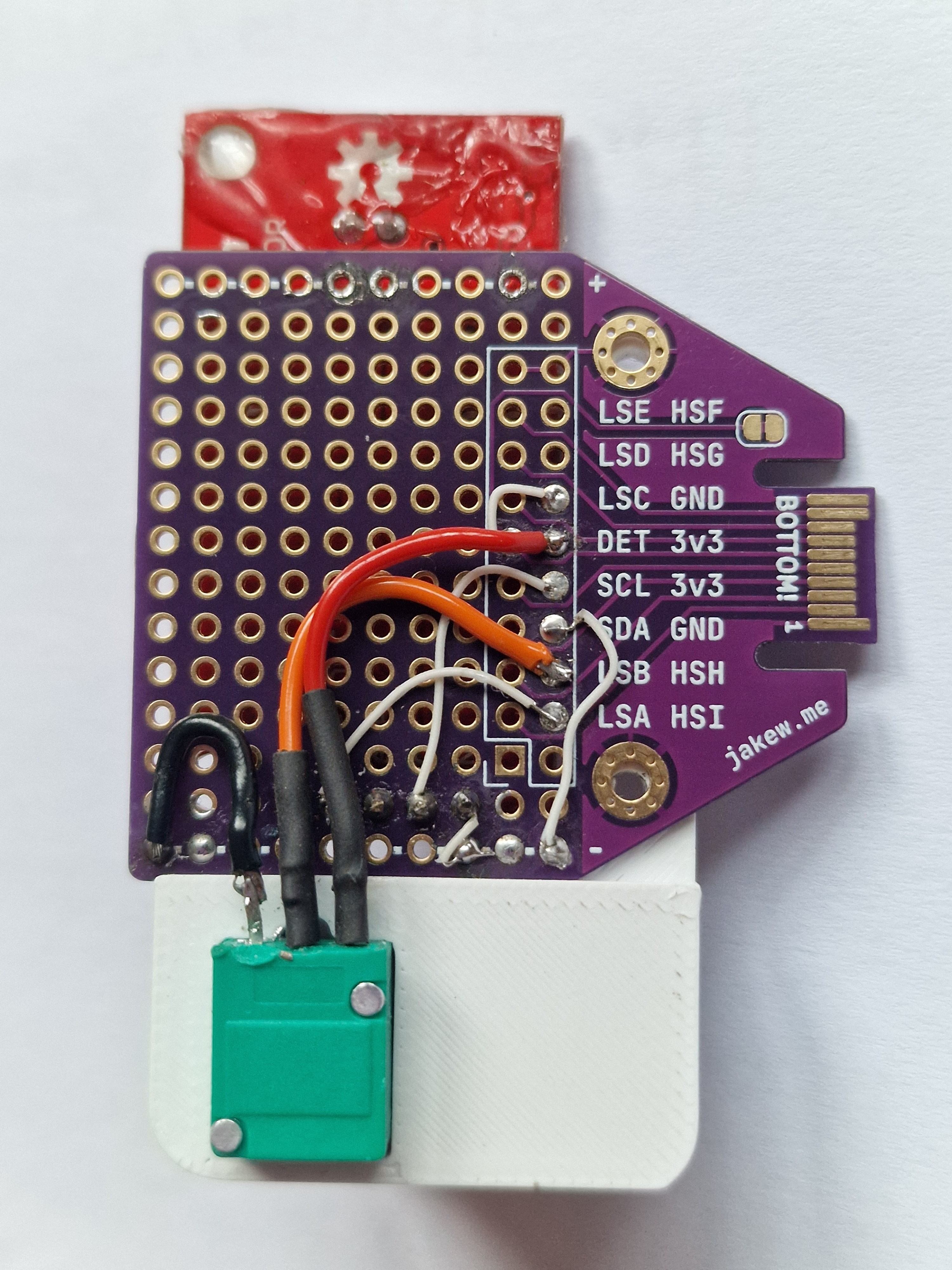
    I couldn't be bothered designing a dedicated PCB, so I ordered the excellent Protoboard Hexpansion by Jake Walker from Etsy

    It arrived in a few days and only costs £3.37 (~$4.50) so quite a bargain. Thanks Jake!

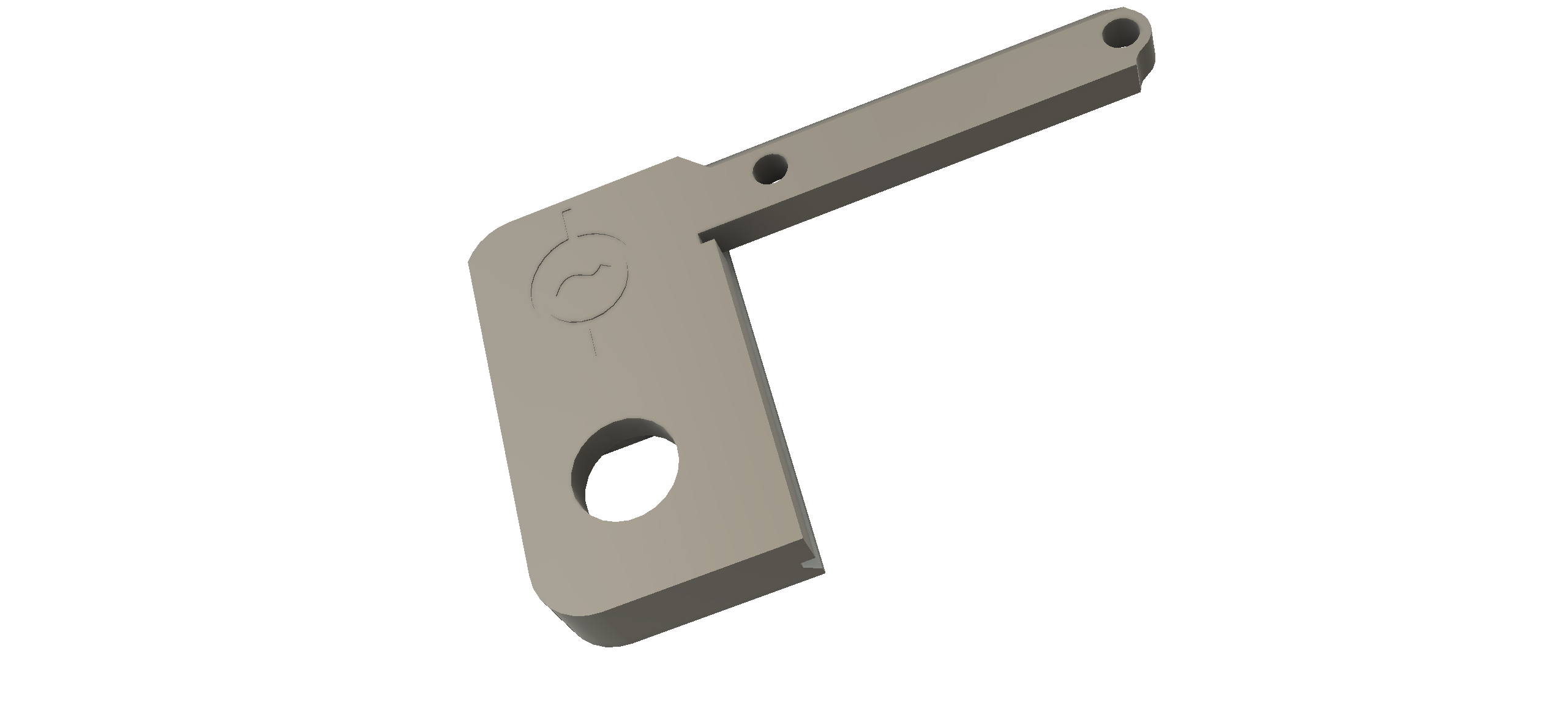
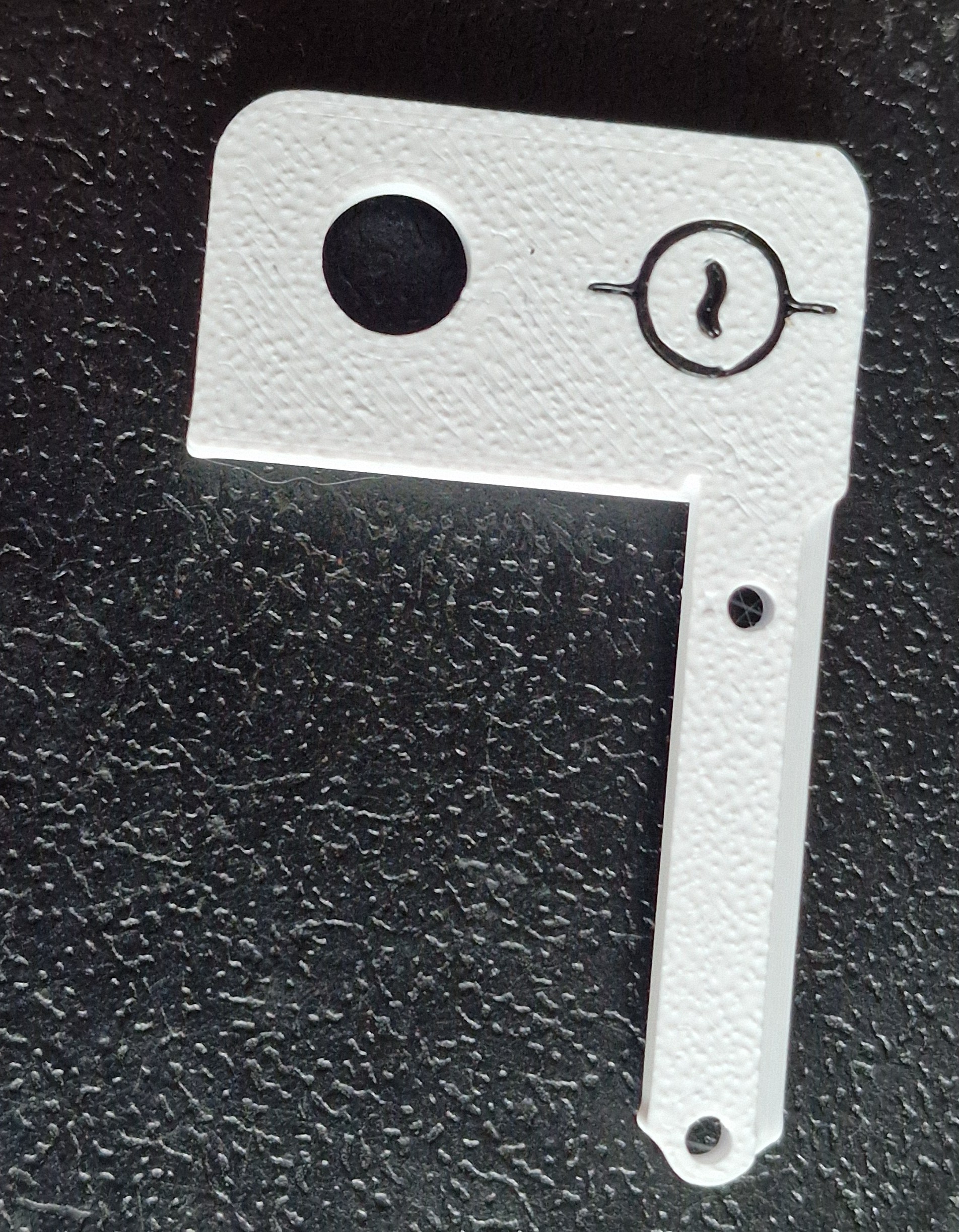
    The design uses a potentiometer as a software sensitivity control. I wanted this to be integral to the hexpansion so I created a 3D printable mount that uses the hexpansion fasteners and holds everything together.

    I used hookup wire to connect the sound detector board the the appropriate hexpansion pins. One noteworthy connection is that the DET pin must be connected to GND, otherwise the tildagon does'nt see the hexpansion as present, and won't supply power.

    The following connections are required:

    DETGND
    3V3Sparkfun VCC
    3V3Potentiometer A
    GNDPotentiometer B
    GNDSparkfun GND
    HSHPotentiometer wiper
    HSISparkfun Envelope

    The original demo software was written in C and needs a 20ms loop time to enable it to detect edges from the analogue output of the sound detector. The tildagon OS provides an App class which includes an update() function. When an app is running, this is called 'roughly' every  0.05s.

    I found this to be not tight enough for the software to reliably work, so I broke all the rules by not returning from the update() function and using an internal 20ms delay. This worked fine except it killed the OS polling of the buttons making the app impossible to exit.

    I bodged around this by returning control to the OS every 1000ms. This probably will kill any other apps running on the board, but sound to light uberalles. It also makes the button responses sluggish and I need at least one button to change the lighting mode. I got around this by returning to the OS more frequently for a period after the mode button has been detected. If no buttons are detected within a certain time, the app goes back to hogging the CPU.

    I'm a C/C++ guy so I found the coversion to Python none trivial but I got there in the end and learned a lot.