 chrmlinux03
5.1 HELLO WORLD Text Display
The first display experiment was the word "HELLO WORLD", one character at a time, arranged vertically.
With only 9 pixels of horizontal resolution, each character (3 pixels wide) had to be stacked vertically. Even so, the characters are clearly recognizable.
5.2 SONY Text Display (switching every second)
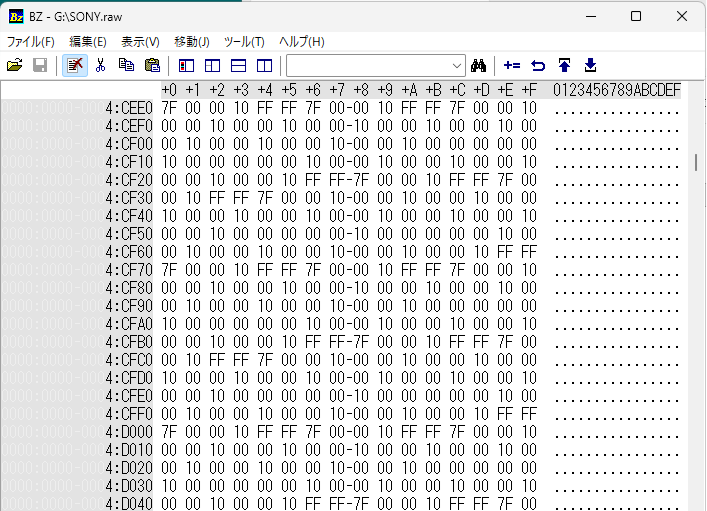
Next, the characters S, O, N, Y were displayed switching every second.
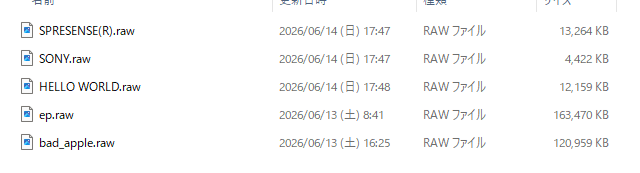
This confirmed that dynamic content can be expressed as ntsc.raw.
5.3 Bad Apple!! - Grayscale Video Playback
The most ambitious experiment: the famous monochrome animation "Bad Apple!!" was converted to NTSC video and played back.
A key advancement here is grayscale support — not just simple black and white.
Each video frame is converted to grayscale, resized to 9x87 pixels, and brightness values are linearly mapped to PCM values.
brightness 0 (black) -> PCM_BLACK (0x100000)
brightness 255 (white) -> PCM_WHITE (0x7FFFFF)
The 24bit dynamic range enables smooth 256-level grayscale — impossible with 1-bit GPIO output.
Resolution:
horizontal : 9 pixels
vertical : 87 lines (LINE_REPEAT=3, 180 active lines)
Even at this extremely low resolution, Bad Apple!! is clearly recognizable. This is thanks to its high-contrast silhouette style, and the accurate luminance reproduction enabled by grayscale support.
5.4 Comparison with Generation 1
Generation 1 (CH32V003) vs Generation 2 (Spresense):
Video generation : CPU real-time vs Python pre-generated Color depth : 1bit (black/white only) vs 24bit (grayscale) CPU load : High vs Zero Code changes : Required vs Not required How to update : Recompile and flash vs Swap SD card file Output : GPIO vs Audio Jack
The most important difference: to change the video content in Generation 1, you must rewrite the code and flash the microcontroller. In Generation 2, just swap the file on the SD card. No recompiling. No re-flashing.
Discussions
Become a Hackaday.io Member
Create an account to leave a comment. Already have an account? Log In.