mircemk

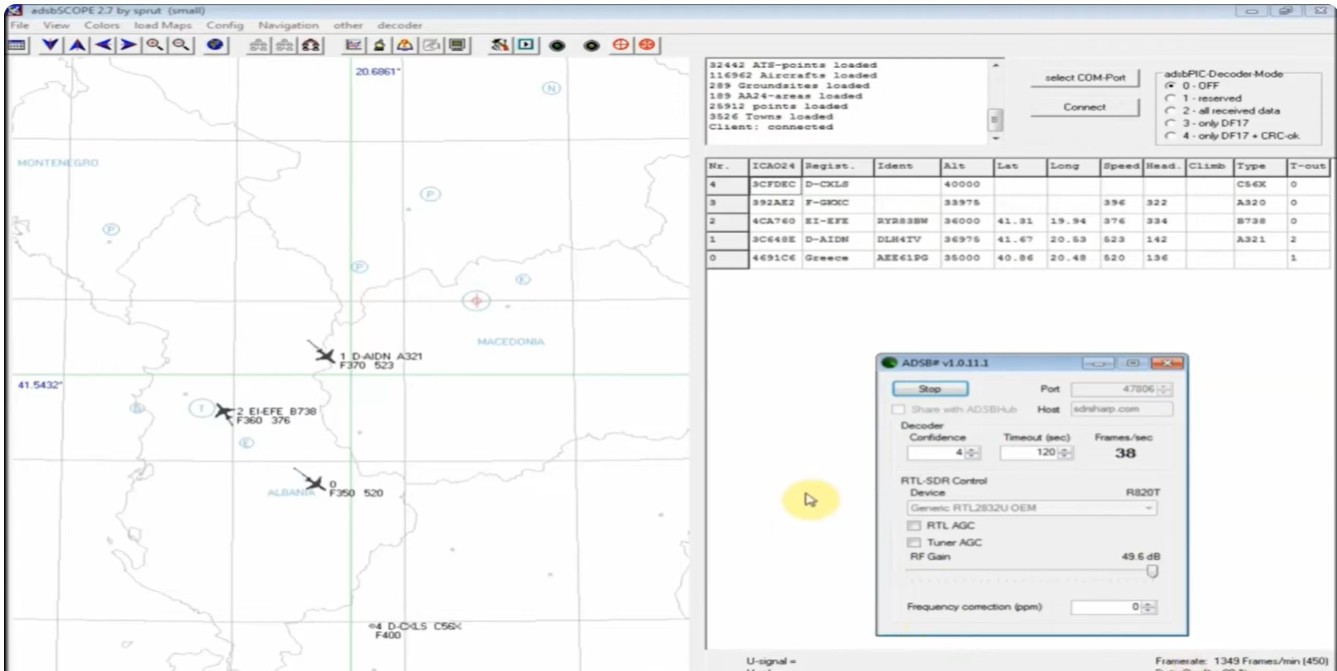
ADS-B, which stands for Automatic Dependent Surveillance-Broadcast, is the modern standard for tracking aircraft. It has largely replaced traditional radar as the primary method for air traffic control (ATC) across the globe. In one of my previous videos, I described a way to receive and decode ADS-B signals via an RTLSDR dongle using a special antenna and software.
In this project, I built a fully functional real-time aircraft tracking radar using an ESP32-based 7" HMI display. The system visualizes live air traffic data with a smooth rotating radar sweep, just like professional radar systems. ADS-B signals are collected via free online APIs and displayed on the radar in real time. So we only need WiFi connection and internet.
These signals contain the following information:
- Callsign
- Altitude
- Speed
- Aircraft type (A320, B738, etc.)
- and Position (latitude & longitude)
Each aircraft appears on the radar only when the rotating sweep line passes over it, creating an authentic radar effect. The detected aircraft are also listed on the right panel, sorted by distance.

This project is sponsored by PCBWay. From July 1st to July 31st, 2026, PCBWay is organizing 12th anniversary campaig. Grab your discount and unlock more rewards in the form of Exclusive Coupons, PCB Order for Just $5, Turnkey Electronic Design Services, Up to 50% off for 3D printing & CNC Machining, and Special Sales in PCBWay Store. Next, Join the fun with interactive games and receive your exclusive Engineer Color Personality, Click the Box to Participate in the Lucky Draw, Show Your Colorful Projects, and Vote for the Most Popular Badge.
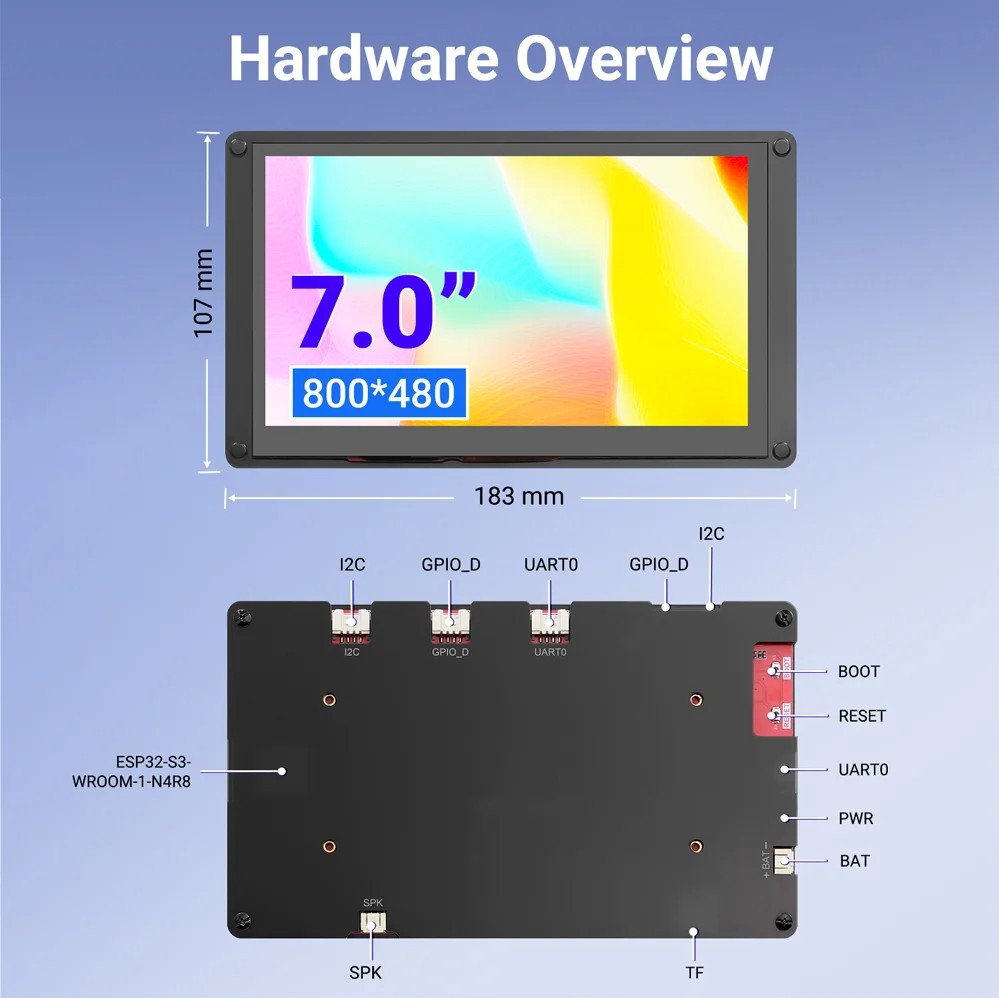
A huge advantage in making this project is the fact that it uses the ESP32-S3 CrowPanel 7" HMI Display, which means that there is no need for any soldering and making a corresponding box. It consists of a 7 inch LCD display with capacitive Touch, ESP32S3 microcontroller that controls the display, USB, Speaker and Battery interfaces, GPIO, I2C and UART ports, as well as a Micro SD card slot. Specifically in this project I use only the Wi-Fi option, but otherwise through the rich selection of I/O interfaces we can use it for many other more complex projects.
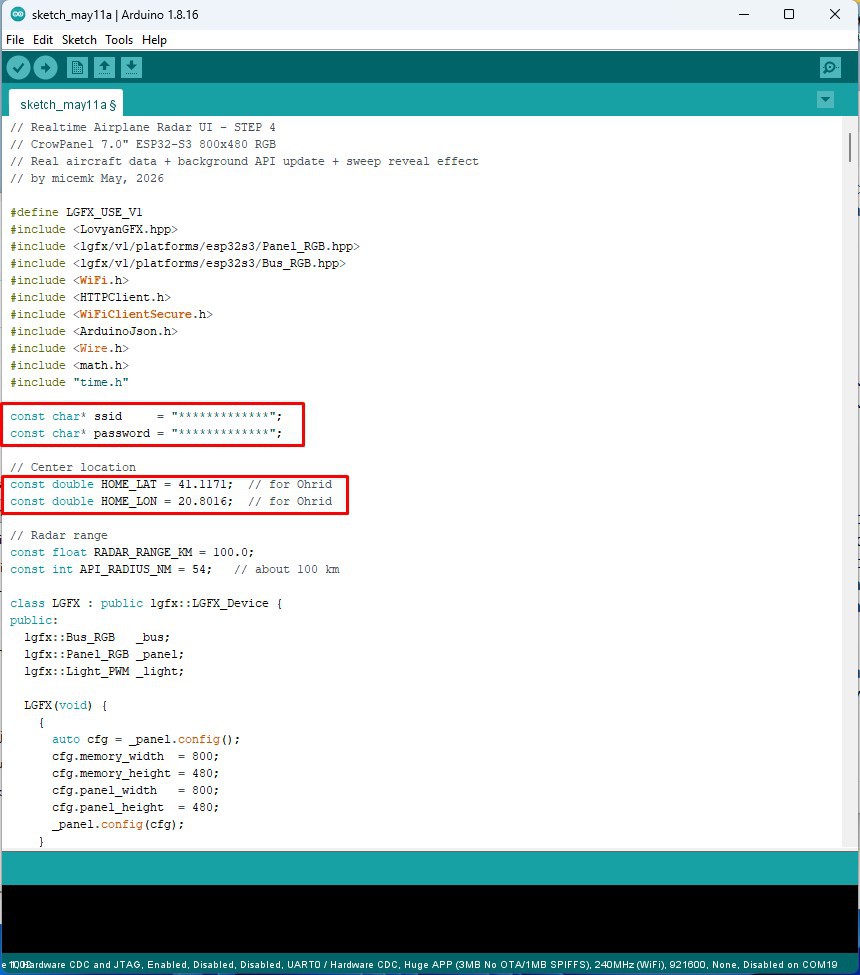
First let me describe how to install the software, because that's the only thing we need to do well to turn this display module into a professional looking aircraft tyracking radar. According to the manufacturer's instructions, we need to install ESP32 Core version 2.0.14 or 2.0.15. Then, in the Board Manager, we need to select Board: ESP32S3 Dev Module. Now we need to make a few settings for this board:
- USB CDC On Boot: Enabled
- Flash Mode: QIO 80MHz
- Flash Size: 4mb
- Partition Scheme: HUGE APP
- and PSRAM: OPI PSRAM
As for the code, we first need to enter the Wi-Fi credentials and the coordinates of the home position (latitude and longitude). We can also change a few parameters, such as colors and shades, then sweep speed, maximum number of detected aircraft, and more.
Now let's move on to the most interesting part, that is, to turn on the device and describe the way it works and the options. After connecting to the network, the radar display appears immediately. In the upper left corner is shown the number of currently detected aircraft at a distance of 100km from the home position. In the lower left is a small compass showing the cardinal points, in the lower right the current sweep position visually and in degrees, and in the upper right corner the number of aircraft in each ring: 20, 40, 60, 80 and 100 km.
Centrally we have Smooth rotating radar sweep with fade effect. Each aircraft appears on the radar only when the rotating sweep line passes over it, creating an authentic radar effect. The detected aircraft are also listed on the right panel, sorted by distance.
>= 30000 ft Blue color
>= 10000 ft Green
>= 0 ft Yellow
Unknown Altitude Red...
 harshsrigh
 SAYANTAN PAL