Close
0%
0%

Nexus — a Tiny IoT Desk Clock

A minimalist Wi-Fi desk clock that automatically synchronizes time over the internet, helping you stay focused with a clean, distraction-fre

Similar projects worth following
0 followers
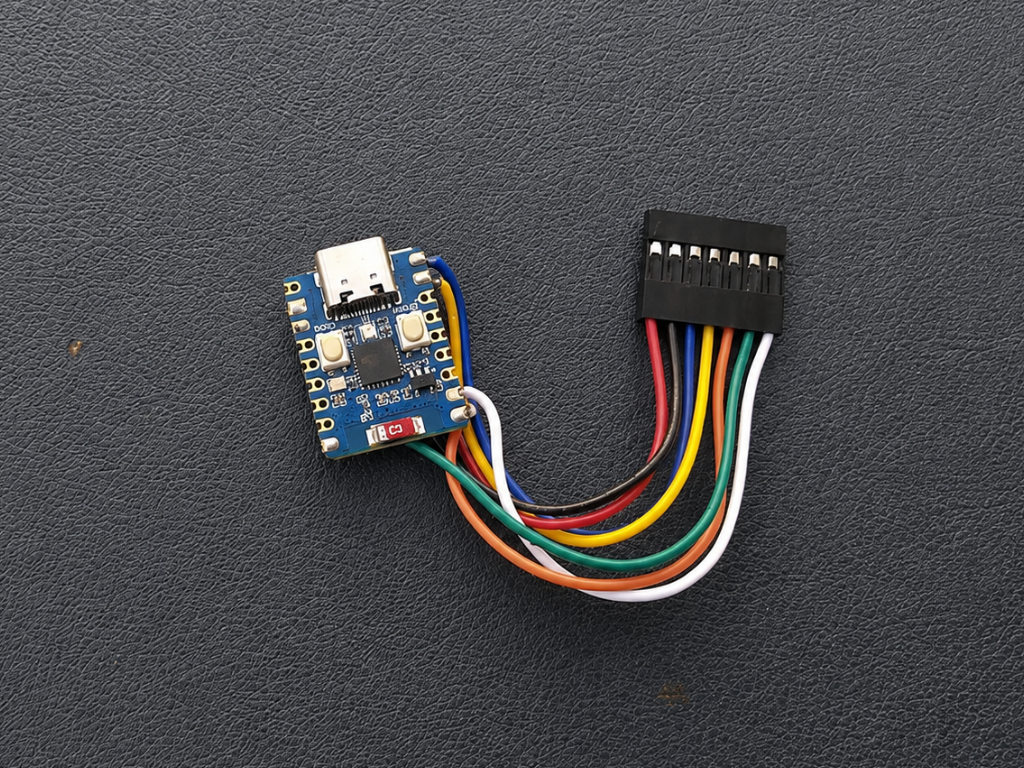
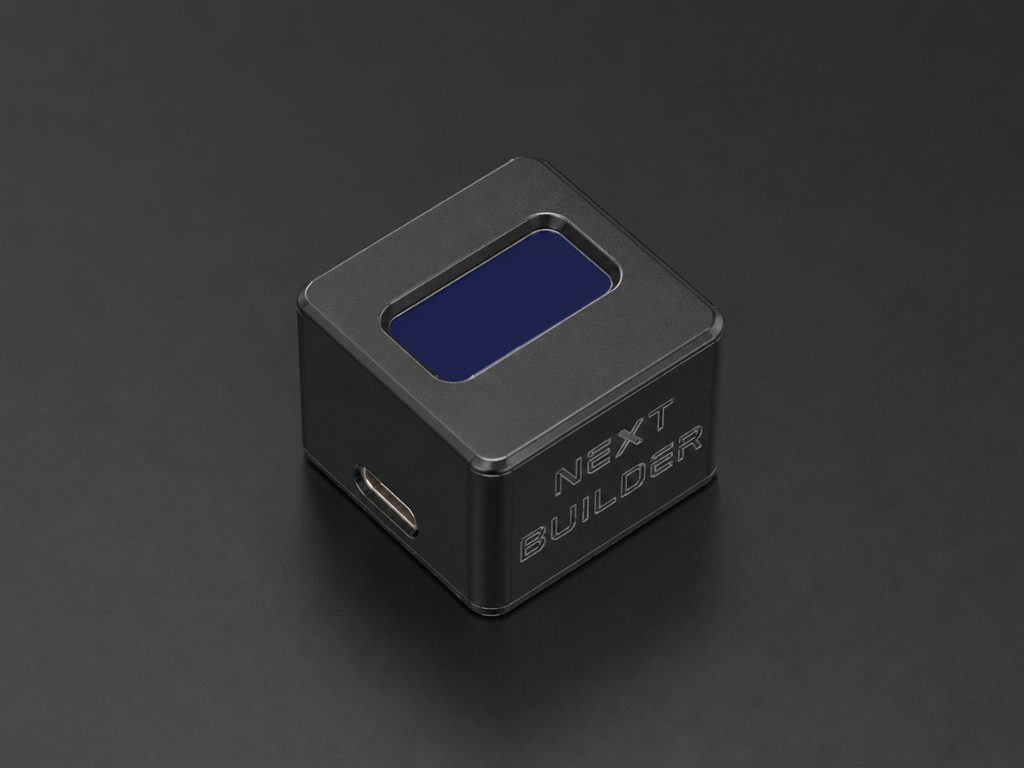
Nexus is a minimalist Wi-Fi desk clock powered by the Waveshare ESP32-C3. It automatically synchronizes the current date and time using NTP, displaying them on a 0.96-inch OLED inside a custom-designed 3D-printed enclosure.

How many times have you picked up your phone just to check the time... only to end up scrolling through notifications or social media for the next few minutes?

It happens to all of us.

While studying or working on electronics projects, I noticed this small habit breaking my focus again and again. I didn't need another smart device with endless features—I just needed something that could show me the time instantly, without any distractions.

That's why I built Nexus. It's a compact Wi-Fi desk clock designed for clean, distraction-free workspaces. Instead of competing for your attention, it quietly sits on your desk, giving you exactly what you need at a glance so you can stay focused on what truly matters.

Whether I'm studying, designing PCBs, writing code, or building my next DIY project, Nexus is always beside me. It's a simple reminder to stay present, keep creating, and make every minute count.

Powered by the Waveshare ESP32-C3, Nexus automatically synchronizes with Network Time Protocol (NTP) servers over Wi-Fi, so it always displays accurate time without the need for a traditional RTC module or manual adjustments.

The crisp Waveshare 0.96-inch OLED display shows the current hour, minutes, AM/PM indicator, and the current date in DD/MM/YYYY format. Everything is housed inside a custom enclosure that I designed from scratch in Autodesk Fusion 360, giving the clock a clean, modern look that fits naturally on any desk.

Sometimes, the simplest devices are the ones that help us stay focused the most.
ESP32-C3 Zero.png

Portable Network Graphics (PNG) - 643.09 kB - 07/04/2026 at 18:20

Preview

Cover.stl

Standard Tesselated Geometry - 169.03 kB - 07/04/2026 at 18:20

Download

Housing.stl

Standard Tesselated Geometry - 743.93 kB - 07/04/2026 at 18:20

Download

  • 1 × Waveshare ESP32-C3 Mini
  • 1 × Waveshare 0.96' OLED Display

  • 1
    CAD & 3D Printing

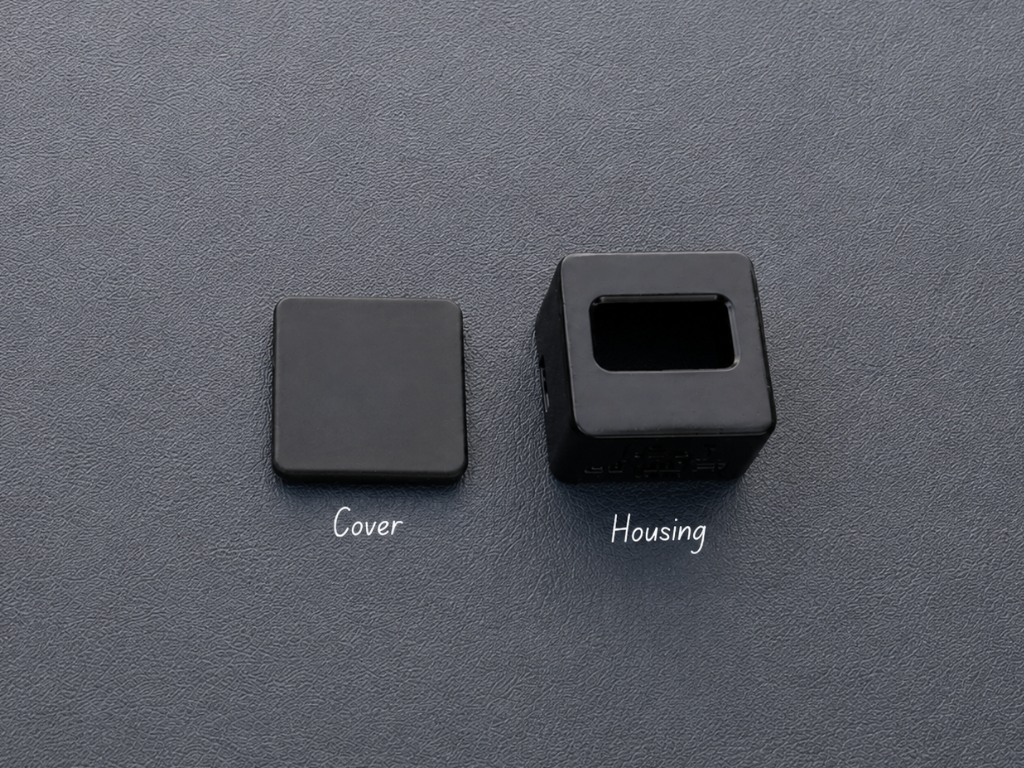
    The first step was designing a compact enclosure for Nexus in Autodesk Fusion 360. My goal was to create a clean, minimalist case that would securely hold all the components while looking modern enough to blend into any workspace.

    If you'd like to modify the design or add your own personal touch, you can open the Fusion 360 project and edit it however you like. I've also included ready-to-print STL files for anyone who wants to print the enclosure directly.

    3D Printing Files:
    • 1× Cover.stl
    • 1× Housing.stl

    I printed the enclosure using black PLA, but you can choose any material or color that matches your style.

  • 2
    Display Assembly

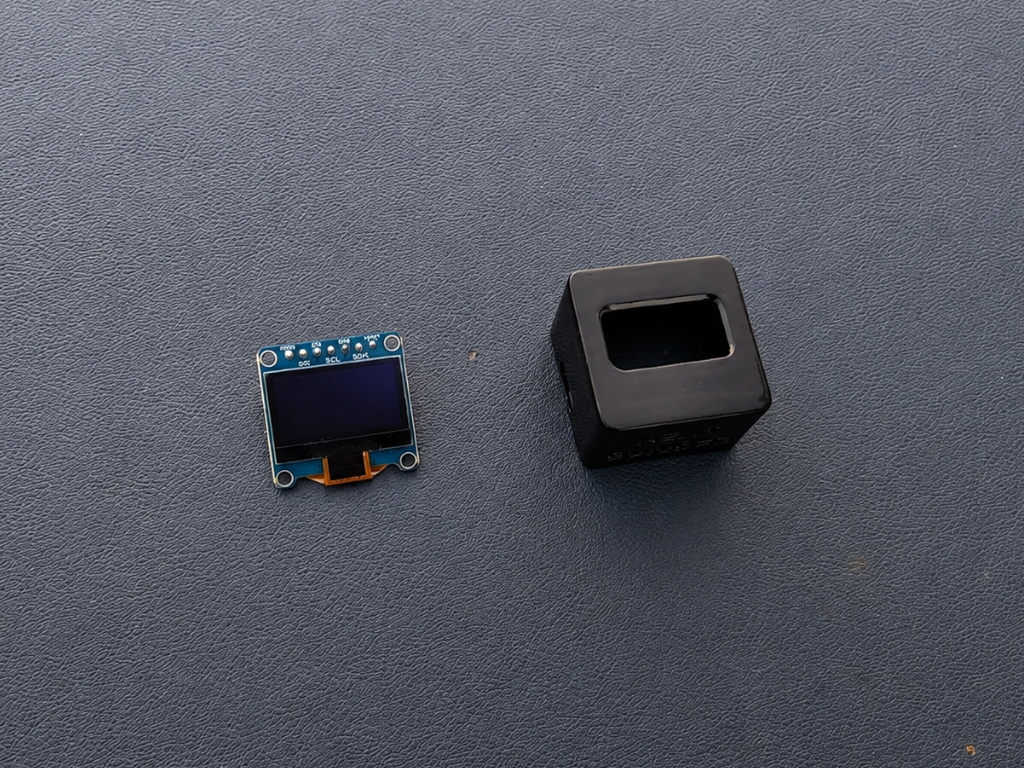
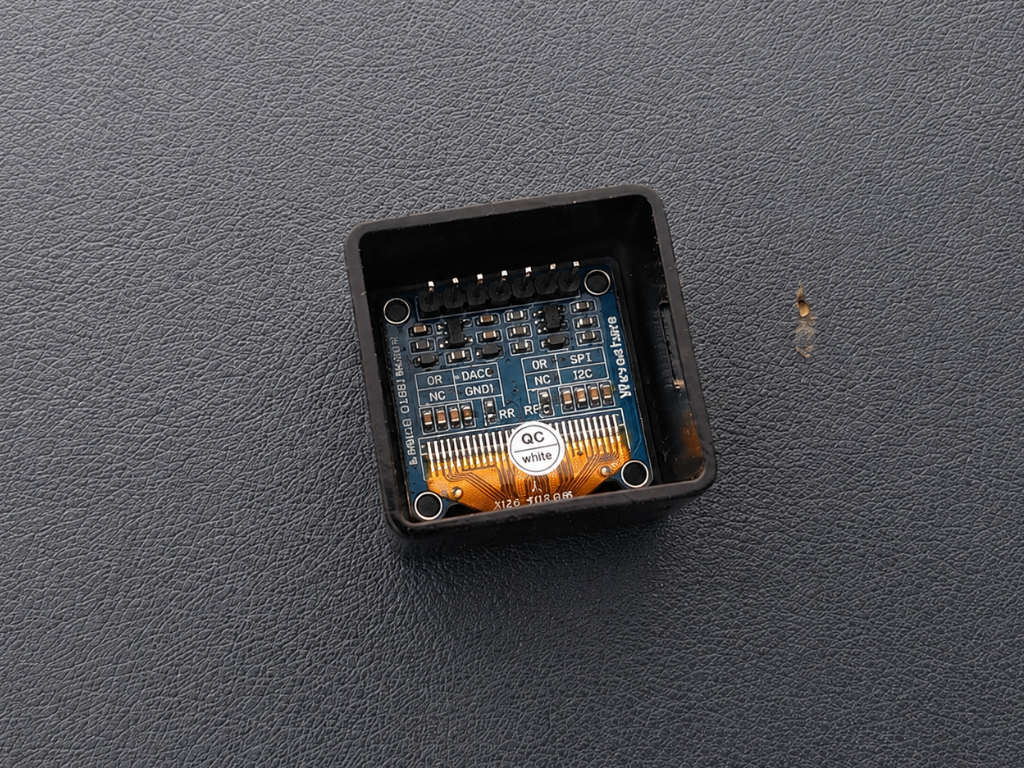
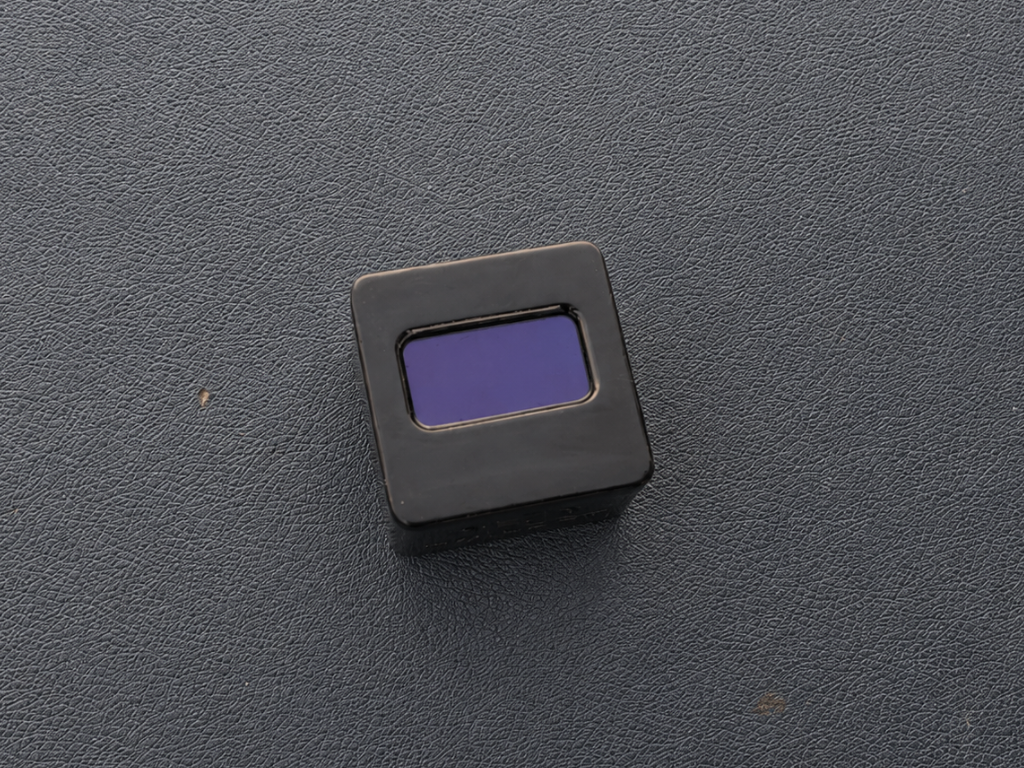
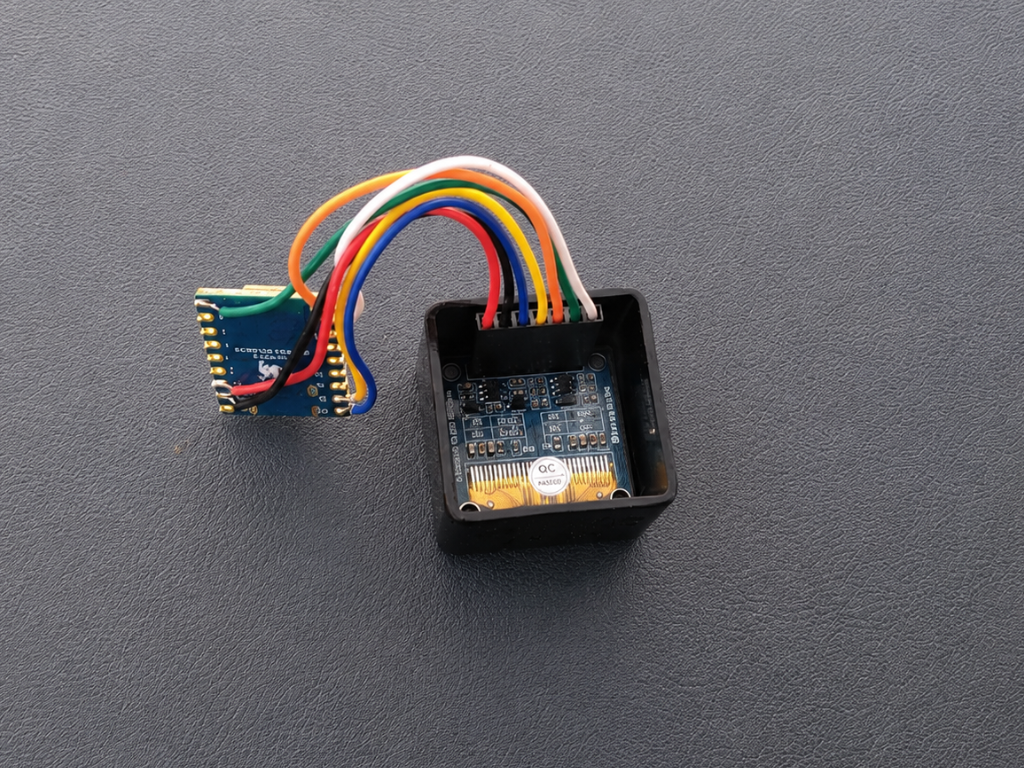
    Carefully insert the 0.96-inch OLED display into the front opening of the housing, ensuring that it sits straight and flush with the front surface. Once you're happy with the alignment, secure it using a small amount of super glue around the edges.

    Avoid using too much glue, as it may seep onto the display or make disassembly difficult in the future. A few tiny drops are all that's needed to hold the display firmly in place.

  • 3
    Connect the Display

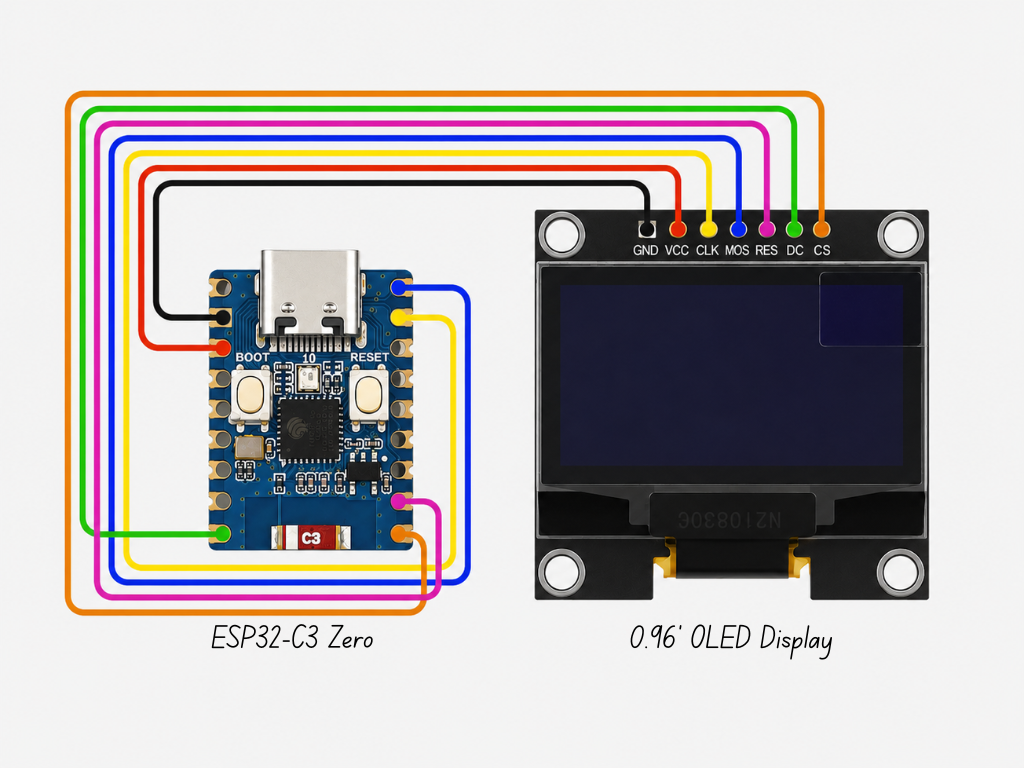
    Simply follow the wiring diagram above and connect each pin to its corresponding GPIO on the microcontroller. Take your time and double-check each connection before powering the board to avoid any wiring mistakes.

    The pin mapping used for this project is shown below:

    • VCC → 3.3V
    • GND → GND
    • DIN (MOSI) → GPIO 21
    • CLK (SCK) → GPIO 20
    • CS → GPIO 6
    • DC → GPIO 5
    • RES → GPIO 7

    Once everything is connected, you're ready for the next step.

View all 10 instructions

Enjoy this project?

Share

Discussions

Does this project spark your interest?

Become a member to follow this project and never miss any updates