 Shiela Dixon
First catch your rabbit.
Or in this case, first excavate the Alphacom printer from the attic and make sure it still works.
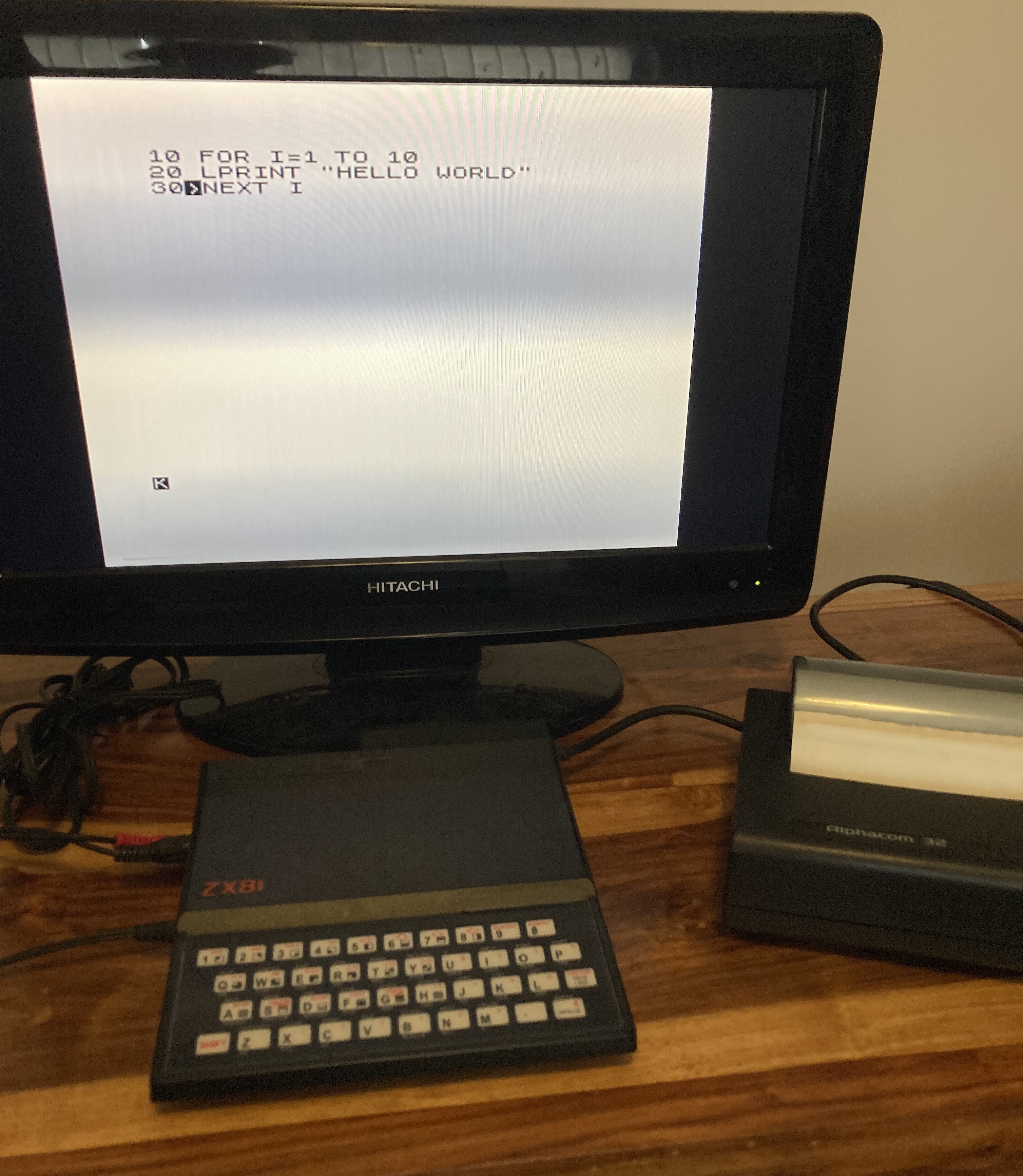
First test is to plug it into a ZX81 as intended and use the LPRINT and LLIST command to send something to the printer. The printer wants a 24V AC supply. I've previously cobbled together an adaptor so that I can use an Acorn Electron brick. This is allegedly 19V AC, which seems close enough and does work.
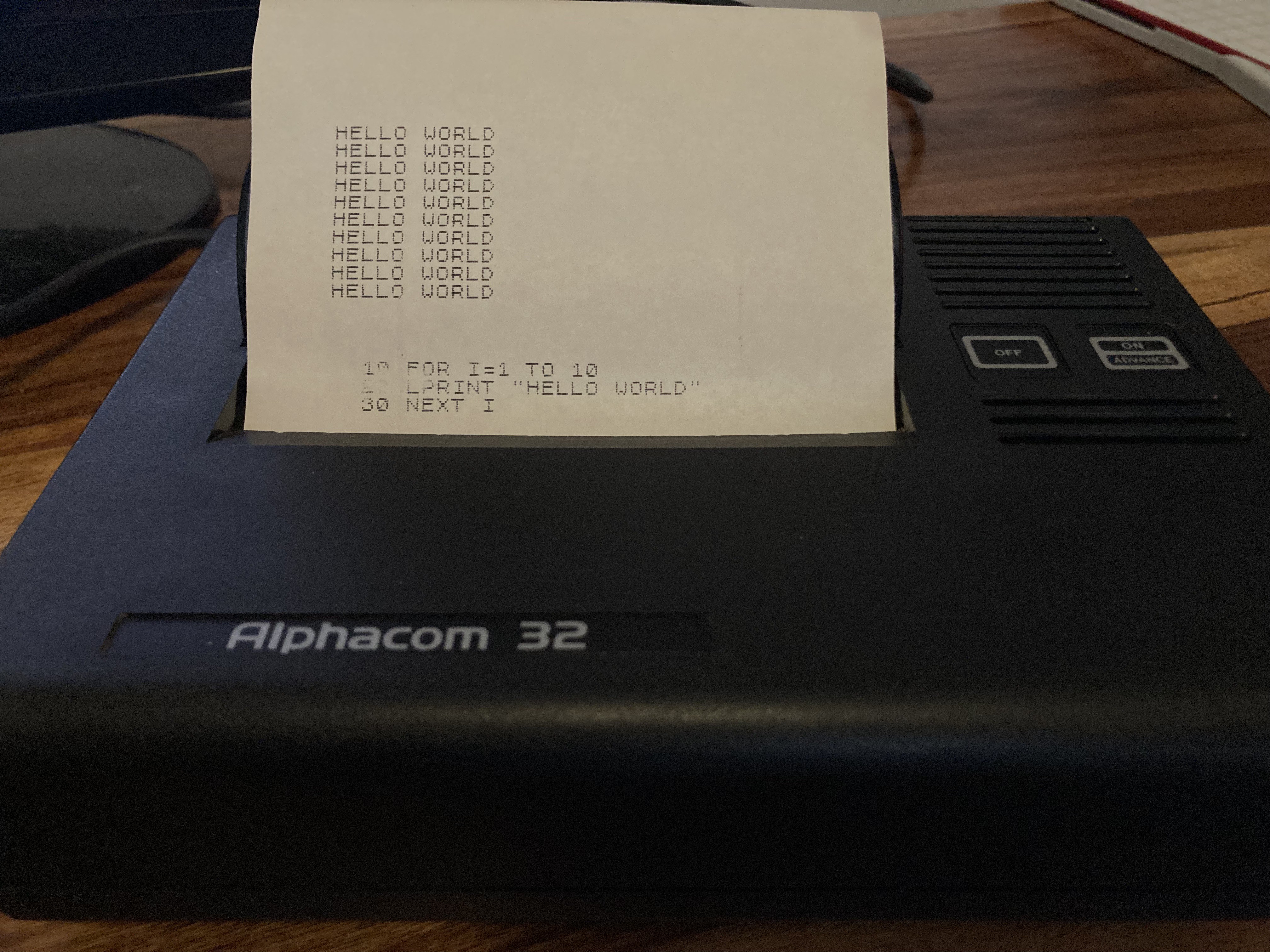
The second test was to build Rob's code and print the RC2014 logo. Thanks to Rob for his Alphacom / RC2014 interface, which allows you to choose a specific port (when connected to a Sinclair computer, the Aplhacom responds on any port where A2 is low).
This took longer than it should, partly because I'm using a different compiler to Rob and had to fiddle with his code a little. But in the end, this printed out. Yes, it looks a little messy, but so does Rob's! He says that this is related to the way he scaled and converted the image.
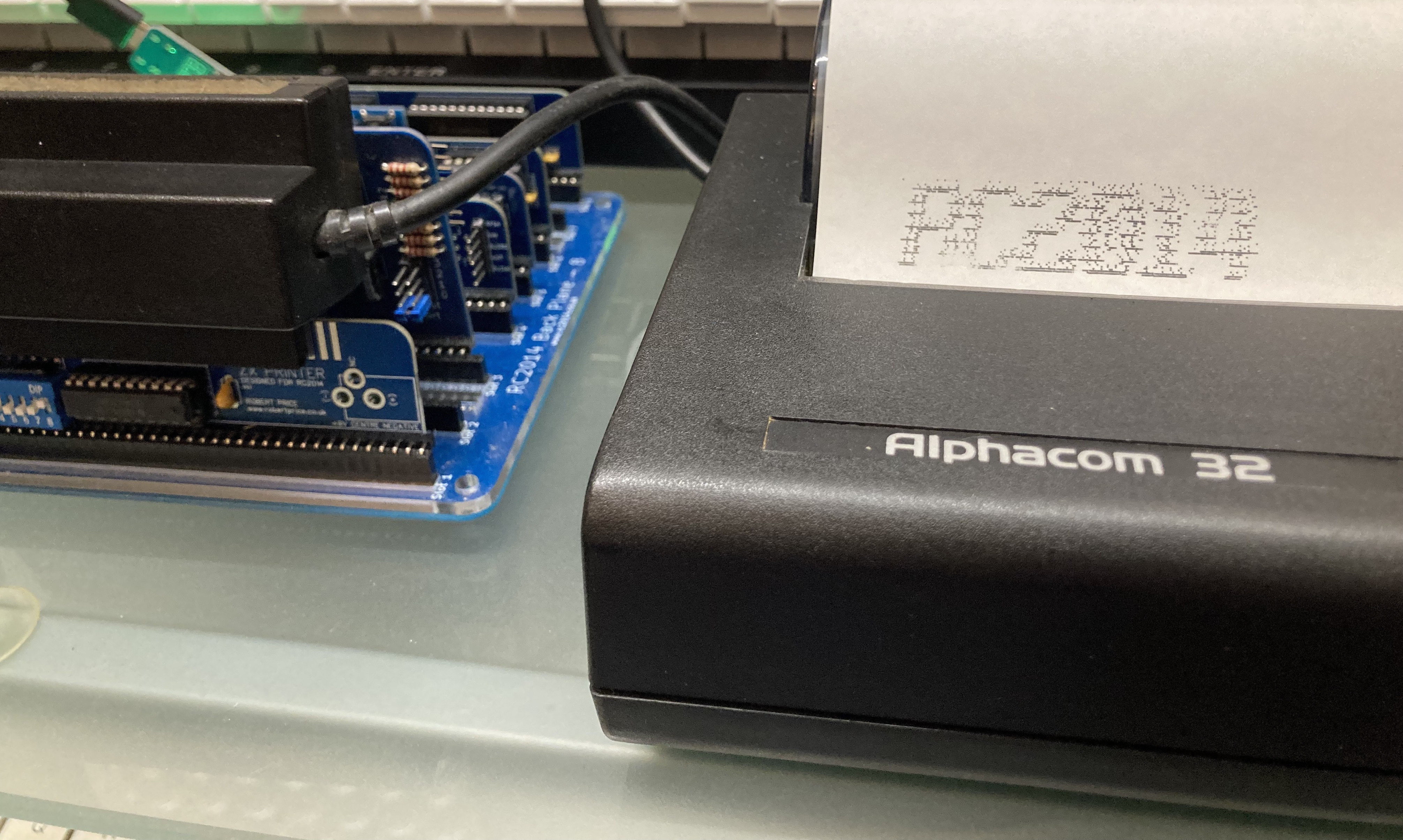
Then I wanted to test whether I could read the MSX keyboard. This wasn't as straightforward as it could have been. I've already built my own MSX PPI module (Programmable Peripheral Interface - for interfacing with the keyboard and doing a few other MSX things. It provides ports for scanning the keyboard). I eventually found the MSX BIOS code which actually does the scanning - specifically a routine that you send a row number and get a value back.
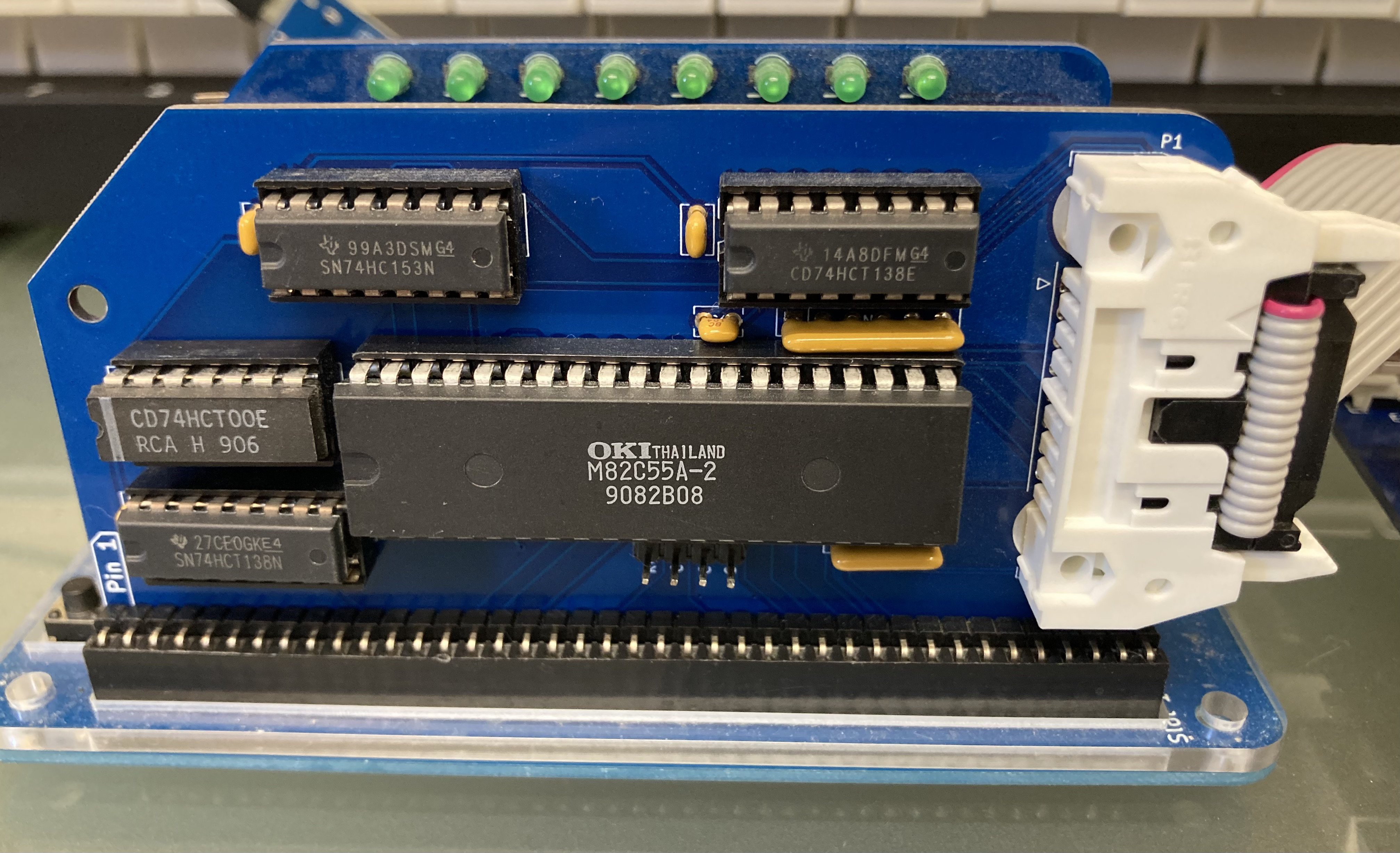
The big problem here is that the RC2014 serial module doesn't decode its port numbers fully ($80 and $81) and clashes with the ports that my PPI module uses ($A8, A9, AA, AB). So the first thing I had to do was to modify my serial module and tighten up the port decoding (specifically taking A5 into account, which is the difference between $8x and $Ax).
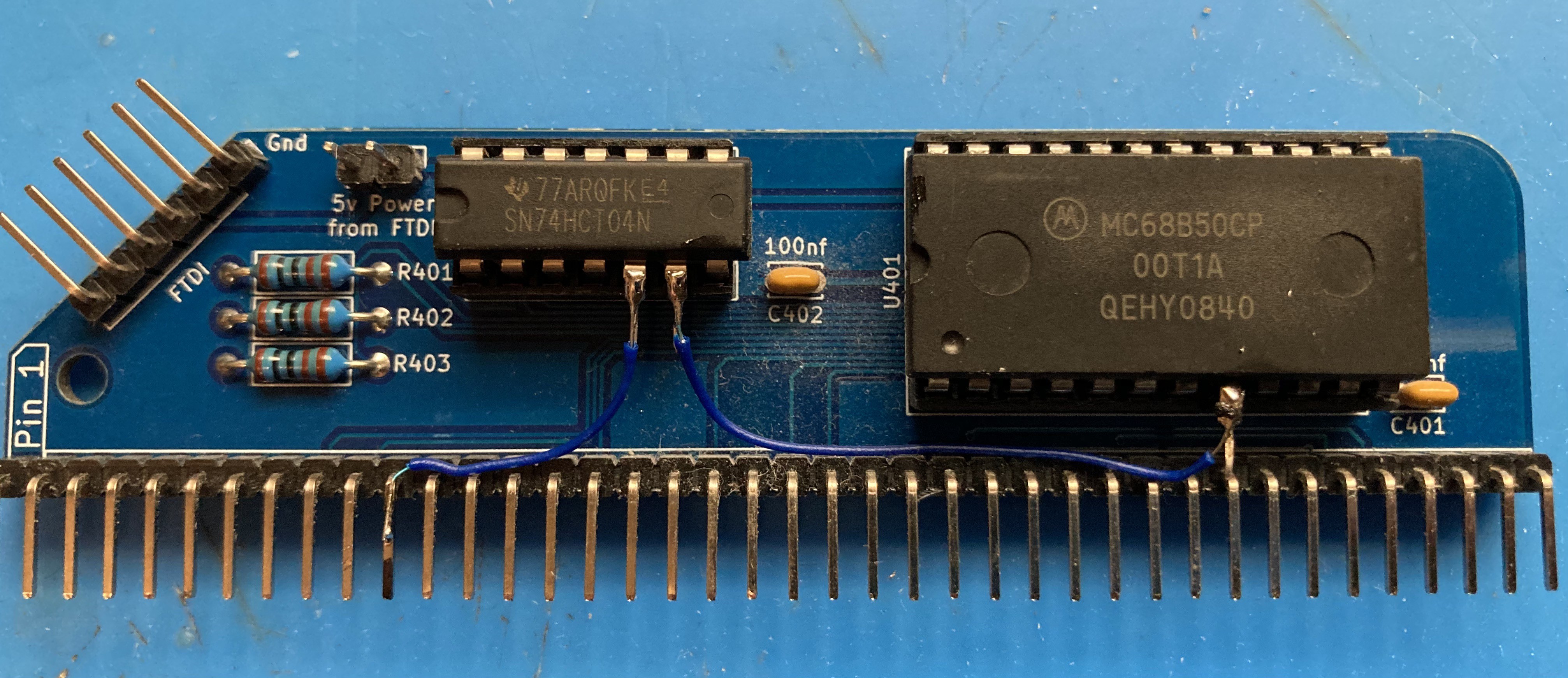
With that done, it wasn't too difficult to scan a single row repeatedly and output the result to my digital i/o and see lights coming on when I pressed keys 0-7.
So now I have working code for an RC2014 classic that can send data to the printer and scan a mechanical keyboard. I've shown that Rob's Alphacom interface module and my PPI module both do what I need. There's now a lot of coding to do.
Discussions
Become a Hackaday.io Member
Create an account to leave a comment. Already have an account? Log In.