 diddy
diddy

OFFgrid-SDR
Offline RTL-SDR receiver for your browser Source & downloads: github.com/diddy-boy/OFFgrid-SDR
A self-contained web receiver for RTL-SDR sticks (tested with the RTL-SDR Blog V4 and the Nooelec NESDR SMArt v5), for FM, medium wave, shortwave, airband and VHF/UHF, anywhere, with or without an internet connection. Everything (radio libraries, DSP, decoders, fonts) is inside index.html. Nothing is downloaded when it runs.
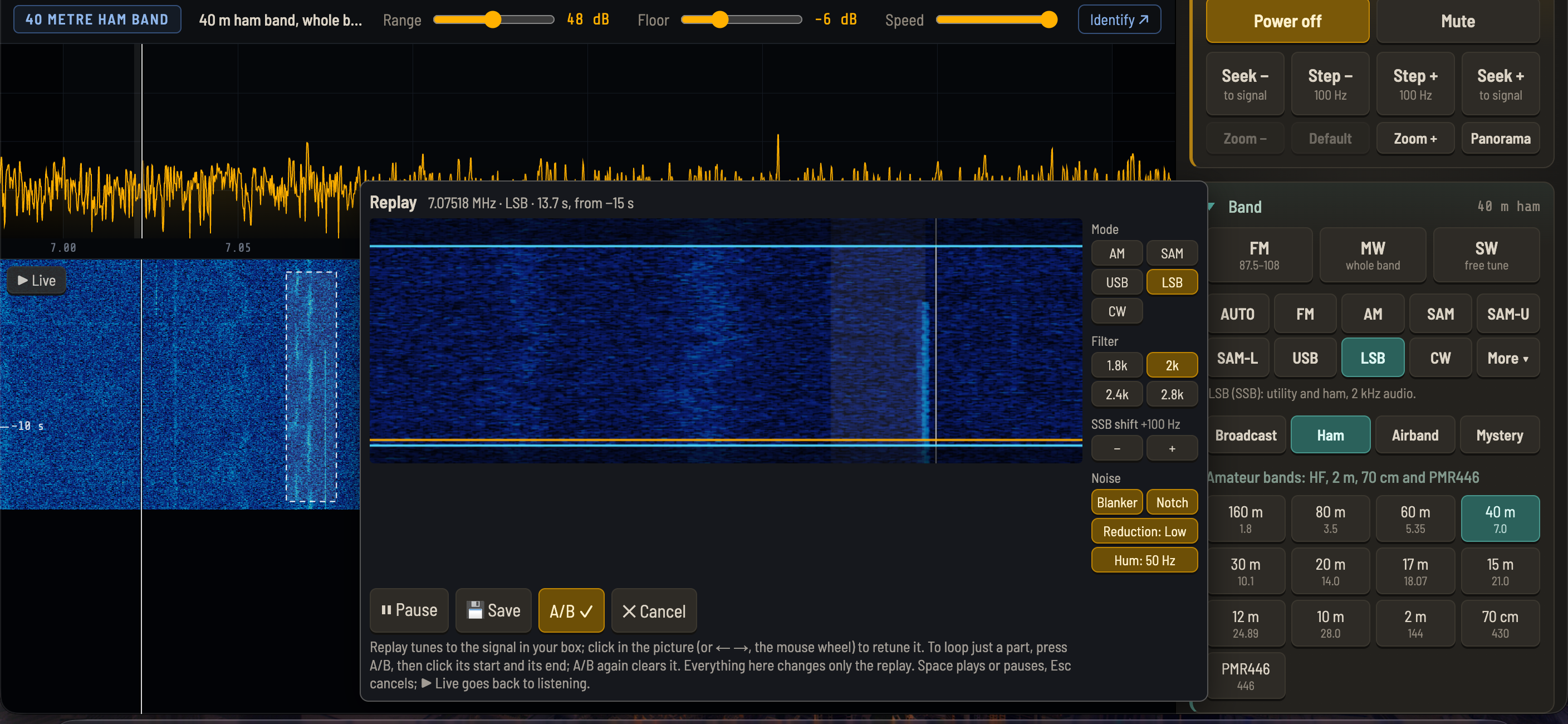
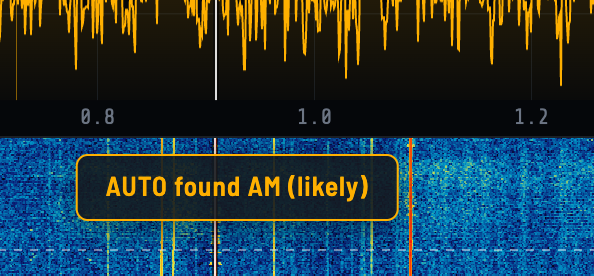
New in 1.4: waterfall replay (rewind the radio and replay any signal from the last minute), AUTO mode (works out what a signal is and switches to it), six new decoders (RTTY, NAVTEX, DSC, SSTV, PSK31, Hellschreiber), frequency calibration, and a new mode layout.
Demonstration Video
==== HOW TO RUN ====
1. Put index.html anywhere (a USB pen drive works too). It's the whole receiver: one file, nothing else needed. Grab it from GitHub — open index.html in the repo and click "Download raw file".
2. Open index.html in Google Chrome, Microsoft Edge, or Opera (desktop or Android). Safari and Firefox do not support WebUSB, so the stick cannot be used there.
3. Plug in the stick, press Power on, and pick the stick in the browser's USB chooser.
-- No stick handy? Try the demo --
Open index.html?demo for simulated stations: no hardware required.
(In Chrome: open index.html, add ?demo to the end of the address bar, press Enter.)
A "Demo stations" list appears. Press Power on, then click any station:
FM
• 98.8: stereo + RDS (name, RadioText, clock). Try Stereo / Wide / Mono
• 99.3: weak stereo, RDS comes and goes. Try Mono
• 100.0: mono talk station, RDS "News"
• 101.1: classical, stereo, RDS
Shortwave, 49 m band: one station per filter, all visible on the waterfall at once:
• 5.950: clean reference station
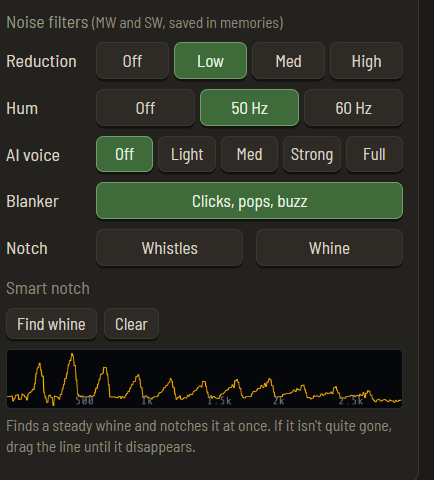
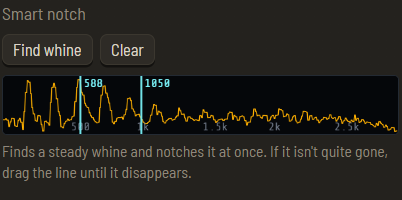
• 5.985: a whistle from a nearby carrier. Click Notch
• 6.010: selective fading. Switch AM to SAM
• 6.070: mains hum. Hum 50 Hz filter
• 6.095: a DRM digital broadcast (just hiss in AM). Switch AUTO on and it recognises it
• 6.120: electric-fence clicks. Blanker
• 6.190: weak and hissy. Noise reduction
Shortwave, 41 m band: SSB, CW, RTTY and weather fax:
• 7.210: SSB voice, LSB (a little noisy). Try the noise filters
• 7.240: SSB voice, USB. Switch to LSB to hear the difference; try the SSB filter widths
• 7.275: CW Morse beacon, 20 WPM. The CW decoder shows its message: "OFFGRID-SDR DESIGNED BY DIDDY"
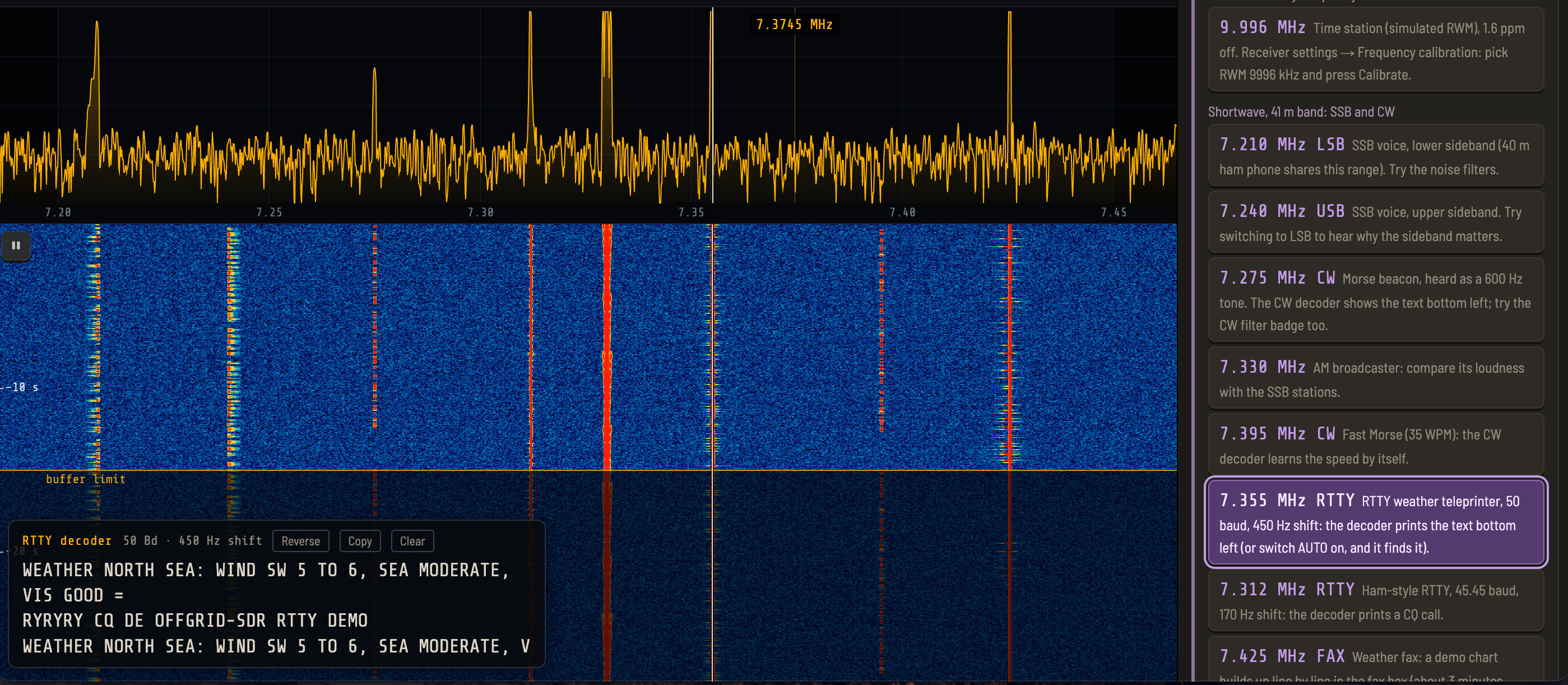
• 7.312: ham RTTY, 45.45 baud, 170 Hz shift: a CQ call
• 7.330: AM broadcaster. Compare its loudness with SSB
• 7.355: RTTY weather teleprinter, 50 baud, 450 Hz shift
• 7.395: fast CW Morse beacon, 35 WPM. The decoder learns the speed by itself
• 7.425: weather fax. The decoder draws a test chart
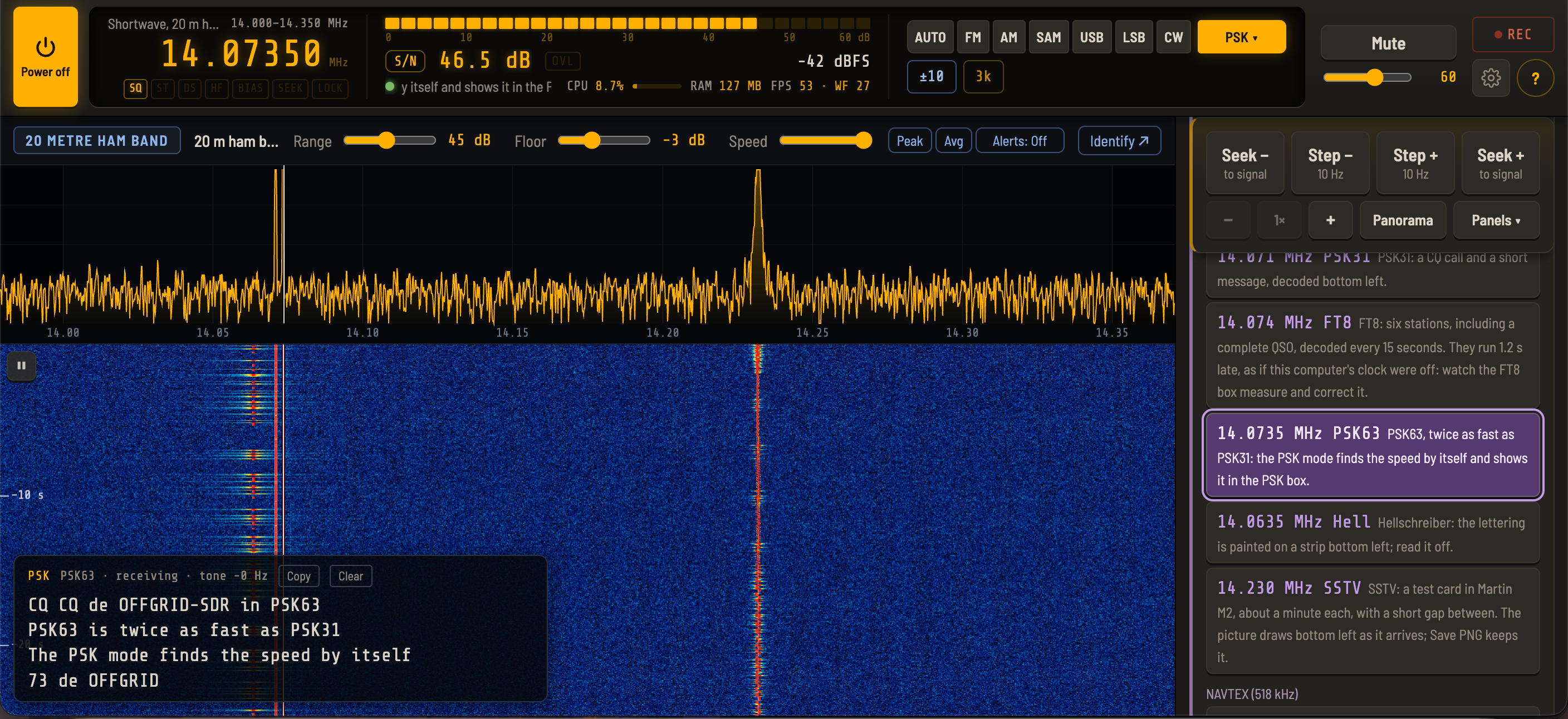
20 m ham band: PSK31, Hellschreiber, SSTV
• 14.0635: Hellschreiber: "OFFGRID-SDR HELL DEMO 73" painted on the strip
• 14.071: PSK31: a CQ call and a short message
• 14.230: SSTV: a colour test card in Martin M2, about once a minute
Maritime
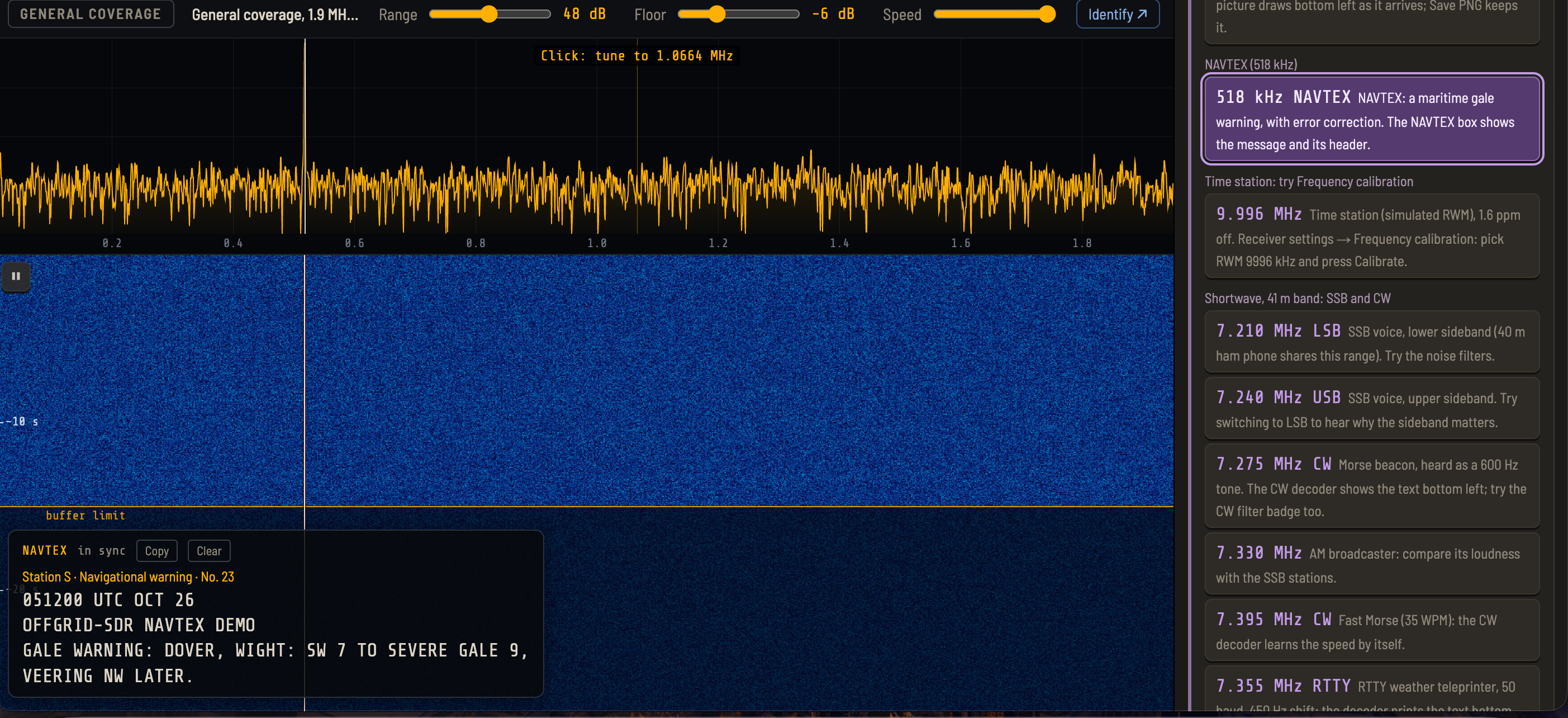
• 518 kHz: NAVTEX: a gale warning, with its header
• 8414.5 kHz: DSC: a safety call to all ships, then a distress call (sinking)
Mystery
• 4.625: a simulated Buzzer (UVB-76), with its 25-buzzes-a-minute rhythm
Time station
• 9.996: a simulated RWM, 1.6 ppm off. Try Receiver settings → Frequency calibration
==== ONE-TIME DRIVER SETUP ====
The browser must be allowed to talk to the stick directly.
Windows: Run Zadig, go to Options → List All Devices, choose "Bulk-In, Interface (Interface 0)" / RTL2838UHIDIR, select WinUSB, and click Replace Driver.
Linux: four steps, then check.
1. Stop the TV driver loading at boot:
echo 'blacklist dvb_usb_rtl28xxu' | sudo tee /etc/modprobe.d/rtl-sdr-blacklist.conf
2. Unload it now (the blacklist alone does not unload a driver that is already running — skipping this causes "setRegBuffer failed" errors):
sudo modprobe -r rtl2832_sdr dvb_usb_rtl28xxu
(or simply reboot)
3. Give your user access to the stick:
...
Read more »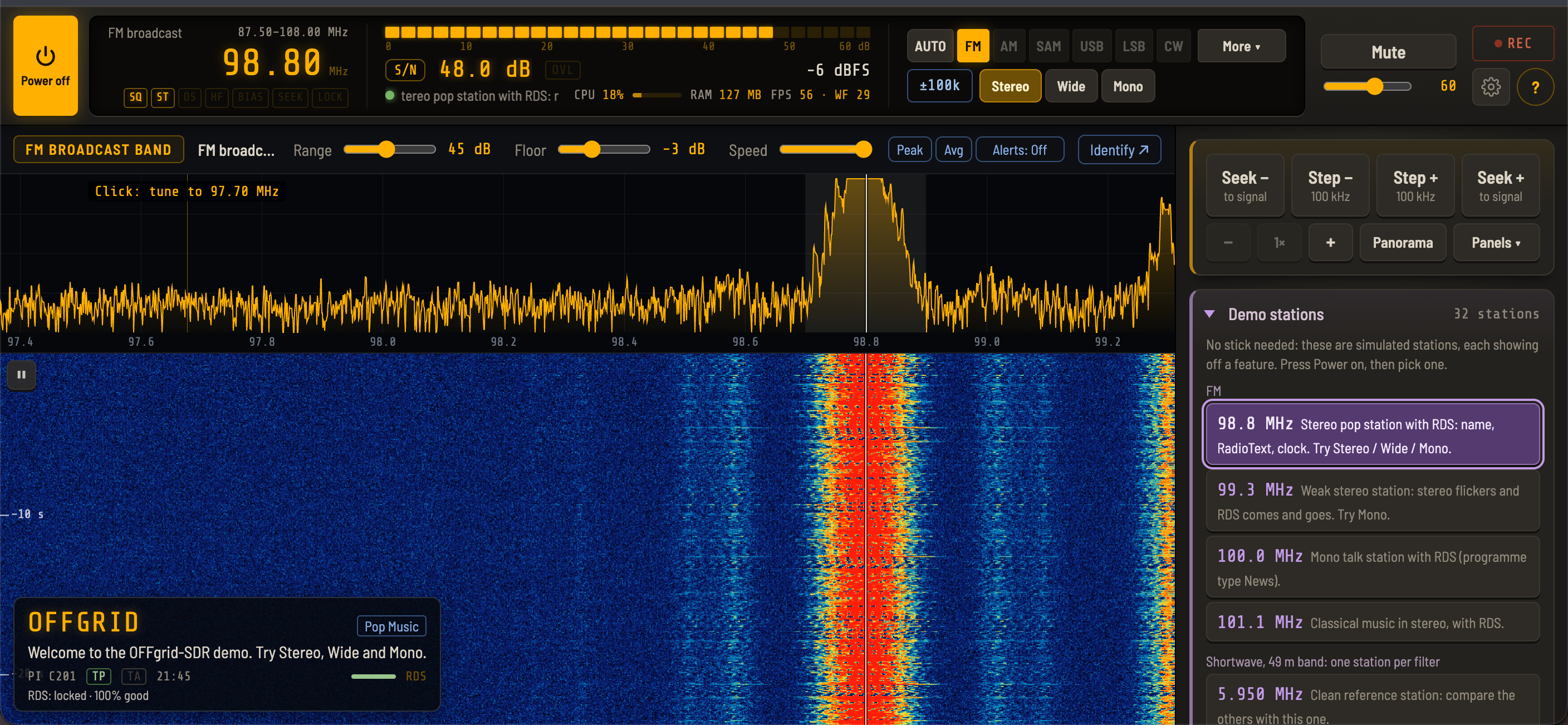


 APRS ALL IN ONE
 roelh
roelh
 Sagar 001
 Darren Winter
This has been fixed for version 1.6