 Kevin
Kevin-
1Get the hardware
![]()
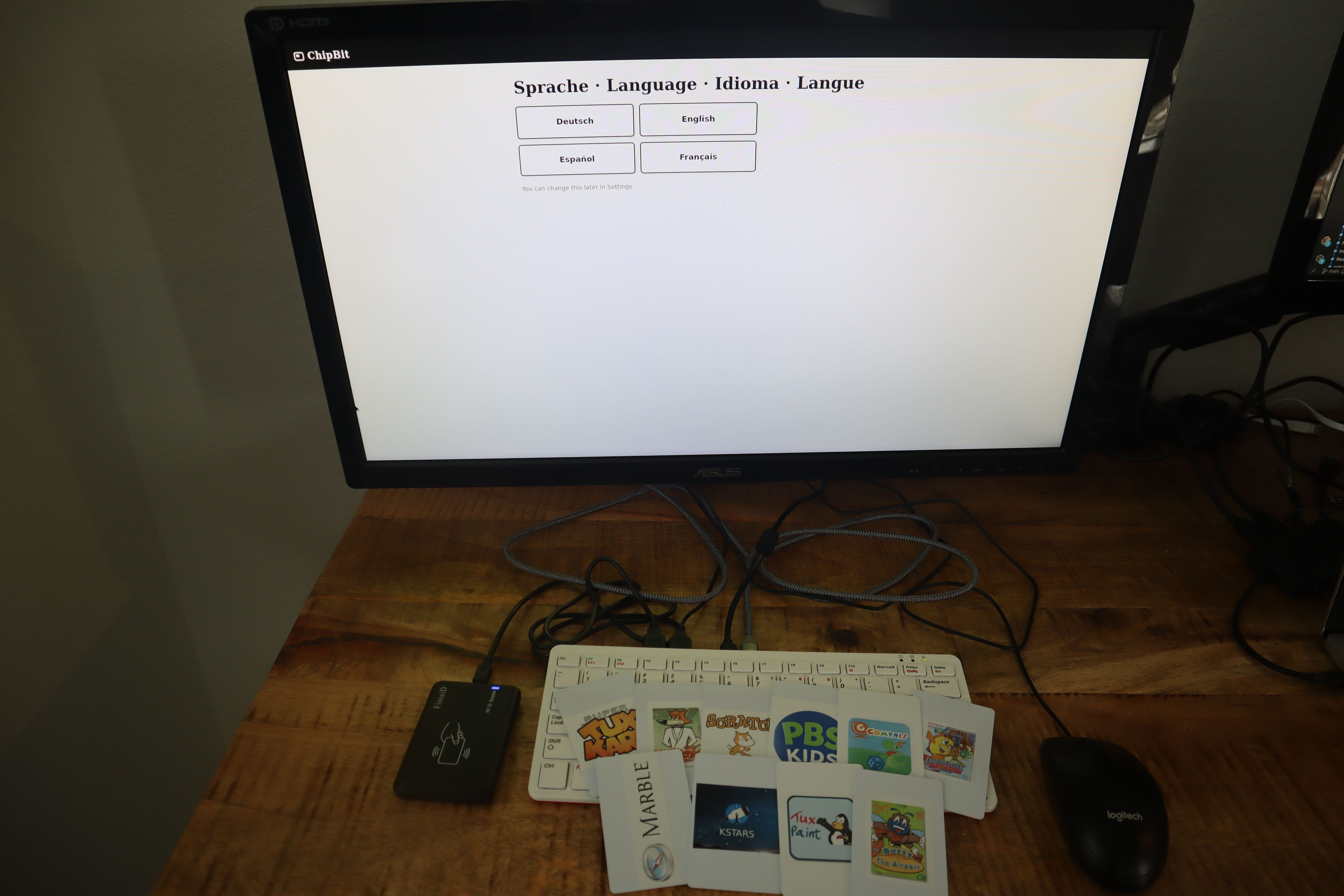
- Raspberry Pi 400 or 500. You can also use a Pi 4 or newer, just remember to get a keyboard.
- 13.56 MHz USB HID RFID reader. Any reader that enumerates as a keyboard will do.
- MIFARE Classic 1K cards. Nothing is written to them, so blanks are fine. Old hotel keycards work.
One thing worth knowing before you order: most of these readers ship in a mode that types the UID as a decimal number, and ChipBit wants hex.
-
2Flash the image
Grab the latest image from Releases and write it with Raspberry Pi Imager or
dd.Don't use the Imager's OS customization panel. ChipBit's own first-boot wizard handles Wi-Fi and the parent PIN, and pre-seeding config fights with it.
If you'd rather build the image yourself, it's a CustomPiOS module on top of pi-gen and the build is one script.
-
3First Boot
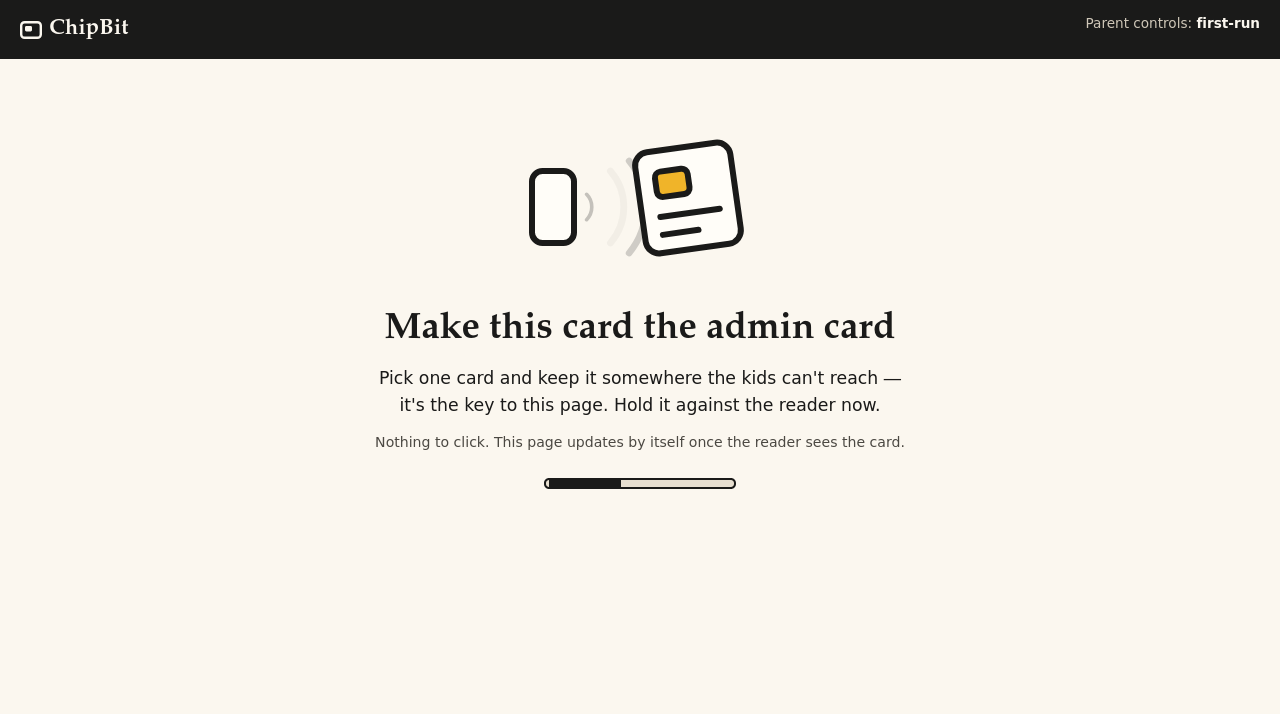
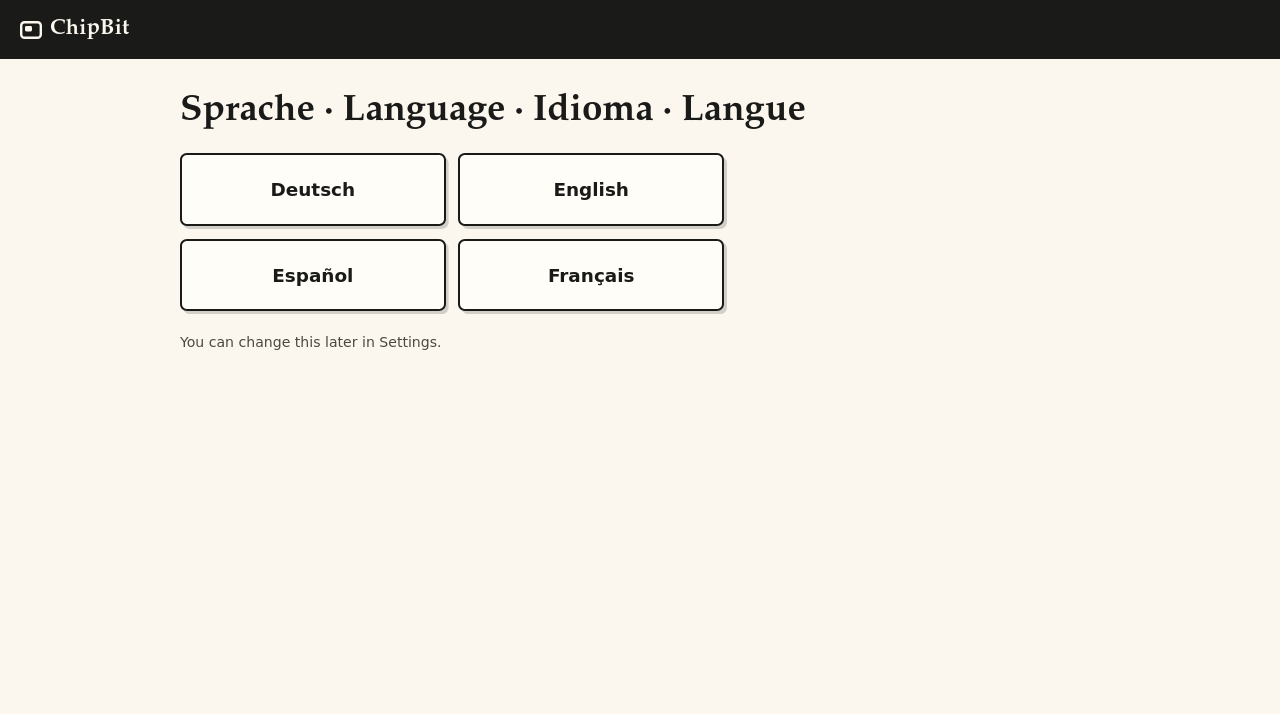
Plug in a monitor and the reader, power it up, and wait a couple of minutes while the filesystem expands. You will need to choose a card to be your admin card, which gives you access to the admin panel as a parent. The wizard asks for your language and lets you set up WiFi.
![]()
![]()
-
4Enroll Cards and Add Game Data
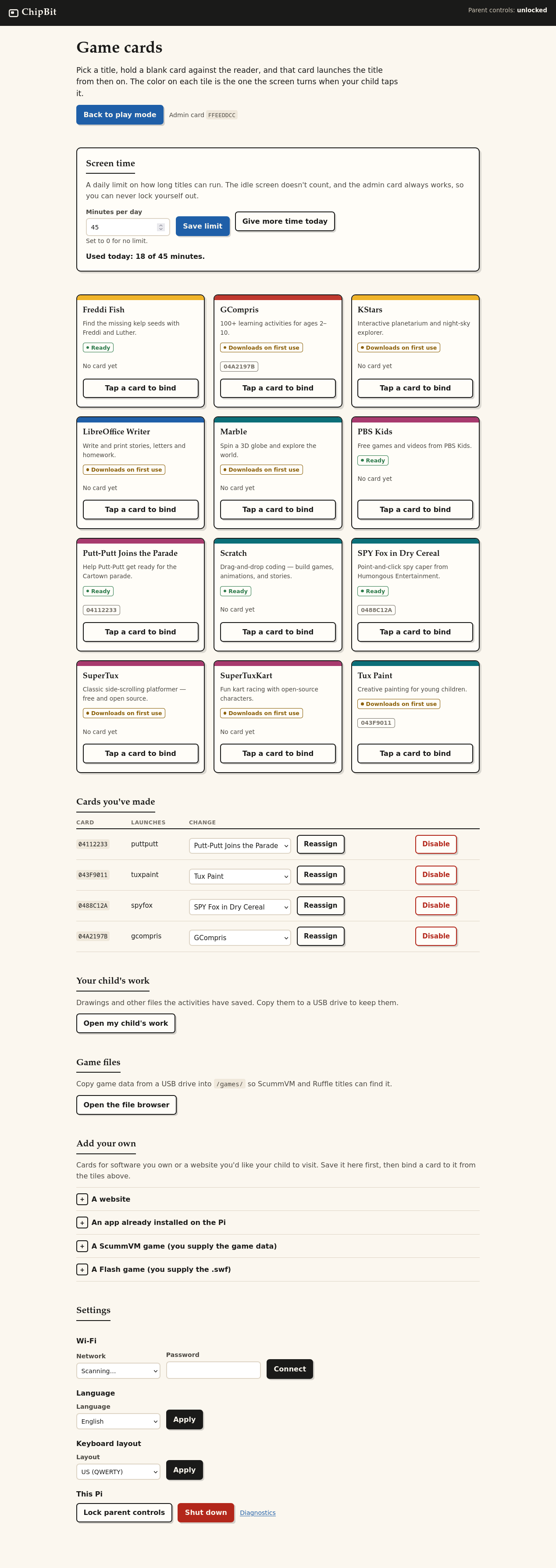
Pick any title from the console to enroll a card that launches it. Further down you'll find wizards that help you import data for ScummVM games or Flash SWFs from external media, like an external CD drive. Simply follow the on-screen instructions. You'll first select the drive where the data exists, import it, then tell the console what type of game or media that import was. You will then be able to enroll a card that launches it. The "Add your Own" section also enables you to enroll sandboxed websites.
![]()
-
5Set limits
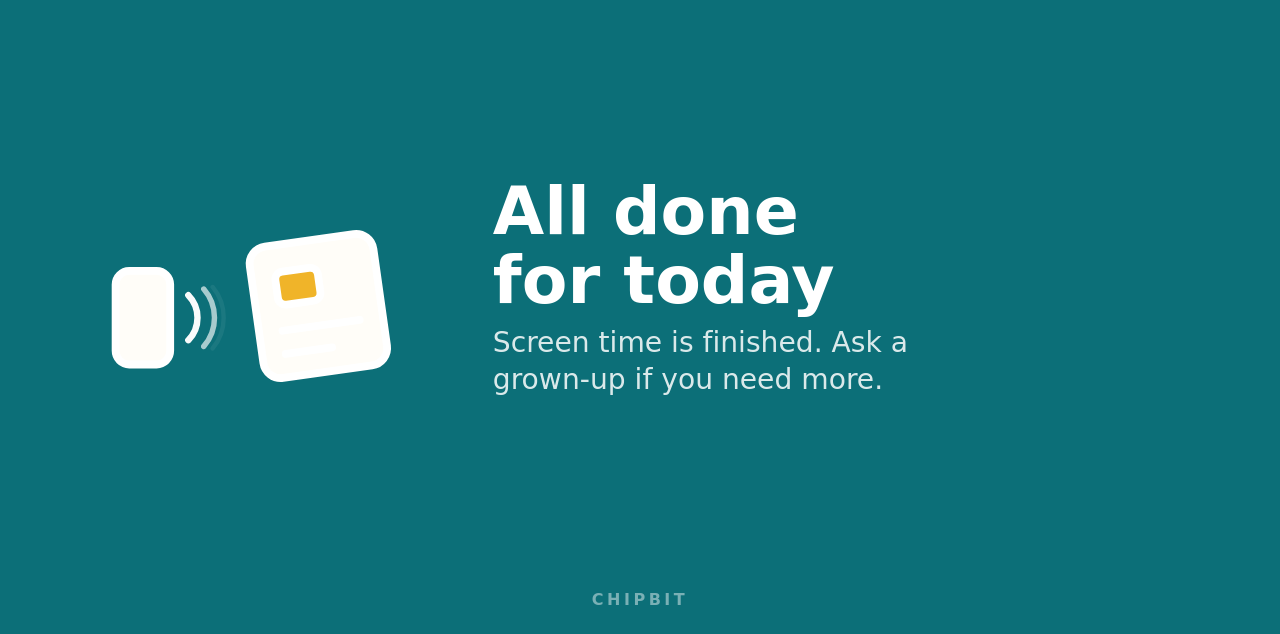
The parent console has a form at the top of the screen that lets you set daily screen time limits. When the budget is exhausted, your child will see this:
![]()
You can also grant more time for today using this form.
-
6Make the cards
A PDF of some card labels to get you started is attached to this page! I used sticker paper I could put in my laser printer, like this: https://a.co/d/0ds4iqxT
ChipBit - an RFID Card Driven Family Home Computer
The family room computer, reinvented: a Raspberry Pi kiosk where physical RFID cards launch retro or modern edutainment and software
Discussions
Become a Hackaday.io Member
Create an account to leave a comment. Already have an account? Log In.