Replacing an old Lightlink/Inova FPGA Scrolling LED board controller with PIC24F + ESP8266
To make the experience fit your profile, pick a username and tell us what interests you.
We found and based on your interests.
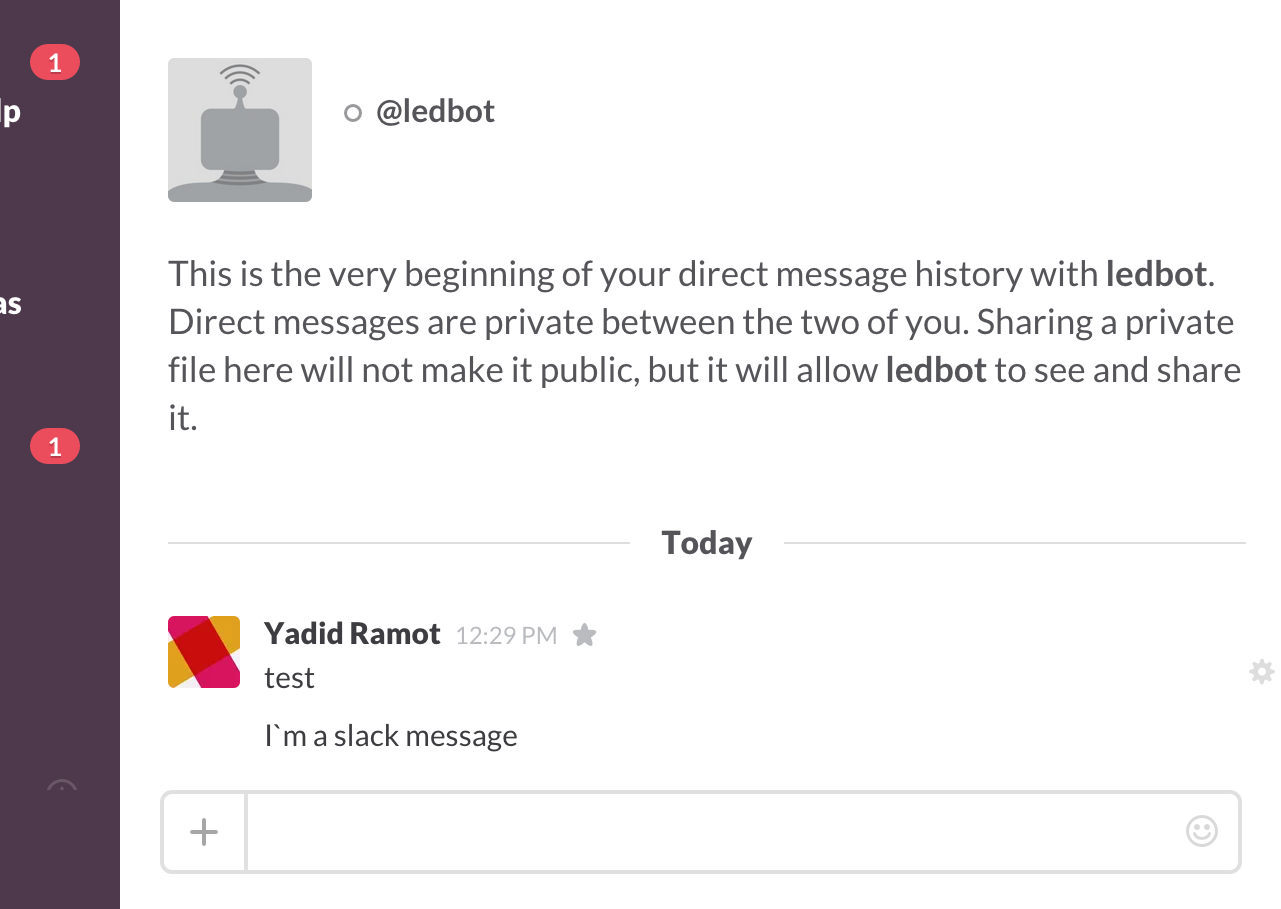
Just finished a quick Slack/NodeJS process that`ll update the LED sign with slack messages.
What it does is just listen to incoming messages to the @ledbot user, clear the display (/led/clear) and send the new message to the display (/led/print)
Code is available on GitHub - https://github.com/eyadid/esp-led-controller/tree/master/SlackBot


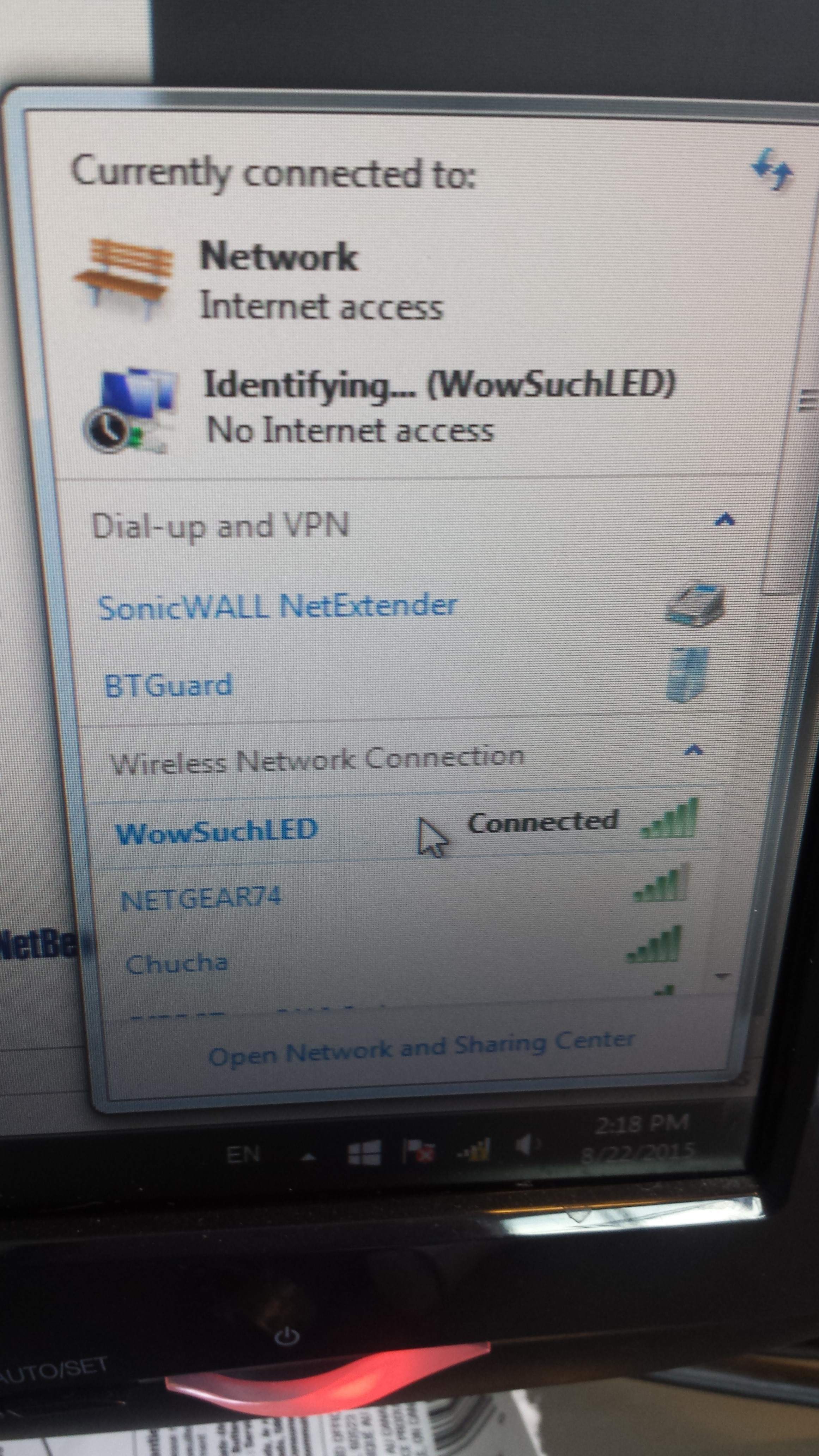
I finished setting up a few API end-points that`ll let me configure the WIFI on the ESP (a separate project on the subject is in the making)
The esp have 4 utility end points -
The ESP also have 3 end points to control the LED sign -
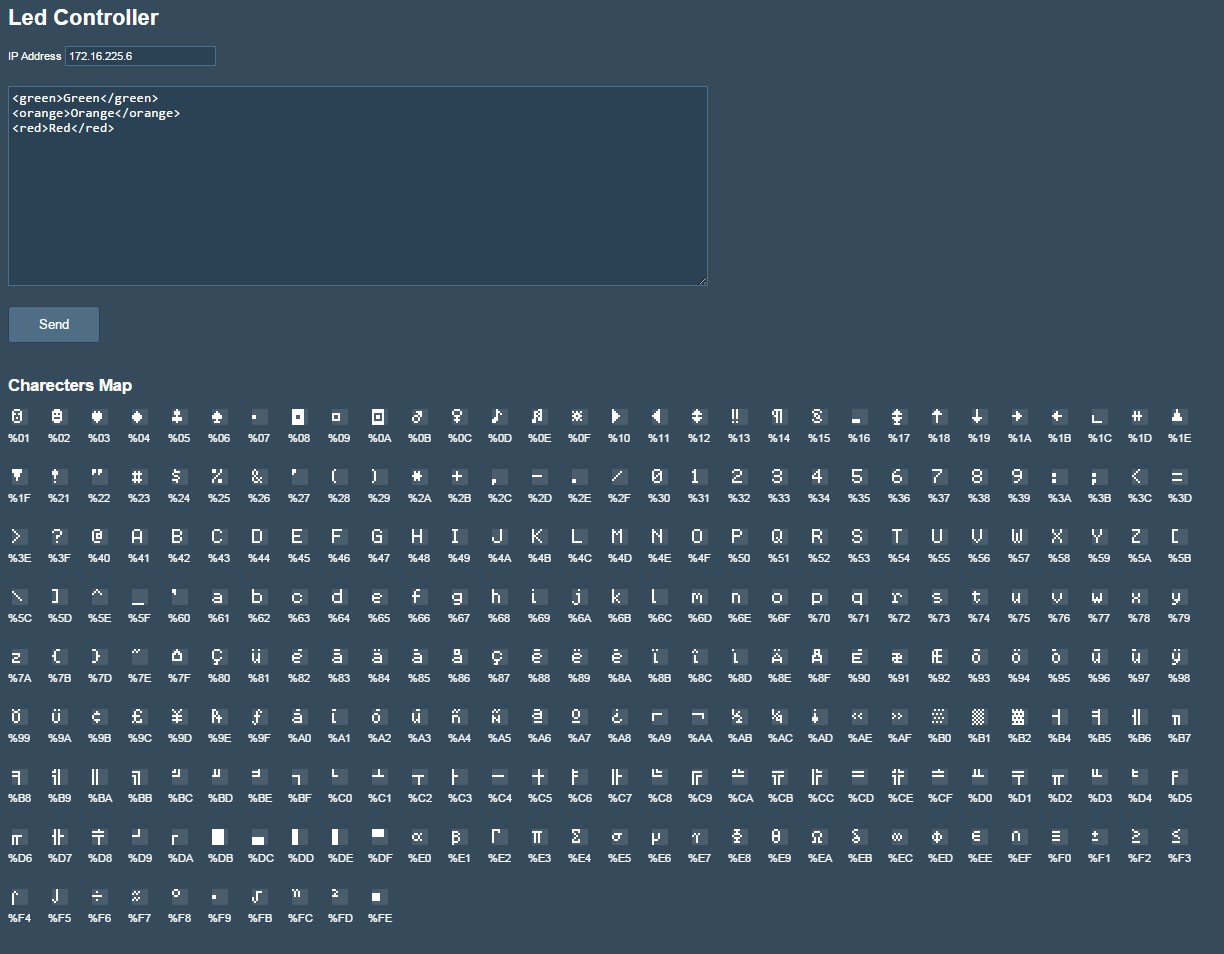
Iv'e also create a simple HTML page that`ll let me send commands to the board.
The commands are set with a simple XML format. Each row in the text-area corresponds with a row on the display.
The XML supports the following tags :


I managed to get my first version of the board working using a PIC24GB002.
For this board, PIC was communicating directly with the AT commands of the ESP (sending AT's and parsing response). the 3 end-points i created were :
/led/clear
/led/print?text=<TEXT>
/led/set-color?color=RED|GREEN|ORANGE
The problems with this board are
Iv'e decided that for the next test board i will -
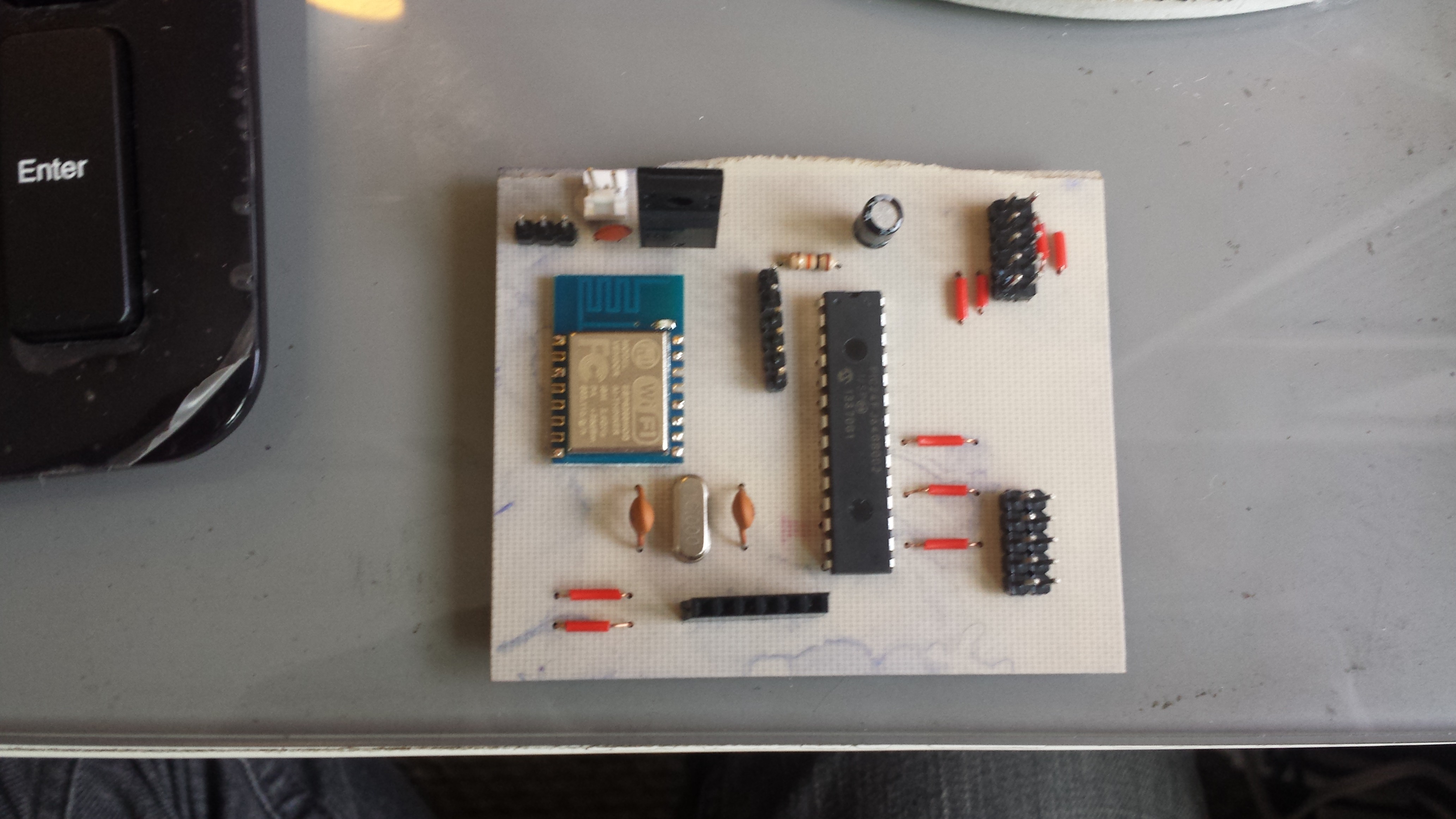
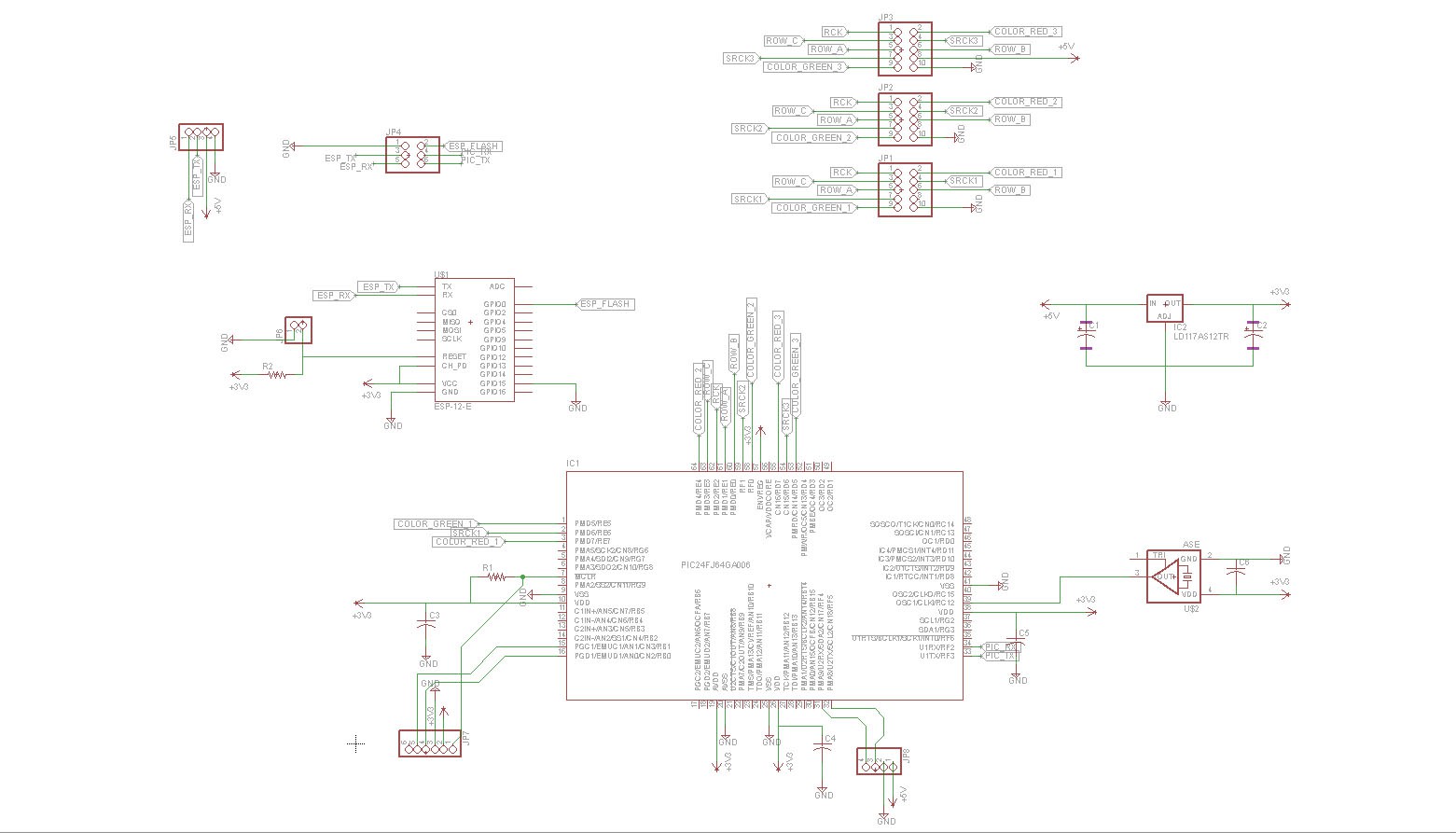
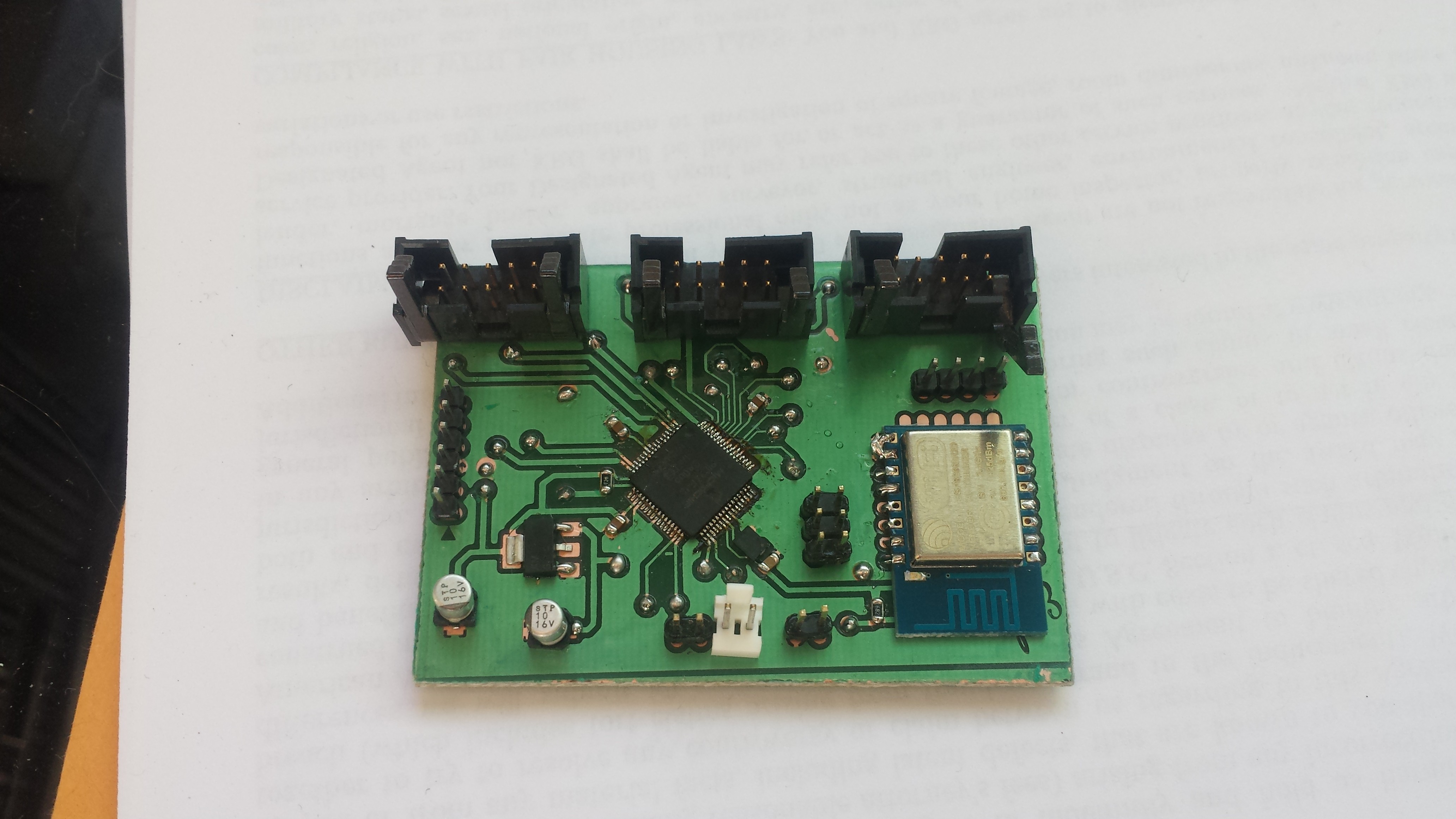
I came up with this design -

and this board -

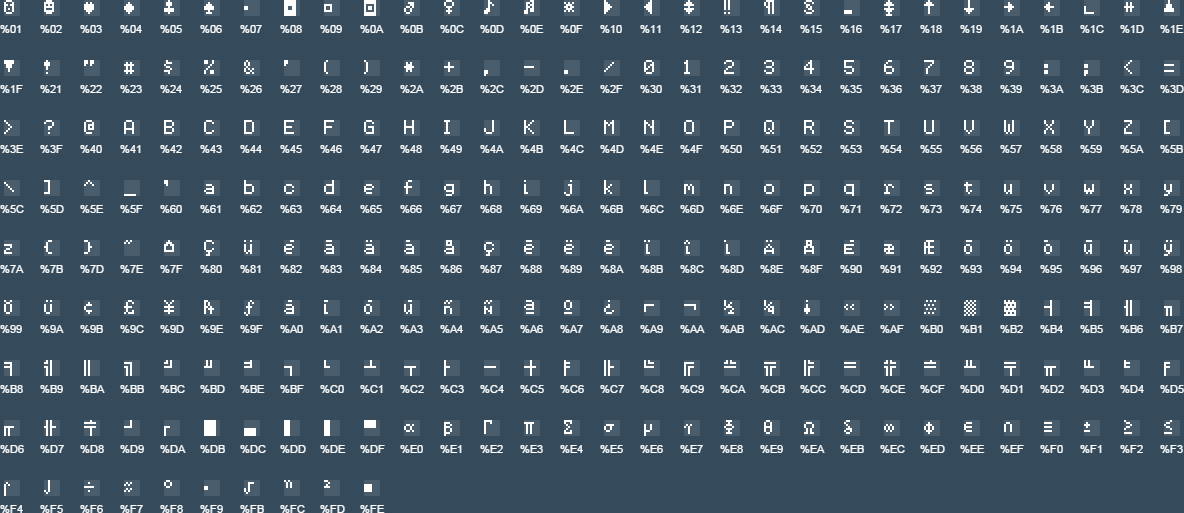
I`ve downloaded a number of letter codes designed for LED matrix displays and started playing with each to see which one look best. ended up going with an array of 250 standard 6x8 characters. each character is an array of 8 integers - each integer represent a row of pixels and each bit represent a pixel.
Example - "A" : (112,136,136,136,248,136,136,0)
112 = -ooo---
136 = o---o---
136 = o---o---
136 = o---o---
248 = ooooo---
136 = o---o---
136 = o---o---
0 = --------
Full list of characters supported by display -

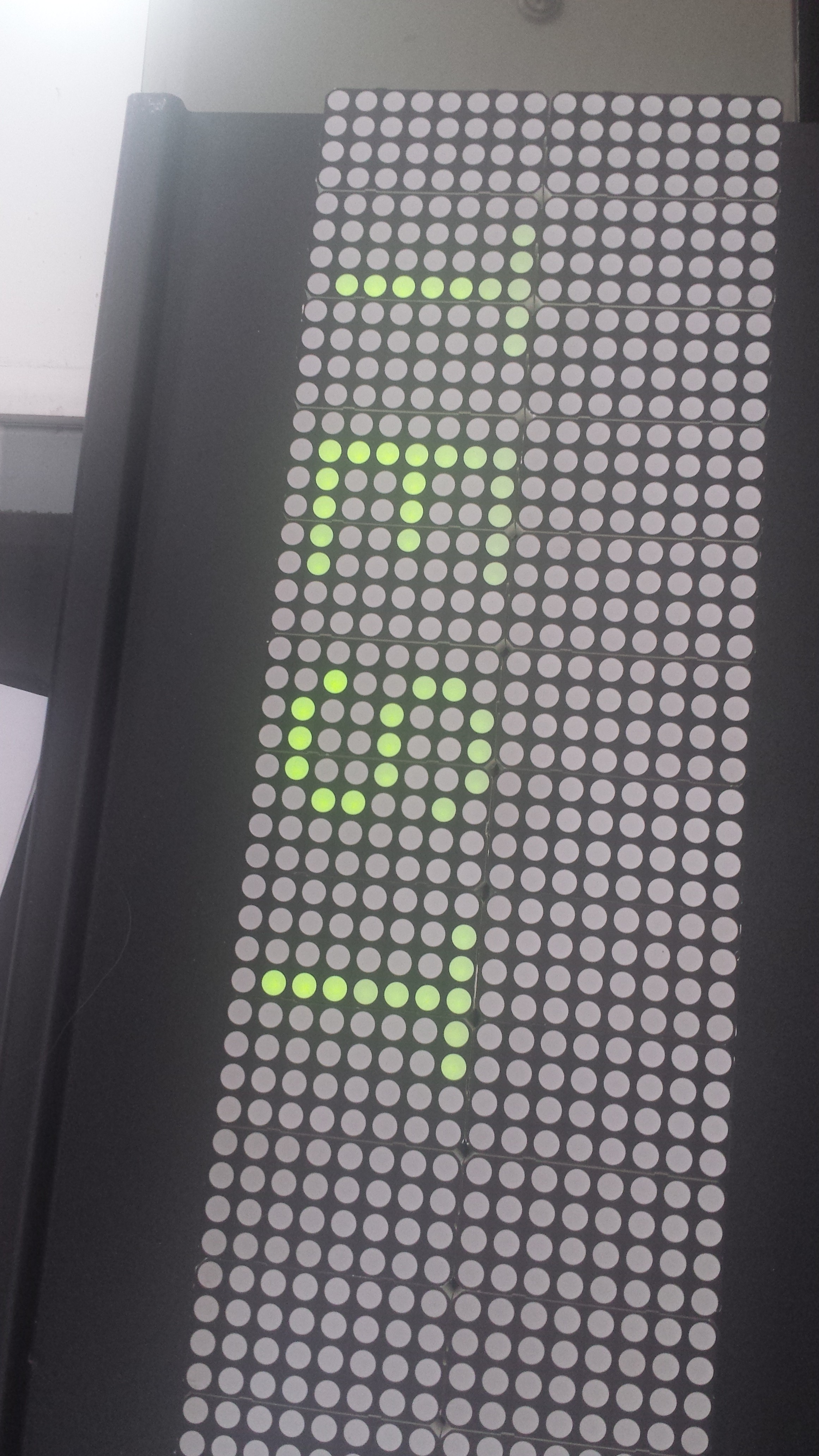
After wiring up the letter codes, i managed to get my first TEST going :

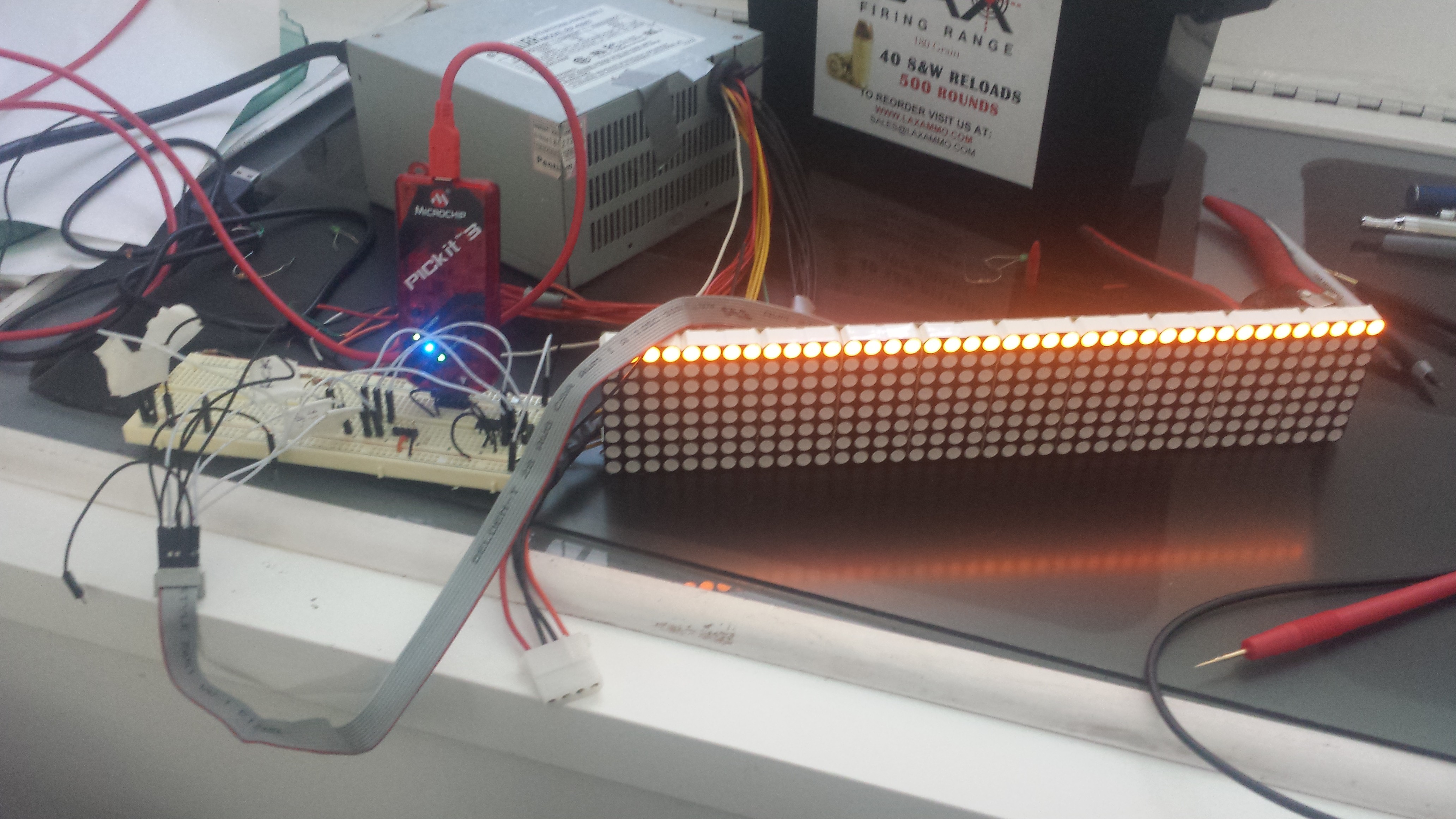
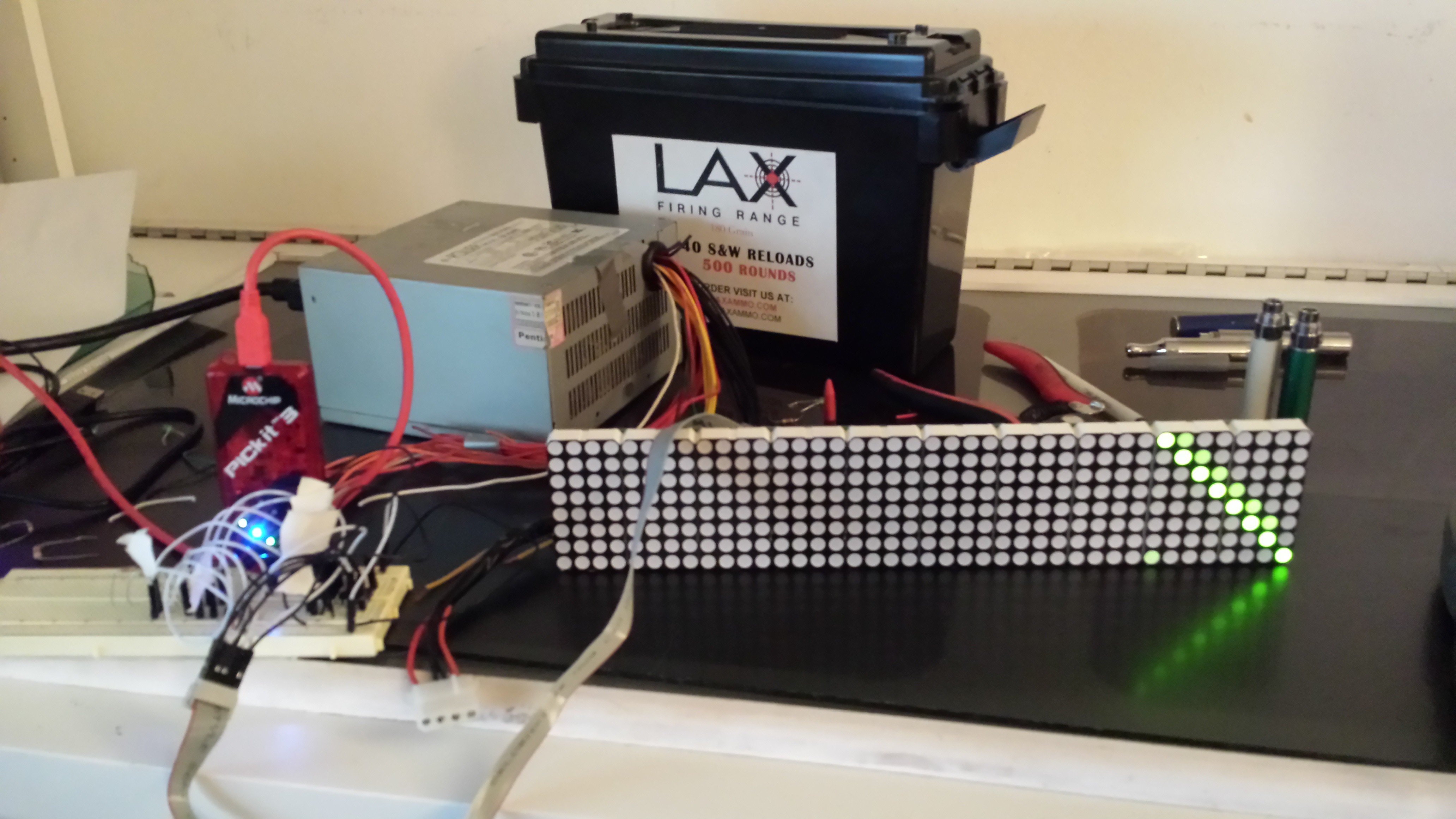
I took a part one of the display boards (10x[4x8] blocks) and wired it up to PIC24FJ64GB002, then created a simple loop that`ll call the shift register on the block and attempt to display a message on it
The idea was to check my connection and pin-probing
the pseudo code I wrote was something like -
while(true){
// Set Row IDs for current row (row 4):
ROW_1 = 0
ROW_2 = 1
ROW_3 = 1
// Shift for each pixel in the row -
for each pixel in row {
SRCK = 0
Green Bit = 1 // Turn pixel ON
SRCK = 1
// Shift next row
}
RCK = 0
RCK = 1
}
This code generated to following -


Each display has an array of 16x3 and 20x2 boards, each board contains an array of 10 x (4x8) RGY LED blocks
Boards are serially linked to each other in each row
Each row is connected to the board using a 10 bit ribbon
The ribbons are connected from the main board to a OCT buffer (HCT244) and a shift register
After some poking around, i found the following lines -
| RCK (Pin 10) | Green Bit |
| Row ID (3) | SRCK |
| Row ID (1) | Row ID (2) |
| SRCK | 5v+ |
| Red Bit | GND (Pin 1) |
RCK - Shift Register RCK
Green Bit - Shift HIGH to light up Green pixel
Row ID (1-3) - a 3 bit number for the following rows - (ID 1,2,3)
| Row 1 - 000 | Row 2 - 001 |
| Row 3 - 010 | Row 4 - 011 |
| Row 5 - 100 | Row 6 - 101 |
| Row 7 - 110 | Row 8 - 111 |
SRCK - Shift Register SRCK
5v+ - positivie
Red Bit - Shift HIGH to light up Red pixel


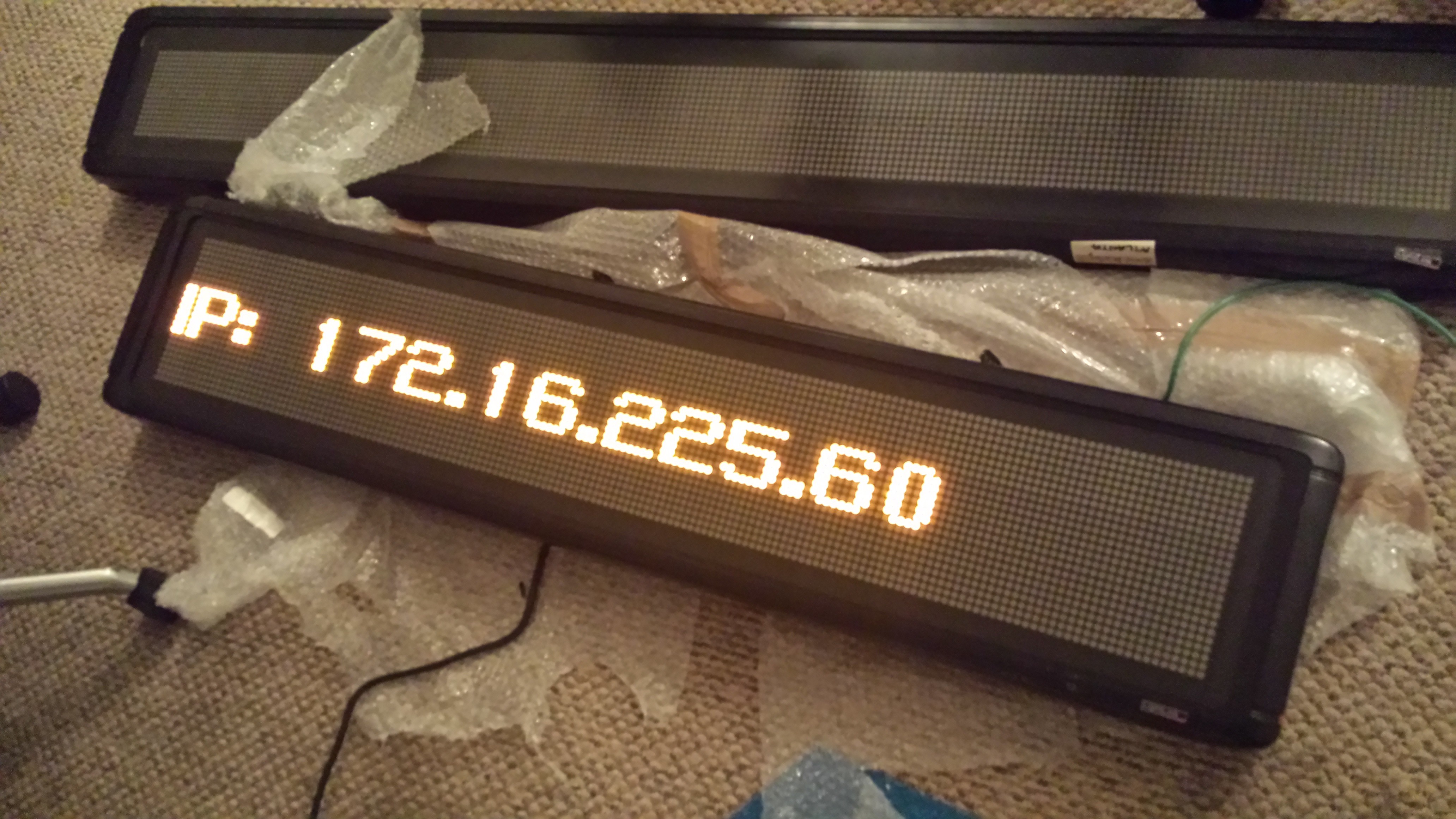
after a quick google search i found that these screens connect via UDP - but no luck finding the packet format / protocol
I`ve decided to rebuild the controller board using a simple PIC + ESP8266 combo and write my own protocol for the display

Create an account to leave a comment. Already have an account? Log In.
Become a member to follow this project and never miss any updates
By using our website and services, you expressly agree to the placement of our performance, functionality, and advertising cookies. Learn More