 diddy
diddy

Mini-Pi Media Server: Pro-Grade Media on a £15 Computer
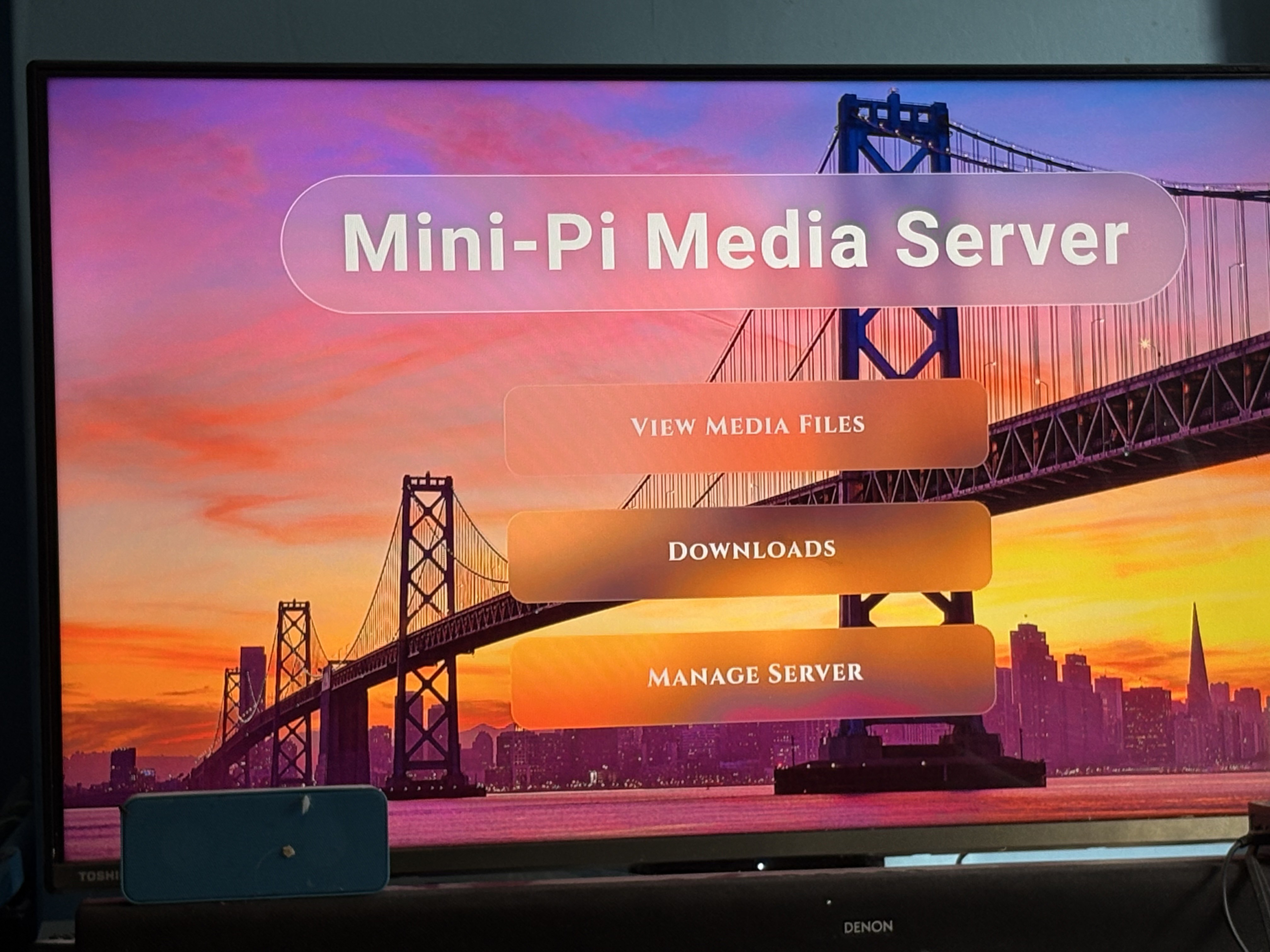
Mini-Pi Media Server turns a Raspberry Pi Zero 2 W into a low-power, self-hosted media appliance. Designed to run a full media stack on minimal hardware, it provides streaming, syncing, automation, and remote access without the need for a NAS or high-power mini PC.
Most media server stacks scale up in hardware requirements. Mini-Pi takes the opposite approach: start with a Raspberry Pi Zero 2 W and optimise everything around efficiency, low RAM usage, and simplicity.
It is designed for home networks, portable setups, hotel rooms, or even keeping a car full of passengers entertained — delivering a seamless media experience with zero subscription services required.
1. Core Media & Download Engine
- Universal Streaming: Powered by a tuned MiniDLNA setup, streaming music, photos, and video up to 1080p HD to Smart TVs, game consoles, and mobile devices. Designed for smooth playback on low-power hardware rather than high-bitrate 4K streaming. Streaming Via Web browser too.
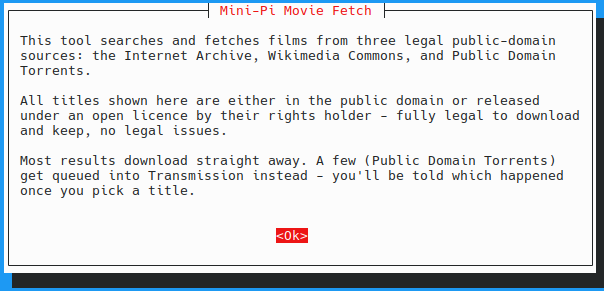
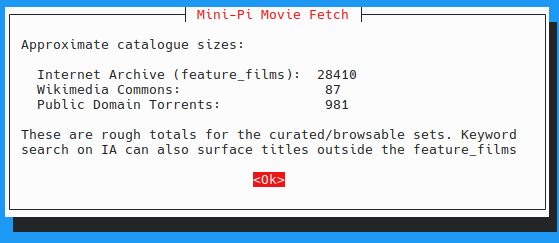
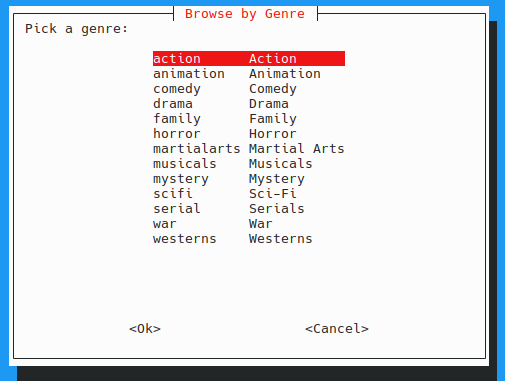
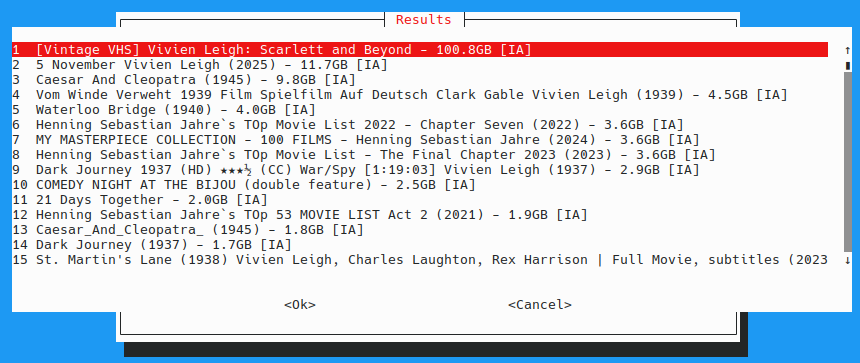
- Integrated Downloads: Optional Transmission support allows direct downloads into the media library with seeding-aware handling.
- Unified Storage: A consistent directory structure keeps DLNA, Samba, and the Web UI fully synchronised with no broken paths or mismatched views.
-
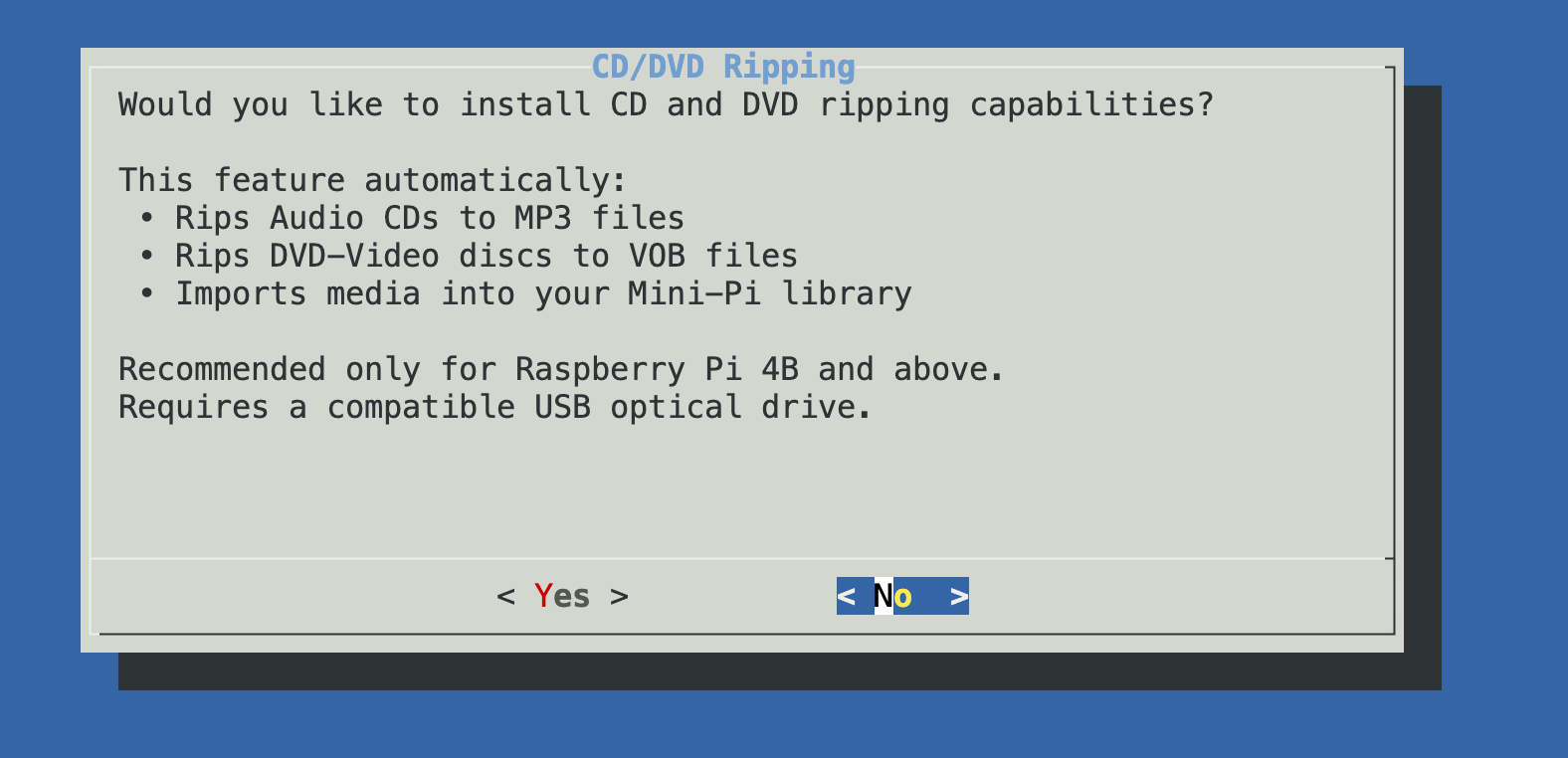
Optional CD/DVD Ripping (PI 4b and above): (Requires USB CD / DVD drive + powered hub)
- Audio CDs are converted to MP3 and stored in the Music library
- DVDs are backed up and transcoded to MP4 for the Video library
2. Cloud Sync & Family Media Network
Mini-Pi can be configured with a shared Google Drive, MEGA, or OneDrive account to create a distributed media system:
- Upload media once from anywhere
- All Mini-Pi nodes using the same account automatically sync within ~30 minutes
- Cloud-synced content is preserved exactly as-is (no encoding pipeline interference)
- Enables pre-configured deployment: set up a Pi, ship it to a family member, and they instantly share the same media library
3. Automation & Intelligence
- Smart MKV Watcher: systemd + inotify service automatically detects new MKV or VOB files and triggers encoding immediately
- Hardware Encoding: H.264 streams are remuxed instantly (no quality loss). HEVC and other formats are transcoded using the Pi Zero 2 W VideoCore GPU, with fallback to software encoding on Pi 5
- Power-Loss Recovery: incomplete encodes are automatically cleaned up on reboot and resumed safely
- USB Auto-Sync: plugging in a USB drive with standard media folders automatically syncs content into the library via rsync
- Nightly Rotational Sync: optionally pulls only recent media from a NAS, keeping storage use low on SD cards
4. Web Interface & User Experience
- Customisable backgrounds (including user uploads via Samba), uses the Pictures folder.
- QR-code onboarding for instant device pairing and WiFi setup
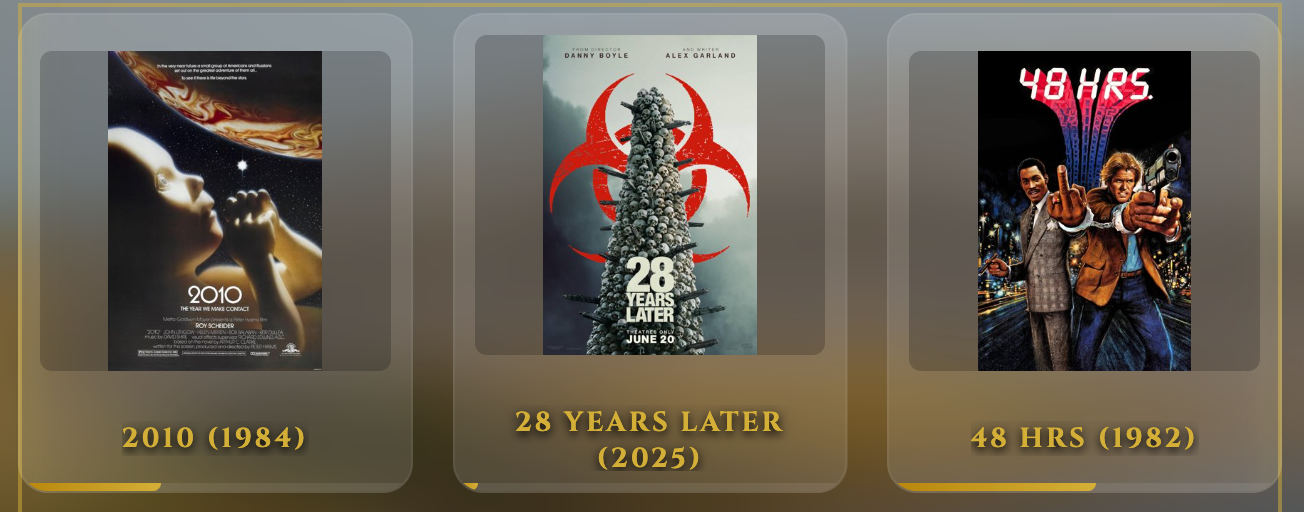
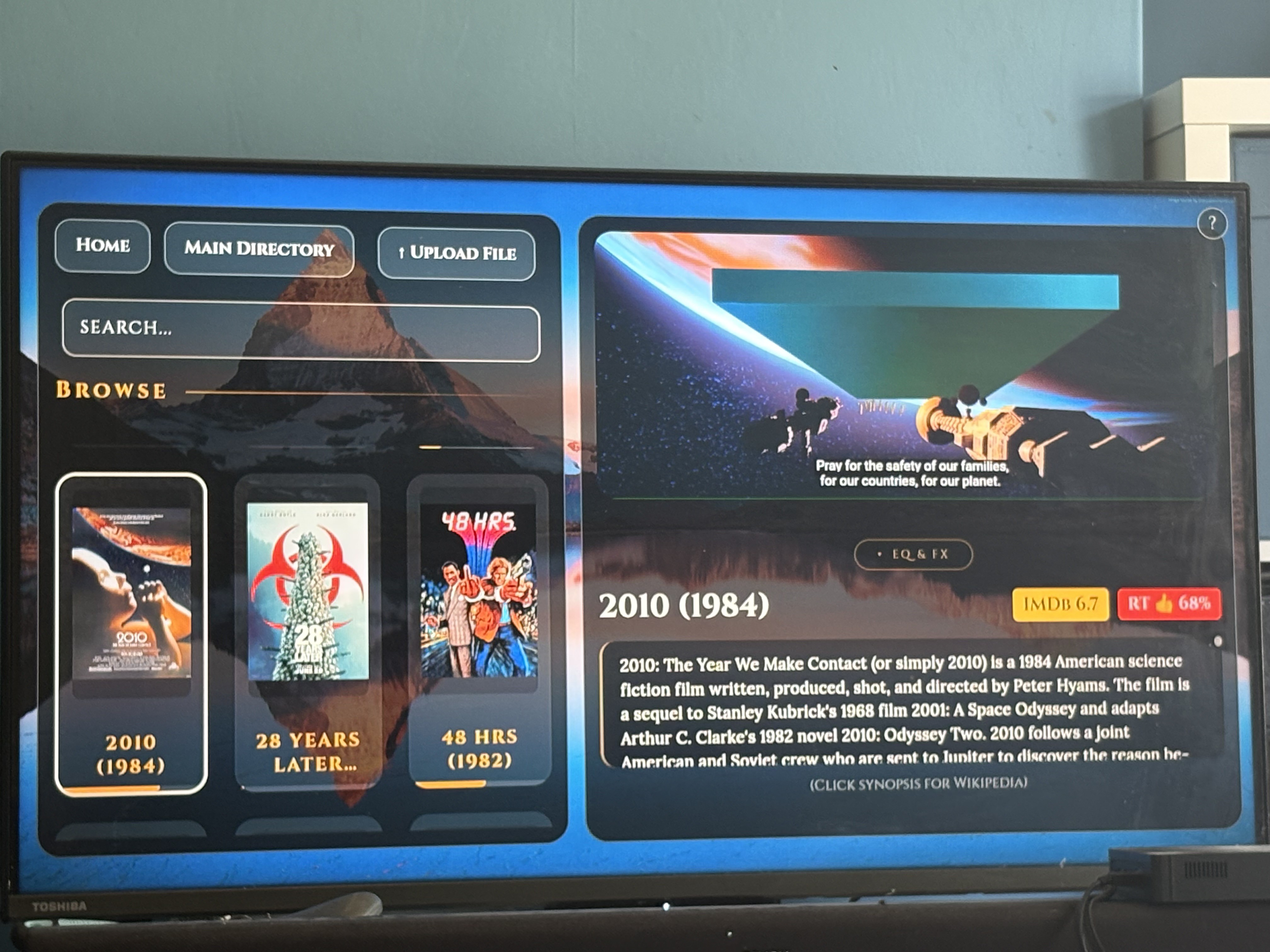
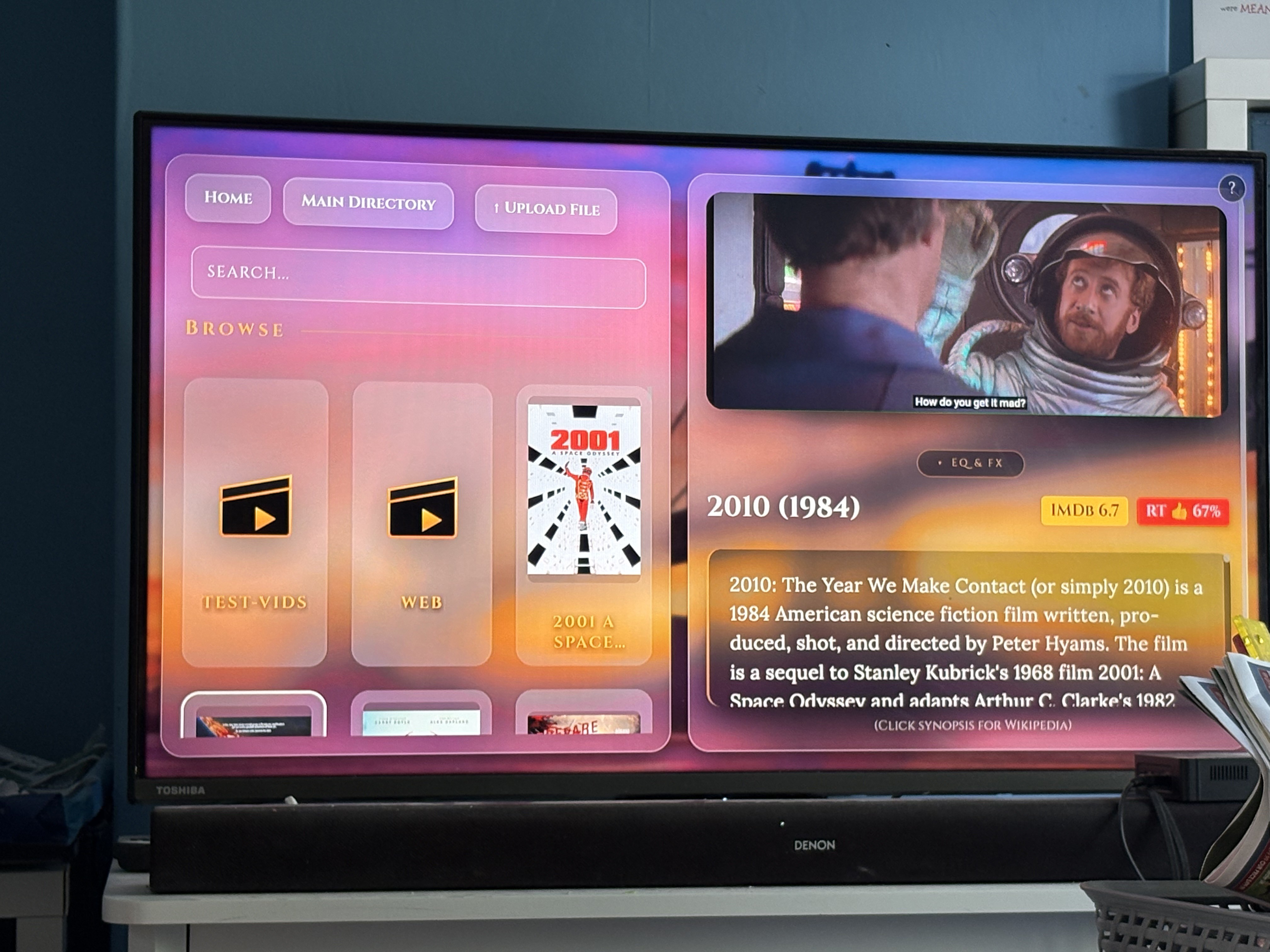
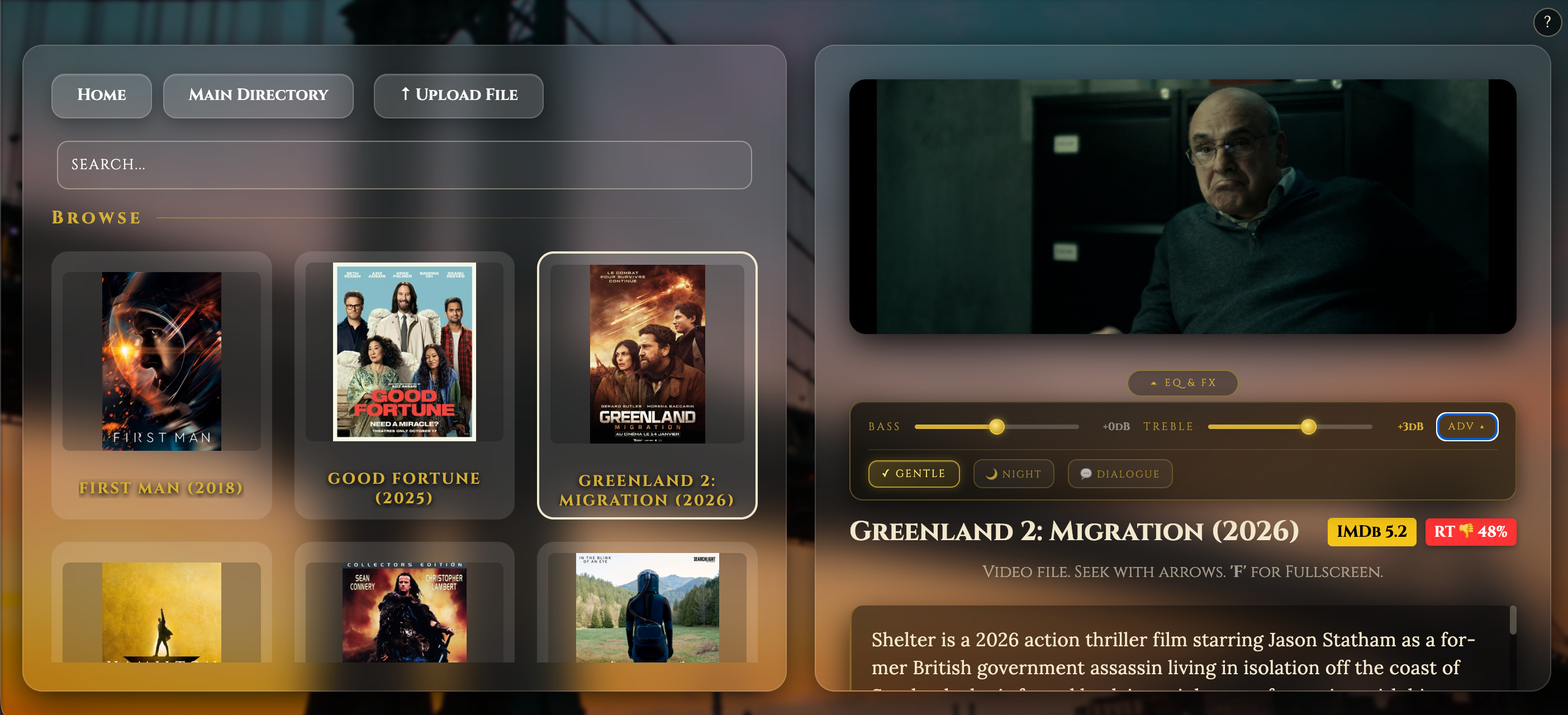
- Rich media library UI with posters, synopses, IMDb ratings, and Rotten Tomatoes scores via nightly metadata scraping
- Cross-device resume playback (TV → tablet → phone)
- Lock-screen music controls for high-fidelity playback
- Direct uploads from any device into Music, Pictures, or Video folders
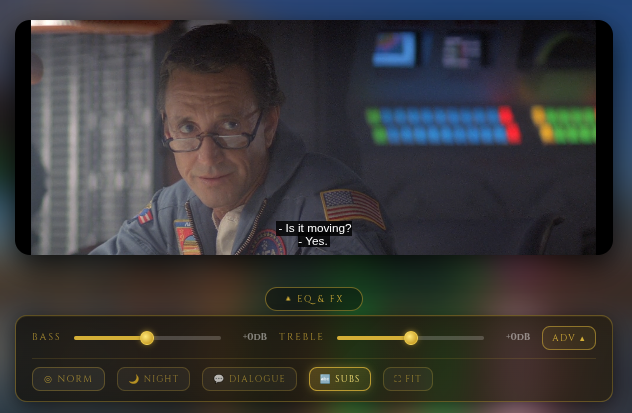
- Client-side EQ and audio effects (zero CPU load on the Pi)
5. Networking & Deployment
- WiFi Access Point Mode: creates a standalone wireless network for fully self-contained deployments, routing internet via Ethernet when available (with a USB to ethernet adapter on a pi zero 2 w)
- Cockpit Management: full web-based admin interface including terminal, file system access, and service control without SSH
- One-command install & upgrade: preserves all existing configuration and user data during updates
Demo
Demo video of the web server :-

 Dmitry

 Tejas Lotlikar
 Anton
Anton
Version v4.3 contains a fix for the Pi 5's Wi-Fi and its known firmware issues with Trixie. If anyone is testing this on Trixie, let me know if it's working for you also