 kelvinA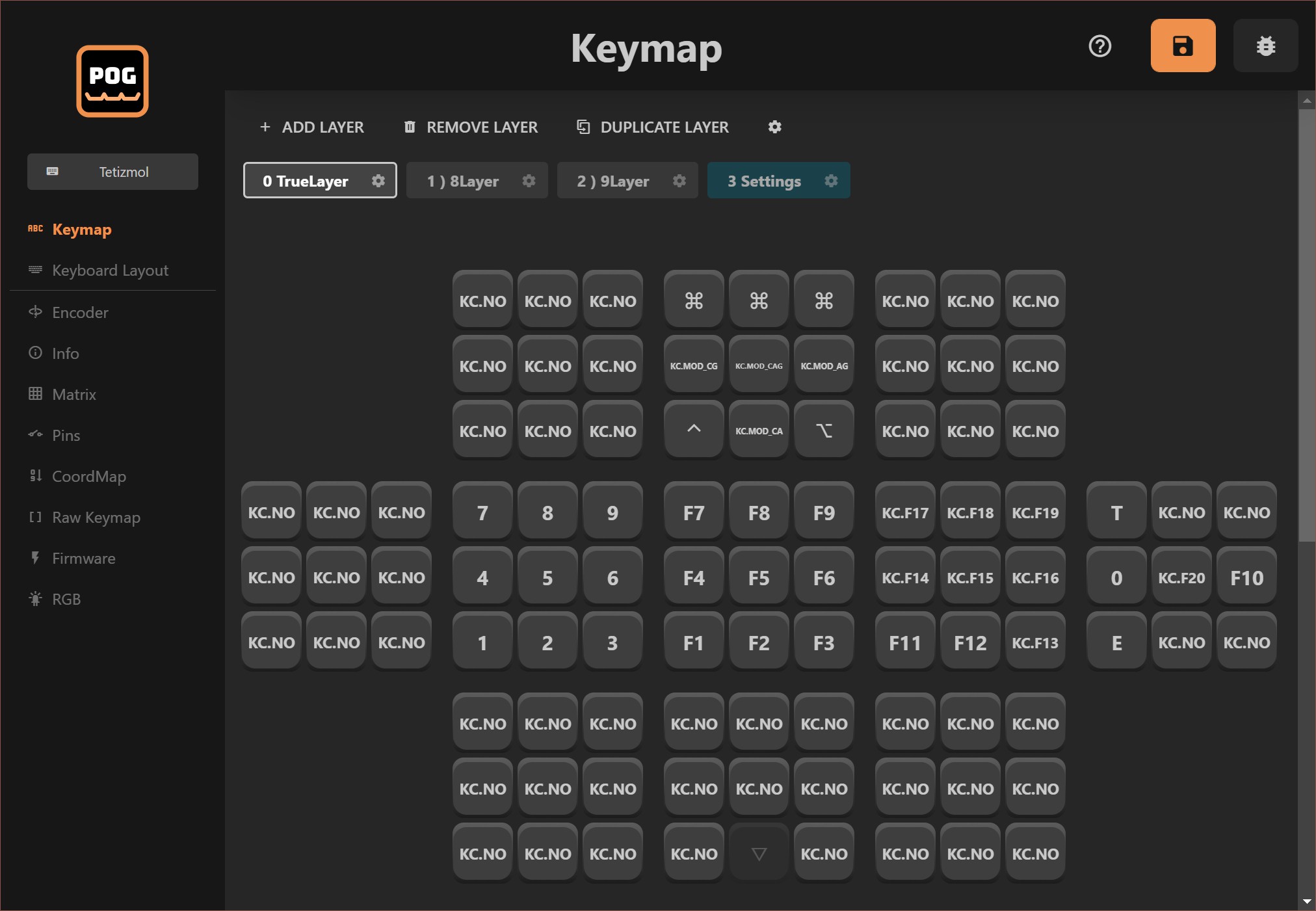
If you followed along with #WK-50 Trackball Keyboard, you'd know that Tetaip (and Taipo), the keymap is hardcoded into the KMK module:
class Taipo(Module):
    def __init__(self, tap_timeout=500, sticky_timeout=1500):
        ...

        # Outer Finger 4---0: ⬖⬘⬘⬘⬗
        # English UK Layout
        self.keymap = {
            # ⬖⬦⬦⬦⬦ ┊backspace┊
            o4 : KC.BSPC,

            # ⬗⬦⬦⬦⬦ ┊space┊
            i4 : KC.SPC,

            # ◆⬦⬦⬦⬦
            o4 | i4 : KC.NO,

            # ⬦⬘⬦⬦⬦ ┊O┊ ┊}┊
            o3 : KC.O,
            o3 | o4 : KC.LSFT(KC.O),
            o3 | i4 : KC.MACRO("o "),
            o3 | o4 | i4 : KC.RCBR,
(hackaday.io has a broken code colourizer)
With Tetwice, obviously I wanted to do some automation, and since I'm already using Pog KMK, I wondered if there was a way to set the keymap through it.
Layout ideas
My first idea was a 10 x 10 grid, since each well would have 10 combinations (including pressing nothing) and there are 2 wells per chord. I split it into 4 sections of 5 x 5 and removed Chord 00:
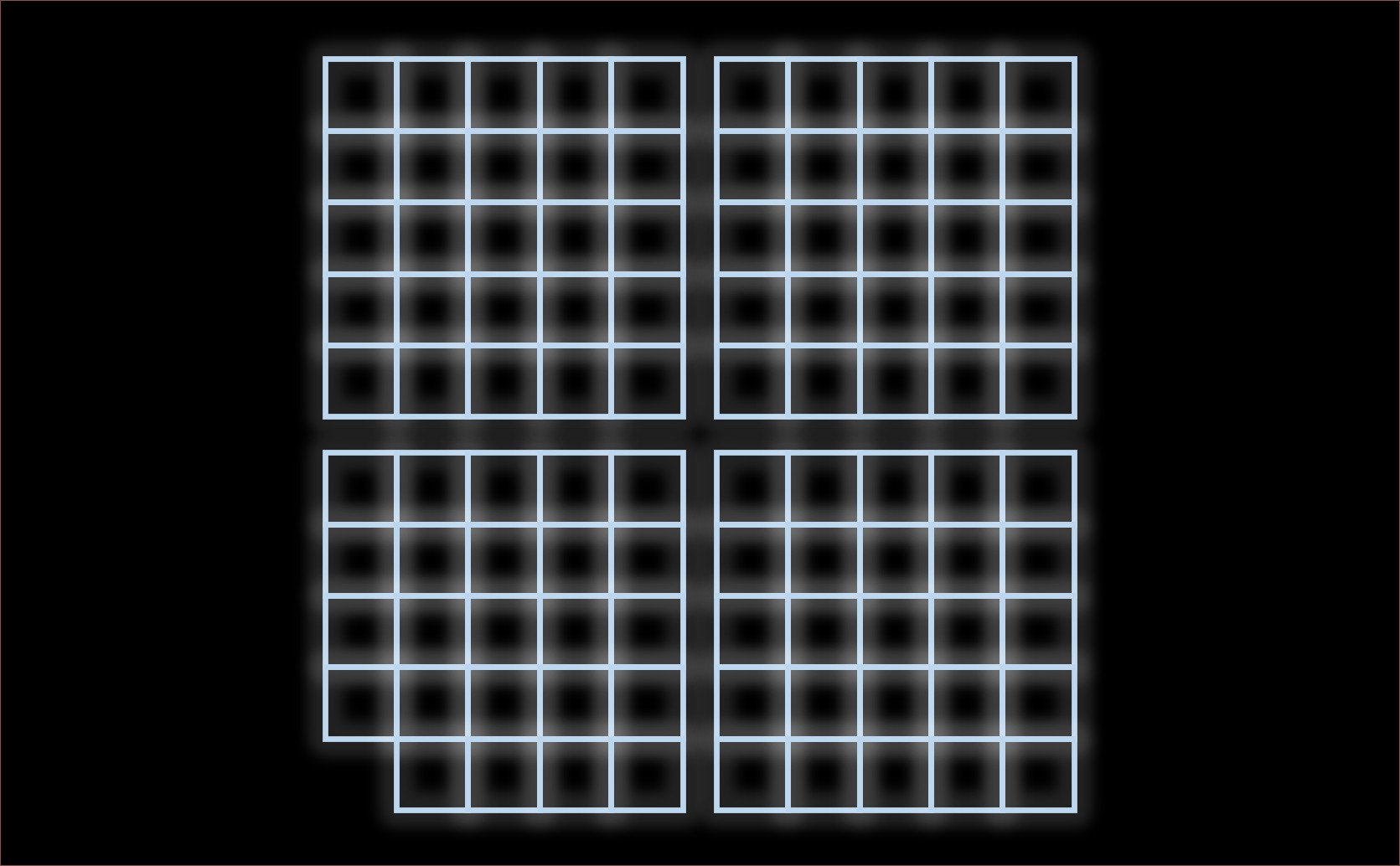
However, in my mind, each right-hand option in a well was mapped similar to the numbers in the numpad: 1 is the lower left button, 8 is both upper buttons, etcetera. Thus, the chords 00 to 99 map to these directions, making it confusing in the above layout. That's why I thought of grouping them in sets of 3x3:
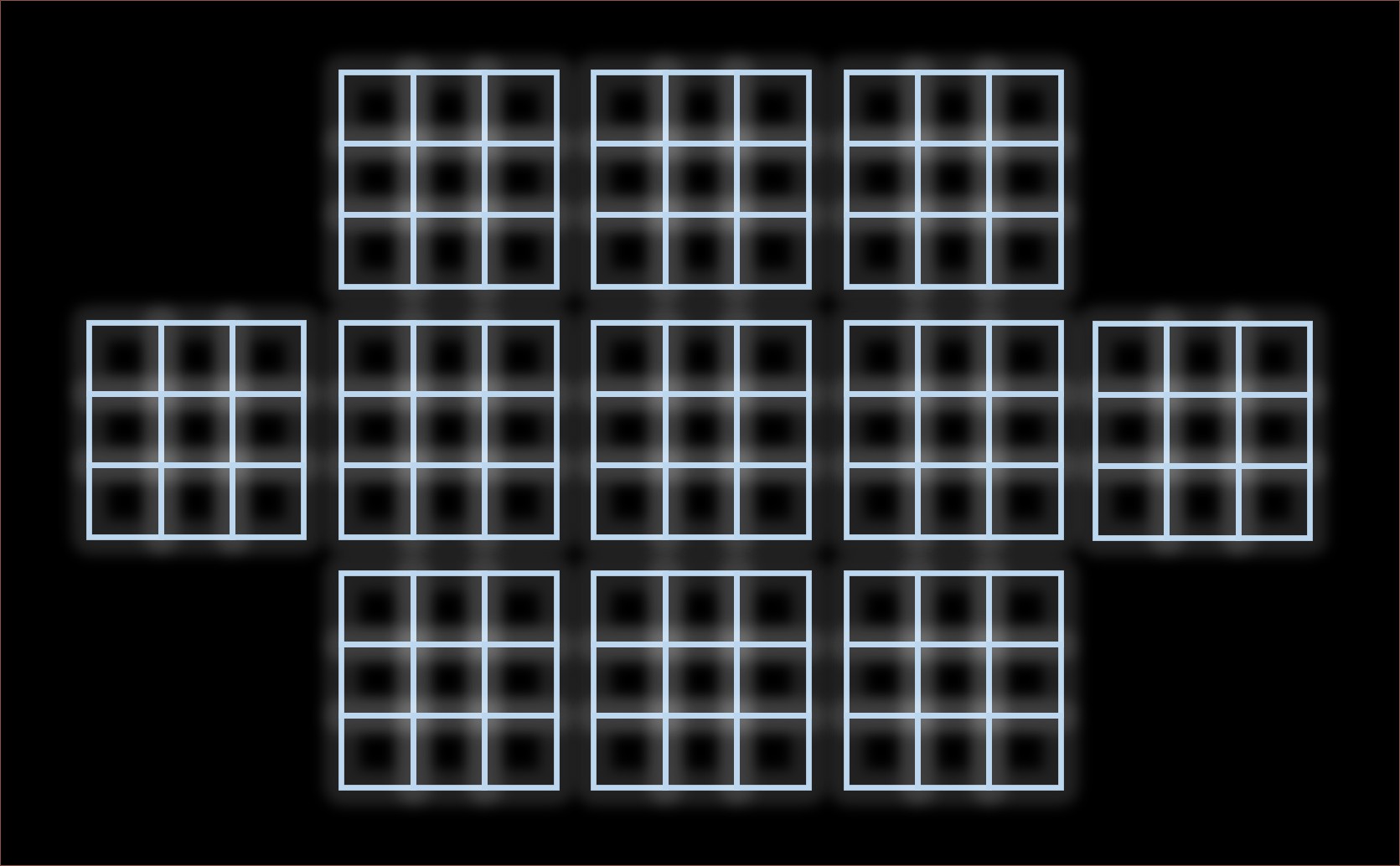
Lastly, I thought of a recursive layout, where X0 was put on the side of the small grids just like how 0Y was next to the large grid:

I liked the symmetry of the second option, so I created that in Pog's configurator application.
Setup and changes
It didn't take long for me to discover that Pog will only save the keys that exist in (what it thinks is) the matrix. Well, to be precise, it will save any number of keys, but fail to load them back in.
Since Tetwice is the only real "layer", I hardcoded the keys and removed any other code that set them up:
class POGKeyboard(KMKKeyboard):
    def __init__(self, features=['basic']):
        super().__init__() # Recently introduced change
        ...
        self.keymap   = (...)
        self.row_pins = (...)
        self.col_pins = (...)
        self.diode_orientation = DiodeOrientation.ROW2COL
Then, in the configurator, I set direct pins and put 99 in the textbox.
Through serial, I was getting a lot of "INVALID PIN None", so I tweaked the first line of this function with "or pin is None":
def pinValid(pin):
    if pin == "" or pin is None:
Then for reading the keymap:
self.keymap = []
for l, layer in enumerate(pog.config['keymap']):
    if l < 3:
        layerKeymap = []
        for k, key in enumerate(layer):
            layerKeymap.append(eval(key))
        self.keymap.append(tuple(layerKeymap))
In the Tetwice module, it handles layer transparency:
for i in (0, 1):
    if twice[i] > 00:
        key = self.keymap[layer][twice[i] - 1],
        if layer > 0 and key == KC.TRANSPARENT:
            key = self.keymap[0][twice[i] - 1]
I also removed the POGKeyboard code that appended the layer module.
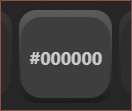
Since the imports are just text, and Pog Configurator allows arbitrary "keys" to be saved, I can do things like hexcolour keys in the settings layer:
...
self.colourmap = []
for l, layer in enumerate(pog.config['keymap']):
    if l == 3:
        for k, key in enumerate(layer):
            if (k in (_num, _caps, _pointer, _orbit) or
            k >= 90):
                self.colourmap.append(self.hex_to_rgb(key))
...
def hex_to_rgb(self, hex_string):
    ...
I'm using this to pass colour values to a ring LED extension that's currently taking me hours to even "understand" the problem. It's because I want decaying fade-out animations and automatic luminosity.
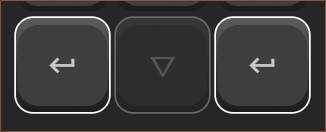
Additionally, I deleted the key that corresponds with Chord 22, since that is toggling the Manipulator module (the module responsible for mouse and spacemouse controls). I didn't like the non-symmetry so I put it back. However, Pog makes new keys and puts it at the end of the list, so if auto-select is enabled, it'll still skip from key 21 to 23. It also won't save a kay that's not in the chordmap, so it's obvious that Chord 22 can't be set:
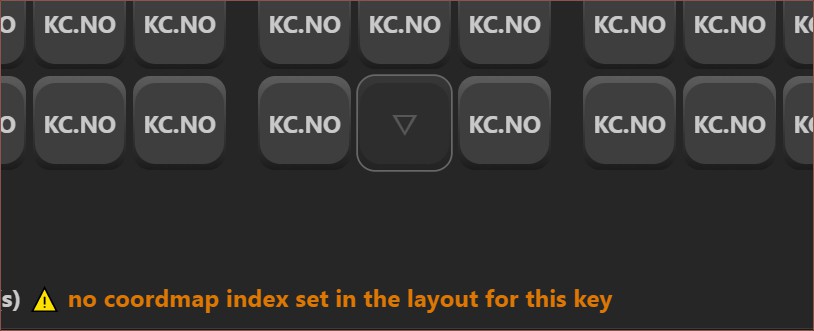
Thankfully, if this key is one of multiple keys that are selected, it will still change the others:
Discussions
Become a Hackaday.io Member
Create an account to leave a comment. Already have an account? Log In.