Arnov Sharma

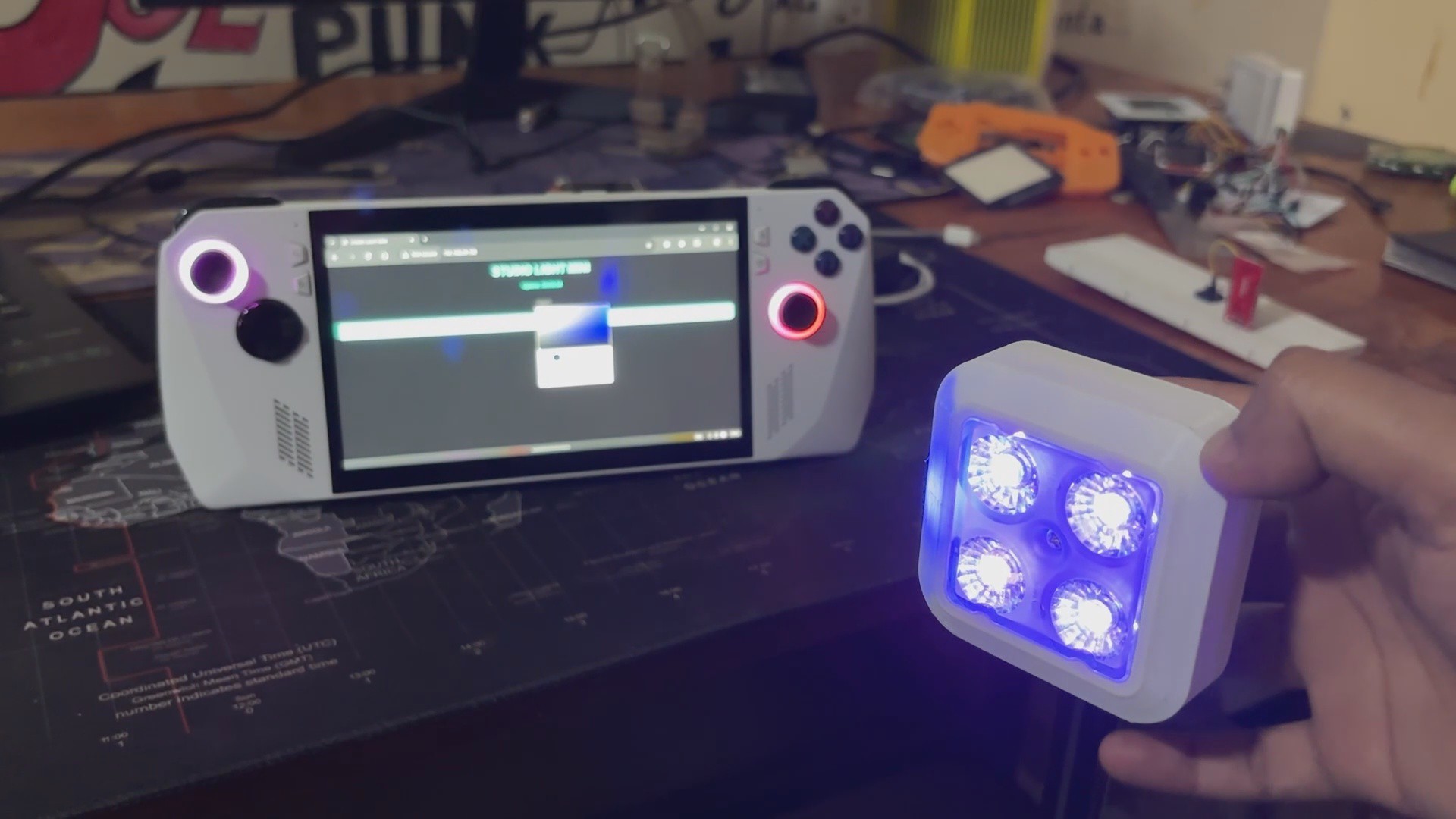
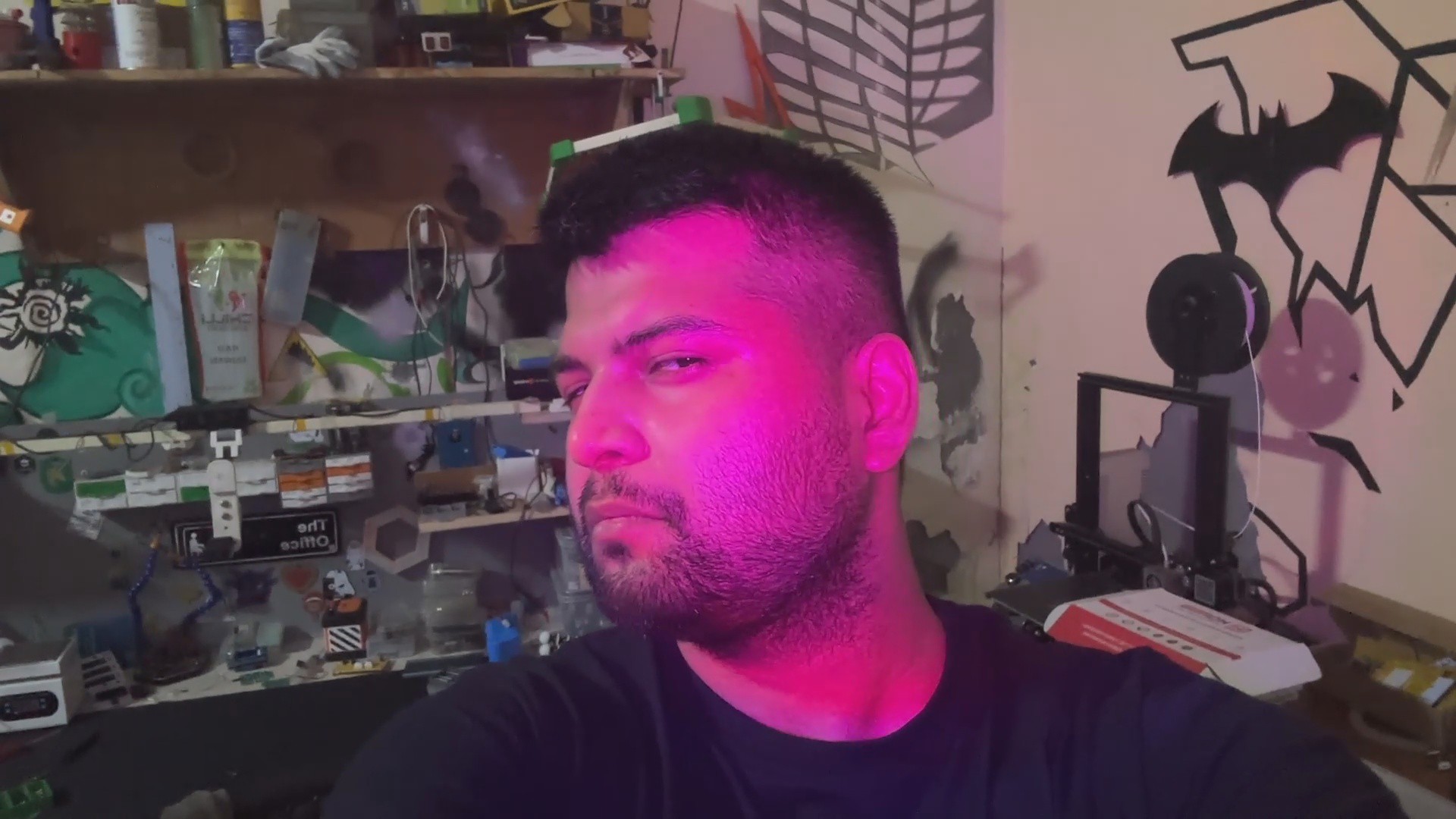

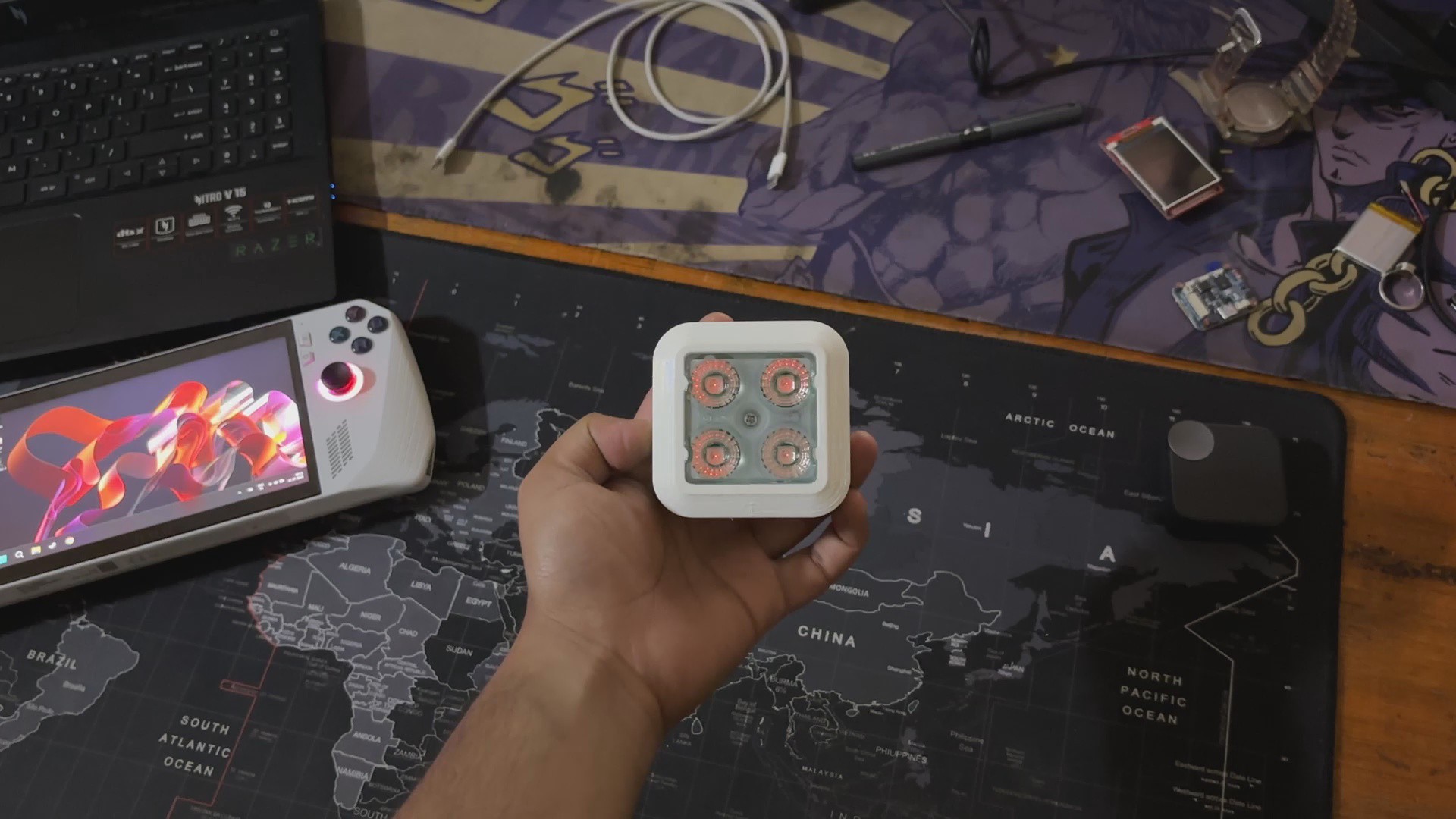
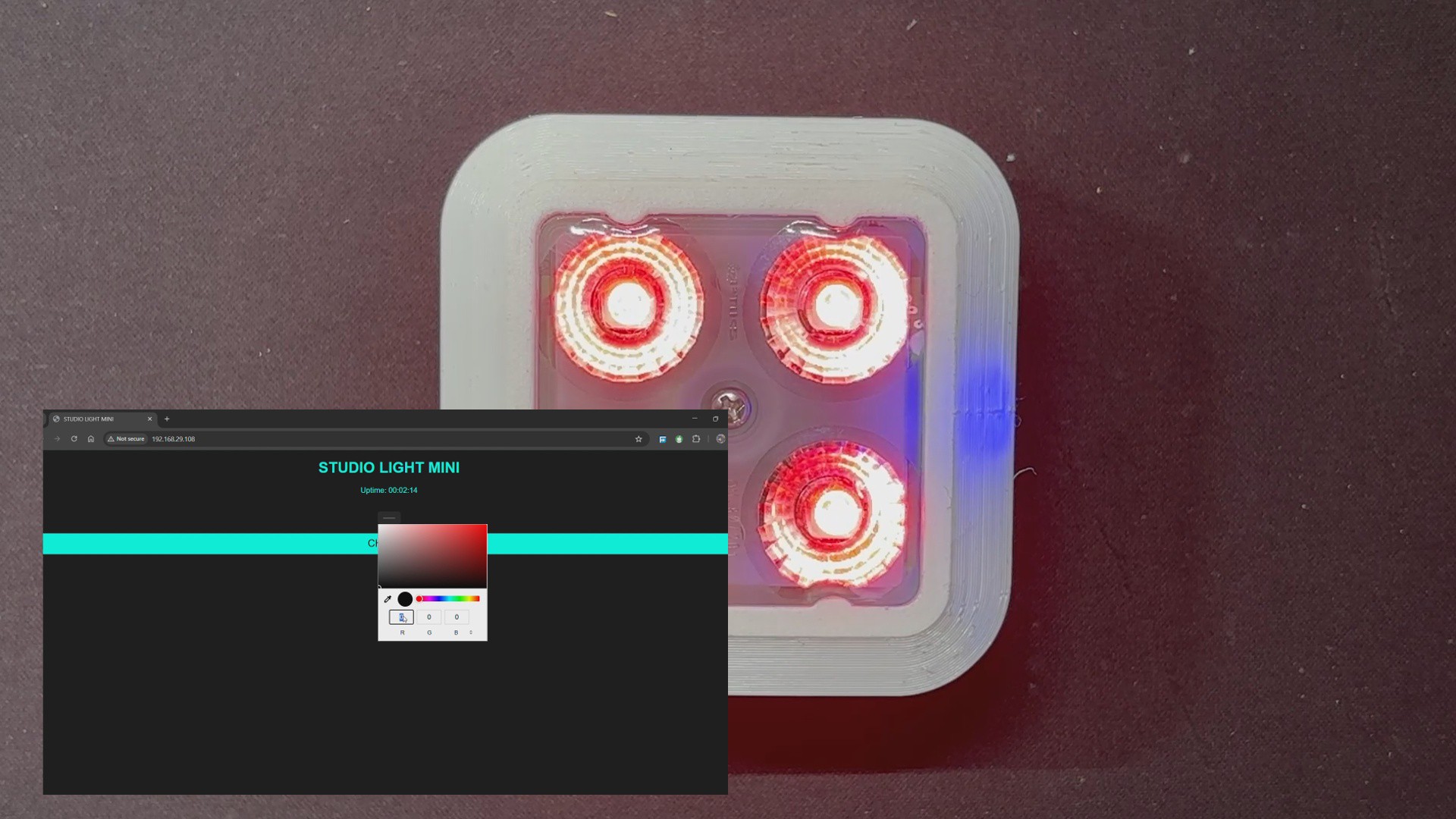
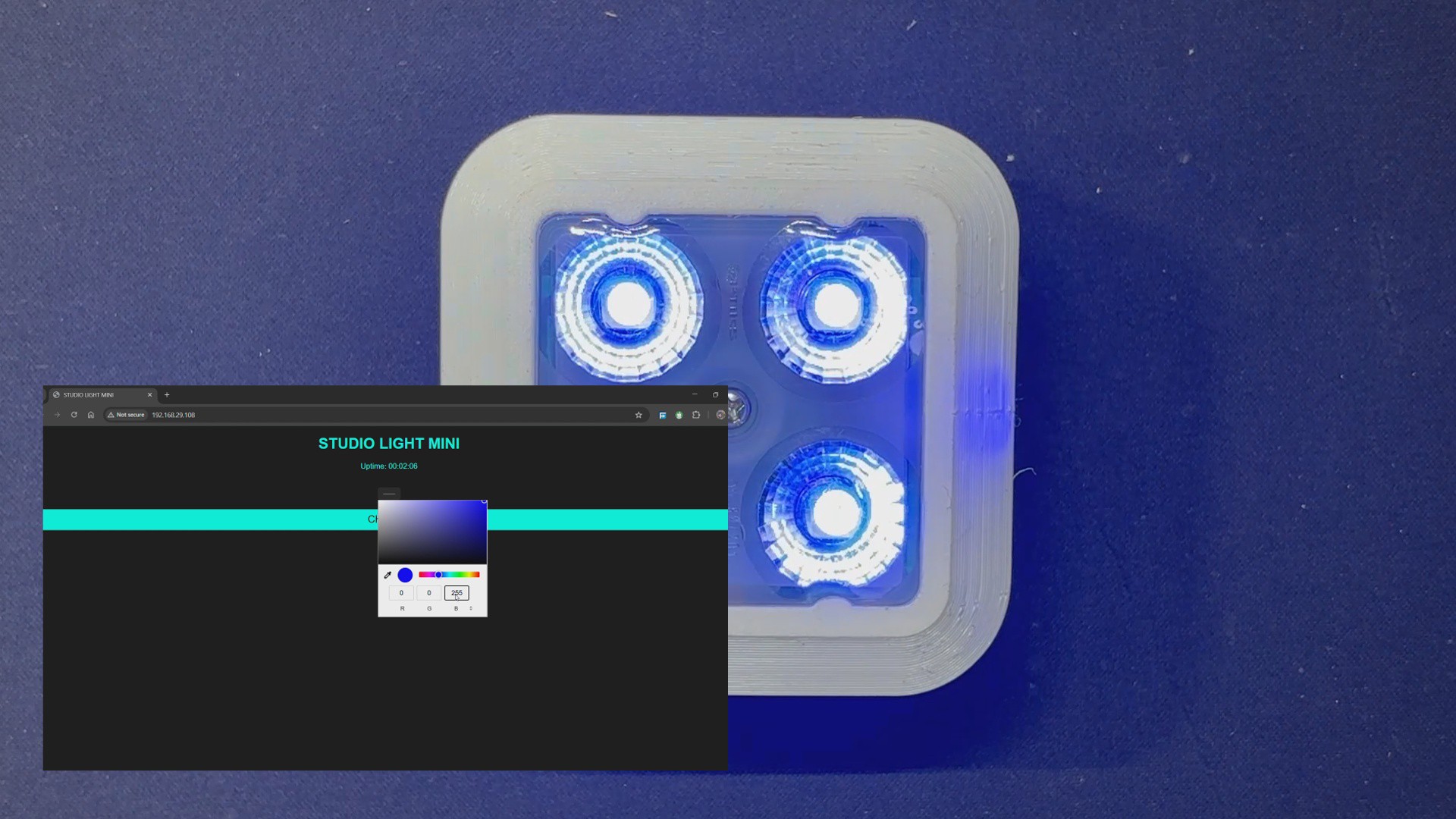
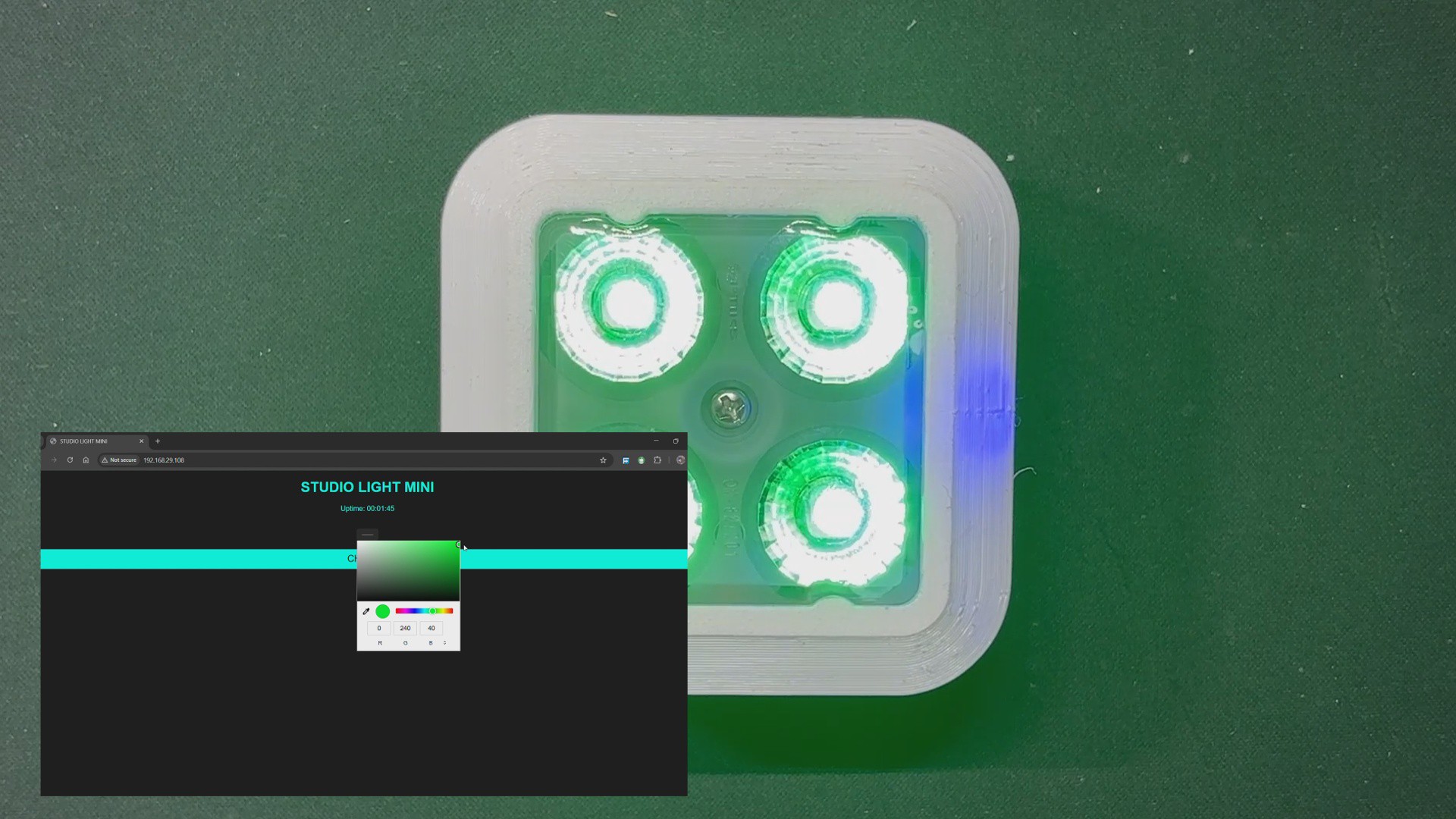
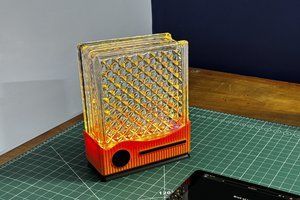
The Studio light, powered by an ESP8266 microcontroller, links smoothly to a browser-based web app, allowing for exact color choices and dynamic control directly from your phone or laptop.
The Portable Studio Light was created to address an actual problem: I just relocated and found myself frequently hopping between two workplaces. I needed a lighting setup that was portable, easy to mount anyplace, and strong enough to enhance my video output.
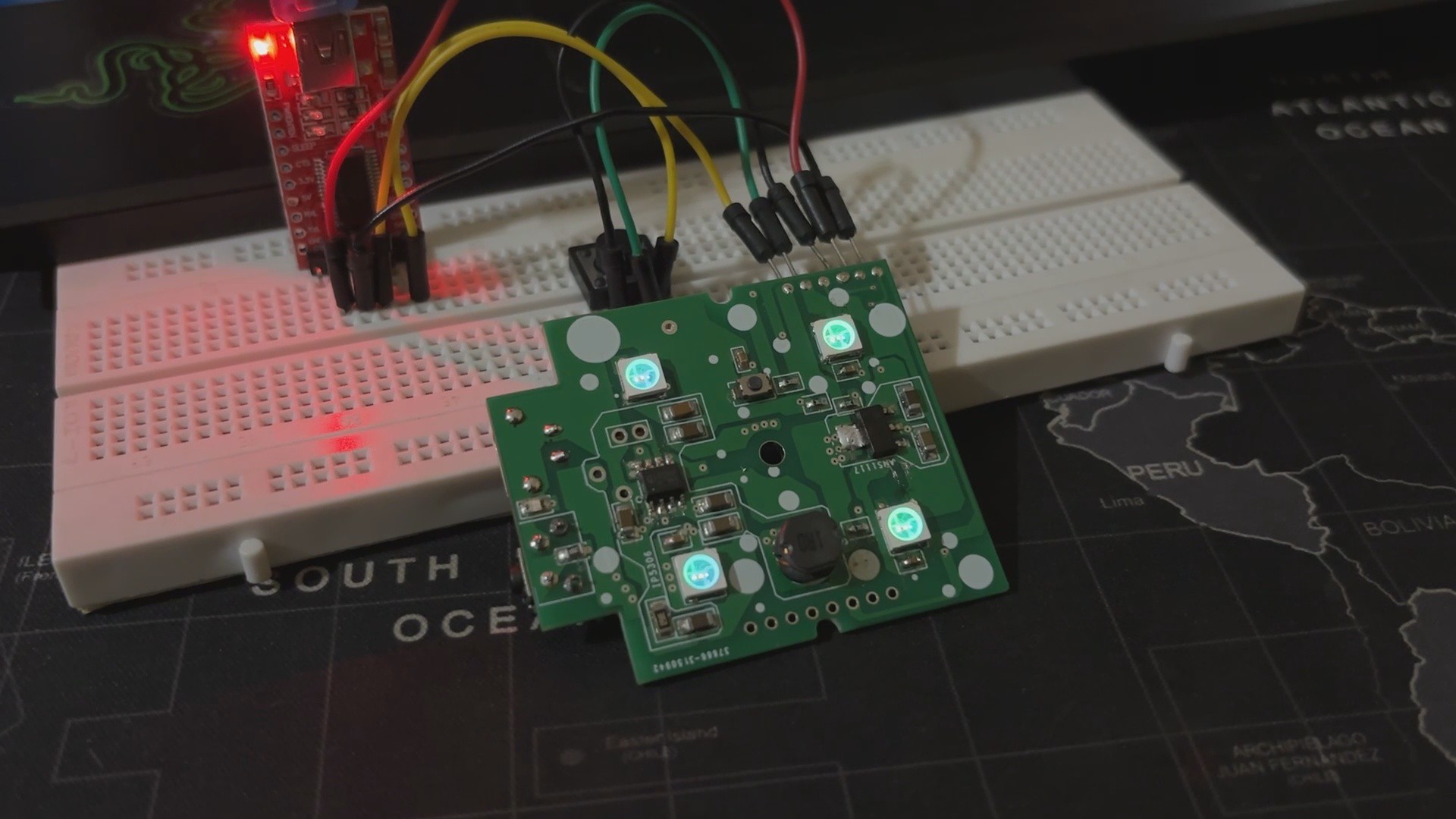
Our Setup is powered by an ESP8266, with a custom 3D-printed lens and enclosure to make the most of only four WS2812B LEDs. The web app is where the magic happens: it's simple, responsive, and works on any device. I've used my phone, laptop, and ROG Ally to control it. Simply select a hue and it refreshes instantaneously, allowing us complete creative freedom no matter where I am working.
Previous Build


previously, I created a similar Studio light that was far bigger and more powerful in terms of both light and battery capacity. In the initial version, I used two PCBs connected by a 3D printed bracket and a long PCB standoff. The two PCBs consisted of an LED board and a control board. The LED board contains all of the non-addressable SMD RGB 5050 LEDs, including Warm White and Cool White LEDs.
The Control board included a PICO 2 with a display, a few buttons, an integrated power source, and two 8205S Mosfets as a switch setup that we linked to the LED board to turn on and off the Warm and Cool white LEDs.
One major issue with the project was its size, and I chose to use the WS2811 chip instead of an RGB addressable LED. I connected more than ten LEDs in parallel with the WS2811 IC, but the maximum current the WS2811 can sustain is roughly 20 mA per channel, causing all LEDs to flash very dimly in all R G and B modes.
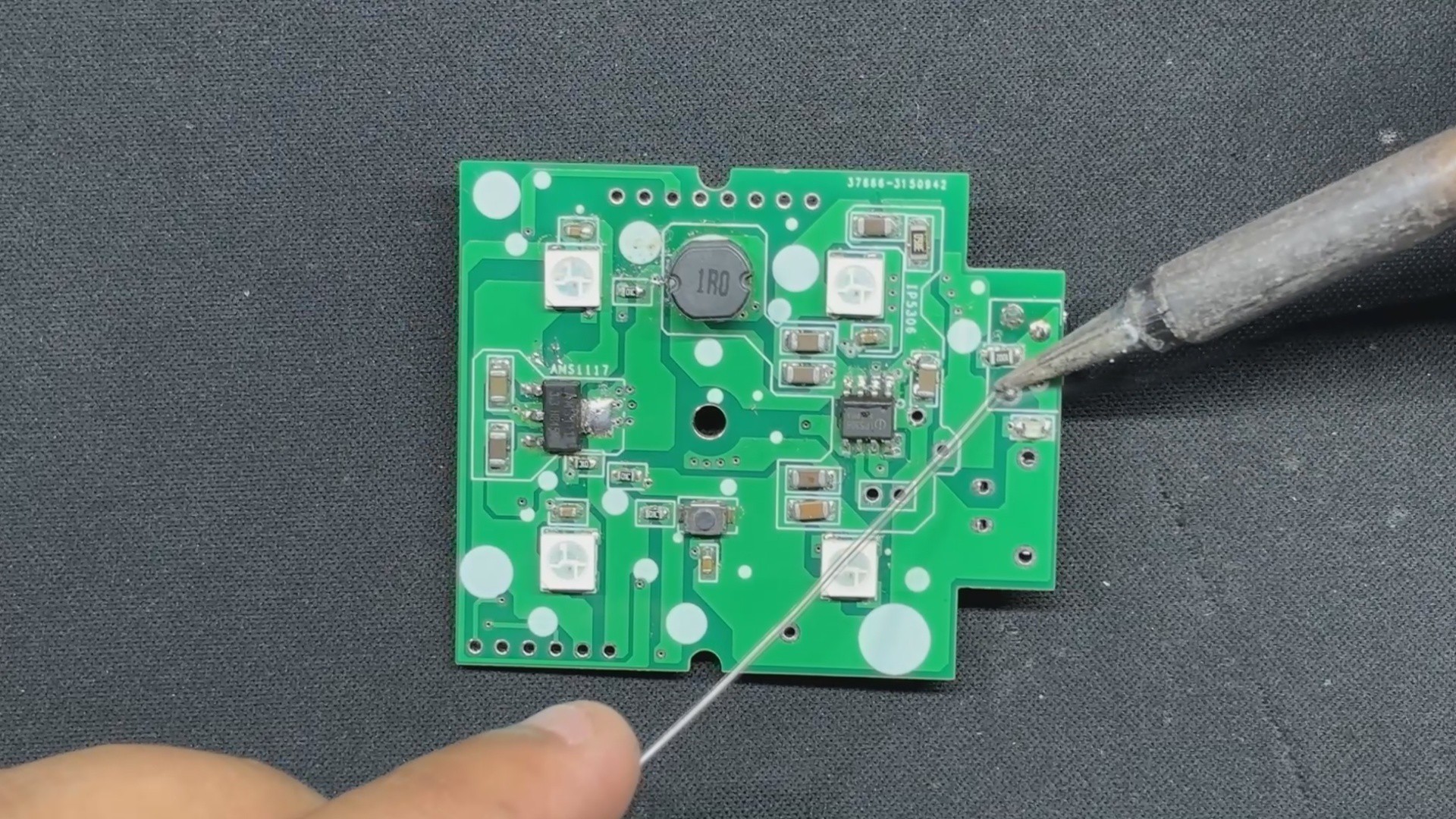
The new portable version resolved the current issue by replacing the WS2811 IC with higher-quality WS2812B LEDs.
You can check out the previous project from here—
https://www.hackster.io/Arnov_Sharma_makes/pico-studio-light-4eac11
3D Design

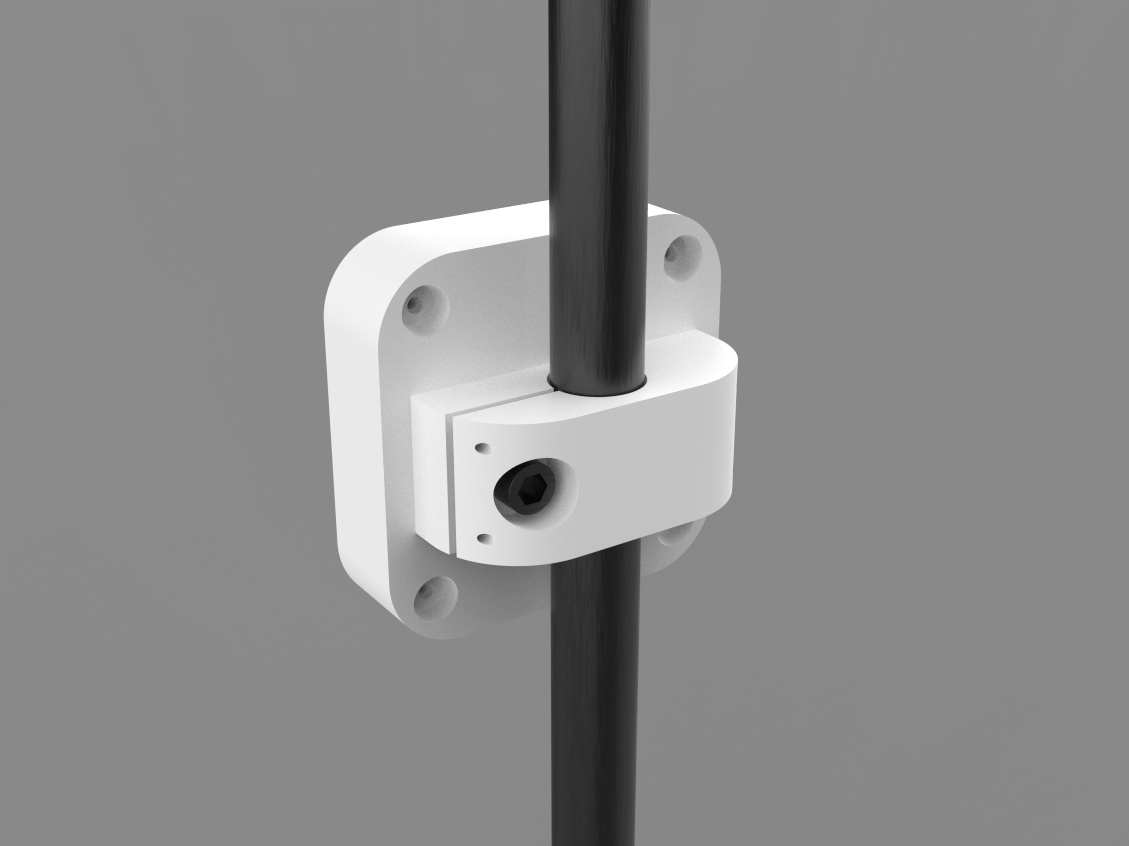
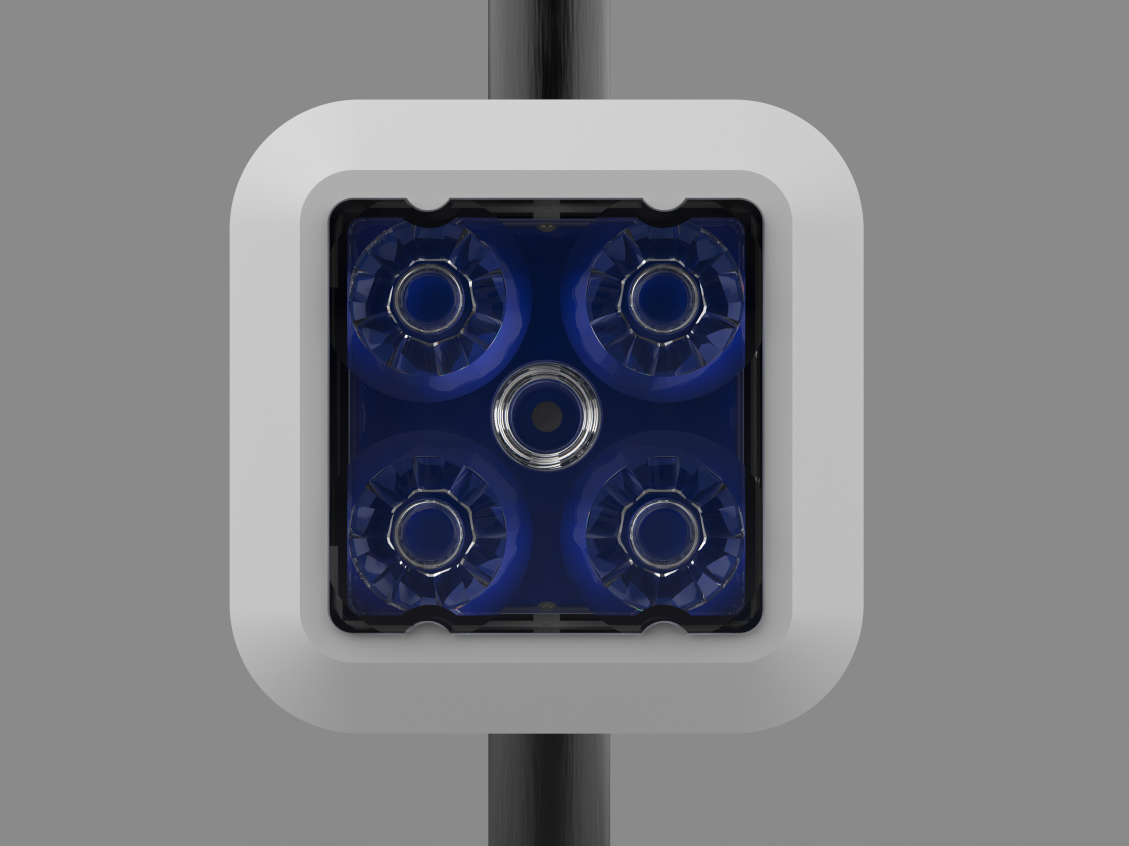
The 3D design of this project began with creating a proper-sized model of the lens that will be used in this build. The idea here was to place a PCB on the backside of the lens and then create an enclosure around it to house the batteries and electronics. The entire device will have a Stand Holder component that will be used to attach the device to any tripod or pipe.
The enclosure was designed in two halves: the front body and the lid section.
The front body has a huge opening in its center where the lens will be secured. The circuit was then modeled and connected to the lens, which is kept in place by a hole in the middle into which we will insert an M2.5 nut and bolt.
The lid is attached to the front body from the back and held in place with four M2 screws. The Lid Part also houses the Stand Holder Part.
We have created a 20mm DIA hole on the Stand Holder for attaching a tripod with this arrangement. We also constructed a slit and provided a hole and slot for installing an M6 nut and bolt; by tightening these nuts and bolts, the 20mm dia. hole size drops to 19.5 or less, allowing our device to be fastened securely with a tripod.
After preparing the 3D model, we exported the mesh files for all of the parts and 3D printed them on our K10 Max 3D printer with white Hyper PLA.
PCB Design


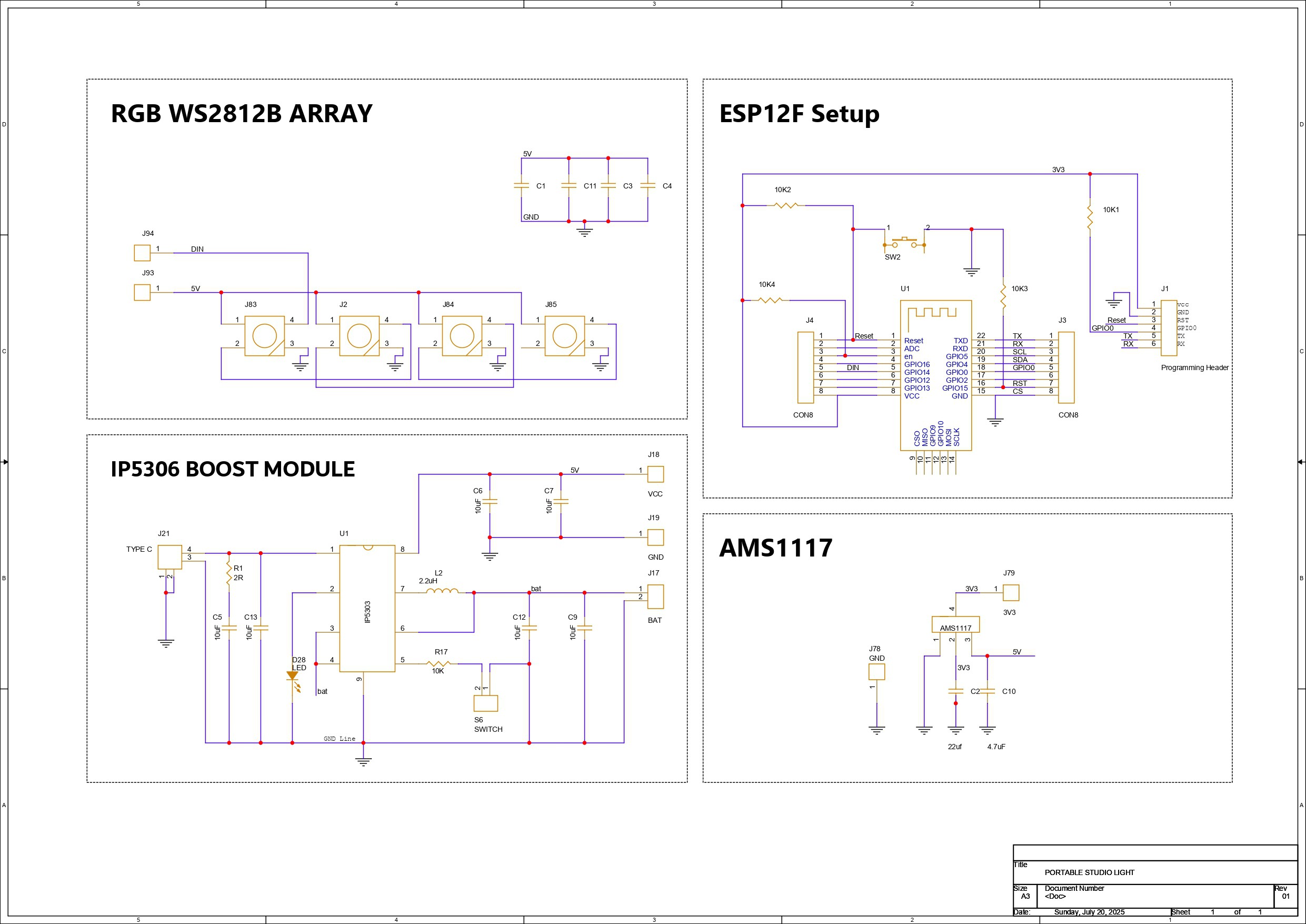
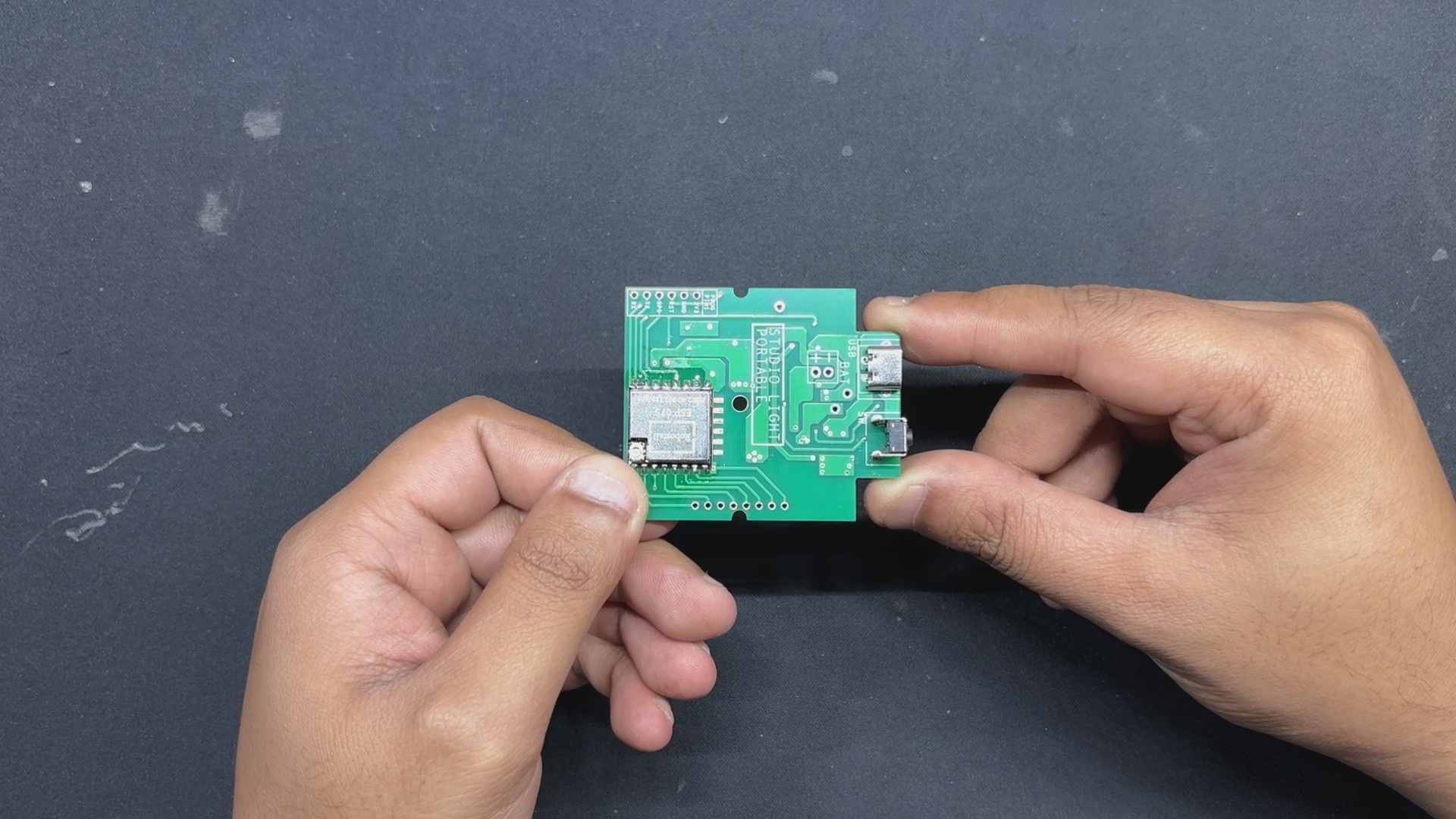
Let's have a look at the schematic for this project, which is divided into four primary parts, one of which is the microcontroller section, which in our case is the ESP12F setup. Here, we've connected the ESP12F module to a few 10K resistors in the minimal configuration required for the ESP12F to work. We also included a CON6 Header pin connector that connects to the TX, RX, GPIO 0, RESET, VCC, and GND pins of the ESP12F Module; this connector will be used to flash the ESP chip using a UART adapter.
Next, we have the Power source section, which is the IP5306 Power management IC Setup, which we have previously used in...
Read more »