diddy
diddy-
Added ability to run from a Mac OS system
10/25/2025 at 20:02 • 0 commentsAdded a shell script runner for Mac OS operating systems.
Just run mac.sh to run up.
this is untested as i dont have a recent Mac to try it on.
So the tool can be ran on Windows, Linux, Mac OS and Chrome OS (with Linux Subsystem installed).
The first time running, you may be asked for a password to install python add ons needed to run the main program manager.py.
running in the future will quickly check for installed add ons then open up Manager.py
-
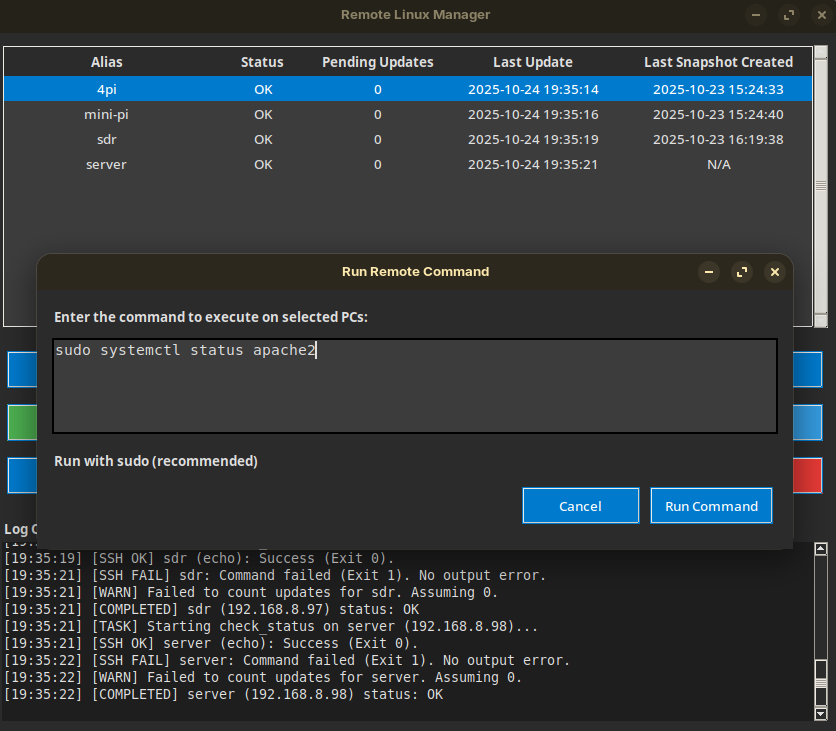
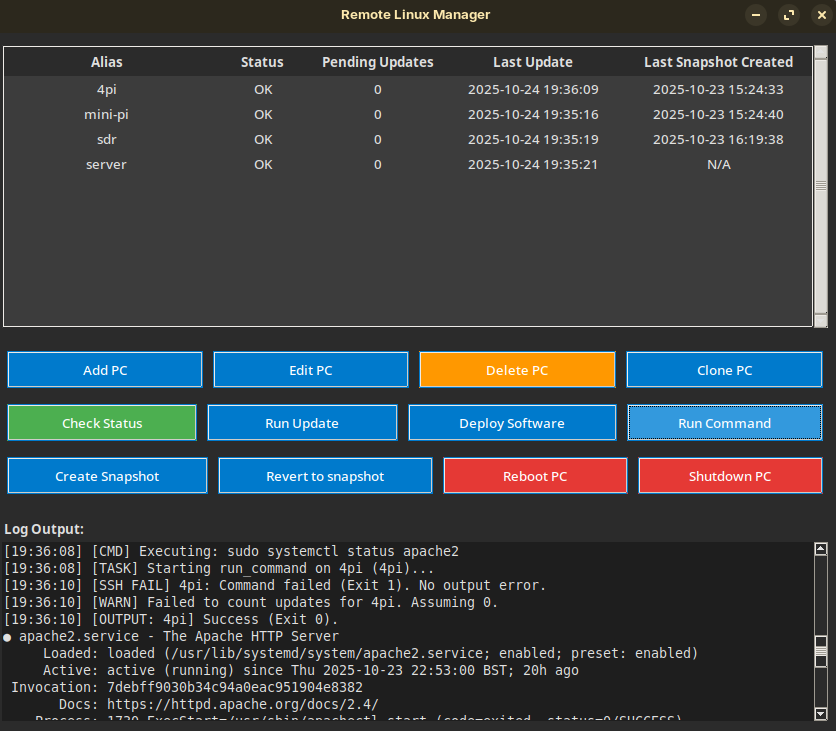
New version now has Run Command window
10/24/2025 at 18:39 • 0 commentsNew version has run command button that the user can add commands to run.
see screenshots
![]()
![]()
-
new version had moved away from GTK / MSYS
10/23/2025 at 22:21 • 0 commentsThe latest version has moved away from GTK front end for easier setup and running under Linux and Windows.
Looks a bit more dated but I had to trade off how the tool looks for stability and ease of setup under windows and Linux.
The only requirement now is Python and a lot easier to run up under windows.
On first run up any additional addons will be installed so you may be asked during the first run up.
On first run up the pyhton virtual runtime environment and the secret key is created along with the SQL lite database.
other run up of the tool will start quicker due to everything being in place.
-
Added support to run under windows
10/21/2025 at 14:23 • 0 commentsCreated a batch file for windows so now this tool will run under Linux or Windows.
Just run linux.sh on a Linux system or windows.bat.However, in order to run on windows, you need to have python installed.
any extra add ons to ppython will be installed by windows.bat or linux.sh on first run up.
Batch file has details :-REM ##########################################################################################
REM # USER SETUP NOTES #
REM ##########################################################################################
REM # To run this script, the user MUST perform the following one-time setup steps:
REM #
REM # Install python for windows (python 3.13 worked for me, then :
REM #
REM #
REM # a) Update the system:
REM # pacman -Syu
REM #
REM# this is now automated during the first run up.
REM # which has all pre-compiled dependencies, and launch the application.
REM ########################################################################################## -
New version with ability to create snapshots and revert to snapshot functionality
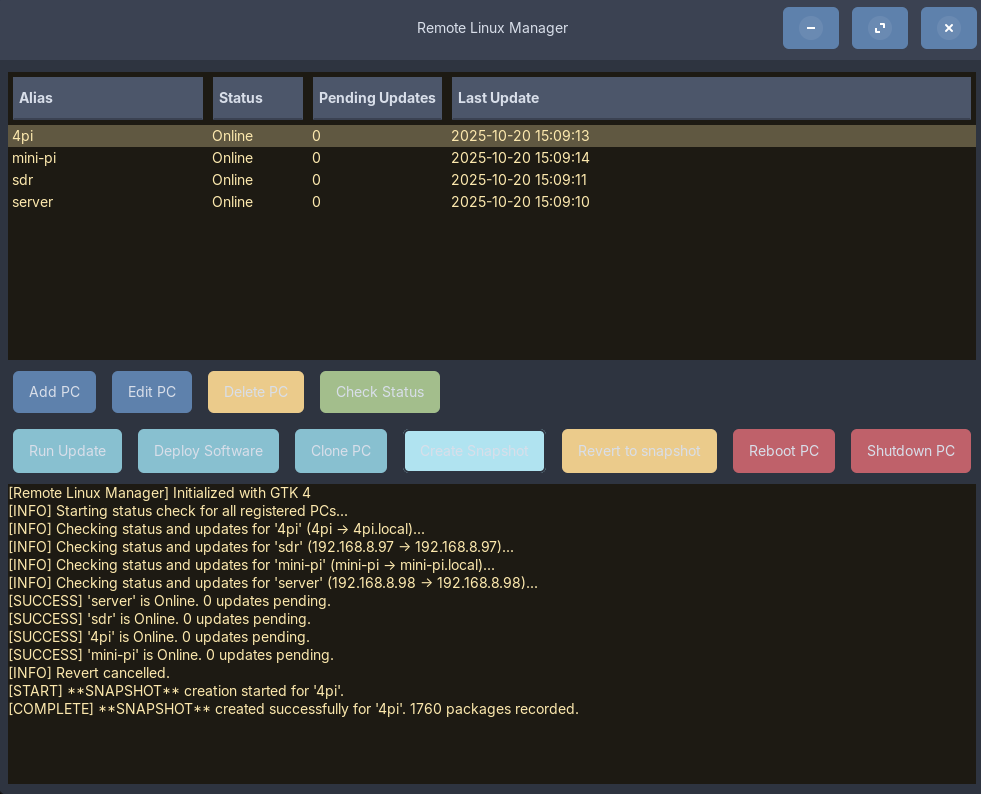
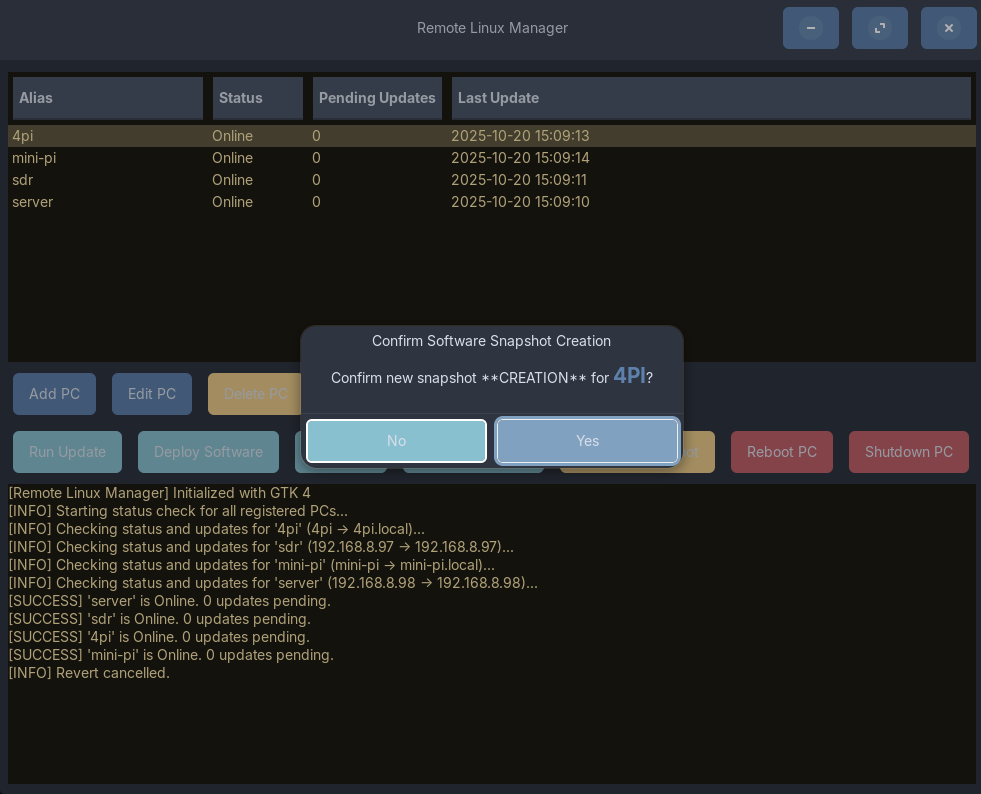
10/20/2025 at 14:30 • 0 commentsNew version now contains ability to make a snapshot of the pc's installed software list and the ability to revert to snapshot to roll a Linux PC back to its snapshot state (list of software) regardless of versions of software installed.
This uses apt --list in the background that stores the list in the local database and when a user selects to revert a pc back to its snapshot state a new list is downloaded of installed software, compared with the copy in the database and a diff is performed. then and apt-get remove is performed on that pc to roll it back to the list of installed software.
see pictures
![]()
![]()
Remote Linux Manager
The Remote Linux Manager is a robust, multi-threaded GUI application designed for centralising the management, monitoring, maintenance